
Migration Matrix
Migrations
Flagship app-to-app move guides that FlowDesk has actually performed. Each guide documents a specific source-to-target path (e.g. Evernote to Notion, Notion to Obsidian) with real step counts, screenshots, timing, a dated known-issues list, and an explicit 'what didn't transfer' section. Serves readers who have already decided or are one step from deciding and need the procedure itself, including checkpoints and 'if this happens, do this' branches. Does not include app-vs-app judgment without a move attached (that belongs in Comparisons) or standalone feature description (that belongs in Profiles). Every guide links out to the relevant Tool Profiles and, where useful, an App Comparison, and hands off to a Setup guide once the move is complete.
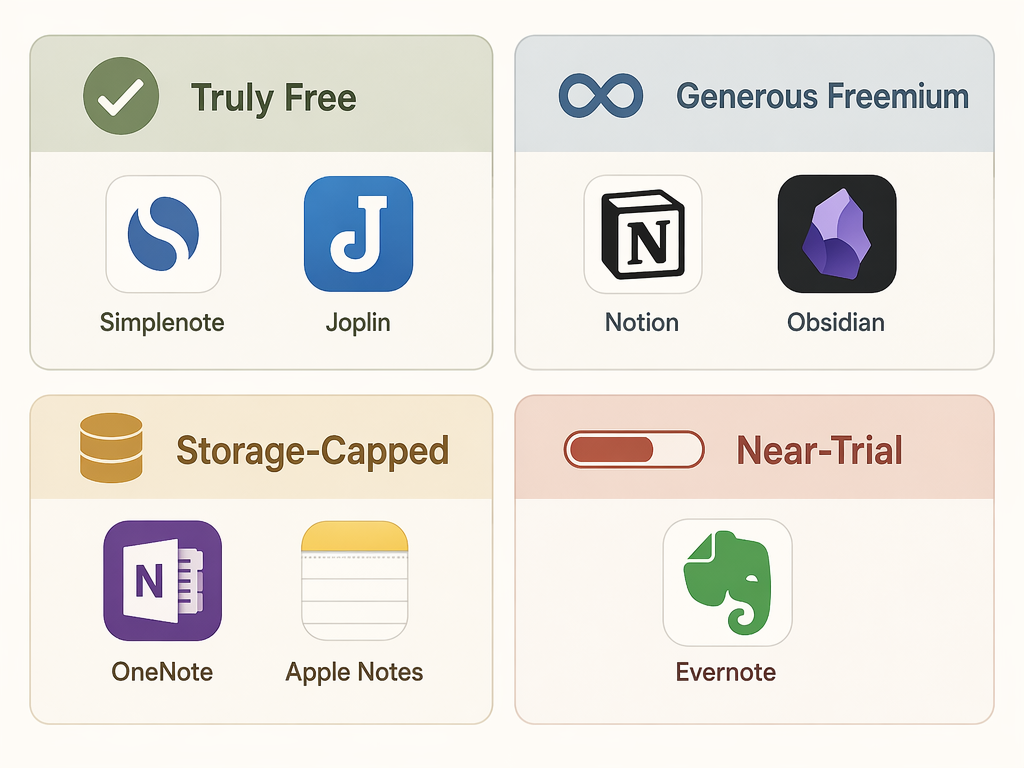
Free vs. Freemium vs. 'Free Enough': What Note-Taking Apps' Free Plans Don't Tell You
Not all free note-taking plans are created equal. This guide categorizes free plans by their real limitation type — truly free, generous freemium, storage-capped, or near-trial — so you can pick the one whose pain point you can live with, before you hit an unexpected wall.

How to Migrate from Any Notes App to Another: A Step-by-Step Guide for 2026
Switching notes apps is less painful than you think. This guide covers a universal backup-to-verification pipeline for migrating from Apple Notes, Google Keep, Notion, Evernote, and OneNote — using free tools like Obsidian Importer and NotesMigrator — so you can move your notes in a single weekend.

The MacBook Note-Taking Stack: How to Pair Apple Notes with a Second App for Zero-Friction Capture + Long-Term Knowledge Management
Stop trying to make one app do everything. This guide shows productivity-conscious MacBook users how to use Apple Notes as a frictionless inbox and pair it with Obsidian, Bear, or Notion as a knowledge library — with a simple weekly processing ritual powered by macOS 26's new Markdown export.

Note-Taking Apps in 2026: How to Find the Right Fit Without Wasting Years on the Wrong One
A decision framework for knowledge workers and students who are frustrated with their current note-taking app. Instead of comparing feature lists, this guide uses three note-taking personas (Architect, Gardener, Librarian) to match you with the right tool, then provides a concrete migration checklist and two-week test protocol so you can switch with confidence.

How to Choose Note-Taking Software by Your Retrieval Style, Not a Feature List
A decision framework for knowledge workers overwhelmed by 40+ note-taking apps. Identify which of five retrieval models—database, graph, flat search, outliner, or AI-cited—matches how your brain works, then use data portability as the tiebreaker to pick your shortlist.

Notes App for MacBook: 9 Apps Compared — Performance, Pricing, and the Right Pick for Your Workflow
A performance-driven comparison of 9 note-taking apps for MacBook, using quantified benchmarks (RAM usage, battery drain, launch speed) to help knowledge workers and students choose the right app for their hardware and workflow.

OneNote for Windows 10 Is Dead: Your Migration Guide to OneNote (Desktop) or Loop
OneNote for Windows 10 reached end of support in October 2025. This guide walks existing users through their two migration paths: the free, feature-rich desktop OneNote app or the collaborative Microsoft Loop workspace, with step-by-step instructions and a clear feature comparison to help you decide.

When to Outgrow Apple Notes on Mac — and Where to Migrate Next
Apple Notes is fast and free, but three hard ceilings — export lock-in, Apple-only ecosystem, and lack of structural depth — force a migration decision when your note-taking matures. This guide helps you diagnose which ceiling you hit and choose the right migration path.
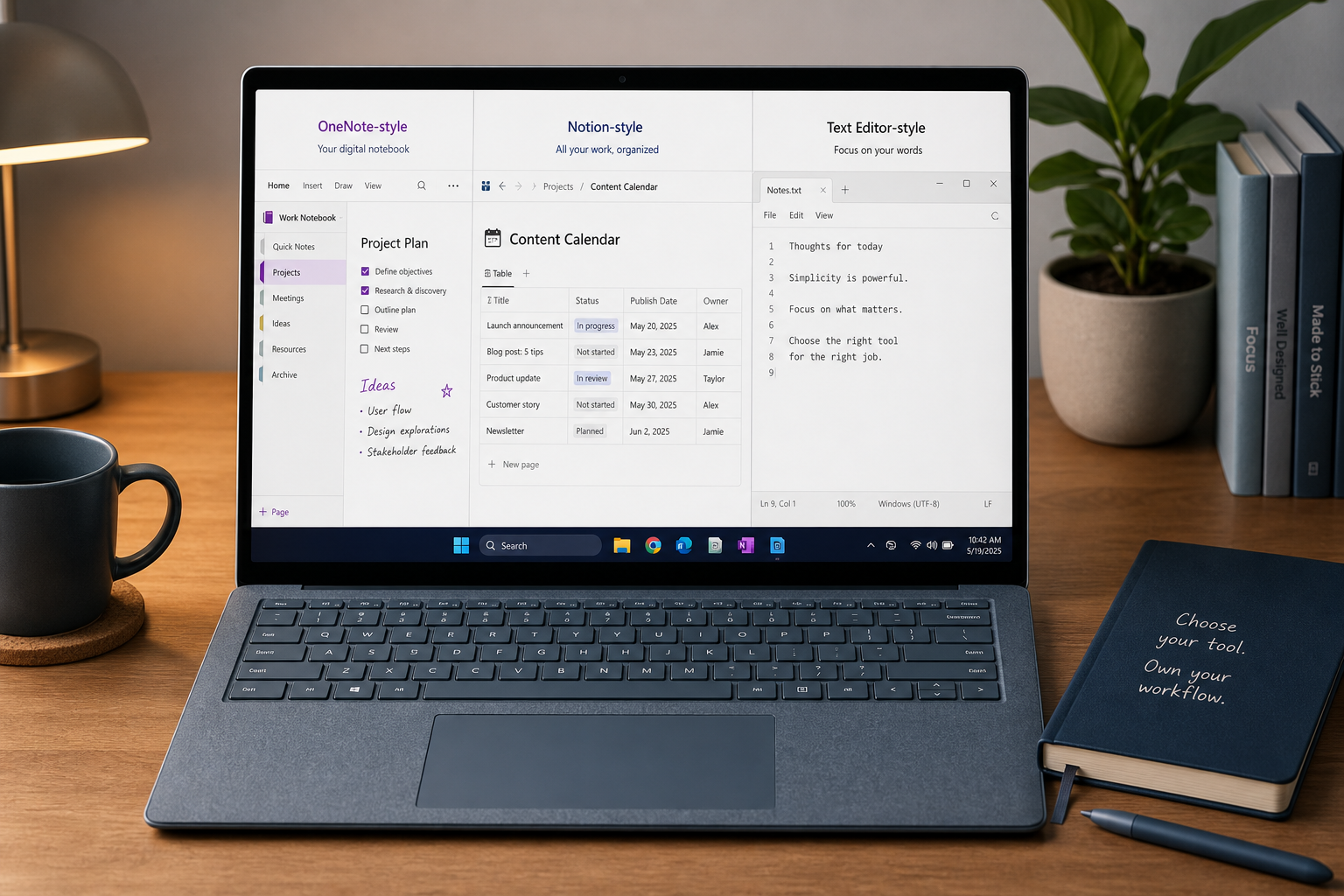
Best Free Note-Taking Apps for Windows in 2026 — Which Free Plans Are Actually Worth Using?
Not all free note-taking apps are created equal. This Windows-focused guide cuts through the marketing to show you which free plans deliver real value (OneNote, Simplenote, Joplin) and which ones are effectively trials (Evernote). We break down storage limits, device caps, and feature paywalls so you can choose a free app that won't force you into a painful migration later.

Best Note-Taking Apps for Windows in 2026: By Use Case and Migration Path
A Windows 11-focused comparison of the best note-taking apps for knowledge workers, students, and professionals, paired with practical migration guidance for switching tools.
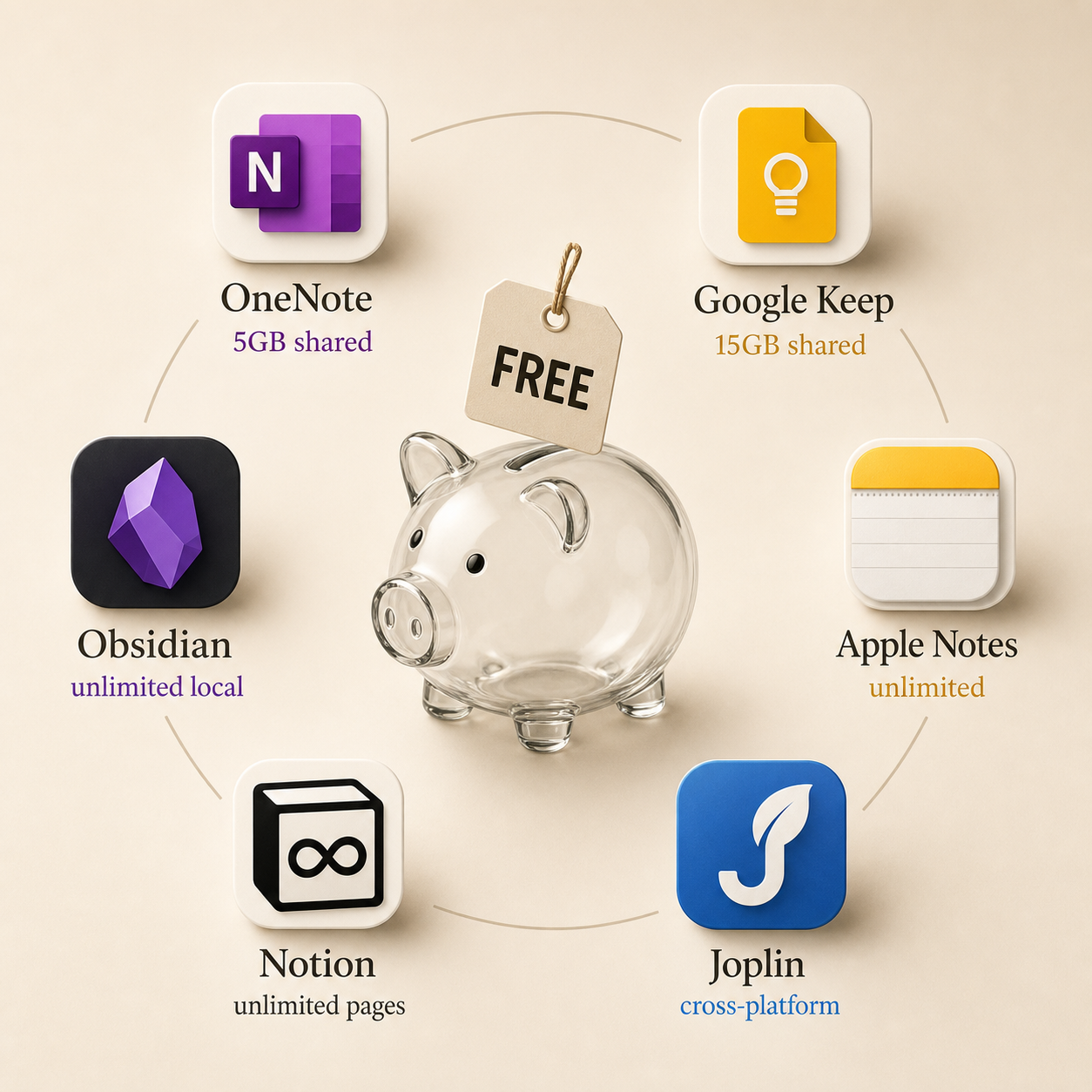
Free Note-Taking Apps 2026: Which Free Plans Actually Stay Free? A Transparency Report
Most 'free' note-taking apps have hidden limits that only surface after months of use. This report ranks every major app's free tier by longevity, reveals the true ceilings on storage, devices, and features, and helps skeptical users choose a plan that won't bait-and-switch.
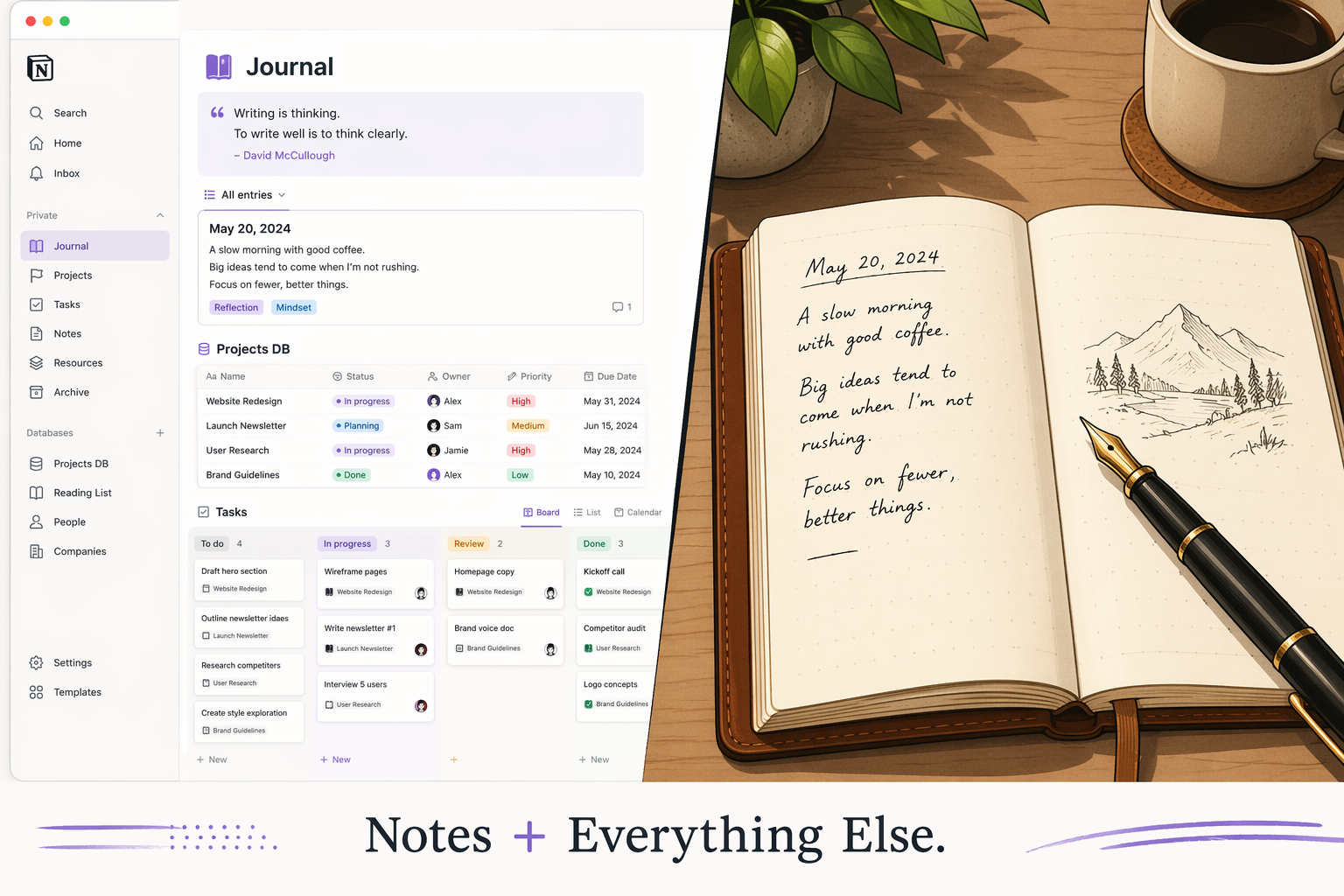
Notion vs. Obsidian vs. Evernote vs. Apple Notes: Which Note-Taking App Wins in 2026?
There is no single best note-taking app in 2026. This guide compares Notion, Obsidian, Evernote, and Apple Notes head-to-head to help you choose the one that matches your workflow — whether you need an all-in-one workspace, local-first privacy, powerful search, or zero-setup simplicity.