
On July 26, 2026, Sam Altman said the quiet part loudly: “We are now, like, in the singularity.” The line landed because it did not sound like distant futurism. It came with a near-term clock: AI generating novel insights in 2026 and 2027, embodied robots in 2027, and an eventual 2030s world where intelligence and energy become far more abundant than they are now.[1][2]
The strange part is that Altman’s own thinking system, at least the one he has described publicly, is not a glittering AI workspace. It is a spiral notebook, a Uniball Micro 0.5mm or Muji 0.38 pen, one-sided pages, and a habit of ripping out and crumpling sheets when they are no longer useful.[3][4] In one formulation, “Writing is externalized thinking.”[4]

That collision is the useful way into the real productivity question after Altman’s singularity claim. If the next few years really do bring more capable agents that can read, summarize, search, and act on our notes, the question is not which app has the loudest AI button in 2026. The question is which app leaves you with durable material when the button changes, the subscription changes, or the company changes.
I care less about whether a note app can summarize a meeting today than whether I can get ten years of notes out of it tomorrow with attachments intact, links still meaningful, and enough plain structure for a future AI system to read without begging one vendor’s API for permission. That is where the singularity talk becomes practical.
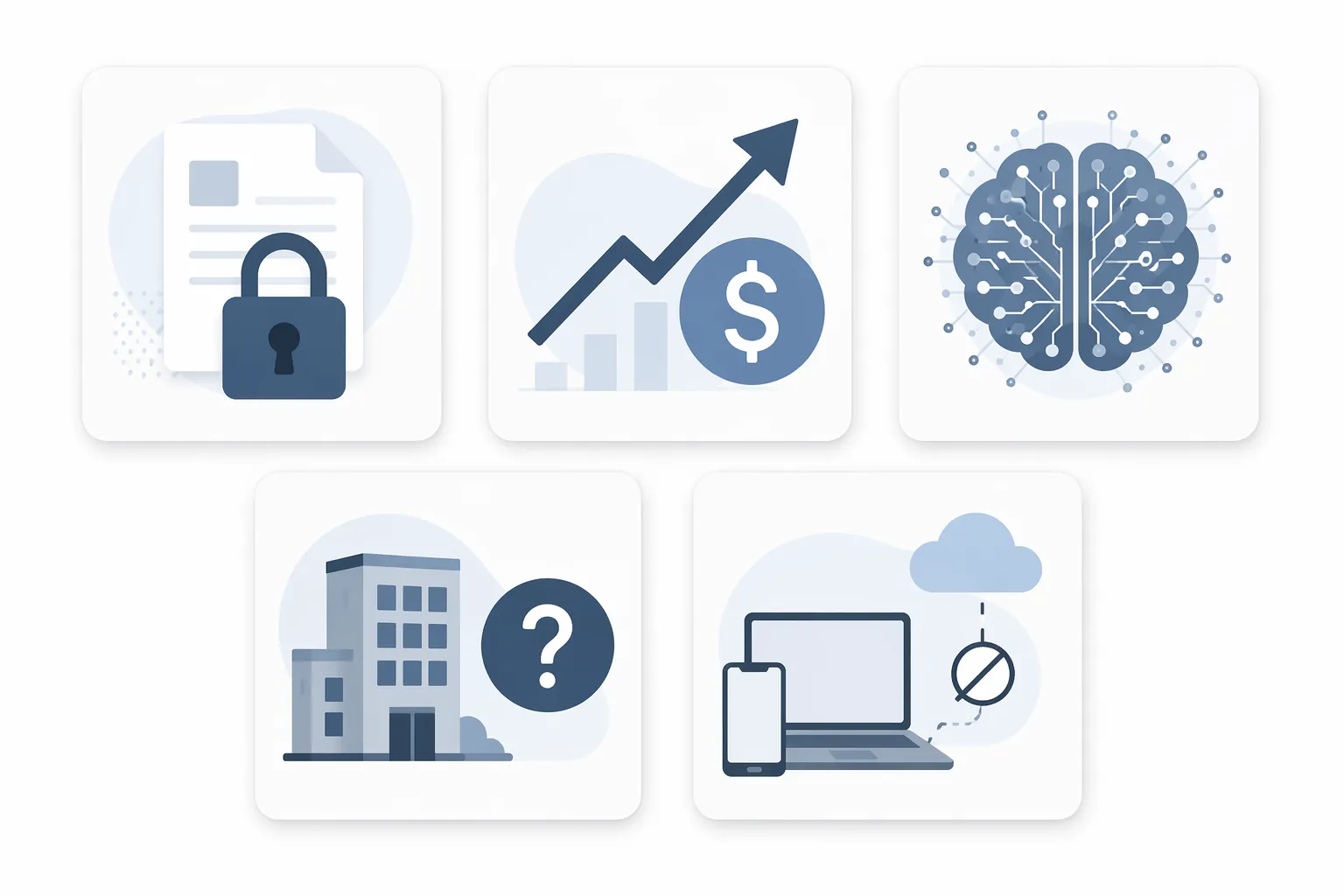
The Five Tests That Matter More Than Another AI Button
Altman’s own “Gentle Singularity” essay argues that scientific work is already seeing 200% to 300% productivity gains from AI, while placing novel AI-generated insights in the 2026–2027 window.[5] Treat that as a pressure test, not a prophecy. If AI systems become better at working across personal knowledge, then the weak point moves from capture to survivability.
| Test | What It Reveals | Migration Signal |
|---|---|---|
| Format lock-in | Whether your notes are readable outside the app | High risk if the app stores knowledge mainly in a proprietary database |
| Pricing trajectory | Whether the vendor can change the cost of access after you are dependent | High risk if your archive becomes expensive to keep before it becomes easy to leave |
| AI bloat | Whether AI features clarify thinking or add interface noise | High risk if search, writing, and capture become harder to control |
| Vendor survivability | Whether the company and business model can endure market shakeout | High risk if the product is small, cloud-only, and hard to export |
| Offline/local-first capability | Whether your notes remain usable during outages, API shifts, or account trouble | High risk if no connection means no workspace |
These tests are not aesthetic preferences. They decide who has leverage when the next migration arrives: you, with files you can inspect, or the vendor, with a database only its product fully understands.
1. Your Notes Are Trapped In A Format Future AI Cannot Easily Read
Format lock-in is the first test because it determines whether every other promise survives contact with reality. A note app can have excellent search, beautiful blocks, and smart summaries, but if the raw material lives in a proprietary structure that only the app fully understands, your future depends on that app’s export quality.
This is where Obsidian’s plain-text Markdown model has a boring advantage that becomes less boring under Altman’s timeline. A folder of Markdown files can be opened by a text editor, indexed by local search, synced by ordinary file tools, backed up like any other document, and handed to a future AI system without requiring Obsidian to mediate the relationship. The app may add convenience, but it does not own the substrate.
Notion sits in a different category. It is powerful precisely because its notes are not just notes: they are pages, databases, relations, filters, views, templates, permissions, and automations. That structure is useful for teams and project systems. It is also the reason a Notion workspace does not reduce cleanly to a folder of files. Notion does offer export options, including Markdown and CSV in common workflows, so it is not a closed vault in the way some older tools felt. But an exported workspace is not the same thing as a living workspace.
The practical test is simple: export a meaningful slice of your notes, not three sample pages. Include attachments, linked pages, databases, embedded files, and old clipped material. Then open the result somewhere else. If the export looks like your memory after a house move—technically present, but scattered into boxes with labels missing—you have a migration liability.
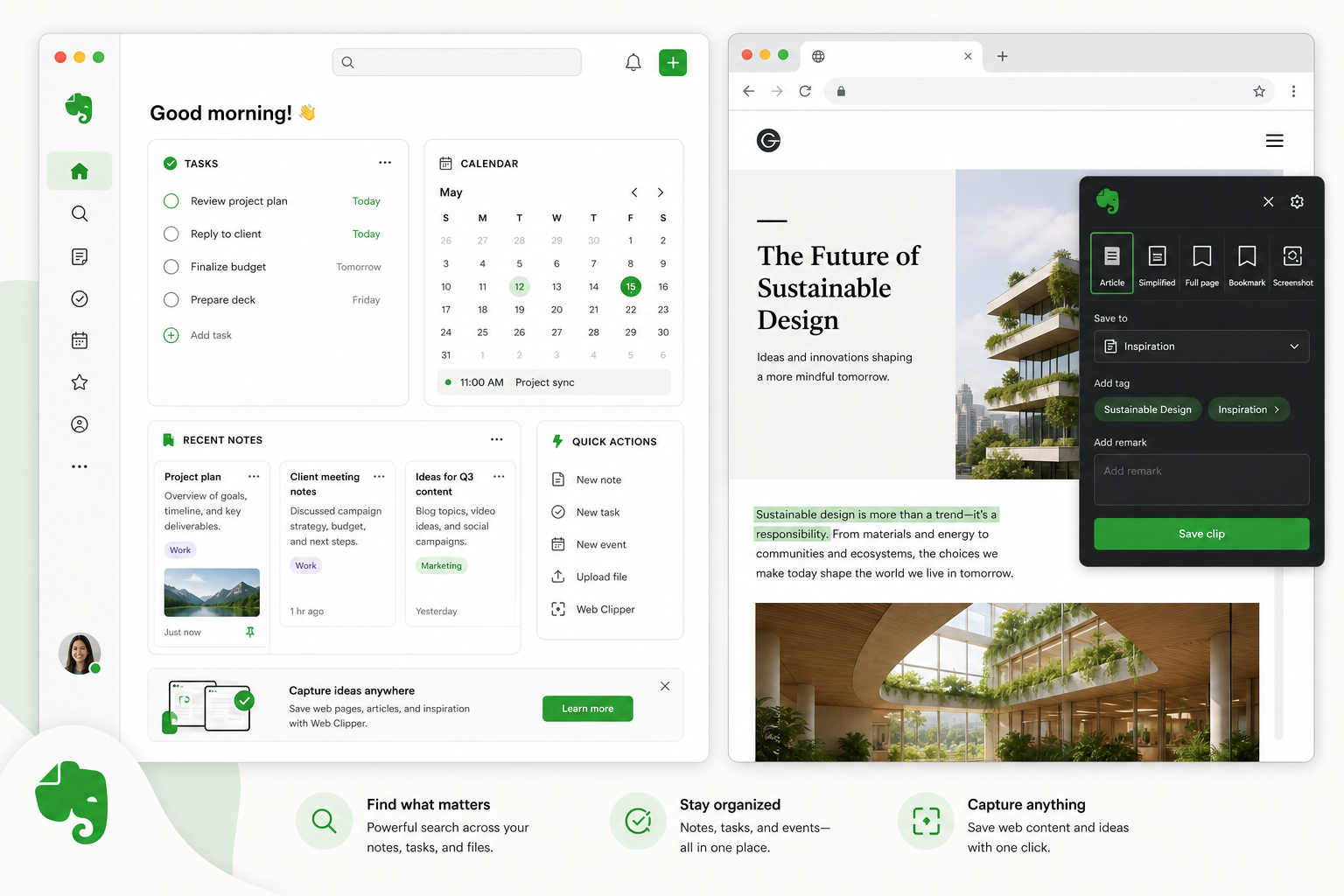
Evernote users know this feeling too well. The issue is not only whether an export exists; it is whether years of web clips, PDFs, OCR expectations, note links, tags, notebooks, and attachments come out in a way that does not require a weekend of forensic cleanup. If you are already planning an exit, the safer path is to test the export before you cancel, and to use a checklist like How to Export Your Evernote Notes Safely rather than trusting the presence of an export button.
Apple Notes is the awkward middle case. It is low-drama if you live inside Apple’s ecosystem, and for many personal capture use cases that matters. It has none of the startup theatrics, none of the productivity cult atmosphere, and very little temptation to rebuild your life as a dashboard. But it does not give you the clean standard-export story that Markdown tools do. Its safety comes from Apple’s durability, not from format independence.
2. The Price Rises After Your Archive Becomes Hard To Move
Pricing is where lock-in stops being theoretical. A note app is cheap when you are testing it with fifty notes. It becomes expensive when it holds a decade of work, tax documents, clipped research, meeting records, family logistics, scanned PDFs, and the only searchable copy of things you cannot quite remember.
Evernote is the warning case because the emotional damage was not only the amount. It was the sequence: users built archives first, then faced much higher prices later. Current user-forum reports have described Evernote Advanced at $249.99 per year and a 335% increase over three years under Bending Spoons, but those figures should be treated as reported pricing rather than an official universal price until verified against the user’s own account and region. FlowDesk’s deeper pricing review covers that moving target in Evernote in 2026: Is the Subscription Price Worth It?.
The lesson is not that paid note apps are bad. Sustainable software costs money. The lesson is that the price of a note app includes your cost to leave. A $10 or $20 monthly tool with clean export and low switching friction is a different risk from a similarly priced tool whose value depends on proprietary structure, OCR history, internal backlinks, or AI-only features that cannot travel.
Notion AI illustrates the second version of the pricing question. The app itself remains viable for many users, but AI features move note-taking into per-user subscription economics. Current AI note-taking comparisons place Notion AI’s Business tier at $20 per user per month.[6] For a solo user, that may be acceptable. For a team, it becomes a recurring decision about who deserves AI access, which workspace data gets processed, and what happens if the AI layer becomes central to workflows.
Obsidian’s free core product gives it a different pricing profile. Paid services such as sync and publishing may still matter, but the basic vault does not become unreadable if you stop paying for the app. That distinction is worth more than it looks. A free local folder of files is not automatically the best collaboration system, but it gives the user a strong negotiating position.
3. AI Features Make The Workspace Louder Instead Of Clearer
AI bloat is harder to measure than pricing, which is why vendors can get away with so much of it. A sidebar assistant, rewrite menu, auto-summary, meeting bot, database extraction tool, and suggested action list may all be useful in isolation. Together, they can turn a thinking space into a cockpit.
The better question is whether the AI feature reduces a real step. Does it find a note you could not find? Does it summarize a transcript you would never reread? Does it extract decisions from a meeting and put them where the responsible person will see them? Or does it merely offer another way to generate text inside a place already full of unfinished text?
That distinction explains why the analog examples around AI are not nostalgia. One writer described AI as “the first thing” that pushed him back to pen and paper.[7] Another productivity experiment paired pen-and-paper capture with Google’s NotebookLM as a hybrid system: analog first for attention, AI later for processing.[8] Those are individual cases, not population-level evidence. Still, they point to the same practical split Altman’s notebook makes visible: capture and thinking do not always benefit from being in the same interface as processing.
A quiet app can still use AI well if the AI appears at the moment of retrieval, synthesis, or review. A loud app can use AI badly by interrupting capture, nudging prose toward generic phrasing, or making every note feel like an input for a machine rather than a place to think.
4. The Vendor Has To Survive The AI Note-Taking Shakeout
Vendor survivability used to mean something fairly simple: will this company still be around? In AI note-taking, it also means: can this company afford inference costs, maintain integrations, keep privacy promises, survive platform changes, and avoid being made irrelevant by the next system-level assistant?
The riskiest products are not necessarily the smallest ones. A small local-first tool with transparent files can disappear and leave your archive intact. A well-funded cloud product can survive as a business while still changing pricing, permissions, export behavior, or AI packaging in ways that make your workflow worse.
This is why “backed by AI investors” is not the same as “safe for your notes.” Mem, for example, raised $23.5 million from the OpenAI Startup Fund, which signals access and ambition, not guaranteed long-term fit for every user.[9] Reflect’s small-team, paid-product model is a different bet. Notion’s scale and funding make it far more durable than most startups, but its cloud dependency still matters if your own risk model prioritizes exit safety.
For comparison shoppers, the useful move is to separate company risk from data risk. A vendor can be young, old, popular, niche, funded, bootstrapped, beloved, or annoying. The question is what happens to your notes if the product stops matching your life.
5. No Offline Mode Means No Independent Workspace
Offline capability used to sound like a preference for people who write on airplanes. Under an AI-agent timeline, it becomes more structural. If future assistants can read and act on notes, you want the option to decide where that reading happens: inside one vendor’s cloud, through a local model, through a separate search layer, or through a future tool that does not exist yet.
Local-first Markdown keeps those options open. Your vault can be synced, backed up, indexed, encrypted, ignored, or processed later. You can use Obsidian today and another editor tomorrow. You can let an AI read one project folder without inviting it into the rest of your life. The file system is not glamorous, but it is a boundary you can understand.
Cloud-first tools are not irrational. Notion is often the better choice for shared databases, lightweight internal docs, team dashboards, and structured collaboration. Apple Notes is often the better choice for someone who wants fast personal capture across Apple devices without running a second brain as a hobby. The mistake is pretending those choices have the same exit profile as local files.
If you use Notion, back it up deliberately. If you use Apple Notes, understand that convenience is coming from ecosystem trust rather than open format. If you use Evernote and are already unhappy with pricing or export reliability, do not wait for a perfect replacement before testing a migration. A working imperfect export is better than a panicked perfect plan.

The Decision Axis: Thinking Optimization Or AI Processing Optimization
The cleanest decision is not “AI notes” versus “no AI notes.” That frame already belongs to the vendors. The better axis is thinking optimization versus AI processing optimization.
- Choose local-first Markdown tools such as Obsidian if you want maximum exit safety, quiet writing, and notes that can be read by ordinary tools outside the app.
- Choose Notion if structured collaboration, databases, shared workflows, and team visibility matter more than perfect portability; then schedule real exports instead of assuming portability.
- Choose Apple Notes if you want low-maintenance personal capture and trust Apple’s ecosystem enough to accept weaker standard export.
- Plan migration urgently if your current app combines rising prices, brittle exports, poor offline access, and AI features that make the workspace harder to think in.
For a broader tool-by-tool comparison, FlowDesk’s Best Note-Taking Software 2026 and Notion note-taking assessment are the better places to compare feature depth. The singularity-era test is narrower and less forgiving: when the next AI platform, pricing model, or vendor shakeout arrives, do your notes remain usable without asking the old app for mercy?
References
- Sam Altman OpenAI the singularity AGI prediction Anthropic Nvidia 2026 — Business Insider
- Sam Altman says AI has entered singularity — should we be worried — Al Jazeera, July 27, 2026
- Billionaire OpenAI CEO Sam Altman takes physical notes with pen and paper — Fortune, July 24, 2025
- OpenAI Founder Sam Altman Says the Way You Take Notes Is All Wrong — Inc.
- The Gentle Singularity — Sam Altman
- Best AI note-taking apps — alfred
- Why AI pushed me back to pen and paper — Daniel Asgharian
- I paired AI note-taking with pen and paper — XDA
- Best AI note-taking apps 2026 — Tana







Comments
Join the discussion with an anonymous comment.