
The next meeting is where the note-taking decision now becomes real. A lawyer joins a client call, a clinician sits in a care-team discussion, a finance manager opens a quarterly review, and the app offers to record, transcribe, summarize, tag, and search the conversation. That used to sound like a productivity feature. In 2026, the better question is whether clicking it creates a consent problem, a privilege problem, a biometric problem, or a subprocessor problem that the professional—not the app—will have to explain later.
That is the practical AI regulation impact on note-taking app selection: the safest app is no longer the one with the cleverest meeting summary. It is the one whose architecture makes fewer legal facts happen in the first place.
The pressure comes from several directions at once. Mayer Brown identifies U.S. all-party consent exposure across 12 states—California, Connecticut, Florida, Illinois, Maryland, Massachusetts, Michigan, Montana, Nevada, New Hampshire, Pennsylvania, and Washington—and advises organizations to map participant locations and apply the strictest applicable standard when AI notetakers record meetings.[1] In Europe, the AI Act can treat AI used for worker monitoring, recruitment, or performance evaluation as high-risk under Annex III, with obligations under Articles 9–15 becoming applicable from August 2, 2026.[1][2] DataGrail’s discussion of the Otter.ai consolidated class action and Fireflies.ai biometric litigation shows why the risk is not theoretical: account holders and organizations can be left carrying consent and biometric exposure created by tools that felt routine at the point of use.[3]
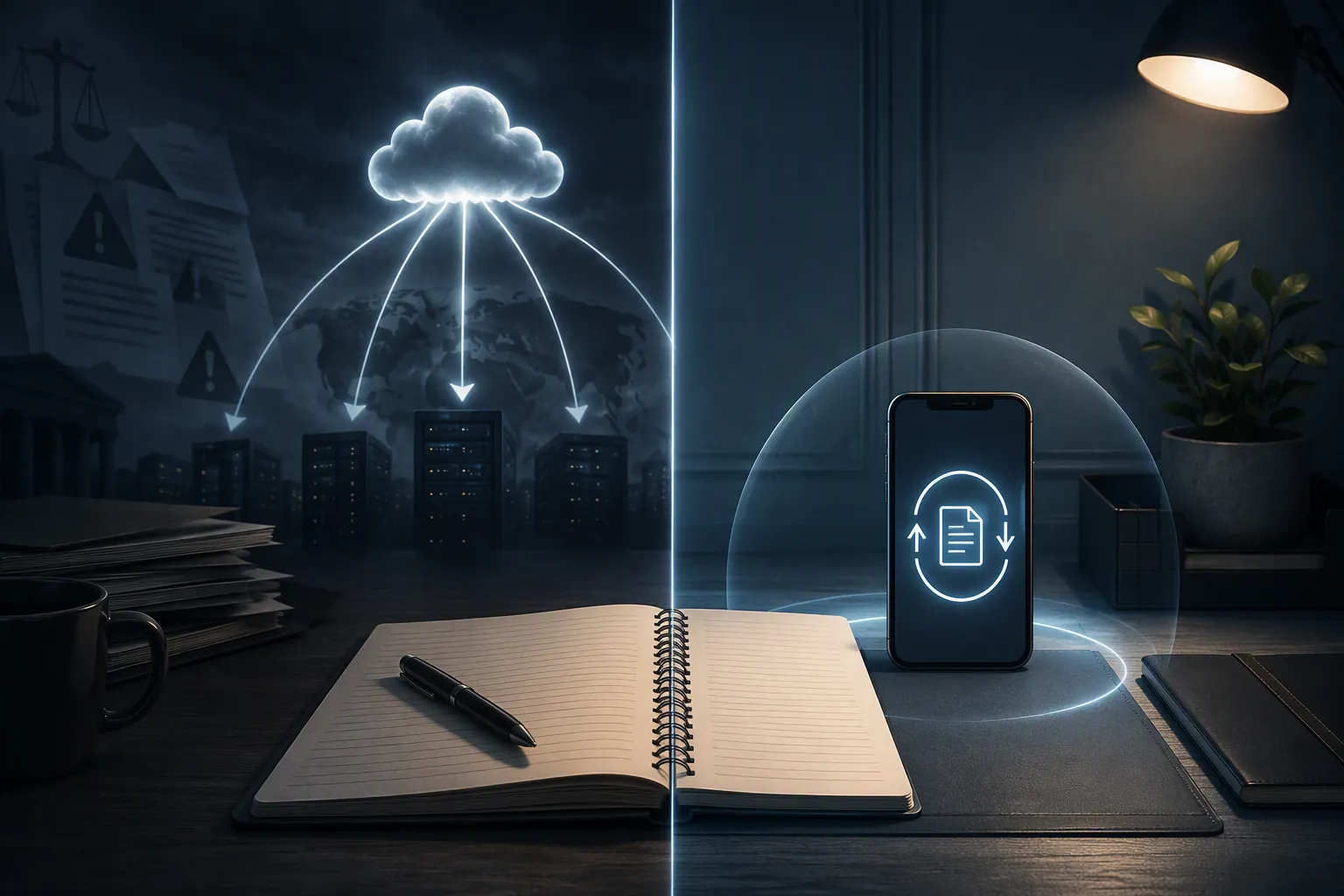
The architecture comparison that matters
Before comparing apps, separate the architectures. A privacy policy can describe restrictions; architecture decides whether the audio, transcript, prompt, embedding, or summary leaves the user’s control at all.
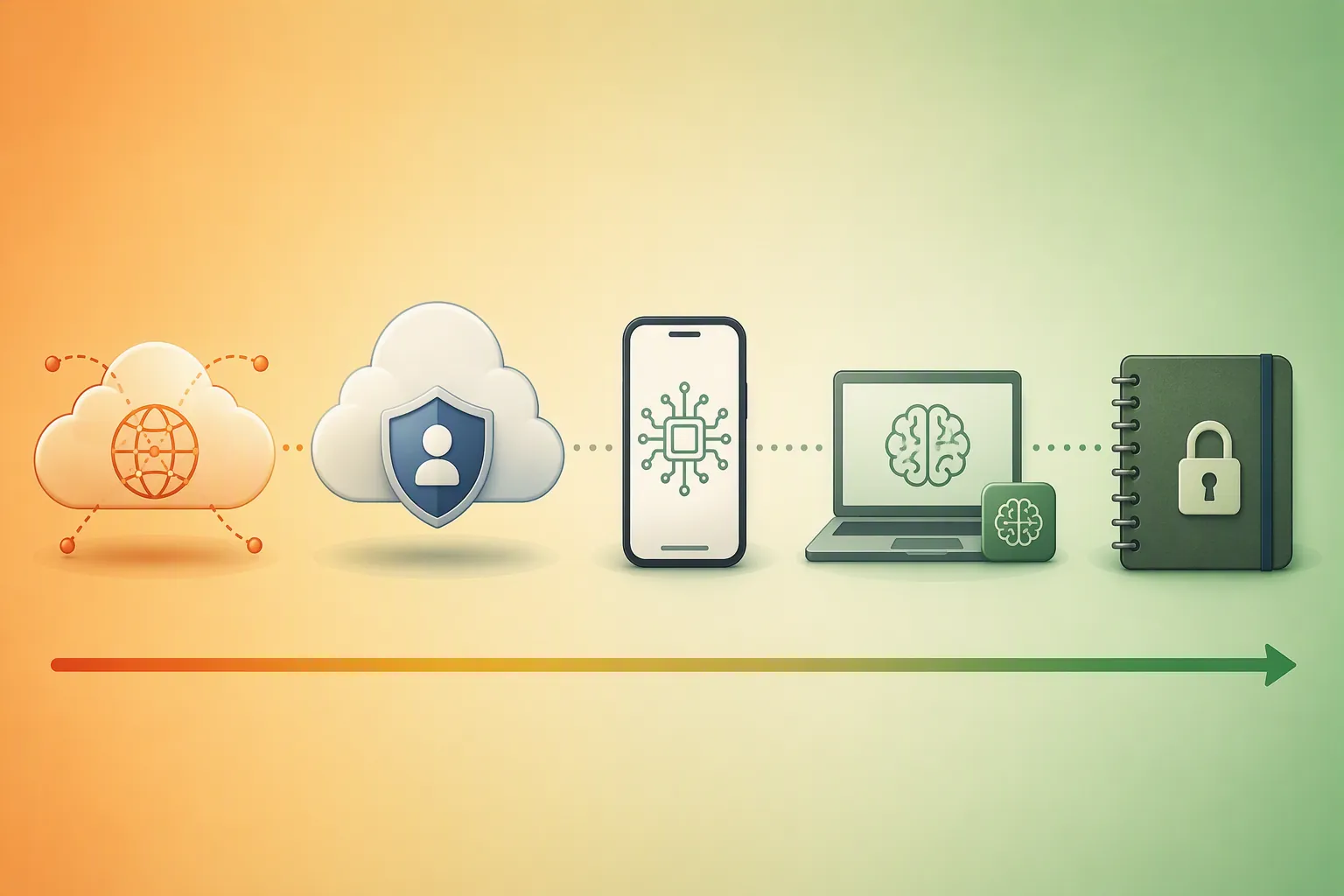
| Architecture | Typical examples | Compliance posture in 2026 | Main question to ask |
|---|---|---|---|
| Cloud AI meeting notetakers | Otter.ai, Fireflies.ai, similar meeting bots | Highest exposure when they record calls, process voices, create transcripts, or join meetings where consent is not already handled.[3] | Who obtained consent from every required participant, and is any biometric voice data created? |
| Cloud workspace with enterprise AI controls | Notion AI Enterprise | Managed risk, not no risk. Admin controls and zero-data-retention settings can reduce exposure, but content can still transit to third-party AI providers such as Anthropic or OpenAI.[7][8] | Which AI settings are enabled, which subprocessors receive content, and who can change the controls? |
| Mainstream on-device AI | Apple Notes with Apple Intelligence | Cleaner for ordinary professional notes when processing stays on device; Private Cloud Compute fallback still depends on Apple’s stated architecture rather than independent certification in the materials reviewed.[5] | Does this task run locally, or does it use a cloud fallback? |
| Local-first notes with local AI models | Obsidian with local Ollama-based AI | Strongest compliance tier when notes stay local and inference runs locally, because the third-party AI inference path is removed rather than governed.[5][6] | Are storage, sync, prompts, embeddings, and model inference all kept out of third-party AI systems? |
| Encrypted no-AI notes | Standard Notes | Conservative choice when AI is not actually needed. It avoids the AI inference question by not making AI summarization part of the workflow. | Can the professional meet the duty of care by writing and organizing notes without AI at all? |
That table is intentionally less interested in polish, templates, and speed. In regulated work, the expensive event is not a slower note. It is a transcript that should not have existed, a voiceprint that was not properly disclosed, or privileged material that was routed through a consumer-grade AI system.
The Otter.ai problem is a consent problem before it is an AI problem
The Otter.ai consolidated class action is useful because it turns a vague concern into an operational rule. The issue is not only that AI summarizes meetings. It is that an account holder can deploy a tool that records or processes a conversation, while the legal burden of obtaining all-party consent may sit outside the product experience.[3]
That distinction matters in a mixed-location call. A product can make transcription feel like a default meeting behavior, but wiretap consent analysis can depend on where participants are located and what law applies. Mayer Brown’s practical advice is to map participant locations and apply the strictest standard where all-party consent states are involved.[1] The app may supply a notice banner or meeting message. That does not automatically prove that every participant gave the kind of consent the organization needed.
The safer workflow is not simply “use a better disclosure.” For some calls, the safer workflow is not to have an AI meeting bot enter the room at all. If a lawyer, clinician, or finance team member only needs private notes after the meeting, a local-first or on-device note system avoids creating an audio recording and transcript pipeline in the first place.
Voiceprints are a different exposure than text notes
A typed note about a meeting is sensitive. A system that processes participant voices may create a different category of risk. DataGrail points to Fireflies.ai litigation under Illinois’s Biometric Information Privacy Act, where the concern is biometric voiceprint data rather than ordinary note content.[3]
This is where many casual AI comparisons mislead users. They compare transcription accuracy, speaker labels, summaries, and integrations. Those are product features. For compliance review, speaker identification can also be evidence that the system analyzed voices in a way that may require a biometric privacy analysis. A professional who would never upload a client’s biometric identifier may be doing something close enough to require review when they invite a voice-analyzing bot into a call.
The EU AI Act does not make every notetaker high-risk
The EU AI Act should not be waved around as a generic warning label for every summary feature. The sharper issue is use context. Social Europe and Mayer Brown focus on workplace AI note-taking where systems are used for monitoring, recruitment, evaluation, or performance-related assessment. In those contexts, Annex III high-risk classification can bring risk management, transparency, human oversight, and related obligations under Articles 9–15 from August 2, 2026.[1][2]
That line is important. A private, local summary of one’s own notes is not the same thing as an employer using meeting transcripts to evaluate employees. A bot that joins every team meeting, extracts action items, identifies speakers, and feeds performance dashboards is not just a nicer stenographer. It can become part of a monitoring or evaluation system, and that changes the compliance burden.
Privilege can be damaged by the wrong AI path
For legal professionals, the privilege question is not decorative. MLTAikins discusses the February 2026 Heppner ruling from the Southern District of New York, which held that attorney-client privilege did not extend to materials prepared using consumer-grade AI platforms.[4] The practical lesson is narrow but severe: legal teams should not assume that privileged treatment survives merely because the human user intended the material to remain confidential.
This is where architecture again beats reassurance. If legal notes, client summaries, deposition prep, or internal investigation material are routed through third-party AI inference, the firm has to analyze whether that routing is compatible with its privilege obligations. If the same task can be performed locally, the exposure is reduced at the design level rather than managed through after-the-fact explanations.
The defensible app tiers in 2026
A regulated professional does not need a catalog of every note app. The useful comparison is between custody models.
Obsidian with local AI: the strongest answer when third-party transit is unacceptable
Obsidian deserves the most attention because it changes the risk shape. It is local-first by default, so the user’s vault lives as local files rather than as a cloud workspace first. Tech Insider describes Obsidian Sync as end-to-end encrypted, with the encryption key not reaching Obsidian’s servers.[5] MindStudio’s discussion of local AI for regulated professionals explains the compliance value of using local models through tools such as Ollama: prompts and outputs can be processed without sending note content to a third-party AI provider.[6]
That combination matters more than any single feature. Local storage reduces routine custody spread. End-to-end encrypted sync reduces server-side access. Local inference removes the Anthropic/OpenAI-style subprocessor path for AI tasks. If embeddings are also generated locally and plugins are chosen carefully, the note system can perform useful AI work without turning every sensitive note into vendor-processed content.
This does not make every Obsidian setup automatically compliant. Plugins can call external services. Users can paste content into cloud models. Teams still need device security, retention policies, access controls, and audit discipline. But the baseline architecture is the right starting point for legal privilege, financial confidentiality, and HIPAA-adjacent caution because it avoids the most obvious third-party inference event.
Apple Notes: the cleanest mainstream option when on-device processing is enough
Apple Notes is the better mainstream answer for professionals who want less configuration and can live inside Apple’s ecosystem. Tech Insider describes Apple Intelligence as using on-device Neural Engine processing by default, with Private Cloud Compute as a fallback and no third-party AI subprocessors accessing user note content.[5]
That is meaningfully different from a workspace that routes AI requests to external model providers. It is especially relevant for clinicians and business teams that do not need a plugin-heavy knowledge base but do need a lower-friction place to keep sensitive notes. The caveat is equally important: the Private Cloud Compute assurance, in the materials reviewed here, remains Apple’s stated architecture and promise. It should not be described as the same thing as an independent SOC 2 or ISO 27001 audit finding for a specific note-taking workflow.
Standard Notes: the conservative answer when AI is not necessary
Some professionals do not need AI notes. They need durable, private, encrypted records that do not invite a meeting bot, generate a voiceprint, or send a prompt to a model provider. Standard Notes belongs in that conservative tier.
That choice can look unsophisticated only if the comparison is framed around convenience. In a privilege review or internal investigation, a simpler system may be easier to defend precisely because it does less. No native AI summarization means fewer questions about what content was sent where, who processed it, and whether an automated output influenced a regulated decision.
Notion AI Enterprise: a managed compromise, not the safest tier
Notion AI should not be placed in the same bucket as casual meeting bots. For organizations that need shared databases, permissions, documentation, and structured workflows, its enterprise controls matter. Notion’s own AI security materials describe SOC 2 Type 2 and ISO 27001 scope and state that AI partners are used under security and privacy commitments.[7] Pertama Partners notes that Notion Enterprise can use zero-data-retention configurations for regulated environments, while still emphasizing the need for governance around settings, permissions, and AI use.[8]
The point that should not be blurred is transit. Even with stronger enterprise settings, Notion AI involves content moving through an AI provider path such as Anthropic or OpenAI.[7][8] Zero-data-retention is valuable, but it is not the same thing as local inference. Admin controls are valuable, but they are not the same thing as an architecture in which the note never leaves the device or vault for AI processing.
For general enterprise work where collaboration is unavoidable and local-first tools are politically or operationally impossible, Notion Enterprise may be the realistic compromise. It should be adopted with explicit AI settings, subprocessor review, role-based access controls, training, and a rule for which categories of content cannot be submitted to AI. It should not be sold internally as equivalent to Obsidian with local AI.
Otter.ai and Fireflies.ai: useful tools in the wrong room can become evidence
Otter.ai and Fireflies.ai are not included here because every organization must abandon every transcription tool for every meeting. They are included because their legal exposure illustrates the category. Otter.ai shows the consent problem; Fireflies.ai shows the biometric voiceprint problem.[3] If a meeting involves clients, patients, employees, counterparties, confidential investigations, or cross-state participants, the burden of proving the tool was appropriate may be heavier than the time saved by the transcript.
How to choose without pretending the risks are equal
The selection decision is fairly direct once the architecture is visible.
- If third-party data transit is unacceptable, choose Obsidian with local AI through a local model setup such as Ollama, and treat plugin selection as part of the compliance boundary.
- If the team needs a mainstream, low-friction note environment and can rely on Apple’s ecosystem, consider Apple Notes with on-device Apple Intelligence, while documenting when cloud fallback may occur.
- If the safest answer is to avoid AI entirely, use an encrypted no-AI note system such as Standard Notes.
- If cloud collaboration is unavoidable, use Notion Enterprise only as a controlled-risk compromise, with zero-data-retention and admin controls verified rather than assumed.
- If the workflow depends on meeting bots, require a separate consent, biometric, privilege, and employee-monitoring review before allowing them into regulated calls.
For legal teams, Obsidian with local AI or a no-AI encrypted system is the cleaner path because privilege analysis gets harder when legal material moves through consumer-grade AI platforms. For healthcare-adjacent work, Apple Notes or Obsidian is easier to justify than a cloud AI summarizer that introduces another AI vendor relationship. For finance, local-first notes with local AI are the better fit for confidential analysis, investigations, and client-sensitive material. For general enterprise teams, Notion Enterprise can be defensible only when the organization is honest that it is managing exposure, not eliminating it.
The migration procedure belongs in separate Obsidian and Apple Notes guides. The pre-migration judgment comes first: if the work cannot tolerate third-party AI processing, do not choose an app whose main advantage depends on it.
References
- AI Notetakers: Productivity Tool or Emerging Legal Risk? — Mayer Brown, June 2026.
- AI Note-Takers at Work: The Silent Threat to Privacy and Compliance — Social Europe.
- AI Notetakers and The Legal Exposure Hiding in Plain Sight — DataGrail.
- Noteworthy concerns: Discussing the risks of AI note-taking apps — MLTAikins.
- Obsidian vs Notion 2026: 1,400 Plugins vs 100M Users [Tested] — Tech Insider.
- How Regulated Professionals Can Use Local AI Without Cloud Compliance Risk — MindStudio.
- Notion AI security & privacy practices — Notion.
- Notion AI Data Governance and Compliance for Regulated Industries — Pertama Partners.






Comments
Join the discussion with an anonymous comment.