
As of July 28, 2026, permanent daylight saving time is not something to treat as settled law. The House passed the Sunshine Protection Act on July 14 by a 308–117 vote, but that does not make the clock change complete or guaranteed.[1] It does make the problem worth preparing for, especially if your productivity system depends on a clean morning review.
If you are adjusting your schedule for permanent daylight saving time, the first move is not to rebuild Notion, abandon Obsidian, or invent a new PARA taxonomy. The likely failure point is smaller: the daily note asks you to choose projects before your body has caught up to the clock.
A system can look perfectly organized and still be mistimed. Projects are clean. Areas are named well. Resources are not a junk drawer. Archives are quiet. Then the morning review starts producing priorities you renegotiate by lunch, the Resources inbox fills up before you can evaluate anything, and the weekly review that once felt sharp becomes a low-grade administrative fog.
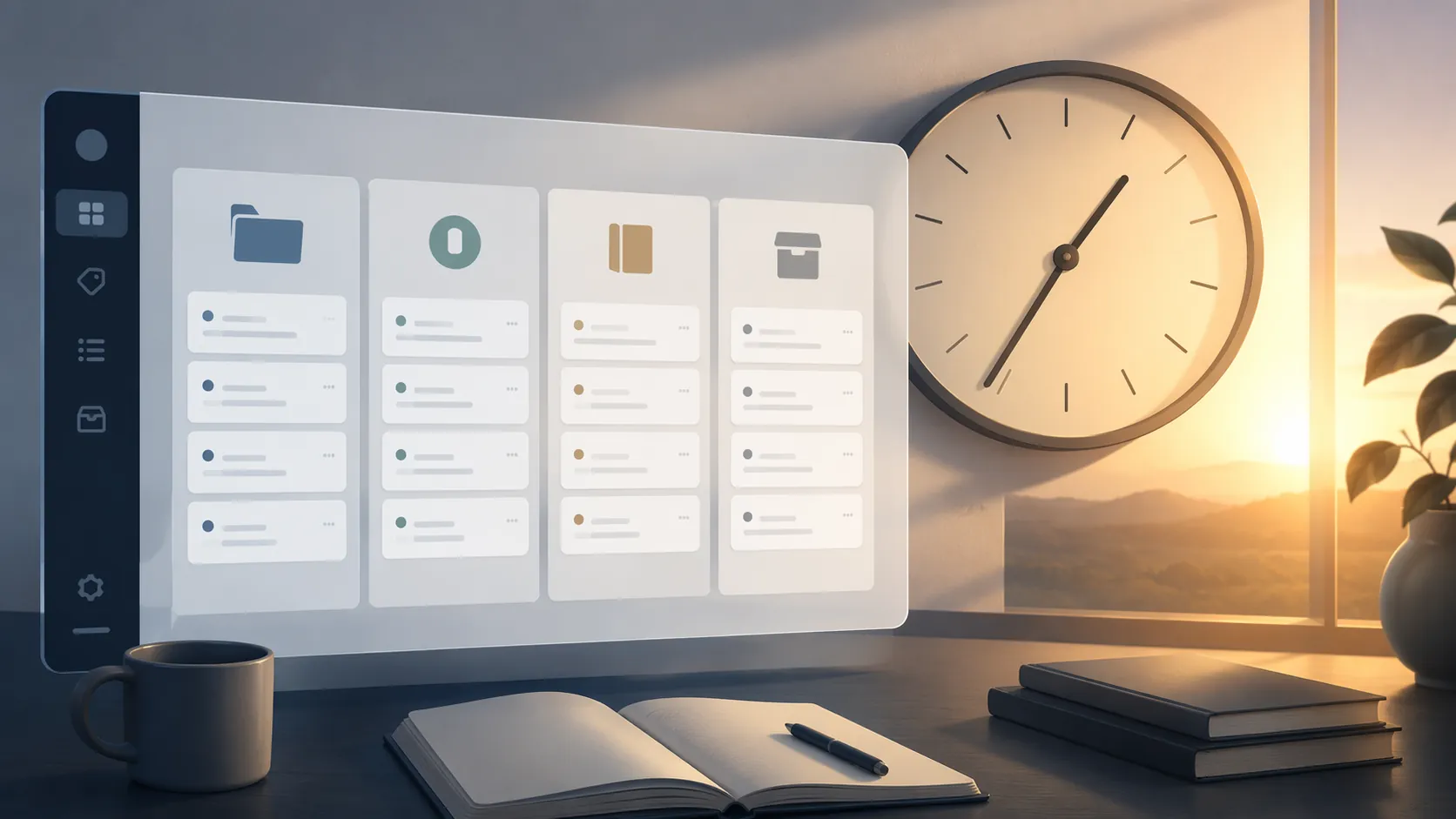
The issue is timing drift, not a broken second brain
Most second-brain systems quietly assume that attention arrives in a predictable order: capture whatever is loose, review what matters, plan the day, then execute. PARA adds a useful distinction between active outcomes, ongoing responsibilities, reference material, and inactive material. Daily notes make the whole thing operational by turning that structure into prompts.
Permanent DST would not scramble those categories. It would change the relationship between the clock and the light cue underneath them. Morning light is one of the strongest signals that sets human circadian rhythms; under permanent daylight saving time, that morning light signal arrives later by the clock.[2] If your system was calibrated around a 7:30 a.m. review that used to happen after a useful dose of morning light, the same clock time may now be asking for executive judgment too early.
That is why the audit should focus on decision points, not aesthetics. A mistimed dashboard can still be beautiful. A mistimed daily note can still be elegant. The test is whether it asks for the right kind of thinking at the right point in your alertness curve.
Why the morning block deserves suspicion first
The morning review is usually overloaded because it feels virtuous. It often asks you to clear inboxes, choose the day’s top projects, inspect deadlines, assign time blocks, and make some kind of values-aligned declaration before the first real work session. That is a lot of executive load to place on the part of the day most exposed to a later sunrise.
The productivity evidence is narrower than the political debate, but it is useful. University of Oregon research on 174,505 GitHub users from 2013 to 2019 found that DST disrupted productivity for up to two weeks. Early-morning output dropped, and workers compensated with more activity later in the afternoon.[3] That does not prove permanent DST will damage every knowledge worker indefinitely. It does show the kind of timing displacement that a capture-review-plan-execute system has to notice.
Early-start workers have an additional problem. Krishnan and Johnson found that employed adults lose an average of 19 minutes of daily sleep under later sunrise and sunset conditions, while people starting work before 7 a.m. lose 36 minutes.[4] If your calendar is fixed by a school drop-off, hospital shift, warehouse start time, or early standing meeting, you may not be able to move the workday. You can still stop pretending that the first available clock slot is the best planning slot.
Chronotype changes the adjustment. Stanford Medicine’s summary of 2025 modeling notes that about 15% of the population are morning larks who may fare slightly better under permanent DST, while night owls experience the shift more intensely.[5] Treat that figure as a useful orientation, not a diagnostic test. The point is not to label yourself perfectly. The point is to stop applying the same morning template to bodies that reach alertness on different schedules.
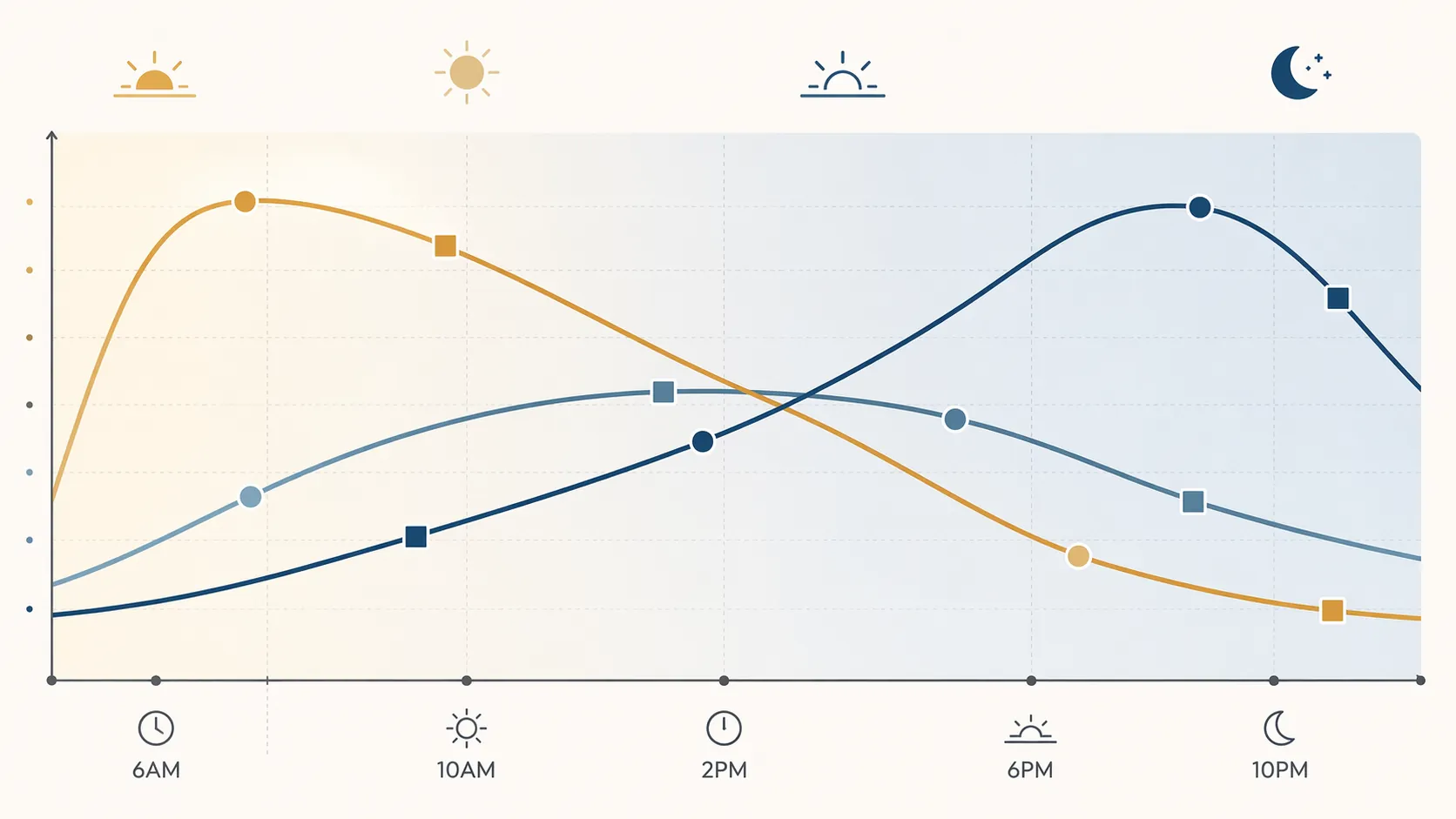
Audit the workflow in the order it actually runs
Do not begin by changing every recurring block. Walk through the pipeline once and mark where the system asks for judgment. Capture can happen while you are still warming up. Classification takes more attention. Project selection takes more still. Execution depends on the type of work: some tasks tolerate a groggy start, while writing, design, analysis, and strategic triage often do not.
| System surface | What to inspect | Likely DST adjustment | Signal that it was mistimed |
|---|---|---|---|
| Daily note opening prompts | Prompts that ask for top priorities, project selection, or time-blocking immediately after waking | Split morning capture from later commitment | Priorities are rewritten after lunch or ignored by midmorning |
| Projects review | The slot where you choose active outcomes, next actions, and deadlines | Move decision-heavy review to the first reliably alert block | You overselect work, miss constraints, or defer decisions repeatedly |
| Areas maintenance | Recurring admin for health, finances, household, team, clients, or operations | Place routine maintenance in a lower-cognitive slot, but keep ambiguous decisions out of the fog | Maintenance becomes avoidance or creates follow-up cleanup |
| Resources capture | Morning reading, saved links, highlights, clips, and voice notes | Keep fast capture, delay classification | The inbox grows with material that felt important only before you were fully alert |
| Weekly review | The longer reset that reconciles Projects, Areas, and deferred material | Protect it from the first dark-morning slot if it requires real judgment | The review becomes clerical and stops changing decisions |
Projects: move commitment later than capture
Projects are where a timing mismatch becomes expensive. A bad Resources decision leaves you with a messy inbox. A bad Projects decision changes what you spend the day doing.
Look for any prompt that asks, “What are today’s three priorities?” or “Which project matters most?” before you have reached stable alertness. If that prompt has been reliable for months, do not delete it. Move it behind a lighter capture step. The daily note can open with a holding area for obligations, fragments, and overnight thoughts, then require project selection only at the first point when you usually trust your judgment.
A useful distinction: capture records what is present; review decides what deserves consequence. Permanent DST mostly threatens the second action. You can still collect tasks at 7:00 a.m. You may not want to decide the shape of the day there.
Areas: stop using recurring admin as a proxy for readiness
Areas maintenance often looks like a safe morning block because it is structured: check the budget, update the client tracker, review household logistics, scan team follow-ups. Some of that work can survive a lower-alertness period. The risky part is when an Area task hides a decision that belongs in Projects.
During the audit, mark each recurring Area block as either mechanical, interpretive, or consequential. Mechanical work can stay early if it does not cause rework. Interpretive work should move to a clearer part of the day. Consequential work—anything that changes commitments, money, scope, or relationships—should not be buried in a dark-morning maintenance slot just because the calendar template says “admin.”
Resources: keep the inbox, delay the meaning
Resources are especially vulnerable because saving something feels productive even when evaluation is weak. A later morning light signal can turn early reading into indiscriminate clipping: articles, quotes, screenshots, podcast fragments, and half-formed ideas all land in the system with too much confidence.
Do not fight that by banning morning capture. Capture is supposed to be cheap. Instead, change the trigger that promotes material from inbox to Resources. A saved link can wait. A highlight can remain unclassified. A voice note can sit in a “process later” queue. The timing-sensitive act is deciding whether the material belongs in an active Project, an Area reference, a permanent Resource, or nowhere.
If your Resources inbox swells in the morning and shrinks only after lunch, that is not automatically procrastination. It may be your system revealing the new location of your evaluation window.
Weekly review: protect the one block that repairs drift
The weekly review is the repair loop. It catches Projects that became Areas, Areas that generated Projects, Resources that never became useful, and Archives that are no longer quiet. If that review has been placed early because the calendar was empty, permanent DST is a reason to inspect it.
A weekly review does not have to happen at your cognitive peak, but it does need enough clarity to make tradeoffs. If you finish the review with a tidy list and no changed decisions, it may be performing clerical work only. Move the judgment portion later and leave the mechanical cleanup where it is.
Adjust by chronotype, not by moral preference
The same clock shift does not create the same system change for every person. Your audit should compare prompts against observed alertness, not against a generic ideal morning.
| Pattern you observe | What to change first | What to leave alone for now |
|---|---|---|
| You are still clear early and rarely rewrite morning decisions | Keep the morning review, but add a verification prompt later in the day | Do not move every block just because the law changes |
| You capture well early but make poor priority calls | Separate capture from Projects review | Keep quick inbox collection in the morning |
| You do not feel useful until later morning or midday | Move planning and project selection to the first stable alertness block | Avoid turning the first hour into a self-improvement project |
| You start work before 7 a.m. | Make the first work block execution-only when possible, with planning prepared the day before or reviewed later | Do not force fresh strategic planning into the earliest slot |
| Your best thinking has shifted to afternoon | Reserve afternoon space for review, writing, design, or decision-heavy work | Do not treat afternoon compensation as a failure if the output is trustworthy |
Morning larks should be careful not to overcorrect. If the early review still produces stable priorities, the system may need only a later check-in. The check-in is not a second planning session; it is a fidelity test. Did the morning decision survive contact with the day?
Night owls usually need a stronger split between collection and commitment. A daily note that opens with “capture only” and delays “choose the work” can preserve the system without pretending that alertness has arrived. This is especially important if the old template was built during a season when sunrise, commute, caffeine, and calendar all happened to line up.
Early-start workers need a different protection: reduce the number of fresh decisions required before work begins. If your first meeting or shift cannot move, prepare the decision context the prior day. The morning block can confirm, execute, and capture exceptions. It should not have to invent the plan from scratch while the light cue is still delayed.
Edit the daily note template before you edit the whole system
Daily notes are the easiest surface to fix because they sit between time and structure. PARA tells you where things belong; the daily note decides when you have to think about them.
A permanent-DST-ready template should not begin by demanding certainty. It should begin by separating capture, review, planning, and execution so the timing of each step can move independently.
## Morning capture — no commitments yet
- Loose tasks:
- Overnight thoughts:
- Incoming obligations:
- Energy / clarity on waking: low | medium | high

## First review window
- What is actually due?
- Which Project needs a decision today?
- What should not be chosen while unclear?

## Plan after review
- Primary Project block:
- Secondary maintenance block:
- Capture inbox to process later:

## End-of-day timing note
- When did priorities become clear?
- What did I rewrite?
- Which prompt appeared too early?
The important line is “no commitments yet.” It prevents the opening capture block from pretending to be a planning block. In Obsidian or Logseq, this can be a template change. In Notion, it can be a top section in the daily page. In Apple Notes, it can be a pinned note copied each morning. The app is less important than the separation of functions.
If you use time blocks, avoid making the daily note perform two incompatible jobs at the same timestamp. A 7:00 a.m. block can be “capture and scan.” A later block can be “commit and schedule.” If the system currently treats those as one action, permanent DST is where the seam starts to show.
Use a short observation window before making permanent changes
There is a temptation to redesign everything in advance. Resist that. The University of Oregon findings point to a disruption window of up to two weeks after DST changes, with work shifting away from the early morning and toward later compensation.[3] That makes a two-week audit long enough to catch a pattern without mistaking one bad morning for a system failure.
Track only signals that change a decision. Do not build a mood spreadsheet unless you will use it. The useful measurements are plain:
- How often morning priorities are rewritten later.
- Which Projects are selected too early and then avoided.
- When Resources inbox items are actually evaluated well.
- Whether Areas maintenance creates follow-up cleanup.
- When the first trustworthy planning decision usually happens.
- Whether afternoon compensation produces good work or merely late work.
The last item matters because afternoon work is not automatically a failure. If the morning block became less reliable and the afternoon block became more productive, the system should represent that. A dashboard that keeps honoring the old morning peak will mislabel the day.
What the national DST debate does and does not tell your setup
The broader evidence does not collapse into a simple productivity slogan. Stanford Medicine’s 2025 modeling found that permanent DST would reduce obesity prevalence by 0.51 percentage points, or about 1.7 million people, and stroke prevalence by 0.04 percentage points, or about 220,000 cases, compared with seasonal clock switching. The same modeling found that permanent standard time would achieve about 1.5 times the benefit.[5] That is health-policy context, not a direct instruction for where to put your Projects review.
The 1974 U.S. experiment with permanent DST is also a caution, not a template. The country tried it and repealed it within roughly 9 to 10 months after backlash over dark mornings.[4] Work patterns, remote work, and commuting expectations are not the same now, so the precedent should not be used as a perfect forecast. It does, however, underline the same local problem your note system will feel first: dark mornings change behavior.
Spring-forward studies should be handled with the same care. Reports of sleep debt after the clock change—40 to 60 minutes per night for up to a week—describe transition costs, not the steady-state effect of permanent DST.[6] Permanent DST would remove repeated seasonal switching after implementation, but it would also preserve later clock-time morning light. Your setup has to account for both ideas without turning either into a slogan.
The recalibration that usually works
A reliable adjustment usually looks modest from the outside. The morning note still opens. The inbox still captures. PARA still holds the same categories. The change is that commitment moves to the first window where the user has enough clarity to make decisions that survive the day.
If permanent daylight saving time becomes law, the productive response is not to rebuild your second brain. It is to recalibrate the review and planning windows that make the system trustworthy.
References
- House passes bill that would make daylight saving time permanent, NBC News, July 14, 2026.
- Think We Should Make Daylight Saving Time Permanent? Sleep Scientist Busts 5 Tired Myths, RAND, 2022.
- Daylight saving time linked to lost worker productivity, University of Oregon.
- Daylight saving time causes lower productivity and higher health care costs, studies say, PBS.
- Study suggests most Americans would be healthier without daylight saving time, Stanford Medicine, September 2025.
- How To Prevent Lost Productivity When Daylight Saving Time Starts, Forbes, March 7, 2025.







Comments
Join the discussion with an anonymous comment.