
A note app faces a different test during a power outage than it does during a brief Wi-Fi dropout. The question is whether an existing note will open, remain editable, and reveal its attachments after the internet has been unavailable for hours—not whether the app once displayed an “offline” label.
U.S. electricity customers averaged 11 hours of interruptions in 2024, nearly twice the average of the preceding decade. Major events, including Hurricanes Beryl, Helene, and Milton, caused about nine of those hours and accounted for 80% of the year’s lost power hours.[1] That national historical average makes a multi-hour offline test reasonable, but it does not describe what any particular household should expect.
For regional planning, PowerOutage.us publishes much longer worst-case estimates: 14 days or more in the rural Southeast after a Category 3 hurricane, four to five days during Texas grid events, two to five days for California public-safety power shutoffs, and five to ten days following rural Northeast ice storms. It estimates that urban customers are typically restored within 24 to 48 hours, while rural customers in the same state can wait five to 14 times longer.[2] These are planning estimates, not guarantees. Their value is in showing why “probably cached” may be tolerable for one afternoon and unacceptable for a primary notes archive that could be needed for several days.
The outage test: what is already on the device?
The useful dividing line among offline note taking apps for power outages is data ownership at the device level. A local-first system works from a local copy and treats the network as a way to synchronize that copy. A cloud-centered system can keep selected material in a device cache, but the useful portion of the account depends on what was downloaded before the connection disappeared. The local-first model is specifically concerned with retaining access to data and core work when servers or networks are unavailable.[3]
This comparison therefore asks four narrow questions:
- Can an existing note be opened without a connection?
- Can it be edited, with the change retained until reconnection?
- Are the files, images, or other attachments actually present?
- Does the free-plan behavior match the paid offline promise?
The evidence is not equally strong for every app. Obsidian documents that notes are stored as local Markdown files.[4] A separate XDA account describes loading and syncing an Obsidian vault before going offline, then syncing later changes after reconnecting; that is one user’s documented experience, not an independent test across devices or failure conditions.[5] Joplin describes an offline-first model,[6] while Standard Notes says users “always have an offline copy” of their data.[7]
For the cloud-centered apps, the matrix relies primarily on vendor documentation. Evernote explains which mobile content is cached and how offline notebooks work,[8] and separately states that offline notebooks generally require a paid subscription.[9] Microsoft documents OneNote’s attachment synchronization control and its handling of pending changes after reconnection.[10] Google’s Keep page indicates offline editing with later synchronization, although the source was served with a locale translation nuance, so the conclusion here remains deliberately narrow.[11]
Decision matrix: six apps under the same outage conditions
| App and storage model | Read existing notes offline | Edit offline | Attachments | Free-plan behavior and evidence boundary |
|---|---|---|---|---|
| Obsidian — local-first vault | Yes, when the vault has already been loaded onto that device.[4][5] | Yes. Edits are made to local files; the cited first-hand case reports synchronization after reconnection.[4][5] | Available when the attachment files are present in the local vault. A local vault that was never loaded is not protection. | Offline access follows the local-vault model rather than a separately enabled offline-notebook feature. Readiness still depends on the device copy being present. |
| Joplin — offline-first local copy | Yes, for notes held in the local app data.[6] | Yes under the vendor-described offline-first model.[6] | The supplied evidence does not establish attachment-download completeness across every device and sync configuration; verify the needed files locally. | No subscription-gated offline-notebook requirement is established by the cited source. This is vendor documentation, not an independent outage test. |
| Standard Notes — local/offline copy | Yes, based on the vendor statement that users always have an offline copy.[7] | The local-copy model supports offline work, subject to the device having completed its copy.[7] | Attachment behavior is not established in enough detail by the supplied source to promise full offline availability. | The cited material does not establish a separate paid gate for the basic offline copy. Feature-specific plan limits are outside this outage test. |
| Evernote — cloud account with mobile caching and offline notebooks | Partly by default on mobile: titles, tags, and a small excerpt are cached. Full content is available for notes created on that device, recently viewed notes, or notebooks explicitly configured for offline use.[8] | Downloaded note content can be worked on offline, but this should not be interpreted as automatic access to the entire account.[8] | Treat attachments as available only after confirming the complete note or offline notebook has downloaded; a title or excerpt is insufficient. | Evernote says offline notebooks generally require a paid subscription.[9] That paid-gating statement is vendor-provided and was not independently verified here. |
| OneNote — cloud notebooks with synchronized device data | Previously synchronized notebook material can remain available, but readiness depends on synchronization having completed.[10] | Yes. Microsoft says pending changes synchronize when the connection returns.[10] | On iPad and iPhone, Auto Sync Attachments must be enabled if attachments are to be available offline.[10] | The cited support page does not establish an outage-specific subscription gate. It also does not prove that every notebook and attachment has already reached the device. |
| Google Keep — cloud notes with offline editing | The vendor page indicates offline access, but the supplied evidence does not define the exact cached scope as precisely as the Evernote documentation.[11] | Yes, with changes synchronized after reconnection according to the vendor page.[11] | The supplied source does not establish comprehensive offline attachment behavior. | No paid offline restriction is established by the cited source. Because of the source’s translation nuance, this is a limited vendor-documented conclusion rather than a broad guarantee. |
A local copy and a cloud cache fail differently
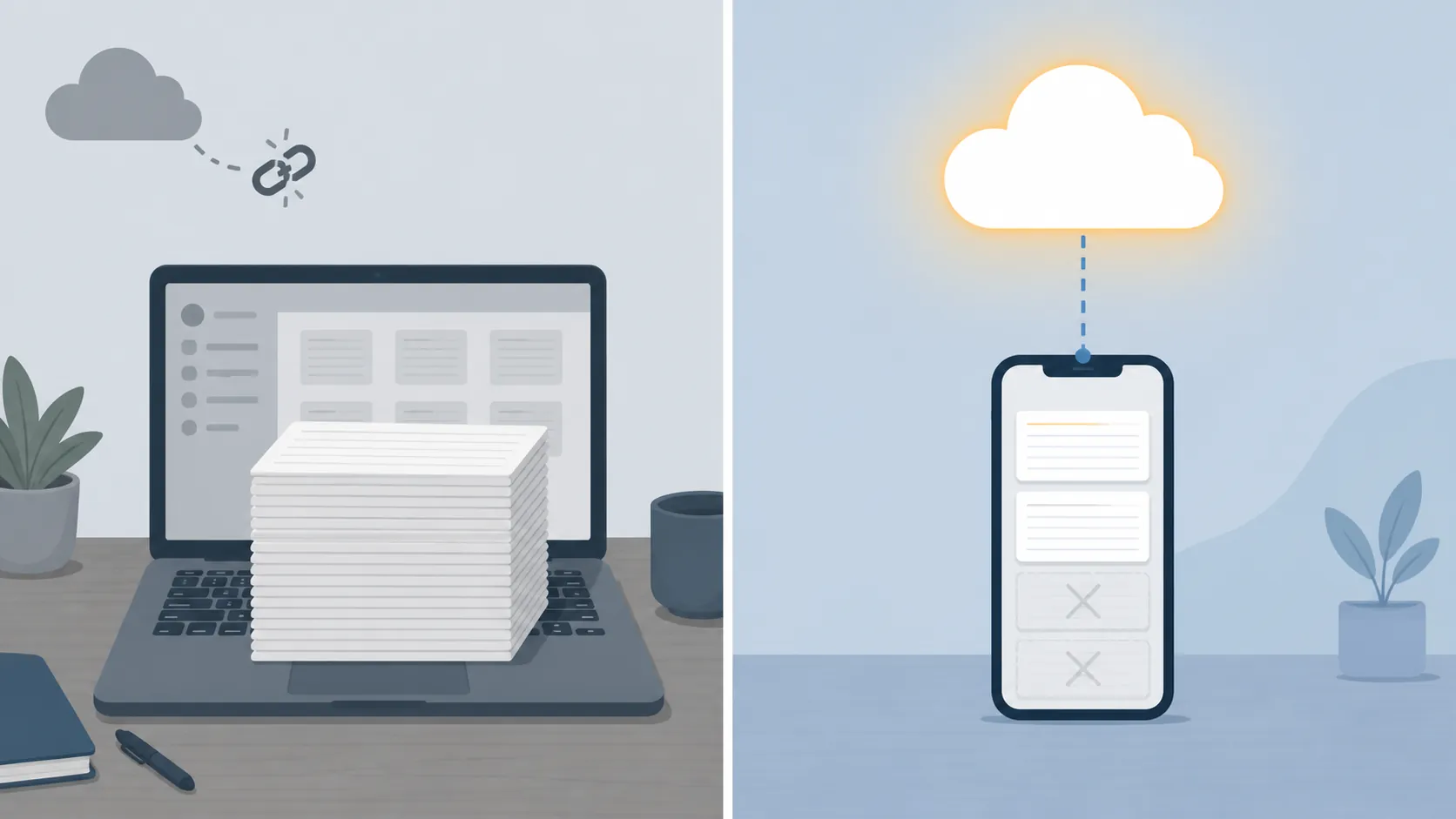
With Obsidian, the readable Markdown files in the local vault are the notes. Losing the network interrupts optional synchronization, publishing, or other connected services, but it does not turn an already loaded note into a remote object. Joplin and Standard Notes make similar vendor-level claims about retaining local or offline copies, although the supplied evidence is less specific about attachment completeness in every configuration.[4][6][7]
That architecture is reassuring, but it does not repair a device that never received the vault. The XDA case is useful because it preserves this inconvenient condition: the user loaded and synchronized the Obsidian vault before disconnecting.[5] A desktop vault sitting safely at home does not help if the only powered device during an evacuation is a phone with an empty or outdated copy. Local-first software reduces dependence on a server; it does not remove dependence on preparation, storage space, battery life, or a functioning device.
Evernote’s documented mobile behavior illustrates the cache problem more sharply. By default, seeing a note title, tags, and an excerpt does not mean the complete note is stored on the phone. Full content is documented for notes created on that device, recently viewed notes, and notebooks selected for offline use.[8] A user can therefore open the app successfully and still discover that the one old reference note needed during the outage was never downloaded.
The subscription issue makes the distinction consequential before the outage begins. Evernote says configuring offline notebooks generally requires a paid subscription.[9] That is a vendor claim rather than an independently verified plan audit, so it should be checked against the account and app version actually in use. It is still too important to discover only after the router and cellular network have stopped responding.
OneNote presents a narrower trap: the note may be synchronized while an embedded file is not. Microsoft instructs iPad and iPhone users to enable Auto Sync Attachments for offline attachment access, and says changes made offline are synchronized when a connection becomes available again.[10] Anyone relying on PDFs, scans, or documents should test those files rather than treating a visible page as proof that its contents are complete.
Google Keep has enough vendor support here to say that offline editing and synchronization on reconnection are intended behaviors.[11] The available source does not support a similarly precise claim about the scope of cached notes or attachments. Keep may be adequate for short operational notes already visible on the device, but the evidence does not justify treating it as a verified offline document archive.
Run the pre-flight check before the forecast becomes urgent
Configuration should be tested while there is still enough connectivity to fix it. The full airplane-mode offline test protocol covers per-app setup in more detail. For this comparison, the minimum pre-flight is short:
- Sign in while connected. Confirm that the app opens normally on the exact phone, tablet, or laptop expected to remain powered.
- Complete the device copy. Load and synchronize the Obsidian vault, allow Joplin or Standard Notes to finish their local copy, or select the required Evernote notebooks for offline use.[5][8]
- Handle attachments separately. On OneNote for iPad or iPhone, enable Auto Sync Attachments. In every app, open several important PDFs, images, and scans while still online.[10]
- Disconnect deliberately. Use airplane mode, reopen old notes rather than only recent ones, make a clearly recognizable test edit, and open the files inside those notes.
- Reconnect and verify. Confirm that the pending edit reaches the other device or service without creating an unnoticed conflict or duplicate.
Do not perform the test only on a home computer if the outage plan depends on a phone. Each device has its own local state. A successful desktop test says nothing about whether the mobile app downloaded the same notes and attachments.
Which app is the safer commitment?
Obsidian for a transparent local primary archive
Obsidian gives the clearest answer to the outage test because the notes are ordinary local Markdown files.[4] It is the strongest pick here when multi-day outages are plausible and inspecting or backing up the underlying files matters. It is not for you if you will not maintain and test the vault copy on every needed device, or if you expect the word “local” to guarantee that a phone has already received files stored elsewhere.
Joplin or Standard Notes when an offline copy matters more than plain Markdown
Both vendors describe a model in which usable data remains available locally or offline.[6][7] They deserve consideration alongside Obsidian, especially when their broader designs fit better. The local-first note-taking app comparison compares those apps by architecture, encryption, synchronization, and configuration; the present test is narrower and includes cloud-cache alternatives. They are not for you if you require a blanket attachment guarantee without first confirming how the chosen app and device download those files.
Evernote when selected notebooks—not the whole account—must travel
Evernote can remain workable if the required notebooks are explicitly configured for offline use and their contents finish downloading.[8] Readers deciding whether that capability justifies renewal can consult the Evernote profile. It is not for you if you expect every historical note to exist in full on a mobile device by default, or if your outage plan depends on an offline-notebook feature that your current plan does not provide.
OneNote when synchronized notebooks and attachments are tested together
OneNote is a reasonable conditional pick when the needed notebooks have synchronized and attachment downloading is enabled where required.[10] It is not for you if a visible notebook page is the only evidence you have that its embedded documents are stored locally.
Google Keep for modest, tested offline needs
Keep has vendor-documented offline editing and later synchronization, which can suit short notes that have been tested on the intended device.[11] It is not for you if the plan requires independently verified cache boundaries or dependable offline access to an attachment-heavy archive.
Where outages may last days, a prepared local-first app is the safer primary home. “Prepared” is the operative condition: the vault or offline copy must already be on the powered device, including the attachments that matter. A cloud-cache app can still pass the test when its downloaded scope and settings match a deliberately limited need. If that condition does not hold and switching becomes necessary, preserve the existing material first with an export-before-switching runbook rather than beginning a migration during the outage itself.
References
- U.S. electricity customers averaged 11 hours of power interruptions in 2024 — U.S. Energy Information Administration
- How Long Do Power Outages Last? — PowerOutage.us
- Local-first software — Ink & Switch
- Obsidian — Obsidian
- I built an offline productivity pack so I can work and study anywhere — XDA Developers
- Joplin — Joplin
- Standard Notes — Standard Notes
- Access notes offline — Evernote Help
- How to Use Evernote Offline — Evernote
- Work offline in Microsoft OneNote for iPad or iPhone — Microsoft Support
- Google Keep — Google Workspace