
Last verified August 27, 2026. The short verdict: Doubao can produce useful drafts and summaries from work documents, but it does not function as a durable notes system. Completed work remains in chat history, no native export route was available in the tested workflow, and preserving it elsewhere required copying or a third-party browser extension. English speakers face an additional complication: Dola, the international counterpart available in selected markets, reportedly uses OpenAI GPT and Google Gemini rather than ByteDance’s Doubao models.[1]
That makes the download decision unusually important. A polished English app called Doubao may be unrelated to ByteDance, while installing Dola does not necessarily provide the models discussed in reviews of mainland Doubao.
| Test checkpoint | What was checked | Result |
|---|---|---|
| 1. Identify the app | Publisher, package name, interface language, and regional availability | Mainland Doubao, Dola, and an unrelated English lookalike had to be separated first |
| 2. Create work | Drafting and revision inside a new conversation | Useful as a chat-based writing workspace |
| 3. Process documents | PDF, Word, Excel, and PowerPoint uploads | Summaries and extraction were the strongest part of the workflow |
| 4. Retain the result | Note library, folders, tags, attachments, and reusable note records | No separate notes home was verified; the result remained a conversation |
| 5. Find it again | Return to completed work after leaving the thread | Retrieval depended on chat history rather than note organization |
| 6. Move it out | Native controls, official browser helper, copying, and third-party exporters | Manual transfer worked; no native, attachment-complete archive was available |
First, make sure the app is actually Doubao
ByteDance launched Doubao in August 2023. It subsequently reached a reported 60 million monthly active users by November 2024 and 330 million users by May 2026.[1] That scale explains the attention, but it does not make the product straightforward for an English-speaking downloader.
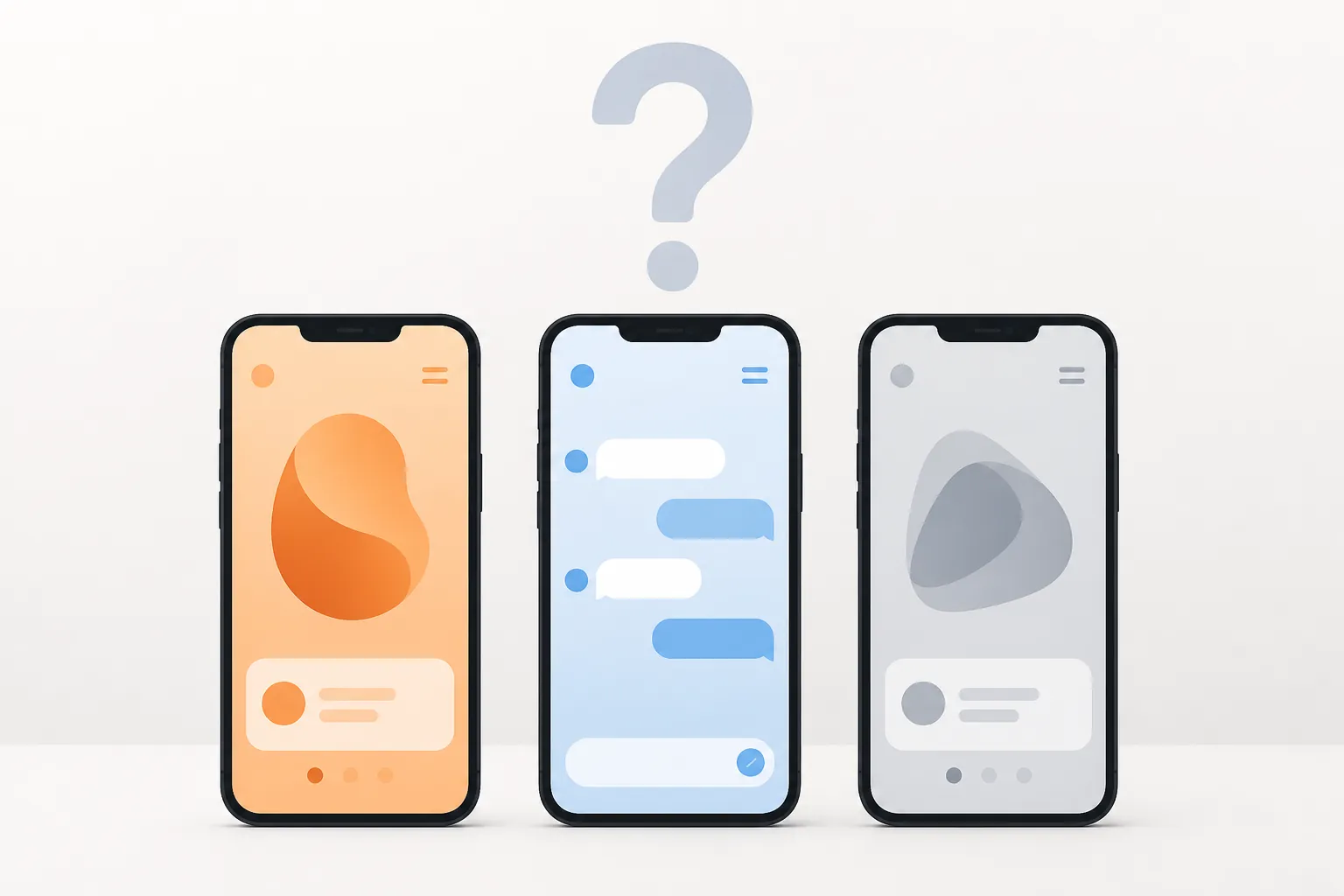
| Listing checked | Verified identity | Practical meaning |
|---|---|---|
| 豆包 — package com.larus.nova | ByteDance’s mainland Doubao app | Chinese-only interface in the tested listing; not a straightforward English-market installation |
| Dola — package com.larus.wolf | Published by SPRING (SG) PTE. LTD. | International counterpart available only in selected markets; reportedly uses GPT and Gemini rather than Doubao models |
| Doubao — package com.dubey.ai.assistant | Published by ABD Apps LLC | Unrelated English-language lookalike; not ByteDance’s Doubao |
The ABD Apps LLC listing was still present during this verification. Its name is not enough to establish any relationship with ByteDance. Publisher and package identifiers matter more than the icon, screenshots, or use of “Doubao” in a listing title.
Dola creates a subtler naming problem. It is associated with Doubao’s international expansion, but the reported model split means a Dola test cannot be treated as a clean benchmark of Seed 2.0 or other Doubao-branded models.[1] If Dola is absent from the official store for your region, sideloading a mainland or third-party package would materially change the security and support conditions of this test.
The work output explains the appeal
For drafting, the chat-first design is effective. A prompt can move from an outline to a cleaner work draft without forcing the user through a complicated project setup. Follow-up instructions can shorten a section, change its tone, pull out action items, or reorganize the material into headings. The unfamiliar interface matters less when the first usable result arrives quickly.
The test supports that narrow conclusion: Doubao and Dola can be useful drafting surfaces. It does not establish that every factual claim in a generated draft is correct, that every model available under either name performs identically, or that a successful prompt will transfer unchanged between the mainland and international products.
Document digestion was more valuable than blank-page generation
The most convincing work involved bringing an existing document into the conversation. PDF, Word, Excel, and PowerPoint files could be supplied for summarization or extraction. Requests for a meeting recap, article summary, decision list, or compact explanation produced material that could be edited into a useful note.
- For a meeting document, ask separately for decisions, unresolved questions, owners, and deadlines instead of requesting only a general summary.
- For an article or report, request a distinction between the source’s claims and the assistant’s interpretation.
- For a spreadsheet, verify figures and formulas against the uploaded file before transferring the explanation into permanent notes.
- For slides, retain slide or section references when they are available; a smooth narrative summary can otherwise hide where a claim originated.
These are processing tasks, and the product is comfortable doing them. The problem appeared after the answer was good enough to keep.
A saved conversation is not yet a reusable note
The completed draft or summary remained attached to its conversation. I could return through chat history, but I could not verify a separate notes library that converted the result into an ordinary record with dependable folders, tags, linked sources, attachment management, and a destination-independent file.
That difference becomes expensive later. A summary titled implicitly by its opening prompt may be recognizable today and nearly invisible among months of unrelated chats. The user then has to reopen conversations, identify the final answer among intermediate versions, rename it elsewhere, restore source context, and file it in the system where the rest of the project already lives.
This is also where Doubao differs from a notes app that happens to include AI. There was no verified path for turning a response and its source files into a self-contained note archive. Chat history preserved access to the conversation, but it did not provide the organization or portability expected from Notion, Obsidian, Apple Notes, Evernote, or a folder of ordinary files.
Native export was the decisive failure
The export check covered conversation-level controls, history controls, account and data controls, and ByteDance’s official 豆包浏览器AI助手 browser extension. No native route was found for exporting a conversation as a reusable Word, PDF, Markdown, JSON, or attachment-complete archive. The official extension adds browser assistance, but its listing does not offer chat export as a feature.[2]
Manual copy and paste remained available for ordinary text. That is sufficient for a short final answer, but it shifts cleanup to the user. Titles, source links, metadata, attachments, and sometimes formatting must be recreated in the destination app. A copied summary also needs an explicit reference to the original document; otherwise the polished derivative can outlive the evidence it summarizes.
Third-party exporters widen the format menu, not the archive
At least three Chrome extensions were available to repair parts of this workflow during verification. 豆包文档导出助手 offered Word export and specifically described formula or LaTeX garbling and displaced layouts as problems it was designed to address. Chat2File advertised Doubao conversation export to Word, PDF, Markdown, and PNG. AI Exporter offered Markdown and JSON but described its output as plain text, excluding images, voice, and attachments.
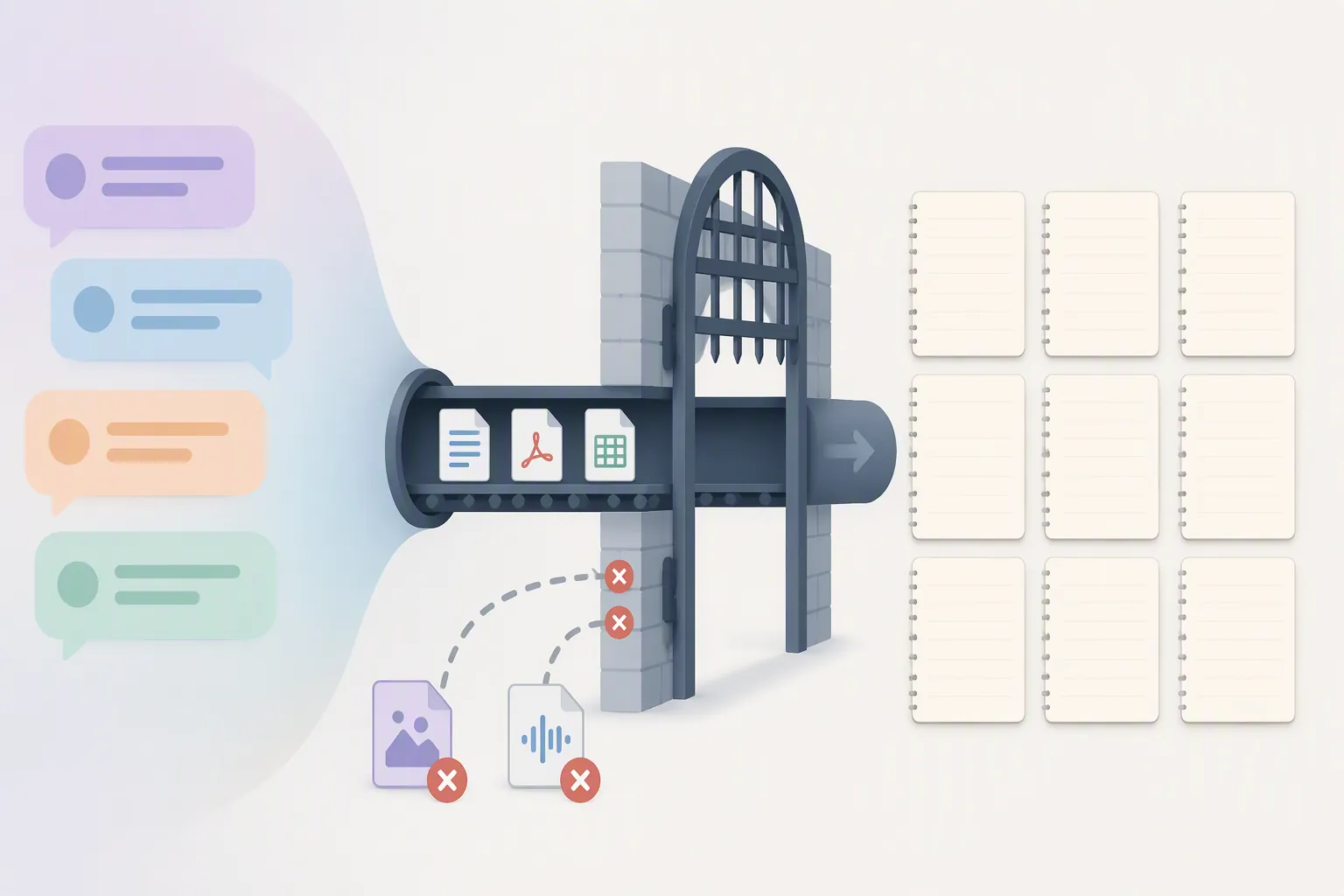
Those extensions can reduce repetitive copying, particularly when a long conversation needs to become a document. They do not establish that Doubao has native export, and their store descriptions should not be read as independent proof of perfect rendering. Formula fidelity, layout preservation, and archive completeness still require inspection after export.
| Material to preserve | Most practical route | What still needs attention |
|---|---|---|
| Final text response | Copy and paste or third-party Word/Markdown export | Add a real title, date, source, and project location |
| Long formatted conversation | Third-party Word, PDF, Markdown, or PNG export | Check headings, tables, formulas, and version order |
| Images and voice | Save separately from the original conversation | Plain-text exporters do not carry them |
| Uploaded source files | Keep the originals in the destination repository | Do not assume a transcript export includes attachments |
| Machine-readable history | Third-party JSON export where appropriate | Inspect the file before relying on it as an archive |
A browser extension also gains access to material being exported. Before using one for confidential work, inspect its current publisher, permissions, privacy disclosures, update history, and whether processing occurs locally or through an external service. Store listings and permissions are mutable; the fact that an extension was present during this test is not a permanent endorsement.
The workable setup: process in chat, retain in a vault
The least fragile workflow treats Doubao or Dola as a temporary processing layer. Keep the source document in its normal repository, upload or provide only what the task requires, generate the summary or draft, verify it, and move the accepted version into the notes system that owns the project.
- Start with the source file in your existing project folder or notes vault.
- Use Doubao or Dola to summarize, restructure, extract actions, or create a draft.
- Compare factual claims, dates, figures, and quotations with the source.
- Copy or export only the accepted output rather than preserving every exploratory turn.
- Create a named note in Notion, Obsidian, Apple Notes, Evernote, or another durable repository, then add source links and reattach the original files.
- Confirm that the destination copy opens and remains understandable without access to the original chat.
For a more systematic version of that arrangement, the AI context engineering guide for a note vault explains how to keep durable material under your control while selectively feeding context to an assistant.
Cost and privacy can change the decision before export does
Access should not be assumed to be permanently free. Doubao’s paid options changed during 2026, so current membership tiers and their value for note-takers are covered separately in the Doubao Work membership comparison. The export judgment here does not improve merely because a more capable or higher-priced model produces a better draft.
Before uploading meeting records, unpublished research, client files, or personal notes, inspect the current product’s data-safety disclosure and account controls. This matters especially with Dola because its publisher and model stack differ from mainland Doubao. Use the personal AI policy guide to decide which information can enter an external AI service rather than treating every work document as equally safe to upload.
Who should use it—and who should not
Doubao or Dola can make sense for someone who values rapid drafting and document digestion enough to perform a deliberate handoff afterward. The strongest fit is a user who already has a notes app, treats AI output as provisional, and is comfortable copying or exporting the final text into that durable home.
It is not a good fit if you require:
- Native conversation export without installing a third-party extension
- An attachment-complete archive containing text, source documents, images, and voice
- Dependable folders, tags, links, and note-oriented retrieval
- A direct replacement for Notion, Obsidian, Apple Notes, Evernote, or another notes repository
- Certainty that the international Dola app provides ByteDance’s Doubao models
- An English-language ByteDance app available through the official store in every region
After the tested workflow, the honest role is clear: let Doubao or Dola perform the temporary work of drafting and summarizing, then verify the result and move it into the notes vault where the project actually lives.