
When ChatGPT is not working, the fastest fix is usually obvious: check the status page, refresh the browser, clear a cache, or open Gemini, Claude, Copilot, Grok, or Perplexity. That may rescue a conversation. It does not rescue a note-taking system.
The problem is sharper if ChatGPT was doing more than answering questions. If it was summarizing interview notes, turning class material into an outline, extracting action items from a meeting, or holding the messy middle of a research trail, then “try another chatbot” means starting over in a blank box. The useful answer still has to be copied somewhere, named, filed, linked, searched later, and trusted when the meeting or semester has moved on.
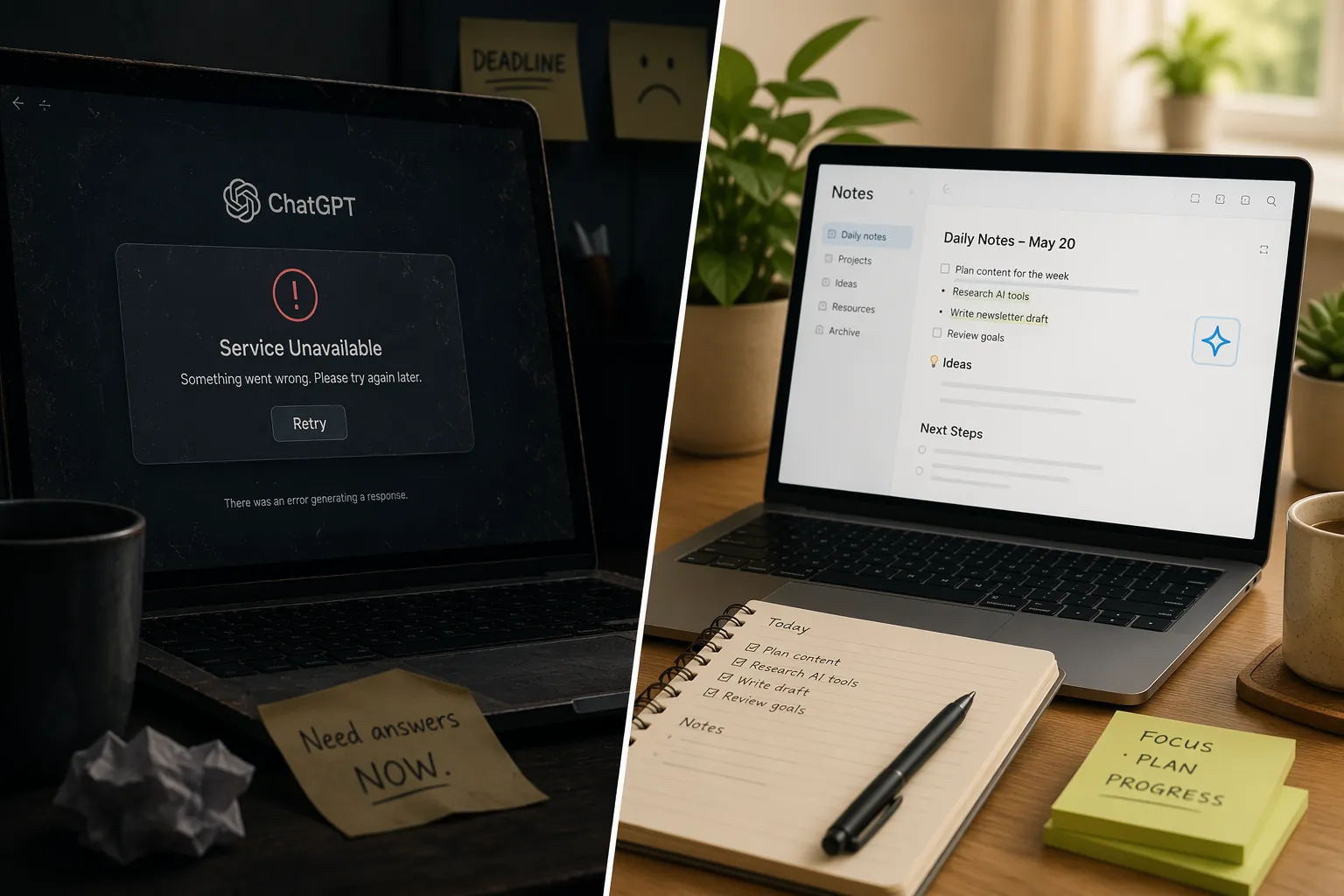
That is why the better answer to “ChatGPT not working fix alternatives for note-taking” is not a chatbot ranking. It is a migration question: which note app can keep storing notes, searching them, and applying AI inside the place where the notes already live?
The urgency is not imaginary. Forbes reported that ChatGPT had at least four major outages in the 12 months leading up to February 2026, including incidents in January 2025, June 2025, December 2025, and February 2026. During the February 2026 event, Google searches for “ChatGPT outage” reportedly surged 96 percentage points, a figure worth checking against Google Trends methodology before relying on it.[1]
The usual outage advice answers the availability problem. A note-taker has three other requirements.
- AI access that is not tied to the consumer ChatGPT app.
- Persistent storage, so the note does not disappear into a chat transcript.
- Organization or retrieval inside the note system, not as an afterthought.
A chatbot replacement is only a temporary fix
Opening another chatbot can be the right emergency move. If a lecture is still running or a client call is still producing decisions, getting a working model on screen matters. But a chatbot is not where notes accumulate. It does not know the naming conventions in a project folder, the half-drafted memo from last month, the source clipping that contradicts today’s claim, or the decision log that should be linked before anyone acts on the summary.
That distinction matters because many “ChatGPT alternatives” lists solve only for conversation. They point readers toward general-purpose assistants such as Gemini, Claude, Grok, or Copilot, which can help answer, draft, and summarize, but they do not by themselves provide a durable note archive with backlinks, folders, source grounding, export paths, and recurring retrieval habits.
The note app with AI is less glamorous in the first five minutes and more useful six weeks later. It can be searched from the same workspace where the original notes were captured. It can summarize a page without making the page leave home. It can keep the draft, the source, and the follow-up task close enough that the AI output has somewhere to land.
What “independent” really means during a ChatGPT outage
Independence is not one clean category. A tool can keep working during a consumer ChatGPT outage while still depending on OpenAI models somewhere behind the scenes. That distinction is not pedantic; it decides how much redundancy the note system actually has.
| Setup | What the AI can do inside notes | Infrastructure nuance | Best protected use case |
|---|---|---|---|
| Notion AI | Answer questions across a workspace and work with pages | Decoupled from consumer ChatGPT, but uses OpenAI API infrastructure | Teams and solo operators whose notes already live in Notion |
| OneNote + Copilot | Use Copilot inside Microsoft’s note and productivity environment | Runs on Azure OpenAI, separate from consumer ChatGPT but still OpenAI-model related | Microsoft 365 users who want notes near documents, email, and meetings |
| Mem | Capture quickly, auto-tag, auto-link, and resurface notes | Uses its own AI-first note pipeline rather than consumer ChatGPT | People who collect fragments and hate manual filing |
| Reflect | Draft and assist inside an encrypted journaling-style note app | Lets users switch between GPT-4o and Claude Sonnet for provider redundancy | Writers and personal knowledge managers who want a fallback model option |
| NotebookLM | Answer and synthesize from uploaded sources | Runs on Google infrastructure with no OpenAI dependency | Researchers and students who need source-grounded work |
| Apple Notes + Apple Intelligence | Use Apple’s writing and intelligence features around local notes | On-device on Apple Silicon, independent from cloud ChatGPT | Apple users who value local availability and low-maintenance storage |
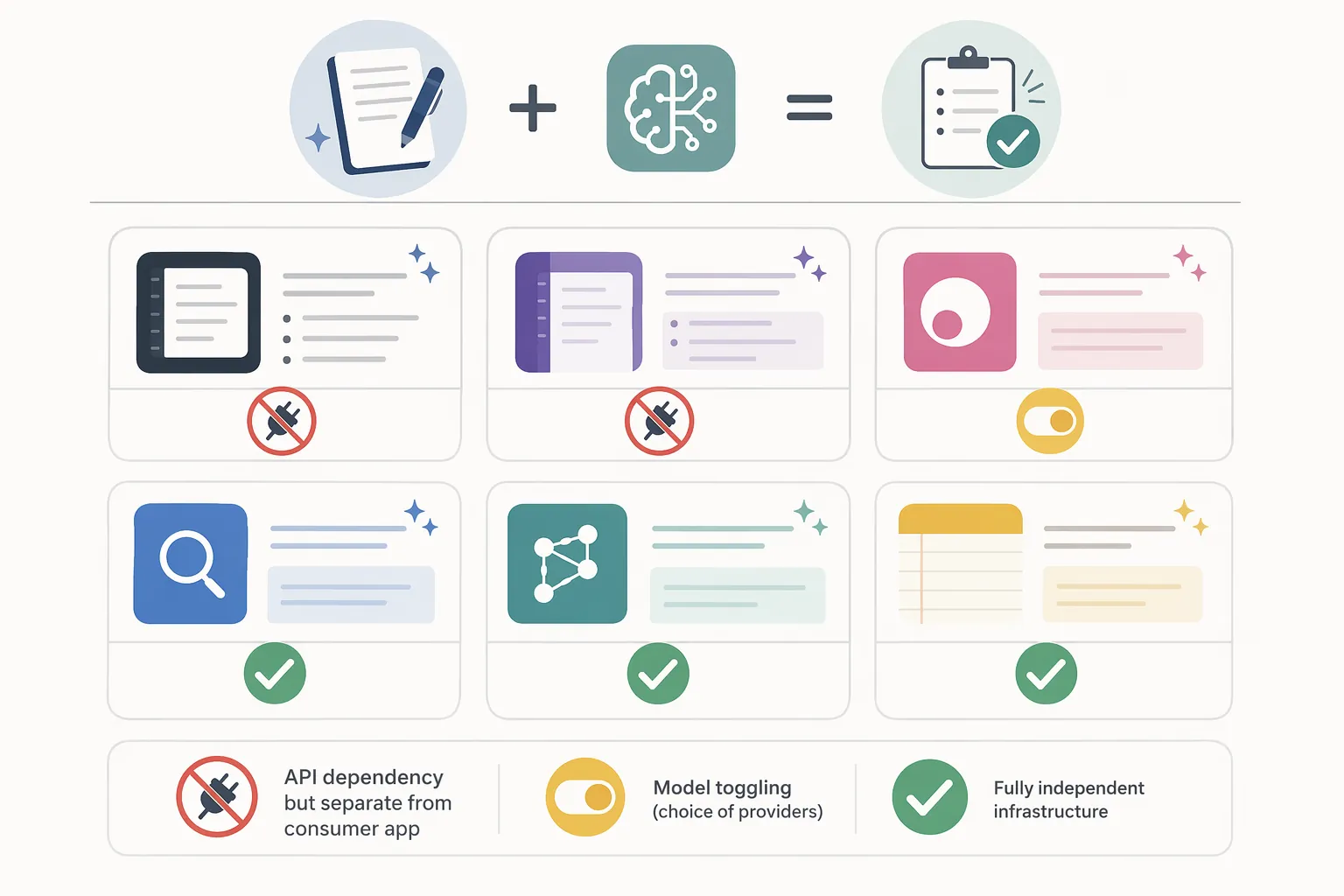
The practical question is therefore not “which app is fully independent of every large model provider?” For most working note-takers, the first cut is simpler: will the notes remain accessible, organized, and searchable if the consumer ChatGPT interface is unavailable?
Notion AI: strong workspace memory, weaker infrastructure independence
Notion AI is the clearest example of why “ChatGPT alternative” is the wrong frame. Its main advantage is not that it can produce a better paragraph than a chatbot. It can answer questions across a workspace, which means the AI can operate where the meeting notes, project specs, source clippings, and drafts already sit. Trackstack reported that Notion retired its standalone $10 AI add-on in early 2026 and moved AI access into the Business plan at $20 per user per month.[2]
For a note-heavy workflow, workspace-wide Q&A changes the recovery path during an outage. Instead of asking a fresh chatbot to summarize a pasted chunk, a user can ask about material already stored in Notion pages. That reduces the copying step, and the answer can point back toward the workspace rather than becoming another orphaned transcript.
The caveat is important: Notion AI should not be described as fully independent from OpenAI. Its AI uses OpenAI API infrastructure. The more accurate claim is narrower and more useful: Notion AI may remain available when the consumer ChatGPT app is down, but it is not a pure escape from OpenAI-related model infrastructure.[2]
That makes Notion a good fit for people whose biggest risk is not model-provider failure but workspace fragmentation. If the notes are already in Notion, the outage fix is less about switching brains and more about keeping the brain attached to the archive. FlowDesk’s Notion note-taking app assessment and Obsidian vs Notion AI comparison are the more relevant next reads than another list of chatbots.
OneNote + Copilot: useful if your notes already orbit Microsoft
OneNote is not fashionable in the same way newer AI note apps are, but it has one thing many prettier systems lack: institutional gravity. In Microsoft-heavy workplaces and campuses, notes, documents, meetings, calendars, and permissions already tend to live nearby. Zapier’s December 2025 coverage describes OneNote as free with 5GB of storage and Copilot running through Microsoft’s Azure OpenAI infrastructure.[3]
That infrastructure detail needs careful wording. OneNote + Copilot is separate from the consumer ChatGPT app, so a ChatGPT web outage does not automatically mean the same user experience is unavailable in Microsoft’s environment. But Azure OpenAI is still related to OpenAI models. This is redundancy at the product and infrastructure layer, not a clean break from the OpenAI ecosystem.[3]
The strongest case for OneNote is not novelty. It is continuity for people whose notes have to stay close to Microsoft files, class notebooks, workplace accounts, or compliance habits. If the rest of the workday happens in Microsoft 365, a separate chatbot can become one more transfer step; Copilot inside the Microsoft environment can reduce that friction.
Mem: for people who lose time filing the useful bits
Mem addresses a different failure mode: not the blank page, but the pile. PCMag and Storyflow’s May 2026 coverage describe Mem as an AI-first note app built around quick capture, auto-tagging, auto-linking, and resurfacing notes, with pricing reported at $14 per month in the research brief.[4][5]
That matters during and after an outage because many note-takers do not have a creativity problem. They have an aftercare problem. The meeting note exists. The interview quote exists. The clipped passage exists. What fails is the moment of deciding where it belongs and how the future version of the user will find it.
Mem’s promise is to reduce manual organization rather than ask the user to build a perfect taxonomy first. That makes it attractive for people who capture fast and organize late, especially if their current ChatGPT workflow consists of dumping raw notes into a chat and asking for structure. The limit is that auto-organization still has to be audited. A surfaced note is helpful only if the user can tell why it appeared and whether it belongs in the current context.
Reflect: redundancy for writers who want a model switch
Reflect is best understood as a personal knowledge and writing environment with a useful redundancy feature. PCMag’s May 2026 coverage describes Reflect as offering encrypted journaling with AI drafting and the ability to toggle between GPT-4o and Claude Sonnet; the research brief lists pricing at $10 per month when billed annually.[5]
The model toggle is not the same as offline independence. If cloud AI access is the weak point, Reflect does not make that disappear. What it does provide is provider-level flexibility: if one model route is poor, unavailable, or simply not the right fit for a task, the user can switch to another inside the same note environment.[5]
That is a good match for writers, researchers, and journal-heavy knowledge workers who care about the continuity of the note more than about having one canonical AI assistant. The note stays put while the model changes. That is a healthier shape than moving the note from chatbot to chatbot and hoping the structure survives.
NotebookLM: source-grounded work without OpenAI dependency
NotebookLM deserves different treatment because it is not trying to be a general notes cabinet in the same way Notion, OneNote, Mem, or Reflect are. Its value is source grounding. Storyflow and PCMag describe NotebookLM as working from uploaded sources and operating on Google’s infrastructure, with no OpenAI dependency identified in the research brief.[4][5]
For students and researchers, that constraint can be a strength. If the immediate task is to ask questions across a packet of readings, lecture documents, interview transcripts, or policy PDFs, grounding the AI in uploaded sources is more important than giving it a permanent home for every stray note. It narrows the answer space to the material the user supplied.
The tradeoff is that NotebookLM should not be treated as a full migration destination for every kind of personal knowledge base. It is closer to a research workspace around selected sources. Used well, it can sit beside a durable note system: source analysis happens in NotebookLM, while final notes, decisions, and drafts move into the place where the archive lives.
Apple Notes + Apple Intelligence: the least dramatic independence play
Apple Notes is easy to underestimate because it looks too ordinary. That ordinariness is part of the appeal. PCMag and Zapier’s coverage describe Apple Notes with Apple Intelligence as using on-device AI on Apple Silicon, independent from consumer ChatGPT and cloud AI.[3][5]
For Apple users, this is the cleanest route away from ChatGPT outage anxiety if the required AI features are modest. The notes are already on the device ecosystem. The app is not asking the user to design a database before writing anything down. The intelligence layer is not trying to become a universal research assistant; it is closer to writing help and practical assistance around notes that already exist.
The limit is capability and ecosystem fit. Apple Notes is not a Notion workspace, not a Microsoft collaboration environment, and not a source-grounded research lab. But for people who want fewer cloud dependencies and a note app that keeps working as a note app even when a chatbot fails, that restraint can be an advantage. Readers who want to push further toward cloud independence should compare local-first options in FlowDesk’s local-first note-taking apps guide.
What to do right now if ChatGPT is down mid-session
If the outage is happening during a meeting, lecture, interview, or drafting session, do not make the first decision a platform migration. Capture the raw material first. Use the note app you can open fastest, record the date and context, and leave obvious placeholders where the AI pass would normally happen.
- Keep writing in the note system, not in a temporary chat window, unless the chat output can be exported immediately.
- Mark the missing AI task plainly, such as “summarize decisions,” “extract objections,” or “turn into class outline.”
- If you must use another chatbot, paste only the specific material needed for the immediate task and move the result back into the note record.
- After the session, decide whether the outage exposed a one-time inconvenience or a structural dependency.
Client-layer tools can help with the immediate bridge. Setapp’s July 7, 2026 update identifies TypingMind and BoltAI as tools that can provide ChatGPT access through separate infrastructure when the main site is down.[6] That can be useful if the only problem is reaching a model quickly. It is not, by itself, a note-system migration.
Treat those tools as a way to finish the hour, not as the place where a semester, reporting project, or product archive should live. The output still needs a durable home.
Choosing the replacement depends on what broke
A ChatGPT outage reveals different weaknesses in different systems. The right app depends on which part of the workflow stranded the user.
| If the outage exposed... | Move toward... |
|---|---|
| A workspace full of notes that AI cannot query | Notion AI, especially if the team already works in Notion |
| Microsoft documents, meetings, and notes split across tools | OneNote + Copilot |
| Too many captured fragments and not enough filing discipline | Mem |
| A writing or journaling system that needs model redundancy | Reflect |
| Research questions that must stay grounded in supplied sources | NotebookLM |
| A desire for simpler local access and less cloud AI dependence | Apple Notes + Apple Intelligence or a local-first setup |
If the current archive is trapped in ChatGPT conversations, migration should come before another month of workaround habits. FlowDesk’s guide to exporting ChatGPT history to Obsidian Markdown is the practical starting point for users who want their old chats in a file-based note system. For resilience planning beyond AI outages, the guide to keeping notes accessible during an AWS outage is the more relevant frame.
The decision is not whether AI belongs in notes. For many people, it already does. The decision is whether AI is only a chat window sitting beside the notes, or whether it is part of a system where notes keep accumulating, staying searchable, and surviving the next outage.
References
- ChatGPT outage coverage, Forbes, Feb. 4, 2026
- Notion AI pricing and workspace Q&A coverage, Trackstack, 2026
- Best note-taking apps coverage, Zapier, Dec. 2025
- AI note-taking apps coverage, Storyflow, May 2026
- Best note-taking apps coverage, PCMag, May 2026
- TypingMind and BoltAI workaround coverage, Setapp, updated Jul. 7, 2026