
The best AI tools for productivity are not the longest feature lists. They are the few tools that make a repeated part of your day shorter enough to justify the subscription, the setup, and the small amount of babysitting that still comes with AI work.
That matters because the average professional is no longer deciding whether to try AI. The messier question is which tools deserve to stay. In Glean’s 2026 Work AI Index, 77% of digital workers said they use multiple AI tools weekly, and 33% said they use four or more; the survey covered 6,000 digital workers in the US, UK, and Australia, so it is useful but still self-reported and tilted toward AI-exposed work.[1] Zapier’s 2026 AI statistics roundup puts the other side of the story plainly: 88% of companies use AI in at least one business function, but only 1% believe they have reached AI maturity.[2]
Productivity claims are also real enough to consider and soft enough to challenge. Slack’s Workforce Labs reported that daily AI users are 64% more productive, report 58% better focus, and show 81% higher job satisfaction, but Slack has a commercial stake in workplace AI adoption, and those figures should be treated as directional signals rather than a guarantee that your next subscription will pay for itself.[3]

Quick Stack Map: Pick by Bottleneck, Not Popularity
Pricing and feature notes here reflect public information checked across December 2025 through June 2026 sources. AI tool pricing changes quickly, so treat the cost column as a buying range or verification prompt, not a permanent quote.
| Role | Recommended 2-4 tool stack | Approx. monthly cost where available | Bottleneck the stack should remove |
|---|---|---|---|
| Solopreneur | ChatGPT or Claude; one specialist tool for your main output; Zapier or Make | $30-70/month for a lean stack | Switching among scattered writing, planning, admin, and automation tools |
| Marketer | Jasper; Canva AI; Fireflies | Plan-dependent; verify by seat and brand/workspace needs | Turning campaign ideas, meetings, and briefs into usable branded assets |
| Developer | Cursor; Claude; Lovable | Plan-dependent; usually editor, model, and prototyping subscriptions | Moving from issue to code, reasoning through architecture, and testing prototypes faster |
| Researcher or analyst | Manus; Perplexity | Plan-dependent | Going from question to sourced answer, then from answer to task completion |
| Sales rep | Superhuman; Fireflies | Plan-dependent; usually per-user | Reducing email drag and turning calls into follow-up material |
| Operations lead | Zapier or Make; the AI features inside your CRM, ERP, help desk, or workspace tools | Workflow-volume-dependent; watch task/run limits | Connecting existing systems without creating a second shadow process |
If you need a stricter buying order before choosing, the role-based AI productivity stack framework is the better place to slow down. This article is the stack map: which few tools make sense once you know the job they need to do.
Solopreneurs: One General Agent, One Specialist, One Automation Layer
The solopreneur stack is the cleanest because the buyer and the maintainer are usually the same person. There is no procurement department to absorb bad choices. Every extra app becomes another invoice, login, notification setting, and half-finished workflow.
Start with one general AI agent: ChatGPT or Claude. Use it for drafting, planning, summarizing, outlining, decision support, and first-pass analysis. The point is not that one model is perfect at everything. The point is that a general agent becomes more useful when it knows your recurring context: your offers, clients, tone, constraints, and current projects.
Then add one specialist tool only where your business actually produces value. A solo consultant who sells expertise may need a writing or research assistant. A creator may need a design or video tool. A small e-commerce operator may need product-description, support, or analytics help. The specialist tool earns its place when it replaces a repeated production step, not when it looks impressive in a demo.
Finally, add Zapier or Make only after the workflow is stable. Automating a messy process mostly makes the mess run faster. A good first automation is boring: send form responses into a CRM, turn paid bookings into onboarding tasks, move call notes into the right client folder, or draft a follow-up when a status changes. This is where a $30-70/month stack can replace three or four scattered subscriptions instead of sitting beside them.
For pricing-conscious buyers, the useful comparison is not free versus paid in the abstract. It is whether the paid tier removes a limit you hit every week. The free tiers versus paid upgrades guide is a better fit if your main question is when a free plan stops being enough.
Marketers: Keep the Work Close to Campaign Output
A marketer’s bottleneck is rarely just writing words. It is moving from a brief to usable campaign material without losing the brand, the deadline, or the handoff to design and sales. That is why Jasper and Canva AI make more sense than a random bundle of general chatbots.
Jasper belongs in the stack when branded content is the repeated job: landing-page variants, email sequences, ad copy, social posts, and campaign drafts that need to sound like the same company each time. A general AI agent can draft these too, but brand memory and campaign workflows matter when a team has to produce at volume and review quickly.
Canva AI fits the next step: turning ideas into visual assets without waiting for every minor variation to become a design ticket. It is especially useful for resizing, concepting, quick social layouts, and internal campaign mockups. It does not replace brand governance, but it can remove the low-leverage design chores that slow a marketing calendar.
Fireflies is the less glamorous but often more durable part of the marketer’s stack. Campaign decisions happen in calls: customer interviews, sales feedback, agency check-ins, webinar planning, and post-mortems. Capturing those conversations and turning them into searchable notes can matter more than generating another batch of copy.
If you want a more granular comparison of marketing and developer picks, use the role-specific AI tool breakdown after you know which workflow you are trying to improve.
Developers: Put AI Where the Code Already Happens
Developers do not need an AI tool that lives far away from the repo. They need help inside the loop of reading unfamiliar code, editing files, generating tests, explaining trade-offs, and getting unstuck without breaking the surrounding system.
Cursor earns attention because it makes the editor itself the AI surface. That changes the adoption math. Instead of copying code into a chat window and carrying context back, the developer can ask questions where the files, errors, and diffs already live. The productivity gain comes less from autocomplete alone and more from reducing context hauling.
Claude belongs beside it as a reasoning partner for architecture, debugging explanations, migration plans, and code review preparation. It is the tool to use when the question is not simply “write this function” but “what am I missing before I touch this part of the system?”
Lovable is different: it is for rapid prototyping, especially when the faster route is to make a working interface or product sketch before committing engineering time. It should not be judged by the same standard as a production codebase. Its useful job is to compress the distance between idea, clickable artifact, and decision.
The broader signal is that AI-assisted coding is no longer fringe. Fortune reported in 2026 that 50% of Google’s code is now AI-written, but that single company example should not be mistaken for every team’s readiness or every repository’s risk profile.[4] The adoption lesson is narrower: developer tools pay off fastest when they sit directly in the coding environment and when review practices keep pace with generation speed.
Researchers and Analysts: Separate Sourced Answers from Finished Work
Research work has two different bottlenecks that often get blurred. One is finding and checking information quickly. The other is turning that information into an analysis, memo, model, brief, or decision package. Perplexity and Manus fit because they sit on different sides of that divide.
Perplexity is useful when the question needs a fast, cited starting point. It can shorten the early scan: what is known, which sources matter, where the disagreement sits, and which thread deserves deeper reading. It should not be treated as the final authority. Its value is giving the researcher a map and source trail before the real judgment begins.
Manus is better framed as an end-to-end task assistant. Use it when the desired output is not just an answer but a completed piece of work: organizing findings, comparing options, drafting a structured artifact, or carrying a multi-step task forward. The risk is over-delegating the thinking. The useful pattern is to let it handle assembly while the human keeps control of assumptions, source quality, and final interpretation.
This is also the category where false precision can be expensive. A tool that produces a polished answer without visible source discipline may feel faster and still create more verification work than it saves.
Sales Reps: Email Speed and Call Memory Matter More Than Another Dashboard
A sales rep’s day is usually not blocked by a lack of AI creativity. It is blocked by inbox triage, follow-up timing, call notes, CRM updates, and the small delay between a live conversation and the next useful action.
Superhuman fits the email side of that work: speed, shortcuts, follow-up reminders, and message handling for people who live in their inbox. Fireflies fits the call side: meeting capture, summaries, transcripts, and the ability to pull signal from customer conversations after the call ends.
Motion’s roundup cites sales teams saving 3-4 hours per week through the combination of Superhuman for email speed and Fireflies for call intelligence. That is a useful claim to test, not a universal promise; Motion is also a commercial productivity vendor, and time saved depends on call volume, email volume, CRM discipline, and whether reps actually use the captured notes.[5]
The buying test is simple: if a rep still has to retype call notes, reconstruct next steps from memory, or dig through email to find what was promised, this stack has a real target. If the sales process is already clean and the team mainly needs pipeline strategy, another personal productivity app may not move the number.
Operations Leads: Integration Is the Product
Operations teams inherit everyone else’s enthusiasm. A marketer tries one content tool, sales adopts a meeting assistant, support turns on an AI feature, leadership wants a dashboard, and suddenly the company has plenty of AI but no reliable workflow.
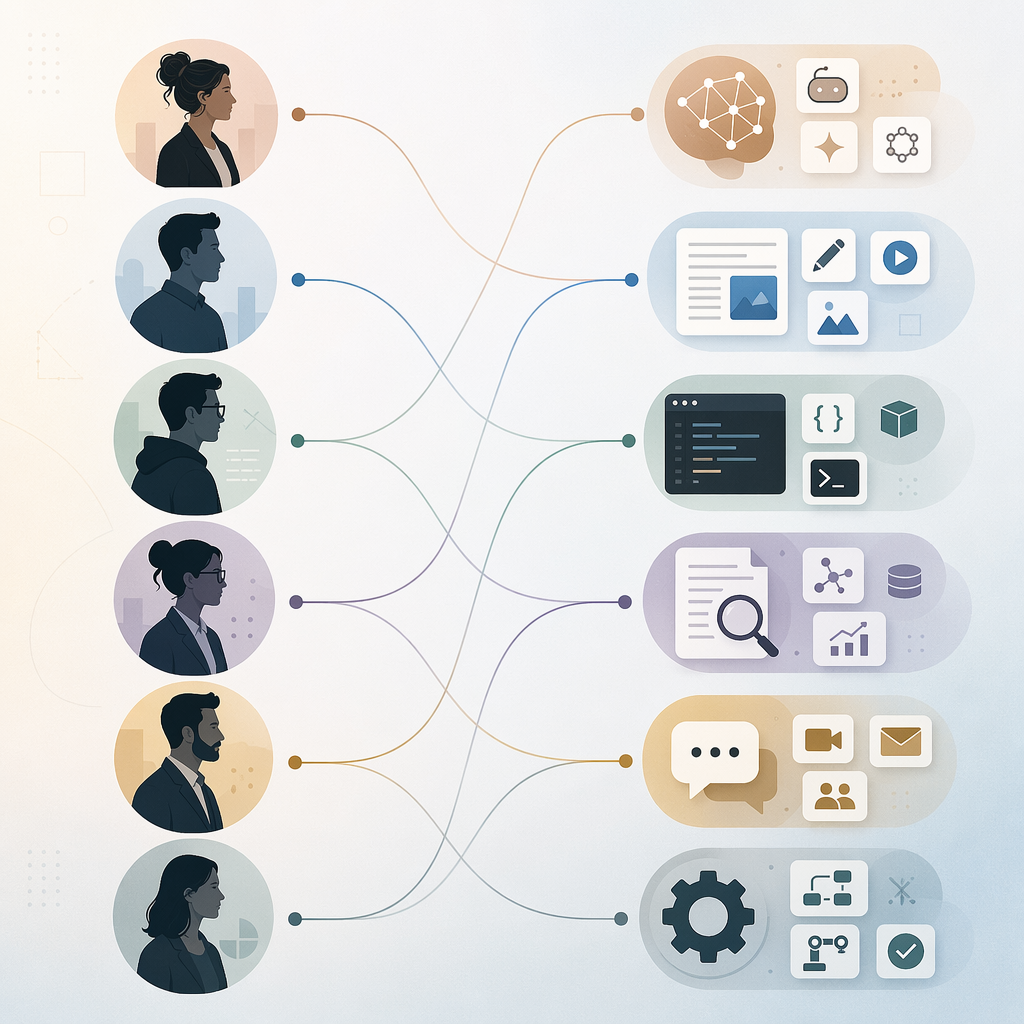
For operations leads, Zapier or Make is often more important than the shiniest standalone AI app. The useful question is whether a tool can move data cleanly between the CRM, ERP, help desk, workspace suite, project tracker, and reporting layer. If it cannot, the AI output becomes another thing someone has to copy, reconcile, and monitor.
This is where hidden costs show up: task limits, run limits, failed automations, permission cleanup, duplicated records, exception handling, and the quiet labor of checking whether the bot did what it claimed. That “botsitting” work is real. A workflow that saves five minutes for ten people but creates an hour of weekly cleanup for operations is not a win.
Before adding another standalone tool, map the handoff it is supposed to improve. Who creates the input? Where does the output need to land? Who reviews it? What happens when the AI is wrong, late, or ambiguous? The integrated AI workflows guide goes deeper on that systems view.
The Cost Question: What the Subscription Replaces
The AI productivity tools market reached $14.1 billion in 2026 and is projected to reach $36.4 billion by 2033, according to Grand View Research.[6] That explains why every product page now seems to have an AI feature. It does not explain which one belongs on your expense report.
A paid tool is easiest to justify when you can name the chore it replaces: drafting first-pass client emails, summarizing calls, resizing campaign assets, building prototypes, scanning sources, routing form submissions, or preparing CRM follow-ups. It is harder to justify when the benefit is a vague promise to “work smarter.”
The weak version of an AI stack adds one more destination to check. The strong version removes a step from the day. That is why adoption depth matters more than tool count. Four tools used casually can create more switching cost than one tool used deeply across a recurring workflow.
For teams that need a budget argument before buying seats, the AI productivity ROI comparison is the better next stop. If you are skeptical of productivity claims in general, compare this stack against hands-on AI productivity app test results or the skeptic’s guide to AI productivity apps.
When to Stop Adding Tools
Stop adding tools when the next subscription does not remove a repeated task, connect to the environment where the work already happens, or improve a workflow you are willing to maintain. A tool can be delightful and still be wrong for the quarter.
- Choose the stack for your actual role, not the category that sounds most advanced.
- Start with the one tool aimed at your most repeated bottleneck.
- Use it deeply enough to change a real workflow before adding the next tool.
- Add Zapier, Make, or another automation layer only after the manual workflow is stable.
- Recheck pricing before committing seats, because Q2 2026 AI pricing is still moving quickly.
References
- Work AI Index Report, Glean Work AI Institute, 2026.
- AI statistics, Zapier, 2026.
- The best AI productivity tools to transform your workday, Slack, 2026.
- AI productivity workers workday efficiency, Fortune, March 10, 2026.
- AI Productivity Tools, Motion.
- AI Productivity Tools Market Report, Grand View Research, 2026.