
Verdict First: Notion for Note-Taking in 2026
Notion earns a 8 out of 10 as a dedicated note-taking app in 2026. That score reflects a clear reality: Notion is unmatched for structured, database-driven notes where organization and cross-linking matter most, but it introduces friction for quick-capture workflows and users who prioritize privacy or offline access above all else.
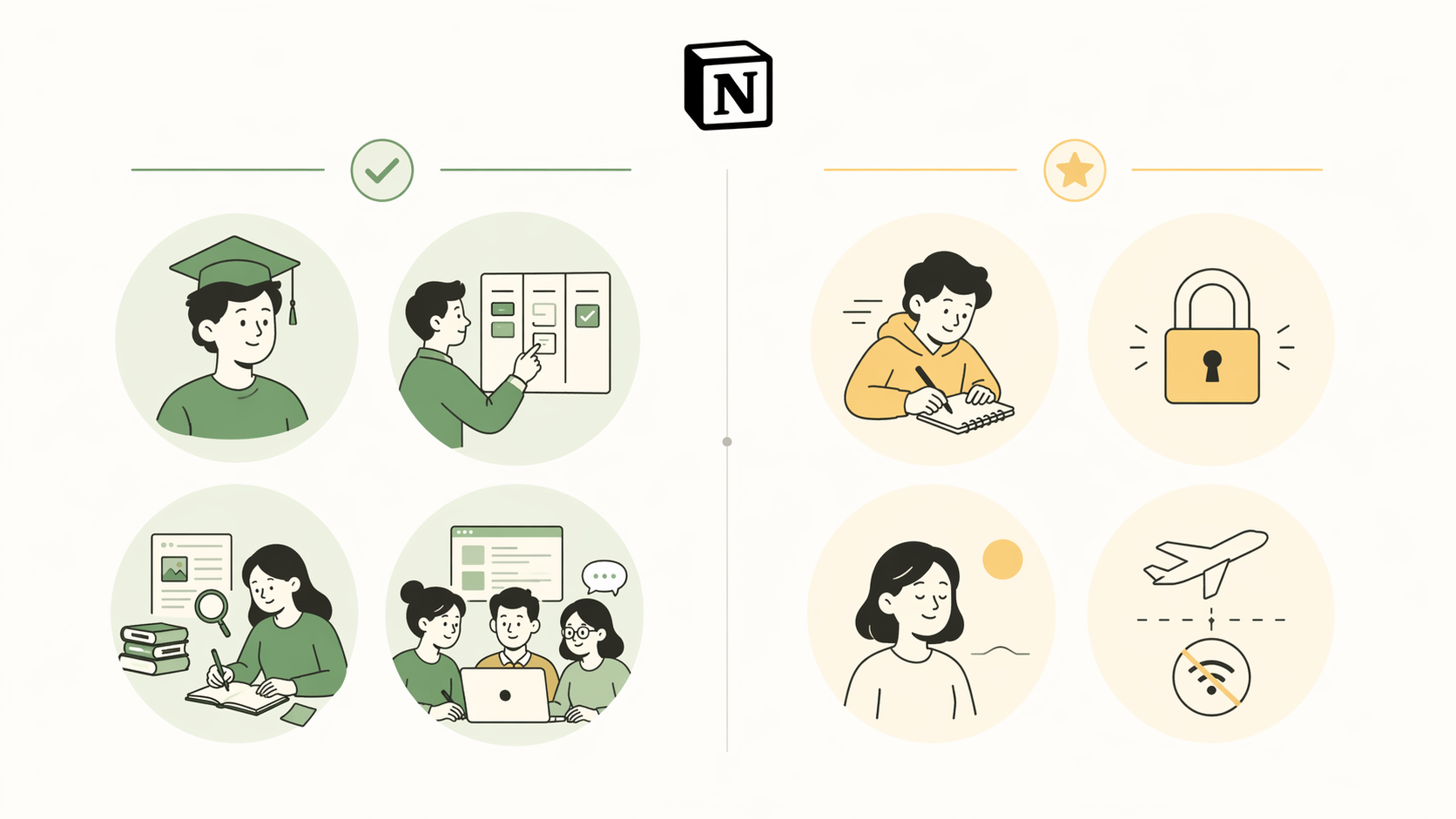
The numbers back up its dominance. Notion holds an estimated 42% market share among professionals (Worldmetrics, 2026) and ranks 2nd out of 41 note-taking apps in overall feature count with over 230 features (NoteApps.info, 2026). More than 100 million registered users have created accounts, though active daily usage is estimated between 20 and 30 million. Among 2sync's 127,000+ users across 202 countries, the top professions are students, consultants, and creators — a signal that Notion's flexibility resonates most with people who manage complex, interconnected information.
This review evaluates Notion specifically through the lens of note-taking — not project management, not wikis, not databases for their own sake. If you are trying to decide whether Notion should become your primary notes app, the sections below walk through the trade-offs with concrete data, a side-by-side comparison with alternatives, and a use-case matrix designed to help you self-select rather than follow the crowd.
Notion vs. the Competition: A Quick Comparison Table
The table below compares Notion against six key alternatives on dimensions that matter specifically for note-taking. This is not a comprehensive roundup — it is a decision-supportive snapshot to help you see where Notion excels and where it falls short relative to tools designed for different workflows.
| Dimension | Notion | Obsidian | OneNote | Evernote | Apple Notes | Google Keep | Roam Research |
|---|---|---|---|---|---|---|---|
| Structure | Databases, pages, nested blocks | Linked Markdown files, graph view | Notebooks, sections, pages | Notebooks, tags, stacks | Folders, tags, smart folders | Labels, color-coded notes | Outliner, block references, daily notes |
| Quick Capture | Web Clipper, mobile widget | Requires plugin or third-party tool | Send to OneNote, Outlook integration | Web Clipper, email-to-note | Share sheet, Siri, Quick Note | Widget, voice note, share sheet | Browser extension, mobile share |
| Offline Access | Limited (50 database rows per view) | Full offline (local Markdown files) | Full offline (local cache) | Full offline (download notebooks) | Full offline (iCloud sync) | Limited (recent notes cached) | Limited (recent pages cached) |
| Privacy / Data Ownership | Cloud-only, proprietary format | Local-first, open Markdown files | Cloud with local cache, proprietary | Cloud with local cache, proprietary | iCloud, proprietary format | Google Cloud, proprietary format | Cloud-only, proprietary format |
| Pricing (Personal Use) | Free (unlimited pages), Plus $10/mo | Free (self-hosted), Sync $5/mo | Free (with Microsoft account) | Free (60 MB/mo upload), Personal $10/mo | Free (with Apple ID) | Free (with Google account) | $20/mo (monthly), $16.67/mo (annual) |
| Best For | Structured notes, databases, team wikis | PKM, local-first, power users | Handwritten notes, classroom use | Long-form research, web clipping | Apple ecosystem, quick personal notes | Quick lists, reminders, voice memos | Bi-directional linking, networked thought |
If you see your primary need in the "Best For" row and it aligns with Notion's strengths, the rest of this review will help you get started. If your workflow leans toward quick capture, offline reliability, or local-first privacy, the alternatives section at the end of this article points to better-suited tools.
Notion's Note-Taking Strengths (With Supporting Data)
Notion's strengths for note-taking are not subtle. They stem from a single architectural decision: treat every piece of content as a block that can be nested, linked, and transformed into a database property. This unlocks capabilities that most note-taking apps cannot replicate without plugins or workarounds.
Database-Driven Organization
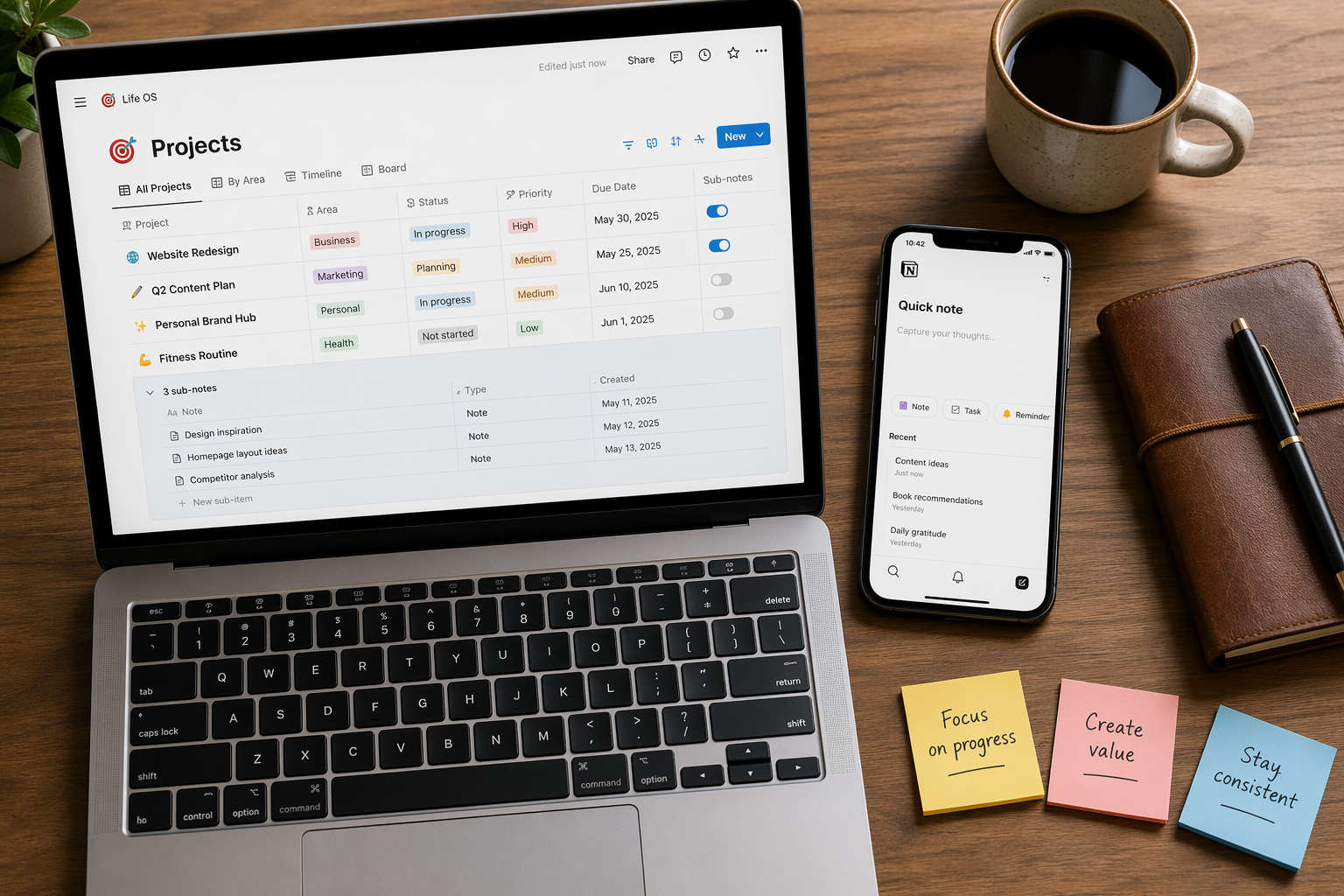
Most note-taking apps treat notes as documents in folders. Notion treats them as entries in a database. You can add properties like status, date, priority, and tags to any page, then filter, sort, and group your notes across multiple views (table, board, calendar, gallery, list). For a project manager tracking meeting notes by action item status, or a researcher organizing literature by theme and publication date, this is transformative. No other mainstream note-taking app offers this level of structured organization natively.
AI Features: Meeting Notes and Autofill
Notion AI's Meeting Notes and AI Autofill features (part of the Business plan) add capabilities no other note-taking app offers natively. AI Meeting Notes can transcribe and summarize meetings directly into a Notion database, while AI Autofill can populate database properties from natural language prompts. For users who attend frequent meetings or manage repetitive data entry, these features reduce friction significantly. Among 2sync's user base, 88% connect Google Calendar as their first integration, suggesting that calendar-to-notes workflows are a primary use case.
Extensive Template Library
Notion's template gallery contains thousands of community and official templates specifically for note-taking: meeting notes, project notes, class notes, book notes, journaling, and more. For new users, starting with a template bypasses the blank canvas paralysis that many cite as Notion's biggest hurdle. The Complete Guide to Notion Note-Taking covers the best templates for each note-taking method.
Genuinely Usable Free Plan
Notion's free plan includes unlimited pages and blocks for individual use, real-time collaboration with up to 10 guests, a basic AI trial, the Web Clipper, and 5 MB file uploads. No credit card is required. For personal note-taking — journaling, reading notes, project planning, class notes — the free plan is genuinely sufficient. The main limitations are version history (7 days on free vs. 30 days on Plus) and file upload size, neither of which affects most note-taking workflows.
Strong Collaboration
Real-time collaboration is built into every Notion page. Multiple users can edit the same note simultaneously, leave comments, and mention teammates. This makes Notion a strong choice for team meeting notes, shared project wikis, and collaborative research. Among 2sync's users, 79% choose two-way sync, indicating that keeping notes in sync across devices and collaborators is a priority.
Notion's Note-Taking Weaknesses (With Specific Examples)
The same flexibility that makes Notion powerful also creates real trade-offs. These weaknesses are not deal-breakers for everyone, but they matter enough that the 8/10 rating reflects a deduction of two full points.
Steep Learning Curve and the 'Building vs. Using' Trap
Notion's blank canvas is both its superpower and its biggest liability. New users often spend hours designing the perfect database schema, color-coding properties, and building dashboards — instead of actually taking notes. This phenomenon is so common that it has its own name: the "building vs. using" trap. If you have ever opened a new Notion page, stared at the empty space, and started designing a layout instead of writing a note, you have experienced it.
Offline Mode Limitations
Notion added offline mode in August 2025, but it comes with a significant constraint: it limits to 50 database rows per view. For a user with hundreds of notes in a single database, this means only the most recent 50 rows are available offline. If you frequently work on a train, in a coffee shop with spotty Wi-Fi, or on a plane, this limitation is a real productivity blocker. Apps like Obsidian (local Markdown files) and Apple Notes (iCloud sync with full offline cache) handle offline access more reliably.
Proprietary Format Lock-In
Notion stores all data in a proprietary format. While you can export individual pages as Markdown, HTML, or PDF, the export loses database structures, relations, rollups, and linked databases. If you decide to leave Notion after building a complex note-taking system, you will face a non-trivial migration. This is a meaningful vendor risk for users who plan to accumulate thousands of notes over several years. The Best Note-Taking Apps 2026 comparison covers data portability for each tool in more detail.
Lack of True Quick Capture
Notion's Web Clipper is excellent for saving articles, but the mobile app's quick-capture experience lags behind dedicated tools like Apple Notes (Quick Note via Control Center), Google Keep (widget + voice note), or even Evernote (widget + email-to-note). Opening the Notion app, navigating to the right database, and creating a new page takes several taps. For users who capture ideas, tasks, or reminders multiple times per hour, this friction adds up.
Use-Case Matrix: Who Should Use Notion for Note-Taking?
The table below helps you self-select based on your primary note-taking workflow. Find your scenario in the left column, check the fit level, and read the recommendation.
| Use Case | Fit Level | Recommendation |
|---|---|---|
| Structured project notes (action items, status, deadlines) | Excellent | Notion's databases with status properties and calendar views are ideal. Start with a project management template. |
| Academic research (literature notes, citations, themes) | Good | Notion's database views and linked databases work well for organizing research. Consider the student-focused guide for alternatives. |
| Team meeting notes with action tracking | Excellent | Real-time collaboration and database properties make Notion the best choice for shared meeting notes. |
| Quick capture (ideas, reminders, voice memos) | Poor | Notion's multi-tap capture process is too slow. Apple Notes, Google Keep, or a dedicated quick-capture app are better fits. |
| Personal journaling or daily logs | Good | Notion works well with a daily note template, but the offline limitation may be an issue for mobile journaling on the go. |
| Privacy-focused or local-first note-taking | Poor | Notion is cloud-only with proprietary format. Obsidian or Logseq (local Markdown files) are better for privacy-conscious users. |
| Handwritten notes or PDF annotation | Poor | Notion does not support handwriting or PDF annotation natively. OneNote or GoodNotes are better suited. |
Pricing Breakdown: What You Actually Get at Each Tier
Notion's pricing structure is straightforward, but the value of each tier depends heavily on how you take notes. The table below breaks down what each plan offers specifically for note-taking workflows.
| Plan | Price (Monthly) | Key Note-Taking Features | Limitations That Matter |
|---|---|---|---|
| Free | $0 | Unlimited pages and blocks, real-time collaboration (up to 10 guests), Web Clipper, basic AI trial, 5 MB file uploads | 7-day version history, 5 MB file upload limit, no AI Meeting Notes or AI Autofill |
| Plus | $10 | Everything in Free, plus 30-day version history, unlimited file uploads (up to 5 GB per file), custom automations | No AI Meeting Notes or AI Autofill (requires Business plan) |
| Business | $20 (annual) / $24 (monthly) | Everything in Plus, plus AI Meeting Notes, AI Autofill, 90-day version history, custom agents (paid add-on at $10 per 1,000 monthly credits), team spaces | Overkill for solo note-taking; AI features are the main differentiator |
For personal note-taking, the Free plan is genuinely sufficient. The 7-day version history is the most notable limitation — if you accidentally delete a page and do not notice for a week, it is gone. The Plus plan's 30-day history and unlimited file uploads are worth the upgrade if you attach PDFs, images, or audio files to your notes regularly. The Business plan's AI features (Meeting Notes and Autofill) are valuable for team workflows but unnecessary for individual note-taking. For a broader comparison of free vs. paid note-taking apps, see Free vs. Paid Note-Taking Apps in 2026.
Getting Started Without the Overwhelm: 3 Practical Tips
The most common reason new Notion users abandon it for note-taking is not a lack of features — it is the opposite. The blank canvas invites over-engineering before you have taken a single note. These three tips are designed to get you writing first and optimizing later.
- Start with a template, not a blank page. Notion's template gallery has pre-built templates for meeting notes, class notes, project notes, and journaling. Pick one that matches your workflow and start taking notes immediately. You can customize the structure later. The Complete Guide to Notion Note-Taking covers the best templates for each method.
- Limit yourself to three databases. The most common mistake is creating a separate database for every category of note. Start with three: one for active notes (meetings, projects, classes), one for reference notes (articles, books, research), and one for journaling or daily logs. You can always split them later.
- Use the Web Clipper for quick capture. Notion's browser extension lets you save any web page into a database with one click. This is the fastest way to get content into Notion without opening the app. For mobile quick capture, use the share sheet or set up a dedicated inbox database with a simple title-and-link format.
Final Verdict and FAQ
Notion earns an 8/10 for note-taking in 2026 because it excels at what most note-taking apps cannot do: organize notes as structured, interconnected data. If your workflow involves project notes with action items, academic research with cross-referenced themes, or team meeting notes with tracked decisions, Notion is likely the best tool for the job. Its free plan is genuinely usable, its AI features are unique, and its template library lowers the barrier to entry.
But the 8/10 is not a 10/10. The offline limitation (50 database rows per view), proprietary format lock-in, and friction for quick capture are real trade-offs that affect specific workflows. If your primary need is quick capture, offline reliability, or local-first privacy, Notion is not the right tool.
Frequently Asked Questions
- Is Notion good for students? Yes, for structured class notes, project tracking, and research organization. Students are the largest single user segment in Notion's user base. However, for handwritten notes or PDF annotation, dedicated tools like OneNote or GoodNotes are better. See the Best Note-Taking Apps for Students 2026 guide for detailed alternatives.
- Can I use Notion offline for notes? Yes, but with a limitation of 50 database rows per view. For heavy offline use, Obsidian (local Markdown files) or Apple Notes (full offline cache) are more reliable.
- Is Notion better than Obsidian for note-taking? It depends on your priorities. Notion is better for structured, database-driven notes and team collaboration. Obsidian is better for local-first privacy, offline access, and bi-directional linking. The Best Note-Taking Apps 2026 comparison covers this trade-off in detail.
- Is the free plan enough for note-taking? Yes, for personal note-taking. The Free plan includes unlimited pages and blocks, real-time collaboration with up to 10 guests, and the Web Clipper. The main limitation is 7-day version history, which means you need to notice accidental deletions within a week.