
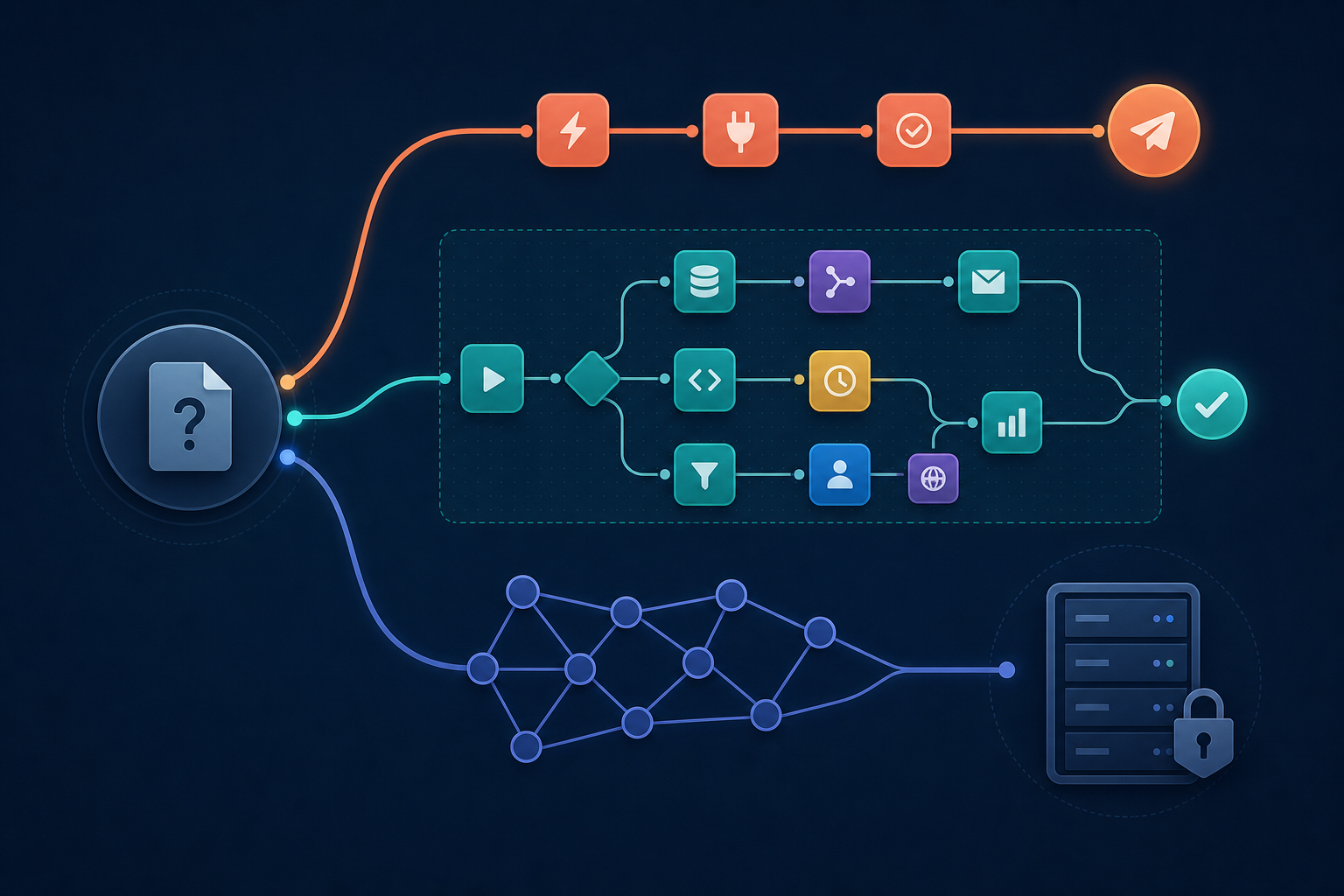
Quick Overview: Zapier vs Make vs n8n at a Glance
Before diving into the details, here is a side-by-side snapshot of the three platforms. This table establishes n8n as a distinct third option from the start — not just a cheaper alternative to Zapier or Make, but a fundamentally different approach to automation.
| Feature | Zapier | Make | n8n |
|---|---|---|---|
| Integrations | 7,000+ (up to 9,000+ per Zapier) | 1,800+ | 400+ built-in nodes, expandable via open-source |
| Starting Price | $20/month (Starter) | $9/month (Core) | Free (self-hosted) / $20/month (Cloud Starter) |
| Free Tier | 100 tasks/month, single-step only | 1,000 operations/month | Unlimited executions (self-hosted) |
| Learning Curve | Low — beginner-friendly | Medium — visual builder with depth | High — developer-oriented, node-based |
| Best For | Non-technical teams under 5K tasks/month | Mid-market teams needing visual power at lower cost | Engineering-led teams with high volume or compliance needs |
| AI Capabilities | AI Actions, natural language creation, MCP | OpenRouter integration, AI scenarios | 70+ native LangChain nodes, agent orchestration |
| Data Hosting | Cloud only (SOC 2 Type II, GDPR) | Cloud only | Self-hosted or cloud |
Zapier: Simplicity and the Broadest Integration Library
Zapier remains the default choice for a reason: it is the fastest path from idea to working automation. With over 7,000 integrations and a drag-and-drop interface that requires no technical background, a new user can build their first Zap in under ten minutes. The platform handles roughly 3 billion workflow runs per month, a scale that speaks to its reliability and market dominance.
Strengths
- Integration breadth: No other platform connects to as many apps out of the box. If you need to link an obscure CRM or a niche SaaS tool, Zapier almost certainly supports it.
- Time-to-automation: Pre-built templates and a simple trigger-action model mean you can automate a task during a coffee break.
- Enterprise readiness: Zapier's infrastructure is SOC 2 Type II certified and GDPR-compliant. The Team plan ($69/month) includes SAML SSO, role-based access controls, and shared app connections.
- AI features: Zapier's AI Actions and natural language workflow creation let you describe what you want in plain English and have the platform build the Zap for you.
The Cost Problem at Scale
Zapier's task-based pricing model is its Achilles' heel. Each step in a Zap counts as a task, so a five-step automation consumes five tasks per run. At 100,000 tasks per month, costs can exceed $500. For teams running complex, multi-step workflows, that number climbs fast. The free tier is also severely limited: 100 tasks per month with single-step Zaps only — enough to test the waters, not enough for real operations.
Zapier's paid plans start at $20/month for 750 tasks (Starter), $49/month for 2,000 tasks (Professional), and $69/month for 2,000 tasks (Team). The jump from Professional to Team adds collaboration features but does not increase the task allowance — a point that catches many growing teams off guard.
For a deeper look at Zapier's features, pricing tiers, and platform limitations, see our full Zapier review.
Make: Visual Power at a Lower Cost
Make (formerly Integromat) occupies the middle ground with a compelling value proposition: roughly 60% lower cost than Zapier at equivalent volumes, paired with a visual scenario builder that handles branching, iteration, and data transformation natively. Where Zapier abstracts complexity away, Make exposes it visually — giving you more control without requiring you to write code.
Strengths
- Visual scenario builder: Make's canvas shows every module, data path, and conditional branch as a visual flowchart. Debugging a failed scenario is intuitive — you can see exactly where data stopped flowing.
- Cost efficiency: Make's operation-based pricing means you pay per action, not per step. A complex scenario with multiple branches costs the same as a simple one as long as the operation count is similar. The Core plan starts at $9/month for 10,000 operations.
- Integration depth: With 1,800+ integrations, Make covers most major apps. Its modules often expose more granular actions than Zapier's equivalents — for example, direct access to API endpoints and data aggregators.
- AI scenarios: Make's OpenRouter integration allows you to plug into multiple AI models within a single scenario, giving flexibility in choosing the best model for each task.
Where Make Falls Short
Make's learning curve is steeper than Zapier's. The visual builder is powerful, but new users often find the interface overwhelming — there are more options, more settings, and more ways to break a scenario. Make also lacks a true self-hosted option, which rules it out for organizations with strict data residency requirements.
For a complete breakdown of Make's features, pricing, and ideal use cases, read our detailed Make review.
n8n: Open-Source, Self-Hosted, and Built for Scale
n8n is the outlier in this comparison — and for a specific set of users, it is the only rational choice. As an open-source platform with true self-hosting, n8n gives you unlimited executions on the free Community Edition, full control over your data, and the ability to extend its 400+ built-in nodes with custom code. It is not a tool for beginners, but for engineering-led teams with high volume or compliance requirements, n8n is unmatched.
Strengths
- True self-hosting: n8n runs on your own infrastructure. Sensitive data never touches a third-party server. For finance, healthcare, or legal teams, this is a non-negotiable requirement.
- Unlimited executions: The self-hosted Community Edition has no execution caps. If you need to run 500,000 workflows per month, n8n costs you only the server resources.
- AI/LLM native support: n8n includes 70+ native LangChain nodes, making it the strongest platform for building complex AI agent workflows — chaining models, managing context windows, and orchestrating multi-step agent interactions.
- Open-source extensibility: If n8n does not have a node for your tool, you can build one. The community maintains hundreds of additional nodes, and the platform's architecture is designed for customization.
- Funding and longevity: n8n raised $55 million in Series B funding in 2024, signaling strong investor confidence and a clear roadmap.
The Trade-Offs
n8n's power comes at the cost of complexity. Setting up a self-hosted instance requires DevOps knowledge — Docker, networking, and database management. The free Community Edition lacks collaboration features, role-based access control, and support. For teams that want those enterprise features without managing infrastructure, n8n's cloud plans start at $20/month (Starter Cloud, 2,500 executions) and $50/month (Pro Cloud, 10,000 executions). The Business plan, which includes SSO and advanced permissions, costs $800/month for 40,000 executions — and still requires self-hosting.
n8n's integration library (400+ built-in nodes) is smaller than Zapier's or Make's. While the open-source community fills many gaps, you may need to build custom nodes for less common tools. This is a reasonable trade-off for teams that already have engineering resources, but a dealbreaker for non-technical users.
Pricing at Scale: Where Costs Diverge
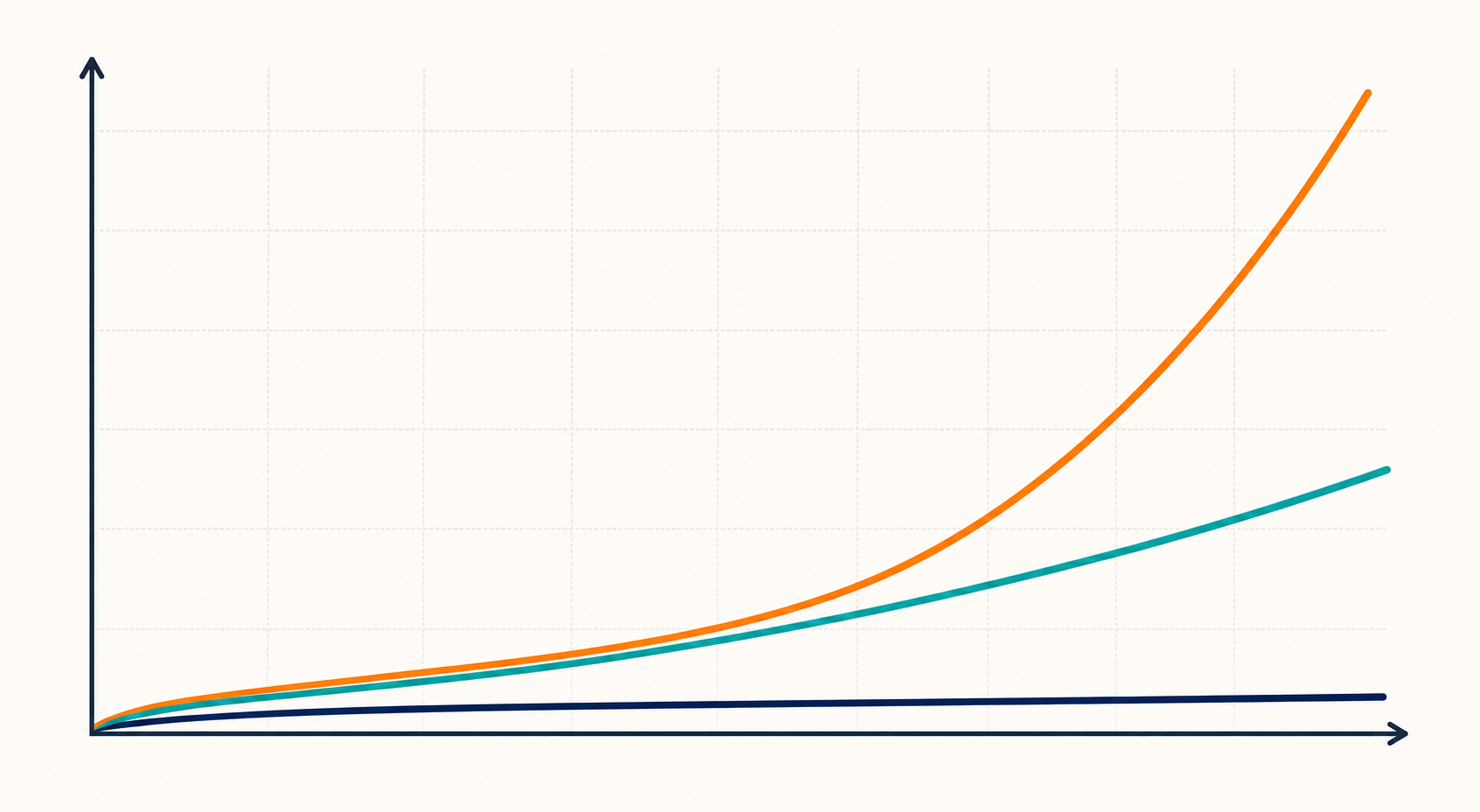
Below 5,000 tasks per month, the pricing differences between these platforms are manageable. Above 10,000 tasks per month, the curves diverge dramatically. This is where the wrong choice can cost your team thousands of dollars annually.
| Monthly Volume | Zapier (Estimated) | Make (Estimated) | n8n Self-Hosted | n8n Cloud |
|---|---|---|---|---|
| 10,000 tasks/ops | $49–$69 (Professional/Team) | $9 (Core) | $0 | $20 (Starter Cloud) |
| 50,000 tasks/ops | $200–$350+ | $29–$50 (Teams/Pro) | $0 | $50 (Pro Cloud) |
| 100,000 tasks/ops | $500+ | $100–$150 | $0 | $50 (Pro Cloud, may need multiple workspaces) |
The key insight: if your automation volume is growing, the platform you choose today determines your cost ceiling tomorrow. Zapier's pricing scales linearly with task count, which is fine for small teams but punishing at scale. Make's operation-based model offers a gentler slope. n8n's self-hosted edition removes the volume-cost link entirely.
AI Capabilities Compared
All three platforms now offer native connections to OpenAI, Anthropic, and Google Gemini. But the depth of AI integration varies significantly, and the gap is widening as each platform pursues a different strategy.
| AI Feature | Zapier | Make | n8n |
|---|---|---|---|
| AI Model Access | OpenAI, Anthropic, Google Gemini (native) | OpenAI, Anthropic, Google Gemini (via OpenRouter) | OpenAI, Anthropic, Google Gemini, local models (native) |
| Natural Language Creation | Yes — describe a workflow in plain English | No | No |
| LangChain Support | No native LangChain | No native LangChain | 70+ native LangChain nodes |
| Agent Orchestration | Basic — AI Actions for single-step AI tasks | Moderate — AI scenarios with branching | Advanced — multi-agent workflows, context management |
| Custom Model Hosting | No | No | Yes — self-hosted models via LangChain |