
For most people buying an iPad for writing notes in 2026, the 11-inch iPad Air M4 with Apple Pencil Pro is the safest recommendation. It gives you the parts that actually change handwriting comfort: Pencil Pro support, a laminated display, enough screen space for lecture slides or meeting notes, and a weight that still belongs in a backpack. The base iPad A16 is cheaper, the iPad Mini A17 Pro is easier to carry, and the iPad Pro M5 is plainly the best tablet Apple sells. But for handwritten notes, the Air is where the money starts making sense.
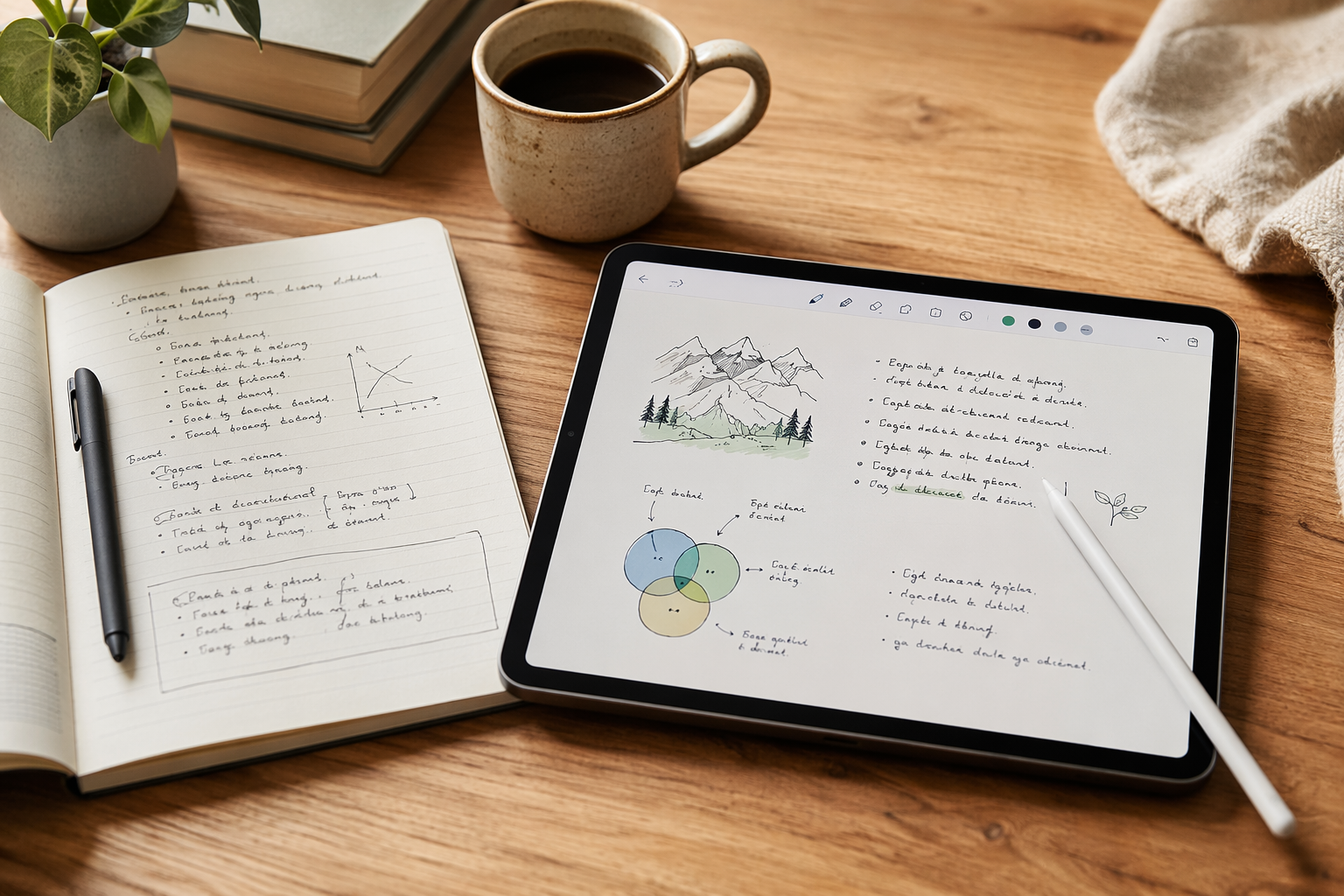
The important comparison is not the tablet price alone. It is the full note-taking setup: iPad, Pencil, and usually a paper-feel screen protector if glass feels too slick under your hand. On that basis, the 11-inch iPad Air M4 starts at $599, the iPad Mini A17 Pro at $499, the base iPad A16 at $349, and the iPad Pro M5 at $999 or more, with current pricing drawn from May–June 2026 education-store and retailer comparisons.[1][2] Add Apple Pencil Pro at $129 and a roughly $45 paper-feel protector, and the Air setup lands around $773; the comparable iPad Pro setup is around $1,173.[1][3] That roughly $400 gap is hard to justify if your main work is handwriting notes, annotating PDFs, and reviewing class or meeting material.
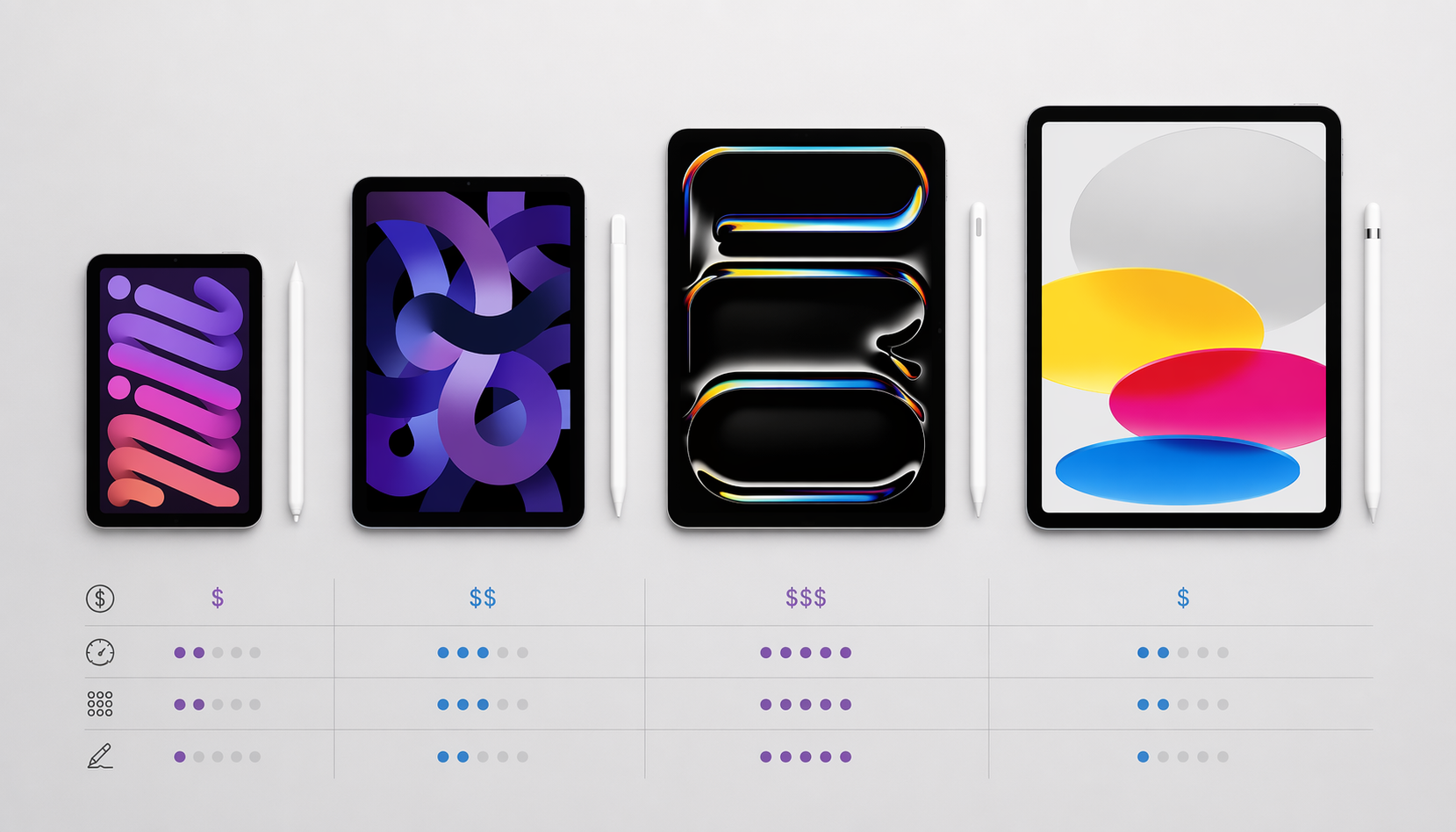
| Model | Best for | Approx. note-taking setup cost | Pencil support | Writing feel | Portability |
|---|---|---|---|---|---|
| 11-inch iPad Air M4 | Most students and professionals | $599 + $129 Pencil Pro + ~$45 protector = ~$773 | Apple Pencil Pro | Laminated display; strong glass-writing experience with the right protector | About 460g |
| iPad Mini A17 Pro | Carry-anywhere notes | $499 + Pencil + protector cost varies by setup | USB-C Apple Pencil is the budget option noted in current buying materials | Good for quick notes, cramped for split-screen reading and writing | About 293g |
| Base iPad A16 | Strict budget buyers | $349 + USB-C Apple Pencil + optional protector | USB-C Apple Pencil; no pressure sensitivity or wireless charging/pairing | Non-laminated display creates a visible gap under the nib | Less pocketable than Mini; cheaper than Air |
| iPad Pro M5 | Note-taking plus serious creative work | $999 + $129 Pencil Pro + ~$45 protector = ~$1,173 | Apple Pencil Pro | Excellent OLED and 120Hz ProMotion, but little handwriting-only advantage over Air | Premium tablet, premium price |
Buy the iPad Air M4 if notes are the main job
The iPad Air M4 is the model I would hand to the student replacing notebooks, the consultant marking up PDFs, or the manager who wants meeting notes that sync instead of disappearing into a legal pad. At about 460g, the 11-inch model is light enough to carry daily, while the display is large enough for a notebook page, a PDF margin, or a split view that does not immediately feel like a compromise.[1][2]
The laminated display matters more than the chip name. On a laminated iPad, the glass and display panel are bonded so the ink appears closer to the Pencil tip. That does not make glass feel like paper, but it removes the distracting air gap that makes some cheaper tablets feel like you are writing above the page instead of on it. If you are trying to build a daily note-taking habit, that small tactile difference can matter more than another benchmark chart.
Pencil Pro support is the other reason the Air sits in the middle so comfortably. Apple Pencil Pro brings squeeze gestures, barrel roll, haptic feedback, and Find My support, and it pairs with the iPad Air M4 and iPad Pro M5.[1] Not every note-taker needs every Pencil Pro feature, but clean pairing and a better stylus experience are the sort of conveniences you notice every time you sit down in class or open a meeting agenda.
The Air also supports Apple Intelligence, which the base iPad A16 does not.[1] That should not be the deciding factor if all you want is handwriting, but it gives the Air more room to age as Apple pushes more writing, summarizing, and organization features into iPadOS. For a device you may carry for several school years or work cycles, that margin is useful.
When the Mini, base iPad, or Pro makes more sense
iPad Mini A17 Pro: the one you actually carry
The iPad Mini A17 Pro is the choice for someone who writes because the tablet is always there. At 293g with an 8.3-inch display, it is the easiest current iPad to keep in a small bag, hold while standing, or pull out on a train.[1][2] That matters. A larger, better-value iPad sitting at home is not taking notes for you.
The trade-off is canvas size. The Mini is fine for quick meeting notes, reading notes, journal-style capture, and marking up short documents. It becomes tight when you want a textbook on one side and handwritten notes on the other, or when you need a keyboard case integrated into the setup. Current guidance also points to limited keyboard options beyond Bluetooth.[1][2] Buy the Mini because portability is the point, not because it is the best all-around notebook.
Base iPad A16: acceptable only when the budget is fixed
The base iPad A16 is the budget entry point at $349, and that price will be decisive for some buyers.[1] If the choice is this iPad or no tablet at all, it can absolutely hold notes, run common note-taking apps, and handle school or office basics. The problem is that its compromises sit exactly where handwritten-note buyers feel them.
It supports the USB-C Apple Pencil rather than Apple Pencil Pro, and the USB-C Pencil lacks pressure sensitivity and wireless charging/pairing.[1] Pressure sensitivity is not essential for every note-taker, but the overall stylus experience is less polished. The base iPad also has a non-laminated display, so there is a visible parallax gap between the Pencil tip and the digital ink.[1] Some people adapt quickly. Others notice it every time they write a small equation, draw an arrow, or try to keep handwriting neat in a narrow margin.
There is also no Apple Intelligence support on the base iPad A16.[1] That does not make it a bad notebook today, but it does make it the least future-friendly current model if you expect Apple’s software features to become part of your study or work routine. The base iPad is the right pick when the budget ceiling is immovable. If you are already close to Air money after adding accessories, the Air is the cleaner buy.
iPad Pro M5: excellent, but not for notes alone
The iPad Pro M5 is easy to admire and hard to recommend for note-taking alone. It gives you an OLED display, 120Hz ProMotion, Apple Pencil Pro support, and the M5 chip in a tablet that can stretch into serious creative work.[4] If you draw professionally, edit media, use the iPad as a laptop replacement, or simply want Apple’s best display, the Pro belongs on the shortlist.
For handwritten notes, though, the case weakens quickly. The Air already gives you Pencil Pro support and a laminated display. The Pro’s OLED panel and ProMotion refresh rate make the tablet feel more luxurious, but current comparison material does not show those upgrades creating a meaningful handwriting-quality advantage over the Air for ordinary note-taking.[4] At roughly $1,173 for a Pro-plus-Pencil-plus-protector setup, you should be buying it for more than lectures, meeting notes, and PDF annotation.[1][3]
Do not ignore the screen protector
A paper-feel screen protector is not as exciting as choosing the iPad itself, but it can change whether you keep using the thing. Bare iPad glass is smooth. For some handwriting styles, that slickness makes letters drift wider, lines feel less controlled, and long writing sessions feel slightly slippery. Paper-feel protectors add friction between the Pencil tip and glass, and products such as Rock Paper Pencil and Paperlike are commonly discussed for improving control and legibility on iPad screens.[3]
This is not a lab-tested promise from this site. The evidence here comes from product marketing and third-party reviews, not controlled handwriting studies.[3] It is still worth budgeting for because the accessory is relatively small compared with the iPad purchase, and because writing feel is one of the few things you cannot judge from a spec sheet. If you are sensitive to texture, leave room in the budget for a protector and replacement Pencil tips over time.
- If you write longhand for classes or meetings, prioritize Apple Pencil Pro support and a laminated display before chasing the fastest chip.
- If you mostly capture quick notes while moving, the iPad Mini’s smaller canvas may be worth the trade.
- If the base iPad is the only affordable option, accept the USB-C Pencil and non-laminated display as part of the deal.
- If the iPad will also be a serious creative workstation, the Pro’s display and performance can make sense.
After the hardware choice
Once you know which iPad fits your budget and bag, the next decision is software. If you want a deeper look at display feel and Pencil compatibility before buying, read our Best iPad for Note-Taking in 2026 guide. If the device decision is settled, move to The Best iPad Note-Taking App Depends on Your Workflow or our Best Handwritten Notes Apps of 2026 comparison.
For a tighter student budget, start with Best Free Note-Taking Apps for Students 2026. If your bigger question is how stylus support changes the app choice, use How to Choose the Best Note-Taking App with Stylus for Your Device or Your Tablet Determines the Best Stylus Note-Taking App.
The practical purchase decision is simple: buy the iPad Air M4 for most handwritten note-taking, the iPad Mini if carry-anywhere size matters most, the base iPad only when the budget cannot move, and the iPad Pro only when note-taking is one task inside a much heavier creative workflow.
References
- Best iPad for Students 2026, Macworld.
- Best iPads for college 2026, ZDNET.
- Is Paperlike Worth It?, Astropad.
- iPad Air M3 vs reMarkable Paper Pro note-taking comparison, 9to5Mac, June 15, 2025.