
Why Your Note-Taking App Choice Matters More in College Than High School
In high school, one notebook and a single app might have carried you through every class. College is a different animal. A single lecture in organic chemistry can fill ten pages with reaction mechanisms. A philosophy seminar might generate three pages of dense argumentation and a dozen follow-up questions. A law school class demands audio-synced notes you can search later. No single app handles all of these well.
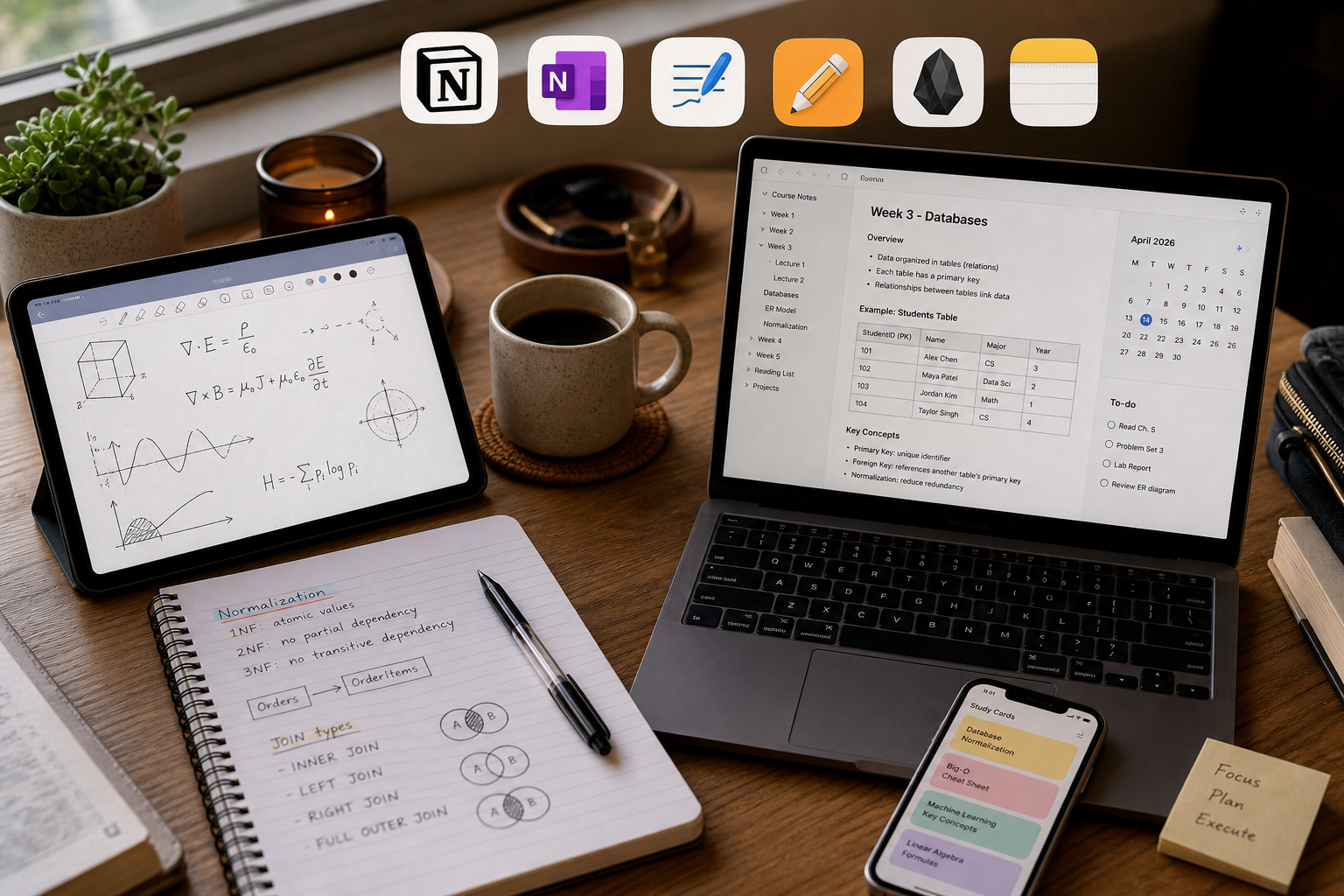
The core thesis of this comparison is straightforward: there is no single best note-taking app for all students in 2026. The right choice depends on your major, your device ecosystem, whether you handwrite or type, and your budget. More importantly, a small, consistent stack of two tools — one for handwriting capture and one for typed organization — consistently outperforms any single all-in-one app. This guide covers eight top contenders — Notion, OneNote, GoodNotes, Notability, Obsidian, Apple Notes, Evernote, and Atlas — with major-specific recommendations, pricing tables, and the latest research on handwriting versus typing to help you build that stack.
How to Choose: 5 Decision Criteria for Students in 2026
Before diving into the comparison table, consider these five factors. They will narrow the field from eight apps to two or three candidates before you read a single feature list.
- Device ecosystem. Are you all-in on Apple (iPad + Mac), a Windows user with a Surface, or do you switch between devices? Apple Notes and Bear are Apple-only. GoodNotes and Notability are strongest on iPad but have cross-platform plans. OneNote, Notion, and Obsidian work everywhere.
- Free vs. paid. A fully functional free stack exists (OneNote + Obsidian + Apple Notes = $0/year). But paying for GoodNotes ($9.99/yr) or Notability ($14.99/yr) unlocks handwriting features that matter for STEM and lecture-heavy majors.
- Major-specific workflow. STEM students need equation rendering and diagram annotation. Humanities students need cross-document synthesis and citation management. Law students need audio-synced notes. Pre-med students need spaced repetition integration. The app that works for a computer science major will frustrate a philosophy major.
- Handwriting vs. typing. If you own an iPad or a Surface with a pen, handwriting apps like GoodNotes and Notability are serious options. If you type everything, Obsidian and Notion offer better organization and linking. The 2024 Flanigan meta-analysis found that handwritten notes produce higher course achievement — but only when students review them. More on that later.
- AI features. Notion AI, Atlas AI, NotebookLM, and Notability Learn can summarize lectures, generate flashcards, and answer questions about your notes. These features are not gimmicks — they save real time during exam prep. But they come at a cost, and not all apps protect your data equally. Notion, Atlas, OneNote, and Apple Notes do not use your content to train third-party AI models.
The 8 Best Note-Taking Apps Compared: Pricing, Platforms, and Key Features
The table below summarizes the eight apps covered in this comparison. Pricing was last verified from official sources in mid-2026. Always check the app store or vendor website for the most current rates, especially for student discounts.
| App | Starting Price (Student) | Platforms | Handwriting | AI Features | Best Fit Major |
|---|---|---|---|---|---|
| Notion | $0/mo (Plus free with .edu) | Web, Mac, Windows, iOS, Android | No native handwriting | Notion AI (add-on) | Pre-med, humanities, project-based courses |
| OneNote | $0 (free with Microsoft account) | Web, Mac, Windows, iOS, Android | Yes (ink layer) | Copilot for M365 (enterprise) | Any major, especially Windows users |
| GoodNotes | $9.99/yr | iOS, iPadOS, Mac (cross-platform plan) | Yes (native) | Ask GoodNotes AI, Math Assistance | STEM with iPad |
| Notability | $14.99/yr (Standard) | iOS, iPadOS, Mac | Yes (native) | Notability Learn (AI summaries, quizzes) | Law, lecture-heavy classes |
| Obsidian | $0 (free for personal use) | Mac, Windows, Linux, iOS, Android | No native handwriting | Community plugins | CS, engineering, PKM enthusiasts |
| Apple Notes | $0 (free with Apple ID) | iOS, iPadOS, Mac | Yes (sketching) | Apple Intelligence | Apple ecosystem users |
| Evernote | $14.99/mo (Personal) | Web, Mac, Windows, iOS, Android | No native handwriting | AI note cleanup | Legacy users, web clipping |
| Atlas | $0 (free upon request for students) | Web, Mac, Windows | No native handwriting | Atlas AI (cross-doc synthesis) | Humanities, social science, pre-law |
Here is a closer look at each app's standout feature and its biggest tradeoff.
- Notion. The most-installed note-taking app among college students in 2026, according to Atlas data. Its database, calendar, and wiki features make it ideal for building study systems and managing group projects. The Plus plan is free with a .edu email. Tradeoff: no native handwriting support and a steeper learning curve than simpler apps.
- OneNote. The strongest free cross-platform option. It is often pre-installed through school Microsoft 365 licensing, supports handwriting via an ink layer, and offers a freeform canvas that mimics a physical notebook. Tradeoff: its organizational structure (notebooks → sections → pages) can feel rigid compared to Notion's databases.
- GoodNotes. At $9.99/year, it is the best handwriting app for STEM students with an iPad and Apple Pencil. It offers unlimited nested folders, real-time collaboration, and AI Math Assistance. Tradeoff: it is iPad-first; the cross-platform plan is newer and less mature.
- Notability. Its audio recording syncs writing to the exact moment in a lecture — tap a word to hear what the professor said at that point. This is the killer feature for law school and lecture-heavy classes. Tradeoff: organization is limited to 5 levels of dividers, and it costs $14.99/year.
- Obsidian. Free for personal use, with over 2,000 community plugins. It stores notes as local Markdown files that you own forever. Its graph view and bidirectional linking make it ideal for computer science students building a personal knowledge base. Tradeoff: no native handwriting support, and sync costs $8/month if you want it across devices.
- Apple Notes. Zero-setup on Apple devices. It supports sketching, scanning, and Apple Intelligence features. Tradeoff: it is Apple-only and lacks the organizational power of Notion or Obsidian for complex projects.
- Evernote. Still the best web clipper on the market. Its free plan is severely limited (50 notes, 1 notebook, 1 device). Tradeoff: the paid plans ($14.99/month) are expensive for what you get compared to modern alternatives.
- Atlas. Designed for research-heavy majors. Its AI can synthesize across documents, helping humanities and social science students connect ideas from multiple readings. The Pro plan is $20/month, but the company offers free access to students upon request. Tradeoff: it is a newer, smaller player with a narrower feature set than Notion or Obsidian.
Best Note-Taking App by Major: STEM, Humanities, Pre-Med, CS, Law, and More
The following recommendations are based on testing and workflow analysis from multiple sources, including Atlas and Drawboard. They are starting points — your individual workflow may vary within the same major.
- STEM (engineering, physics, chemistry, math). GoodNotes on an iPad with Apple Pencil. Handwriting is essential for equations, diagrams, and reaction mechanisms. GoodNotes offers unlimited nested folders for organizing by course and topic, and its AI Math Assistance can check work. Pair it with Notion for typed lab reports and project management.
- Humanities and social science. Atlas + Notion. Atlas excels at cross-document synthesis — it can pull themes from ten readings and generate a summary. Notion handles the organizational layer: course databases, reading lists, and paper outlines. Both protect your data from third-party AI training.
- Pre-med. Notion + NotebookLM + Anki. Notion organizes the massive volume of material across biology, chemistry, and physics. NotebookLM generates study guides from your lecture notes. Anki handles spaced repetition for memorization. This three-tool stack is more effective than any single app for the volume of content pre-med students face.
- Computer science and engineering. Obsidian. CS students benefit from Obsidian's local Markdown files, bidirectional linking, and 2,000+ plugin ecosystem. You can build a personal knowledge base that connects algorithms, data structures, and project notes. The graph view helps you see relationships between concepts. See our full Obsidian review for a deeper dive.
- Law school. Notability. Law school lectures are dense and fast. Notability's audio recording syncs your handwriting to the exact moment in the lecture — tap a word to hear what the professor said. This is invaluable for case briefs and exam review. The tradeoff is limited organizational structure (5 levels of dividers), but the audio sync makes up for it.
- Languages and linguistics. Apple Notes or OneNote. Language learning benefits from quick capture — a word, a phrase, a pronunciation note. Apple Notes is instant on iPhone. OneNote's freeform canvas works well for writing characters and annotating texts. Both are free.
Free vs Paid: When Should Students Actually Pay for a Note-Taking App?
The good news: you can build a fully functional note-taking system for $0 per year. The one-year cost table below shows what each app costs, and which combinations give you the most value for your money.
| App | One-Year Cost (Student) | What You Get |
|---|---|---|
| Notion | $0 (Plus free with .edu) | Databases, wikis, real-time collaboration, unlimited blocks |
| OneNote | $0 (free with Microsoft account) | Full note-taking, handwriting, 5GB storage |
| Apple Notes | $0 (free with Apple ID) | Quick capture, sketching, scanning, Apple Intelligence |
| Obsidian | $0 (free for personal use) | Local Markdown files, 2,000+ plugins, graph view |
| GoodNotes | $9.99/yr | Handwriting, nested folders, AI Math Assistance, real-time collaboration |
| Notability | $14.99/yr | Audio-synced notes, AI summaries, multi-note view |
| Atlas Pro | $0 (free upon request for students) | Cross-document AI synthesis, research workspace |
| Evernote Personal | $179.88/yr | Web clipping, 10GB uploads, AI note cleanup |
When does it make sense to pay?
- You need handwriting on an iPad. GoodNotes at $9.99/year is the best value. It beats Notability on organization (unlimited nested folders vs. 5-level dividers) and offers a one-time purchase option ($35.99) if you want to avoid subscriptions.
- You attend lecture-heavy classes. Notability's audio sync is worth $14.99/year if you are in law, philosophy, or any major where lectures are the primary content delivery method.
- You need cross-document synthesis. Atlas Pro at $20/month is expensive, but the company offers free access to students upon request. If you are a humanities or social science major writing a thesis, it is worth applying.
- You want a free stack. OneNote + Apple Notes + Obsidian free = $0/year. OneNote handles handwriting and cross-platform needs. Apple Notes handles quick capture on iPhone. Obsidian handles long-term knowledge management. This is the most cost-effective option for budget-conscious students.
Handwriting vs. Typing: What the 2024–2025 Research Actually Says
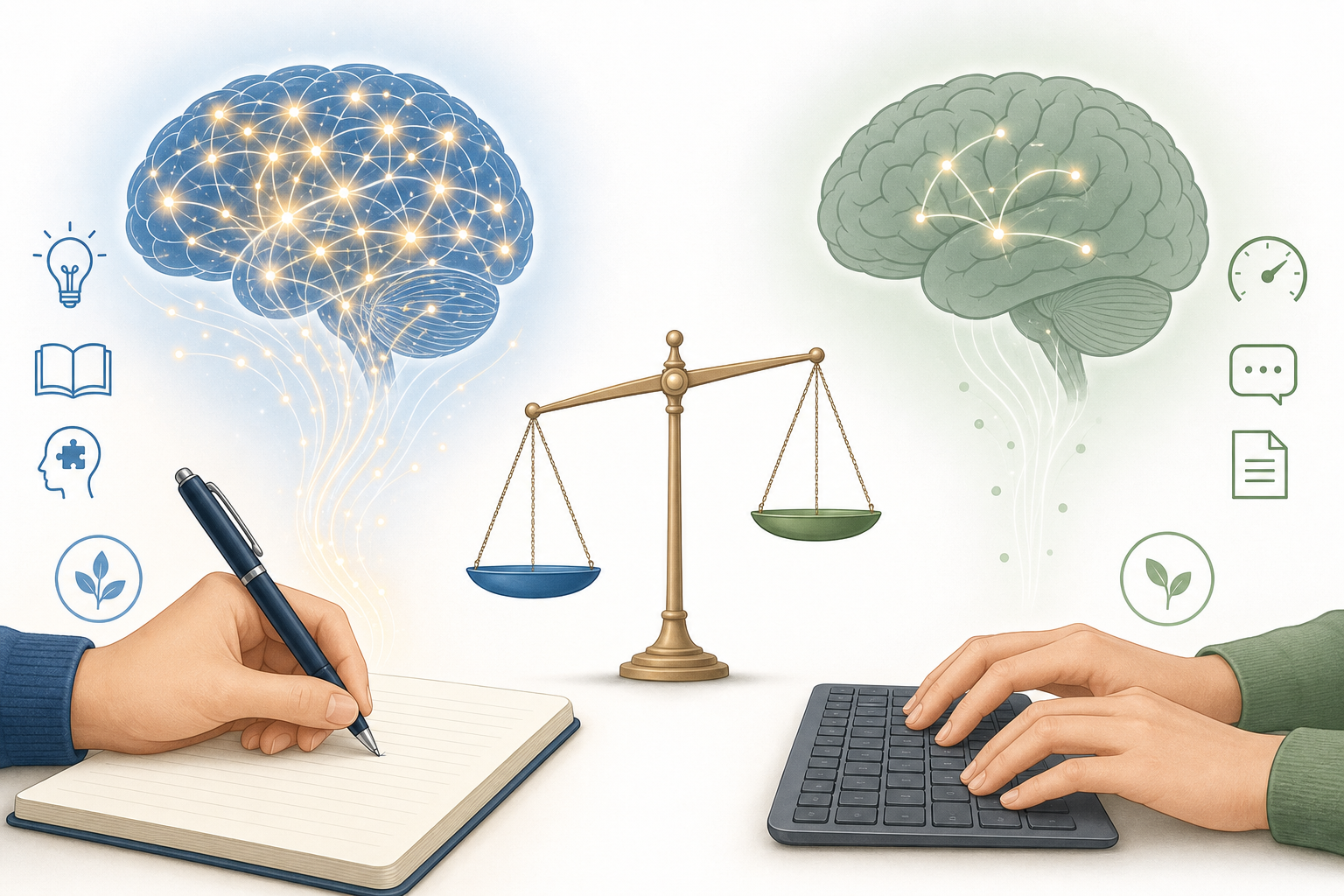
The debate between handwriting and typing has produced strong opinions on both sides. The 2024 Flanigan meta-analysis, which synthesized data from multiple studies, found that handwritten notes produce higher course achievement than typed notes, with a Hedges' g effect size of 0.248 (p < 0.001). That is a small-to-medium effect — meaningful but not transformative.
A 2025 PMC neuroimaging review added a neurological dimension: handwriting activates broader brain networks than typing, including areas involved in motor control, spatial processing, and memory encoding. This suggests that the physical act of writing by hand creates richer cognitive traces.
However, a 2025 rebuttal to the Flanigan meta-analysis noted a critical caveat: the handwriting advantage shrinks significantly in study designs that omit the review step. In other words, handwriting does not help during capture — it helps during review. If you handwrite notes and never look at them again, you gain nothing over typing. The advantage comes from the fact that handwritten notes force you to paraphrase and organize in real time, creating a better study artifact.
This is why the two-tool-stack thesis matters. A student who handwrites equations in GoodNotes during a calculus lecture and then types a structured summary in Notion afterward gets the best of both worlds: deeper encoding during capture and better organization for review. A student who types everything in OneNote gets speed and searchability but misses the encoding benefit. A student who handwrites everything in a paper notebook gets the encoding benefit but loses searchability and backup.
Final Verdict: Which Note-Taking App Should You Choose in 2026?
Here are the top picks by use case, summarized for quick reference.
- Best free cross-platform: OneNote. Free with a Microsoft account, works on every platform, supports handwriting. It is the safest default for any student who does not want to spend money.
- Best for iPad STEM: GoodNotes ($9.99/yr). Superior organization, AI Math Assistance, and real-time collaboration. Pair with Notion for typed work.
- Best for CS/engineering: Obsidian (free). Local Markdown files, 2,000+ plugins, graph view. You own your data forever.
- Best for research-heavy majors: Atlas (free for students upon request). Cross-document AI synthesis for humanities and social science.
- Best for lecture-heavy classes: Notability ($14.99/yr). Audio-synced notes are unmatched for law, philosophy, and similar majors.
- Best all-in-one for project-based courses: Notion (free with .edu). Databases, wikis, and real-time collaboration make it ideal for group projects and study systems.
The two-tool-stack thesis in practice:
- Budget-conscious student: OneNote (handwriting and typed notes) + Obsidian (knowledge management) + Apple Notes (quick capture) = $0/year.
- iPad power user: GoodNotes (handwriting) + Notion (organization) + Atlas (research synthesis) = $9.99/yr (or $249.99/yr with Atlas Pro).
- Lecture-heavy student: Notability (audio-synced notes) + Obsidian (long-term knowledge base) = $14.99/yr.
Frequently Asked Questions
Can I use two note-taking apps together?
Yes, and this guide recommends it. Use one app for handwriting capture during class (GoodNotes, Notability, or OneNote) and a second app for typed organization and long-term knowledge management (Notion, Obsidian, or Atlas). The two-tool stack gives you the encoding benefits of handwriting and the organizational power of digital notes.
Is Notion really free with a .edu email?
Yes. Notion offers the Plus plan free to students with a valid .edu email address. This includes unlimited blocks, file uploads up to 5MB, and real-time collaboration. It is one of the best deals in the note-taking space.
Which app is best for group projects?
Notion is the strongest option for group projects. Its real-time collaboration, databases, and wikis make it easy to assign tasks, share resources, and track progress. GoodNotes also supports real-time collaboration for handwritten notes. OneNote supports sharing but is less structured for project management.
Do I need an iPad for handwriting apps?
Not necessarily. OneNote supports handwriting on Windows devices with a pen (Surface, Lenovo Yoga, etc.). GoodNotes and Notability are iPad-first but have cross-platform plans. If you do not own a tablet with a pen, typing in Obsidian or Notion is a perfectly viable alternative. See our Windows pen note-taking comparison for Surface and Windows tablet options.
How do I migrate notes between apps?
Most apps support export to PDF, Markdown, or HTML. Obsidian and Notion have the best import/export ecosystems. If you are moving from Evernote to Notion or OneNote to Obsidian, check our migration guides for step-by-step instructions. The key is to export in a lossless format (Markdown or HTML) rather than PDF, which loses searchability.
Do AI features in note-taking apps use my data for training?
Notion, Atlas, OneNote, and Apple Notes have stated that they do not use user content to train third-party AI models. Notability and GoodNotes have not made the same public commitment. If data privacy is a concern, stick with the apps that have explicit policies against using your notes for AI training.