Why Stylus Note-Taking Matters in 2026
The gap between writing on paper and writing on a screen has effectively closed. In 2026, the best stylus-and-tablet combinations deliver pen latency below 10 milliseconds — faster than the human nervous system can perceive. The Apple Pencil Pro on an iPad Pro M4 registers input at roughly 9ms. The S Pen Pro on a Samsung Galaxy Tab S10 is even quicker at approximately 6.2ms. Even the Surface Slim Pen 2, historically the laggard in this trio, now sits at around 14ms, which is well within the range most users consider natural.
These hardware improvements matter because they remove the friction that kept many knowledge workers and students tethered to paper notebooks. When the writing feels instantaneous, the cognitive benefits of handwriting — better recall, deeper processing, stronger conceptual understanding — transfer directly to the digital canvas. Research consistently shows that handwriting activates neural pathways that typing does not, and modern stylus apps preserve that advantage while adding search, backup, and AI-powered organization.
But here is the catch: no single app works best on every device. The stylus note-taking market has fragmented along hardware lines. An app that feels buttery-smooth on an iPad may stutter on a Galaxy Tab, and the app that ships free with your Surface may not even be available on your phone. That is why this guide does not start with a feature list. It starts with your tablet.
What to Look for in a Stylus Note-Taking App
Before diving into the apps, it helps to understand the criteria that separate a genuinely useful stylus app from one that will frustrate you after the first week. These are the dimensions that matter most in daily use.
- Pen latency and feel: Measured in milliseconds, this is how quickly the ink appears under the tip. Below 15ms is good; below 10ms is excellent. The app must also support the full pressure sensitivity and tilt of your stylus.
- Palm rejection: When you rest your hand on the screen while writing, the app should ignore it. Bad palm rejection makes extended note-taking sessions exhausting.
- Handwriting OCR accuracy: The ability to search handwritten notes or convert them to typed text. This varies wildly between apps — from 76% to 96% in recent tests.
- PDF annotation depth: If you annotate academic papers, legal documents, or design briefs, the app needs to handle 200+ page PDFs without lag and offer tools like highlighting, sticky notes, and freehand markup.
- Cross-platform sync: Do you need your notes on your phone during your commute and on your laptop during meetings? Some apps sync everywhere; others are locked to one ecosystem.
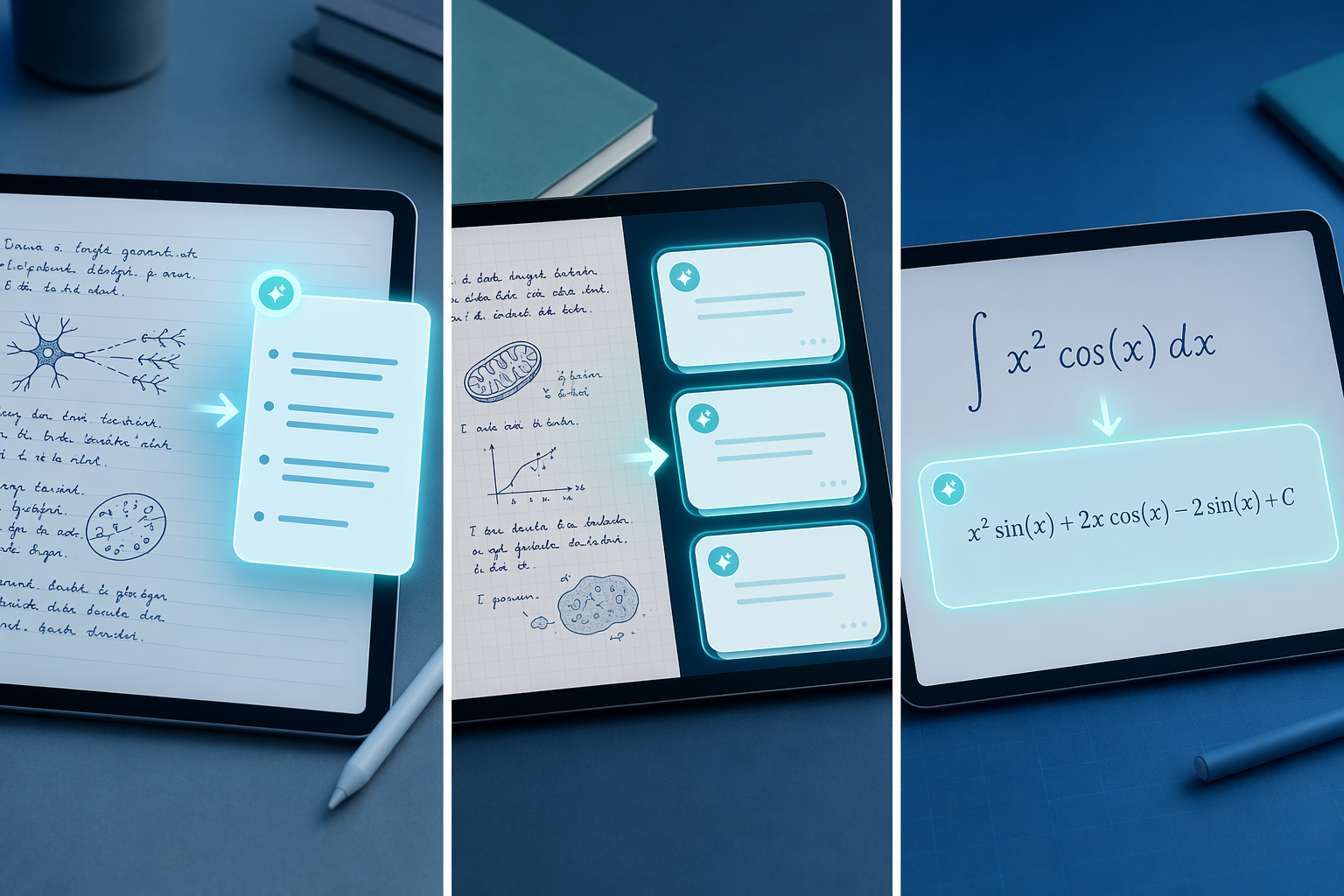
- AI features: In 2026, several apps offer handwriting-aware AI — summaries, flashcard generation, math solving. These features are rarely free and their value depends heavily on your workflow.
The table below summarizes how the top apps perform on these criteria, based on recent hands-on testing and published benchmarks.
The Best Stylus Note-Taking Apps in 2026: Head-to-Head Comparison
| App | Platform | Pricing | Pen Latency (iPad Pro M2) | Handwriting OCR Hit Rate | PDF Annotation | AI Features |
|---|---|---|---|---|---|---|
| GoodNotes 6 | iPad, Mac, iPhone | $9.99/yr or $29.99 lifetime | ~11ms | 88% | Excellent (200+ pages) | $4.99/mo add-on: summaries, flashcards, math solving |
| Notability | iPad, Mac, iPhone | $14.99/yr (Standard); $19.99/yr (Plus); $99.99/yr (Unlimited) | ~13ms | 91% | Excellent (200+ pages) | AI tools with usage caps on Plus plan |
| Apple Notes | Apple ecosystem (free) | Free (iCloud storage may apply) | ~9ms | 76% | Moderate | Free Math Notes (handwritten equation solving) |
| Samsung Notes | Samsung Galaxy devices only | Free | ~6.2ms (S Pen Pro on Tab S10) | Not independently benchmarked | Excellent (200+ pages) | Limited; AI features via Samsung ecosystem |
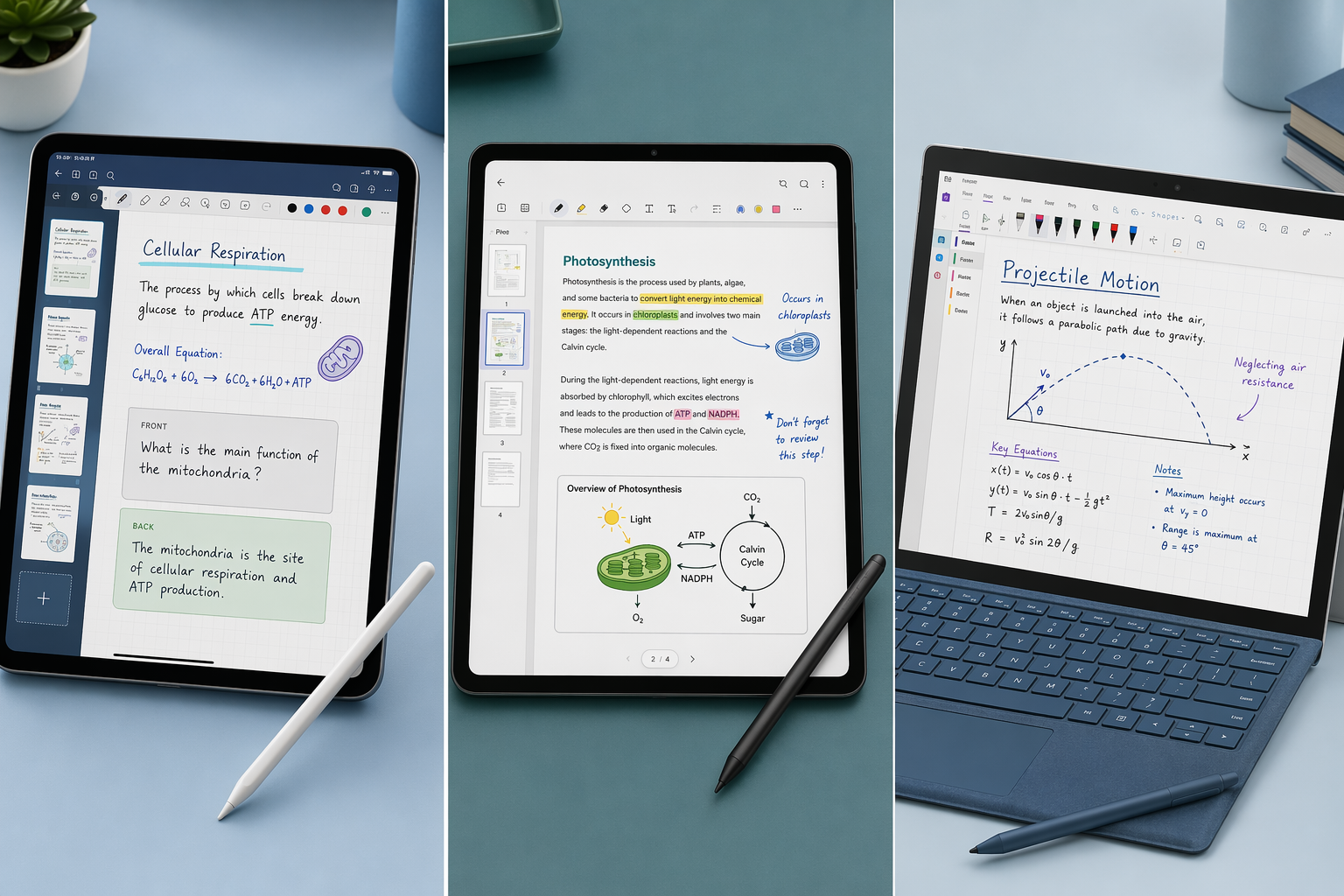
| Microsoft OneNote | Windows, Mac, iPad, Android, Web | Free (5GB storage); Microsoft 365 for more | ~14ms (Surface Slim Pen 2) | Good (ink-to-text feature) | Excellent (200+ pages) | No dedicated handwriting AI |
| Nebo | iPad, Windows, Android | $9.99 one-time (iPad); $14.99 one-time (all features) | ~11ms | 96% | Moderate | AI Summarize, Explain, Chat, Quiz (included) |
| Concepts | iPad, Windows, Android, Chromebook | Free; Concepts Pro $89.97 one-time | ~12ms | Weak (no native OCR) | Weak | No handwriting AI |
Best for iPad: GoodNotes, Notability, or Apple Notes?
If you own an iPad with an Apple Pencil, you have three strong choices — and the right one depends entirely on how you take notes.
GoodNotes 6: The Polished Handwriting Powerhouse
GoodNotes 6 remains the gold standard for handwritten note-taking on the iPad. With pen latency measured at approximately 11ms, the writing feel is close to paper — not quite as instantaneous as Apple Notes, but well within the range that most users find natural. The app's handwriting OCR returns the correct page within the first three search hits 88% of the time, according to Atlas testing. That means you can scribble a page of lecture notes and later find the exact page by searching for a single word.
GoodNotes excels at PDF annotation. It handles documents of 200 pages or more without noticeable lag, making it the top choice for students and researchers who work with dense academic papers. The app also offers a rich template ecosystem — planners, notebooks, and study aids — which has made it the default for the digital planning community.
Pricing is straightforward: $9.99 per year or a $29.99 lifetime purchase on iPad. The optional AI add-on costs $4.99 per month and adds handwriting-aware summaries, flashcard generation, and math solving. We have a full analysis of GoodNotes AI in 2026 that breaks down what each feature costs and whether it is worth the upgrade.
Notability: The Audio-Sync Champion
Notability's killer feature remains its audio recording and playback synced to handwritten notes. Tap any word on the page and the audio jumps to the exact moment you wrote it. For lecture-heavy students, meeting-heavy professionals, and anyone who needs to revisit spoken content, this is transformative. No other app does it as well.
The writing experience is smooth and responsive, with latency around 13ms — slightly behind GoodNotes but still comfortable. Notability's OCR search hit rate is 91%, the highest among the three iPad-native apps tested by Atlas. Its PDF annotation is on par with GoodNotes, handling large documents without issue.
Pricing starts at $14.99 per year for the Standard plan. The Plus plan ($19.99/year) adds AI tools with usage caps, and the Unlimited plan ($99.99/year) removes those caps. Tool Finder describes Notability as "Best for Students & Math" and notes that the audio-synced notes feature remains unmatched.
Apple Notes: The Free, Surprisingly Capable Option
Apple Notes has evolved significantly. With iPadOS 18+, it delivers sub-9ms latency — faster than both GoodNotes and Notability — and includes Smart Script, which refines your handwriting in real time to make it more legible without changing your personal style. The Math Notes feature solves handwritten equations live on the page, a capability that previously required a dedicated calculator app.
The trade-off is OCR accuracy. Atlas testing found that Apple Notes returned the correct page within the first three search hits only 76% of the time — noticeably lower than Notability's 91% and GoodNotes' 88%. PDF annotation is functional but not as deep as the dedicated apps. For users who take straightforward notes, annotate lightly, and value a zero-cost solution, Apple Notes is sufficient for an estimated 80% of use cases.
For readers who prioritize templates, digital planners, and aesthetic customization, see our breakdown of iPad note-taking app template ecosystems.
Best for Samsung Galaxy Tab: Samsung Notes Is the Obvious Start
If you own a Samsung Galaxy Tab, the best stylus note-taking app is the one that came pre-installed. Samsung Notes is free, deeply integrated with the S Pen, and delivers the lowest pen latency of any major combination: approximately 6.2ms on the Galaxy Tab S10 with the S Pen Pro. That is faster than any iPad or Surface setup.
Samsung Notes supports full pressure sensitivity, tilt recognition, and palm rejection out of the box. It handles PDF annotation on 200+ page documents, includes audio recording with timestamps, and syncs across Samsung devices via your Samsung account. For the vast majority of Galaxy Tab users — students taking lecture notes, professionals annotating documents, designers sketching ideas — Samsung Notes covers every essential function at zero cost.
The main limitation is platform lock-in. Samsung Notes is only available on Galaxy devices. If you also use a Windows laptop or an iPad, your notes stay on the Samsung ecosystem. That is where alternatives come in.
When to Consider Nebo or OneNote on Galaxy Tab
Nebo is the specialist for handwriting-to-text conversion. Its 96% accuracy rate, confirmed by Atlas testing, is the best in class. If your workflow requires converting handwritten notes into clean typed documents — for reports, meeting minutes, or study guides — Nebo's $9.99 one-time purchase on Android is a small investment. NoteLyn also recommends Nebo for Android users who prioritize handwriting recognition over native S Pen features.
OneNote is the fallback for cross-platform sync. It runs on Galaxy Tab, Windows, Mac, iPad, and the web. If you need your handwritten notes accessible on every device you own, OneNote's free tier is the only option that works everywhere. Its stylus support on Android is solid, with reliable palm rejection and an ink-to-text feature, though it lacks the S Pen-specific optimizations of Samsung Notes.
Best for Surface and Windows: OneNote Leads the Pack
For Surface Pro, Surface Laptop Studio, and Windows tablet users, the recommendation is straightforward: Microsoft OneNote. PCMag gives OneNote an Editors' Choice rating of 4.5 out of 5, noting that the free version includes all core features — excellent organization tools, free-form placement of attachments and drawings, a top-notch web clipper, and full stylus support.
OneNote's stylus performance on the Surface Slim Pen 2 is approximately 14ms latency — not as fast as the iPad or Galaxy Tab, but entirely usable for extended note-taking sessions. The app handles PDF annotation on large documents, supports audio recording, and offers robust OCR for searching handwritten content. Its integration with Microsoft Teams makes it the best choice for teams and organizations already in the Microsoft ecosystem.
OneNote also stands out for e-ink device compatibility. Android Police tested OneNote on a Boox Palma 2 Pro e-ink reader and found it was the only app that passed all criteria: e-ink compatibility, handwritten note support, organizational features, and document importing. On the Boox display, "OneNote didn't fail me once" for importing photos, jotting handwritten notes, and recording voice memos.
For Windows users who need handwriting-to-text conversion, Nebo is again the specialist. Its $9.99 one-time purchase on Windows provides the same 96% accuracy as the Android version, making it a strong complement to OneNote for users who frequently convert handwritten notes to typed text.
AI in 2026: What Each App Offers and Whether It's Worth Paying For
The 2026 AI layer in stylus note-taking apps is real, but it is not free — and it is not equally valuable for every user. Here is what each major app offers and what it costs over three years.
| App | AI Features | AI Cost | 3-Year App Cost (No AI) | 3-Year App Cost (With AI) |
|---|---|---|---|---|
| GoodNotes 6 | Summaries, flashcard generation, math solving | $4.99/mo add-on | $29.97 (annual) or $29.99 (lifetime) | $209.61 (annual + AI) |
| Notability Plus | AI tools with usage caps | Included in Plus ($19.99/yr) or Unlimited ($99.99/yr) | $44.97 (Standard) | $59.97 (Plus) or $299.97 (Unlimited) |
| Apple Notes | Math Notes (handwritten equation solving) | Free | $0 | $0 |
| Samsung Notes | Limited; ecosystem-dependent | Free | $0 | $0 |
| Microsoft OneNote | No dedicated handwriting AI | N/A | $0 | $0 |
| Nebo | Summarize, Explain, Chat, Quiz | Included in one-time purchase | $9.99 (iPad) or $14.99 (all features) | $9.99 or $14.99 (no additional cost) |
The key takeaway: AI features add significant cost to GoodNotes and Notability, while Apple Notes, Samsung Notes, and OneNote remain free. Nebo includes its AI features (Summarize, Explain, Chat, and Quiz generation) in the one-time purchase price, making it the most cost-effective option if handwriting-to-text conversion and AI-powered study tools are your priority.
The Verdict: Pick Your Tablet First, Then Choose Your App
The decision framework is simple. Identify your tablet hardware, then match it to the app that best serves your primary use case.
- iPad + Apple Pencil: Choose GoodNotes 6 for the best handwriting experience and PDF annotation ($9.99/yr or $29.99 lifetime). Choose Notability if audio-synced notes are essential ($14.99/yr). Choose Apple Notes if you want a free, competent option with Math Notes and sub-9ms latency.
- Samsung Galaxy Tab + S Pen: Start with Samsung Notes (free, ~6.2ms latency). Add Nebo ($9.99 one-time) if you need best-in-class handwriting-to-text conversion. Use OneNote (free) if you need cross-platform sync.
- Surface / Windows + Surface Pen: Use OneNote (free, Editors' Choice). Add Nebo ($9.99 one-time) for handwriting-to-text. OneNote also works best on e-ink devices like Boox.
- Cross-platform users: OneNote is the only free option that works on Windows, Mac, iPad, Android, and the web. Accept slightly higher latency (~14ms) in exchange for universal access.
- Budget-conscious users: Apple Notes, Samsung Notes, and OneNote all cost $0. Nebo costs $9.99 one-time. GoodNotes + AI costs ~$210 over three years. Choose based on whether the additional features justify the cost for your specific workflow.