
If school starts soon and your summer-reading notes are still scattered across half-finished pages, the immediate goal is not a beautiful dashboard. You need one place that shows what you read and one repeatable page that turns notes into a report.
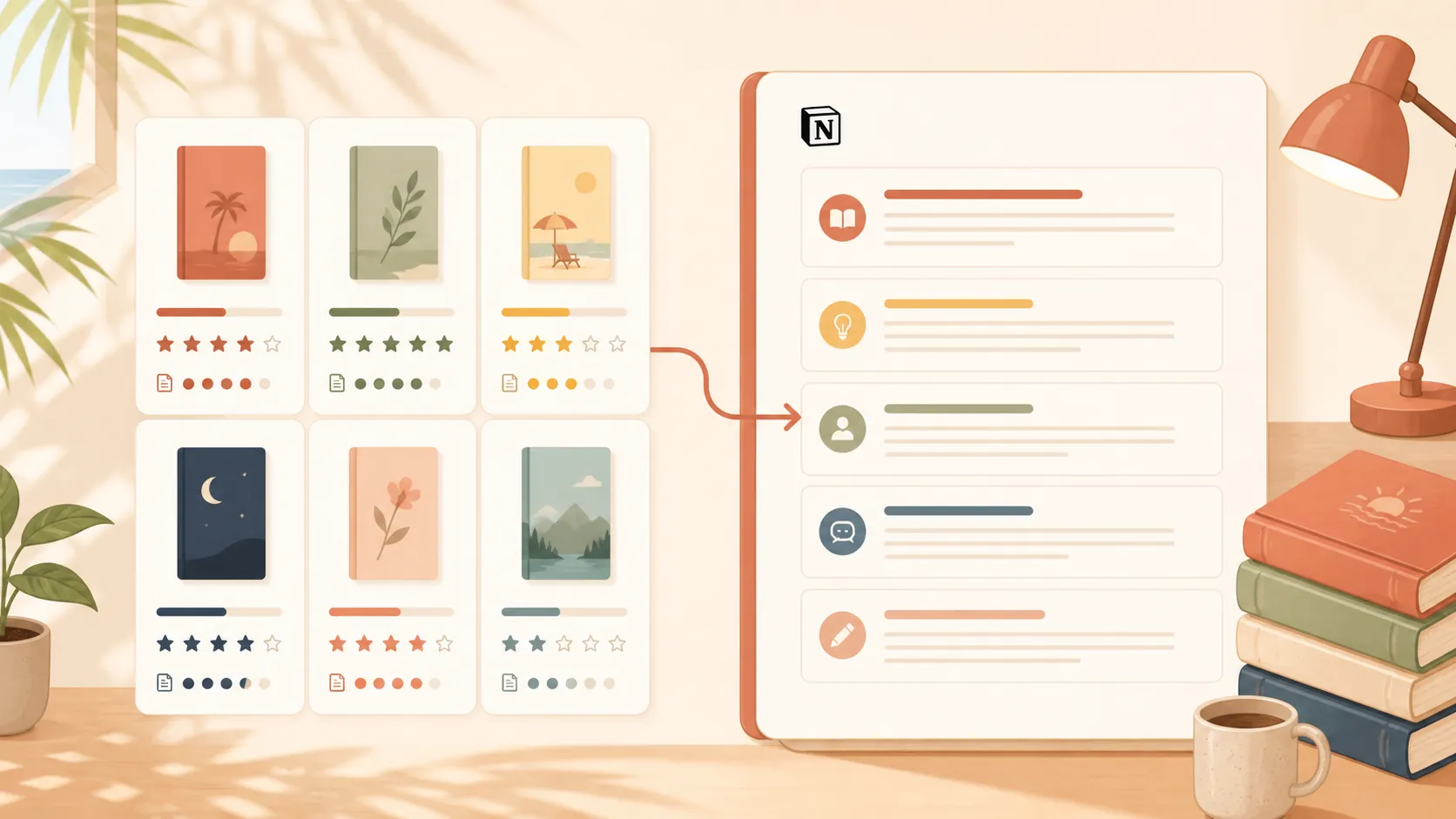
The fastest free setup is a Books database connected to a reusable report template. The database holds each book’s status, rating, genre, page count, and reading dates. Opening an entry reveals a structured note-taking template for the summer book report, with space for characters, ideas, quotations, a summary, an evaluation, and a recommendation.
| Part | What it holds | What it produces |
|---|---|---|
| Books database | Title, author, status, genre, pages, rating, dates, and assignment progress | A readable list of what is unfinished, in progress, or ready to submit |
| Per-book report page | Characters, main ideas, quotations, source details, summary, evaluation, and recommendation | The evidence and structure needed to draft the final report |
Why build the missing half
Notion’s marketplace advertises more than 30,000 templates across 348 categories, and its School category alone listed 13,744 templates during verification.[1][2] Those counts establish that there is plenty to browse; they do not establish that a template will fit a summer-reading assignment.
On August 27, 2026, a canonical book-report template was not found on Notion’s own marketplace, and the tested /templates/book-report page returned a 404. That is a dated verification result, not a claim that no Notion creator has ever published a similarly named template.
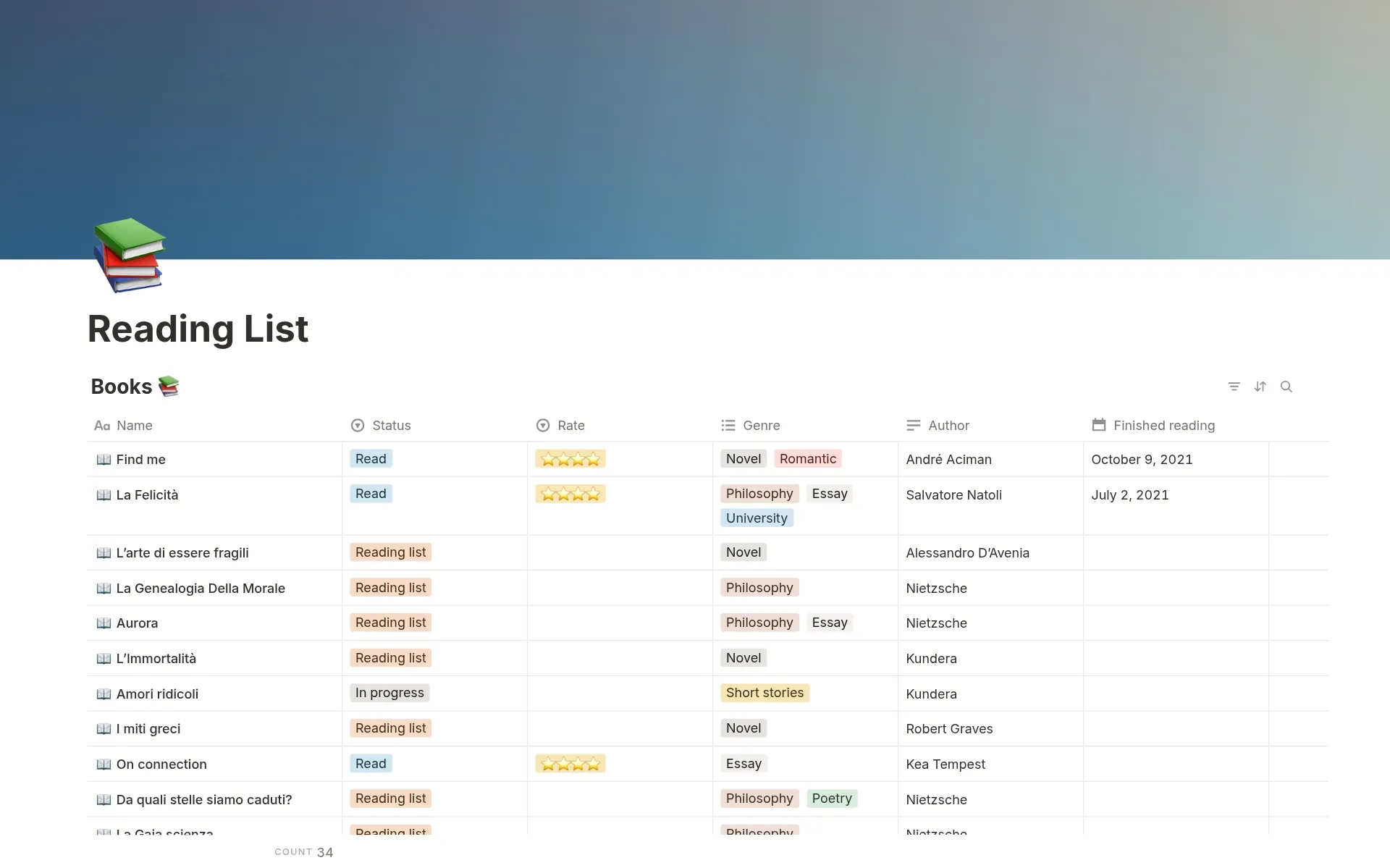
The official Reading list template is useful for organizing books with views, tags, reading statuses, and web capture. Its marketplace listing displayed a 5.0 rating based on five ratings when checked.[3] But the page presents a reading tracker rather than a scaffold for writing a report.
That narrow gap is the reason to build. Keep the tracker, add the writing scaffold, and stop before the setup becomes a second summer project.
Create the Books database around the assignment
Create a new Notion page, choose a full-page table database, and name it “Summer Reading” or “Books.” The title property identifies each entry, so rename it “Book.” Every database row will represent one book, and the row’s page will hold that book’s report.
Add only properties that help you find the book, track the reading, or manage the assignment. A compact version looks like this:
| Property | Notion type | What to enter |
|---|---|---|
| Book | Title | The book title |
| Author | Text | The author’s name |
| Status | Select or Status | Not started, Reading, Finished |
| Report stage | Select or Status | Notes, Drafting, Revising, Submitted |
| Genre | Select | A broad assignment-relevant label such as fiction, memoir, biography, or history |
| Pages | Number | Total page count for the edition used |
| Started | Date | The date reading began |
| Finished | Date | The date reading ended |
| Due | Date | The teacher’s submission deadline |
| Rating | Select or Number | A consistent personal scale |
| Publisher | Text | The publisher shown in the edition used |
| Publication year | Number | The publication year required by the assignment |
The separation between “Status” and “Report stage” matters. Finishing the book does not mean finishing the assignment. A student can therefore mark a book “Finished” while its report remains in “Notes” or “Drafting,” making the remaining work visible.
Author, publisher, publication year, and page count belong in properties because they are short, stable facts that may be needed in the report’s opening or citation. Characters, quotations, reactions, and plot notes belong inside the page. Forcing those longer notes into table cells makes them harder to capture while reading and harder to shape into paragraphs later.
Keep the working view plain
In the main table, show Book, Author, Status, Report stage, Finished, Due, and Rating. Hide Publisher and Publication year from the view if the table feels crowded; the information remains attached to each book. Sort by Due date, then filter out Submitted entries when you need a short list of outstanding work.
A gallery, cover images, and detailed genre tags can wait. If you later want a more extensive library tracker, the Books-database pattern in How to Track Reese’s Book Club Picks in Notion can extend this foundation. For an assignment due when school starts, the table needs to expose the next action rather than display every possible book attribute.
Build the page that turns reading notes into a report
Purdue OWL’s older “Writing a Book Report” reference describes book reports as objective, summary-focused assignments commonly used in K–12 settings. It gives 250–500 words as a typical length and identifies the core progression as announcing the book, summarizing it, evaluating it, and making a recommendation.[4] The page carries a 1995–2018 copyright notice, so treat its word count and K–12 framing as reference guidance rather than current institutional policy. Your teacher’s prompt, required length, and grading rubric take priority.
The same OWL page recommends collecting bibliographic information along with characters, main ideas, and quotable passages while reading.[4] That is the useful organizing principle for the Notion page: capture evidence first, then draft from it.

Use this page structure
- Assignment requirements: Paste the teacher’s prompt, required length, formatting rules, and rubric here.
- One-sentence book identification: Record the title, author, genre or subject, and the central topic without attempting a full summary.
- Characters or important people: Note who matters, each person’s role, and any change or conflict relevant to the report.
- Main ideas and plot notes: Capture major events, claims, themes, or turning points in reading order.
- Quotations: Save the exact wording, page number, speaker or context, and a short note explaining why the passage matters.
- Announce the book: Draft the opening that identifies the work and tells the reader what the report will address.
- Summary: Explain the main subject, conflict, argument, or sequence without retelling every chapter.
- Evaluation: Judge how effectively the book handles its subject, using specific evidence from the notes.
- Recommendation: State who might benefit from or enjoy the book and give a reason grounded in the text.
- Final draft: Assemble the required report here or link to the document used for submission.
Put the as-you-read sections above the drafting sections. When the book is open and a useful line appears, add it immediately under Quotations with its page number. Recovering the wording or location in late August is slower and less reliable than taking a short note at the moment of reading.
A simple quotation table inside the page is enough:
| Quotation | Page | Context | Why it matters |
|---|---|---|---|
| Paste the exact passage | Enter the page for your edition | Identify the speaker, scene, or topic | Connect it to a character, idea, theme, or evaluation |
Use a page number from the edition you actually read. If the assignment requires a formal citation style, follow the teacher’s instructions rather than treating this capture table as the finished citation.
Turn the scaffold into a reusable database template
The setup becomes useful only when a new book opens with this structure already in place. In the Books database, open the menu beside the New control and choose the option to create a new database template. Name it “Summer Book Report.” Notion’s wording and control placement can vary by interface version, but the item you want is a template for new pages in this database, not a separate decorative template page.
- Create the “Summer Book Report” database template.
- Set any useful default properties, such as Status to “Not started” and Report stage to “Notes.” Leave book-specific facts blank.
- Paste the complete page structure into the template body, beginning with Assignment requirements and ending with Final draft.
- Set the database template as the default for new entries if your workspace offers that option. Otherwise, choose “Summer Book Report” from the New menu each time.
- Create a test book and confirm that the properties and all note sections appear.
Do not prefill an author, page total, rating, or publication year in the template. Defaults should describe the workflow, not pretend that every book has the same facts. Likewise, placeholder text such as “Record the main conflict here” is useful; a polished sample paragraph is more likely to survive accidentally into the submitted draft.
If you are also coordinating supply lists, schedules, or first-week tasks, keep those outside the Books database. The process in Build Your Own Back-to-School Checklist Template in Notion gives that work its own structure rather than adding unrelated properties to every book.
Use the page in reading order, not report order
When you add a new book, enter the title and author, apply the Summer Book Report template, set the due date, and mark the status “Not started.” Once reading begins, add the start date and change the status to “Reading.” The report page can remain at the “Notes” stage while you collect material.
During each reading session, update only what changed. Add a character when that person becomes important. Record a main idea when you can explain it in your own words. Capture a quotation while the page is open. A quotation without context often becomes unusable later, so add one line about what is happening and one line about why the passage may support the report.
After finishing the book, enter the finished date and page total, set the reading status to “Finished,” and move the report stage to “Drafting.” Read the notes before writing the summary. This helps distinguish the main arc or argument from details that seemed important in isolation.
Draft the announcement and summary first, then evaluate the book using evidence already captured. Finish with the recommendation required by the prompt. A personal rating can help you remember your overall reaction, but it cannot replace an evaluation: the report still needs to explain why the book succeeded or fell short.
Free means the regular free plan
This build does not depend on Education Plus. Notion states that its free Education Plus offer is for students at colleges or universities listed in the World Higher Education Database; K–12 students are not eligible and use the regular Free plan.[5] That distinction matters for a summer book report, because many likely users cannot assume access through a school email address.
Create one final test entry before relying on the system. The database row should show the book, reading status, report stage, dates, and rating. Opening that row should reveal the assignment prompt, reading notes, quotation table, and announce–summarize–evaluate–recommend scaffold. If both halves appear, the tracker-to-report gap is closed without paying for a marketplace template or spending the last days of summer decorating a dashboard.
References
- Notion templates — Notion
- School templates — Notion
- Reading list — Notion
- Writing a Book Report — Purdue Online Writing Lab
- Notion for Education — Notion

Comments
Join the discussion with an anonymous comment.