
A process automation tool does not only sell you features. It also sells you a starting point. That matters because the hardest part of automation is often not connecting one app to another; it is translating the messy process in your head into something a tool can actually run.
Template libraries are where that promise either becomes useful or falls apart. A good template shows the shape of the work: what starts the process, what happens next, where the decision point sits, and what a user still has to customize. A weak one gives you a glossy card, a vague title, and a surprise setup burden after you click.
| If your workflow looks like this | Start with | Why that template library is the fastest fit |
|---|---|---|
| One app event should trigger an action in another app | Zapier | Its template directory is organized around app-to-app workflows, backed by 7,000+ app integrations and use-case browsing.[1] |
| AI should classify, summarize, route, draft, or enrich work | n8n | Its community library lists 7,073+ AI automation workflows, though that count is dynamic and should be rechecked at publication.[2] |
| The process has several branches, filters, retries, or operational handoffs | Make | Its template ecosystem is commonly described around 7,000+ templates, with stronger visual scenario-building for multi-step flows; the exact count should be treated cautiously because some public template pages are surfaced through secondary descriptions and snippets.[3] |
| The work is really a repeatable procedure with approvals, evidence, or review points | Process Street | Its library is built around structured process and workflow templates, including areas such as HR, operations, IT, finance, and SOPs.[4] |
| You can describe the process faster than you can search for a template | Stepper | Its AI-native model focuses on generating workflows from natural-language descriptions rather than making the user browse a large static gallery.[3] |
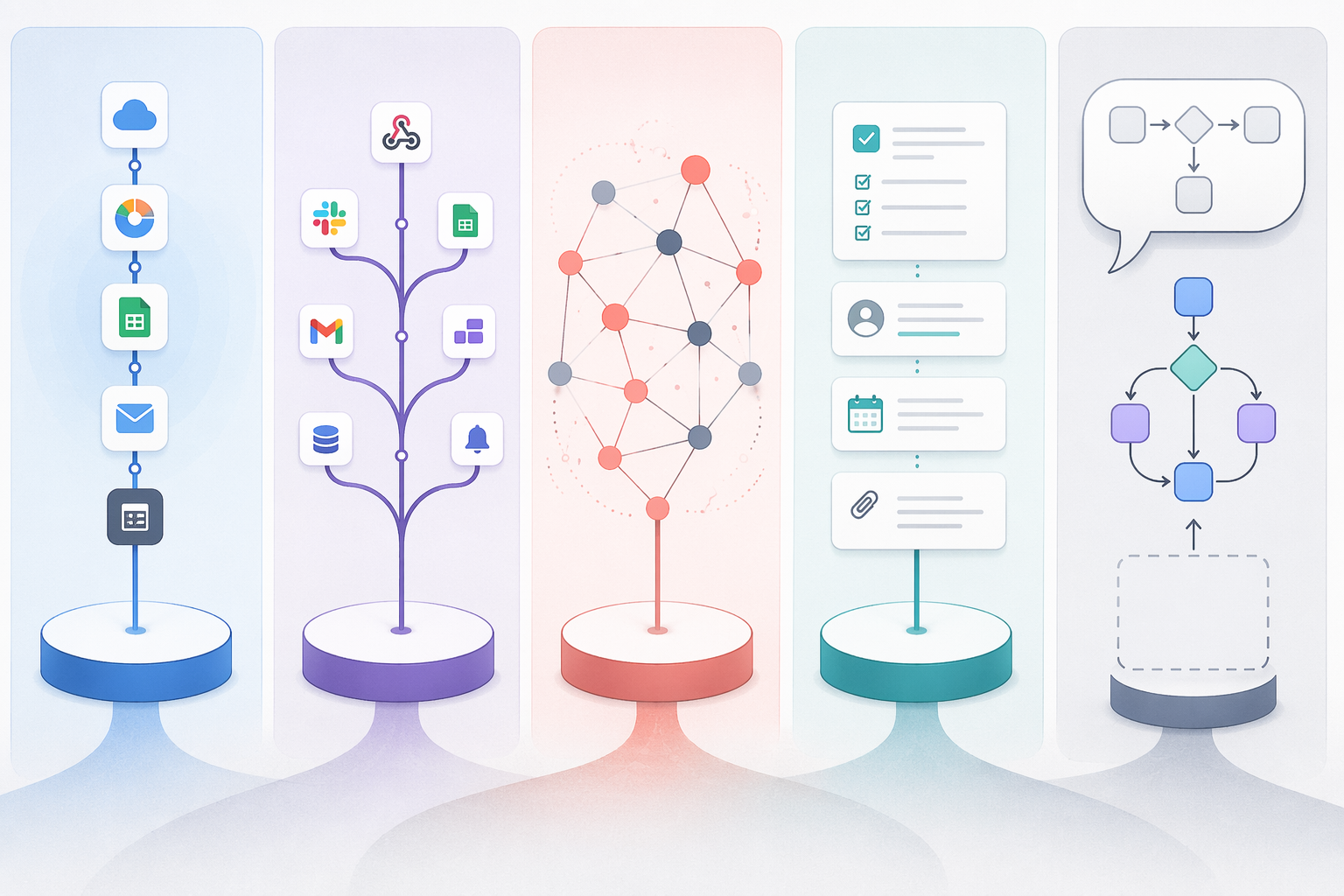
The template library is part of the product, not decoration
A template is not valuable because it exists. It is valuable when it reduces the number of decisions between “we should automate this” and “this first version is running.” That first version may still be rough. It may need new fields, changed filters, different approvers, or a cleaner naming system. But it should give the user a working structure instead of asking them to invent the structure from scratch.
This is especially obvious in high-friction work. Invoice handling, for example, is not one generic automation. It may involve intake, vendor matching, exception review, approval routing, correction, payment status updates, and audit trails. Stepper cites Stampli in reporting that over 60% of invoices in manual processes require correction, which makes invoice processing a good test case for whether a template exposes the actual process or merely connects two apps and leaves the rest to the user.[3]
So the better question is not “Which process automation tool has the most templates?” It is “Which library already thinks in the same shape as the workflow I need?” Count helps when it means more relevant starting points. It misleads when it hides the difference between a one-step app handoff, a branching operating process, an AI workflow, and a documented procedure.
If you are still deciding between process automation as a category and adjacent workflow tools, start with a broader process automation tools comparison. If you already know you want templates, the rest of this comparison is about the practical starting route.
Zapier: fastest for straightforward app-to-app handoffs
Zapier’s template library is strongest when the process can be described in a clean sentence: when a form is submitted, create a task; when a lead arrives, add it to a CRM; when a meeting is booked, send a message to a channel. Its public template directory is organized by apps, roles, and common workflows, and Zapier states that it supports 7,000+ app integrations.[1]
That integration surface is the point. If your main problem is that two cloud apps do not talk to each other, Zapier usually gives you the shortest path from search to test. You choose the apps, inspect a pre-built Zap, authenticate accounts, map fields, and run a sample. The template does not have to teach you a new process model because the work is mostly a handoff.
The browsing burden is usually manageable because the library starts from recognizable app names. A small business owner looking for a Shopify-to-Gmail or Typeform-to-Sheets automation is not forced to understand a whole process architecture first. That is good onboarding design.
The limitation appears when the process has too many conditions hiding behind the word “then.” If the real workflow needs exception handling, multi-person review, branching approvals, or a visible operational map, a Zapier template may get the first connection running but not fully describe the process. It is still useful; it is just useful at the connection layer.
| Zapier template fit | Practical read |
|---|---|
| Best template type | Simple trigger-and-action workflows across popular apps |
| Browsing style | App-first and use-case-first |
| Fastest customization path | Authenticate apps, map fields, test the Zap |
| Watch for | Templates that solve the app connection but not the full operating procedure |
n8n: strongest starting library for AI-heavy and developer-friendly workflows
n8n is where the template conversation changes from “connect these two apps” to “assemble a workflow that may include AI, logic, data movement, and custom services.” Its community AI workflow category listed 7,073+ AI automation workflows in June 2026, a dynamic count that should be re-verified before relying on it for a current count.[2]
The depth matters because AI workflows are awkward to start from a blank canvas. A user may know they want to summarize support tickets, classify incoming emails, extract data from documents, enrich CRM records, or draft responses. But the working version depends on prompt placement, model choice, input formatting, fallback behavior, and where the result goes. A template that shows those pieces in context can save more time than a generic “AI automation” description.
n8n also tends to reward users who are comfortable looking under the hood. That does not mean every workflow requires a developer, but the library is more inviting if you are willing to inspect nodes, credentials, transformations, and conditional paths. For operations teams with technical support, that transparency is a strength. For a nontechnical user trying to launch a simple app handoff in ten minutes, it may feel like more surface area than they wanted.
The fastest-fit use case is an AI-powered process where the template needs to show not just the apps involved, but the reasoning and data steps between them. If you are comparing n8n directly with Zapier and Make for AI automation, a narrower Zapier vs n8n vs Make AI automation comparison will be more useful than a general buyer’s guide.
| n8n template fit | Practical read |
|---|---|
| Best template type | AI workflows, data flows, developer-friendly automations, custom logic |
| Browsing style | Community-published workflows, including a large AI category |
| Fastest customization path | Inspect nodes, swap credentials, adjust prompts and logic, test each path |
| Watch for | Dynamic template counts and workflows that assume technical comfort |
Make: better when the process branches before it finishes
Make is often the more natural template environment when the workflow is not a straight line. Its ecosystem is commonly described as having 7,000+ templates, and its visual scenario builder is better suited to processes with filters, routers, chained steps, and branching paths.[3]
This is where many operations workflows actually live. A new customer request may be routed differently depending on account size. An invoice may go one way if the vendor is recognized and another way if data is missing. A support ticket may need classification, escalation, status updates, and a final record in a reporting tool. These are not exotic automations. They are normal work, with enough exceptions to make a one-card template feel thin.
Make’s template advantage is less about a single count and more about visibility. A branching scenario lets the user see where the process splits and what each path does. That is useful for the person who has to maintain the workflow later, not just the person who builds it on day one.
The tradeoff is that visual power can still become visual clutter. A template with many modules may be more honest about the work, but it also asks the user to understand dependencies before editing. The right starting template is one that resembles your actual process closely enough that you are editing labels and conditions, not reverse-engineering someone else’s logic.
| Make template fit | Practical read |
|---|---|
| Best template type | Multi-step workflows with filters, branching, and visible dependencies |
| Browsing style | Template and scenario-oriented |
| Fastest customization path | Replace apps and credentials, then adjust routers, filters, and module order |
| Watch for | Large scenarios that are powerful but require careful inspection before editing |
Process Street: best when the “automation” is really a controlled procedure
Some work should not start as an app connector. It should start as a procedure. Process Street’s public template library is organized around process, project, and workflow templates, with categories that include HR, IT, operations, finance, and other recurring business functions.[4]
That makes it a better fit for workflows where the main risk is not that an app update fails, but that a person skips a step, misses an approval, forgets to attach evidence, or handles a regulated process inconsistently. Employee onboarding, vendor review, compliance checks, recurring maintenance, client intake, and incident response all benefit from templates that show the human procedure as much as the automated handoff.
The browsing experience is different from Zapier or n8n because the unit is often a checklist or SOP-style workflow rather than a technical automation. That is not a weakness. For many teams, the fastest path to automation is first making the process explicit: who starts it, who reviews it, what must be completed, and what evidence is required.
Process Street is not the obvious first choice if all you need is to push a row from one app into another. It becomes much more compelling when a process needs recurring structure, accountability, and review points. In those cases, a template library that looks like operational documentation is doing exactly the right job.
| Process Street template fit | Practical read |
|---|---|
| Best template type | SOPs, checklists, recurring procedures, approval-heavy workflows |
| Browsing style | Category-based process templates |
| Fastest customization path | Edit steps, assign roles, add approvals, connect supporting systems where needed |
| Watch for | Using it for simple app handoffs when a lighter connector would be faster |
Stepper: useful when describing the workflow beats browsing the gallery
Stepper changes the first move. Instead of asking the user to search a gallery, compare cards, and hope the right starting point exists, its model emphasizes generating workflows from natural-language prompts.[3]
That matters for people who know their process in plain language but do not know which template name to search for. “When a vendor invoice arrives, extract the key fields, check whether the vendor exists, send exceptions to finance, and notify the requester when approved” is a process description before it is a template category. If the tool can turn that description into a first workflow, it removes a real onboarding burden.
The practical caution is that generated templates still need inspection. A natural-language workflow may get the broad shape right while missing internal policies, exception thresholds, naming conventions, or required approvals. The user is not escaping design work entirely. The win is that they begin by editing a generated structure instead of staring at a blank canvas or guessing which gallery card is closest.
| Stepper template fit | Practical read |
|---|---|
| Best template type | Prompt-generated workflows from a written process description |
| Browsing style | Description-first rather than directory-first |
| Fastest customization path | Describe the workflow, review the generated structure, then correct policies and edge cases |
| Watch for | Assuming generated means finished; review points and exceptions still need human judgment |
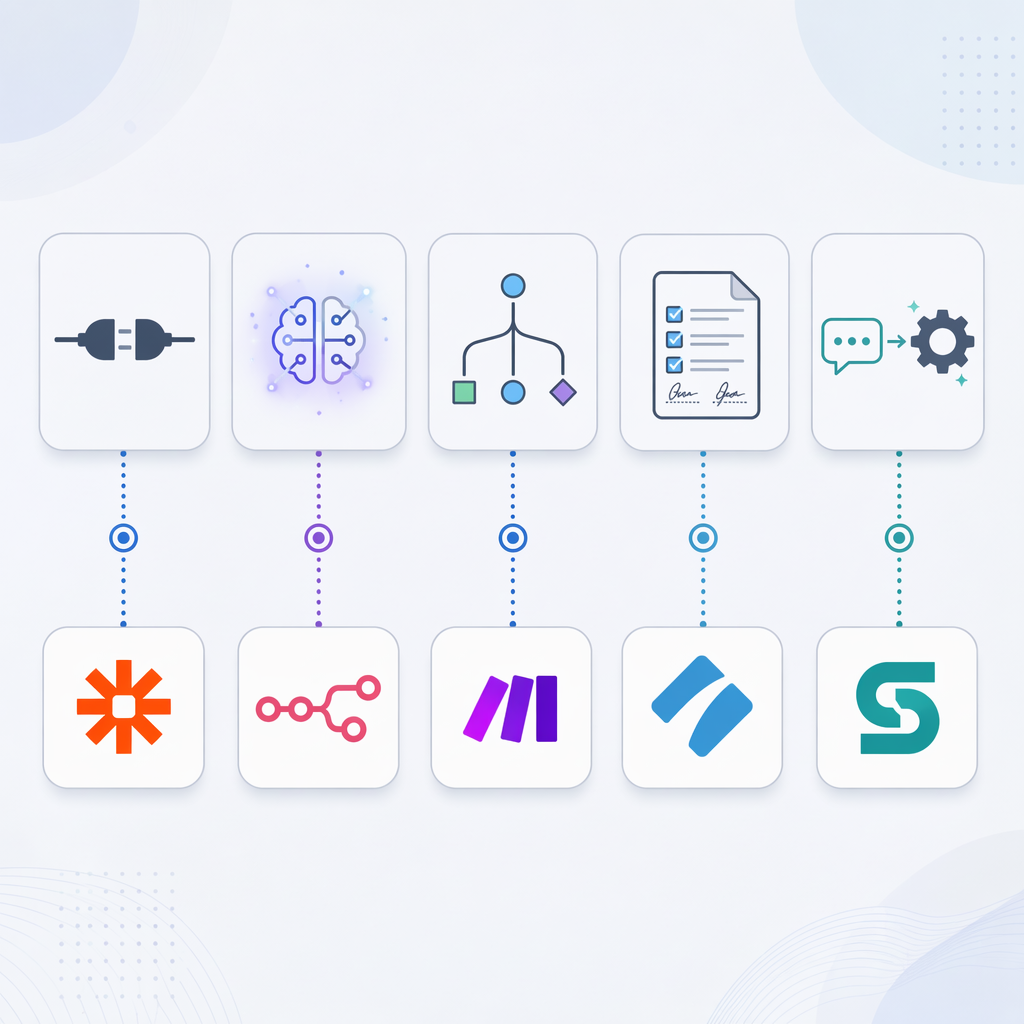
Match the library to the shape of the work
The fastest process automation tool template is the one that already resembles the process you are trying to automate. A high template count cannot rescue a poor workflow match. A smaller or more specialized library can be faster if its examples speak the same operational language as your team.
| Workflow shape | What the template must show | Best starting point |
|---|---|---|
| Simple app handoff | Trigger, action, field mapping, app authentication | Zapier |
| AI-powered workflow | Prompt placement, input data, model step, output routing | n8n |
| Branching operations process | Filters, routers, conditions, retries, dependencies | Make |
| Documented SOP or regulated process | Steps, roles, approvals, evidence, review points | Process Street |
| Unclear or custom process | A generated first draft from a plain-language description | Stepper |
A useful quick test is to write your process in one sentence. If the sentence is “When X happens in App A, do Y in App B,” Zapier is likely the fastest place to start. If the sentence includes “classify,” “summarize,” “extract,” “draft,” or “decide based on this content,” look at n8n. If it includes “if,” “unless,” “route,” “retry,” or “otherwise,” Make deserves a close look. If it includes “approve,” “review,” “evidence,” “checklist,” or “standard procedure,” Process Street is probably closer to the work. If the sentence is too custom to find in a gallery, try a natural-language generator such as Stepper.
For readers comparing template-first workflow tools beyond these five platforms, the more focused workflow automation software templates comparison and workflow automation templates by use case can help narrow the field before implementation.
What to check before you trust a template
A template should make the first version faster, not hide the real setup work. Before building on any pre-made workflow, inspect four things.
- Trigger clarity: The template should make it obvious what starts the workflow and whether that trigger matches your real intake point.
- Required apps and permissions: A template that depends on apps, accounts, or admin access you do not have is not a shortcut.
- Exception handling: Look for what happens when data is missing, a condition fails, or a human needs to review the result.
- Maintenance visibility: Someone should be able to return later and understand why the workflow branches, waits, retries, or sends a notification.
This is where template galleries often reveal their real quality. The good ones do not just advertise an outcome; they show the working parts. If a template claims to automate onboarding, invoice processing, or approvals but does not show review steps or exception paths, treat it as a draft connection rather than a process template.
Once you have chosen a starting platform, move quickly into a small build. The practical next step is not to keep browsing. It is to adapt one template against one real process, with real sample data and a clear owner for review. A setup-focused guide such as how to choose and set up your first process automation tool is more useful at that stage than another comparison table.
No universal winner, just faster fits
Choose Zapier when the job is a straightforward app connection. Choose n8n when the workflow depends heavily on AI steps or custom logic. Choose Make when the process branches and the team needs to see the flow. Choose Process Street when the work is an SOP with approvals, documentation, or recurring human review. Choose Stepper when you can describe the workflow more easily than you can locate it in a template gallery.
The best template library is not the one with the loudest number. It is the one whose starting patterns already look like your work.
References
- Workflow Automation Templates — Zapier
- Discover 7,073 AI Automation Workflows — n8n Community
- Best Business Process Automation Tools in 2026 — Stepper
- Free Process, Project & Workflow Templates — Process Street
Comments
Join the discussion with an anonymous comment.