
Stop before you install anything: the useful question in using Meta Muse Glimmer for a local note-taking workflow is not whether the model can technically launch. It is whether your machine can run the quality-preserving tier at a speed and context length that make private note retrieval worth trusting.
My verdict is blunt. Muse Glimmer is a real local notes option if you have a 24GB-class GPU or about 32GB of unified memory. The 4-bit tier is the practical floor I would treat as the main recommendation. The 2-bit builds can squeeze into roughly 12–14GB of total RAM or VRAM, but that is a compromise tier with measurable quality loss, not the version to quietly put in charge of a large notes archive. If you are on a 16GB MacBook, a 16GB gaming laptop, or an older local-first setup, skip this install and use a smaller 7–14B local model or cloud AI instead.
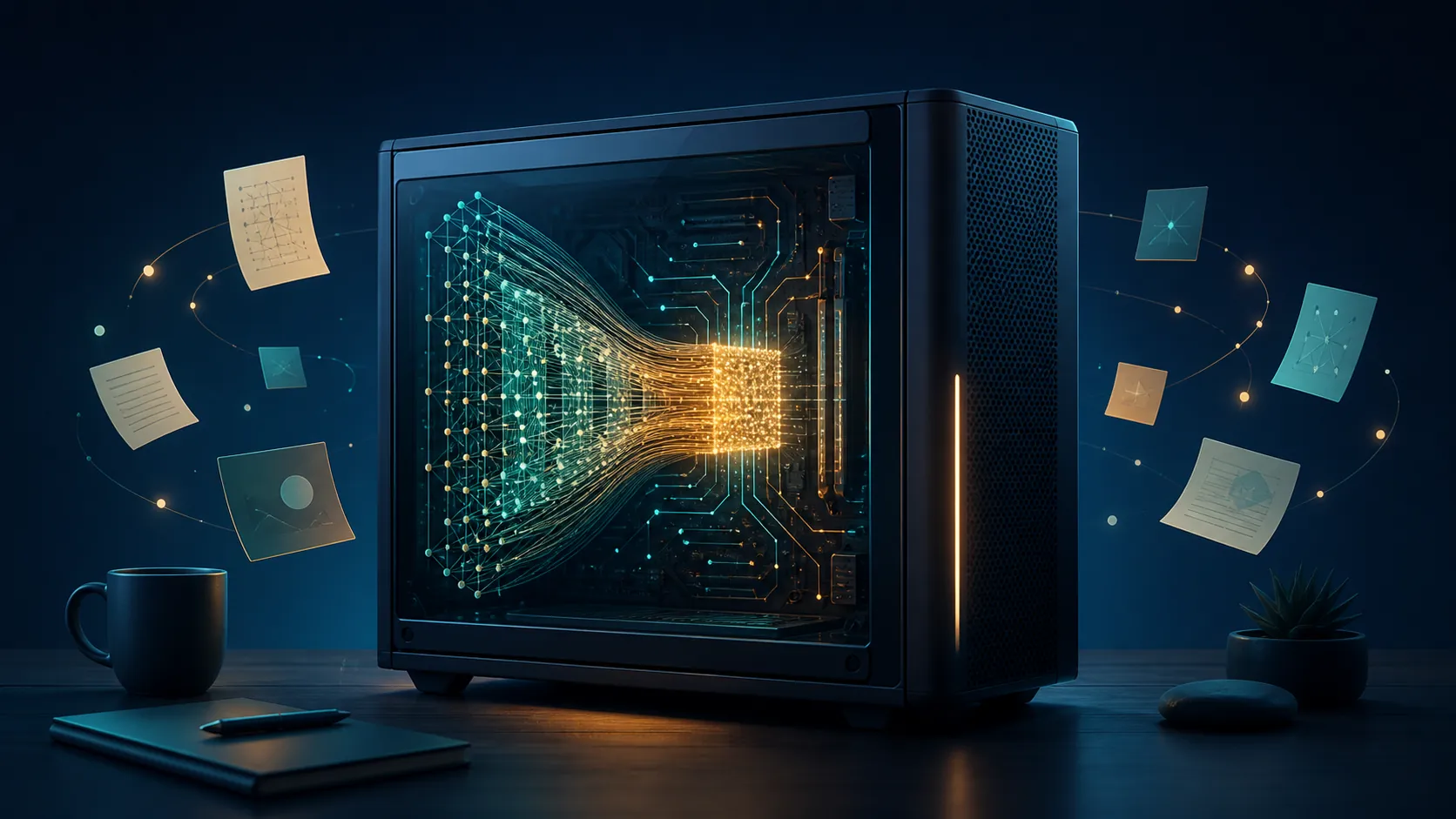
That is not a dismissal of Glimmer. The model’s long-context results and unusually low KV-cache estimate make it one of the more interesting local candidates for asking questions across meeting notes, old project logs, and Markdown vaults. The hardware gate is simply too large to pretend away.
The hardware decision comes before the setup guide
The trap with Glimmer is that several statements can be true at the same time. It can be open-weight. It can run locally. It can have small enough quantized builds to load on surprisingly modest hardware. And it can still be the wrong model for your notes machine.
Here is the tier map that matters for a note-taking workflow.
| Tier | Reported footprint | What it means for notes |
|---|---|---|
| BF16 | About 55–64GB | The clean reference tier, but irrelevant for most personal laptops and gaming PCs. If you need this tier, you are already in workstation territory. [2] |
| 8-bit | About 34GB | Still too large for common 16GB and 24GB machines once system overhead and context cache are considered. [2] |
| 6-bit | About 20–22GB | Looks close on paper for 24GB GPUs, but leaves less practical headroom for long note sessions. [2] |
| 4-bit K-Quant | Official 17GB quant; about 1.0% average degradation across 15 benchmarks | The main practical tier: small enough for 24GB-class GPUs, with limited reported quality loss. This is the first tier I would consider for serious vault Q&A. [1] |
| Dynamic 4-bit K-Quant | Positioned for 32GB-class memory; about 0.2% average degradation | The quality-preserving local tier for 32GB unified-memory machines, assuming the rest of the stack supports it well. [1] |
| 2-bit | Roughly 12–14GB total RAM/VRAM | An experiment tier. It may load where 4-bit cannot, but the quality tradeoff is now part of the workflow, not a footnote. [1][2] |

This is where “can it load?” becomes a bad test. A note assistant is not a toy completion demo. You are asking it to search, connect, and summarize information you may not remember well enough to verify line by line. A quant that saves enough memory to fit but loses too much reliability is not just slower or uglier; it changes how much you can trust the answer.
For a 24GB desktop GPU, the 4-bit K-Quant tier is the one to consider first. The reported 17GB footprint leaves room for the runner and some context overhead, and the model card’s reported average degradation of roughly 1.0% across 15 benchmarks is small enough to take seriously for note retrieval work, with the usual warning that these are vendor-published figures rather than an independent FlowDesk lab run. [1]
For a 32GB unified-memory Mac, the dynamic 4-bit option is more appealing on paper because the reported average degradation is about 0.2%. That does not make every 32GB Mac fast. It does mean the memory fit is no longer the first reason to reject the model. [1]
For 16GB machines, the honest advice is to stop. A 2-bit build may tempt you because it lands near the memory size people actually own, but 16GB systems are also running the OS, the note app, the local runner, browser tabs, and whatever else you forgot was open. If the only way Glimmer fits is by dropping into the tier where quality loss becomes central, the better local-first choice is a smaller model.
Why Glimmer is still worth caring about for vault Q&A
The frustrating part is that Glimmer’s architecture really does line up with the work many note-takers want local AI to do. A private vault assistant is less about winning a general chatbot argument and more about staying oriented across long, messy context: old meeting notes, half-finished project pages, decision logs, clipped research, and transcripts that only make sense when read together.
On the model card, Glimmer posts long-context results that are hard to ignore for this use case: AA-LCR 80.0 versus peer scores of 68.3 and 73.3, Beam128K 65.1 versus 58.2 and 63.0, MCP Atlas 75.5 versus 54.2 and 62.5, and DeepSearch QA 74.6. [1]
No benchmark table says, “This is the perfect Obsidian vault model.” That conclusion would be too neat. What the numbers do support is narrower and more useful: Glimmer appears unusually suited to long-context retrieval and follow-through compared with models that may be easier to run but less comfortable carrying a large working context.
Sebastian Raschka’s architecture notes sharpen that point. His estimate puts Glimmer’s KV-cache cost at roughly 52 KiB per token, compared with about 840 KiB per token for Gemma4-31B. [3] For a notes workflow, that is not an abstract efficiency win. KV cache is the memory bill that grows while the model keeps a long conversation and a large chunk of your archive in view. Lower per-token cache cost makes longer local sessions more plausible before the machine starts wheezing.
That combination—the long-context benchmark record plus the cache economics—is the real reason to consider Glimmer for private note work. Not because it is new. Not because “agentic” appears in the launch language. Because a vault Q&A session is exactly where context length, retrieval stability, and memory pressure collide.
Speed decides whether you will actually use it
After memory fit, speed is the next reality check. Local notes AI does not need to feel like a cloud chatbot on a perfect day, but it cannot be so slow that you stop asking follow-up questions. Meeting-note retrieval is conversational: “What did we decide?” turns into “Who objected?” and then “Pull the related action items from the next week.” If each turn feels like a chore, the workflow dies.
NVIDIA’s published DFlash numbers show a wide spread: RTX 5090 throughput rising from 74.9 to 233.4 tokens per second, a 3.1x increase, with DFlash enabled. Apple unified-memory results in the same vendor material are more modest: M4 Max from 23.7 to 37.8 tokens per second, and M5 Max from 26.6 to 50.2 tokens per second. [4]
AMD’s preliminary figures are slower: up to about 24 tokens per second on Ryzen AI Max+ 395 and about 53 tokens per second on Radeon AI PRO R9700. [5] Those speeds can still be usable for deliberate Q&A over notes, especially if you ask longer, better-scoped questions. They are not the rhythm of a frictionless assistant living beside every paragraph you write.
Treat every number in this speed discussion as provisional. The model was released on August 10, 2026, and as of this check on August 26, 2026, DFlash support, runner defaults, quant availability, and plugin assumptions are still moving quickly. [1][4] Vendor tables are useful for setting expectations; they are not the same as your vault, your plugins, your background apps, and your cooling curve.
Do not buy Glimmer for the wrong kind of intelligence
Glimmer is positioned as an open agentic model that runs on device, and that framing is fair as far as it goes. [6] The problem starts when “agentic” gets flattened into “great at every automation task.” The benchmark counterweight matters here.
On OSWorld-Verified, Glimmer is listed at 65.9, below Qwen3.6-27B’s 75.6 in the same table. TerminalBench is listed at 2.1. [1] That does not erase the long-context results. It fences them. Glimmer is much easier to justify as a private long-context notes model than as the center of a broad computer-use automation setup.
If your main goal is to let a local model operate desktop software, browse interfaces, and solve open-ended automation tasks, this is not the evidence profile I would pay for first. If your main goal is to interrogate a private archive without shipping it to a cloud API, the evidence is more interesting.
Where setup fits, if you pass the hardware test
The actual wiring—Ollama or LM Studio, an Obsidian connection, plugin settings, starter prompts—is not the hard part this article needs to repeat. If your machine clears the 24GB GPU or 32GB unified-memory bar, use our Muse Glimmer Obsidian setup guide next. That is where the connection steps belong.
If you do not clear the bar, setup instructions mostly create sunk cost. A 16GB machine owner can spend an afternoon installing runners, fetching quants, debugging connection settings, and still end up with the same conclusion: the version that fits is not the version I would trust as the main interface to a serious note archive.
For that reader, the better route is to choose a smaller local model and design the workflow around tighter retrieval chunks. If you are on a Mac and want a smaller local alternative, our Qwen-to-Obsidian setup guide is a more sensible place to spend the afternoon. If your real blocker is reliability during cloud outages, the case for keeping some local fallback is still strong; it just does not have to be a 30B model on hardware that cannot comfortably carry it.
The purchase-or-skip decision
Try Glimmer if you already own a 24GB-class GPU or a 32GB unified-memory machine and your workload is local vault Q&A, meeting-note retrieval, project-memory search, or long-context review. In that case, the 4-bit quality-preserving tier is plausible, the benchmark profile fits the job, and the privacy benefit is real enough to justify a careful setup.
Treat Glimmer as an experiment if you only fit the 2-bit tier. Measure answer quality against notes you know well. Ask it to recover decisions, dates, objections, and action items from a controlled subset before you let it roam your full archive. If it drops details or smooths over uncertainty, that is not a minor inconvenience; that is the compromise tier showing up in the work.
Skip Glimmer on 16GB-class machines. Do not spend the afternoon proving that your laptop can technically launch a model it should not be responsible for running. Use a smaller 7–14B local model, or use cloud AI when the task needs more reasoning than your local hardware can provide.
References
- meta-models/Muse-Glimmer-30B — Hugging Face
- Muse Glimmer — How to Run Locally — Unsloth
- Muse Glimmer 30B Architecture Notes — Sebastian Raschka
- Run Local Agentic AI Workflows with Meta's Muse Glimmer on NVIDIA — NVIDIA
- Run Meta Muse Glimmer 30B on AMD Ryzen AI Max Agentic PCs and Radeon GPUs — AMD
- Introducing Muse Glimmer: An Open Agentic Model That Runs on Your Device — Meta Research
Comments
Join the discussion with an anonymous comment.