
Cloudflare Radar Researcher can help organize a research conversation. It did not, in this test, organize a durable research notebook by itself. The useful workflow is narrower: ask inside Radar, inspect the trace, save the evidence object, and move the record into Obsidian, Notion, Logseq, Apple Notes, or whatever system will still make sense when the chat link is gone.
That distinction starts with a storage fact. Radar Researcher launched in beta on August 7, 2026, during Cloudflare’s Agents Week, with a Researcher button available from Radar pages and Explain-with-AI available on charts; the same launch material says shared conversation links expire after 30 days.[1] That is a perfectly acceptable constraint for a beta discovery tool. It is not acceptable as the only custody layer for a research note someone may need to cite, revisit, migrate, or defend later.

The useful distinction: organized conversation, not organized knowledge
Radar Researcher’s best behavior is that it does not merely produce a polished paragraph about the Internet. Its answers are tied to Cloudflare Radar’s datasets, and its charting path matters: Cloudflare describes charts as being rendered from the Radar API path through a radar-chart specification, using dataFrom, rather than numbers invented by a model.[1] A separate technical write-up describes Explain-with-AI as receiving the chart screenshot, raw API data, and current view parameters, which is the kind of unglamorous plumbing that makes an AI explanation worth checking instead of merely admiring.[2]
That is also where the notebook problem begins. A conversation can feel well organized while the durable record is thin. The interface may preserve the path of a session, but the researcher still has to decide which parts become evidence: the prompt, the retrieval time, the API endpoint or dataset path, the chart image, the caveats, and the statement that the data can actually support.
Cloudflare documents chart embedding and sharing through the Radar share icon, including downloading a chart as a PNG.[3] Cloudflare also documents Radar API dataset downloads through the API.[4] Those are useful objects. They are not the same thing as exporting a full research conversation into a notes vault.
The capture loop that survived the test
The workflow that held up was not to treat Radar Researcher as the notebook. It was to treat it as a discovery-and-evidence front end feeding the notebook. In practice, the loop looked like this:
| Step | Action | What gets preserved |
|---|---|---|
| 1 | Ask a bounded Radar question | The exact prompt, including metric, geography, comparison, and time window |
| 2 | Open the expandable trace | The tool’s interpretation, datasets inspected, and tool calls |
| 3 | Pin or keep the conversation while working | A short-term working context, not the archive |
| 4 | Save the evidence object | Chart PNG, Radar API dataset path, or downloaded dataset where appropriate |
| 5 | Write the vault note | Prompt, retrieval time, endpoint, caveats, and the claim the data supports |
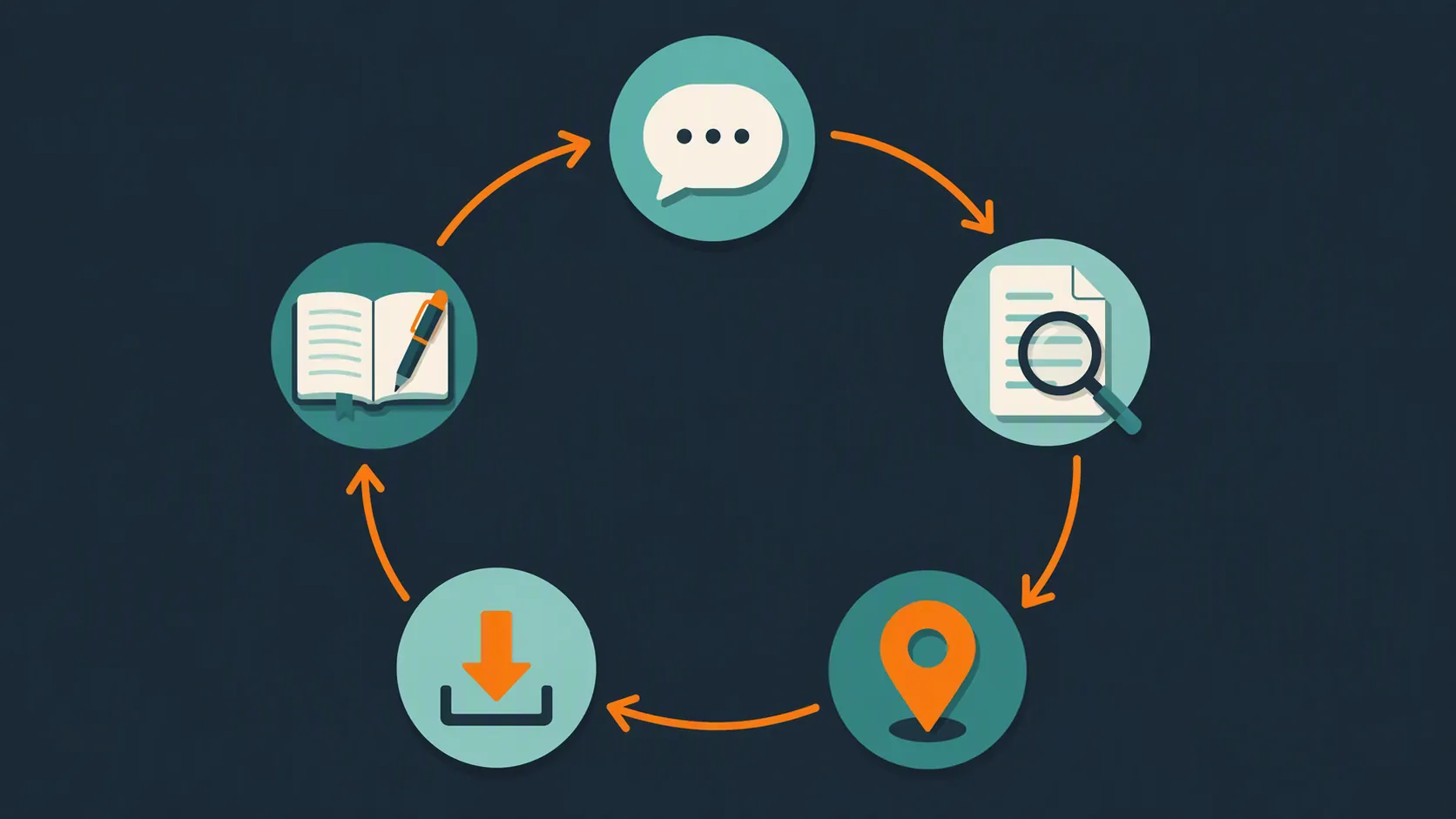
The trace step is the one I would not skip. Cloudflare says Radar Researcher exposes an expandable trace showing how it interpreted the question, which datasets it looked up, and which tools it used; PulseMark’s guide describes the same audit trail as part of using the assistant.[1][5] That trace is the difference between “the AI said” and “the assistant queried this Radar scope for this question.”
The vault entry then becomes an evidence contract. It does not have to be elegant. In Obsidian, mine would be a short Markdown block. In Notion, it would be a database item with equivalent fields. The important part is that the note names the evidence object instead of relying on the conversation to remain the object.
## Radar evidence note

Question asked:
-

Retrieval time:
- 2026-08-26 UTC

Radar scope:
- Dataset / endpoint:
- Geography:
- Metric:
- Time window:
- Comparison:

Saved evidence:
- Chart PNG:
- API dataset path or downloaded file:
- Conversation link, if useful short-term:

Trace check:
- Interpretation:
- Datasets inspected:
- Tool calls:

Claim supported by this evidence:
-

Caveats:
- Radar observation only; do not infer cause without outside corroboration.
- Shared conversation link expires after 30 days.
That template is intentionally boring. Boring is good here. A note with a retrieval time, endpoint, and caveat will outlive a beautiful chat response that nobody can reconstruct.
A concrete evidence-contract case: Iran HTTP traffic
Cloudflare’s launch article includes a useful example involving Iran’s HTTP traffic index in early 2026: the index fell from about 0.58 on January 7 to near zero by January 9, partially recovered by January 17, approached pre-shutdown levels by January 27, and showed a second shutdown flagged on February 28.[1] That example is exactly the kind of thing that belongs in Radar Researcher during exploration and in a separate note system during retention.
The note should not say, “Radar proves why Iran’s traffic collapsed.” It should say something narrower: “Radar’s HTTP traffic index for Iran shows a collapse across this time window, followed by partial and near-complete recovery points identified in the Radar example.” The difference is not pedantry. Radar can show the measured traffic pattern inside its dataset. Cause, attribution, and political context require corroboration outside Radar; Flowith’s outage-analysis guide makes the same boundary explicit when discussing outage interpretation.[6]
For that case, the evidence-contract note would capture the prompt used to reproduce or inspect the event, the retrieval date, the Radar dataset or API path, the chart PNG, the trace summary, and a caveat that the observation is a traffic measurement rather than a complete explanation. If the chart later changes because Cloudflare updates an interface or the conversation link expires, the saved note still says what was retrieved and what claim was allowed.
What broke at the transfer boundary
The main breakage was not that Radar Researcher failed to answer questions. The breakage was that the conversation did not become a portable research note. As of last verification on August 26, 2026, the documented export path I could rely on stopped at evidence objects around the conversation: chart PNGs through Radar sharing and Radar API dataset downloads.[3][4] I did not find a documented full-conversation export, nor a documented Obsidian, Notion, Logseq, or Apple Notes integration in Cloudflare’s launch material or the beta guides reviewed.[1][7]
That absence should be stated carefully. It does not prove Cloudflare has no internal plan for export, and beta features can change. It only means the documented workflow available for this Q3 2026 test did not let the AI conversation itself become the durable note. The durable unit had to be made outside the tool.
The 30-day shared-link expiry matters most when notes are collaborative. A link is tempting because it looks like a clean handoff: paste it into a Notion page, send it to an editor, attach it to a research ticket. Thirty days later, that link is no longer the evidence trail. If the chart PNG, dataset path, prompt, and caveat were not separately captured, the note has a hole where the method should be.
Rate limiting also keeps the tool in its proper lane. Cloudflare’s launch material describes Radar Researcher as per-IP rate limited, and third-party guides emphasize that it is not a bulk replacement for the Radar API.[1][5][7] For a notebook workflow, that is fine. Exploration can happen in the assistant; bulk retrieval and reproducible data work should use the API path directly.
Where it fits beside Obsidian, Notion, Logseq, and Apple Notes
Radar Researcher is strongest when the question belongs inside Cloudflare Radar’s measurement world: Internet traffic, routing, outages, application trends, security signals, and related Radar datasets. It is weaker when the job is broad literature review, open-web source discovery, interview synthesis, or long-term knowledge management. For those jobs, the archive still belongs elsewhere.
In an Obsidian setup, Radar Researcher works as an upstream evidence collector. The final note can link to a source note, embed the downloaded chart PNG, and store the API path in frontmatter or a callout. That keeps it aligned with the durable-note workflow in How to Organize Research Notes Until OpenAI Astra Ships: the AI tool helps with discovery, but the vault keeps the record.
In Notion, the cleanest pattern is a database entry with fields for prompt, metric, geography, time window, API path, saved chart, retrieval date, and caveat. Notion is not doing the measurement work; it is doing the custody work. That division is less exciting than an all-in-one AI notebook, but it is easier to audit.
Logseq and Apple Notes can also hold the record, with different levels of structure. Logseq is comfortable with linked blocks and recurring evidence fields. Apple Notes is less precise, but even a plain note with the prompt, endpoint, retrieval time, and saved image is better than depending on an expiring shared conversation.
This is a different grounding model from tools that search the open web or reason over uploaded source notebooks. A profile like Perplexity AI for research note-taking is useful for comparing open-web retrieval against Radar’s API-measured scope. NotebookLM vs ChatGPT for note-taking is the adjacent contrast for source-grounded notebooks. Radar Researcher does neither job completely. Its appeal is that, for Radar-shaped questions, the answer can be checked against the dataset path, chart, and trace.
Who should not use it as a notes organizer
If the goal is a permanent AI notebook with conversation history, source folders, annotations, tags, and export into a writing pipeline, Radar Researcher is the wrong center of gravity. It is also not the right tool for questions that need general web reporting, legal or academic source review, or causal attribution beyond Radar’s measurements.
It is much more defensible for analysts, journalists, incident reviewers, and researchers who already keep a vault and want faster entry into Radar’s datasets. In that use, the assistant helps find and explain the measured object. The note system keeps the durable record, the caveats, and the later argument.
Tested that way, Radar Researcher earns a place in the workflow precisely because it is not asked to be the workflow. Use it when the question belongs inside Radar’s datasets and when the trace helps verify scope. Do not rely on it as the place your research notes live.
References
- Introducing Radar Researcher: AI-powered Internet analysis — Cloudflare Blog, August 7, 2026
- Introducing Radar Researcher: AI-powered Internet analysis — Anowar
- Embed charts — Cloudflare Developers
- Download — Cloudflare Developers
- How to Use Cloudflare Radar Researcher — PulseMark
- Cloudflare Radar Researcher Internet Outage Analysis Guide — Flowith
- Cloudflare Radar Researcher Beta Guide — Flowith