
The best note app for planning a festival packing list is the one that still behaves when the weekend gets stupid: weak signal, wet hands, dying phone, five people asking where the mallet went, and one person insisting they definitely packed sunscreen. For this comparison, “tested” means each app was judged against festival-specific criteria and documented app behavior as of July 29, 2026. It was not a claim that all six apps were physically tested at the same on-site festival.
The short version: Apple Notes is the cleanest choice for a solo iPhone user. Google Keep is the safer group choice when friends are split across iPhone and Android. Notion is worth it only if you already live in Notion and accept its offline database limits. Obsidian is the pick for people who would rather lose polish than lose local access. OneNote and Evernote can work, but both ask too much for this particular job.
Quick Verdict
| Festival scenario | Best note app | Why it wins | Main catch |
|---|---|---|---|
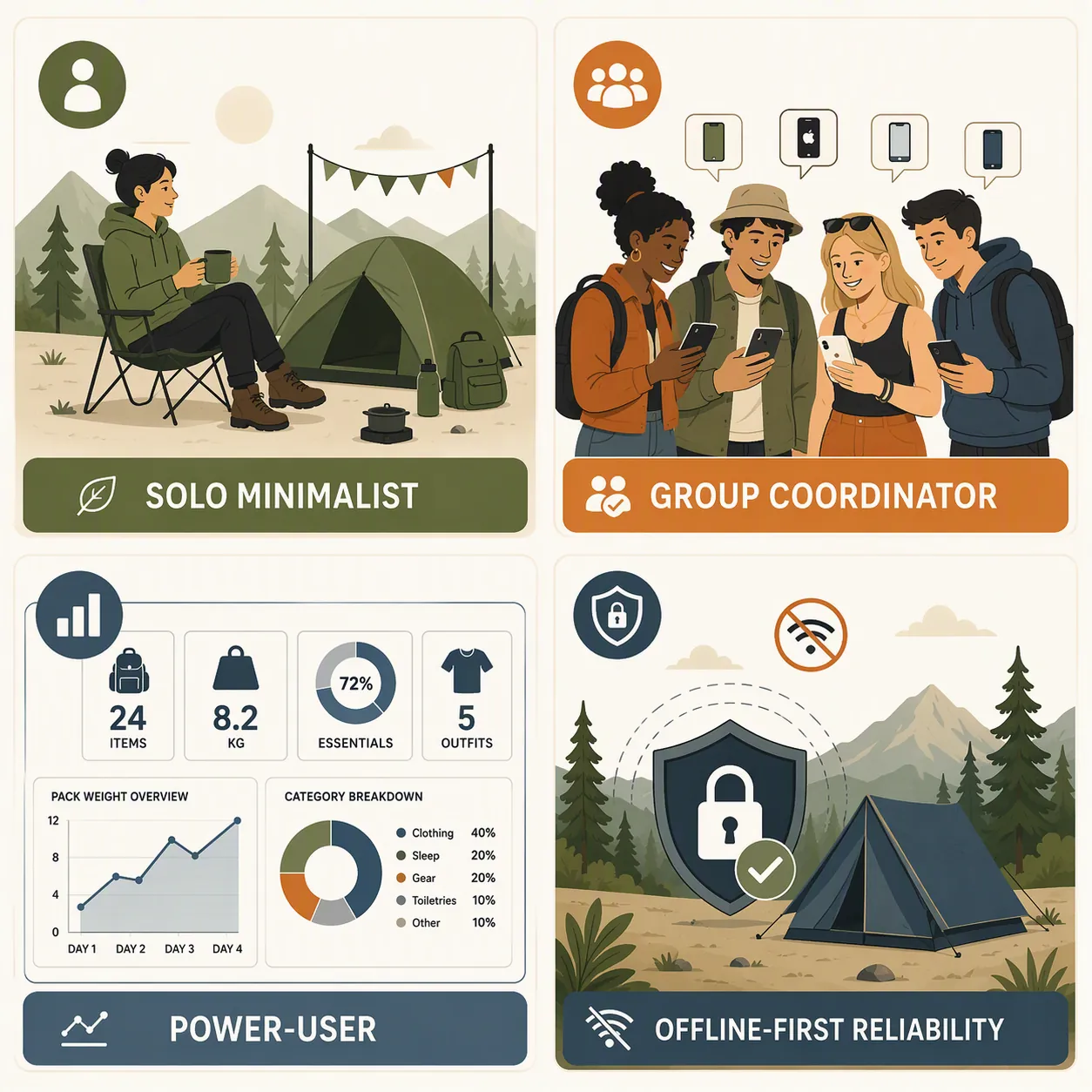
| Solo minimalist | Apple Notes | Native checklists, offline access through Apple’s Notes setup, and reusable packing-list shortcuts if you are willing to set them up.[1][2] | Best inside Apple’s ecosystem; less useful if your packing partner is on Android. |
| Mixed-OS group coordinator | Google Keep | Simple shared notes across iOS and Android, with less friction for casual collaborators than heavier workspace apps.[3] | Low-signal background sync retries can be a battery concern in festival conditions.[3] |
| Notion power-user | Notion | Databases, templates, and roll-ups can turn every trip into a reusable planning system.[4] | Mobile database offline mode is read-only, which is exactly the wrong failure mode at the gate.[4] |
| Offline-first obsessive | Obsidian | Local Markdown files keep the list on the device instead of making access depend on sync.[5] | Collaboration is not native, and template reuse usually means adding a plugin or workflow.[5] |
| Microsoft household | OneNote | Good if your group already uses Microsoft accounts and notebooks. | The freeform canvas can make mobile checkboxes feel small and fiddly.[6] |
| Template-first planner | Evernote | Templates are easy to understand and have a long history of packing-list use.[7] | Current paid tiers make it hard to justify for a seasonal packing list.[7] |
Dedicated packing-list apps such as PackPoint, Packr, PackMate, and AnyList are outside this comparison because the question here is narrower: which note app should hold the list if you want to reuse something you already have on your phone? If you want broader free-tier context after this, the site’s free note-taking app comparison is the better detour.
What We Actually Judged
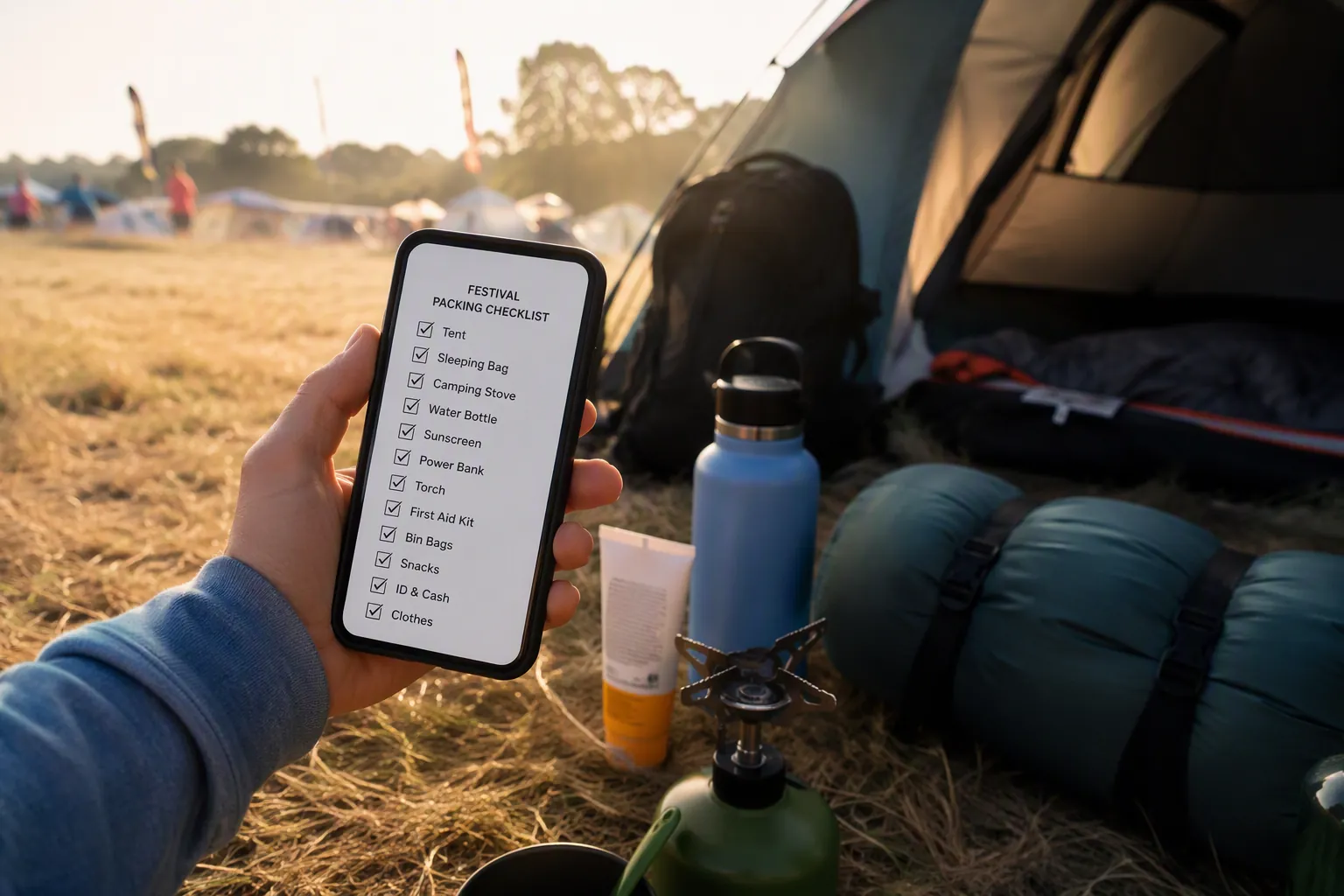
A festival packing list is not just a grocery list with a tent on it. REI’s festival camping checklist separates shelter, sleep system, kitchen, food, water, clothing, personal items, lighting, and campsite comfort, while Insta360’s 2026 music festival camping list similarly shows how quickly the job sprawls beyond “phone, wallet, keys.”[8][9] That matters because a useful note app has to handle categories without making the final check at the car feel like admin work.
The five criteria were deliberately unglamorous:
- Offline checklist access: can you still see and tick off the essentials with no usable signal?
- Template reuse: can last year’s list become this weekend’s list without rebuilding it item by item?
- Cross-platform sharing: can iPhone and Android friends open or edit it without being drafted into your whole productivity system?
- Multi-category organization: can shelter, food, clothing, meds, documents, and campsite tools stay readable?
- Quick capture and check-off speed: can you add “extra batteries” or tap “mallet” while standing in a doorway with one hand free?
Those criteria are where note-app rankings usually get soft. A beautiful database is not the same as a dependable packing list. A collaborative workspace is not the same as a note your friend can open without creating an account while the rideshare is outside.
If You Pack Alone, Apple Notes Is Hard to Beat
Apple Notes wins the solo minimalist scenario because it does the boring parts cleanly. It has native checklists, it lives on the phone already, and Apple documents checklist creation directly inside Notes rather than treating it as a workaround.[1] For one iPhone user packing shelter, clothes, medication, chargers, ID, food, and a few campsite extras, that is enough.
The weak point used to be template reuse. Notes is not a formal template app, so the practical move is to keep a master packing note and duplicate or regenerate it. Shawn Blanc’s travel packing shortcut shows one workable method: use Apple Shortcuts to create a reusable packing-list note instead of rebuilding the same list each trip.[2] That is not as obvious as tapping a template gallery, but once it is set, it is fast.
The iOS 26.6 update, released July 27, 2026, also makes Apple Notes harder to dismiss for this kind of lightweight planning because Markdown export and Spotlight semantic pre-indexing improve how notes can be found and moved later. That does not magically turn Notes into a group dashboard, but it does reduce the old feeling that a packing list disappears into an Apple-only drawer. For a fuller look at that update, see Can Apple Notes Replace Third-Party Note Apps After iOS 26.6?.
Where Apple Notes loses is the mixed-phone campsite. Shared Apple Notes are fine when everyone is in the ecosystem. The moment one key person is on Android, the list stops feeling like a shared packing tool and starts feeling like someone else’s locked cabinet.
For Mixed iPhone and Android Groups, Google Keep Is the Least Annoying
Google Keep is not the most elegant app in this group. It is not where you build a serious dashboard, store a multi-year festival archive, or create nested category logic. It wins the group-coordinator scenario because it keeps the list closer to the people who need it.
A shared Keep note can be opened and used across Android and iOS with far less ceremony than asking three friends to join a Notion workspace or care about your Evernote account. In the Automators discussion of travel packing apps, Keep is treated as a practical cross-platform option, with the important caution that background sync retries in low-signal travel conditions can burn battery.[3] That caution matters at a festival, where “bad signal” is not a temporary inconvenience. It can be the whole weekend.
The Keep setup I would trust is simple: one note for the master list, grouped by plain text headers such as Shelter, Sleep, Food, Clothes, Health, Documents, and Shared Gear. Put owner names inside the item text when needed: “Mallet — Sam” or “Camp stove fuel — Priya.” It is not fancy, but it survives the moment when someone asks whether they were responsible for the canopy stakes.
The trade-off is battery discipline. If reception is poor, do the final group sync before entering the site, then avoid treating Keep like a live command center. A note app can coordinate the packing handoff; it should not become another reason your phone is dead before the headliner.
Notion Is Excellent Until the Packing List Becomes a Mobile Database Offline
Notion is the easiest app here to overbuild. A festival packing database sounds useful: item, category, owner, packed status, shared-versus-personal, purchase-needed, campsite zone, trip name. Add a template button, filter by “not packed,” roll up group responsibilities, and suddenly the whole weekend has a cockpit.
That setup is genuinely useful before the trip, especially if you already run trips, projects, or household planning in Notion. PCMag’s 2026 note-app coverage recognizes Notion’s strength as a flexible workspace, but also flags the exact problem for this use case: mobile database offline mode is read-only.[4] If the natural Notion version of your packing list is a database, then the app can become least useful at the most predictable bad moment — arriving with poor signal and needing to tick things off or change ownership.
There is a safer Notion compromise: keep the database for planning at home, then generate a plain checklist page before leaving. That gives you the pre-trip benefits without betting the gate check on editable offline databases. It is less elegant, but a plain page is closer to what the moment requires.
The other honest cost is setup time. A useful Notion packing system usually takes real configuration: properties, views, templates, maybe a per-trip database relation. If you are already a Notion person, that cost may be fun. If you are packing tonight, it is a tax.
Obsidian Is the Pick When Offline Access Matters More Than Collaboration
Obsidian’s advantage is not that it has the friendliest festival checklist interface. It does not. Its advantage is that your notes are local Markdown files. In the Obsidian forum discussion of organized packing lists, users lean on plain files, folders, and plugins rather than a cloud-first checklist model.[5] That local-first structure is exactly why Obsidian appeals to the person who wants the packing list to exist even if sync does not.
For an offline-first festival workflow, one Markdown note can handle the whole job:
## Shelter
- [ ] Tent
- [ ] Stakes
- [ ] Mallet

## Sleep
- [ ] Sleeping bag
- [ ] Pad
- [ ] Earplugs

## Shared Camp
- [ ] Lantern
- [ ] Water container
- [ ] Stove
That looks plain because plain is the point. A local file is easy to search, easy to back up, and readable outside the app. Template reuse is weaker out of the box than Evernote or Notion, but Obsidian users commonly solve that with plugins such as Templater or with duplicated Markdown files.[5]
The collaboration trade-off is real. Obsidian is not the app I would choose for a six-person group where two people will only engage if the list appears in an app they already use. It is the app I would choose if one responsible person owns the list and wants the fewest moving parts between the phone and the file.
OneNote and Evernote Can Work, But They Are Not the Clean Picks
OneNote
OneNote makes sense if your household already uses Microsoft accounts, shared notebooks, and OneDrive. It is powerful, familiar to many students and office workers, and flexible enough to hold a festival list by category.
The problem is the canvas. Zapier’s 2026 note-app review calls out OneNote’s freeform structure as part of its identity, and that same structure can make checklist use on mobile feel fiddly.[6] On a laptop, dragging sections around a page is pleasant. On a phone in a campsite queue, tiny checkboxes floating inside a broad canvas are not a feature I want to depend on.
Evernote
Evernote has one of the clearest template stories in this comparison. Its own community has long discussed packing-list use cases, and the app’s template model is easy to understand: make the list once, reuse it when the next trip appears.[7] If all you want is a polished reusable note, Evernote can absolutely do that.
The pricing is the hard stop. Current Evernote pricing under Bending Spoons is $99 per year for Starter and $249.99 per year for Advanced.[7] For a packing list you may use a few weekends a year, that is a strange bill to defend unless Evernote is already central to your work. If you are deciding whether that subscription makes sense beyond festivals, the broader pricing analysis is here: Evernote in 2026: Is the Subscription Price Worth It?.
The Decision by Job, Not by App
Choosing by app loyalty gets this wrong. Choose by the job the list has to do.
| If your real problem is... | Use... | Avoid... |
|---|---|---|
| You pack mostly alone and use an iPhone | Apple Notes | Notion, unless you already have a setup |
| You coordinate friends on mixed phones | Google Keep | Apple Notes as the sole shared list |
| You already plan everything in a Notion workspace | Notion, with a plain checklist fallback | Relying on mobile database edits offline |
| You care most about local access | Obsidian | Any workflow where the only copy depends on sync |
| Your group already lives in Microsoft | OneNote | Complex freeform pages for final packing checks |
| You want reusable templates and already pay for Evernote | Evernote | Starting a paid Evernote plan just for one festival list |
For most people, the practical shortlist is three apps: Apple Notes for solo iPhone packing, Google Keep for mixed groups, and Obsidian for the person who wants the list stored locally no matter what happens to signal. Notion remains the best planning system in the set, but only if the final on-site version is made boring enough to survive offline. OneNote and Evernote are better treated as “use them if you already use them” choices.
If your festival weekend involves flights, trains, or other low-connectivity stretches before you even reach the campsite, the same rule applies there too: make the essential note available before the network gets unreliable. The low-connectivity angle is covered more broadly in 8 Tools to Stay Productive During Flight Delays.
The right festival packing app is not the one with the longest feature list. It is the one that still lets you find, share, and check the list when the weekend stops behaving like Wi-Fi exists.
References
- Create a checklist with Notes, Apple Support
- My Travel Packing List Shortcut, Shawn Blanc, 2019
- Best Travel Packing Apps?, Automators Talk
- The Best Note-Taking Apps for 2026, PCMag, 2026
- Organized packing list?, Obsidian Forum
- The best note-taking apps in 2026, Zapier, 2026
- Packing lists in Evernote - Ideas, Evernote Forums
- Festival Camping Checklist, REI
- The Ultimate Music Festival Camping Packing List 2026, Insta360, 2026



Comments
Join the discussion with an anonymous comment.