
If you came to this question after hearing Anne Lamott talk about writing habits on a podcast, the uncomfortable part is not that your note app might be bad. It is that your note app might be useful in exactly the wrong way. It may be giving you five respectable things to do before you have to write one bad sentence.
Lamott’s “stop not writing” line is easy to treat as a literary nudge, something to tape above a desk and ignore by Thursday. It is more useful as a tool test. If the app makes “not writing” feel productive — naming the note, choosing the folder, applying the template, linking the project, deciding whether this thought is a quote, draft, task, research item, or permanent note — then the app has joined the resistance. Lamott pairs that command with a firm but friendly inner-editor voice, the part of the mind that can tell the anxious, fussy, managerial self to sit down and let a draft happen anyway.[1][2]
That is the real connection between Lamott’s writing habits, podcast productivity advice, and note-taking software. The question is not which app is most powerful. It is how many decisions the app demands before a sentence can exist.
The “No System” Confession Is the Point
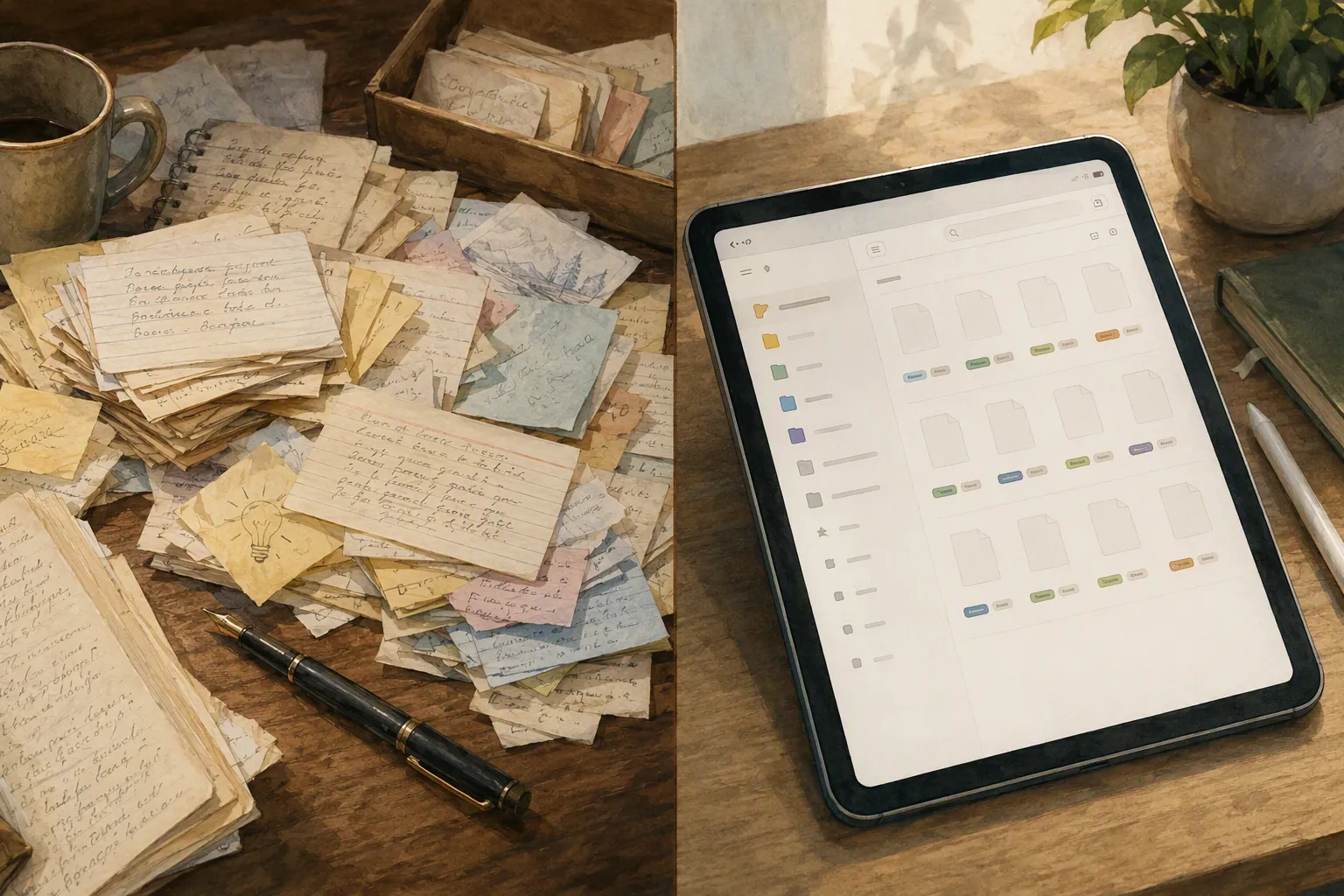
Lamott’s index-card habit is not impressive because it is quaint. It is impressive because it refuses to become architecture. In the David Perell interview, she says she has “no system” for her cards.[2] That confession would make a certain kind of productivity person twitch. No capture taxonomy? No property fields? No weekly card-processing ritual?
But for a writer, “no system” can be a serious advantage. The card is not asking what it is. It does not need to know whether the line belongs to an essay, a scene, a joke, a memory, a title, or a future paragraph that will never earn its keep. It receives the scrap before the scrap has to justify itself.
This is where Lamott’s “rag bag guy” matters. In Bird by Bird and again in conversation with Perell, she returns to the figure of a person who collects scraps rather than sorts them on arrival.[1][2] The metaphor is homely enough to be trusted. A rag bag is not a database. It is a place where bits can accumulate while they are still too unformed to classify.
Many writers mistake that early unformed state for a software problem. They think, “If I had the right workspace, I would know where this belongs.” Often the order is backwards. The line does not know where it belongs because it is still just a line. The app should not make you resolve that uncertainty at the door.
Decision Friction Is the Test
Decision friction is the drag created by small choices that appear before the writing. Individually, each one looks harmless. Together, they create a polished runway for avoidance.
- What should this note be called?
- Does it belong in the article database, the ideas database, or the reading notes database?
- Should it use the draft template, source template, or project template?
- Which tags will make it findable later?
- Should it link to an existing project page before it becomes a draft?
- Is this a note, a task, an outline, a quote, or a permanent idea?
None of those questions is foolish. In another phase of the work, some of them are necessary. The problem is timing. Before the first ugly paragraph exists, classification often pretends to be preparation while quietly protecting the writer from exposure.
The wrong app, for a rag-bag writer, asks sorter questions too early. A database-heavy workspace can be beautiful once material has shape. It can also turn the first sentence into a customs checkpoint. The writer opens the app to catch a thought and is immediately reminded of the whole machinery of identity: what project is this, what status is it in, what type of knowledge is it, what system does it serve?
That is why feature-depth comparisons can be misleading for writers. A feature is only an upgrade if it reduces the resistance of the next action. A template that saves ten minutes later may still be too expensive if it inserts a decision before capture. A backlink that helps during revision may be irrelevant during the first panicked attempt to get the thought down. A tag system that makes retrieval elegant may not matter if it makes the note slightly harder to begin.
Are You a Rag Bag Guy or a Sorter?
This is not a moral distinction. Some writers genuinely think by arranging. They do not feel delayed by databases, PARA folders, project dashboards, or carefully named pages. Structure calms them down. Seeing the container helps them find the sentence. For that writer, Notion or another database-first app may not be avoidance at all; it may be the surface where thinking becomes visible.
But many writers are not like that, even when they wish they were. They buy the sorter’s tools because the tools look adult. They imagine the future version of themselves moving cleanly through a linked archive, every idea processed, every draft status current, every scrap dignified by metadata. Then they open the app at the exact moment a sentence is still fragile and ask it to pass through a filing system.
| If you tend to... | You may need... |
|---|---|
| Capture phrases, images, overheard lines, and half-formed claims before you know what they mean | An inbox-first tool: Apple Notes, plain text, index cards, or any app that opens directly into a blank note |
| Understand a piece only after you map sections, properties, statuses, and sources | A structure-first tool: Notion, a database workspace, PARA, or a project-based system |
| Avoid writing by improving the system around the writing | A lower-friction capture surface, even if it looks less impressive |
| Lose material because your capture pile becomes unsearchable or physically scattered | A simple inbox plus a light review habit, not necessarily a full productivity operating system |
The useful self-test is not “Do I like clean tools?” Almost everyone likes clean tools. The better question is: when a thought arrives, do you want somewhere to put it, or do you want to know what it is? Rag-bag writers need the first answer available immediately. Sorters may need the second.
What This Means for Notion, Apple Notes, and Plain Text
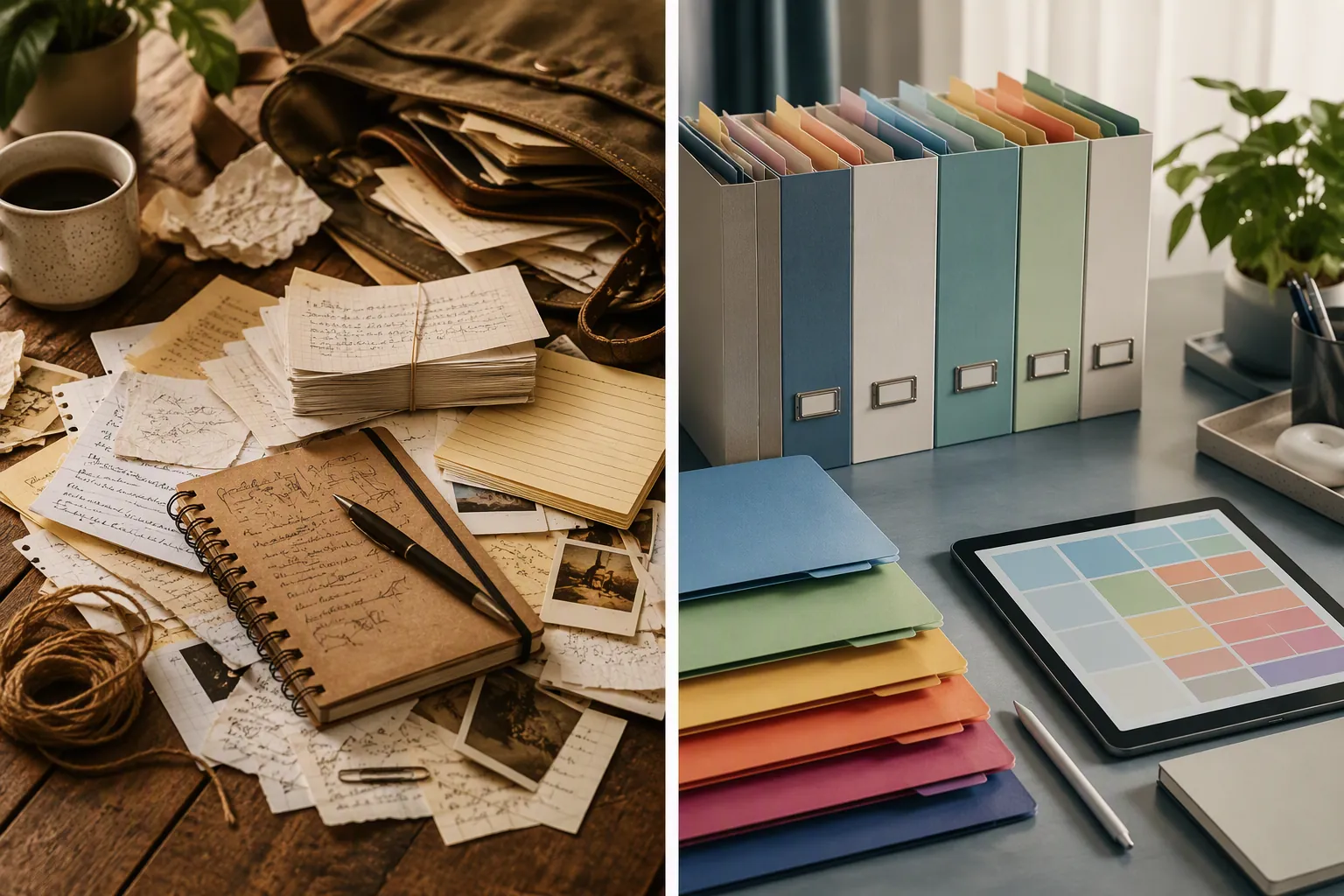
Notion is not the villain here. It is often blamed too vaguely by people who built elaborate workspaces and then felt accused by them. The more precise criticism is that Notion makes it very easy to design containers before the work has earned them. For planning, research tracking, publication calendars, and source management, that can be useful. For first contact with a sentence, it can be too much room with too many labeled doors.
Apple Notes works for many writers because it behaves more like a pocket than a headquarters. Open, type, leave. A note can remain badly named. A folder can be ignored. Search can rescue more than a tidy person wants to admit. If you want a more app-level look at where Apple Notes now stands, FlowDesk’s Apple Notes comparison is the better place for the feature details; the point here is narrower. A low-friction note app earns its place by letting the note be born untidy.
Plain text is even less flattering and sometimes even better. A folder of text files has no opinion about your creative identity. It does not encourage a dashboard. It can be searched, backed up, synced, renamed, or abandoned. It is not magic. It is just difficult to procrastinate by decorating a blank .txt file.
The same logic applies to other free tools. The question to bring to any comparison is not “Which app can do the most?” but “Which app lets me perform my next writing action with the least ceremony?” For broader app choices, FlowDesk’s free note-taking apps comparison is useful precisely if you read it with that filter in mind.
Give the App Three Real Writing Sessions
Lamott tells Perell she gives a book three pages to hook her.[2] That is a clean rule because it respects lived contact. Not reputation. Not the premise. Not what other people say the book becomes on page sixty. Three pages, and the book has to make a case.
Use the same standard for a note app. Do not spend three weeks building the perfect writing system before discovering whether you can write inside it. Give the candidate app three real writing sessions. Not setup sessions. Not “watch tutorials and import everything” sessions. Three occasions when you have to start from resistance and produce words.
- Session one: capture loose material for a piece without organizing it first.
- Session two: begin an ugly draft from those notes.
- Session three: revise or extend the draft without rebuilding the workspace around it.
After that, judge the app by evidence. Did it let you enter quickly? Did it keep asking where things belonged? Did you write more, or did you improve the place where writing might someday happen? Did the app disappear once the sentence began, or did it keep offering small administrative chores?
A tool can fail this test even if it is well designed. That is the part worth admitting before another migration begins. The app may be excellent and still wrong for the moment when your work is most avoidant.
One System Is Not Always Better Than Several Small Tools
Lamott’s own habits are a rebuke to the all-in-one fantasy. Bird by Bird describes humble, specialized tools: index cards for catching things, a typewriter for drafting, and pen-and-paper attention for editing.[1] The tools do not need to merge into a single command center. They need to meet the work at the right stage.
This matters because “one place for everything” sounds sensible until “everything” includes the sentence you are afraid to write. Capture, drafting, revision, and project management are related, but they are not the same mental act. A tool that is excellent for tracking deadlines may be stiff for beginnings. A tool that is perfect for rough drafting may be too sloppy for source management. A tool that helps revision may be a poor place to gather sparks.
There is no shame in a split stack: phone notes for capture, a plain document for drafting, paper for editing, a database only when a project has enough shape to deserve one. The migration mistake is assuming that every stage of writing should be absorbed into the same app because the app can technically handle it.
The Clothesline Is Sorting After Contact
The clothesline method is worth mentioning because it is often misunderstood as proof that writers need a more elaborate system. The method is attributed to Martin Cruz Smith and popularized by Lamott: scenes or fragments are physically arranged so the writer can see sequence, gaps, and movement.[3]
The crucial detail is that the sorting happens after there is material to sort. A clothesline is not an entrance requirement. It does not stop a scrap at the door and ask for metadata. It lets the writer handle pieces, move them, mistrust them, notice adjacency. Digital systems can imitate some of that with boards, cards, and databases, but the timing still matters. Arrangement is useful when it serves a draft. It is suspicious when it replaces one.
When a Migration Is Actually Avoidance
A note-app migration feels like progress because it has visible labor. Exporting files, renaming folders, creating templates, deduplicating tags, arranging dashboards — all of it produces the warm evidence of effort. The danger is that writing also requires effort, but with less immediate proof that the effort is intelligent.
Lamott’s broader writing advice is useful here because it keeps returning the writer to scale: small frames, small assignments, tolerable next pieces. FlowDesk’s Bird by Bird note migration piece covers that migration mindset more directly. For choosing the app itself, the stricter test is resistance. Does the new tool reduce the distance between discomfort and the page, or does it give discomfort a nicer office?
There are good reasons to change apps. Sync may be unreliable. Search may be weak. Export may be trapped. The interface may have grown cluttered enough that you dread opening it. In the AI era, the shape and portability of notes may matter more because notes increasingly become raw material for retrieval, summarization, and assisted drafting; FlowDesk’s AI-era note-taking article gives that wider context. But even then, the writer’s first criterion should remain stubbornly practical: can I begin?
Choose the Tool That Lets You Stop Not Writing Fastest
The right note app for a writer is not necessarily the cleanest, deepest, newest, or most admired. It is the one that lowers resistance at the moment resistance usually wins.
For a sorter, that may be a structured database. For a rag-bag writer, it may be Apple Notes, plain text, index cards, or a single inbox that stays messy longer than a productivity expert would prefer. The distinction is not aesthetic. It is behavioral. The app should make the first bad sentence easier to reach.
A note app earns its place when it removes a decision before writing. It loses its place when it gives you a more impressive way to hide.
References
- Bird by Bird, Farnam Street
- Anne Lamott: How to Make Your Writing More Alive, How I Write
- Writers: Organize Your Book with Anne Lamott’s Clothesline Method, The Book Mechanic


Comments
Join the discussion with an anonymous comment.