
“Account opening time” is not the phrase most note-app users use for this problem. The painful part usually starts after the account exists and after the import finishes: post-account, post-migration workspace setup time. That is the stretch where 2,000 imported notes sit in a fresh Notion sidebar or Obsidian vault, technically transferred and practically unusable.
This is the phase migration guides too often wave away. They stop at “import complete,” while the user still has to rebuild folders, dashboards, databases, templates, plugin settings, backlinks, capture rules, review habits, and the first workflow that makes the new system feel safe enough to use tomorrow. A secondary setup estimate puts this kind of workspace learning and configuration at 20–50 hours; the firmer benchmark is narrower but still ugly: a 2,000-page move between Notion and Obsidian can take 10–20 hours of manual migration work, followed by weeks of iterative configuration. [1][2]
That is the real question behind how AI reduces account opening time for productivity workflows: not whether AI can make a pretty task list, but whether it can compress the dead clerical period between “my notes are here” and “I can work here.” For readers still deciding whether the move was worth it, the setup problem sits next to the psychology of switching tools; the same friction that makes people leave one system can also send them back if the new workspace stays shapeless for too long. FlowDesk’s pieces on why people leave productivity systems and habit friction for app switchers are useful companion reads.
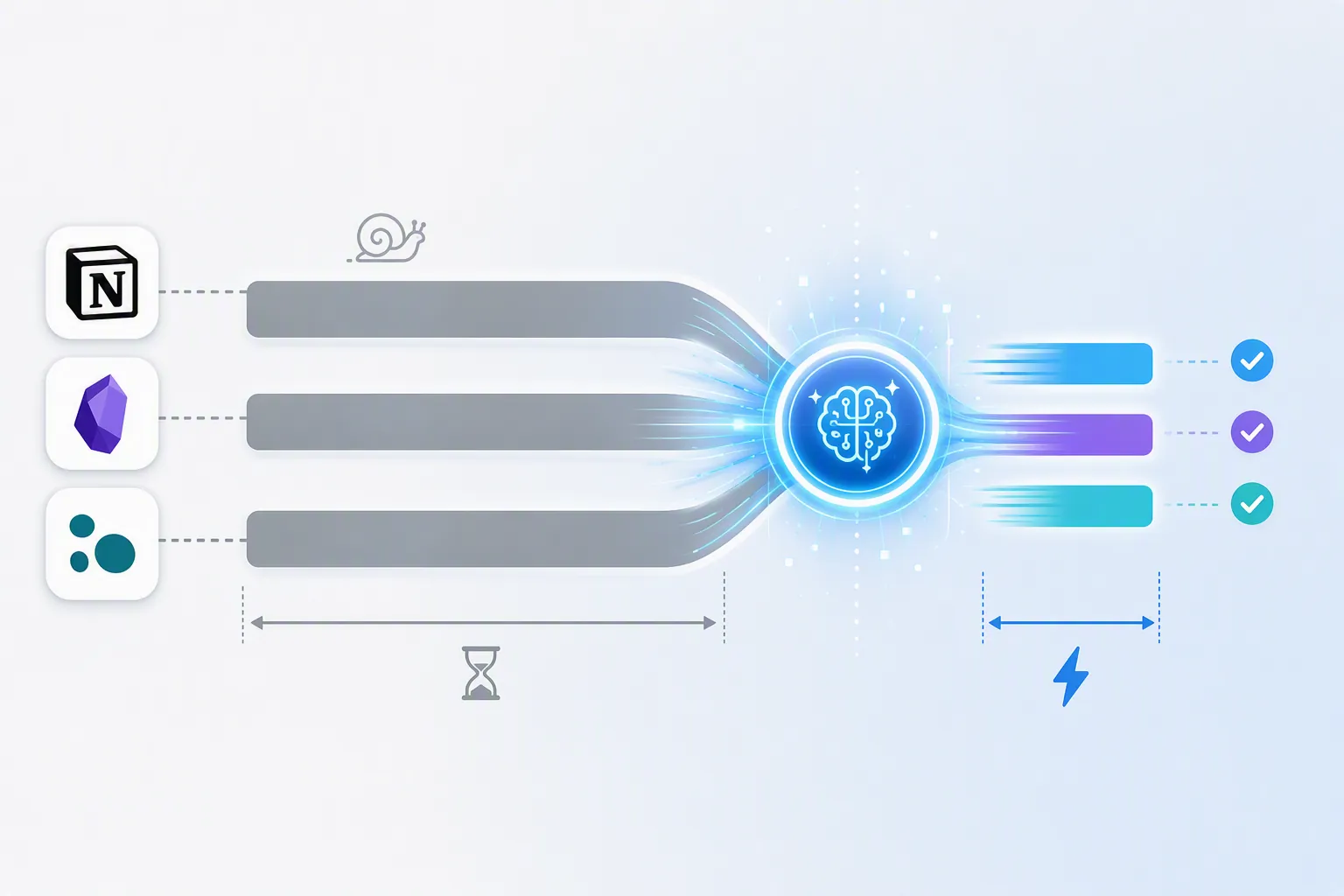
What AI actually removes from the setup marathon
AI does not make every part of setup disappear. It cannot decide whether a PARA folder structure fits your job, whether your meeting template should include decision logs, or whether a private local model is worth more to you than a polished cloud assistant. Those are judgment calls.
What it can remove is the first pass of clerical construction: turning a description into database properties, scaffolding a dashboard, generating templates, proposing vault folders, installing or configuring plugins, summarizing what already exists, and waiting for confirmation before making changes. That matters because the first usable version of a workspace does not need to be perfect. It needs to appear before the user loses momentum.
| Setup job after migration | Manual version | AI-compressed version | Still requires human confirmation |
|---|---|---|---|
| Structure | Create folders, pages, areas, projects, and indexes by hand | Generate a proposed workspace map or vault layout from a plain-language request | Whether the structure matches how you actually work |
| Templates and databases | Build properties, views, relations, buttons, and page templates one by one | Generate databases, project plans, and templates from natural language | Naming, property meaning, review cadence, and edge cases |
| Plugin or AI configuration | Research plugins, install them, wire settings, test conflicts | Scan the workspace, propose tools, install or configure with approval | Security, privacy, plugin trust, and breakage tolerance |
| First usable workflow | Manually connect capture, review, search, and task handling | Draft the first workflow and route imported material into it | Whether the workflow is simple enough to keep using |
The broader productivity data makes this compression plausible, though it should not be stretched into a promise for every vault or workspace. One 2026 statistics roundup reports AI productivity tools lifting individual productivity by up to 40% and reducing task completion times by more than 60% across categories that include workspace configuration tasks. [3] A note-app setup is messier than a repeatable office task, so the useful takeaway is not “your setup will shrink by 60%.” It is that AI is already good at shortening structured, repetitive configuration work—the exact work that makes post-migration nights feel so punitive.
Notion: the zero-config path if you accept the cloud and the bill
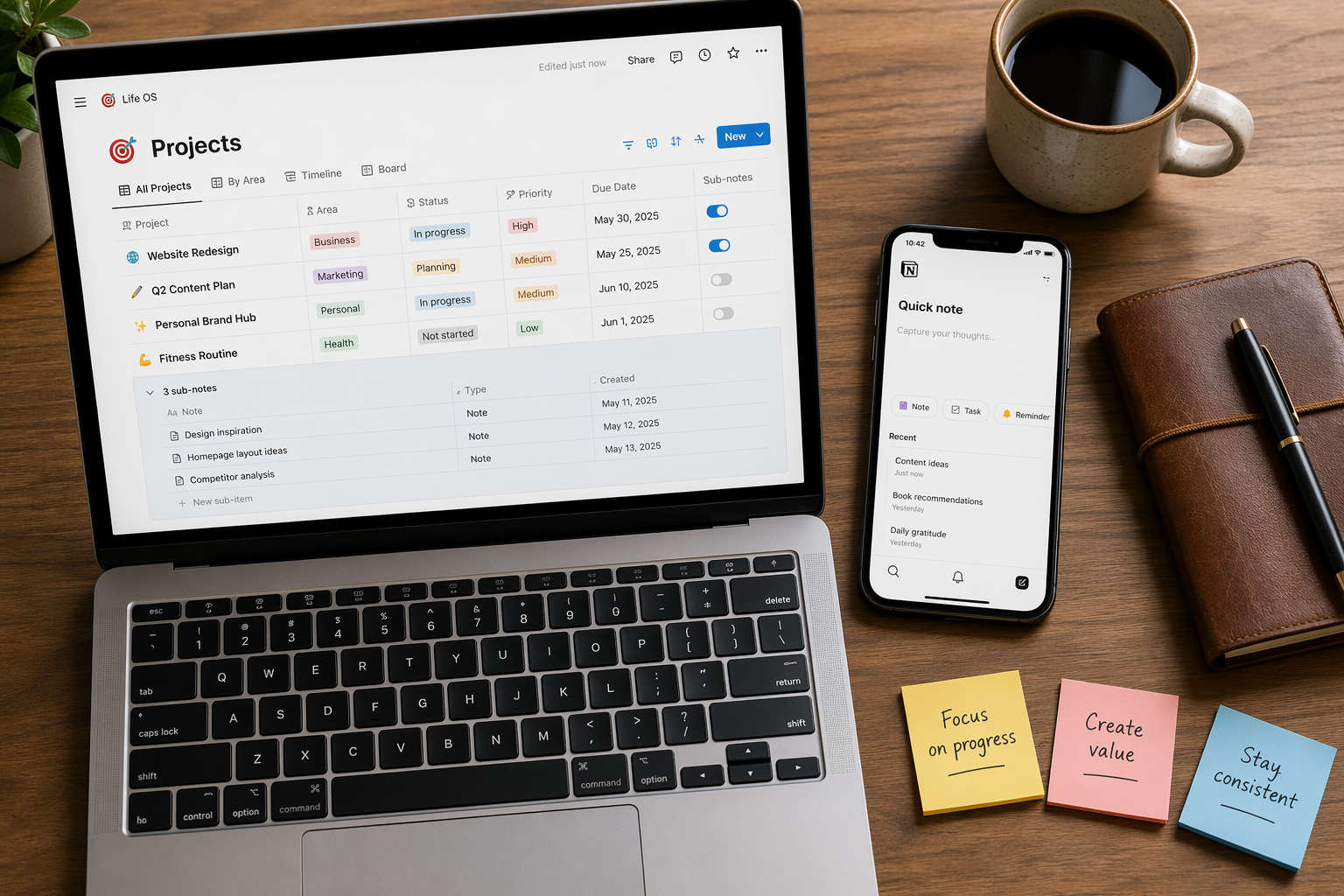
Notion is the cleanest answer for the tired person who wants the workspace to work tonight. Its advantage is not that it has AI in some abstract sense. Its advantage is that Notion AI Agents sit inside the same surface where pages, databases, project plans, and team spaces are built. A user can describe the desired system in natural language—client CRM, editorial calendar, meeting database, project tracker, research hub—and have the agent create a working first version in minutes. [4]
That directly attacks the worst Notion setup chore: database assembly. Manually building a serious Notion template means choosing properties, views, relations, filters, formulas, page layouts, and status conventions. A February 2026 VA Automation Lab guide describes Notion AI reducing template-building work that previously took 2–3 hours per template by generating the database and workspace structure from a plain-language request. [5]
The sharpest concrete case is Evernote-to-Notion onboarding. In that workflow, VA Automation Lab reports setup time dropping from 3–4 hours per workspace to about 45 minutes when Notion AI is used to organize imported material and generate the working structure—an 81% reduction. [5] That is not a universal law for every Notion migration, but it is the kind of compression that matters: the user gets from imported notes to a navigable workspace in the same evening.
The tradeoff is obvious. Notion’s fastest setup path is a cloud-first, productized path. You do less wiring because Notion controls the environment. You also accept Notion’s pricing and data model. Available 2026 pricing notes indicate that Notion AI shifted in early 2026, with AI bundled into the Business plan at $20 per user per month rather than sold as a standalone $10 add-on; because pricing changes quickly, anyone making a buying decision should verify current Notion pricing at publication time. [5]
For readers comparing AI models rather than just features, the distinction is worth making early: Notion gives you less setup friction because its assistant is integrated into a hosted workspace. Obsidian and Logseq can lean more local and configurable, but the user pays with more decisions. FlowDesk’s comparison of Notion AI and local-LLM note-app approaches and its guide to where on-device AI actually runs go deeper on that split.
Obsidian: the most powerful path, if you can tolerate the wiring
Obsidian is where setup compression becomes both exciting and easy to overstate. The ceiling is spectacular. A January 2026 developer workflow shows an AI-powered Obsidian vault built in about 20 minutes using terminal-based AI agents with Gemini and Claude. The workflow uses guided conversation to install plugins, apply themes, restore configurations, and create an AI-assisted vault environment. [6]
That 20-minute number should not be handed to a normal knowledge worker as if it were a product promise. It is an experienced developer’s path. The time compression comes from comfort with terminals, agents, configuration files, plugin behavior, and failure recovery. If an error appears, the developer can read it, ask the agent to adjust, and decide whether the proposed fix is sensible. A non-technical user may still save time, but the first hour can disappear into installing prerequisites and figuring out what is safe to approve.
The more interesting part is the shape of the workflow. Obsidian setup is not just page creation. It is a stack: vault folders, Markdown conventions, community plugins, hotkeys, CSS snippets, templates, Dataview queries, sync choices, and sometimes local or external AI models. AI helps when it can inspect that stack instead of forcing the user to describe everything from memory.
The obsidian-ai-setup GitHub project is a good example of this healthier pattern. It uses Cursor and Claude to scan what is already installed, explain a setup plan, and act only after the user confirms. [7] That confirmation step matters. A migrated vault is not a blank coding project. It contains years of notes, fragile naming conventions, and personal retrieval habits. The agent should be allowed to propose structure; it should not be allowed to silently rearrange the user’s knowledge base like a reckless intern with admin rights.
For technical users, a realistic setup target is about an hour for an AI-assisted Obsidian configuration, with the 20-minute case treated as the ceiling example rather than the median. For non-technical users, the time may stretch into a few hours because the AI is compressing the clerical work, not removing the need to understand what a plugin does or where the model is running.
Obsidian’s reward is control. If privacy, portability, Markdown files, and local-first architecture matter more than immediate polish, it is the path with the strongest long-term fit. FlowDesk’s article on local-first note-taking and AI regulation risks explains why some users accept more setup work to keep their knowledge base less dependent on a hosted AI layer. The cost is that Obsidian’s most impressive AI setup stories still assume the user can participate in the wiring.
Logseq: the fastest local experiment, with community-plugin risk
Logseq sits in a different place. It does not currently present the same official, polished AI setup surface that Notion does. Its fastest route is pairing Logseq with self-hosted LLMs through Ollama. XDA Developers reported in April 2026 that Logseq plus Ollama can provide AI-assisted knowledge-base functionality within minutes of plugin installation. [8]
That is genuinely exciting if the goal is fast local assistance. Install the community plugin, connect Ollama, and the user can start asking questions of a local knowledge base without signing up for a cloud AI workspace. For someone who has already migrated into an outliner and wants help making sense of imported blocks, that “within minutes” path is not trivial. It can turn a cold graph into something conversational before the user has finished polishing the structure.
The caution is just as important: this depends on the third-party community plugin ollama-logseq, not an official Logseq AI layer. Community plugins can be excellent, but their maintenance, compatibility, and quality are inherently variable. The speed comes with a durability question. If the plugin breaks after an update, the user is back to troubleshooting the setup layer. [8]
Logseq therefore fits the user who wants a fast local experiment more than the user who wants a managed workspace builder. It is not the most complete post-migration setup assistant. It may be the quickest way to get AI help over a local graph if you accept that the bridge is community-maintained.

The compression map: minutes are real, but not interchangeable
The mistake is comparing the best case from one tool to the average case from another. “20 minutes,” “45 minutes,” and “within minutes” describe different things: a developer-built Obsidian vault, an Evernote-to-Notion onboarding workflow, and Logseq AI assistance through a community Ollama plugin. They are all meaningful. They do not measure the same burden.
| Path | Best-supported compression claim | What AI replaces first | Skill requirement | Main tradeoff |
|---|---|---|---|---|
| Notion AI | Evernote-to-Notion onboarding reduced from 3–4 hours to about 45 minutes; workspace structures and databases can be generated in minutes | Database and template building, project-plan scaffolding, workspace layout | Low | Cloud model, paid plan, current pricing must be verified |
| Obsidian with AI agents | Developer ceiling case: AI-powered vault in about 20 minutes; more realistic technical-user setup can be around an hour, with non-technical users taking longer | Plugin installation, theme/config restoration, vault analysis, setup planning | Medium to high | Technical friction, plugin complexity, need to review every change |
| Logseq with Ollama | AI-assisted knowledge-base functionality within minutes of community plugin installation | Local AI connection and conversational assistance over the graph | Medium | Community-plugin maintenance risk, less official product polish |
| Manual post-migration setup | Secondary estimates place full setup at 20–50 hours; a 2,000-page Notion/Obsidian move can involve 10–20 hours plus weeks of iterative configuration | Nothing is compressed; the user builds and tests the structure by hand | Low to medium, but time-intensive | High fatigue and abandonment risk |
A normal user should read the table by burden, not by drama. Notion compresses the most visible setup work with the least technical resistance. Obsidian offers the most configurable AI-assisted rebuild, but the impressive examples assume comfort with developer tools. Logseq gets to local AI help quickly, but the route is less institutionally durable because it runs through a community plugin.
If you are still choosing the app rather than configuring the one you already picked, FlowDesk’s comparison of Notion, Obsidian, and AI-native second-brain approaches is the more useful decision point. Once the migration has happened, the question becomes narrower: which AI setup path matches your tolerance for money, privacy tradeoffs, plugin risk, and technical work?
What to let AI do first
The safest way to use AI after migration is to give it the boring scaffold before the delicate edits. Start with the jobs that are reversible: draft the dashboard, propose the folder map, generate database fields, create starter templates, identify duplicate categories, suggest plugin bundles, and produce a capture-to-review workflow. Avoid letting the tool rename, merge, delete, or mass-move imported notes until you have inspected the plan.
- Ask for a proposed workspace structure before asking for changes.
- Keep the first version small: capture, active projects, reference, review.
- Require confirmation before plugin installation, database rewrites, file moves, or template replacement.
- Test the workflow with a normal day’s work before reorganizing the archive.
- Treat AI-generated structure as a draft, not a diagnosis of how your mind works.
This is where AI agents matter. They are most useful when they can inspect state, propose a sequence, act with permission, and revise after feedback. That pattern is closer to a configuration assistant than a chatbot. FlowDesk’s article on AI-first design and agent workflows is relevant here because the setup problem is exactly the kind of multi-step environment where agents are more useful than one-off text generation.
Choose by tolerance, not by the shortest number
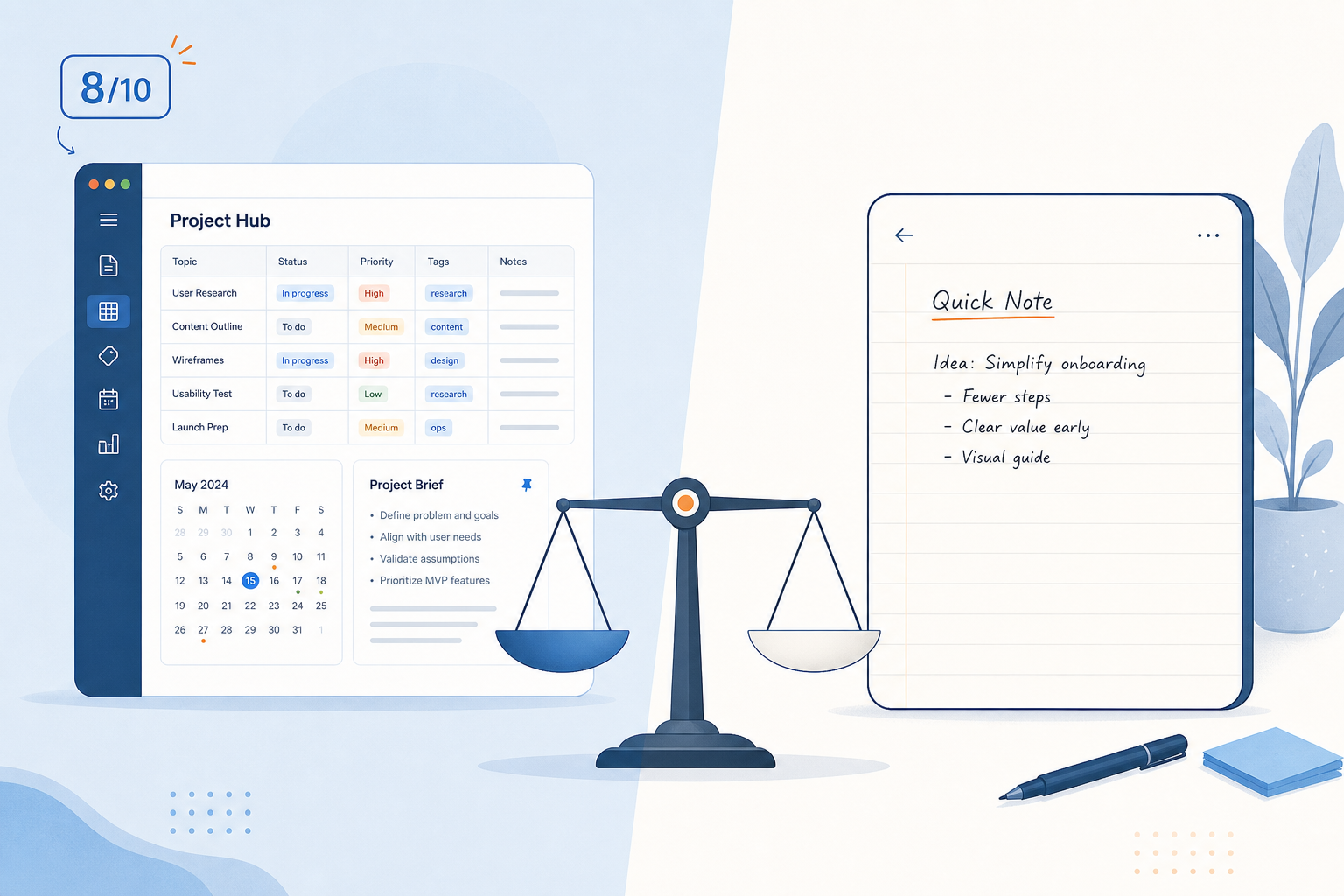
If the goal is zero-config progress and you are willing to pay for a hosted tool, Notion AI is the practical choice. It is the least romantic answer and probably the best one for the user who has work due tomorrow. The workspace generator, database builder, and natural-language setup flow remove the chores that make Notion feel intimidating after import.
If the goal is local control, portability, and a system you can shape deeply over time, Obsidian is stronger. AI can shorten the setup dramatically, but only if you are comfortable reviewing configuration steps and understanding the plugins being installed. For a developer, the 20-minute vault is believable. For a normal knowledge worker, “a few focused hours with careful approval” is a healthier expectation.
If the goal is the fastest local AI experiment over an outline or graph, Logseq with Ollama is the interesting route. It can get assistance running within minutes, but the user has to accept the risk profile of a community-maintained bridge rather than an official AI product surface.
After setup, the next question is whether AI should become part of the daily workflow rather than just the rebuild. FlowDesk’s guide to linking AI to your notes for career productivity is the better next step once the workspace is no longer a construction site.
So yes, AI can reduce post-migration setup from a multi-day, 20–50 hour slog to 20 minutes, 45 minutes, or a few hours. The compression is real when the tool’s AI model matches the user. Choose Notion if you want zero-config and will pay. Choose Obsidian if you want local/private control and can handle technical setup. Choose Logseq if you want the fastest local experiment and accept community-plugin risk.
References
- Course Sidekick workspace learning/setup estimate, Course Sidekick, date unavailable.
- Notion vs Obsidian comparison, Tech Insider, March 2026.
- 29 Time Saved by AI Productivity Tools Statistics, this+that, May 2026.
- Notion AI Agents help documentation, Notion, date unavailable.
- Notion AI Agents guide, VA Automation Lab, February 2026.
- Build Your AI-Powered Obsidian Vault in 20 Minutes, Medium, January 2026.
- obsidian-ai-setup, GitHub, 2026.
- Logseq paired with Ollama for AI-assisted knowledge-base functionality, XDA Developers, April 2026.






Comments
Join the discussion with an anonymous comment.