
Last verified: Aug. 26, 2026. The prices below use Microsoft’s US list prices, not reseller, retail-card, or OEM bundle prices: Microsoft 365 Basic is $19.99/year, Personal is $99.99/year, Family is $129.99/year, Premium is $199.99/year, Office Home 2024 is $179.99, and Office Home & Business 2024 is $249.99 [1][2]. If you are comparing against an older article or a checkout page from a PC maker, assume the numbers may not match until you check the current cart.
| Choice | Aug. 2026 US list price | What you are buying | Desktop apps | Device rule | Storage | Updates and upgrades | Offline behavior and AI |
|---|---|---|---|---|---|---|---|
| Microsoft 365 Basic | $19.99/year [1] | Subscription | No desktop Word, Excel, PowerPoint, or Outlook; this is the easy plan to misbuy if you expected installed Office apps [3] | Subscription account rules, but without the desktop-app benefit most Office buyers are looking for | OneDrive storage is part of the plan, but it is not the 1 TB-per-user desktop-app bundle described for Personal and Family [1][2] | Subscription services continue while you pay | Not the plan to buy for Copilot-style Office desktop use |
| Microsoft 365 Personal | $99.99/year [1] | Subscription for one person | Word, Excel, PowerPoint, Outlook, OneNote, and other Microsoft 365 apps depending on platform and availability [1][2] | Install across devices and stay signed in on up to five devices at the same time [2] | 1 TB OneDrive for the subscriber [2] | Security updates and new features continue while the subscription is active [2] | Needs periodic internet verification; subscription apps can enter reduced-functionality mode after roughly 31 days offline [1][2]. Copilot features attach to the paid subscriber, where included [1] |
| Microsoft 365 Family | $129.99/year [1] | Subscription for a household | Same general Microsoft 365 desktop-app model as Personal [1][2] | Designed for multiple household users; each user can use Microsoft 365 across devices, with the same five-simultaneous-device sign-in limit applying per user [2] | 1 TB OneDrive per user, up to 6 TB total [2] | Security updates and new features continue while the subscription is active [2] | Same reduced-functionality risk after extended offline use. Copilot is not automatically shared to every Family member; Microsoft treats the AI benefit as tied to the subscription owner where included [1] |
| Microsoft 365 Premium | $199.99/year [1] | Higher-priced Microsoft 365 subscription tier | Desktop apps are part of the paid Microsoft 365 model, but check the current Microsoft comparison page before assuming every AI or sharing benefit works like Family [1] | Subscription activation rules apply | Bundled cloud storage is part of the Microsoft 365 value calculation; verify the exact user/sharing terms at checkout [1] | Continuous Microsoft 365 updates while subscribed [2] | Most relevant if the included subscription-only and AI features are worth paying above Personal or Family |
| Office Home 2024 | $179.99 one time [2] | One-time license | Word, Excel, PowerPoint, and OneNote [2] | One PC or Mac [2] | No bundled 1 TB OneDrive subscription storage [2] | Security updates only; no new features and no included upgrade to the next major Office release [2][4] | Works as installed desktop software but still requires periodic reactivation [2] |
| Office Home & Business 2024 | $249.99 one time [2] | One-time license aimed at home and business use | Word, Excel, PowerPoint, OneNote, and Outlook [2] | One PC or Mac [2] | No bundled 1 TB OneDrive subscription storage [2] | Security updates only; no new features and no included upgrade to the next major Office release [2][4] | Works as installed desktop software but still requires periodic reactivation [2] |
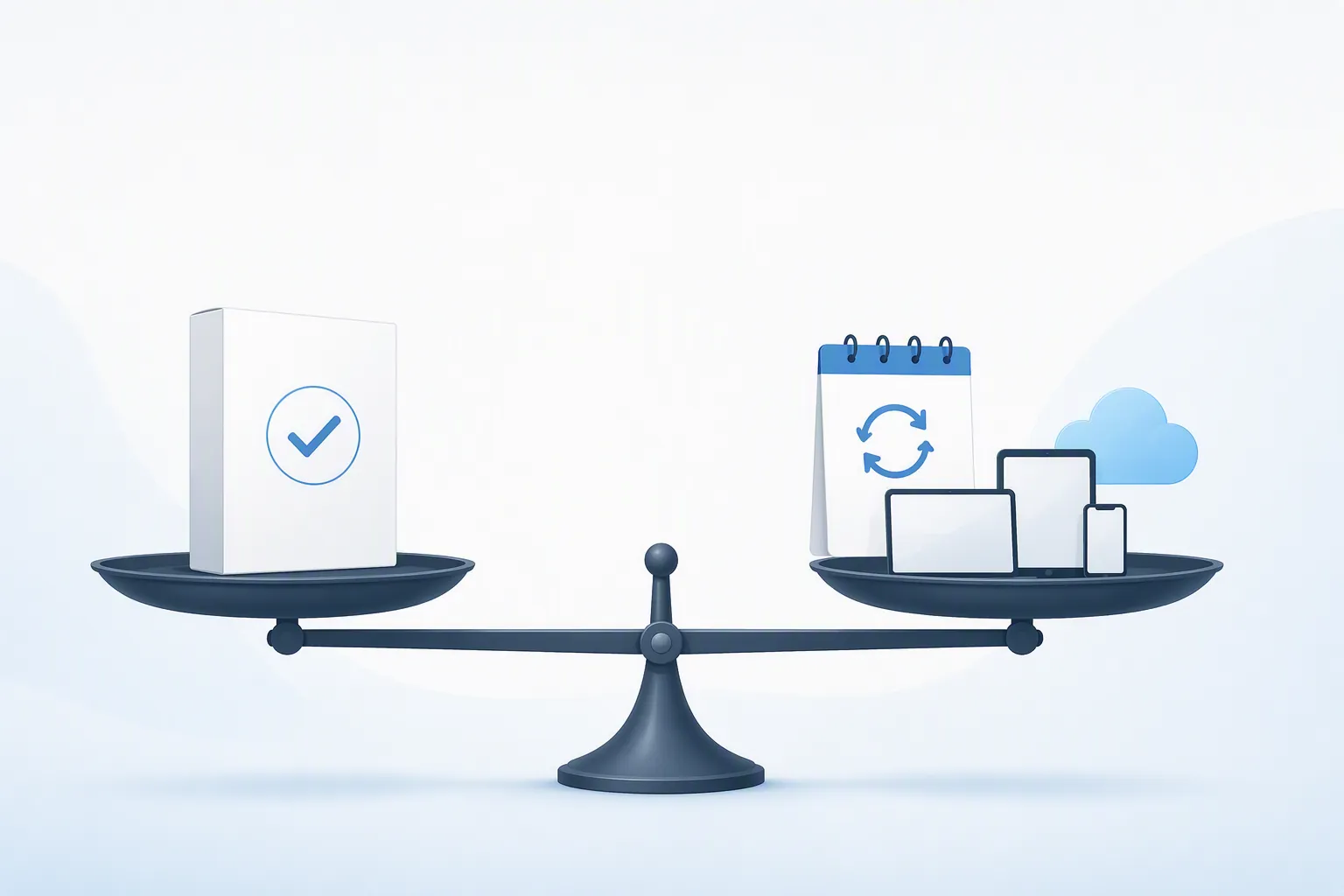
The shortest answer is this: Office 2024 buys installed desktop apps for one computer and freezes that purchase in time. Microsoft 365 rents the current Microsoft app-and-service bundle and keeps changing it while you keep paying. That is the real Microsoft Office vs Microsoft 365 subscription difference. It is not a clean “old versus new” choice, and it is definitely not safe to assume the cheapest Microsoft 365 plan includes the desktop apps.
That distinction matters more in 2026 because several buyers are being pushed into the decision at once: a new Windows PC may come with Microsoft 365 prompts, a renewal may now cost more than the old amount you remember, and Office 2021 users are close to the October 13, 2026 support deadline [2]. None of those triggers tells you which product fits. They only tell you it is time to count devices, users, storage, and tolerance for another annual bill.
What “one-time purchase” really means with Office 2024
Office Home 2024 and Office Home & Business 2024 are not subscriptions. You pay once, install the apps on one PC or Mac, and keep using that licensed version under Microsoft’s terms [2]. For a single household computer, a reception desk PC, or a laptop used mainly for local Word and Excel files, that can be exactly the clean purchase people are trying to find.
The tradeoff is that the license is intentionally limited. Office 2024 gets security updates, but it does not get the continuous feature stream that Microsoft 365 gets, and buying Office 2024 does not entitle you to the next major Office release [2][4]. When the next perpetual version arrives, upgrading is another purchase, not a renewal-free entitlement.

This is the row people underweight when they say “lifetime Office.” The license may last, but the feature set does not keep moving. If a future Excel function, Outlook behavior, Teams-adjacent integration, or Copilot-related workflow becomes important to you, the one-time license does not quietly transform into the subscription product. It stays the version you bought, with security maintenance rather than a running feature pipeline.
The one-device limit is also not a footnote. A parent setting up one desktop for school forms and basic spreadsheets may be fine. A person who moves between a desktop, laptop, and tablet will hit the wall quickly. Office 2024 is not priced as “all my devices forever.” It is priced as one licensed installation on one PC or Mac [2].
What the Microsoft 365 subscription is actually replacing
Microsoft 365 makes sense when the yearly charge replaces separate problems you would otherwise pay for or manage: installing Office across multiple devices, keeping apps current, giving each person a large OneDrive allowance, and sharing a household plan instead of buying separate one-computer licenses. Personal and Family include the desktop apps and 1 TB of OneDrive storage per user; Family can reach up to 6 TB total across users [2].

The five-simultaneous-device rule is one of the subscription’s most concrete advantages. With Microsoft 365, a subscriber can install across devices and stay signed in on up to five at the same time [2]. That does not matter much if you use one laptop. It matters immediately if you move between a desktop at work, a home laptop, a tablet, and a phone, or if several household members need their own Office access under Family.
The storage benefit also deserves to be treated like a real line item only when you will actually use it. A terabyte of OneDrive per user can replace a separate cloud-storage plan, simplify device replacement, and make file recovery less dependent on one aging laptop. If your files live on a local drive and you already have another backup system, it is less valuable. Microsoft includes the storage either way; your usage decides whether it is savings or decoration.
Copilot belongs in the comparison, but not in the driver’s seat for everyone. Microsoft ties Copilot-style AI features to paid Microsoft 365 subscription benefits where included, and the Family wrinkle is easy to miss: the AI benefit is not simply shared across all Family members in the same way as ordinary Office access [1]. If your main question is whether Copilot changes note-taking or OneNote workflows, that is a separate rabbit hole; FlowDesk’s Grok vs Copilot note-taking comparison is a better side exit than turning this purchase guide into an AI feature tour.
The offline myth cuts both ways
“Subscription” does not mean the desktop apps are browser-only. Microsoft 365 Personal and Family include installed desktop apps. You can work locally in those apps, and losing the internet for a normal trip or outage is not the same as losing Word or Excel.
The catch is activation. Microsoft says Microsoft 365 apps can enter reduced-functionality mode after roughly 31 days without connecting to the internet [1][2]. In that state, the apps are mainly for viewing and printing documents, not normal editing. This matters for people with remote cabins, field machines, travel laptops that stay offline for long stretches, or small offices with unreliable connectivity.
Office 2024 is better for long offline stretches, but it is not a magic “activate once and disappear forever” product either. Microsoft’s one-time Office products still require periodic reactivation [2]. The practical difference is that Office 2024 is not checking whether an annual subscription is still paid; Microsoft 365 is.
If your concern is broader Microsoft 365 cloud dependency rather than Office app activation, keep that issue separate. Outages and sync behavior are service questions, not proof that every Microsoft 365 desktop app becomes unusable the instant the network drops. FlowDesk’s Outlook and Teams outage notes are the better place to think about that side of the risk.
The plan-name traps worth slowing down for
Basic is not cheap desktop Office
Microsoft 365 Basic is cheap compared with Personal or Family, but it does not include the desktop Office apps [3]. That makes it a poor substitute for Office Home 2024 if your real goal is installed Word, Excel, and PowerPoint. It may be useful as a light Microsoft account and storage plan, but it is not the “I got Office for $19.99” answer many shoppers think they found.
Home & Business mainly matters if you need Outlook or business use
Office Home 2024 and Office Home & Business 2024 are both one-time purchases for one PC or Mac. The practical upgrade in Home & Business is Outlook and the business-use positioning [2]. If you do not need Outlook and you are not buying for a business context, paying the higher list price needs a reason.
Access and Publisher are edge cases, not a reason to ignore the main comparison
Access and Publisher can distort the decision for the few people who depend on them. Microsoft’s Office 2024 FAQ points to Access and Publisher availability in PC subscription plans, and it also notes that Publisher is being retired in 2026 [4]. If your workflow depends on one of those apps, check the exact app list before buying. If it does not, do not let those names distract from the bigger device, storage, and renewal math.
Classic and discounted offers are not the baseline
You may see references to Microsoft 365 Classic, old Personal and Family prices, discounted product keys, or PC-bundled Office offers. Treat those as conditional exceptions, not the comparison baseline. The clean comparison starts with Microsoft’s current list prices, then you can ask whether a specific retailer or renewal screen changes the arithmetic for your situation.
Decision matrix: which one should you buy?
| Your situation | Likely better fit | Why | Not for you if |
|---|---|---|---|
| One person, one main PC or Mac, mostly Word/Excel/PowerPoint, little interest in cloud storage | Office Home 2024 | The one-time $179.99 license is simpler than paying $99.99 every year for Personal when you do not need the subscription extras [1][2]. | Not for you if you expect new Office features, need Outlook, or want the same license across several devices. |
| One person who uses a desktop, laptop, tablet, and phone, and wants files available through OneDrive | Microsoft 365 Personal | The annual fee buys desktop apps, five simultaneous device sign-ins, continuous updates, and 1 TB OneDrive for the subscriber [2]. | Not for you if you mainly want a fixed local copy of Office and dislike any annual billing enough to give up storage and updates. |
| Household with several people who each need Office and cloud storage | Microsoft 365 Family | The $129.99/year list price can cover multiple users, with 1 TB OneDrive per user and up to 6 TB total [1][2]. | Not for you if only one person needs Office, or if you assumed every Copilot benefit is shared equally with every Family member. |
| Small office that needs Outlook on one computer and wants to avoid subscriptions | Office Home & Business 2024 | The $249.99 one-time license includes Outlook and avoids annual renewal for that one PC or Mac [2]. | Not for you if the business uses several devices per person, needs shared cloud storage, or wants continuous Microsoft 365 feature updates. |
| Buyer attracted to the lowest Microsoft 365 price | Usually not Microsoft 365 Basic for desktop Office | Basic is $19.99/year, but it does not include the desktop Office apps [1][3]. | Not for you if the thing you meant to buy was installed Word, Excel, PowerPoint, or Outlook. |
| Subscriber considering the $199.99/year Premium tier mainly because it appears during checkout | Microsoft 365 Premium only if its extra subscription and AI benefits are specifically useful | Premium costs more than Personal or Family, so the added value has to come from features you will actually use [1]. | Not for you if Personal or Family already covers your apps, devices, and storage needs. |
| Offline-heavy user who may go more than a month without internet | Usually Office 2024, with a reactivation caveat | Microsoft 365 apps can drop into reduced-functionality mode after roughly 31 days offline, while Office 2024 is not tied to an active annual subscription [1][2]. | Not for you if you interpret Office 2024 as never needing activation again; it still requires periodic reactivation [2]. |
| Office 2021 user replacing software before support ends | Choose by device count and storage, not by the deadline itself | The October 13, 2026 support deadline creates urgency, but it does not make subscription or one-time purchase automatically correct [2]. | Microsoft 365 is not for you if recurring billing is the main thing you want to avoid; Office 2024 is not for you if you expect the next major Office release to arrive as a free upgrade. |
References
- Compare All Microsoft 365 Products, Microsoft
- What's the difference between Microsoft 365 and Office 2024, Microsoft Support
- Differences Between Office 2024, Microsoft 365 Basic and Microsoft 365, Dell Support
- Office 2024 and Office LTSC 2024 FAQ, Microsoft Support