
Before you buy an iPad, an Apple Pencil, and a paid note-taking app for fall semester, make the less exciting decision first: decide how you are actually going to study from your notes after class. The best note taking app for students depends less on which app has the prettiest toolbar and more on whether your method will survive week seven, when lectures are faster, exams are close, and your first-week folder system has stopped feeling new.
That does not mean the device choice is trivial. A tablet-and-stylus setup can be genuinely useful for annotating PDFs, drawing diagrams, keeping notebooks searchable, and carrying one device instead of five spiral notebooks. It is also an expensive way to discover that you do not review your notes. The method should come before the app.
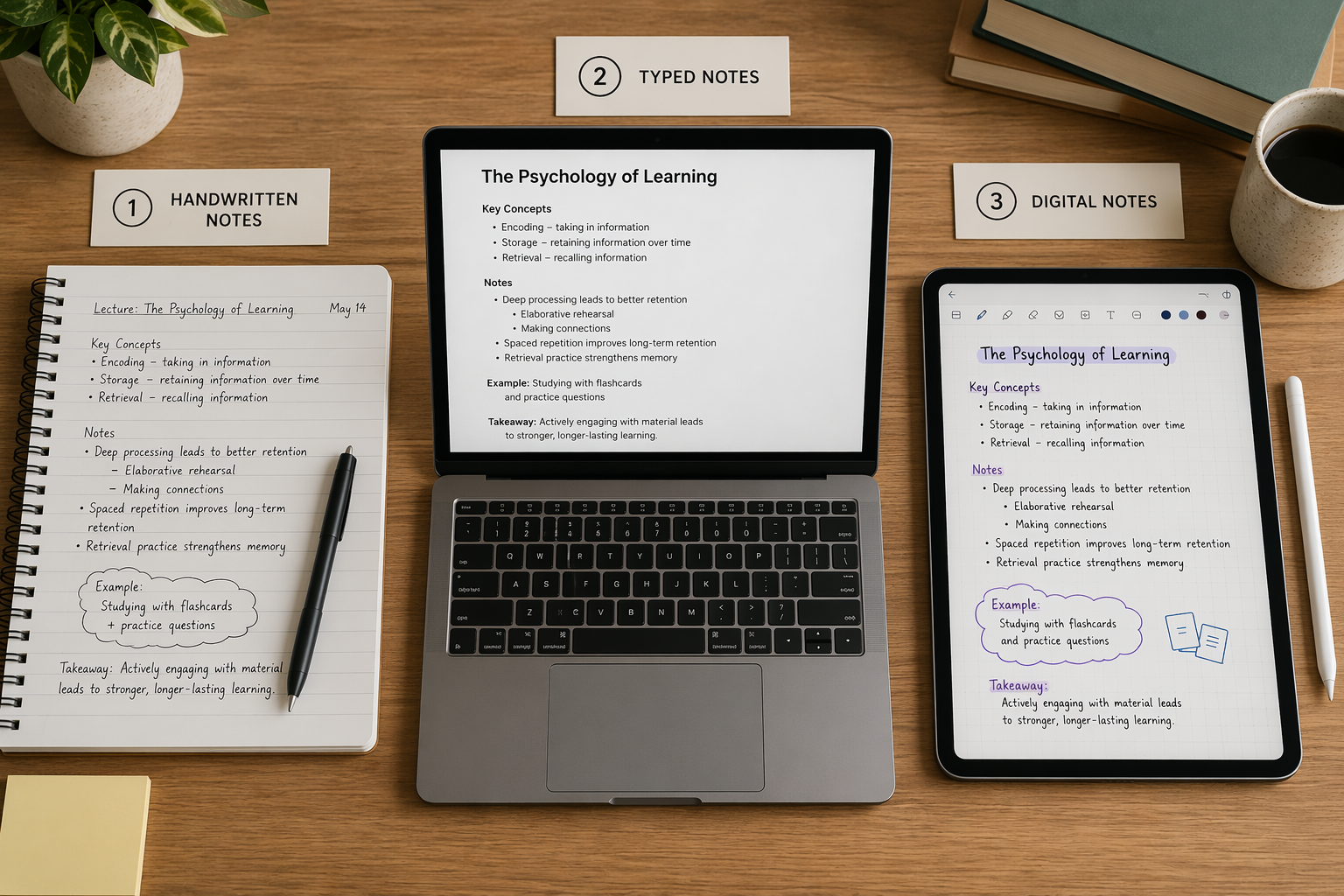
The research points to review, not just handwriting
The strongest recent evidence in favor of handwriting is a 2024 meta-analysis by Flanigan and colleagues. Across 24 studies, handwritten note-taking was associated with higher course achievement than typing, with an effect size of g=0.248 and p<0.001.[1] That is not a giant effect, but it is meaningful enough to matter for students who are trying to choose a semester-long system.
The catch is where that advantage appears. The handwriting benefit is easiest to understand when notes are not treated as a one-time capture event. A 2025 rebuttal discussed in later research argued that the advantage shrinks or disappears when study protocols omit the review step.[2] That detail should make students pause before turning “handwriting is better” into “buy the handwriting app.” If you handwrite beautifully in class and never revisit the page, the evidence gives you much less comfort.
This is the part many app comparisons skip. They compare pen latency, page templates, OCR, syncing, and folder design. Those things matter after you have chosen a method. They do not answer the harder question: will you reread, condense, rewrite, quiz yourself from, or otherwise process the notes before the exam?
Capture and review are different jobs
In class, typing often wins on speed. If a lecturer talks quickly, posts few slides, or gives definition-heavy material, a keyboard can help you capture more words with less physical effort. For some students, including students with accessibility needs or handwriting fatigue, typing is not a shortcut; it is the method that keeps them in the room academically.
Handwriting asks for more selection while you write. Because most people cannot handwrite as quickly as they type, they have to decide what deserves the page. That can support better processing, especially when the notes are later reviewed. But the same constraint can hurt if the lecture is too fast, the vocabulary is unfamiliar, or the student is so busy abbreviating that they miss the argument.
Stylus note-taking sits in the middle. You still form letters and diagrams by hand, but you also get digital organization: searchable notebooks, imported slides, PDF markup, cloud backups, and the ability to move a messy diagram without rewriting a page. That mix is why stylus setups feel so promising in August. The risk is that the device gives the feeling of a study system before the study system exists.
| Method | Usually strongest for | Main risk | App choice should prioritize |
|---|---|---|---|
| Paper handwriting | Students who review, rewrite, and do not need searchable archives | Notes become isolated in notebooks and are easy to abandon after class | A simple scan/archive workflow only if needed |
| Typing | Fast lectures, accessibility needs, text-heavy courses, searchable study systems | Capturing too much without processing it | Fast organization, retrieval, linking, and review prompts |
| Stylus on tablet | PDF annotation, diagrams, handwritten digital notes, mixed media classes | High cost without a durable review habit | Pen feel, PDF tools, sync reliability, export options, and platform fit |
What newer 2025 evidence adds
A 2025 study of 100 university students compared longhand, digital stylus, and keyboard note-taking groups on several cognitive measures. Longhand note-takers scored higher on global cognition, processing speed, and visuospatial memory measures, while stylus users scored higher on inhibitory cognitive control in the Stroop test, with p=0.020 for that stylus advantage.[2]
That is interesting, especially because it does not flatten the question into paper good, screen bad. Stylus users did not simply look like typists with a more expensive accessory. They showed a different strength in one measure. Still, the study should not be stretched into a buying command. Its authors reported limitations, including small effect size, an 81% female sample, and the need for longitudinal research before making causal claims.[2]
A separate 2025 neuroimaging review supports a plausible reason handwriting may help: handwriting appears to recruit broader motor, sensory, and cognitive brain networks than typing.[3] That fits what many students feel when they say writing something out makes it “stick” differently. But brain activation is not the same thing as an automatic grade improvement. A broader network does not submit your problem set, schedule your review session, or turn your lecture notes into retrieval practice.
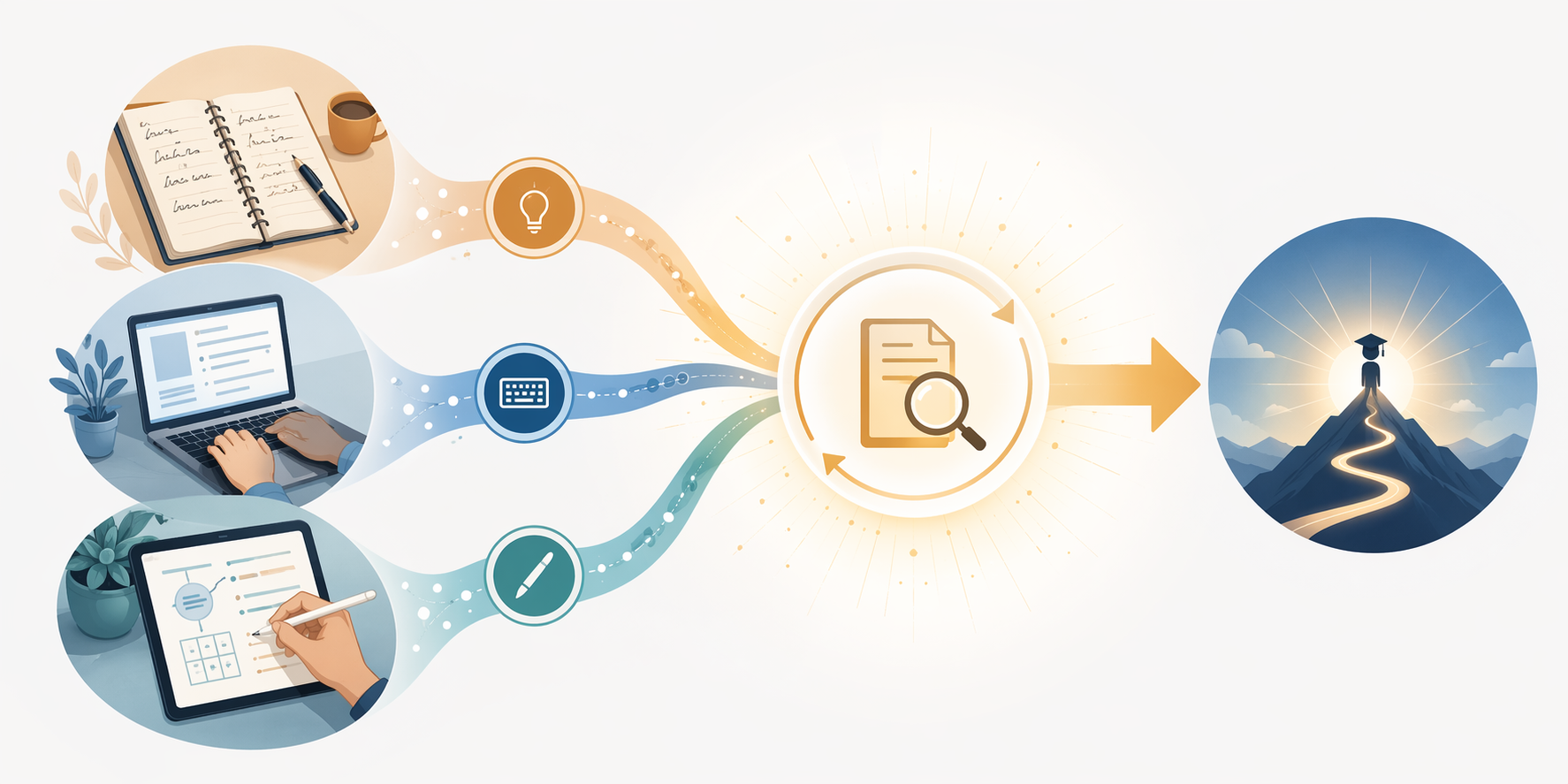
Choose your method before you choose the app
A good pre-semester note-taking decision starts with a plain description of your likely behavior. Not your ideal behavior in the week before move-in. Your likely behavior when you have three classes, a lab, a job shift, and a midterm review sheet.
Paper handwriting is for students who will revisit the page
Paper is still a strong choice if you naturally review by rewriting, summarizing, drawing concept maps, or working problems by hand. It has no notifications, no battery problem, and very little setup friction once class starts. For courses built around equations, diagrams, language practice, or dense conceptual relationships, paper can keep the focus on the material rather than the interface.
It is not for you if your notes routinely disappear into a backpack until finals week. It is also a poor fit if you depend on search, screen-reader workflows, cloud access, or sharing notes across devices. In those cases, the romance of paper can become another kind of friction.
Typing is legitimate when review is intentional
Typing gets dismissed too casually in some study advice. A keyboard can be the right tool for fast lectures, seminar notes, coding classes, accessibility accommodations, and courses where search matters. The weak version of typed notes is a transcript you never process. The strong version is a text system that turns class notes into questions, structured summaries, flashcards, linked concepts, or weekly review pages.
If you type, build the review step into the same tool or the same weekly routine. For example, after each lecture, you might add a short “exam questions this could answer” section, mark confusing points, and move key terms into a review document. That example is hypothetical, but the principle is not: typing works best when it does not stop at capture.
Stylus note-taking is the expensive middle path
A stylus setup makes the most sense when you need handwriting plus digital storage. Think lecture slides covered in annotations, chemistry mechanisms, anatomy diagrams, math derivations, architecture sketches, language characters, or readings that need margin notes. In those situations, a tablet can reduce the number of things you carry and make review easier because everything lives in one searchable place.
As of June 27, 2026, it is reasonable to treat an iPad, Apple Pencil, protective case, and paid note-taking app as a major purchase rather than a small school supply. Depending on model and subscription choices, the total can move into the $800–$1,000 range. That price may be justified for the right workflow. It is harder to justify if the real purchase is the feeling of becoming organized.
Stylus-first students should care less about which app has the longest feature list and more about whether the app reduces the steps between class, annotation, review, and exam preparation. If you have to fight sync, export, palm rejection, or folder chaos every week, the setup is not helping just because the notes look good.
Where the app comparison belongs
Once you know your method, app choice becomes much cleaner. A student who types everything does not need the same comparison as a student annotating lecture PDFs with a stylus. A student trying to avoid another subscription should not be pushed toward the same shortlist as someone building an iPad-centered workflow.
- If you have decided on a stylus-first setup, start with how to choose the best note-taking app with stylus for your device. Platform support, pen feel, PDF handling, and sync reliability matter more than generic popularity.
- If you are specifically buying or already own an iPad, use the iPad note-taking app guide to compare workflows instead of treating GoodNotes, Notability, Apple Notes, and OneNote as interchangeable.
- If you know you want handwritten digital notes, go to the 2026 handwritten notes app comparison and focus on writing feel, organization, search, export, and long-term access.
- If budget is the constraint, check the best free note-taking apps for students before assuming a paid app is required.
GoodNotes versus Notability debates can be useful when the students arguing have the same device, classes, budget, and review habits. Most do not. User communities are also polarized in ways that reflect preference as much as evidence. Some students love infinite paper and polished handwriting tools; others care more about audio recording, typed search, or cross-platform access. Those are workflow differences, not proof that one app is universally best.
A pre-semester decision that is honest enough to use
If you are choosing before fall semester, use this order:
- Pick the capture method you can use in your hardest class, not your easiest one.
- Define the review habit that will happen every week: rewriting, summarizing, self-quizzing, problem practice, flashcards, or annotated rereading.
- Choose the lowest-friction tool that supports both capture and review.
- Only then compare apps, subscriptions, devices, and accessories.
Handwriting has a small, meaningful research advantage when it is paired with review. Typing can still work when the review system is deliberate. A stylus setup is worth the cost when it supports a habit you will actually maintain, especially for PDFs, diagrams, and handwritten digital organization. The best note taking app for students is downstream of that choice: how you will capture notes, revisit them, and turn them into learning before exams.
References
- Handwriting versus keyboarding: Does writing modality affect quality of written products? A meta-analysis. Educational Psychology Review. https://link.springer.com/article/10.1007/s10648-024-09914-w
- 2025 PMC university-student study on longhand, stylus, and keyboard note-taking. PMC. https://pmc.ncbi.nlm.nih.gov/articles/PMC12392625/
- 2025 PMC neuroimaging review on handwriting and typing. PMC. https://pmc.ncbi.nlm.nih.gov/articles/PMC11943480/