
Pick the app you can live with through finals, not the app with the longest feature page in August. For Android college students, the best note-taking app across a real semester falls into three lanes: stylus handwriting on a Galaxy tablet, one system for notes and assignments, or fast typed capture across phone and laptop.
If you own a Galaxy Tab and handwrite most lectures, start with Samsung Notes. If you use an Android phone plus a Windows or Mac laptop and need something that will not punish you later, start with OneNote. If your notes are mostly typed and you want databases, calendars, class dashboards, and assignment tracking in one place, Notion can be excellent — as long as you accept that it is not a handwriting app.
Last verified: August 25, 2026. Pricing notes below use vendor pages where available and flag secondary-source conflicts instead of smoothing them over. No affiliate links are used in this comparison.
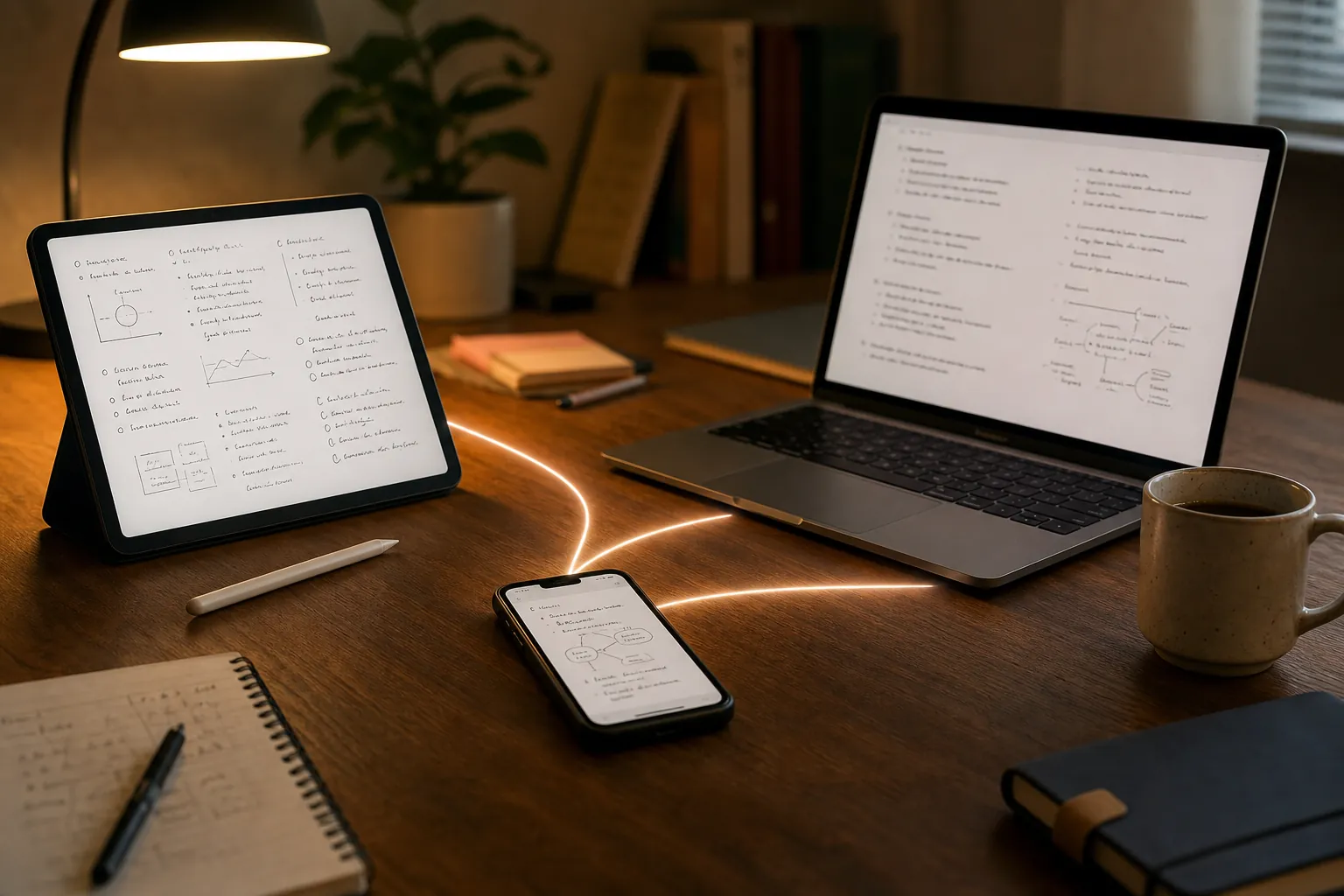
Fast verdict: choose by lane
| App | Best fit | Why it earns the spot | Not for you if |
|---|---|---|---|
| Samsung Notes | Galaxy Tab students who handwrite, mark up PDFs, and use an S Pen | It is the strongest Android handwriting fit when the whole setup is Samsung; Android Police’s month-long Samsung Notes vs OneNote test found Samsung Notes better for Samsung-only use while OneNote won overall. [1] | You need dependable access from a non-Samsung laptop, iPad, or mixed-device setup. |
| OneNote | The safe free default for mixed Android phone, tablet, laptop, and web use | It is free, includes 5GB of OneDrive storage, and covers typed notes plus handwriting across major platforms. [2] | You want the tightest S Pen handwriting feel on a Galaxy tablet or a minimalist local-file system. |
| Notion | Typed system builders who want notes, tasks, class pages, databases, and assignment tracking | Eligible students can get Education Plus with unlimited uploads and 30-day version history, but the upgrade must be done on desktop or web. [3] | You handwrite lecture notes, need reliable offline Android work, or hate building your own system. |
| Obsidian | Students who care about local Markdown files, long-term ownership, and personal knowledge systems | It is strong when you want your notes stored as files and are willing to manage setup; official sync is a paid add-on commonly cited around $4 per month. [9] | You want official sync, easy sharing, and class organization with almost no setup. |
| Google Keep | Quick capture: reminders, tiny notes, shopping-list-level thoughts, and phone-first scraps | It is useful beside a main notebook, especially when you need to catch something before it disappears. | You need a semester notebook for PDFs, lecture folders, long-form class notes, or structured review. |
GoodNotes and Notability belong in the conversation now that Android support exists, but for most Android college students they do not beat the free native choices yet. GoodNotes’ free tier is capped at three notebooks, 20 minutes of audio recording, 5MB imports, and watermarked exports, while its Android and Windows yearly plan was discontinued on September 23, 2025 and GoodNotes says Pro and AI Pass are Apple-only. [4][5] Notability’s Android app reached general availability in August 2026 after an April 2026 beta, but its own Android FAQ still lists missing features compared with iOS, including Smart Notes, live transcription, LaTeX, ruler and tape, version history, native comments, and text-only mode. [6][7]
Lane 1: you handwrite lectures on an Android tablet
This is the lane where bad advice costs the most time. A typed-notes app can be clumsy and still survive a week. A handwriting app that lags, buries PDF tools, or traps your annotated lecture slides can wreck an exam cycle.
On a Galaxy Tab with an S Pen, Samsung Notes is the first app to test. It feels native because it is native: quick pen input, PDF annotation, and Samsung’s tablet features are the point. Android Police’s month-long comparison is useful because it does not pretend the answer is the same for every device. Its verdict favored OneNote overall, but gave Samsung Notes the edge for an all-Samsung setup. [1]
That distinction matters. If your college life is Galaxy phone plus Galaxy Tab and you mostly review on those screens, Samsung Notes can feel cleaner than OneNote. If you regularly move between a Galaxy Tab, a Windows laptop, a Mac in the library, and maybe a borrowed iPad, Samsung Notes stops looking like a neat default and starts looking like a device commitment.
OneNote is the less glamorous answer, but it is the answer that saves a lot of students from migration pain. It gives you typed notes, handwriting, notebooks, sections, pages, native apps across Android, iOS, Windows, Mac, and web, and a free plan backed by 5GB of OneDrive storage. [2] The handwriting may not feel as tuned to a Galaxy Tab as Samsung Notes, but the cross-platform safety is the trade.
For PDF-heavy classes, the choice is not just “can I write on slides?” It is also “where will those slides be two months from now?” Samsung Notes is comfortable if your review flow stays inside Samsung hardware. OneNote is safer if you want the same notebook on your laptop during office hours, on your phone in the hallway, and in a browser when your tablet battery dies.

Do not treat sideloading Samsung Notes onto non-Samsung hardware as a serious semester plan. Parka Blogs notes that sideloading Samsung Notes on non-Samsung devices is buggy, which is exactly the kind of workaround that sounds clever in week one and becomes miserable before finals. [8] If you do not own Samsung hardware, start with OneNote instead of trying to fake a Samsung setup.
GoodNotes is worth a short test if you already love its interface elsewhere, but its Android case is weaker than its reputation. The free caps are tight for college work once lecture PDFs and audio enter the picture: three notebooks, 20 minutes of audio recording, 5MB imports, and watermarked exports. [4] The Android and Windows yearly plan was discontinued in 2025, and GoodNotes states that Pro and AI Pass are Apple-only, so Android students should not choose it based on iPad-first AI marketing. [5]
Notability deserves credit for finally showing up on Android, but “available” is not the same as “ready to replace your free options.” Its Android FAQ lists several missing iOS features as of August 6, 2026, and 9to5Google reported the Android release at about $5 per month with a 25% launch promotion. [6][7] Setapp’s February 2026 GoodNotes vs Notability comparison cites different monthly Notability pricing and different GoodNotes AI Pass pricing than other sources, so the only responsible advice is to check the current vendor checkout screen before paying. [10]
If your whole decision is handwriting-first, it may be worth reading a dedicated handwritten-app comparison after you narrow the device lane. Start with Samsung Notes on Galaxy hardware, OneNote everywhere else, then use a deeper test like our handwritten note-taking app comparison only if those two fail your actual lecture workflow.
Lane 2: you want one system for notes, assignments, and planning
This is where students accidentally compare the wrong things. A notes app stores lecture material. A semester system also tracks readings, deadlines, projects, exam dates, office-hour questions, and the half-finished lab report you promised yourself you would not forget. Notion is built for that second job.
For typed students, Notion can be generous. Its education plan gives eligible students and educators Plus features for free when they use a school email from a WHED-listed accredited institution, including unlimited uploads and 30-day page history. The upgrade has to be done on desktop or web, not directly inside the mobile app. [3]
That makes Notion a good pick for a student who thinks in dashboards: one page per class, a database for assignments, a reading tracker, linked notes, and a weekly review. It is especially good when most capture happens on a laptop and the Android phone is for checking deadlines, adding quick updates, or reading a page while walking to class.
The blunt part: Notion is not a handwriting app. It also should not be chosen by someone who needs dependable Android offline access. XDA describes Notion’s Android app as having offline gaps, which is a real problem if your campus Wi-Fi is bad, your commute is underground, or your tablet is supposed to work during a lecture with no connection. [9]
Obsidian is the opposite kind of system. It is attractive because your notes are local Markdown files, not just pages living inside someone else’s workspace. That matters for upper-division students, grad students, researchers, and anyone who wants notes to survive beyond a class dashboard. XDA cites Obsidian Sync at about $4 per month, so the official cross-device path is not the same kind of free default as OneNote. [9]
Obsidian is not the casual default for a freshman who simply wants biology notes on a phone and laptop. It asks you to understand folders, files, plugins, sync choices, and your own organization style. That is not a flaw. It is a cost. Some students should pay it because ownership matters to them. Others should not spend week two of the semester designing a knowledge graph while problem sets pile up.
OneNote keeps reappearing here because it covers enough. It is not as flexible as Notion for databases and not as ownership-friendly as Obsidian, but it lets you make notebooks for classes, type lecture notes, drop in images, write with a stylus, and open the material from almost any common student device. For a lot of mixed-device students, that is a better semester system than an elegant setup they will abandon by October.
If Notion is your lane, build a small version first: classes, assignments, and one weekly review page. Do not start by importing every template you see. Once you have chosen it, use a focused setup guide like our back-to-school Notion checklist instead of trying to design a full productivity operating system before classes settle.
Lane 3: you just need fast typed capture
Fast capture is not the same as semester storage. This lane is for the note you type while walking out of lecture, the professor’s book recommendation, the office-hour question you remembered at midnight, or the reminder to print a lab worksheet.
Google Keep is good at that. It is light, quick, and easy to reach from an Android phone. Use it for scraps that need to exist immediately. Do not use it as the main home for a course with weeks of lecture notes, PDFs, exam review sheets, and long-form explanations. It is a capture tray, not a filing cabinet.
OneNote is better when quick typed capture needs to become a class notebook. A note can start messy and later move into a section with the rest of the course. It also gives you a single place for typed lecture notes and handwritten material if your note style changes by class.
Notion is fast enough for typed students once the system exists, but it is not the app to open for a two-second thought if your workspace is bloated or your connection is weak. Use it when the captured item belongs in a database, project page, or assignment tracker. Use Keep or OneNote when the point is speed.
What can go wrong after week one
The app that looks best during setup is not always the app that survives the semester. The failures usually show up in boring places: storage caps, platform gaps, weak offline behavior, export friction, or a feature that exists on iPad but not on Android.
Storage is the first trap. OneNote’s free 5GB sounds plain, but it is at least a concrete number to plan around. [2] GoodNotes’ free caps are much tighter for college notebooks with PDFs and audio. [4] Notion’s Education Plus removes the upload ceiling for eligible students, but only if the account actually qualifies and the upgrade is handled through desktop or web. [3]
Offline behavior is the second trap. A note app that needs the cloud at the wrong moment can turn a bad Wi-Fi day into a lost lecture. This is why Notion’s Android offline limitations matter even if you love its databases. [9] It is also why a local-file app like Obsidian appeals to students who would rather manage setup than wonder whether the page will load.
Lock-in is the third trap, and it is the one students notice too late. A pretty notebook is not harmless if the export path is ugly during finals week. Samsung Notes is strongest inside Samsung’s world. Notion is strongest inside a structured workspace. Obsidian is strongest because the notes are files. OneNote sits in the middle: not fully local-file freedom, but broad enough that you are less likely to be stranded on one device family.
Cross-app comparison before you commit
| App | Platform reach | Free tier reality | Handwriting | Offline behavior | Lock-in/export risk |
|---|---|---|---|---|---|
| Samsung Notes | Best on Samsung phones and tablets; not a serious recommendation for non-Samsung sideloading. [8] | Free on supported Samsung devices. | Excellent fit for Galaxy Tab and S Pen users; especially strong for Samsung-only setups. [1] | Good for local tablet use, but sync and cross-device access depend on the Samsung ecosystem. | Higher risk if you later leave Samsung hardware. |
| OneNote | Android, iOS, Windows, Mac, and web. [2] | Free with 5GB OneDrive storage. [2] | Good enough for mixed typed and handwritten notes; less Galaxy-native than Samsung Notes. | Works across devices, but large notebooks and sync still need planning. | Moderate risk; broad platform support makes it safer than device-specific options. |
| Notion | Web, desktop, and mobile apps; best when built and managed from a laptop. | Education Plus is free for eligible students and educators at WHED-listed accredited schools, with unlimited uploads and 30-day version history. [3] | Not a real handwriting-note app. | Android offline gaps are a meaningful weakness. [9] | Moderate to high risk if your whole semester system becomes database-dependent. |
| Obsidian | Desktop and mobile, built around local Markdown files. | Core app can be used free; official sync is a paid add-on cited around $4 per month. [9] | Not the natural pick for stylus lecture handwriting. | Strong local-file appeal; sync depends on the method you choose. | Lower file-ownership risk, higher setup responsibility. |
| Google Keep | Android, web, and Google-account access. | Free for simple capture. | Not a serious handwriting notebook. | Useful for quick notes; not designed as a full offline-first course archive. | Low risk for scraps, high risk if you try to make it your semester notebook. |
| GoodNotes | Android and Windows exist, but Apple remains the more complete environment for Pro and AI Pass. [5] | Free tier caps include three notebooks, 20 minutes of audio, 5MB imports, and watermarked exports. [4] | Can be appealing if you already like GoodNotes, but Android value is limited by plan and platform differences. | Do not assume iPad behavior applies to Android. | Higher risk if you choose it based on Apple-first reviews. |
| Notability | Android general availability arrived in August 2026 after an April beta. [7] | Reported around $5 per month at Android launch, but secondary pricing sources conflict, so verify before paying. [7][10] | Promising, but Android was still missing several iOS features in the vendor FAQ. [6] | Too new on Android to treat as the safe default over free mature options. | Higher risk until Android feature parity and pricing settle. |
Pick by student profile
- Galaxy Tab, S Pen, mostly handwritten lectures: choose Samsung Notes first. If you also rely on a non-Samsung laptop every day, test OneNote before the add/drop period ends.
- Android phone plus Windows or Mac laptop, mixed typed and handwritten notes: choose OneNote. It is the least dramatic free default and the easiest recommendation for students who do not want to become app administrators.
- Typed notes plus assignments, dashboards, and planning: choose Notion if you qualify for Education Plus and can live with Android/offline limits. Do not choose it for stylus lectures.
- Long-term file ownership, research notes, and local Markdown: choose Obsidian if setup overhead sounds acceptable. Skip it if you want official sync and structure without thinking about it.
- Phone-first quick capture: use Google Keep beside your real notebook. Do not make it the only place your semester lives.
- GoodNotes or Notability on Android: try them only if a specific interface or class workflow justifies the cost and missing-feature tradeoffs. For most Android students, Samsung Notes or OneNote should get the first week of testing.
Once you pick, stop comparing and set up the migration path. If lock-in is the part making you hesitate, use the export-risk framing in our note-taking app switching-cost comparison before you move a semester of PDFs, lecture notes, and assignment records.
References
- I used OneNote and Samsung Notes side-by-side for a month — here's the clear winner — Android Police
- The 7 best note-taking apps in 2026 — Zapier — December 2025
- Notion for education — Notion Help Center
- Goodnotes for Android, Windows, and Web Frequently Asked Questions — Goodnotes Support
- Changes to Android & Windows Yearly Plan — Goodnotes Support
- Notability for Android FAQ — Ginger Labs Support — August 6, 2026
- Notability app Android release — 9to5Google — August 3, 2026
- Best note taking handwriting apps for Android tablets — Parka Blogs
- Should you use Notion, Evernote, Obsidian, or OneNote? — XDA
- GoodNotes vs Notability — Setapp — February 2026