
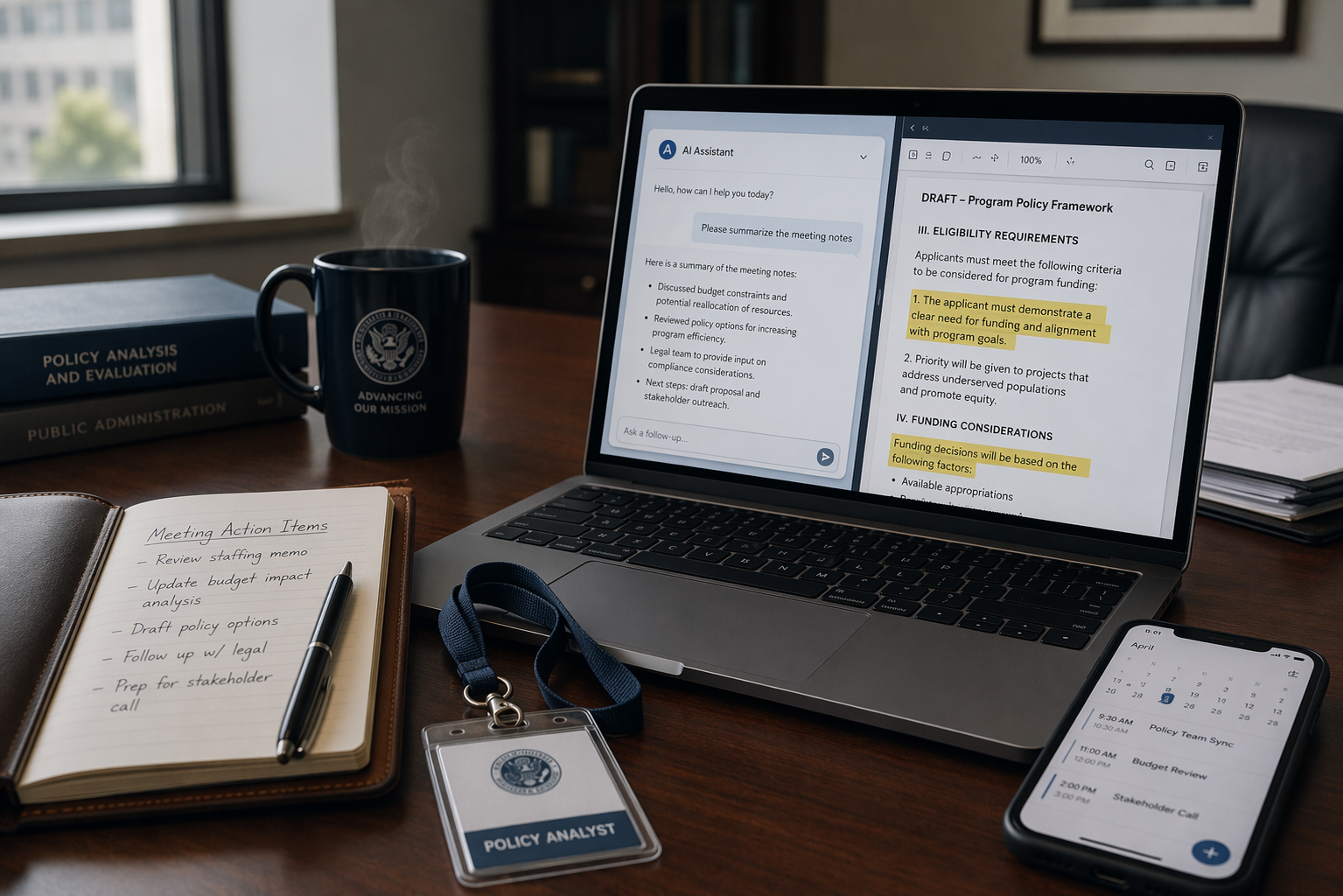
Under a government efficiency plan, the hardest part is not the AI demo. It is the stack of minutes, memos, spreadsheets, and inbox requests that still has to be reconciled after the meeting ends. The public-sector upside is large enough to justify the effort: McKinsey estimates a $750 billion annual productivity improvement opportunity across the US public sector [1]. But the adoption gap is still wide: in Gallup and Logitech's 2025 data across sectors, only 6% of employees said they felt very comfortable using AI in their roles [2].
That gap matters because procurement and approval move slowly. Vendor-reported commentary cited by Federal News Network says government technology deals can take 6-10 times longer to execute than private-sector equivalents [3]. A July 2026 Federal News Network survey of 7,463 federal employees found 76% felt less productive after returning to the office and 57% were dissatisfied with their physical workspace; the sample was self-selected, so the number is directional rather than representative [4].
Start with the access path
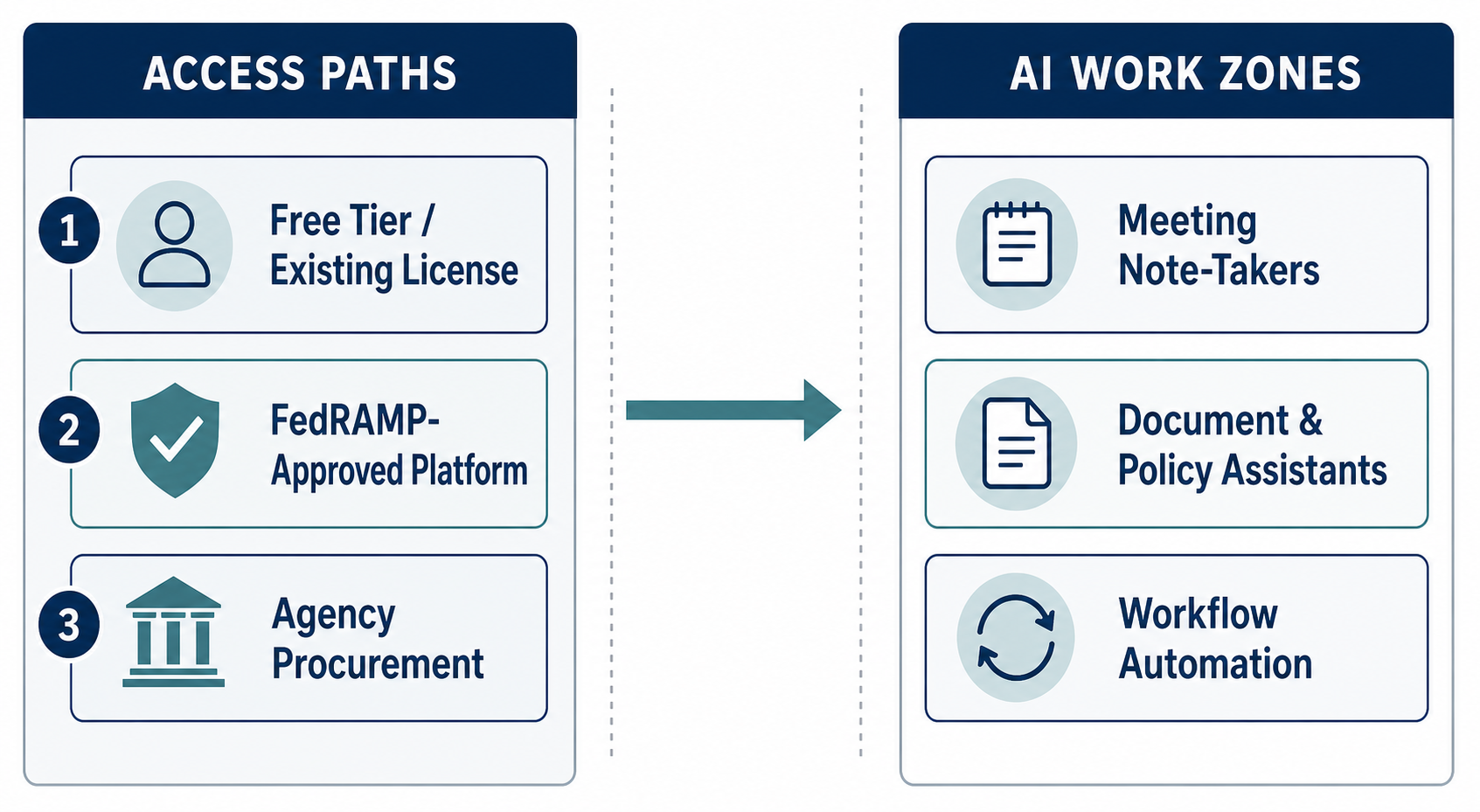
The practical split is simple: use free tiers or existing licenses for individual relief, look for FedRAMP-approved platforms when agency data is involved, and treat agency procurement as the slower route for broader rollouts. That is also why ROI questions stay uneven, as discussed in How AI Productivity Tools Deliver Real ROI — and Why Some Don't.
| Access path | What it is best for | What to check first |
|---|---|---|
| Free tier or existing license | Meeting summaries, draft cleanup, light routing | Data sensitivity, account ownership, retention defaults |
| FedRAMP-approved platform | Agency documents, controlled collaboration, approved repositories | Authority to operate, tenant boundaries, admin controls |
| Agency procurement | Shared workflows, deeper integrations, enterprise retention | Timeline, budget, sourcing rules, IT approval |
Meeting notes are the fastest relief
The quickest safe win is usually meeting capture, because it removes the most repetitive follow-up work. Granola's bot-free model is the most government-friendly of the popular options because it captures from the user's own device without a visible bot, which matters when a meeting room treats recording as a consent problem rather than a convenience feature. For a deeper comparison, see AI Meeting Note Takers Compared. Otter.ai and Fireflies.ai remain useful alternatives, especially when the goal is a transcript archive rather than a one-time summary; Fireflies also matters when a team wants searchable archives and multi-language support, though its credit system can become part of the decision at scale. For the bot-free approach in sensitive rooms, see Granola AI Note Taker: Bot-Free Capture for Safer Meetings.
- Use bot-free capture when the meeting is sensitive, contentious, or likely to raise consent questions.
- Check who controls the transcript, where it is stored, and how long it stays there before anyone starts the meeting.
- Prefer tools that work inside an existing agency license before asking for a new purchase path.
- Treat meeting notes as a records question as much as a productivity question.
Document assistants do the real post-meeting work
Once the meeting ends, the burden shifts to turning notes into a memo, reconciling comments, and finding the right version of a policy. Singapore's Pair chatbot, cited by Deloitte, serves more than 4,000 civil servants for writing, research, and coding tasks [5]. That is not a consumer chatbot story pasted onto government; it is an internal assistant trained around official work. The IRS example in the same material shows the downstream effect when document handling improves: it scanned 80 times more tax returns in Q1 2023 than in all of 2022 and cut phone wait times from 27 minutes to 4 minutes [5].
For workers already inside a licensed environment, ChatGPT Connectors & Apps for Productivity is the more relevant question than a generic chatbot feature list. The useful version of a document assistant does not try to be clever first. It drafts from approved sources, summarizes policy diffs, turns margin comments into action items, and searches archived memos faster than a mailbox search ever will.
Workflow automation matters when the task repeats
Workflow automation is less immediate for a single analyst, but it is where the largest time savings appear once a process is stable. Deloitte's examples are the right scale markers, even if they are not simple plug-ins: the FDA's Center for Drug Evaluation and Research used RPA to cut application processing time by 93% and eliminate 5,200 hours of manual labor [5]. Austria's automated child benefits program reduced average processing to 2 days and saved 39,000 citizen hours plus 15 FTE equivalents annually [5].
For an individual worker, the useful targets are narrower: ticket routing, intake forms, meeting follow-up reminders, status chasing, and repeatable approval steps. The tool choice should track the process shape, not the marketing category. If the same inputs recur, the approval path is already known, and a human can review the output before it goes out, automation can remove a real chunk of administrative drag. For a broader view of options, see Best AI Task Automation Tools for Knowledge Workers in 2026 and Best Workflow Automation Software.
Under a government efficiency plan, the useful move is not waiting for a department-wide transformation before the next reporting cycle. It is choosing a narrow, compliant tool path that saves time on notes, drafts, and routing now, while larger procurement-driven changes keep moving on their slower clock.
References
- The US government's productivity improvement opportunity
- 6 Ways to Boost Productivity in Government Workspaces — Gallup/Logitech, 2025
- 4 lessons learned from the front lines: Unlocking government efficiency — Federal News Network, July 2025
- Federal News Network federal employee workplace survey, July 2026
- Unleashing productivity in government — Deloitte