
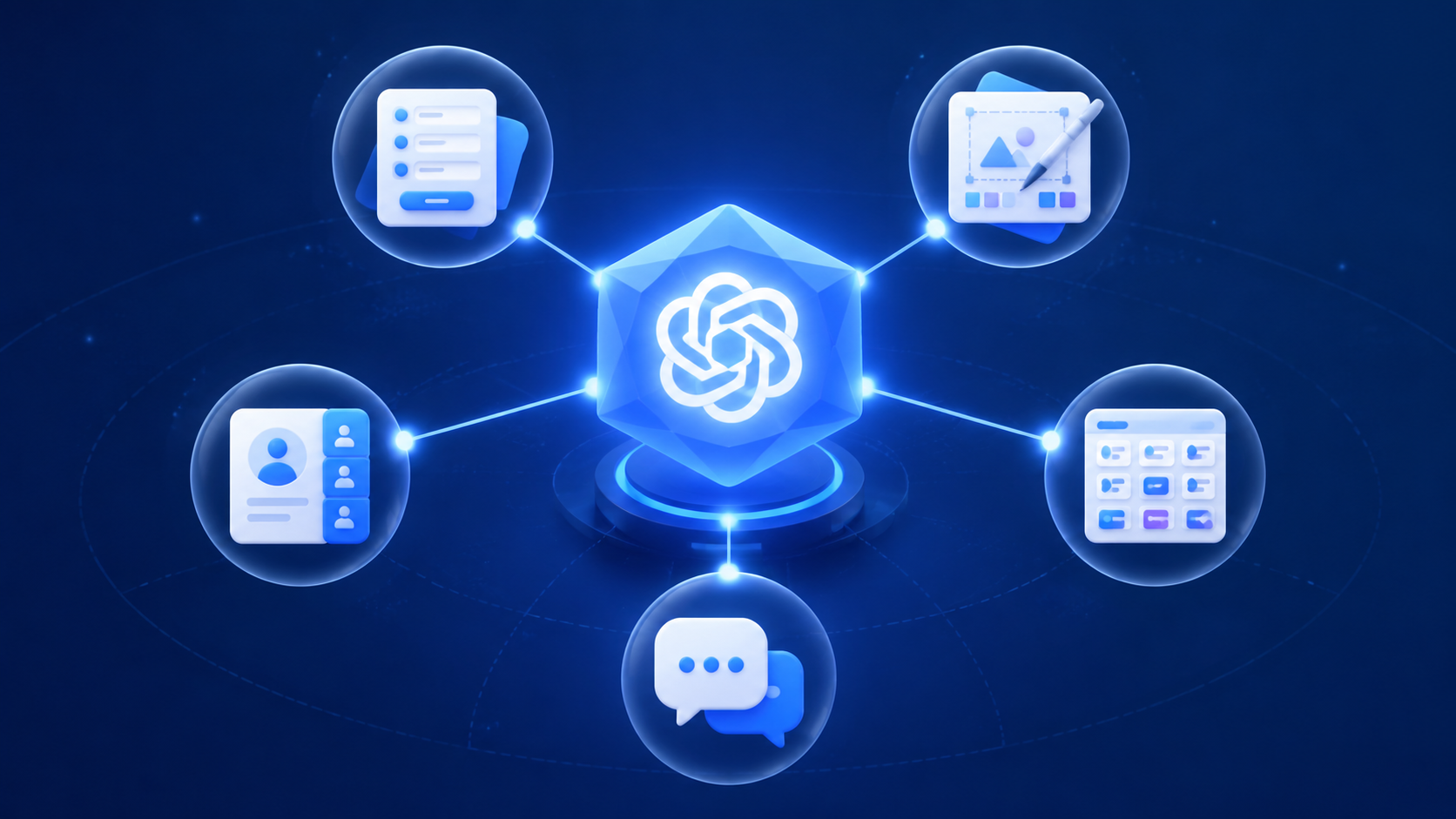
ChatGPT connectors, now called apps in OpenAI’s Help Center terminology, are useful when the work is trapped inside one tool and the next move is obvious: check an Asana status, pull HubSpot account context, find a Slack thread, open a Jotform response, or turn a Canva asset request into something usable. They are much less convincing when the job is cross-source research, multi-step automation, or anything that depends on ChatGPT understanding your whole workspace at once.
The first buying filter is blunt. As of the December 2025 terminology change, OpenAI refers to “connectors” as “apps,” although many users and reviews still use both words. The feature is not available on the free tier, and OpenAI says apps are unavailable to users in the EEA, Switzerland, and the UK. Plus users can connect apps for read/search work, while creating or editing content in connected apps is limited to Business and Enterprise plans. OpenAI lists Plus at $20 per month and Business at $60 per month; pricing should be treated as verified for mid-2026, not permanent.[1]
That matters because the productivity story gets oversold quickly. Jotform’s hands-on review cites a Harvard Business Review figure that knowledge workers toggle between apps about 1,200 times per day and lose about four hours per week re-orienting after those switches.[2] That is a real enough pain point. The harder question is whether a connector removes the switch or merely moves the lookup into another box.
For most knowledge workers, the strongest practical picks are these five:
| Connector/app | Best fit | Where it saves attention | Main constraint |
|---|---|---|---|
| Jotform | Forms, submissions, lightweight data collection | Pulling form responses and turning collected inputs into usable answers | Useful when forms are the source of truth; less relevant if data lives elsewhere |
| Canva | Design and visual content workflows | Starting or adjusting assets without leaving the conversation | Write actions depend on plan and app support |
| HubSpot | Sales and CRM context | Checking contacts, companies, deals, or account notes before action | CRM usefulness depends on clean records and clear ownership |
| Asana | Project management | Checking task status, owners, due dates, and project progress | Does not replace project governance or automation |
| Slack | Team communication | Finding message context when the user remembers the topic better than the thread | Search remains source-specific and can miss what keyword matching cannot see |
Jotform’s own testing of more than 20 ChatGPT productivity apps produced a top 10 that included Jotform, Canva, HubSpot, Asana, Slack, Dropbox, Google Drive, Notion, Gmail, and YouTube.[2] That list is useful, but not neutral in the way an academic benchmark would be: Jotform sells one of the apps being evaluated. The better way to use the test is as a field report, then check the product boundaries against OpenAI’s documentation.
The useful version of productivity is single-source retrieval
The connector pattern works best when three things are true: the user knows which app holds the answer, the object has a clear shape, and the next action is small. “What is the status of Project X in Asana?” is a good connector request. “What should I know before tomorrow’s client meeting, based on Slack, HubSpot, Gmail, and the latest deck?” is not a single connector job.
OpenAI’s Help Center and Context Link both describe an important limitation: each connector searches one connected source at a time, and retrieval depends on keyword or filename matching rather than semantic search across a workspace.[1][3] Context Link gives the practical consequence: a file titled “New Client Setup Guide” may not appear for a query like “onboarding process” if the matching terms are not present.[3]
That does not make connectors useless. It just tells you where to expect returns. They help when the work usually stalls because someone has to open a tool, search, click through a few records, and translate the result back into the task at hand. They do not yet behave like a reliable enterprise memory layer that understands every document, message, task, and customer record together.
Jotform works when the workflow starts with collected data
Jotform is the cleanest fit when a team’s work begins with structured inputs: requests, applications, event registrations, feedback forms, intake forms, or internal submissions. The object is already bounded. A form response has fields, timestamps, and a known destination. That makes it a better connector candidate than a sprawling knowledge base where the user only half-remembers what something was called.
In Jotform’s own review, its app is positioned around retrieving and working with form data inside ChatGPT rather than forcing the user to leave the conversation to inspect submissions.[2] The immediate gain is not magic analysis. It is the disappearance of a dull lookup: find the right form, scan the responses, extract the relevant fields, then bring that information back to the writing, planning, or support task already underway.
The limitation is also straightforward. If the form is not the operational source of truth, the connector will feel like a side door into partial data. A customer intake form may tell sales what the prospect requested, but it will not tell the whole account story if the latest deal notes live in HubSpot and the implementation questions live in Slack.
Canva turns briefs into visual starting points
Canva belongs in the top group because design work has a familiar handoff problem. Someone knows they need a slide, post, flyer, thumbnail, or quick visual, but the request sits between a written brief and a design interface. If ChatGPT can help start that asset or pull the user closer to the right template, it removes a small but common stall.
Jotform’s tested list includes Canva among the productivity apps that made the cut, with the value centered on creating and adjusting visual work from within ChatGPT.[2] That is a legitimate productivity use case because the user is not asking the connector to understand a whole company archive. The task is bounded: turn this message, campaign idea, or content request into a visual starting point.
The plan restriction matters more here than it does for pure lookup tools. If the useful action is creating or editing an asset in the connected app, Plus is not the relevant comparison point; OpenAI says write actions are available on Business and Enterprise, not Plus.[1] A team evaluating Canva through ChatGPT should therefore separate “Can I find and reason about assets?” from “Can I actually create or modify the thing my teammate needs?”
HubSpot gives pre-call CRM context
HubSpot is where the connector promise becomes very practical. A sales lead does not need another abstract AI productivity layer before a call. They need the account, contact, deal, owner, recent notes, and open questions quickly enough that preparation does not become a second meeting.
Jotform’s hands-on comparison includes HubSpot among the top productivity apps, and this is one of the more believable placements because CRM records have clear objects and owners.[2] A good CRM query is narrow: show the latest context for this company, summarize this deal, identify the next step, or pull the contact record before a follow-up.
The connector will not fix messy CRM hygiene. If reps do not log notes, if fields are stale, or if ownership is ambiguous, ChatGPT can only make the mess more conversational. The useful test is not whether HubSpot connects. It is whether the connector can retrieve the exact record a rep would otherwise hunt for and present it early enough to change the call.
Asana surfaces project status without opening the board
Asana may be the most quietly valuable connector for operations work because project status is one of the most common reasons people leave the task they are doing. A project manager, department lead, or contributor wants to know whether a milestone is blocked, who owns the next task, or what changed since the last check-in. Opening the full dashboard is sometimes useful; opening it ten times a day is not.
Jotform’s review includes Asana in its tested top 10, with the use case centered on project management visibility inside ChatGPT.[2] This is the sort of connector that can reduce switching without pretending to replace the system of record. Asana remains the place where the project lives. ChatGPT becomes a faster way to ask targeted questions about it.
The break point is governance. A connector can surface task status; it cannot decide whether a team has too many priority-one projects, whether the dependency model is wrong, or whether a missed deadline needs escalation. If write actions are enabled on a Business or Enterprise plan, the stakes also rise: teams need clear rules for who can create or edit tasks through ChatGPT, not just who can read them.[1]
Slack helps find the thread, with less certainty
Slack is the connector people want because Slack is where half-remembered decisions go to hide. Someone recalls that legal approved a phrase, design rejected a version, or a customer asked for an exception, but not the channel, thread, or date. If ChatGPT can shorten that hunt, the benefit is immediate.
Jotform’s top 10 includes Slack, and the use case is easy to understand: team communication search and summarization from inside ChatGPT.[2] But Slack also exposes the retrieval limitation more sharply than the other four. Messages are messy, informal, abbreviated, and full of references that made sense in the moment. Keyword and filename matching is less forgiving in that environment than it is in a CRM record or task board.[1][3]
That makes Slack useful, but not something to treat as a compliance-grade memory. It can help locate the likely thread or recap a known conversation. It should not become the only way a team verifies a decision that affects a customer, contract, launch date, or production incident.
Why Dropbox, Google Drive, Notion, Gmail, and YouTube are not the center of this comparison
The rest of Jotform’s tested top 10 is not irrelevant. Dropbox and Google Drive matter for file retrieval. Notion matters for teams that keep documentation there. Gmail matters because email still carries decisions and approvals. YouTube can be useful for video-based research or content workflows.[2] They simply do not make as strong a general productivity case as the five above unless the reader’s work is already centered on that repository.
The same search constraint applies. If a user remembers the exact client name, project code, file title, or phrase, a connector can save time. If the user remembers only the concept, the reasoning, or the “thing Sarah mentioned sometime last quarter,” the result is less dependable. This is where connector demos tend to look cleaner than a normal Wednesday.
The plan restrictions change the ROI
The cleanest way to evaluate ChatGPT connectors for productivity workflows is to separate read/search value from write/action value. Plus can be enough if the job is “show me the thing so I can think faster.” Business becomes relevant when the job is “create or change the thing in the connected app.”
| Plan | Connector/app access | Relevant limits for this decision |
|---|---|---|
| Free | No connectors/apps | OpenAI lists three uploads per day, but connectors are not available |
| Plus | Full connector/app access for read/search | $20 per month; OpenAI lists 80 files per three hours and a 512 MB maximum per file; no write actions in connected apps |
| Business | Read/search plus write actions where supported | $60 per month; write actions such as creating or editing content become available |
| Enterprise | Custom enterprise access | Custom pricing and controls; relevant for larger governance and deployment needs |
Those plan details are drawn from OpenAI’s Help Center and are broadly consistent with SecureNet MSP’s tier breakdown, but SaaS pricing changes often enough that any budget decision should be checked against the live OpenAI plan page before purchase.[1][4]
The regional restriction is not a footnote. If the user is in the EEA, Switzerland, or the UK, OpenAI says apps are unavailable.[1] For multinational teams, that creates an awkward split: a U.S. sales team may be able to use a HubSpot connector while European colleagues cannot use the same workflow in ChatGPT. That is not a productivity detail; it is an operating-model detail.
Where connectors stop and workflow automation starts
A connector is not a workflow automation platform just because it touches another app. It can retrieve, summarize, and in some plans take supported actions. It does not automatically give a team triggers, scheduled runs, branching logic, retry handling, cross-app orchestration, or the boring monitoring that makes automation survive after the demo.
That distinction matters for ChatGPT Agent Builder as well. n8n’s 2026 workflow automation comparison notes that ChatGPT Agent Builder is included with Plus but lacks triggers, scheduling, and third-party MCP support.[5] That makes it interesting for guided agent experiences, not a clean replacement for dedicated automation platforms.
If the task is “when a form is submitted, create a CRM record, notify the account owner, schedule a follow-up, update the project board, and log the handoff,” a connector is the wrong center of gravity. That belongs in a workflow automation comparison, especially if the team is weighing Zapier, Make, n8n, or similar platforms in the tool-comparisons category.
A practical decision rule
Choose ChatGPT connectors/apps when the daily bottleneck is retrieving or lightly acting on information inside one known app at a time. The strongest matches are forms in Jotform, assets in Canva, CRM records in HubSpot, project tasks in Asana, and team-message context in Slack. In those cases, the connector can remove a lookup, reduce tab-hopping, and keep the person closer to the work they were already doing.
Do not choose them expecting semantic search across the company, reliable multi-source research, or full workflow automation. Plus is the sensible starting point for read/search productivity if the region is supported. Business is where write actions start. If the workflow needs triggers, schedules, cross-source orchestration, or availability in the EEA, Switzerland, or the UK, the better comparison is not another connector list; it is a broader workflow automation stack.
References
- Apps in ChatGPT, OpenAI Help Center.
- I tested 20+ of the Best ChatGPT productivity apps — these 10 made the cut, Jotform Blog.
- ChatGPT Connectors: Complete Guide to Apps & Files (2026), Context Link.
- ChatGPT Connectors: The Ultimate Guide to Transforming Productivity, SecureNet MSP.
- The 9 best AI workflow automation tools in 2026, n8n Blog.