
Start with the failure you are trying to avoid. If you need a free individual AI meeting note taker, Fathom is the first tool to test, as long as five AI summaries per month are enough. If your company blocks meeting bots or cares about governed recording, start with Fellow, Granola, Jamie, Tactiq, or Krisp. If your old notes disappear into a folder and nobody acts on them, look harder at Fellow, Read AI, Fireflies, or a CRM-connected assistant. If you need a searchable archive across many calls, Fireflies and Read AI deserve attention. If your meetings happen across languages, Fireflies is the safer shortlist than most botless tools.
That is the useful version of the “best AI meeting note taker” question in 2026. The category is large, funded, and noisy: Precedence Research estimates the AI-in-meeting-assistants market at $1.2 billion and forecasts it growing at an 18% CAGR toward $6.28 billion by 2035, while Gladia says more than $1 billion in venture funding has gone into the category over three years.[1][2] Metrigy’s 1,100-company study, as reported by TechTarget, found that 40% of companies had already deployed AI meeting assistants and another 42% were planning rollout.[3] None of that tells you which tool to buy. It explains why every product page now sounds confident.
Pricing and plan details here reflect June-July 2026 research and should be checked against current vendor pricing before purchase. That warning is not boilerplate. In this category, the listed monthly price may be less important than summary caps, AI credits, storage rules, bot permissions, and whether the output can reach the system where work actually gets assigned.
Quick Shortlist by Use Case
| If your main problem is... | Start with... | Why | Watch for |
|---|---|---|---|
| Free individual use | Fathom | Unlimited recordings and transcription on the free plan | Free plan caps AI summaries at 5 per month |
| Enterprise-governed capture without a meeting bot | Fellow | Combines botless recording, HIPAA compliance, and meeting lifecycle workflow | Best fit when the team will actually use agendas, action items, and follow-ups |
| Natural meeting notes for solo or small-team work | Granola | Hybrid human+AI note model produces unusually readable summaries | No audio/video playback, no speaker memory across calls, limited language support |
| Searchable call archive across many meetings | Fireflies | Strong archive search and 100+ language breadth | AI credit usage can make real cost 30-50% higher than the listed $18/month |
| Connecting meetings to email, Slack, and docs | Read AI | Builds a broader personal knowledge graph from meeting and work content | Meeting-reduction claims come from Read AI’s own material |
| Familiar transcription-first notes | Otter.ai | Well-known meeting transcription workflow | Free plan is now much tighter: 300 minutes/month and 30 minutes per conversation |
| Video-call recording with a bot | tl;dv | Common bot-based option for recorded calls and summaries | Check platform fit and governance rules before standardizing |
| Botless capture for privacy-sensitive teams | Jamie, Tactiq, Krisp | Device-side or botless approaches avoid adding an obvious AI participant | Often trade away playback, language breadth, or central admin depth |
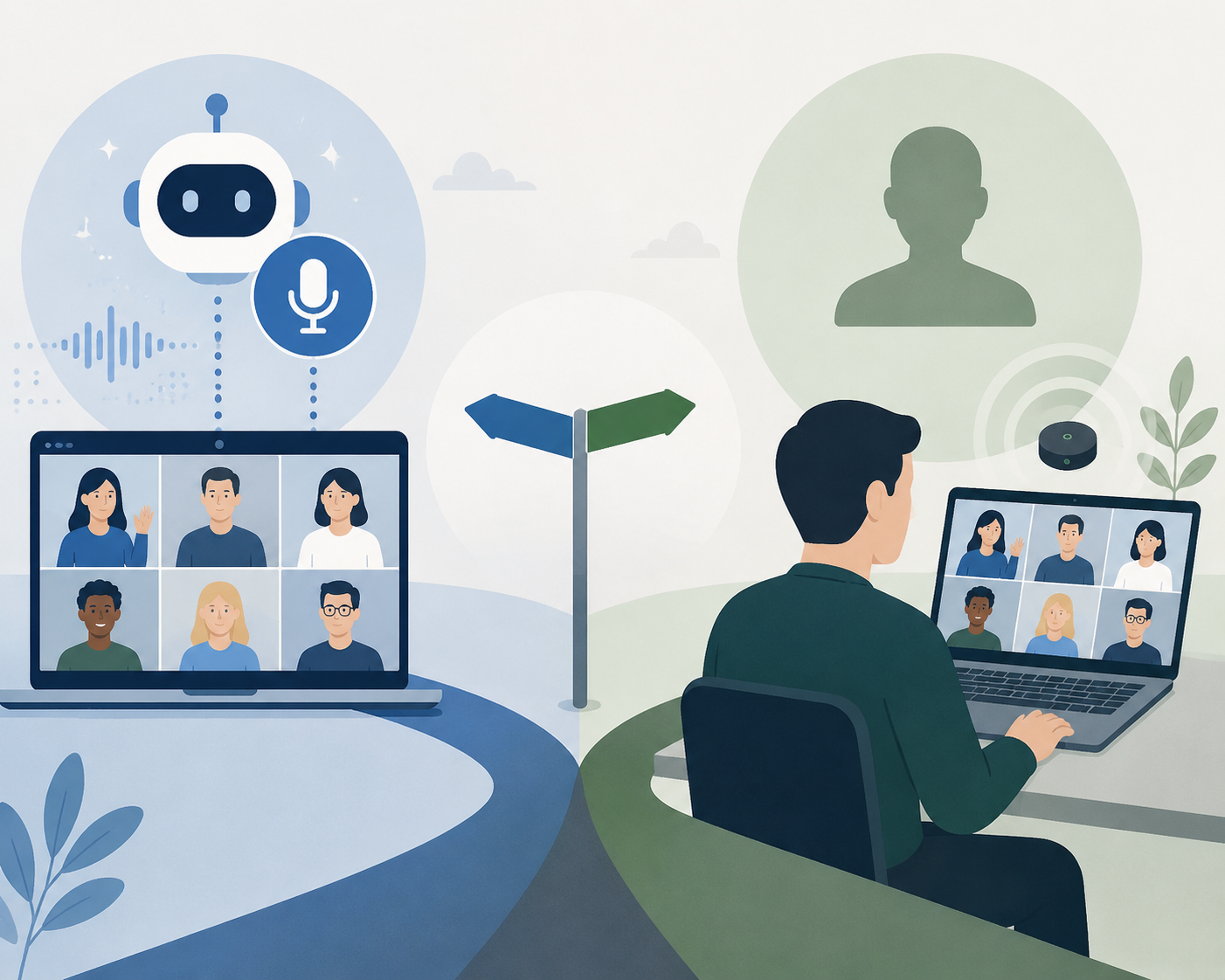
The Market Has Split, So the Buying Question Has to Split Too
Older comparisons treated meeting assistants as if they were all trying to do the same job: join the call, transcribe the conversation, produce a summary. That still describes many products, but it no longer describes the decision.
The first split is capture method. Bot-based tools such as Fireflies, Otter, Fathom, and tl;dv usually join a meeting as a participant. Botless or device-capture tools such as Granola, Jamie, Fellow’s botless mode, Tactiq, and Krisp avoid that visible meeting guest. The difference sounds cosmetic until someone in the meeting asks who the bot is, the host blocks unknown participants, or IT has a rule against unsecured collaboration apps.
Metrigy’s 2025-26 research, summarized by TechTarget, found that 19% of organizations block collaboration apps they cannot secure, and nearly half of those specifically block AI meeting bots.[3] That does not mean botless is always better. It means a bot-based product can be disqualified before transcription quality ever matters.
The second split is product ambition. Some tools are transcription-first. Others are meeting-lifecycle systems that start with an agenda and end with follow-ups. Some are archive search engines. Some are personal knowledge graphs. Some are optimized for a clean individual note. Buying the wrong type is how teams end up with beautiful summaries that nobody reads.
If the capture-method decision is the part you need to settle first, a deeper bot-versus-botless framework belongs in a focused guide rather than swallowing this whole comparison. Here, the practical rule is simpler: choose bot-based when playback, scale, language breadth, and shared archives matter more; choose botless when meeting friction, privacy posture, or participant comfort is the constraint.
Comparison Matrix: What Each Tool Is Actually Good For
| Tool | Capture model | Best fit | Main strength | Trade-off to accept |
|---|---|---|---|---|
| Fellow | Botless mode plus meeting workflow | Managers and teams that need governed agendas, notes, actions, and follow-ups | Full meeting lifecycle with enterprise-governed botless recording and HIPAA compliance | Less compelling if you only want a cheap transcript |
| Fathom | Bot-based | Solo users who want a generous free recorder/transcriber | Unlimited recordings and transcription on free plan | Only 5 AI summaries per month on free plan |
| Granola | Botless / device-side style capture | Individuals who want notes that feel edited rather than dumped from a transcript | Hybrid human+AI note model produces natural summaries | No audio/video playback, no speaker memory across calls, limited language support |
| Fireflies | Bot-based | Teams that need searchable meeting archives and broad language support | 100+ languages and strong archive search | AI credits can raise real cost 30-50% over listed $18/month |
| Read AI | Bot-based / connected work graph | People who want meetings connected to email, Slack, and documents | Personal knowledge graph across meeting and work content | 20% fewer meetings claim is vendor-reported |
| Otter.ai | Bot-based | Users who want familiar transcription-first meeting notes | Recognizable transcription workflow | Free plan reduced to 300 minutes/month with a 30-minute cap per conversation |
| tl;dv | Bot-based | Video-heavy teams comparing recorded-call assistants | Commonly included in 2026 AI meeting assistant roundups | Needs careful platform and admin fit check |
| Jamie | Botless | Users who want meeting notes without inviting a bot | Botless positioning is useful where visible bots are awkward | Feature depth should be checked against workflow needs |
| Tactiq | Botless / transcript-oriented | Users who want lightweight meeting capture | Useful when a full meeting operating system would be too much | May not solve downstream task ownership |
| Krisp | Botless / device-side | Users who want capture tied to the local meeting experience | Avoids the participant-bot problem | Not the natural first pick for CRM or project handoff |
Tool-by-Tool Verdicts
Fellow: Best When Notes Have to Become Managed Work
Fellow is the tool to examine when the meeting note is only one part of the job. Its strongest case is not that it can summarize a conversation; plenty of tools can. The point is that it connects the meeting lifecycle: agenda, capture, action items, and follow-ups. That matters when the person responsible after the meeting needs something more durable than a transcript and less fragile than “I’ll send notes later.”
The buying-relevant distinction is Fellow’s combination of HIPAA compliance, enterprise-governed botless recording, and team-accessible meeting workflow. That combination is unusual among mainstream AI meeting note takers. It is especially relevant for managers and operations-heavy teams that cannot treat each meeting as an isolated recording.
The trade-off is that Fellow can be more structure than a solo user needs. If your only goal is to capture a few calls and skim a summary, the agenda-and-follow-up layer may feel like overhead. If your recurring problem is that decisions evaporate between the call and the project board, that structure is the point.
Fathom: Best Free Starting Point, With a Summary Ceiling
Fathom is the easiest recommendation for a budget-conscious individual to test first because its free plan includes unlimited recordings and unlimited transcription. That is generous in a market where free tiers often look useful until the first busy week exposes the limit.
The catch is specific: the free plan caps AI summaries at five per month. For someone who records occasional client calls, that may be fine. For a manager with daily standups, sales calls, hiring screens, and stakeholder meetings, the cap arrives quickly.
That makes Fathom a good first trial, not an automatic long-term answer. If you are comparing free plans only, a dedicated free-tier comparison is the better next stop; for this broader decision, the important fact is that Fathom’s free value is real but not unlimited in the way many people assume.
Granola: Best Natural Notes, If You Can Live Without Playback
Granola’s appeal is easy to understand after reading enough raw AI summaries. Its hybrid human+AI note model tends to produce notes that feel less like a transcript was squeezed through a template and more like someone paid attention. That is valuable for solo professionals and small teams who want usable notes, not a searchable evidence vault.
The limits are not small. Granola lacks audio/video playback, does not carry speaker memory across calls, and has limited language support. Those are acceptable trade-offs for some individual users. They are harder to accept for teams that need to resolve disputed decisions, revisit exact wording, or support multilingual meetings.
Fireflies: Best Archive Search and Language Breadth, With Real Cost Creep
Fireflies is one of the strongest choices when the meeting archive itself becomes an asset. If you need to search across calls, revisit old customer conversations, and support a broad language mix, its 100+ language coverage and archive-search strength make it a serious contender.
The practical concern is pricing. Fireflies’ listed $18/month price can understate the real cost when AI credits enter the picture; the effective per-user cost can rise 30-50% above the listed monthly price. That does not make Fireflies a bad deal. It makes it a tool where procurement should model actual usage instead of comparing only the plan page.
Read AI: Best When Meetings Are Only One Part of the Knowledge Trail
Read AI’s distinctive claim is that it connects meeting content with email, Slack, and documents into a broader personal knowledge graph. That is a different job from producing a good meeting summary. It is trying to help users recover context across the places where work actually happens.
Read AI also says users report 20% fewer meetings.[8] Treat that as a vendor-reported outcome, not independent proof that installing the product cuts meeting volume by one-fifth. The narrower, more useful conclusion is that Read AI is worth testing if duplicated meetings, scattered context, and “what did we already decide?” searches are a larger problem than transcript cleanup.
Otter.ai: Familiar, But the Free Plan Is No Longer the Old Free Plan
Otter.ai remains one of the most recognizable AI meeting note takers, especially for people who think first in terms of transcription. The important 2026 buying note is that its free plan is much more constrained than many older comparisons suggest: it dropped from 6,000 minutes per month to 300 minutes per month, with a 30-minute cap per conversation.
That change matters because Otter’s brand memory is strong. A user who last evaluated it when the free tier was more expansive may be making a decision on stale assumptions. For a deeper tool-specific evaluation, an Otter-focused review is the better place to go; in this comparison, the main point is that Otter should be judged on current limits, not its old reputation.
tl;dv, Jamie, Tactiq, Krisp, and Laxis: Useful Shortlist Names, Not Interchangeable Backups
tl;dv belongs in the bot-based comparison set. Jamie, Tactiq, and Krisp belong closer to the botless or device-capture side. Laxis appears in 2026 AI note-taking roundups and is relevant for buyers scanning the broader market, including Chinese-language coverage.[9] The mistake is treating these names as generic alternates once the top three are chosen.
A bot-based recorded-call tool and a botless lightweight capture tool solve different social and operational problems. If the team needs replayable customer evidence, a visible bot may be acceptable. If the team’s meetings include sensitive internal conversations or external guests who dislike recording bots, a smoother botless product may win even with fewer archive features.
Narrow the Choice in This Order
Most teams compare meeting note tools in the wrong order. They start with summary quality, then discover late that the tool cannot join the right meetings, violates an internal rule, or creates another place where tasks go to die. A cleaner buying process starts with constraints.
- Decide whether a bot is allowed. If IT blocks unsecured collaboration apps or your meeting culture rejects visible bots, start with botless options.
- Check platform fit. A great summary on the wrong meeting platform is not a great tool.
- Estimate real meeting volume. Count weekly calls, average duration, and how many need summaries rather than transcripts only.
- Model the real price. Include AI credits, summary caps, storage limits, admin requirements, and paid seats.
- Decide where the note must land. CRM, project management, Slack, docs, and email handoff matter more than a polished export nobody opens.
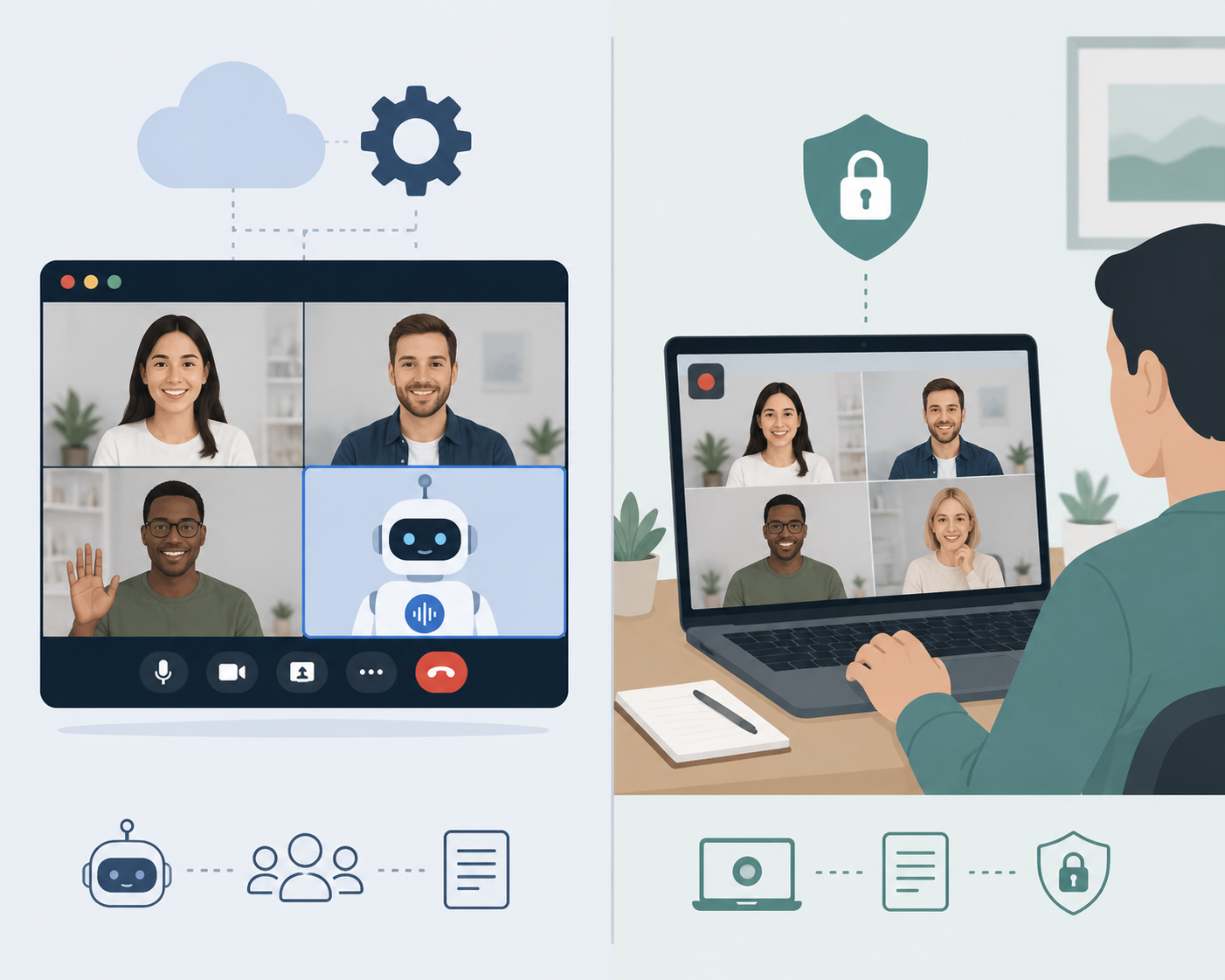
Bot-Based vs Botless: The Trade-Offs That Actually Show Up
Bot-based tools are often better when a team wants central visibility, replay, shared archives, and broad platform automation. The bot can act like an explicit recorder. That clarity helps in some environments and creates friction in others.
Botless tools feel more natural because they do not add another square to the call. That can be decisive for sensitive meetings, client calls, or organizations where bot access is blocked. The cost is that some botless products give up features people later expect: playback, language breadth, speaker continuity, or mature admin controls.
For a freelancer, the difference may be about client comfort. For a sales team, it may be about CRM handoff and searchable history. For a regulated enterprise, it may be about whether the tool can pass security review at all. The same feature can be a benefit in one room and a blocker in another.
Free Plans: Look Past Recording Minutes
Free-tier comparisons usually over-focus on recording minutes. Minutes matter, but summaries, exports, storage, integrations, and conversation caps are what decide whether the plan survives normal work.
Fathom is generous on recordings and transcription, then limits free AI summaries to five per month. Otter gives the opposite kind of warning: a well-known product can become much less generous while older articles keep circulating. If price is the first constraint, compare current free tiers directly before comparing premium features.
Privacy and Governance: Do Not Save This for Procurement Week
Privacy is easy to treat as a late-stage checkbox until the tool is already popular with a few employees. Then the security review becomes a fight over whether to approve, restrict, or unwind a workflow people have started relying on.
The Metrigy numbers make the risk concrete: a meaningful share of organizations block collaboration apps they cannot secure, and AI meeting bots are specifically blocked by nearly half of that subset.[3] If you are choosing for a company, do not trial only as an individual user. Test the admin posture, recording consent behavior, bot controls, retention options, and compliance requirements early.
A privacy-only comparison can go deeper on compliance and data handling. For this broader buying decision, the key point is that privacy posture is not a moral ranking of products. It is a fit question: what kind of meetings do you record, who is in them, and what happens if the recording or summary is stored in the wrong place?
Workflow Handoff: The Part Most Demos Underplay
A meeting note has a short half-life. If the action item does not reach the person who owns it, the CRM field that needs it, or the project where it belongs, the note becomes a tidy archive of work not done.
This is where tools separate. Fellow is stronger when the team wants the meeting itself managed from agenda to follow-up. Read AI is more interesting when the problem is context scattered across meetings, Slack, email, and documents. Fireflies is useful when the searchable conversation archive matters. A CRM-connected assistant may beat all three for a sales team if it reliably updates the record the rep is judged on.
For individual work, that handoff may be as simple as getting a clean note into a document. For managers, it is usually about owners and deadlines. For sales, it is usually account history and next steps. For projects, it is whether decisions become tracked work. A tool that wins the demo but loses that handoff is the wrong tool.
Which AI Meeting Note Taker Should You Choose?
Choose Fathom first if you are an individual user and want the strongest free starting point for recordings and transcription. Move past it if five AI summaries per month is too tight.
Choose Fellow first if you need governed botless capture and the meeting has to become managed work: agenda, notes, action items, and follow-ups. It is the clearest fit for teams that are tired of transcripts dying in a folder.
Choose Granola if your main need is natural, useful notes from your own meetings and you can accept no audio/video playback, no speaker memory across calls, and limited language support.
Choose Fireflies if archive search and language breadth matter more than having the lightest or most discreet capture method. Before rolling it out, model the AI credit usage instead of relying on the listed monthly price.
Choose Read AI if meetings are only one part of your context problem and you want email, Slack, documents, and meeting content connected. Treat its meeting-reduction claim as a prompt to test, not a guaranteed result.
Choose Otter.ai if you want a familiar transcription-first workflow and its current limits match your usage. Do not assume the free plan still behaves like older articles describe.
Choose tl;dv, Jamie, Tactiq, Krisp, or Laxis only after you know which constraint they are solving. A bot-based recorder, a botless note taker, and a lightweight transcript tool are not interchangeable just because all of them can produce meeting notes.
The right AI meeting note taker is the one whose weakest trade-off you can live with. The wrong one is usually not the product with the worst transcript. It is the product that cannot attend the meetings you actually have, pass the rules your company actually enforces, or move the output into the place where work actually gets done.
References
- AI In Meeting Assistants Market, Precedence Research
- Meeting Assistant Market Map, Gladia
- AI meeting assistants to consider, TechTarget
- The best AI meeting assistants, Zapier
- Best AI Note Takers, MeetingNotes
- The Best AI Tools for Taking Notes, PCMag
- Best AI Meeting Notes Tools 2026, ZackProser
- Best AI Meeting Assistants, Read AI
- Best AI Note Taker 2026, Laxis