
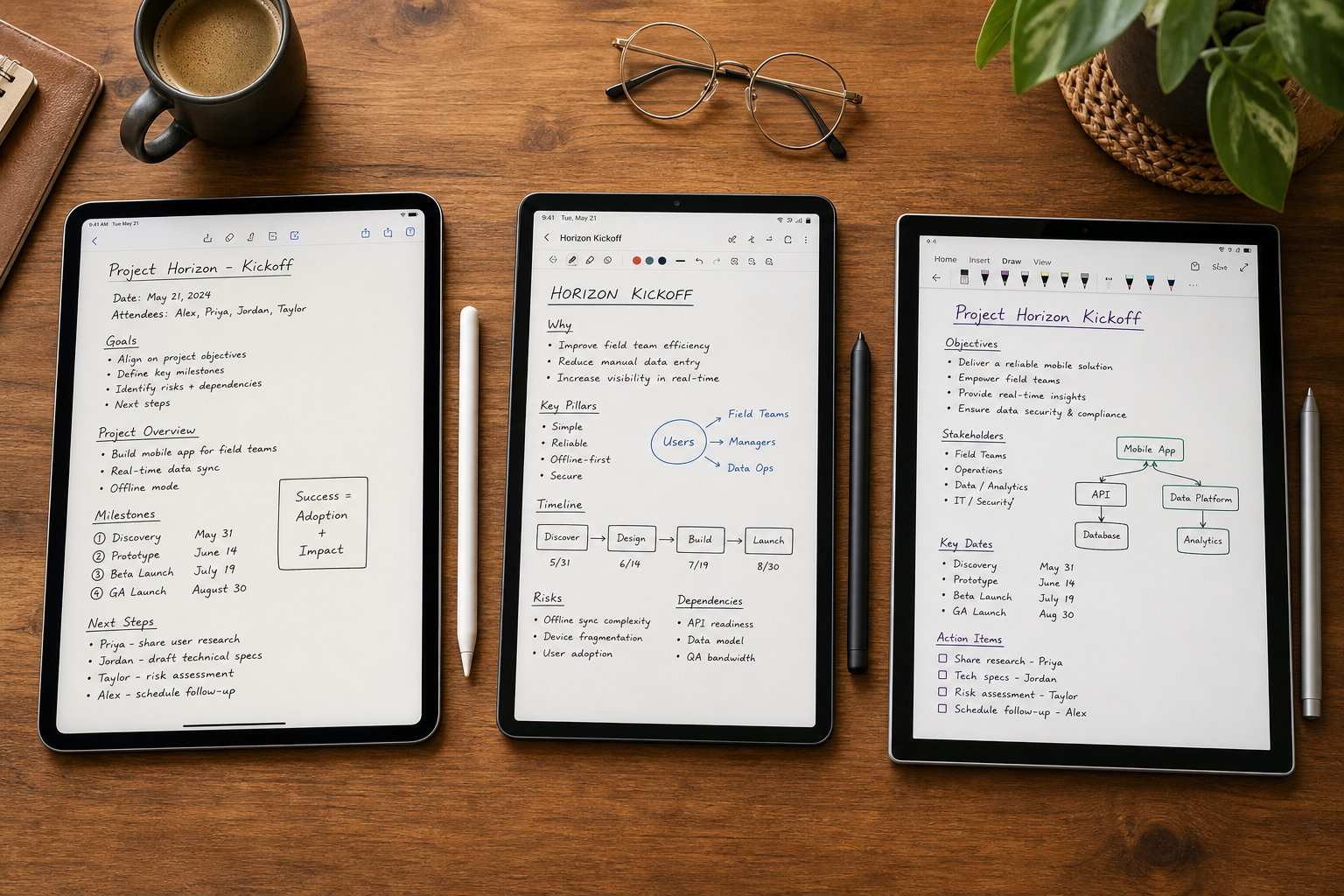
Why Stylus Note-Taking Pricing Is a Minefield in 2026
If you've shopped for a stylus note-taking app recently, you've probably noticed something strange: the prices make almost no sense. One app gives you everything for free. Another charges you every month for features you may never use. A third asks for a one-time payment that feels too cheap to be real. And buried inside each pricing page are limits — storage caps, device restrictions, AI feature credits — that only reveal themselves after you've committed.
This article cuts through the confusion. We've gathered the latest pricing data for every major stylus-compatible note-taking app — from the completely free options to the premium subscriptions — and broken down exactly what each tier actually unlocks for handwriting users. The core finding: subscriptions do not automatically mean better stylus support, and the best value often comes from apps you may not have considered.
We'll cover three pricing categories:
- Free apps with no paywalls (OneNote, Samsung Notes, Apple Notes, Google Keep)
- One-time purchase apps that offer the best value for money (Noteshelf, Noteful, Nebo)
- Subscription-based apps that charge annually or monthly (GoodNotes, Notability, Evernote)
By the end, you'll know exactly which pricing model fits your handwriting habits — and which apps to avoid if you're on a budget.
The Free Tier Showdown: What You Get Without Paying a Cent
Free note-taking apps have come a long way. A few years ago, you had to pay for decent handwriting support. Today, several completely free apps offer solid stylus experiences — but they all come with trade-offs that matter to heavy handwriting users.
Microsoft OneNote: The Undisputed Free Champion
OneNote is the standout free option for stylus users. According to PCMag's 2026 review, the free version includes all core features — unlimited notebooks, solid ink support, and cross-platform sync — with no premium tier or paywalls. Storage ties to your OneDrive quota, which starts at 5GB free. Android Police's testing on a Boox Palma 2 Pro e-ink device and Pixel 10 Pro confirmed that OneNote delivers fast, responsive handwriting with minimal screen refreshes, making it the best free option across tablets, phones, and e-ink displays.
The catch: 5GB of free OneDrive storage fills up fast if you attach images, PDFs, or audio recordings to your notes. You'll need a Microsoft 365 subscription ($6.99/month+) for more space. But for pure handwriting notes, OneNote is genuinely free and genuinely good.
Samsung Notes: Best for Galaxy Tab Owners
Samsung Notes comes pre-installed on Galaxy Tab devices and is completely free. It offers excellent S Pen support, including pressure sensitivity, palm rejection, and handwriting-to-text conversion. The main limitation: it's tied to the Samsung ecosystem. You can sync notes to your Samsung account and access them on a Galaxy phone, but there's no native Windows or iOS app. If you own a Galaxy Tab, it's the most seamless free option — but you're locked in.
Apple Notes and Google Keep: Free but Limited for Stylus Users
Apple Notes is completely free on iPhone, iPad, and Mac. It supports Apple Pencil for sketching and handwriting, but it lacks advanced features like handwriting-to-text conversion, folder organization, and PDF annotation. It's fine for quick jots — not for serious note-taking.
Google Keep is also free, but its stylus support is minimal. You can draw or write on a note, but there's no palm rejection, no pressure sensitivity, and no handwriting recognition. Android Police's testing eliminated Keep from consideration because it failed organizational criteria — it's designed for quick reminders, not structured notes.
| App | Price | Stylus Support Quality | Key Limitation for Handwriting Users |
|---|---|---|---|
| Microsoft OneNote | Free (5GB OneDrive) | Excellent — fast, responsive, cross-platform | 5GB storage cap; more requires Microsoft 365 |
| Samsung Notes | Free (Galaxy only) | Excellent — full S Pen support | Samsung ecosystem lock-in; no Windows/iOS app |
| Apple Notes | Free (Apple devices) | Good — basic Apple Pencil support | No handwriting-to-text; limited organization |
| Google Keep | Free | Poor — no palm rejection or pressure sensitivity | Not designed for structured note-taking |
The One-Time Purchase Sweet Spot: Noteshelf, Noteful, and Nebo
For users who want a full-featured stylus app without an ongoing subscription, the one-time purchase model is the sweet spot. You pay once, you own the app, and you get all core features — no recurring bills, no feature gates, no anxiety about canceling. Three apps dominate this category, each with a different strength.
Noteshelf ($9.99): Best Value Android Stylus App
Noteshelf costs $9.99 as a one-time purchase — no subscription required for core handwriting features. According to ToolFinder's 2026 comparison, it offers excellent stylus support with pressure sensitivity, palm rejection, and a clean interface. The app also includes AI features, but those use monthly credits that reset. For most users, the free credits cover normal usage. Noteshelf is widely considered the best-value Android stylus app, though it also works on iPad.
Noteful (~$15): The Best-Value iPad PDF Annotation Tool
Noteful is a lesser-known iPad app that punches well above its price. At roughly $15 as a one-time purchase, it offers robust PDF annotation, folder organization, and handwriting support. It's less polished than GoodNotes, but for users whose primary need is marking up PDFs with a stylus, it's the best value on the iPad. No subscription, no feature gates.
Nebo / MyScript ($14.99): Best Handwriting Recognition
Nebo (rebranded to MyScript in 2025) is the go-to app for users who need reliable handwriting-to-text conversion. The free version allows up to five notes; the full unlock costs $14.99 as a one-time payment. ZDNET's 2026 testing confirmed that Nebo's handwriting recognition is among the best in class — it converts messy handwriting to typed text with impressive accuracy. If your workflow depends on converting handwritten notes into searchable text, Nebo's one-time price is a bargain compared to subscription alternatives.
| App | One-Time Price | Best For | Key Limitation |
|---|---|---|---|
| Noteshelf | $9.99 | Android stylus users; general handwriting | AI features use monthly credits |
| Noteful | ~$15 | iPad PDF annotation on a budget | Less polished UI than GoodNotes |
| Nebo / MyScript | $14.99 | Handwriting-to-text conversion | Free version limited to 5 notes |
The Subscription Picks: GoodNotes, Notability, and Evernote
Subscription-based apps dominate the premium note-taking space. They offer regular updates, cross-platform sync, and advanced features — but they also require ongoing payments. For stylus users, the question is whether those payments translate into a better handwriting experience.
GoodNotes: $9.99/Year (or $29.99 Lifetime on iPad)
GoodNotes was once a one-time purchase app. Its switch to a $9.99/year subscription model frustrated many longtime users. According to MakeUseOf's 2024 testing, GoodNotes 6 offers an annual subscription for $9.99 or a lifetime purchase for $29.99 on iPad. ZDNET's 2026 update confirms the $10/year price, while Drawboard's 2026 guide notes a cross-platform plan at $11.99/year. The discrepancy likely reflects regional pricing or promotional offers.
For stylus users, GoodNotes delivers excellent handwriting support, including pressure sensitivity, palm rejection, and a vast template library. The subscription unlocks cross-platform sync (iPad, iPhone, Mac) and iCloud backup. The lifetime option at $29.99 is a solid deal if you plan to use the app for more than three years — but note that the lifetime purchase is device-specific (iPad only), and the cross-platform plan requires ongoing payment.
Notability: $14.99–$99.99/Year
Notability offers three subscription tiers. According to Drawboard's 2026 guide, the Standard plan costs $14.99/year, Plus costs $19.99/year, and Unlimited costs $99.99/year. ZDNET's March 2026 testing confirms the $15/year Standard tier. The free version limits pen strokes per month, which MakeUseOf's testing found makes it impractical for regular student use.
For stylus users, Notability offers excellent handwriting support, audio recording synced to notes, and PDF annotation. The Standard tier unlocks unlimited notes, iCloud sync, and PDF editing. The Unlimited tier adds AI features and priority support. The $99.99/year Unlimited plan is overkill for most handwriting users — the Standard tier covers everything a stylus note-taker needs.
Evernote: $14.99/Month — Overpriced for Handwriting
Evernote is the most expensive option on this list. The Personal plan costs $14.99/month (or $10.83/month billed annually, per ToolFinder). The Professional plan costs $17.99/month. For that price, you get unlimited notes, offline access, and 250MB monthly uploads. But here's the problem: Evernote's stylus support is passable at best. Android Police's 2025 testing eliminated Evernote from consideration because it does not support handwritten notes natively — you can attach images of handwriting, but you can't write directly into a note with a stylus.
If your primary use case is handwriting, Evernote is not the right tool. It's designed for typed notes, web clipping, and document scanning. Paying $14.99/month for a note-taking app that doesn't support stylus input is a waste of money.
| App | Subscription Price | Stylus Support Quality | Best For |
|---|---|---|---|
| GoodNotes | $9.99/yr (or $29.99 lifetime iPad) | Excellent — pressure sensitivity, palm rejection | iPad users who want premium handwriting |
| Notability Standard | $14.99/yr | Excellent — audio sync + handwriting | Students who record lectures while writing |
| Notability Unlimited | $99.99/yr | Excellent + AI features | Power users who need AI transcription |
| Evernote Personal | $14.99/month | Poor — no native stylus input | Not recommended for handwriting users |
Per-App Breakdown: What Each Pricing Tier Actually Unlocks for Stylus Users
Pricing alone doesn't tell the full story. Two apps at the same price point may gate completely different features. This section breaks down exactly what each pricing tier unlocks — with a specific focus on stylus-relevant features.
| App & Tier | Handwriting-to-Text | Palm Rejection | Pressure Sensitivity | PDF Annotation | Folder Organization | Cross-Device Sync |
|---|---|---|---|---|---|---|
| OneNote (Free) | Yes | Yes | Yes | Yes | Yes | Yes (5GB OneDrive) |
| Samsung Notes (Free) | Yes | Yes | Yes | Yes | Yes | Samsung ecosystem only |
| Apple Notes (Free) | No | Yes | Yes | No | Limited | iCloud (Apple devices) |
| Noteshelf ($9.99) | Yes (AI credits) | Yes | Yes | Yes | Yes | Yes (via cloud) |
| Noteful (~$15) | No | Yes | Yes | Yes | Yes | No (local only) |
| Nebo ($14.99) | Yes (best in class) | Yes | Yes | Limited | Yes | Yes (via cloud) |
| GoodNotes ($9.99/yr) | Yes | Yes | Yes | Yes | Yes | iCloud (iPad/Mac) |
| Notability Std ($14.99/yr) | Yes | Yes | Yes | Yes | Yes | iCloud sync |
| Evernote Personal ($14.99/mo) | No (image-based only) | N/A | N/A | Yes | Yes | Yes (all devices) |
A few patterns stand out. OneNote and Samsung Notes offer the most complete free feature sets for handwriting users. Noteshelf and Nebo provide excellent value at one-time prices. GoodNotes and Notability justify their subscriptions with polished experiences and reliable sync. Evernote, despite its high price, offers almost nothing for stylus users.
Hidden Costs: Storage Limits, Device Limits, and AI Feature Caps
The sticker price is only the beginning. Every app has hidden costs that can add up over time — especially for heavy handwriting users who store large notebooks, PDFs, and audio recordings.
- OneNote's 5GB OneDrive limit: Free OneNote users get 5GB of OneDrive storage. If you attach PDFs, images, or audio to your notes, that space fills quickly. Microsoft 365 Personal ($6.99/month) gives you 1TB.
- Evernote's 250MB monthly upload cap: The free plan limits uploads to 250MB per month. The Personal plan ($14.99/month) removes this cap but still limits you to one device on the free tier.
- Notability's pen stroke limits: The free version of Notability limits the number of pen strokes you can make per month. MakeUseOf's testing found this makes the free tier impractical for regular student use — you'll hit the limit within days.
- Noteshelf's AI feature credits: Noteshelf includes AI features (handwriting recognition, smart search) that use monthly credits. ToolFinder reports that free credits cover normal usage, but heavy users may need to wait for the monthly reset.
- GoodNotes cross-platform sync: The $29.99 lifetime purchase on iPad does not include cross-platform sync. To sync notes between iPad, iPhone, and Mac, you need the $9.99/year subscription.
- Evernote free tier device limit: The free plan limits you to one device and 50 notes. Drawboard's 2026 guide confirms this makes the free tier unusable for anyone who takes notes on multiple devices.
Value Verdict by Use Case: Which Pricing Model Wins for You?
There is no single "best" pricing model — the right choice depends on your device, your handwriting habits, and your budget. Here's how the options stack up for different reader personas.
| Use Case | Best Pricing Model | Top Recommendation | Why |
|---|---|---|---|
| Student on a budget (iPad) | One-time purchase | Noteful (~$15) | Full PDF annotation and handwriting support with no recurring costs |
| Student on a budget (Android) | Free | OneNote | Unlimited notebooks, solid stylus support, cross-platform sync |
| Student on a budget (Galaxy Tab) | Free | Samsung Notes | Best S Pen integration, no extra cost |
| Professional needing cross-platform sync | Subscription | GoodNotes ($9.99/yr) | Reliable sync across iPad, iPhone, and Mac |
| Professional needing handwriting-to-text | One-time purchase | Nebo ($14.99) | Best handwriting recognition at a fair one-time price |
| Artist needing pressure sensitivity | One-time purchase or subscription | Noteshelf ($9.99) or GoodNotes ($9.99/yr) | Both offer excellent pressure sensitivity and palm rejection |
| Casual note-taker (any device) | Free | OneNote | No paywalls, solid handwriting, cross-platform |
| Heavy PDF annotator (iPad) | One-time purchase | Noteful (~$15) | Best value for PDF markup with a stylus |
Frequently Asked Questions About Stylus Note-Taking App Pricing
Here are answers to the most common questions we hear from readers evaluating stylus note-taking apps.
- Can I use GoodNotes without a subscription? Yes — GoodNotes offers a free starter plan with three notebooks. For unlimited notebooks and cross-platform sync, you need the $9.99/year subscription or the $29.99 lifetime purchase on iPad.
- Is Evernote worth it for handwriting? No. Evernote does not support native stylus input. You can attach images of handwritten notes, but you cannot write directly into a note with a stylus. Android Police's testing confirmed this limitation. For handwriting users, Evernote is overpriced at $14.99/month.
- What happens to my notes if I stop paying for a subscription? It depends on the app. GoodNotes and Notability allow you to keep your existing notes but may limit editing or adding new notes. Evernote restricts you to read-only access on the free tier. Always export your notes to a portable format (PDF, Markdown) before canceling.
- Are there student discounts? Yes. Notion offers Student Pro free with a .edu email. Drawboard offers a 50% student discount on Pro Lite ($2.10/month) and Pro Plus ($3.50/month). GoodNotes and Notability occasionally offer educational pricing through institutional purchases.
- Do one-time purchases include future updates? Usually, but not always. Noteshelf and Nebo include major updates within the same version. GoodNotes' switch from one-time to subscription pricing is a cautionary tale — a one-time purchase today does not guarantee free upgrades to the next major version.
- Which app has the best handwriting-to-text conversion? Nebo (MyScript) at $14.99 one-time. ZDNET's 2026 testing confirmed its handwriting recognition is among the best in class. For a deeper comparison of handwriting accuracy across apps, see our Handwriting-to-Text Accuracy Shootout.
For a broader look at how these apps compare beyond pricing — including performance, platform availability, and use-case fit — check out our decision-first comparison by use case and our general free vs. paid note-taking app pricing guide.