
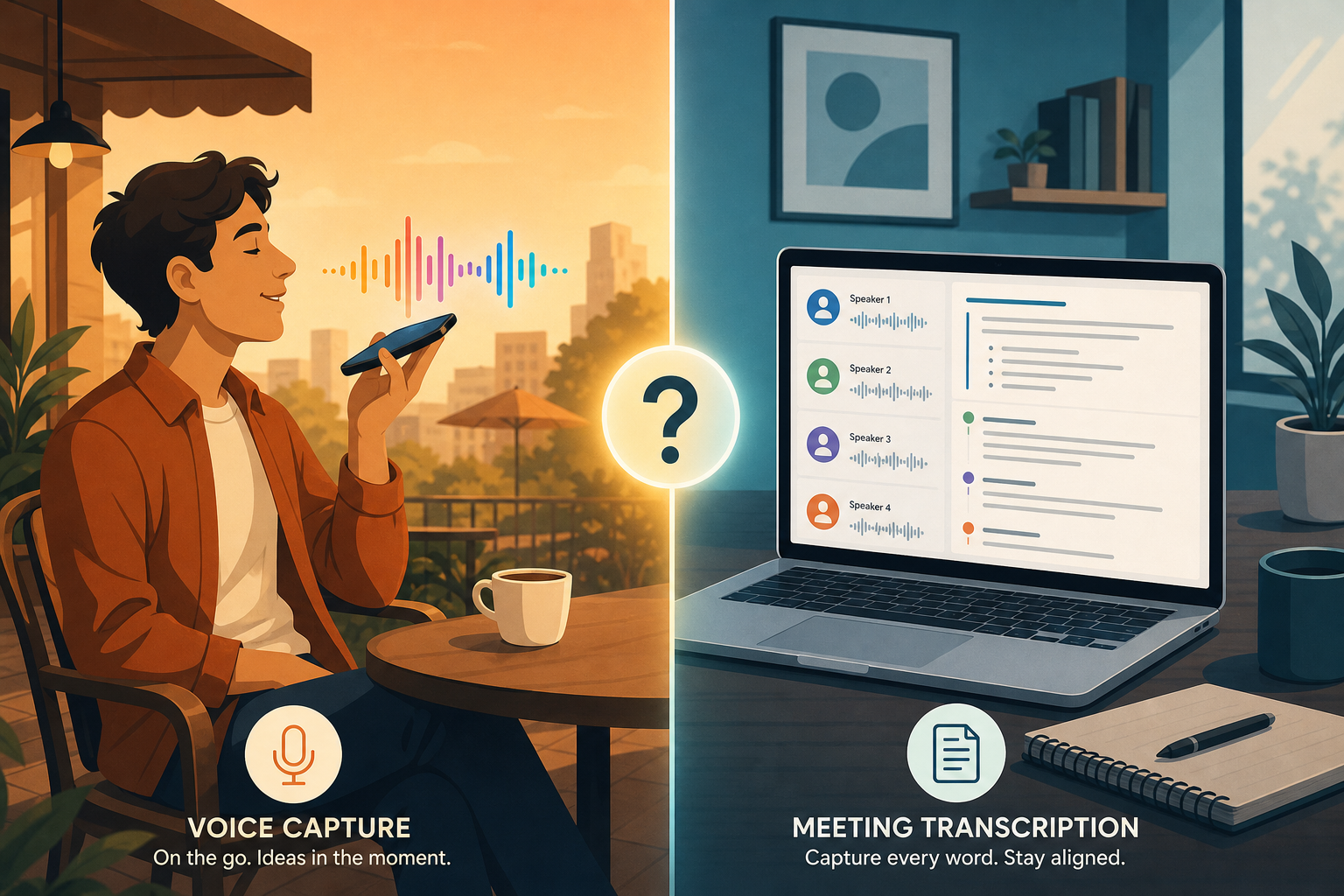
Why Personal Voice Capture Is a Separate Category from Meeting Transcription
If you have ever tried to use a meeting transcription tool like Otter or Fireflies to capture a quick thought while walking the dog, you already know the problem. Those tools are built for multi-speaker conversations, calendar-synced recordings, and team dashboards. They are overkill for a single person talking to themselves, and they often require a subscription that starts at $16.99 per month.
Personal voice capture is a different use case entirely. You are not transcribing a meeting. You are thinking out loud, journaling an idea, dictating a grocery list, or recording a brainstorming session that only you will ever read. The output needs to be structured, searchable, and usable — not a raw transcript with speaker labels.
Built-in OS dictation tools — Apple Dictation, Google Voice Typing — can convert speech to text, but they stop there. They do not rewrite rambling sentences into clean prose, extract action items, or let you chat with your past recordings. That is the gap that a new generation of personal voice apps fills.
The three apps covered here — Flint, Voicenotes, and AudioPen — dominate the personal capture space in 2026, but they serve fundamentally different workflows. The choice depends less on which one records best and more on what you want to happen after you hit stop.
Flint: Local-First, Unlimited Recording, $12 One-Time
Flint is the most disruptive option in this comparison, not because of its AI features (though they are strong), but because of its pricing model. A one-time payment of $12 unlocks the full Pro plan with no recording limits, no subscription, and no recurring bill. Over a three-year period, that is roughly 25 times cheaper than the subscription-based alternatives.
The app is native to iOS and takes full advantage of the platform. You can trigger a recording from the iPhone Action Button or a Lock Screen widget, which makes capture nearly instantaneous. Audio stays on your device by default — Flint uses on-device transcription that is free and unlimited, and the local-first design means your recordings never touch a cloud server unless you explicitly choose to sync.
Once a recording is transcribed, Flint offers four summary formats:
- Standard note — a clean, readable version of what you said
- Todo checklist — extracts action items and tasks automatically
- First-person story — rewrites your rambling into a narrative format
- Custom — you define the output format you need
Beyond transcription, Flint includes an AI chat feature that lets you ask questions about your past recordings. You can query "What did I say about the Q2 budget last week?" and get an answer drawn from your notes, with source citations.
Voicenotes: Cross-Platform Coverage and 100+ Languages
Voicenotes takes the opposite approach from Flint. Instead of a one-time purchase tied to a single platform, it offers a subscription that works across iPhone, Android, Mac, Windows, Apple Watch, and Wear OS. At $99.99 per year (or $14.99 per month), it is the most expensive option in this comparison, but it is also the only major personal voice app with native Android support.
The language support is a standout feature. Voicenotes transcribes in over 100 languages, which makes it the best choice for multilingual users or anyone who switches between languages during a single recording session. The transcription accuracy relies on underlying models — sources note that OpenAI's Whisper has a 3.96% word error rate and GPT-4o Transcribe has a 2.46% word error rate — though Voicenotes' own accuracy will vary by language and audio quality.
Beyond basic transcription, Voicenotes offers two AI-powered modes:
- Ask AI — query your entire note history with source citations, similar to Flint's chat feature
- Create — draft blog posts, emails, or other content directly from your voice notes
- Meeting mode — a specialized transcription mode for multi-speaker conversations (though this is not a full meeting bot replacement)
Voicenotes also integrates with Zapier, which opens up automation workflows that neither Flint nor AudioPen currently offer. You can, for example, automatically save new transcriptions to a Notion database, create tasks in Todoist, or send summaries to Slack.
For Android users who have been frustrated by the iOS-only nature of most personal voice apps, Voicenotes is currently the only serious option in this category. The Best Note-Taking App for Android in 2026: AI Features Compared guide covers broader Android note-taking options if you want to explore further.
AudioPen: Polished Writing Output with a 15-Minute Cap
AudioPen occupies a specific niche: it is designed for people who want to turn rambling voice recordings into polished, publication-ready text. The app costs $99 per year and is available via web, Chrome extension, and mobile apps. It does not aim to be a universal capture tool — it aims to be a writing assistant that happens to accept voice input.
The most important limitation is the 15-minute recording cap. You cannot record a long lecture, a full meeting, or an extended brainstorming session in a single take. AudioPen is built for short bursts of voice — a few minutes of dictation that the app then rewrites into clean, structured text. If you regularly record for longer than 15 minutes, this app will frustrate you.
Where AudioPen excels is in the quality of its output. The app is explicitly designed to take messy, fragmented speech and turn it into coherent prose. It removes filler words, reorders sentences, and applies a consistent tone. For writers, journalists, and content creators who use voice as a first draft tool, this is exactly the right workflow.
AudioPen also includes a feature called SuperSummary, which can stitch together multiple recordings into a single summary. This is useful if you record a series of short ideas throughout the day and want a consolidated overview at the end.
Head-to-Head Comparison: Flint vs. Voicenotes vs. AudioPen
The table below summarizes the key differences across the three apps. Pricing and features were last verified on June 15, 2026.
| Feature | Flint | Voicenotes | AudioPen |
|---|---|---|---|
| Price | $12 one-time | $99.99/year or $14.99/month | $99/year |
| Recording limit | Unlimited | Unlimited | 15 minutes per recording |
| Platforms | iOS only | iOS, Android, Mac, Windows, Apple Watch, Wear OS | Web, Chrome extension, mobile apps |
| Languages | English (primary) | 100+ languages | English (primary) |
| Output formats | Standard note, todo, story, custom | Standard note, meeting mode, create | Polished prose rewrite |
| AI chat over notes | Yes | Yes (Ask AI) | No |
| Integrations | None | Zapier | None |
| Privacy model | Local-first (on-device) | Cloud-based | Cloud-based |
| On-device transcription | Yes, free and unlimited | No | No |
| Action Button / widget | Yes (iPhone) | Yes (varies by platform) | No |
Workflow Scenarios: Which App for Which Type of User?
Each app maps to a specific user persona and workflow. Here is how to decide based on your actual habits.
Flint: The iOS Power User Who Wants Unlimited Capture at a One-Time Price
If you live in the Apple ecosystem and record voice notes frequently — multiple times a day, for everything from grocery lists to journal entries — Flint is the obvious choice. The $12 one-time payment means you never think about subscription costs again. The Action Button and Lock Screen widgets make capture frictionless. The local-first design means your recordings are private by default.
- Best for: Daily journaling, idea capture, todo list creation, quick memos
- Not for you if: You use Android, Windows, or need Zapier integrations
- Not for you if: You need transcription in languages other than English
Voicenotes: The Cross-Platform User Who Needs Android Support and Integrations
If you switch between an Android phone and a Windows laptop during the day, Voicenotes is your only option among these three. The cross-platform coverage is unmatched, and the Zapier integration means you can build automated workflows that Flint and AudioPen cannot match. The 100+ language support is a genuine differentiator for multilingual users.
- Best for: Cross-platform users, multilingual transcription, automated workflows
- Not for you if: You want a one-time purchase and are willing to stay within a single ecosystem
- Not for you if: You are privacy-sensitive and prefer on-device processing
AudioPen: The Writer Who Wants to Turn Rambling Voice into Polished Text
If your goal is not just to capture ideas but to produce finished writing — blog posts, newsletter drafts, email responses — AudioPen's rewrite engine is the most polished option. The 15-minute cap is a constraint, but it forces you to be concise. The SuperSummary feature is useful for consolidating multiple short recordings into a single coherent document.
- Best for: Writers, content creators, anyone who uses voice as a first draft tool
- Not for you if: You record for longer than 15 minutes at a time
- Not for you if: You need to search or chat with your past recordings
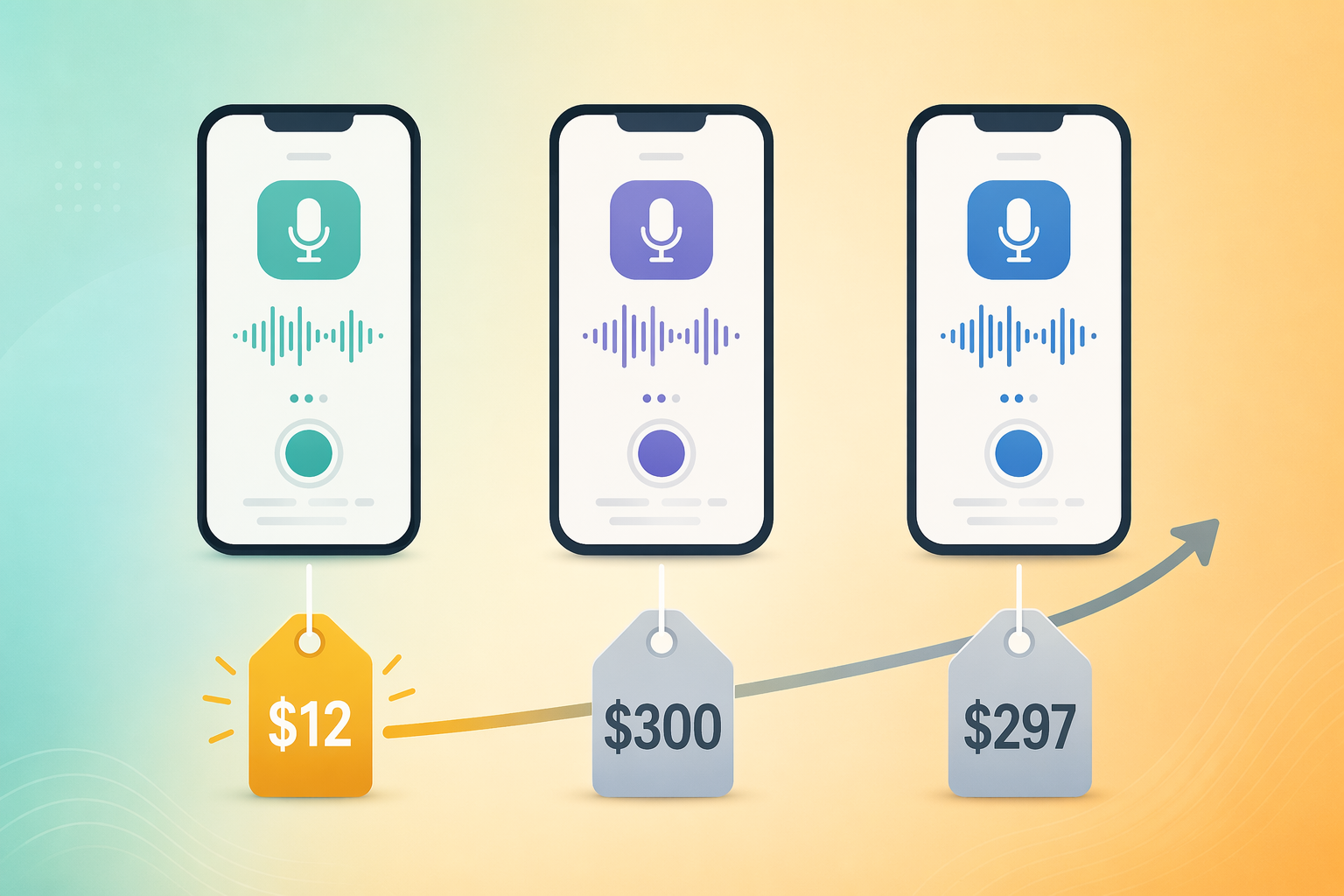
The Hidden Cost: $12 vs. ~$300 Over Three Years
The pricing difference between these apps is not small — it is a 25x gap over three years. Here is the breakdown:
| App | Year 1 | Year 2 | Year 3 | Total (3 years) |
|---|---|---|---|---|
| Flint | $12 | $0 | $0 | $12 |
| Voicenotes | $99.99 | $99.99 | $99.99 | ~$300 |
| AudioPen | $99 | $99 | $99 | ~$297 |
Flint's $12 one-time purchase is a unique selling point in this category, but it carries a risk. The company is smaller than its subscription-based competitors, and a one-time purchase model may not be sustainable long-term. If Flint pivots to a subscription model or stops development, you could lose access to future features. The subscription models from Voicenotes and AudioPen include ongoing development, cross-platform support, and a clearer revenue incentive for the company to keep improving the product.
For a deeper look at how one-time purchases compare to subscriptions across the broader note-taking app landscape, see our Stylus Note-Taking App Pricing Showdown: Free vs Subscription vs One-Time Purchase.
Final Verdict: Which Personal Voice Capture App Should You Choose?
None of these three apps is a universal winner. They serve different workflows, and the right choice depends on your platform, budget, and what you want to do with your recordings after you make them.
- Best all-rounder and best value: Flint — $12 one-time, unlimited recording, local-first privacy, and four output formats. iOS only.
- Best for cross-platform users: Voicenotes — $99.99/year, supports Android, iOS, Mac, Windows, and Wear OS, with 100+ languages and Zapier integrations.
- Best for writers: AudioPen — $99/year, 15-minute cap, but the most polished rewrite engine for turning voice into publishable text.
If you are an iOS user who wants the best value and does not need integrations, Flint is the clear recommendation. If you use Android or need to connect your voice notes to other tools, Voicenotes is worth the subscription. If you are a writer who wants to dictate first drafts and have them cleaned up automatically, AudioPen's rewrite engine is the best tool for that specific job.