
Orchestration Without Code: Why Business Teams Can Now Self-Serve
For years, the word "orchestration" lived in engineering departments. It meant directed acyclic graphs, API gateways, and Python scripts scheduled on Airflow. If your team needed a multi-step process — say, a new client onboarding sequence that triggered an approval, created a project, sent a welcome packet, and updated a CRM — you filed a ticket with IT and waited.
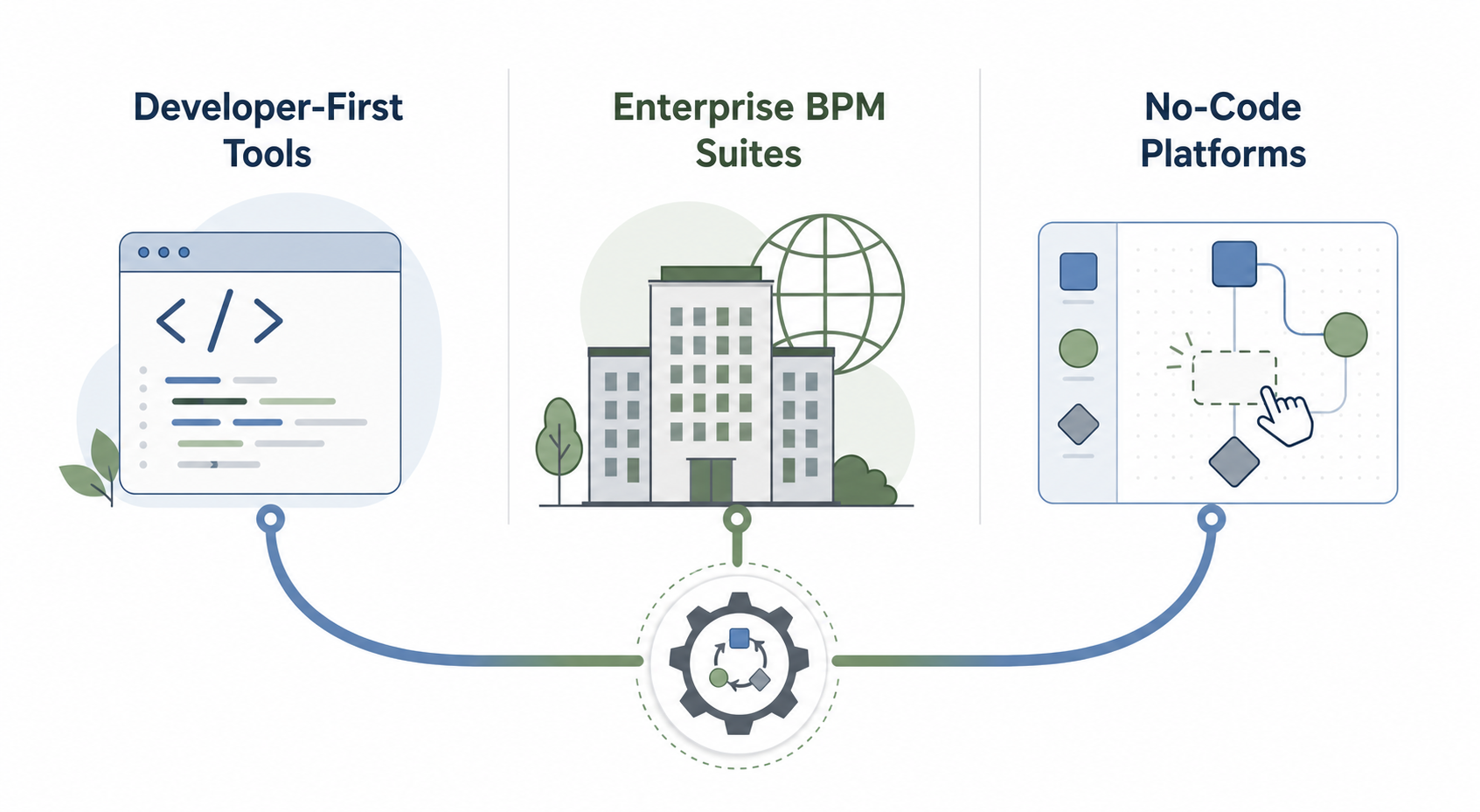
That boundary has eroded. Modern no-code and low-code platforms now handle the core mechanics of orchestration: dependency management, conditional branching, error handling, and multi-step sequencing — all through visual builders rather than code editors. The difference between simple automation (one trigger, one action) and orchestration (coordinating multiple dependent steps across systems) is no longer a technical barrier; it is a design choice inside the tool.
The platforms covered in this comparison — Zapier, Make, Wrike, Teamwork.com, and Next Matter — each let operations teams and project managers build workflows that would have required a junior developer a few years ago. The trade-off is not capability versus no capability; it is about complexity ceilings, pricing predictability, and governance maturity.
When Business Teams Can (and Can't) Self-Serve Orchestration
Before evaluating tools, it helps to be honest about what no-code orchestration handles well — and where it still falls short. The goal is not to force a square peg into a round hole but to match the tool to the actual workflow complexity.
Use cases no-code orchestration handles well
- Multi-step approval chains: A purchase order requires manager sign-off, then finance approval, then vendor notification — each step conditional on the previous outcome.
- Cross-app data sync: New leads in a CRM automatically create projects in a PM tool, assign tasks, and update a shared spreadsheet.
- Client onboarding sequences: A single trigger (signed contract) kicks off a sequence of dependent actions across email, document storage, billing, and project management.
- Scheduled reporting and alerts: Daily or weekly aggregation of data from multiple sources with conditional escalation if thresholds are breached.
Where no-code orchestration still struggles
- High-volume data pipelines: Processing millions of events or records per day is still the domain of developer tools like Airflow or Prefect. No-code platforms introduce latency and credit costs that become prohibitive at scale.
- Complex enterprise governance: Role-based access control at the workflow level, audit trails for every step change, and compliance certifications beyond SOC 2 are not uniformly available across these tools.
- Custom code integration: If a workflow requires a bespoke API call, custom data transformation, or a library not available in the tool's integration catalog, you will need a platform that supports code nodes — or a developer.
Tool Deep Dives: Zapier, Make, Wrike, Teamwork.com, and Next Matter
Each of the five tools approaches no-code orchestration from a different starting point. Zapier and Make are pure automation platforms that have added orchestration depth. Wrike and Teamwork.com are project management suites with workflow engines built in. Next Matter is a purpose-built no-code orchestration tool for operations teams. Understanding these origins helps explain their strengths and blind spots.
Zapier: The broadest connector library, but step limits bite
Zapier connects to more than 9,000 apps, making it the default choice for teams that need to bridge obscure or niche tools. Its multi-step Zaps support conditional logic (paths), delays, and formatting steps, which qualifies as basic orchestration. The free plan is capped at 100 tasks per month and two-step workflows, which is enough to prototype a single workflow but not to run a business process. Paid plans start at $19.99 per month (Professional) and go up to $69 per month (Team).
The limitation that matters most for orchestration is the two-step cap on the free plan. A typical onboarding workflow — trigger → create project → assign owner → send email → update CRM — is four or five steps. You cannot even build it on the free tier. The paid plans remove the step cap, but task limits still apply: the Professional plan includes 2,000 tasks per month, which a moderately active team can exhaust in a week.
Make: Visual scenario builder with credit-based pricing
Make (formerly Integromat) differentiates itself with a canvas-based visual scenario builder that shows data flowing between modules in real time. For teams that need to understand and debug multi-step workflows, this visual feedback is a genuine advantage over Zapier's linear list. Make also offers Make Grid, a feature that maps all automations across an organization, which helps prevent duplicate or conflicting workflows.
Pricing is credit-based: Core plan at $12 per month (10,000 credits), Pro at $21 per month, and Teams at $38 per month. Each operation in a scenario consumes credits, and complex scenarios with many modules, data operations, and frequent runs can burn through credits faster than expected. This makes Make's pricing less predictable than Zapier's task-based model — a risk for teams that need to budget accurately.
For a deeper comparison of these two platforms, see our dedicated Zapier vs Make 2026 comparison, which covers AI and agentic workflow capabilities in more detail.
Wrike: No-code workflow design inside a project management suite
Wrike is positioned as a no-code workflow automation platform with enterprise-grade security (SOC 2 certified). It combines workflow design with project management features — Gantt charts, Kanban boards, AI-powered project planning — which makes it attractive for teams that want orchestration and project tracking in one place rather than stitching together separate tools.
Pricing starts at $10 per user per month (billed annually), with a free plan and a 14-day free trial available. The workflow builder is visual and supports conditional logic, request forms, and automated task assignment. However, because Wrike is a project management platform first, its integration library is narrower than Zapier's or Make's. If your workflow depends on a niche SaaS tool, check Wrike's integration catalog before committing.
Teamwork.com: Built for client services and project-based teams
Teamwork.com targets client services firms and project-based teams with features like workload management, resource planning, budget tracking, and task dependencies. Its workflow orchestration capabilities are embedded in the project management layer rather than offered as a standalone automation builder.
Pricing ranges from free to $24.99 per user per month (Accelerate plan). Teamwork.com cites a statistic from its own "Sprint to AI" report that 92% of professional services firms report their current tools fall short on end-to-end workflows and integrations — a claim that positions Teamwork.com as the solution but should be treated as proprietary research rather than independent industry data.
Next Matter: Purpose-built no-code orchestration for ops teams
Next Matter is a no-code workflow builder designed for scale-ups and operations teams that need fast setup without heavy IT involvement. It offers simple integrations with common tools like Slack and Google Workspace, and its interface is built around running repeatable operational processes — onboarding, order fulfillment, compliance checks — rather than general-purpose automation.
The trade-off is limited scalability for large, complex service operations and light reporting capabilities. Next Matter is best suited for teams that have outgrown spreadsheets and email-based processes but are not yet ready for a full enterprise BPM suite. Pricing was not publicly available from the source material; teams should request a quote directly.
Side-by-Side Comparison: Pricing, Integrations, and Business Fit
The table below summarizes the key decision factors across all five tools. Use it as a quick-reference filter before diving into the detailed decision guide.
| Tool | Starting Price | Integration Count | Key Orchestration Features | Best-Fit Team Type | Not For You If |
|---|---|---|---|---|---|
| Zapier | Free (100 tasks/mo, 2-step Zaps); Professional $19.99/mo | 9,000+ apps | Multi-step Zaps, conditional paths, delays, formatting | Teams needing broadest app coverage | You need complex orchestration on a free budget; you run >2,000 tasks/mo |
| Make | Free (1,000 credits/mo); Core $12/mo | 2,000+ apps (approx.) | Visual scenario builder, real-time data flow, Make Grid, conditional logic | Teams that value visual debugging and organization-wide visibility | You need predictable monthly costs; complex scenarios burn credits fast |
| Wrike | Free plan; paid from $10/user/mo (annual) | 400+ integrations (approx.) | No-code workflow builder, request forms, AI project planning, Gantt/Kanban | Teams wanting orchestration + project management in one platform | Your workflow depends on niche or industry-specific apps |
| Teamwork.com | Free plan; paid from $5.99/user/mo; Accelerate $24.99/user/mo | 1,000+ integrations (approx.) | Task dependencies, workload management, budget tracking, resource planning | Client services firms and project-based teams | You need standalone automation not tied to project management |
| Next Matter | Custom quote (no public pricing) | Limited (Slack, Google Workspace, common tools) | No-code workflow builder, repeatable process templates, simple integrations | Scale-ups and ops teams needing fast setup without IT | You need broad integrations, heavy reporting, or enterprise-scale complexity |
Decision Guide: Which Tool Fits Your Team Size and Complexity?
The right tool depends less on feature lists and more on your team's profile — how many people will build workflows, how complex those workflows are, and whether you need project management built in or prefer a standalone automation layer.
Small teams with simple workflows (2–10 people)
If your team runs a handful of straightforward workflows — new lead notifications, invoice reminders, task creation from email — and you want to get started without spending money, Zapier's free plan is the lowest-friction entry point. The two-step limit on the free plan will constrain you, but it is enough to automate one or two critical processes. When you outgrow it, the $19.99/month Professional plan unlocks multi-step workflows and 2,000 tasks per month.
For a step-by-step approach to identifying and building your first automations, see our process automation setup framework for small businesses.
Medium teams with cross-department processes (10–50 people)
Once workflows span multiple departments — sales, finance, operations — you need visibility into how automations connect and where failures happen. Make's visual scenario builder and Make Grid feature give you a map of all active automations, which is invaluable for preventing conflicts and debugging. The Teams plan at $38/month is reasonable for a small department, but monitor credit consumption closely in the first month to avoid surprises.
Client-facing teams needing project management (5–30 people)
If your team delivers services to external clients — agencies, consultancies, professional services firms — you likely need workflow orchestration and project management in one system. Teamwork.com is built specifically for this use case, with workload management, budget tracking, and task dependencies that mirror how client projects actually run. The free plan lets you evaluate the workflow features before committing to a paid tier.
Scale-ups needing fast setup without IT (5–20 people)
For operations teams that have outgrown spreadsheets but do not have dedicated engineering support, Next Matter offers the fastest path from idea to running workflow. Its limited integration library means it works best if your core tools are Slack, Google Workspace, and a handful of others. If your stack includes Salesforce, HubSpot, or industry-specific platforms, Next Matter may not connect deeply enough.
Teams that want orchestration + project management in one place
Wrike is the strongest candidate if you want to avoid stitching together a separate automation tool and a separate PM tool. Its SOC 2 certification also makes it the safest choice for teams that handle sensitive client data and need to demonstrate compliance. The per-user pricing at $10/month is competitive, but the cost adds up quickly as your team grows.
Final Verdict: Choosing the Right No-Code Orchestration Platform
No single tool wins across every dimension. The choice depends on where your team feels the most pain.
- Best for broadest integrations: Zapier — 9,000+ app connections make it the default when you need to bridge obscure or industry-specific tools.
- Best for visual scenario building: Make — the canvas-based builder and Make Grid give you unmatched visibility into how workflows connect across the organization.
- Best for project-based teams: Teamwork.com — workload management, budget tracking, and task dependencies in a single platform designed for client services.
- Best for all-in-one orchestration + PM: Wrike — no-code workflow design with enterprise security and AI project planning from $10/user/month.
- Best for fast ops setup: Next Matter — purpose-built for scale-ups that need to replace spreadsheets with structured workflows without IT involvement.
If you are still torn between Zapier and Make — the two most common starting points for no-code orchestration — our detailed head-to-head comparison covers AI features, agentic workflows, and pricing nuances that this overview does not have room to explore.
And once you have chosen a platform, the next step is building a business case. Our guide on documenting workflow automation ROI with real numbers will help you quantify the time and cost savings before presenting the investment to stakeholders.