
The privacy question around AI meeting notes stopped being theoretical when Brewer v. Otter.ai was filed in federal court in August 2025. The class action alleges that Otter recorded private conversations without adequate consent and used meeting data for AI training; as of July 2026, those claims remain allegations in early litigation, not findings of fact.[1] Still, the case puts the right question at the front of any AI meeting notes privacy comparison: can the vendor use your meetings to train AI models, and can your organization contractually stop that from happening?
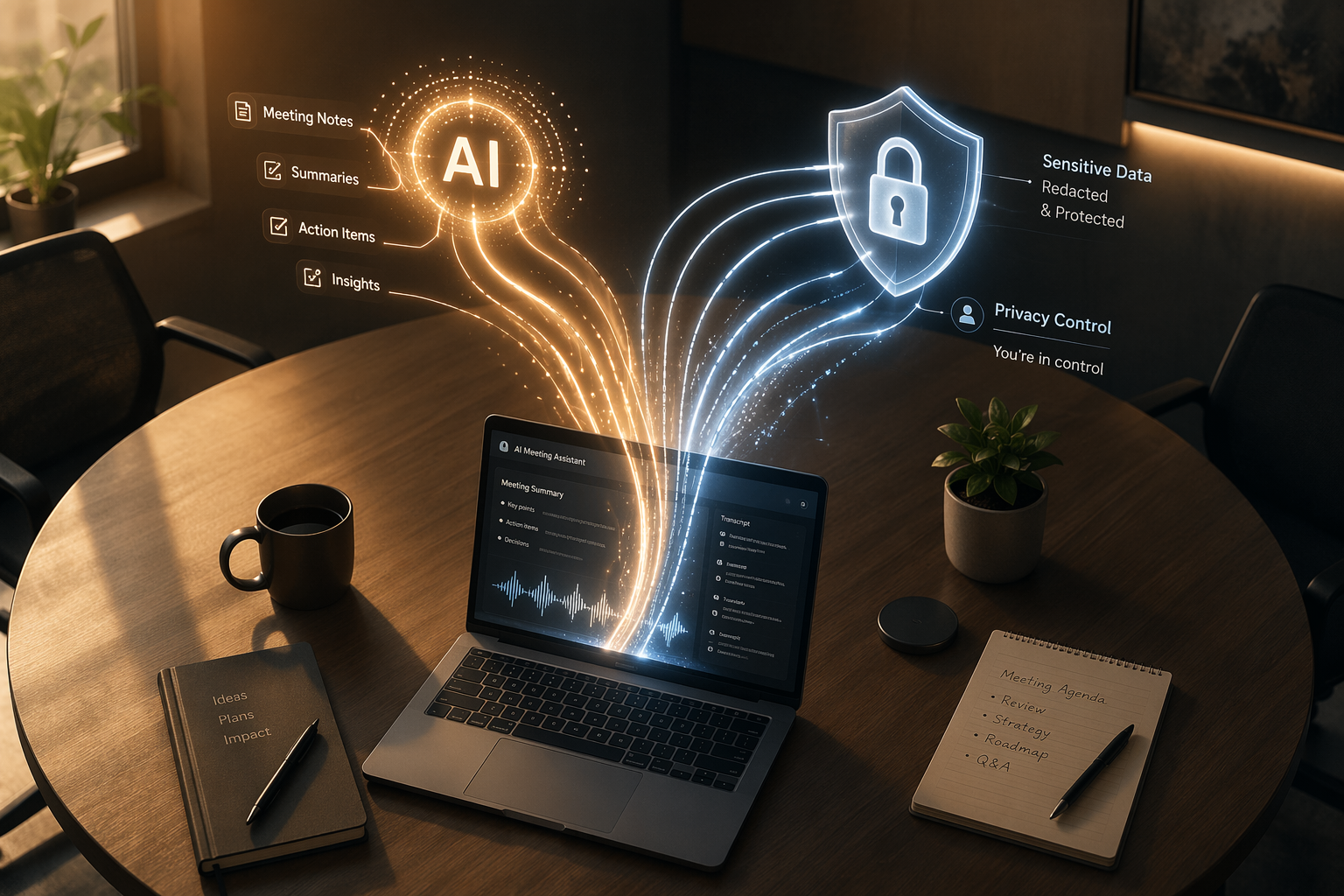
A transcript is not harmless productivity exhaust. It can contain hiring concerns, customer disputes, roadmap uncertainty, student information, health details, manager feedback, and the stray comment someone made because they thought they were in a normal meeting. A good recap interface matters only after the data boundary is clear.
The Privacy Decision Table
Feature comparisons usually start with transcription quality, supported platforms, and summary formats. For privacy review, that order is backwards. The first screen should be policy and control: training use, compliance posture, consent, retention, and admin enforcement.
| Tool | AI training position | Compliance posture | Consent and capture | Retention and admin control | Privacy read |
|---|---|---|---|---|---|
| Fellow | Reportedly prohibits customer meeting data from being used to train AI models; vendor material says this applies across its meeting assistant controls.[2] | SOC 2 Type II, HIPAA, and GDPR coverage are reported by the cited sources.[2] | Supports bot and botless capture; Fellow says the same policies apply across both modes.[3] | Offers admin-enforced retention and access policies, including zero-day recording retention after AI processing.[2][3] | Strong candidate when the buyer needs enforceable governance rather than individual-user discretion. |
| Read AI | States that customer data is not used to train foundation models and emphasizes privacy-first controls.[4] | SOC 2 Type II, HIPAA, and GDPR coverage are reported by the cited sources.[4] | Meeting assistant disclosure and participant-facing controls are central to its privacy positioning.[4] | Admin and privacy controls should be reviewed in the plan actually purchased.[4] | Strong on stated no-training posture; verify contractual language and retention settings during procurement. |
| Avoma | Its security checklist treats contractual AI-training prohibitions as a required vendor control.[5] | Checklist calls for SOC 2 Type II, encryption, RBAC, sub-processor transparency, and contractual protections.[5] | Useful as a benchmark even if it is not one of the main seven tools in this comparison.[5] | Checklist pushes buyers to verify retention, access controls, and sub-processors.[5] | A good standard-setter: it makes clear what strong procurement language should ask for. |
| Otter.ai | Uses de-identified data by default, with manual review described as opt-in in the cited sources; lawsuit allegations make the training issue especially sensitive.[1] | Security posture should be checked against current legal terms and trust materials, not only comparison posts. | Bot-based presence can make capture visible, but visibility is not the same as valid consent.[1] | Longer default retention is described by the cited sources, with stronger configuration on enterprise plans. | Requires careful legal review because training permissions, consent, and retention are all load-bearing. |
| Fireflies.ai | Training policy should be verified in current terms before approval; the available sources support a more cautious conclusion than a clean no-training claim. | SOC 2 Type II is reported; HIPAA is available on enterprise plans.[6] | Bot-based participant disclosure is clearer than silent device capture, though external-call consent still has to be managed. | Longer default retention is described by the cited sources, with stronger configuration on enterprise plans. | May fit teams that can buy the right plan and enforce policy, but privacy review should not stop at the certification badge. |
| Fathom | Training policy needs confirmation in current terms before enterprise approval; the cited sources do not support a definitive no-training finding. | Compliance claims should be verified through current trust-center or procurement materials. | Bot-based capture makes the assistant visible in the meeting. | Admin and retention controls should be tested against the plan level being purchased. | Treat as a product that needs direct vendor diligence, not approval based on usability alone. |
| Granola | Fellow reports that Granola enables AI training by default for non-enterprise users, citing The Verge; the original Verge source should be checked before relying on the claim.[3] | Compliance claims should be verified through current vendor materials. | Botless capture reduces meeting disruption but can make disclosure easier to miss. | Org-wide governance is the key question for botless deployment. | High caution until the training-default claim and enterprise exceptions are verified directly. |
| Krisp | Training policy needs confirmation in current terms before approval. | Known for on-device audio processing, with lighter enterprise certifications in the cited sources. | Botless capture can be less disruptive but also less visible to participants. | Governance depends on whether admins can enforce capture, access, and deletion policy across users. | Useful for noise and capture workflows, but privacy approval should focus on governance gaps. |
The Training Policy Is the Divider
There is a practical difference between a vendor processing your transcript to produce a summary and a vendor using customer meeting data to improve AI models. The first is the service you bought. The second turns workplace conversations into input for a vendor’s model-development pipeline, unless the contract clearly rules it out.
That is why Fellow, Read AI, and Avoma deserve close attention in a privacy-first comparison. Fellow’s security materials state that customer meeting data is not used to train AI models and pair that position with admin controls such as retention and access management.[2] Read AI describes itself as a privacy-first meeting assistant and states that customer data is not used to train foundation models.[4] Avoma’s checklist is useful less as marketing and more as a procurement template: it tells buyers to ask for contractual AI-training prohibitions, encryption, SOC 2 Type II, role-based access control, and sub-processor transparency.[5]
Otter is the harder review. The cited sources describe Otter as using de-identified data by default, with manual review requiring opt-in. Those details have to be read precisely. “De-identified” does not answer every governance question, especially when the original asset is a meeting transcript. Manual review being opt-in is better than silent human access, but it is not the same as a blanket contractual no-training commitment. The Brewer complaint makes that distinction visible, even though the allegations have not been proven.[1]
Granola requires even more caution because the strongest claim in the available sources is not an official policy excerpt. Fellow reports, citing The Verge, that Granola enables AI training by default for non-enterprise users.[3] That may be an important buyer signal, but it should be checked against the original Verge report and Granola’s current legal terms before being treated as settled fact.
For Fireflies, Fathom, and Krisp, the safest conclusion from the available sources is narrower: do not assume a privacy-safe training posture from popularity, transcription quality, or a compliance badge. Ask for the current data-processing terms, AI-training language, retention settings, and plan-specific exceptions before approving them for sensitive meetings.
Compliance Badges Help, but They Do Not Settle the AI Question
SOC 2 Type II, HIPAA, and GDPR coverage matter. They make procurement easier, give security teams something concrete to inspect, and usually indicate that the vendor has invested in controls beyond a consumer app. Fellow and Read AI are reported as carrying SOC 2 Type II, HIPAA, and GDPR coverage together.[2][4] Fireflies is reported as having SOC 2 Type II, with HIPAA available on enterprise plans.[6]
But a certification badge does not automatically answer whether meeting data can be used for AI training. It also may not answer whether the same controls apply on free, individual, team, business, and enterprise plans. A team buying AI meeting notes should read the badge as a starting point, then inspect the terms that govern model training, data retention, access, manual review, deletion, sub-processors, and audit support.
This is where vendor-written security content is useful but not final. Fellow and Avoma publish strong checklists and clear buyer questions, yet both are vendors in the broader meeting-productivity market.[2][5] Their materials can tell you what to ask. The approval record should still point to the vendor’s trust center, legal terms, data-processing agreement, audit report, or written procurement response.
Consent Has to Survive Real Meetings
Consent is not just a banner, and it is not just a sentence in an internal policy. It has to work when a manager is late, an outside client joins from a phone, someone forgets the bot is in the waiting room, or a botless recorder runs from a laptop with no visible participant in the call.
Fordham University’s privacy advisory is a useful real-world benchmark because it treats AI notetakers as a governance issue, not a convenience feature. The advisory requires explicit consent from all participants before AI notetaking, restricts use in FERPA-protected discussions, and calls for manual review of AI transcripts before storage.[7] That is the kind of policy a university has to defend after the meeting, when someone asks why their words were captured.
Employment lawyers are telling companies to think the same way. Fisher Phillips’ post-Otter guidance highlights risk areas including consent protocols, vendor vetting, company policy, limits on sensitive conversations, security safeguards, employee training, and governance frameworks.[1] None of those are recap features. They are the controls that decide whether a meeting assistant becomes manageable infrastructure or an unmanaged recorder scattered across expense reports.
- Before approval, decide which meetings are off-limits: legal, HR, student records, healthcare, disciplinary, acquisition, or board-level conversations.
- Require the meeting owner to announce AI capture before substantive discussion starts.
- Make opt-out operationally possible, not merely theoretical.
- Assign someone to review transcript accuracy before records are stored or shared.
- Document which tool, plan, and retention policy applied to the meeting.
Bot-Based and Botless Tools Create Different Disclosure Problems
Bot-based tools such as Otter, Fireflies, and Fathom typically join as visible meeting participants. That can annoy people, slow down external calls, and create calendar clutter. It also makes recording harder to miss. A visible bot is not perfect consent, but it is at least a cue that something is happening.
Botless tools such as Granola and Krisp capture from the device layer. That is cleaner for the meeting experience and often better for personal workflow. The governance problem is that participants may not see a recorder in the room. Unless admins can enforce disclosure, retention, deletion, and access rules across users, botless capture can move risk from the meeting surface into the background.
Fellow is notable because its bot-free comparison says the same admin-enforced retention and access policies apply to both bot and botless modes.[3] That detail matters more than whether the capture method feels elegant. A policy that changes when someone switches recording modes is not much of a policy.
For a deeper recording-method breakdown, see the guide to bot-free vs. bot-based AI note takers. The short version for this privacy review is simple: visibility helps consent, but enforceable admin controls matter more than the presence or absence of a bot.
Retention Is Where Good Intentions Become Admin Work
Retention settings decide how long a bad capture remains a problem. If a sensitive meeting was recorded by mistake, the operations question is immediate: who can delete the recording, whether transcript and summary copies also disappear, whether user-created shares are revoked, and whether admins can prove what happened.
Fellow’s zero-day retention option is important because it deletes recordings immediately after AI processing, according to the cited sources.[2] That does not eliminate all privacy concerns—the transcript and outputs still need policy—but it reduces the window in which raw audio or video sits around as a secondary record.
The cited sources describe Otter and Fireflies as defaulting to longer retention periods, with stronger configuration available only on enterprise plans. That plan dependency matters. If individual employees can expense a lower-tier tool, the organization may inherit a retention policy it never approved.
A defensible retention review should ask for the exact defaults on the plan being purchased, whether admins can shorten retention globally, whether deletion covers recordings, transcripts, summaries, embeddings, and exports, and whether litigation hold or audit needs change the answer. If the vendor cannot answer those questions cleanly, the privacy review is not done.
Free and Individual Plans Are Usually the Wrong Baseline
The riskiest rollout is often not an official rollout. It is one employee finding a generous free plan, adding a meeting bot to customer calls, and forwarding summaries before anyone in IT knows the tool exists. By the time legal asks about consent or deletion, the meeting record may already be stored under a personal account.
Free and individual plans deserve a higher burden of proof because they often lack the controls that make a tool governable: SSO, SCIM, centralized retention, admin audit logs, organization-wide sharing restrictions, data-processing agreements, and enterprise support. Pricing can be attractive, but a cheaper transcript is not cheaper if it creates unmanaged records.
If budget is the main constraint, compare free tools separately and make privacy terms part of the comparison rather than an afterthought. The free meeting notes apps comparison is the better place to evaluate whether a free tier is acceptable for low-risk meetings.
EU Residency and General Quality Are Secondary Filters
Data residency matters, especially for teams with EU regulatory obligations or customer commitments. The cited sources identify HappyScribe in Barcelona, Jamie in Frankfurt, and MeetGeek in Romania as storing data in the EEA.[8][9] Most US-based tools are described as storing data on AWS in the United States, with EU region options commonly available on enterprise plans.
Residency is still a secondary screen after training policy. Keeping data in the EEA does not help much if the vendor’s terms allow broad AI-training use. Likewise, a US-hosted tool may be workable for some organizations if it has a clear no-training commitment, a strong data-processing agreement, regional options where needed, and enforceable retention controls.
The same is true for general note quality. If your main question is which tool has the best summaries, integrations, or pricing, start with a general feature-and-pricing comparison. For this privacy comparison, the better summary is not the deciding factor until the data boundary is acceptable.
How to Make the Call
For most teams, the decision should start with a short exclusion test. Rule out any AI meeting notes tool whose training defaults you cannot understand, negotiate, or contractually control. A vendor that can summarize your meetings beautifully but leaves room to train on them is asking the organization to accept a risk the average meeting participant never knowingly approved.
- First, require an explicit answer on AI training: whether customer audio, video, transcripts, summaries, metadata, or derived data can be used to train or improve models.
- Second, require the answer in contract language, not only in a blog post, sales deck, or help-center article.
- Third, check whether the same answer applies to every plan and every capture mode, including botless recording.
- Fourth, verify consent, retention, deletion, access control, audit logs, and sub-processor terms before allowing sensitive meetings.
- Finally, treat free or individual plans as higher-risk unless their privacy terms and admin controls match the protections the organization would require in an enterprise purchase.
Based on the available sources, Fellow, Read AI, and Avoma set the clearest standard because they put no-training commitments or contractual training prohibitions near the center of the privacy review.[2][4][5] Otter needs careful legal scrutiny because of its described default de-identified data use, manual-review opt-in structure, and the pending Brewer allegations.[1] Granola should not be approved for sensitive organizational use until the reported default training claim is verified against original and current sources.[3] Fireflies, Fathom, and Krisp may still be viable in the right setting, but only after the buyer verifies training language, plan-level controls, and retention enforcement directly.
References
- New Lawsuit Highlights Concerns About AI Notetakers, Fisher Phillips LLP
- Is Your AI Meeting Assistant a Security Risk? 8 Questions to Ask, Fellow
- Best AI Meeting Note Takers Without a Bot: Top 10 Bot-Free Options for 2026, Fellow
- The Privacy-First Meeting Notetaker and AI Assistant, Read AI
- AI notetaker security and privacy checklist, Avoma
- Otter.ai vs Fireflies.ai: Which is More Secure for Meetings?, Whispr Notes
- AI Notetakers in Meetings: Balancing Efficiency with Privacy and Risk, Fordham University Privacy Blog
- 6 Best GDPR-Compliant AI Note Takers [2026], HappyScribe
- A Comprehensive Guide to Security and Privacy in AI Note-Taking [2026], Jamie