
If you are choosing a good notes app for an iPad and Apple Pencil in 2026, the hard question is no longer whether GoodNotes 6 or Notability can handle handwriting, PDFs, search, audio, and basic AI help. Both can. The choice is what kind of inconvenience you are willing to live with two semesters, three client projects, or one device change from now.
Choose GoodNotes if you want the safer long-term default: a one-time purchase option, broader device access, deeper notebook organization, and stronger study tools. Choose Notability if synced lecture audio is central to how you learn or review meetings, and you are comfortable with a subscription-only app that stays inside Apple’s ecosystem.
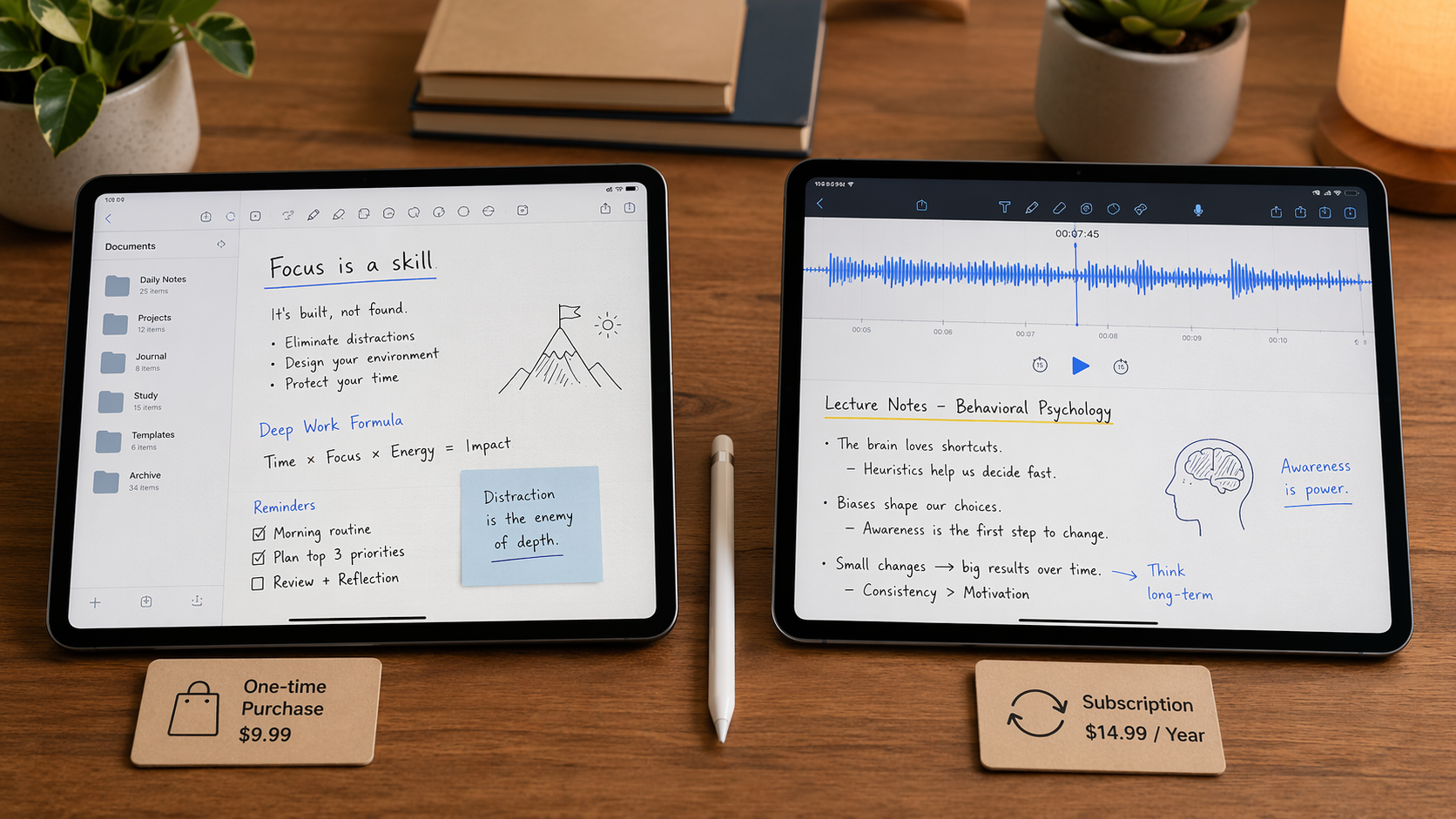
Quick verdict by user
| You are… | Better pick | Why |
|---|---|---|
| A student planning to use the same app for several years | GoodNotes | The one-time purchase option starts to matter once your archive grows and the app becomes part of your study system. |
| A lecture-heavy learner who replays class audio while reviewing handwritten notes | Notability | Its synced audio playback remains the reason to pick it even when GoodNotes looks better on cost. |
| A Windows laptop or Android tablet owner who also uses an iPad for handwriting | GoodNotes | It reaches more platforms, though the non-iPad versions need realistic expectations. |
| A digital planner or notebook organizer | GoodNotes | Nested folders, per-page templates, and notebook-style structure fit long archives better. |
| An Apple-only user who wants a lower annual commitment | Notability | Its annual plan is cheaper than GoodNotes’ annual paid tiers, but there is no one-time purchase path. |
Both apps are mature enough that popularity alone should not decide this. GoodNotes 6 has more than 381,000 App Store reviews and a rating above 4.7 stars, while Notability has more than 434,000 reviews and also sits above 4.7 stars, according to current comparison data from Paperlike and Setapp.[1][2] That tells us these are not fragile niche tools. It does not tell us which one will still fit your life after your first month of enthusiastic notebook setup.
Pricing is where the apps stop looking equal
Pricing was last verified against GoodNotes’ official pricing page and current comparison sources in June 2026. Recheck before buying, because note-taking apps change plans often enough that a bookmarked review can age badly.
GoodNotes offers a free tier with 3 notebooks and 100MB of storage, then paid options including Essential at $11.99 per year, Pro at $35.99 per year, and a one-time purchase at $35.99.[3] Notability is much simpler: it is subscription-only at $14.99 per year, with no one-time purchase option.[1]
| App | Free option | Annual pricing | One-time purchase | AI add-on note |
|---|---|---|---|---|
| GoodNotes 6 | Free tier: 3 notebooks, 100MB | Essential: $11.99/year; Pro: $35.99/year | $35.99 | AI Pass is separate and listed by GoodNotes at $10/month |
| Notability | No equivalent long-term free path in the provided sources | $14.99/year | Not available | AI transcription appears among converged features in current comparisons |
For iPad-only use, GoodNotes’ $35.99 one-time purchase becomes cheaper than Notability’s $14.99 yearly subscription after roughly two and a half years. That is the kind of math that looks boring during app setup and very relevant when your third year of notebooks, marked-up readings, and planner pages are already inside one system.
The clean GoodNotes cost story has one important caveat: its AI Pass is not included in that one-time simplicity. GoodNotes’ official pricing page lists the AI Pass at $10 per month, while some comparison sources describe the same add-on as $9.99 per month.[3][1][2] For a buying decision, the official GoodNotes page is the safer source. Treat AI Pass as a separate monthly expense, not as a hidden bonus inside the $35.99 one-time purchase.
That distinction matters because “GoodNotes is cheaper” is only true for a particular kind of user: someone who can live happily with the core app and wants durable access to notebooks on an iPad. If you plan to keep advanced AI features turned on every month, the budget changes. If you mostly want handwriting, PDF markup, organization, and study materials, the one-time purchase remains the strongest pricing advantage in this comparison.
Notability’s price is easier to understand and easier to justify for one academic year. At $14.99 per year, it is less than GoodNotes Pro annually and much less intimidating than stacking multiple subscriptions. The tradeoff is structural: if you stop paying, you do not have the same ownership-style path that GoodNotes offers. For people who archive class notes for years, that difference is not philosophical. It affects how trapped or relaxed you feel when your budget changes.
Cross-platform support: GoodNotes wins, with an asterisk
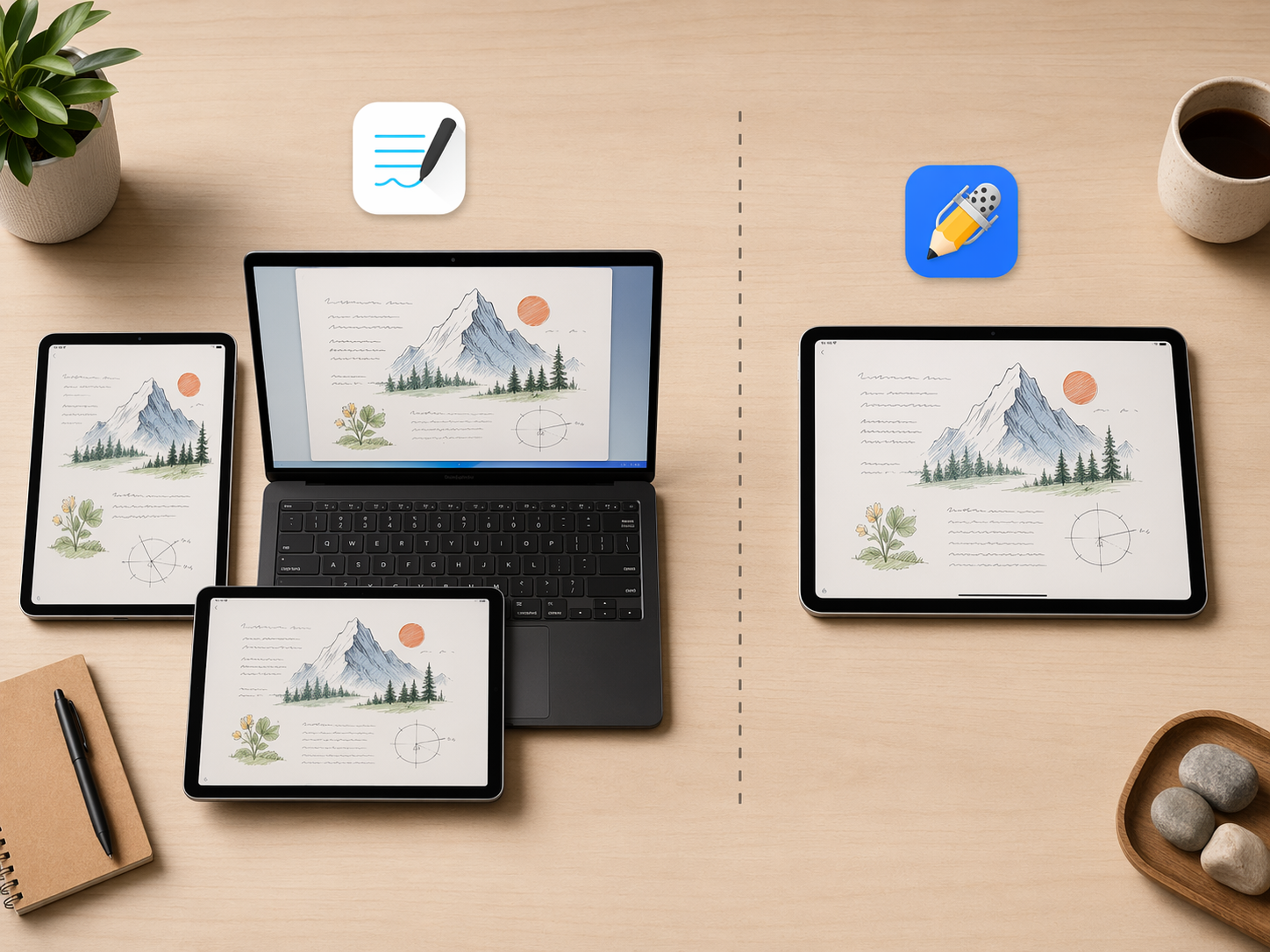
GoodNotes has the obvious platform advantage. It is available beyond Apple devices, including Windows and Android through a PWA/WebAssembly approach, while Notability remains Apple-only.[1][2] If your real setup is an iPad for handwriting and a Windows laptop for everything else, this alone can settle the choice.
But “available on Windows” should not be read as “identical to the iPad app.” GoodNotes’ Windows and Android versions are useful for access, review, and extending your archive outside Apple hardware, but they are not the same polished Apple Pencil-first environment. Our GoodNotes Windows alternatives guide covers the practical limitations more directly, including performance gaps on large PDFs and input differences that matter if you expect a full handwriting workstation on a non-Apple device.
That still leaves GoodNotes ahead for mixed-device users. A slightly compromised way to reach your notes on a Windows machine is often better than no path at all. The point is to buy it for the right reason: GoodNotes gives you broader access to your materials, not a perfect clone of the iPad experience everywhere.
Notability’s Apple-only approach can be perfectly fine if your life is Apple-only too. An iPad, iPhone, and Mac setup removes much of the cross-platform problem. But it is a narrow bet. If you already know your next school laptop, work computer, or shared family machine might be Windows, Notability asks you to keep your handwritten archive inside a smaller room.
Study workflow is the real split: structure versus synced audio
The baseline feature checklist has become less useful than it used to be. Both GoodNotes and Notability now support handwriting search, PDF import and annotation, audio recording, and AI transcription in current comparisons.[1][2][4] If a comparison spends most of its time saying both apps can write on PDFs, it is not helping you make the 2026 decision.
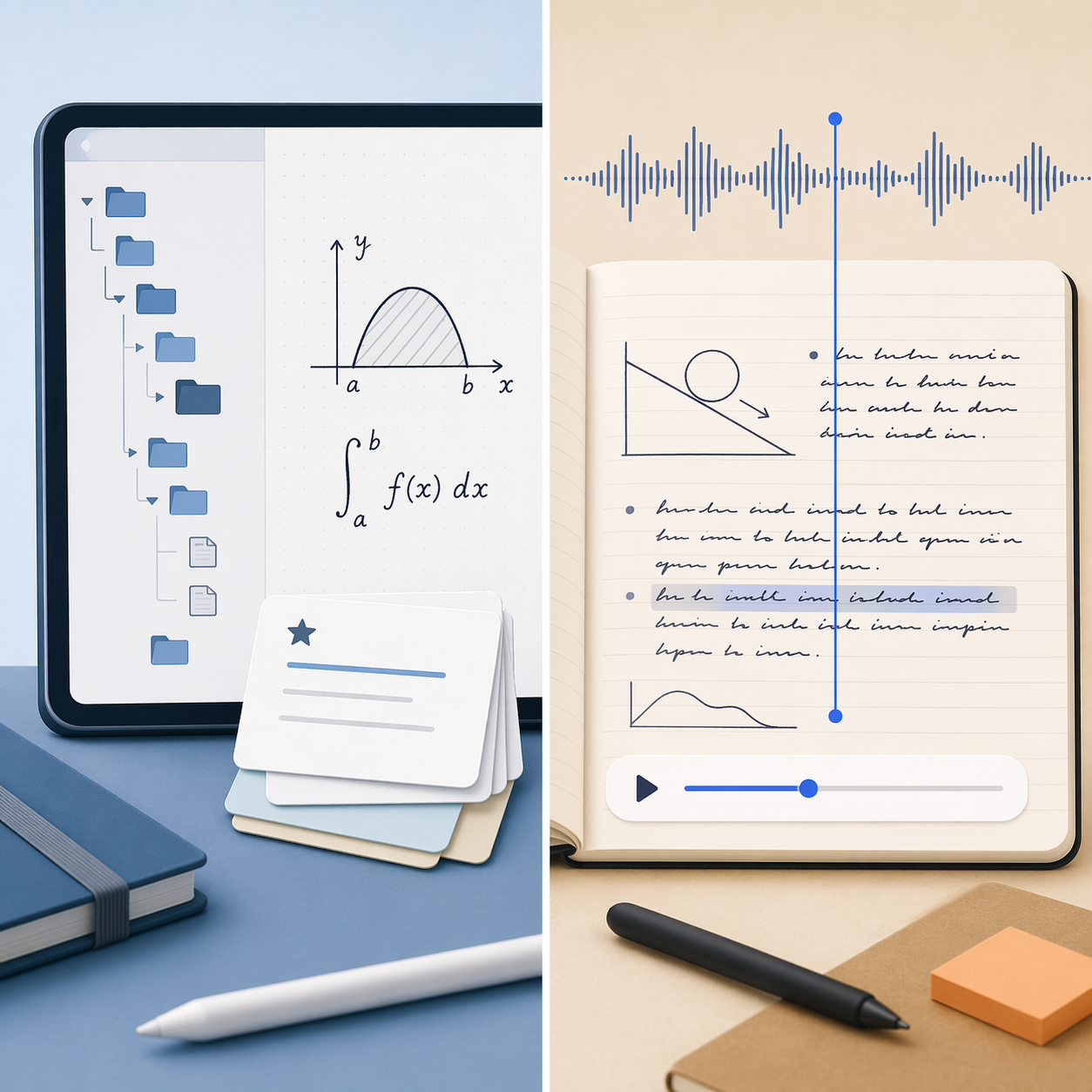
GoodNotes is stronger when your notes need to become a study system. Its advantages show up in nested organization, per-page templates, flashcard-style Study Sets, Exam Practice, and Math AI features connected to its broader study-tool direction.[1][4] This matters for students who do not just capture information but repeatedly reorganize it before quizzes, finals, licensing exams, or long research projects.
A typical GoodNotes-friendly workflow looks like this: one folder for a semester, subfolders for each course, notebooks split by lecture or unit, imported PDFs beside handwritten problem sets, and study cards made from the material that keeps coming back. Digital planners also fit this style because GoodNotes is comfortable with templates and notebook-like structure. The app rewards people who know where their future self will look for something.
Notability’s strongest study argument is narrower and very real: audio sync. In Notability, recorded audio can play back with notes re-animating in sync, which remains its standout differentiator in comparison testing and reviews.[1][4] For lecture-heavy classes, interviews, clinical debriefs, or client meetings, that can be more valuable than another layer of folder organization.
This is not a decorative feature. If your professor talks through a proof faster than you can write, or if a client says the crucial constraint while you are sketching the wrong diagram, synced playback lets your handwriting point back to the moment it came from. GoodNotes has audio features, but the available comparison sources still treat Notability’s note-linked playback as the better version of this workflow.[1][4]
What should not decide the choice
Ink feel matters, especially if you spend hours with an Apple Pencil. But for this decision, it is not the cleanest divider. Both apps are good enough for serious handwriting, and preferences get personal fast: pen smoothing, page feel, toolbar placement, pressure behavior, and how often you switch colors or highlighters. If handwriting texture is your main concern, read our ink-focused GoodNotes vs Notability comparison after you decide whether pricing, platforms, or audio matter more.
Generic AI transcription also should not carry the whole choice. Both apps now participate in that race, and AI features are the part most likely to change between app updates. For GoodNotes specifically, the separate AI Pass cost means you should separate “I like the app” from “I want to pay monthly for advanced AI tools.” Those are different decisions.
PDF annotation is another baseline feature, not a deciding factor by itself. If your work is almost entirely reading and marking up PDFs, either app can serve you. The better question is what happens around the PDF: Do you need it filed into a long course archive with templates and study sets, or attached to a recorded explanation you will replay later?
The safer default is GoodNotes, but not for everyone
GoodNotes is the better default recommendation for long-term students, digital planners, and mixed-device users. The one-time $35.99 purchase gives it a durability advantage, the Windows and Android reach makes it more forgiving outside an Apple-only setup, and its organization and study tools fit people who build large notebook systems over time.
Notability is the better pick when audio is not a side feature but the center of the workflow. If your notes are only half useful without hearing the room again, choose the app that handles that reconstruction best. Its $14.99 yearly subscription is also easier to accept if you are making a one-year commitment, staying inside Apple hardware, and do not want to pay GoodNotes’ higher annual Pro price.
A quick final checkpoint:
- Pick GoodNotes if you want ownership-style pricing, deeper organization, planner-friendly notebooks, study sets, and access beyond Apple devices.
- Pick Notability if your classes, meetings, or interviews depend on replaying audio in sync with your handwritten notes.
- Do not pick GoodNotes solely because it says Windows or Android; check whether the current non-iPad experience is strong enough for your actual workload.
- Do not pick Notability just because the annual price is lower; subscriptions become a long-term habit once your archive is locked in.
If you are still comparing nearby options, the next useful reads are our broader handwritten notes app roundup, our guide to Apple Pencil note-taking apps, and our comparison of free versus paid student note-taking apps.
Comments
Join the discussion with an anonymous comment.