
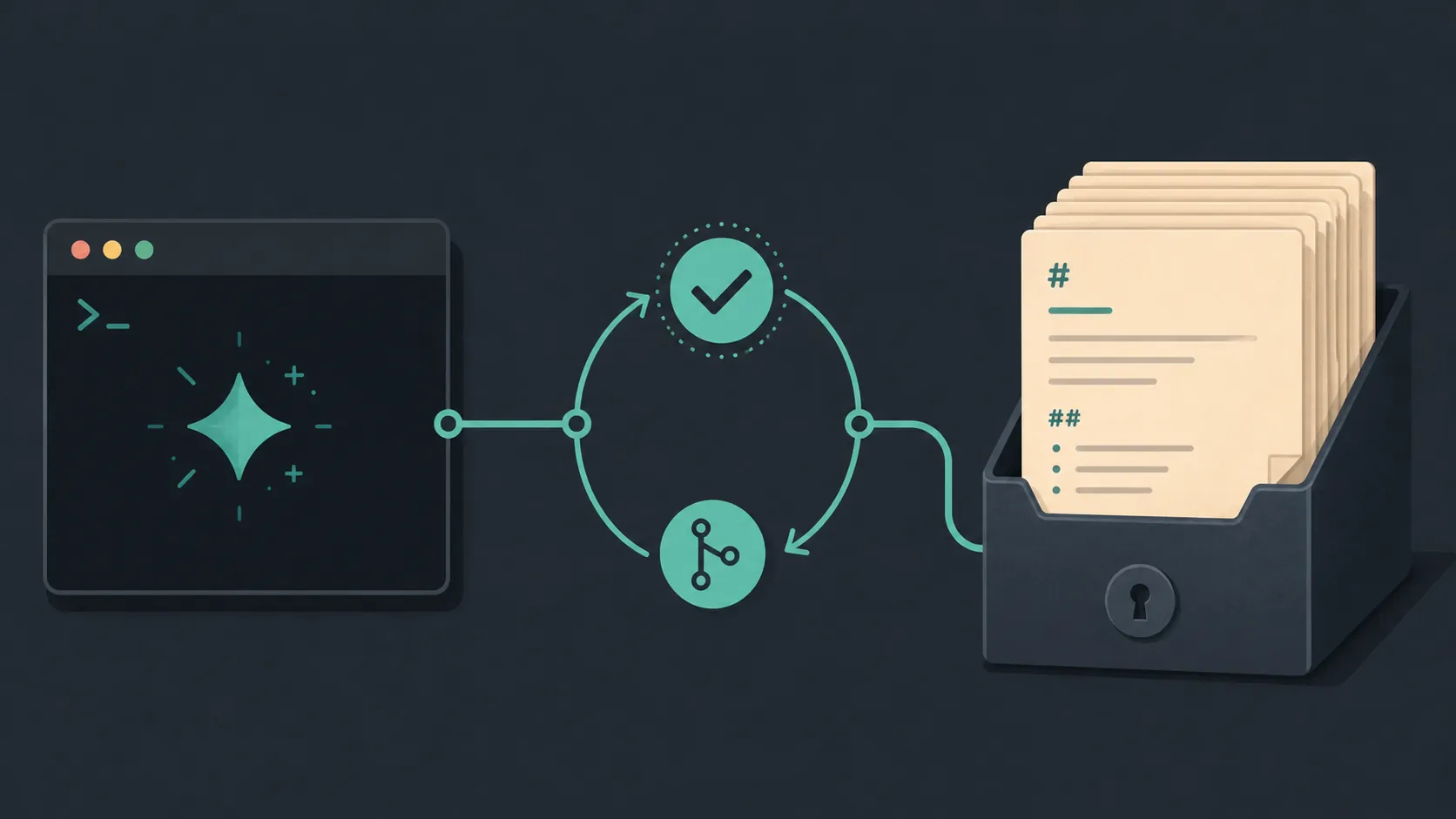
Using AI coding models to automate note-taking workflows is feasible when the model is treated as an unverified coding assistant rather than as a trusted operator. For an Obsidian vault, the practical loop is narrow: isolate one function, ask for that function, inspect the change, test it against real notes, commit the verified result, and only then move on.
That approach is consistent with a first-hand account of using Claude Code and later Codex to manage an Obsidian vault. The account is useful as a feasibility signal: these tools can be applied to a local Markdown-based note system. It does not establish that one tool is universally better, or provide a reliable catalogue of which vault operations will fail. [1]
The important control point is the moment generated code touches files. A polished response in a chat window costs little to discard. A script that silently rewrites hundreds of daily notes is a different event.
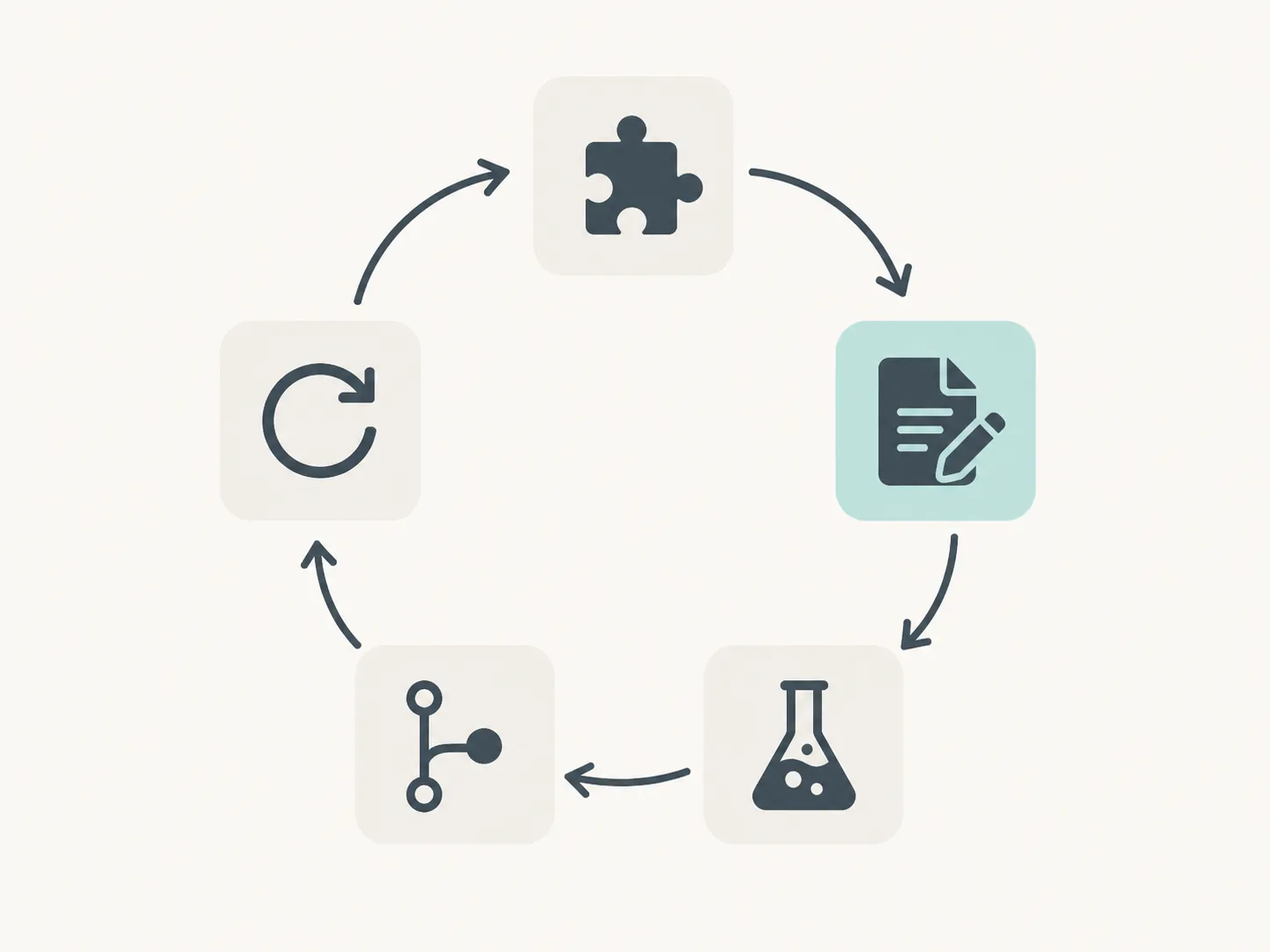
The operating loop for a safer vault
- Choose one narrow function, such as creating a daily note from a template or adding a backlink to a known class of files.
- Describe the file layout, input assumptions, expected output, and constraints to the coding model.
- Review the proposed code and the files it intends to read or modify before allowing execution.
- Run the smallest useful test against a copy, fixture, or deliberately limited group of notes.
- Inspect the diff and the resulting notes, then create a small Git commit if the change is usable.
- Use the verified state and commit history as context for the next function.
This is intentionally slower than asking for an entire automation system in one prompt. It also makes the cost of a mistake visible. If a change fails immediately after one small function, the likely search area is that function and its latest edits. If a model has generated a template engine, file migrator, backlink scanner, and cleanup routine in one pass, a bad result gives you a much larger and less legible investigation.
Start with one function, not a vault-wide assistant
The most useful constraint is one function, bug, or feature per prompt. Large outputs make it easier for a model to go off course, while a narrow request gives you a manageable unit to read and test. This is workflow guidance rather than an Obsidian-specific law, but it maps well to note automation because the underlying files are often simple enough to inspect directly. [2]
A request such as “automate my note-taking” leaves too many decisions implicit: which folder is authoritative, whether an existing daily note should be overwritten, how a missing template is handled, whether links use a relative path or an Obsidian wikilink, and what happens when a filename contains unusual characters. The model may fill those gaps with plausible assumptions.
A better first prompt states one observable behavior. For example: “Write a function that receives a date and a template path, creates the daily note only if it does not already exist, and returns an error without changing any file when the template is missing.” That example is hypothetical; it is a way to define a boundary, not a claim about a particular vault or tested implementation.
Keep the first request concerned with the function itself. Ask for explanations of assumptions, files to be changed, and a test plan, but avoid bundling the next five features into the same generation step. Once the first behavior is verified, the next prompt can work from that known state.
The test-and-Git boundary is where reliability comes from
A generated script should be reviewed before it is run, but reading code is not the same as demonstrating that it handles the vault safely. Testing between increments gives each change a boundary. The test can begin with a temporary directory or copied notes, then proceed to a deliberately small selection of real files after the basic behavior is understood.
For file-changing automation, inspect at least three things after a test: the process output, the changed files, and the diff. A script can exit successfully while producing the wrong heading, duplicating a backlink, replacing content outside the intended section, or writing to a path that merely resembles the target path. A successful exit code is evidence that the process completed, not proof that the notes are correct.
Git makes the verification loop recoverable. Commit a small, understandable change after it passes inspection rather than waiting until an entire automation project is complete. Small commits preserve a context trail for you and for the model: what changed, why it changed, and which state was known to work. Git can restore the vault, but it does not replace a review; committing a bad bulk rewrite simply gives you a record of the bad bulk rewrite.
When something fails, stop adding features. Compare the current diff with the last usable commit, reproduce the problem on the smallest input that still shows it, and ask the model to diagnose that specific result. If the diagnosis proposes another broad rewrite, reduce the request again. The aim is to keep the model's next decision close to an observable failure.
One expert workflow describes spending more time reviewing than generating—roughly 60% thinking and 40% reviewing in one practitioner's account—and recommends checkpoints for deeper terminal work alongside parallel editor agents. That ratio is not a universal measurement, but it captures the asymmetry that matters here: generated code is cheap to request, while validating its effect on a real vault takes attention. [3]
What can go wrong, and what the evidence does not show
The available evidence does not provide first-hand breakage reports tied to a particular Obsidian Markdown format, plugin API, or note structure. It would therefore be misleading to present a list of documented Obsidian disasters. The safer statement is provisional: generated code can be overconfident and mistake-prone, so every proposed change needs an independent check before it is allowed to spread through the vault. [2]
In practice, inspect the assumptions that are easiest to miss: the exact folder being scanned, the distinction between a filename and a note link, the behavior when a file already exists, the handling of empty or malformed frontmatter, and whether a cleanup operation is broader than its description. These are verification targets, not claims that the cited Obsidian account encountered each problem.
The same discipline applies when asking a model to modify its own earlier code. A plausible explanation of a diff is still generated text. Require the model to name the files it will touch, keep the patch small, and run the relevant test again after the repair.
Choose the execution mode before sharing the vault

Tool choice becomes relevant when the model needs to inspect files or run commands. The practical question is not only which model writes the most convincing function. It is where the code and vault data are processed, what permissions the tool requests, and whether you are comfortable with that execution path.
| Tool or mode | Execution description in the available evidence | Question to settle before use |
|---|---|---|
| Claude Code | A terminal-oriented workflow that defaults to local work and includes permission gates before commands or edits are run. | Which commands and file changes will I approve, and have I limited the working directory? |
| Cursor | An editor workflow with local agent behavior as reported in the comparison material. | What can the agent inspect or edit automatically in the open project? |
| Codex cloud tasks | Tasks process code in an OpenAI-hosted sandbox rather than entirely on the local machine. | Am I permitted to send this vault or selected project files off-device? |
This local-versus-cloud distinction is a privacy axis, not a product-quality verdict. The positioning above comes from a third-party comparison, not from a vendor retention or training policy, so it should not be read as a complete privacy statement. Check the current product terms and the files included in each task before exposing personal notes. [4]
You also do not have to remain with one tool throughout a project. Switching models after a small commit can be practical: the repository state, tests, and diff provide a handoff point. What matters is that the next tool receives a constrained task and a verifiable history, not that it inherits an unreviewed stream of generated changes.
Benchmark figures should not settle this decision. The comparison material presents 88.6% and 78.3% SWE-bench results, but those figures come from separate harnesses and are not a same-conditions contest between Claude Code, Cursor, and Codex. They cannot establish that one tool will safely maintain your daily notes. [4]
A maintainable automation project stays boring
Keep scripts close to the vault's actual conventions. Document the folder assumptions and the command used to test them. Add a fixture for a normal note and for the edge case that caused the last correction. When a function becomes reliable, commit it before asking for the next one.
A small script that reliably creates daily notes, applies a known template, or adds a narrowly defined backlink is more useful than an ambitious agent whose effects are difficult to audit. The model can accelerate the writing and revision of those scripts, but the vault remains under human control only when scope, tests, permissions, and history stay visible.
References
- Why I switched from Claude Code to Codex for managing my Obsidian vault — Medium
- My LLM coding workflow going into 2026 — AddyOsmani.com
- AI Coding Workflow in 2026: Claude Code + Cursor — KunalGanglani.com
- Codex vs Cursor vs Claude Code: 88.6% vs $200 Cap [2026] — Tech Insider

Comments
Join the discussion with an anonymous comment.