
Introduction: Why There Is No Single Best PKM Tool
Every few months, a new personal knowledge management tool launches with a promise: this one will finally tame your digital chaos. And every few months, knowledge workers download it, migrate their notes, and discover that the new tool has the same fundamental problem as the old one — it was built for someone else's brain.
The uncomfortable truth is that no single PKM application can serve every thinking style, every collaboration need, and every privacy requirement simultaneously. A tool that excels at deep, associative linking for a researcher will feel rigid and slow for a team managing a shared wiki. An outliner that makes a daily journaler fast will frustrate a visual thinker who needs spatial arrangement. The search for the universal PKM tool is a search for something that does not exist.
This guide takes a different approach. Instead of declaring a single winner, it introduces the two-job principle — the idea that most knowledge workers in 2026 run two tools side by side: one for personal, deep thinking and one for team-wide retrieval and collaboration. It then compares ten leading PKM tools with pricing verified for Q2 2026, maps them to specific thinking-style personas, and covers the honest tradeoffs that most comparison articles skip.
The Two-Job Principle: Personal Thinking Tool vs. Team Retrieval Layer
The most useful framing for PKM tool selection in 2026 comes from a simple observation: the tool you use to think alone and the tool your team uses to find shared information serve fundamentally different purposes. Trying to force one application to do both usually results in a system that does neither well.
"Most people in 2026 run a team tool and a thinking tool side by side — the wiki the company trusts and the system one person thinks in are rarely the same shape." — Storyflow guide, May 2026
A personal thinking tool prioritizes speed of capture, flexible linking, and local control. It is where you dump half-formed ideas, connect disparate concepts, and let your thoughts wander without structure. Obsidian, Logseq, and Heptabase excel here because they impose minimal hierarchy and let you link at the block or page level without friction.
A team retrieval layer, by contrast, prioritizes structure, permissions, and searchability. It is where finished or semi-finished knowledge lives so that colleagues can find it reliably. Notion, Confluence, and Guru serve this role because they offer databases, templates, and access controls that make shared information predictable.
The two-job principle does not mean you must run two tools. If you work entirely solo and have no need to share a knowledge base, a single personal thinking tool may be sufficient. But the moment you need to collaborate on documentation, hand off project context, or maintain a team wiki, the requirements diverge. Recognizing this split early saves the frustration of outgrowing a tool that was never designed for the second job.

Comparison Table: 10 PKM Tools in 2026 (Pricing Verified Q2 2026)
The table below compares ten tools across the dimensions that matter most for PKM selection. Pricing data was cross-referenced against multiple sources from Q1–Q2 2026, including the Atlas Workspace guide, Storyflow, Deepak Gupta, and Audionotes. Where sources diverged, the most recent or most commonly cited figure is used.
| Tool | Starting Price (Q2 2026) | Storage Model | Linking Depth | AI Features | Collaboration | Learning Curve |
|---|---|---|---|---|---|---|
| Obsidian | Free; Sync $4/mo; Commercial $50/yr | Local-first (Markdown) | Page-level (block via plugin) | Community plugins only | Sync & Publish (paid); no real-time co-editing | Low (core); Medium (plugins) |
| Notion | Free; Plus $10/seat/mo; Business $18/seat/mo (AI included) | Cloud-only | Page-level (database relations) | Native AI ($10/mo add-on on Plus; bundled on Business) | Real-time co-editing, comments, permissions | Low-Medium |
| Logseq | Free (open-source); Sync $5/mo | Local-first (Markdown/Org) | Block-level (native) | Community plugins | Sync (paid); no real-time co-editing | Medium (outliner-only) |
| Roam Research | $165/yr | Cloud-only | Block-level (native) | Limited native | Real-time co-editing | Medium-High |
| Tana | Free; Plus $8/mo (annual); Pro $14/mo (annual) | Cloud-only | Node-level (supertags) | Native AI (meeting transcription, semantic search) | Real-time co-editing (Pro) | High (steep) |
| Capacities | Free; Pro €9/mo (annual) | Cloud-only | Object-level (typed objects) | Limited native | Basic sharing | Medium |
| Apple Notes | Free (with Apple device) | Cloud (iCloud) | Page-level | None | Basic sharing | Low |
| Anytype | Free (beta); Builder $99/yr | Local-first (E2E encrypted) | Object-level (graph-based) | None | Sync (P2P); no real-time co-editing | Medium |
| Heptabase | $8.99/mo (annual) | Cloud-only | Card-level (whiteboard) | MCP support | Basic sharing | Medium |
| Reflect | $10/mo | Cloud-only (E2E encrypted) | Page-level | Native AI (voice transcription, synthesis) | Basic sharing | Low |
How to Choose: Decision Criteria Beyond the Feature List
A feature comparison table tells you what a tool can do, but it does not tell you whether the tool fits how you think. The following five criteria are the ones that most directly affect daily satisfaction with a PKM system. Use them to interpret the table through your own priorities.
1. Storage Model: Local-First vs. Cloud-Dependent
Local-first tools like Obsidian, Logseq, and Anytype store your notes as plain files on your device. You own the data, you can open it with any text editor, and you are not locked into a proprietary format. The tradeoff is that syncing and collaboration require additional setup or paid add-ons. Cloud-dependent tools like Notion, Tana, and Roam handle syncing automatically and offer real-time collaboration, but your data lives on someone else's server. If the service shuts down or changes its pricing model, migrating can be painful.
For a deeper look at this tradeoff, see our dedicated comparison of local-first vs. cloud PKM architectures.
2. Linking Depth: Page-Level vs. Block-Level vs. Object-Level
The granularity at which you can link ideas determines how precisely you can connect knowledge. Page-level linking (Obsidian, Notion, Apple Notes) connects entire documents. Block-level linking (Logseq, Roam) lets you link to a specific paragraph or bullet point, which is more precise for atomic ideas. Object-level linking (Tana, Capacities, Anytype) treats each piece of information as a typed entity with its own properties and relationships, enabling database-like queries within your notes. Deeper linking is more powerful but often comes with a steeper learning curve.
3. AI Capabilities: Native vs. Plugin-Based
In 2026, AI features in PKM tools range from native semantic search and auto-synthesis (Tana, Reflect, Notion AI) to community plugin ecosystems (Obsidian). Native AI is more seamless but ties you to the tool's roadmap. Plugin-based AI offers flexibility but requires maintenance and may break after updates. For a detailed breakdown of which tools deliver useful AI features, see our AI in PKM apps comparison.
4. Collaboration Needs: Solo vs. Team
If you work alone, collaboration features are irrelevant. If you work in a team, real-time co-editing, permissions, and comment threads become critical. Notion and Roam offer real-time collaboration out of the box. Obsidian and Logseq require paid sync add-ons and do not support simultaneous editing. Tana's Pro tier includes real-time co-editing. Choose based on whether your PKM system needs to be a shared workspace or a private thinking space.
5. Learning Curve: How Much Time Are You Willing to Invest?
Apple Notes and Notion have the gentlest learning curves — you can be productive within minutes. Obsidian's core is simple, but its plugin ecosystem introduces complexity. Logseq requires adapting to an outliner-only editing model. Tana and Roam have the steepest curves, with Tana's supertag system and Roam's block-level referencing demanding a significant time investment before they click. Be honest about how much setup time you are willing to commit before the tool becomes useful.
Persona-Based Recommendations: Which Tool Fits Your Thinking Style?
The following recommendations map each tool to a specific thinking-style persona. These are not rigid categories — many people blend styles — but they provide a starting point for narrowing down the field.
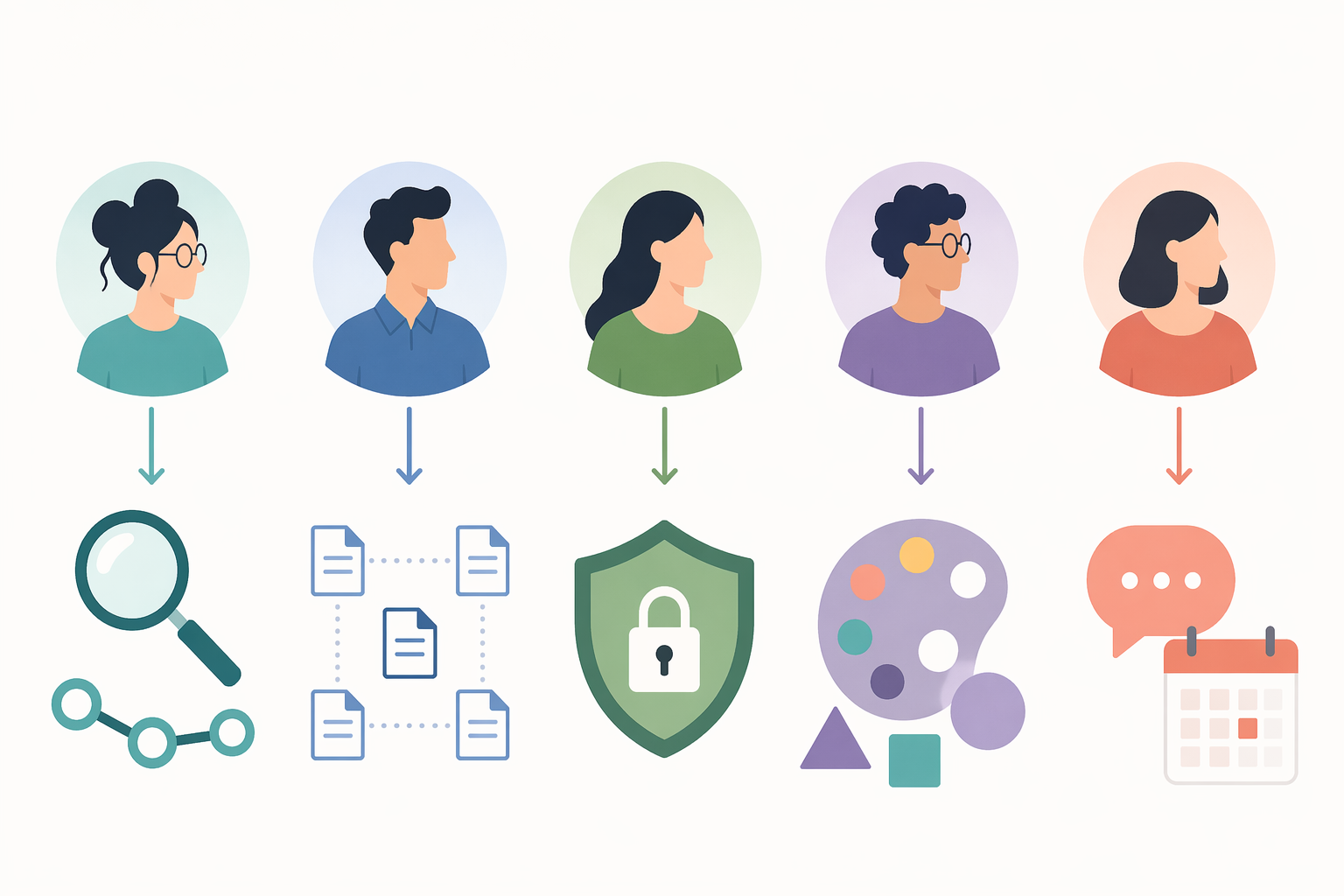
- Researcher / Deep Linker → Obsidian. If your work involves connecting hundreds or thousands of atomic notes, building a personal knowledge graph, and surfacing unexpected connections, Obsidian's bidirectional linking, graph view, and 2,600+ community plugins make it the strongest personal knowledge management tool in 2026. Alternative: Logseq, if you prefer block-level linking and an outliner workflow.
- Team Wiki / Structured Thinker → Notion. If you need to organize information into databases, share project documentation with a team, and maintain a single source of truth that non-technical colleagues can navigate, Notion's database moat and real-time collaboration are unmatched. With over 30 million users, it is the default choice for team PKM. Alternative: Tana, if your team is comfortable with a steeper learning curve and wants supertag-powered structure.
- Privacy-Focused → Anytype or Obsidian. If data ownership and encryption are non-negotiable, Anytype offers E2E encryption and a local-first, open-source sync protocol. Obsidian stores plain Markdown files on your device, giving you complete control over your data. Both avoid cloud vendor lock-in. Alternative: Logseq, which is also local-first and open-source (AGPL).
- Visual Thinker → Heptabase or Capacities. If you think in spatial arrangements, mind maps, and visual hierarchies, Heptabase's infinite whiteboard and card-based notes let you arrange ideas physically. Capacities' object-based system provides a visual, database-like structure without requiring a whiteboard. Alternative: Obsidian with the Canvas plugin for a hybrid approach.
- Meeting-Heavy / Journaler → Reflect or Tana. If your PKM workflow is driven by daily meetings, voice notes, and rapid capture, Reflect's voice transcription and AI synthesis turn conversations into searchable notes with minimal friction. Tana's meeting transcription and supertag system let you structure captured information on the fly. Alternative: Apple Notes, if you want a zero-cost, zero-setup option for quick capture.
- Outliner-First → Logseq. If you think in nested hierarchies and prefer a daily journal as your primary capture surface, Logseq's outliner-only model and block-level backlinks provide a more granular linking experience than page-level tools. It is free, open-source, and stores data as local Markdown or Org files. Alternative: Roam Research, if you need real-time collaboration and are willing to pay $165/yr.
If you are still unsure after reading these recommendations, our PKM app decision guide provides a structured questionnaire to narrow down your options further.
Honest Tradeoffs: Vendor Lock-In, Data Portability, and Migration Costs
Every PKM tool has a dark side that marketing pages do not highlight. Being aware of these tradeoffs before you commit can save you months of frustration and data loss.
Vendor Lock-In Risk
Cloud-only tools like Notion, Roam, and Tana create the highest lock-in risk. Your notes are stored in proprietary formats on servers you do not control. If the company changes its pricing model, shuts down, or is acquired, your knowledge base becomes a liability. Notion's decision to fold AI into its Business tier at $18/user/mo in early 2026 is a recent example of how pricing shifts can affect users who built their systems around a tool. Local-first tools like Obsidian, Logseq, and Anytype mitigate this risk because your data exists as files you can open with any text editor.
Data Portability and Export Quality
Not all exports are created equal. Obsidian and Logseq store data as plain Markdown files, which are trivially portable to almost any other tool. Notion exports to Markdown and HTML, but database relations, linked databases, and comments are lost in translation. Roam's export preserves block-level structure but requires significant cleanup. Tana and Capacities have export options, but the structured data (supertags, typed objects) may not survive migration to another system. Before committing to any tool, test its export quality by migrating a small set of notes.
The Real Cost of Switching
The cost of switching PKM tools is not just the time spent exporting and importing data. It is the loss of your note-taking habits, the broken links between ideas, and the mental overhead of learning a new interface. A concrete example: migrating from Roam Research to Obsidian requires exporting Roam's JSON, converting block references to page links, and manually restructuring notes that relied on Roam's daily journal workflow. Our step-by-step migration guide from Roam to Obsidian covers this process in detail, including what gets lost and how to verify the migration.
The 2026 Shift: AI-Native Tools and the Future of PKM
The most significant change in the PKM landscape between 2024 and 2026 is the emergence of AI-native tools that change the capture-retrieve-synthesize workflow. Tools like Tana, Reflect, and Atlas offer semantic search that understands the meaning of your notes rather than just matching keywords, auto-synthesis that summarizes daily journal entries into structured insights, and meeting transcription that turns conversations into searchable knowledge.
However, AI does not eliminate the need for curation. As Matthias Frank notes in his 2026 beginner guide, "AI without citations is a confident hallucination engine." The quality of what you get out of an AI-native PKM tool depends on the quality of what you put in. AI handles retrieval and synthesis; you still need to capture thoughtfully and organize intentionally. The shift is from spending time on structure to spending time on capture quality.
For a deeper look at how AI is reshaping PKM, see our profiles of AI-native PKM systems and our comparison of which tools actually deliver useful AI features.
Final Verdict: Build Your Stack, Don't Pick a Single Tool
The strongest PKM setup in 2026 is rarely a single tool. It is a combination of a personal thinking tool for deep, associative work and a team retrieval layer for shared knowledge. The specific combination depends on your thinking style and collaboration needs.
- For solo researchers and deep linkers: Obsidian (personal) + Notion (if you ever need to share).
- For teams and structured thinkers: Notion (both jobs, if the team is small and the thinking is structured).
- For privacy-conscious users: Anytype or Obsidian (personal) + a self-hosted wiki or shared folder (team).
- For visual thinkers: Heptabase (personal) + Notion or Confluence (team).
- For meeting-heavy professionals: Reflect (personal capture) + Notion or Guru (team retrieval).
The most important advice is also the simplest: start with one tool. Build a capture habit. Let your system grow organically. Only after you have a consistent practice should you consider adding a second layer. The best PKM system is the one you actually use — not the one with the most features, the best graph view, or the most impressive AI demo.
Comments
Join the discussion with an anonymous comment.