
The easiest way to misbuy process workflow tools in 2026 is to compare them as if they all solve the same problem. A Zapier automation that moves a form response into a spreadsheet, an n8n workflow that branches through API calls and retries, and a Workato deployment governed by IT can all be called “workflow automation.” They do not create the same maintenance burden, fail in the same way, or become expensive at the same usage level.
Start with the tier, not the brand. Most teams can narrow the field quickly once they answer two questions honestly: who will build and maintain the workflow, and what happens when it runs more than 2,000 times a month?
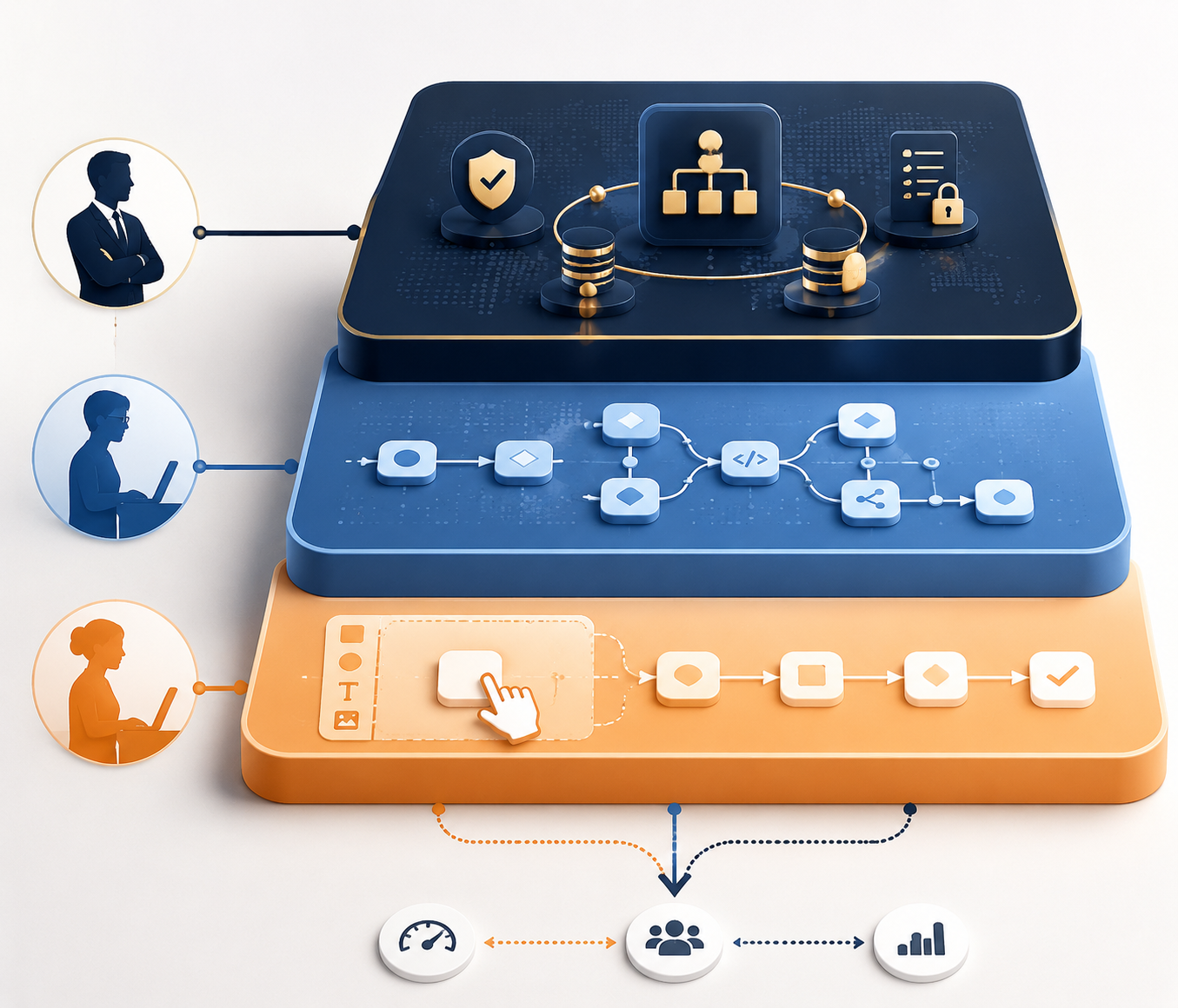
| Tier | Best fit | Typical tools | Main pricing mechanic | Main failure mode |
|---|---|---|---|---|
| No-code | Small teams, operators, founders, and non-technical builders automating known handoffs | Zapier, Make, monday.com, Jotform | Tasks, credits, users, or form/workflow plan limits | Costs rise as volume grows; complex branching becomes hard to inspect |
| Developer-friendly | Teams with someone comfortable owning APIs, logic, deployment choices, and debugging | n8n, Pipedream, Stepper | Executions, compute, self-hosting, or developer-oriented usage limits | Vendor bill may fall, but maintenance shifts to staff time |
| Enterprise | Large organizations needing governance, compliance, identity controls, auditability, and cross-system orchestration | Power Automate, Workato, ServiceNow | Per-user, custom quote, or enterprise contract | Too much platform for a small team unless compliance or IT governance requires it |
If you already know you are comparing the common shortlist, the deeper Zapier vs. Make vs. n8n comparison is the cleaner next read. If the problem is broader than one shortlist, the tier decision needs to come first.
The pricing model matters before the feature list
A workflow that runs 100 times a month is usually a convenience. At 1,000 runs, it starts to affect the bill and the support queue. At 10,000 runs, the pricing model and failure handling are no longer details; they are the comparison.
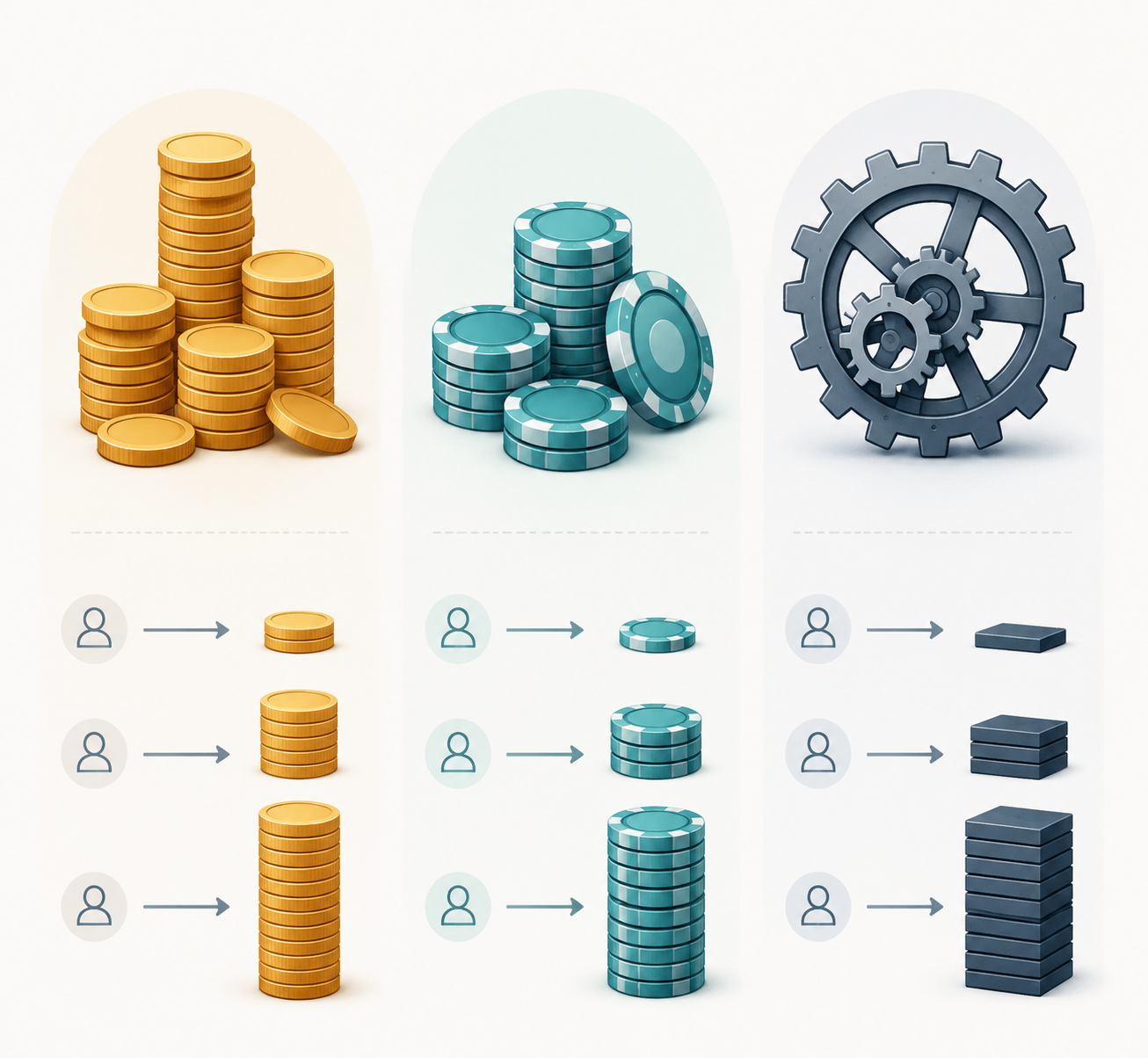
| Monthly workflow runs | Zapier-style task pricing | Make-style credit pricing | n8n-style execution pricing | Operational read |
|---|---|---|---|---|
| 100 runs/month | Usually easy to justify on a starter paid plan if each run uses few tasks | Usually inexpensive if scenarios are simple | Often more capacity than the team needs, especially if self-hosted | Pick the builder your team can actually use |
| 1,000 runs/month | Still viable, but multi-step Zaps can multiply task usage quickly | Attractive for visual branching if credit use stays visible | Strong fit when one owner can maintain logic and errors | Start forecasting usage, not just subscription price |
| 10,000 runs/month | Can become uneconomical for task-heavy workflows | Can work well if credit consumption is monitored and scenarios stay understandable | Often compelling because n8n cloud includes 2,500 executions at its $20/month entry point and executions can include unlimited steps | Failure handling, retries, and ownership decide the tool |
Zapier lists a $19.99/month paid starting plan and more than 8,000 integrations; Make lists a $9/month paid starting plan; n8n lists a $20/month cloud starting plan with 2,500 executions and unlimited steps; Power Automate lists a $15/user/month paid starting point for per-user automation access.[1][2][3][4] Those numbers are useful only after you map them to how the workflow actually runs.
Task-based pricing can look harmless when the workflow is one trigger and one action. It looks different when one business event creates five or ten billable actions. Credit-based pricing can be more flexible, but only if the team watches credit consumption instead of treating the scenario canvas as free space. Execution-based pricing can be cleaner for complex workflows, but the tradeoff is ownership: someone has to understand what the execution did, why it failed, and whether the fix belongs in the workflow, the API call, or the upstream process.
For a narrower cost breakdown, use a dedicated business process automation pricing comparison before committing to a tool that will run all day in the background.
Four questions before you shortlist anything
The product pages will invite you to start with integrations, AI builders, templates, and app marketplaces. Those are secondary. The first pass should be operational.
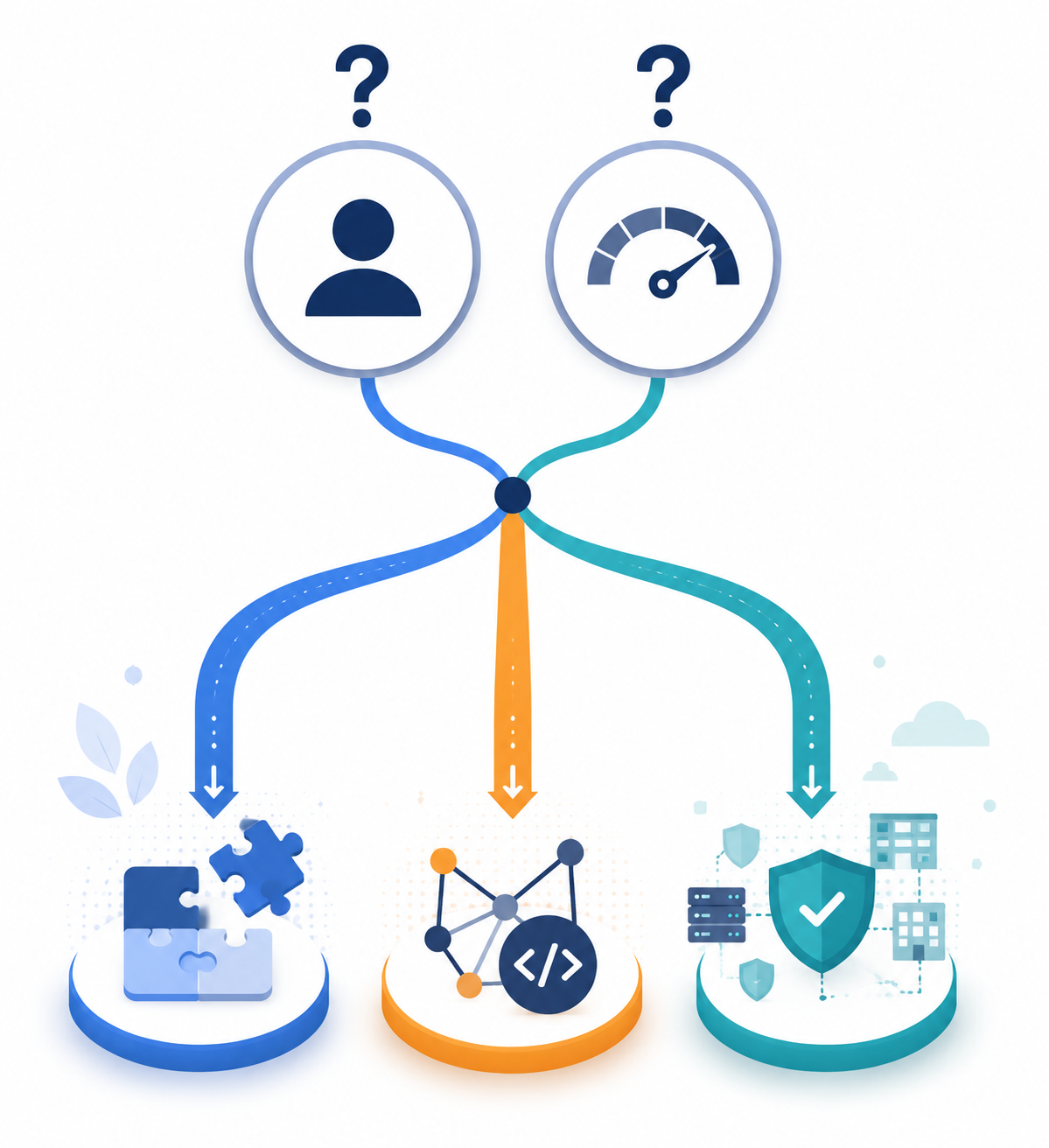
- Who will build the first version? A founder, ops manager, analyst, marketer, developer, or IT admin will make different tradeoffs.
- Who will maintain it after the excited buyer moves on? If the answer is “whoever notices it broke,” avoid tools that require hidden technical ownership.
- How much branching and error handling is real? A two-step notification workflow and a multi-path approval process are not the same purchase.
- What is the monthly volume ceiling? Do not price only today’s 100 runs if the workflow will become a core operating path.
The uncomfortable answer is often the useful one. If nobody can own maintenance, n8n is the wrong choice even when the pricing looks elegant. If the workflow needs deep branching, retries, and inspectable logic, Zapier may be the wrong choice even with the largest app catalog. If the team is under 20 people and has no compliance requirement, Workato and ServiceNow probably belong in a later conversation.
Readers still deciding between simple builders and technical systems may want the more focused no-code vs. developer automation guide. If you already know the builder will be non-technical, skip the tools that need an API-minded owner and use the non-technical workflow automation comparison instead.
No-code process workflow tools: best when the workflow is understood
No-code tools are not “less serious.” They are often the right answer when the process is already known, the business consequence of a failed run is manageable, and the person closest to the work should be able to change the automation without filing an engineering ticket.
Zapier
Zapier is still the default name for a reason: its catalog breadth is hard to ignore. The platform reports more than 8,000 integrations, and that matters when a team uses a scattered mix of SaaS tools and wants to connect them without technical setup.[1]
The caveat is that integration count is not the same as workflow fit. Some integrations are deep, productized connectors; others are closer to simple trigger-and-action paths or webhook-style handoffs. That can be perfectly adequate for “when this form arrives, create this record.” It is weaker when the workflow needs multiple branches, exception paths, or careful recovery after a downstream app rejects a request.
- Use Zapier when: the builder is non-technical, the apps are common, the workflow is linear or lightly branched, and speed matters more than deep control.
- Do not use Zapier when: one business event creates many billable tasks, errors need close inspection, or the workflow is becoming a core operating system.
Make
Make deserves attention when the workflow has visible branches. Its scenario builder makes branching, routing, and multi-step flows easier to reason about than a long stack of hidden steps. Its paid entry point is listed at $9/month, and its pricing uses credits rather than Zapier-style tasks.[2]
That visual canvas is a strength until it becomes a wall map nobody wants to touch. A Make scenario can be understandable because it is visual; it can also become fragile when every edge case gets added as another route. The useful discipline is to name paths clearly, keep exception handling visible, and review credit consumption after the workflow has real traffic.
If Make is already your likely choice, the Make profile is the better place to inspect its builder experience in more detail.
- Use Make when: the team wants no-code building with more visible branching than a simple linear automation.
- Do not use Make when: nobody will periodically inspect scenarios, credit use, and error paths.
monday.com
monday.com is different from Zapier and Make because it is not mainly a connector sitting between other systems. It is strongest when the team wants workflows inside a work management or CRM-style operating layer. Its paid pricing is listed from $10/user/month.[5]
That can be the right trade when the process itself lives in boards, owners, statuses, approvals, and handoffs. It is less compelling if the main problem is integration orchestration across many existing tools. In that case, monday.com may become one more system to sync rather than the place where work actually happens.
- Use monday.com when: the team wants workflow, project tracking, and CRM-like visibility in one workspace.
- Do not use monday.com when: the workflow’s hard part is cross-app automation rather than internal process tracking.
Jotform
Jotform fits the form-to-workflow pattern: intake, approval, routing, notification, and record creation. Its paid starting point is listed at $34/month.[6] That makes it easier to justify when the trigger is a structured submission and the workflow needs to guide a person through a known path.
It is not the first place to look for broad automation across a messy SaaS stack. If the workflow begins with a form and ends with a review, it may be cleaner than buying a general automation platform. If the workflow needs to coordinate many systems after intake, treat Jotform as the front door, not the whole automation layer.
Developer-friendly tools: cheaper only if someone can own them
Developer-friendly workflow tools become attractive when no-code builders start hiding too much logic or charging too much for repeated work. They are also where teams fool themselves. A lower vendor bill does not mean a lower operating cost if the workflow now depends on one technically comfortable person who is also doing five other jobs.
n8n
n8n is the most important boundary case in this comparison. It can be self-hosted for free, and its cloud paid entry point is listed at $20/month for 2,500 executions with unlimited steps.[3] That execution model is appealing when a workflow has many steps per business event, because the price is not multiplied the same way a per-task model can be.
The catch is not hidden. Someone must understand credentials, APIs, node behavior, retries, failed executions, and deployment choices. Self-hosting can reduce the vendor invoice while increasing the burden on whoever maintains servers, updates, backups, and access control.
- Use n8n when: the workflow has meaningful branching or many steps, run volume is likely to grow, and the team has a clear technical owner.
- Do not use n8n when: the team wants “set it and forget it,” cannot assign maintenance, or would treat failed executions as someone else’s problem.
Pipedream
Pipedream sits closer to code-first automation. It lists a $19/month paid starting point and more than 1,000 integrations.[7] It is a stronger fit for teams that want to mix prebuilt connectors with custom code, API calls, and developer workflows.
That makes it less friendly for a non-technical operations owner who just wants to remove a recurring handoff. Pipedream is worth shortlisting when the builder is comfortable reading logs, writing or editing code, and treating the workflow as part of the technical surface area of the business.
- Use Pipedream when: developers or technical operators want fast automation without building every connector from scratch.
- Do not use Pipedream when: the maintenance owner needs a purely visual no-code experience.
Stepper
Stepper is worth watching because it leans into conversational AI workflow creation and lists a $19/month paid starting point.[8] For teams tired of blank-canvas builders, that direction is appealing: describe the workflow, let the system assemble a first version, then adjust.
The right posture is interest, not blind trust. Stepper is less mature than the established automation platforms. That does not make it irrelevant; it means it should be tested on contained workflows before becoming the system that moves money, customer commitments, or compliance-sensitive records.
Readers specifically evaluating AI-native options can branch to the AI workflow automation without Zapier guide or the 2026 BPM workflow AI tools comparison.
Enterprise workflow tools: skip unless governance is the problem
If your team is under 20 people, skip most enterprise evaluation unless you have compliance, audit, procurement, or IT governance requirements. Enterprise workflow platforms are not just more expensive versions of no-code tools. They are built for control: permissions, approvals, audit trails, identity, policy, environment management, and cross-department orchestration.
Power Automate
Power Automate matters most for Microsoft-heavy organizations. Its paid entry point is listed at $15/user/month, and its advantage comes from proximity to Microsoft 365, Teams, SharePoint, Dynamics, and the broader Microsoft identity and admin environment.[4]
For a small team outside that stack, it may feel heavier than necessary. For a company already living in Microsoft systems, choosing a separate automation tool can create avoidable governance and access questions.
Workato and ServiceNow
Workato and ServiceNow belong in governed enterprise orchestration conversations. Workato pricing is not publicly listed; third-party review context commonly frames it as a custom-quote platform that can reach an estimated $50,000-plus per year.[9] ServiceNow is similarly an enterprise IT workflow platform rather than a casual alternative for a small operations team.
These tools can be the correct choice when the buyer needs formal governance, IT service workflows, enterprise integration patterns, auditability, and organizational controls. They are poor comparison points for a ten-person company trying to automate lead routing, invoice reminders, or customer onboarding handoffs.
For a broader tier-by-tier map that includes adjacent platforms, use the workflow automation platform tiers guide or the related process automation tools comparison.
How to make the final shortlist
A useful shortlist is usually smaller than the market wants it to be. Pick one tier first, then compare two or three tools inside that tier. Mixing Zapier, n8n, Power Automate, and Workato in the same final spreadsheet usually means the operating model is still undecided.
| Your situation | Start here | Avoid for now |
|---|---|---|
| Non-technical builder, simple SaaS handoffs, low to moderate volume | Zapier or Make | Developer-first tools unless someone can own errors |
| Visual branching, approvals, and multi-path logic | Make | Linear automations that hide too much complexity |
| Form intake is the center of the workflow | Jotform, possibly connected to another automation layer | A broad automation platform if intake and approval are the whole job |
| Many steps per run, growing volume, technical owner available | n8n or Pipedream | Task-priced tools without a volume forecast |
| Microsoft-heavy team with admin and governance needs | Power Automate | Standalone automation tools that duplicate Microsoft controls |
| Enterprise governance, audit, compliance, or IT orchestration | Workato or ServiceNow | SMB no-code tools as the central governed platform |
Do one practical exercise before signing up: take one real workflow and write out the trigger, every action, every branch, every system touched, and the expected monthly run count. Then mark who fixes it when the second app in the chain rejects a request. The tool that still looks sensible after that exercise is much more likely to survive actual use.
For breadth after the tier decision, the general best workflow automation tools roundup is useful. Just do not let the cheapest starting price or the largest integration catalog make the decision. Choose the tier first, then choose the product.
References
- Zapier pricing page, Zapier, July 2026.
- Make pricing page, Make, July 2026.
- n8n pricing reference, n8n, July 2026.
- Power Automate pricing page, Microsoft, July 2026.
- monday.com pricing page, monday.com, July 2026.
- Jotform pricing page, Jotform, July 2026.
- Pipedream pricing and integrations reference, Pipedream, July 2026.
- Stepper blog, Stepper, July 2026.
- Gartner Reviews, Gartner, July 2026.