
Last verified: 2026-06-25. The process automation tool market is big enough to look crowded, but the more useful split is not by brand—it is by job. Mordor Intelligence estimates the workflow automation market at USD 26.01 billion in 2026, rising to USD 40.77 billion by 2031, with hybrid deployment growing fastest in its forecast [1].

That growth does not mean every process automation tool belongs on the same shortlist. In 2026, the shelf you want depends on three things: how technical the team is, how sensitive the data is, and how much branching the workflow needs.
| Category | Best for | Skill level | Data sensitivity | Workflow complexity | Pricing behavior | Representative tools |
|---|---|---|---|---|---|---|
| No-code connectors | Quick SaaS handoffs and straightforward triggers | Low to medium | Standard SaaS data | Simple 2–5 app flows | Usage-based plans can rise quickly as volume grows | Zapier, Make |
| AI-native builders | Workflows that need classification, drafting, or branching decisions | Low to medium | Standard SaaS, with care around model inputs | Multi-branch flows with AI decisions | Usage depends on workflow and AI calls | Gumloop, Stepper |
| Fair-code/self-hosted | Teams that want control, custom APIs, and lower platform lock-in | Technical | Sensitive or private data | Moderate to complex | Infrastructure and upkeep matter more than seat count | n8n, Pipedream |
| Enterprise suites | Regulated, high-volume, cross-system operations | Mixed to high | High sensitivity or audit-heavy environments | Complex and governed workflows | Contract-heavy and admin-heavy | UiPath, Workato, Power Automate |
Three questions that sort most buyers
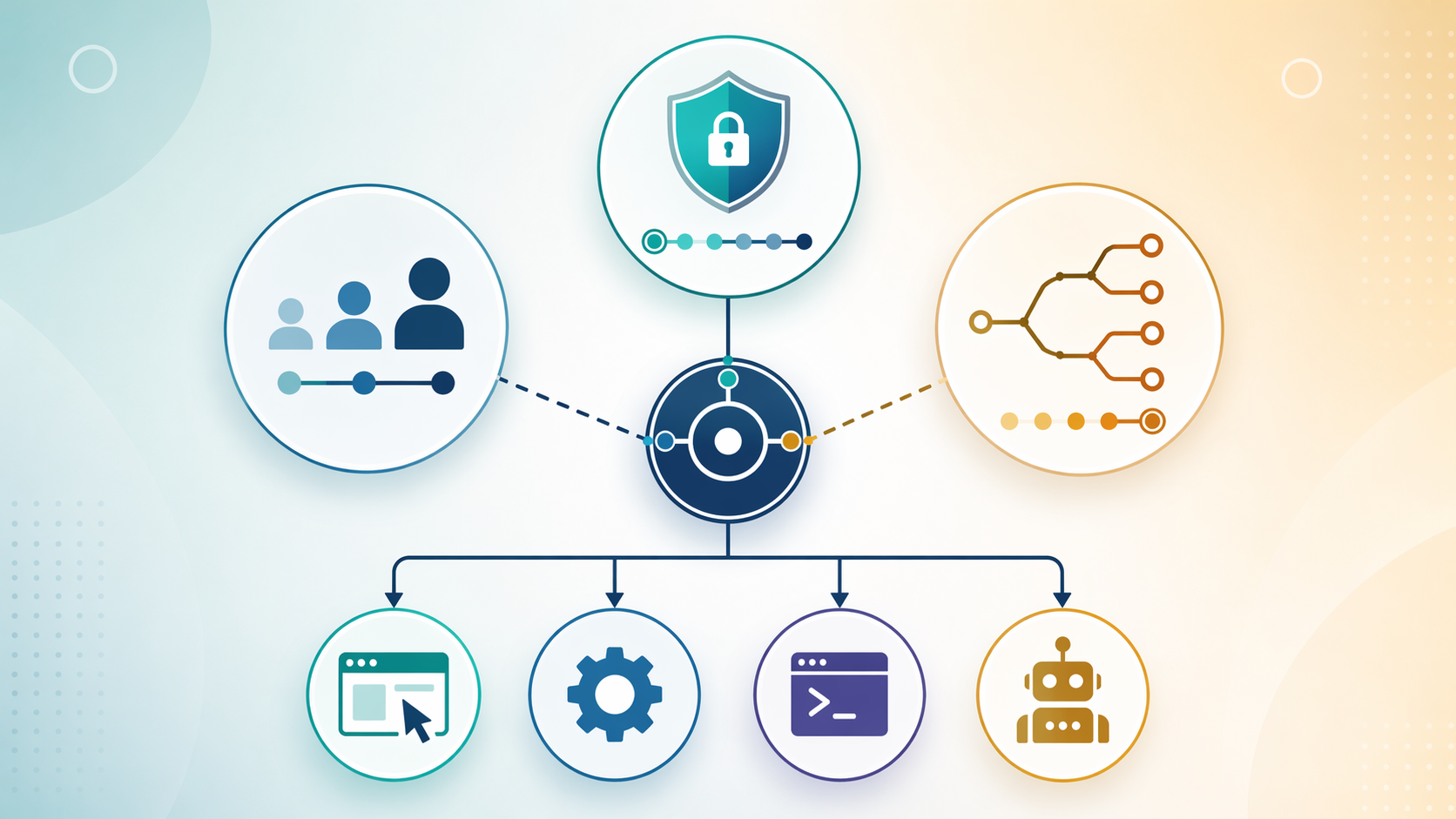
- How technical is the team? If the person building the workflow also has to support it, no-code connectors usually reduce friction. If someone can own scripts, webhooks, APIs, and debugging, fair-code and self-hosted tools become realistic.
- How sensitive is the data? Standard SaaS handoffs are one thing; customer records, internal documents, and regulated information push the decision toward self-hosted or enterprise options.
- How complex is the workflow? A simple trigger-and-action chain is not the same as a branching process with review steps, content generation, or classification. The latter can justify AI-native or enterprise tooling.
Where no-code connectors still make the most sense
Zapier and Make are still the easiest place to start when the workflow is basically a series of SaaS handoffs. Zapier says it has 8,000+ integrations, Make 2,000+, and n8n around 400+ nodes, but raw integration count is only part of the story; premium or partner apps can add extra fees, and extensibility through custom API calls or webhooks often matters more than the headline number [2].
The pricing pattern matters more than the logo. Parseur’s comparison notes that Zapier’s free tier includes 100 tasks per month, Make’s free tier includes 1,000 operations per month, and n8n self-hosted is effectively unlimited aside from infrastructure costs [2]. The same comparison also warns that Zapier’s per-task model can become dramatically more expensive as workflows scale, while Make’s operation-based model is usually easier to forecast and n8n’s self-hosted model shifts the cost into ownership rather than usage [2].
For many freelancers and small teams, that is the practical tradeoff: Zapier is often the fastest path to a working automation, Make is often the better compromise when a workflow gets more elaborate, and n8n is the point where control starts to outweigh convenience. If you want a deeper tool-by-tool comparison of those three plus Gumloop, the dedicated Zapier vs. Make vs. Gumloop comparison is the better next stop.
AI-native builders change the kind of work automation can do
Gumloop and Stepper are not just connector marketplaces with a chatbot attached. Their pitch is that non-technical users can describe a workflow in natural language, while the system embeds LLM-based decisions directly into the flow [3]. That makes them useful for tasks like sentiment analysis, content generation, and data classification—jobs that a pure trigger-action connector usually handles poorly or not at all [3].
That flexibility comes with a different kind of responsibility. Once the workflow depends on an LLM deciding what something means, the team has to think about prompt quality, exception handling, and review paths. If the output affects a customer email, a record label, or a downstream approval, the question is no longer just whether the workflow runs, but whether its decisions are stable enough to trust.
For readers comparing deterministic and LLM-driven systems, the internal guide on traditional workflow automation vs AI-native platforms is the cleanest companion piece.
Self-hosted tools buy control, but they also buy ownership
n8n and Pipedream sit in a different part of the market. They appeal when the team wants more control over data flow, custom logic, and deployment boundaries. That can be the right answer for private data, unusual APIs, or a workflow that needs to behave like infrastructure rather than a convenience layer.
The part that gets skipped in glossy comparisons is maintenance. Self-hosted does not mean effortless. Someone has to own the server, credentials, updates, alerts, and debugging. That burden is worth it when the workflow is central enough to justify it, but it is a poor trade if nobody on the team wants to carry the system after launch.
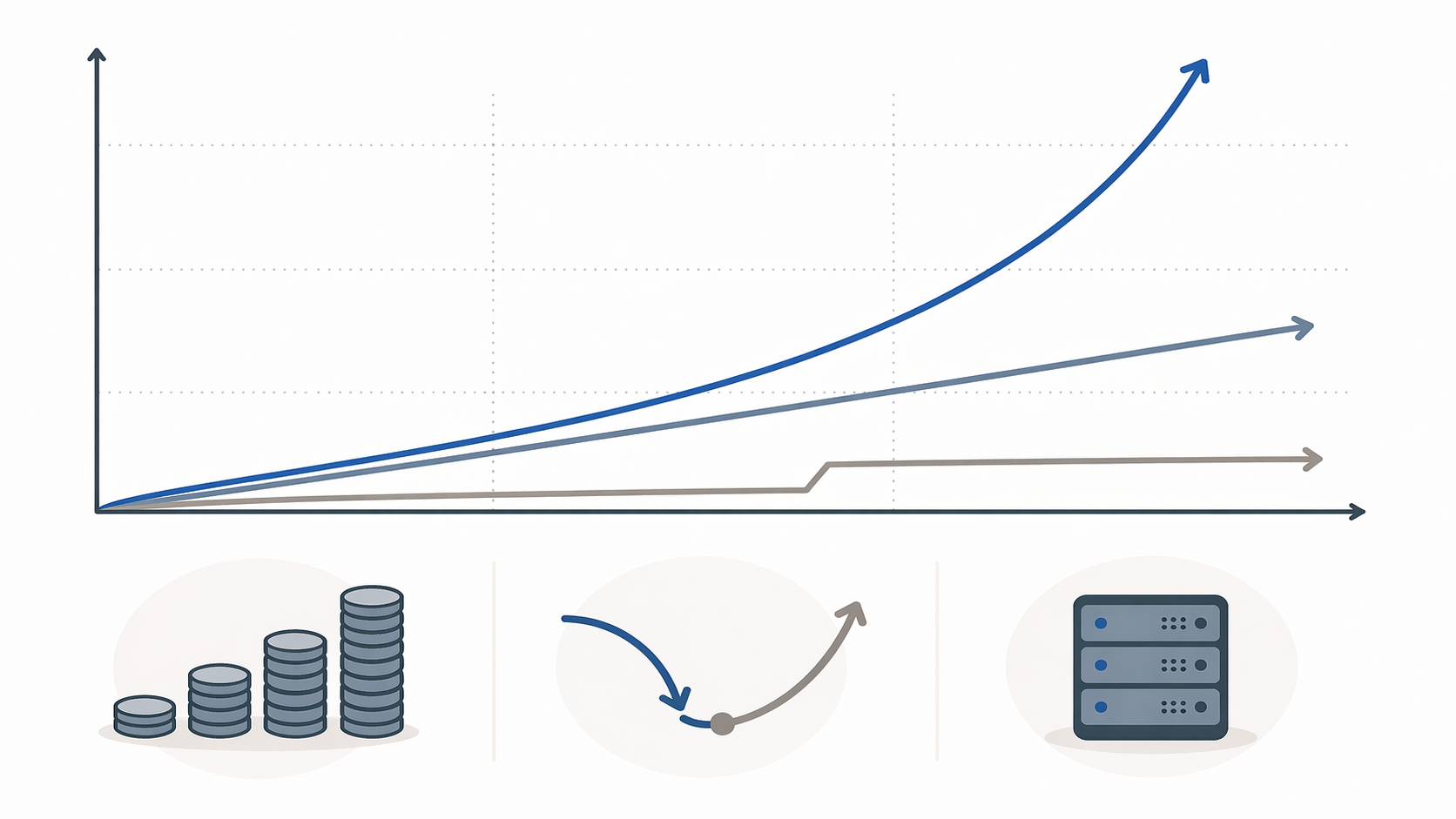
For a deeper look at the economics of this category, the n8n profile and the open-source TCO comparison are the right follow-ups: n8n tool profile and when self-hosting n8n saves money.
Enterprise suites earn their place when governance matters more than speed
UiPath, Workato, and Power Automate belong in the conversation when workflows are high-volume, regulated, or deeply tied to corporate systems. They are not overkill in those settings. They are usually the answer when auditability, permissions, and cross-department coordination matter more than quick setup.
They are often the wrong first choice for an individual knowledge worker, freelancer, or small team that just wants to connect a few apps without creating a new platform to maintain. The weight of administration, governance, and deployment only pays off when the environment actually needs it.
Most automation projects fail because the process was broken first
Stepper cites a McKinsey figure that 73% of failed automation projects happen because teams automate a broken process instead of fixing it first [4]. That is the quiet reason feature lists mislead so often. A tool can only make a workflow faster if the workflow is already worth speeding up.
This is also why integration count is a weak buying shortcut. A tool with more connectors can still be the wrong fit if the process needs review steps, if the data should not pass through another vendor, or if the team cannot afford to support the workflow after the person who built it moves on.
Choose the category first, then compare tools inside it
If the team is non-technical, the data lives in standard SaaS apps, and the workflow is mostly trigger-action handoffs, start with no-code connectors. If the workflow needs natural-language setup or AI decisions, look at Gumloop or Stepper. If control, privacy, or extensibility matters most, move toward n8n or Pipedream. If the environment is regulated or operationally heavy, the enterprise suites are the more honest fit.
From there, it becomes a narrower comparison rather than a crowded one. If you want the next layer of detail, use the process automation setup roadmap once the category is clear.
References
- Mordor Intelligence — Workflow Automation Market Size & Share Analysis - Growth Trends & Forecasts (2026-2031) — updated Jan. 2026
- Parseur — Zapier vs n8n vs Make — accessed 2026
- Gumloop — Best AI Workflow Automation Tools — accessed 2026
- Stepper — Business Process Automation Tools — accessed 2026