
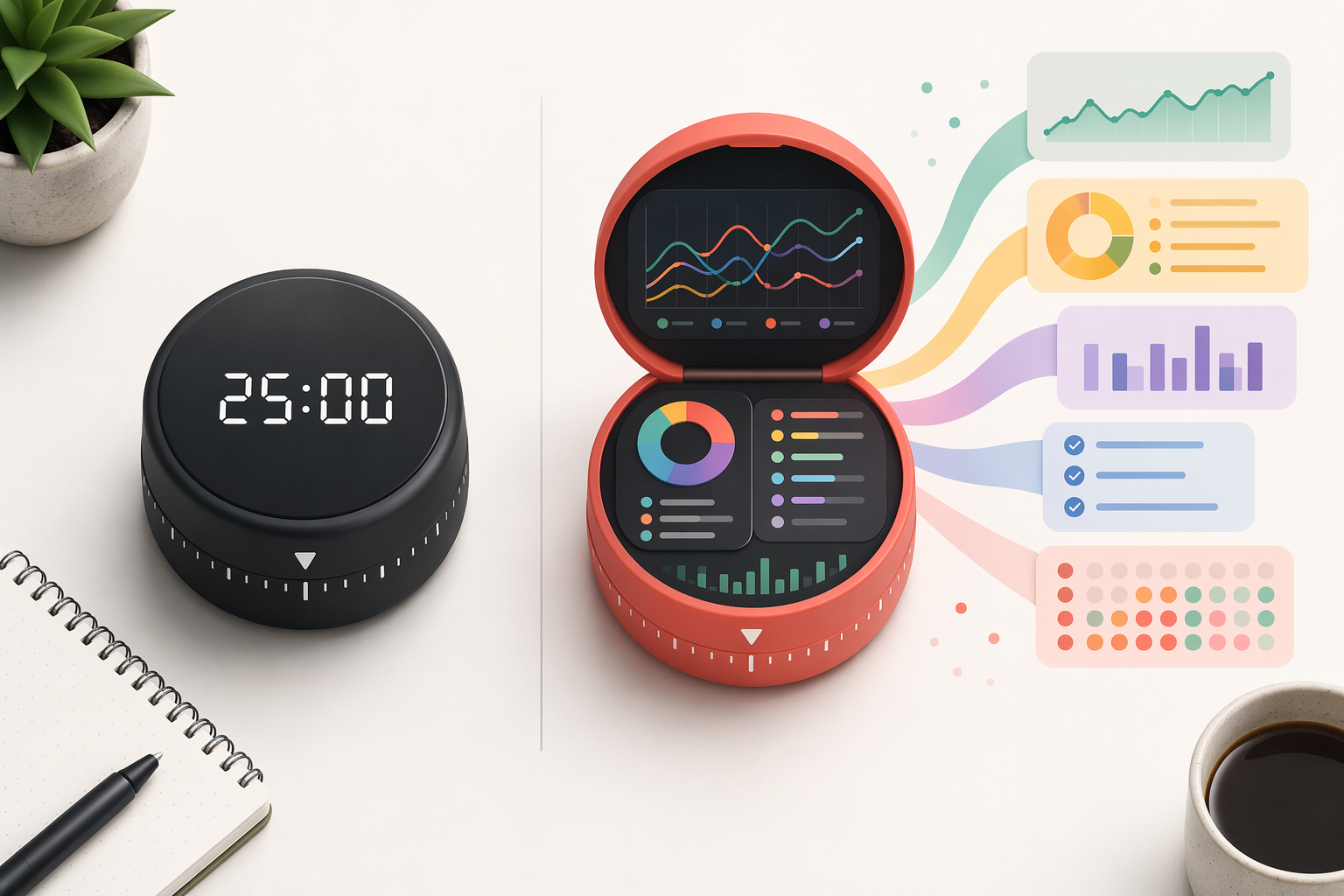
A Pomodoro history can look impressive and still tell you almost nothing. Four hours of focus sounds tidy until you realize half of it was spent restarting timers after messages, stretching a 25-minute task across an entire afternoon, or logging “work” that could never be tied back to a client, chapter, ticket, or deliverable.
That is the difference between timer output and behavioral insight. A useful Pomodoro timer app with analytics does not merely count completed rounds. It shows what kind of work survived contact with the day, where attention broke, whether breaks were actually taken, and which tasks keep outgrowing their estimates. That matters because interruption cost is not trivial: a widely cited UC Irvine finding puts the average time to return to the original task after an interruption at 23 minutes and 15 seconds.[1]
Quick Verdict by Workflow
| If your main question is... | Start with | Why it fits | Main caution |
|---|---|---|---|
| Which work patterns drain me fastest on Apple devices? | Session | Daily, weekly, and monthly focus views, category filtering, focus-state filtering, and CSV export make it the strongest Apple-native diagnostic tool.[2][3] | Apple-only; it is not a Windows or Android answer. |
| How much time did each task or project actually take? | Focus To-Do | Task- and project-linked reports make the data immediately useful for students and cross-platform workers; published roundups list pricing at $1.99/month.[4] | The reporting is practical rather than deeply diagnostic. |
| Can my Pomodoros become client-ready time evidence? | Toggl Track | Time entries, reports, and 100+ integrations make it the strongest pick when focus sessions must support billing.[1] | It is a time-tracking system first, not a Pomodoro-native reflection tool. |
| Did my calendar actually protect focus time? | Reclaim.ai | Its Pomodoro timer works inside scheduled focus blocks and reports streaks, session counts, and productivity metrics.[5] | Best when your calendar already runs the day. |
| Can I keep Pomodoro inside my task manager? | TickTick | Focus Statistics connect Pomodoros to tasks inside a broader to-do system.[1] | Choose it for convenience, not the richest standalone analytics. |
| Can I stop picking up my phone? | Forest | Tags and visual trends add enough feedback to support distraction reduction.[1] | Weak choice for task-linked reporting or billing. |
Pricing and feature claims in this comparison reflect published product pages and comparison sources available in June–July 2026. They are useful for narrowing the field, but pricing pages should still be checked before buying, especially for annual plans, team tiers, and regional app-store differences.
What Counts as Real Pomodoro Analytics?
A timer total answers one small question: how long was the timer running? Analytics should answer the next questions, the ones that actually change how tomorrow gets planned.
- Session history: completed, skipped, paused, or interrupted sessions should remain visible after the timer ends.
- Task or project linkage: focus time should attach to named work, not float as an anonymous total.
- Trend views: daily, weekly, and monthly views should make recurring patterns visible without spreadsheet archaeology.
- Completion and interruption signals: a broken session should not be treated the same as a protected one.
- Break adherence: the app should help show whether breaks happened as planned, not just whether work intervals were started.
- Export or reporting: freelancers, students, and team workers often need data outside the app.
- Platform coverage: analytics are only useful if they follow the places where work actually happens.
The research case for caring about this is narrower than app marketing often suggests. A 2025 scoping review summarized across 5,270 participants found modest but consistent improvements in focus and reductions in cognitive fatigue from structured Pomodoro-style intervals.[4] Biwer et al. also found that pre-determined, systematic breaks produced mood and efficiency benefits compared with self-regulated breaks.[4] That does not prove any specific app will improve your cognition. It does make break adherence and completed attention worth measuring.
Session: The Strongest Apple-Native Focus Diagnosis
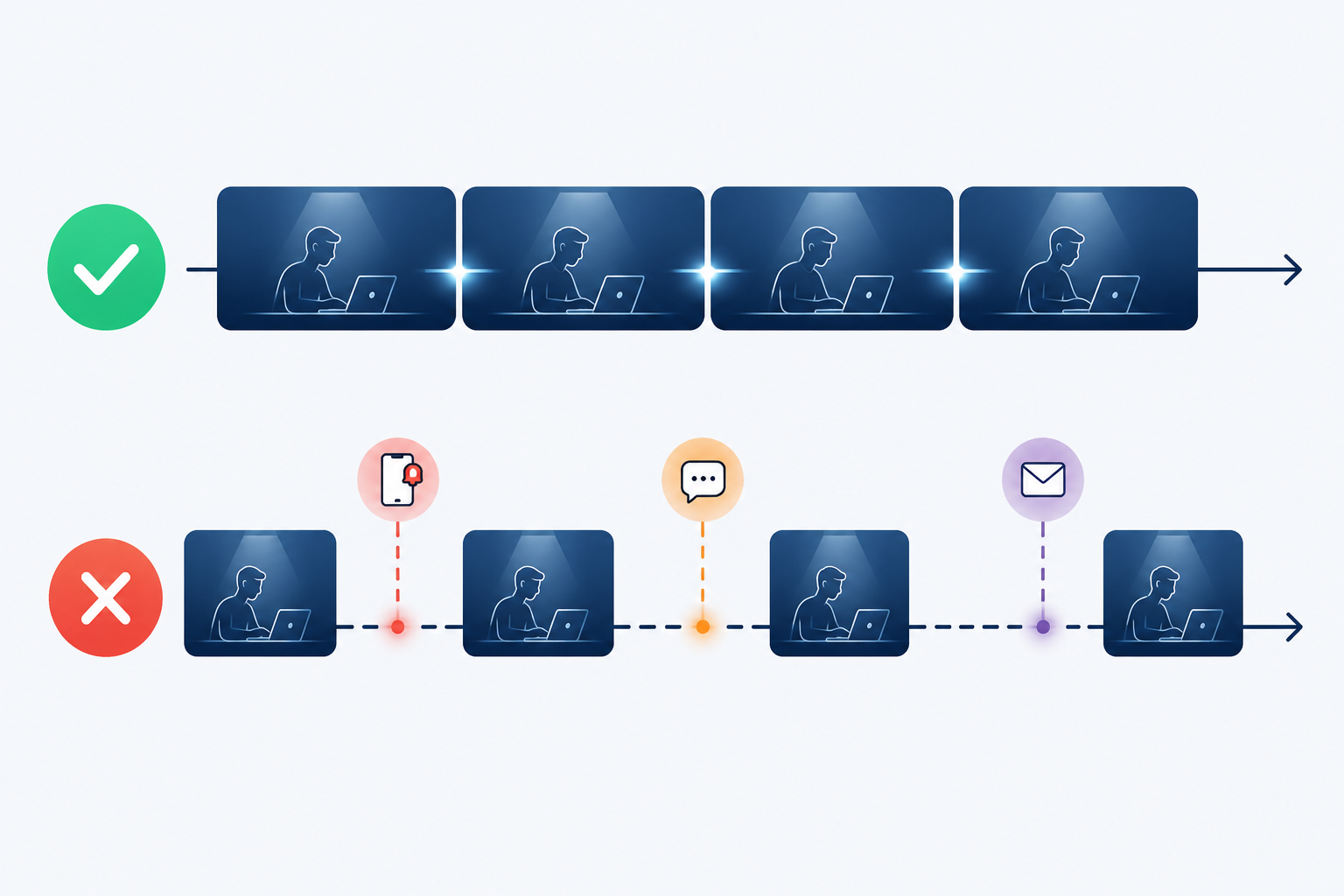
Session is the app I would open when the question is not “Did I focus?” but “What kind of focus did I protect?” Its analytics are built around daily, weekly, and monthly views, with category filtering, focus-state filtering, and CSV export.[2][3] Those details matter because they let you separate a clean block of course design from a scattered block labeled the same way.
Category filtering is especially useful for people whose calendars make everything look equally respectable. A morning of client revisions, a block of research reading, and a pass through admin email may all be “productive,” but they do not create the same fatigue. Session’s stronger analytics let you compare those categories instead of flattening them into one heroic total.[2]
The focus-state filter is the feature that moves Session closest to behavioral insight. If broken attention is expensive, then a report that distinguishes completed focus from interrupted focus is more useful than a report that only celebrates hours. It gives you a way to notice that a certain meeting buffer, message window, or late-afternoon slot consistently produces fractured sessions.
The limitation is not minor: Session is Apple-only.[2] If your work moves between a Mac, an Android phone, and a Windows laptop, the best-designed Apple focus history becomes a partial record. For someone fully inside the Apple ecosystem, Session is the richest choice in this group. For cross-platform workers, it can become another polished silo.
Focus To-Do: The Most Practical Cross-Platform Task Reports
Focus To-Do is less elegant as a diagnostic instrument, but it solves a common problem directly: it ties Pomodoro sessions to tasks and projects, then turns that into reports. That is often enough. Students can see which subjects are absorbing the most sessions. Freelancers can compare project effort before deciding whether a flat-rate package is quietly losing money. Cross-platform workers can keep the same basic focus record across devices.[4]
At a reported $1.99/month in published comparison material, it is also one of the easier recommendations for people who want analytics without turning time tracking into a second job.[4] The value is not that it produces the most nuanced focus story. It is that the data is attached to named work from the beginning.
That task linkage changes the after-action review. Instead of asking whether Tuesday was focused, you can ask whether “exam review,” “proposal draft,” or “module build” kept overrunning its estimate. Over time, that is the difference between feeling vaguely behind and learning which work category needs a larger block, a clearer scope, or a different time of day.
Toggl Track: When Pomodoros Need to Become Billable Evidence
Toggl Track earns its place for a different reason. It is not trying to be the most charming Pomodoro app. It is a serious time-tracking system, and that matters when a 25-minute session eventually has to support an invoice, retainer report, utilization review, or client conversation.
Published comparisons consistently position Toggl Track as strong for reporting, integrations, and professional time tracking, with more than 100 integrations noted in available source material.[1] If your focus data must travel into client records or a broader operations stack, that reporting layer matters more than a beautiful tomato animation.
The tradeoff is that Toggl’s center of gravity is billable time, not cognitive diagnosis. It can tell you what work consumed time and help you report it cleanly. It is less naturally suited to questions like whether a certain category of work caused the afternoon crash or whether breaks were being skipped. For freelancers comparing time tools more broadly, the deeper question is whether you need a personal focus ritual, a billing system, or both; our guide to time management software for freelancers vs. teams is the better next stop for that decision.
Reclaim.ai: Calendar-First Metrics for Scheduled Focus
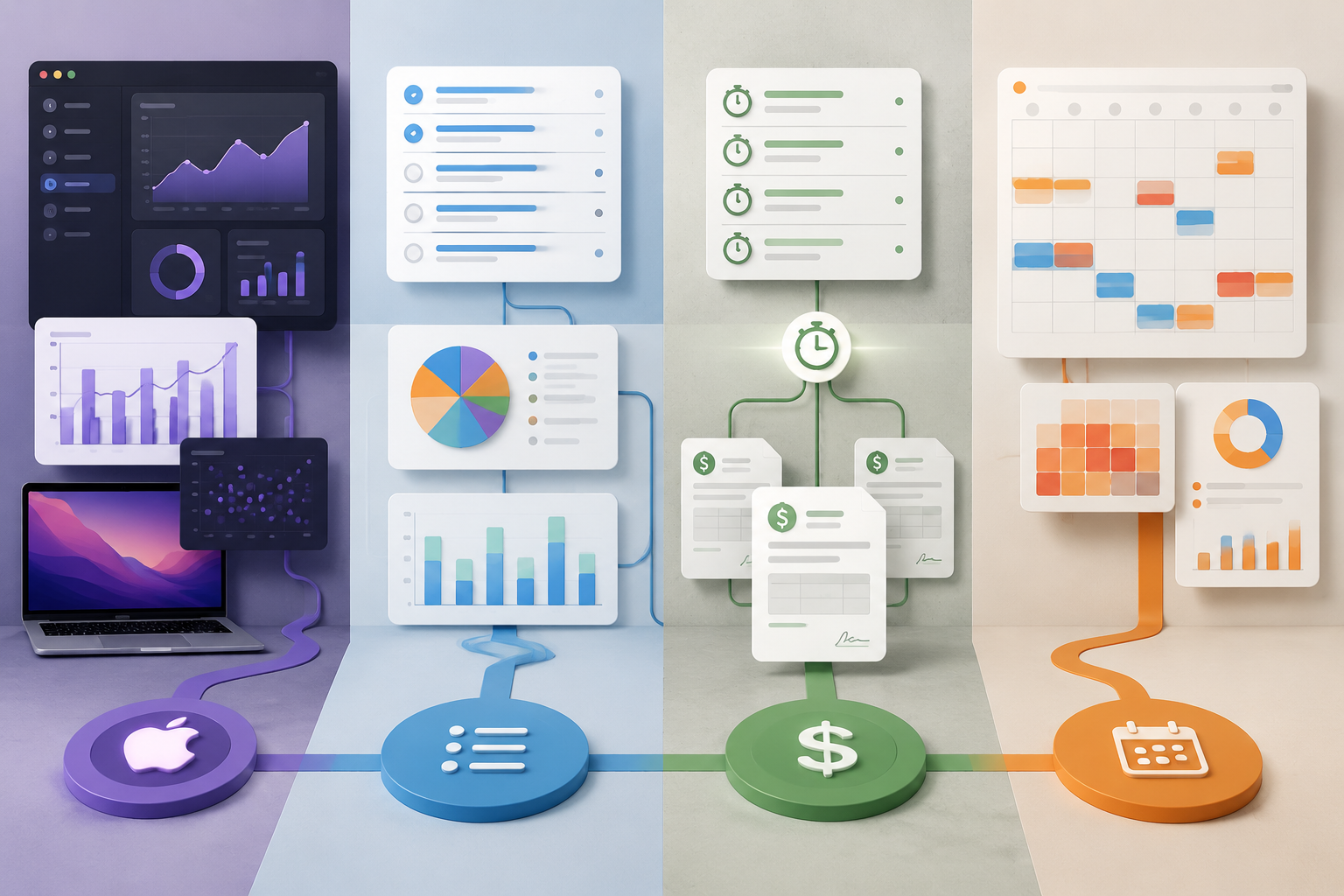
Reclaim.ai starts from a different assumption: your calendar is already the operating system of the day. Its free Pomodoro timer can schedule focus sessions into the calendar and show streaks, session counts, and productivity metrics.[5] That makes it more interesting for people whose main failure mode is not forgetting to start a timer, but watching every open block get eaten by meetings and reactive work.
The useful question here is calendar protection. Did the focus block survive? Did it move? Did scheduled focus happen often enough to form a pattern? Those metrics are not the same as task-level effort reports, but they match the reality of workers who already plan their day in calendar blocks.
Reclaim is less compelling if you want to audit the inner texture of each Pomodoro by task category or export a clean study log. It is much more compelling if your attention is negotiated against other people’s availability. In that world, the analytics should show whether the calendar defended focus or merely displayed good intentions.
TickTick: Good Enough If Your Tasks Already Live There
TickTick’s Focus Statistics make the most sense for people who already want a full task manager with Pomodoro built in. The appeal is convenience: tasks, lists, habits, and focus sessions can live in one place, and Pomodoro time can be reviewed alongside the work it belongs to.[1]
That does not make TickTick the strongest analytics app in this comparison. It makes it a reasonable choice when the cost of adding another dedicated focus tool is higher than the benefit. If you are deciding between task managers first and Pomodoro analytics second, our Todoist vs. TickTick productivity comparison covers the broader task-management side.
Forest: Better for Phone Avoidance Than Reporting
Forest is easy to underestimate if the only standard is reporting depth. Its strength is motivational friction: stay off the phone, grow the tree, build the visual record. Available comparisons note its tag-based analytics and trend visualization, but it does not offer the same task-linked reporting depth as Focus To-Do or the billing utility of Toggl Track.[1]
That makes Forest a fair answer to a different problem. If the phone is the interruption engine, a gentle avoidance system may do more good than a sophisticated CSV export no one reviews. If you need to know which client project, study topic, or writing task consumed your best attention, Forest is not the first place to look.
The Comparison That Actually Matters
| Analytics dimension | Best fit | Why |
|---|---|---|
| Deep focus trends | Session | The strongest daily, weekly, monthly, category, and focus-state views for Apple users.[2][3] |
| Task and project reporting | Focus To-Do | Reports are tied directly to named tasks and projects across platforms.[4] |
| Client billing and exports | Toggl Track | Time entries and reporting are built for professional accountability and invoicing workflows.[1] |
| Calendar protection | Reclaim.ai | Focus sessions are scheduled where many workers already manage availability.[5] |
| Task-manager convenience | TickTick | Pomodoro data sits inside a broader task system.[1] |
| Phone distraction reduction | Forest | Visual motivation and tags support avoidance more than analysis.[1] |
This is also where personal standards matter. I trust tools more when they attach focus to named work, because unnamed time is too easy to admire and too hard to improve. That bias favors Focus To-Do, Toggl Track, TickTick, and parts of Session over ambiance-first timers. Someone whose biggest issue is phone pickup may reasonably value Forest more than this comparison does.
For readers comparing Pomodoro apps as part of a larger setup, a timer is only one layer. A broader personal productivity stack may also include a task manager, calendar, notes system, and time tracker. If the real issue is scheduling rather than timing, time-blocking techniques may change more than switching timers.
How to Choose Without Overbuilding the System
Start with the question you need the data to answer. If you want to know whether deep work is getting fragmented, choose the tool that distinguishes protected sessions from broken ones. If you need to compare estimates against reality, choose task or project reports. If a client may ask where the time went, choose billing-grade tracking. If your calendar is where focus time disappears, choose calendar-based metrics.
- Choose Session if you live on Apple devices and want the richest focus-trend diagnosis.
- Choose Focus To-Do if you need affordable cross-platform analytics tied to tasks and projects.
- Choose Toggl Track if Pomodoro sessions need to become client-ready time reports.
- Choose Reclaim.ai if your calendar decides whether focus happens at all.
- Choose TickTick if you want Pomodoro inside a broader task manager rather than another standalone app.
- Choose Forest if reducing phone distraction matters more than analyzing named work.
The best app is not the one with the prettiest focus total. It is the one that shows the gap between the day you planned and the attention you actually had.
References
- The 6 best Pomodoro timer apps | Zapier — Zapier
- Session - Pomodoro focus timer with analytics — Session
- Session - Ultimate Guide to use Session Pomodoro Timer — Session
- 13 Best Pomodoro Timer Apps Reviewed in 2026 — The Digital Project Manager
- Top 11 Pomodoro Timer Apps for 2026 | Reclaim — Reclaim.ai