
Last verified: 2026-08-25. The Android app situation for Huawei tablets, GoodNotes, and Notability is moving, so treat this as a point-in-time buying check rather than a permanent verdict.
If you are comparing the Huawei MatePad Air 2026 for note taking vs iPad, start with the notebook, not the tablet. A bright OLED screen and a good stylus can make writing feel better for ten minutes. They do not answer the more expensive question: can you still open last semester’s GoodNotes notebooks, search them, edit them, back them up, and export them six months from now without inventing a maintenance routine around the tablet?
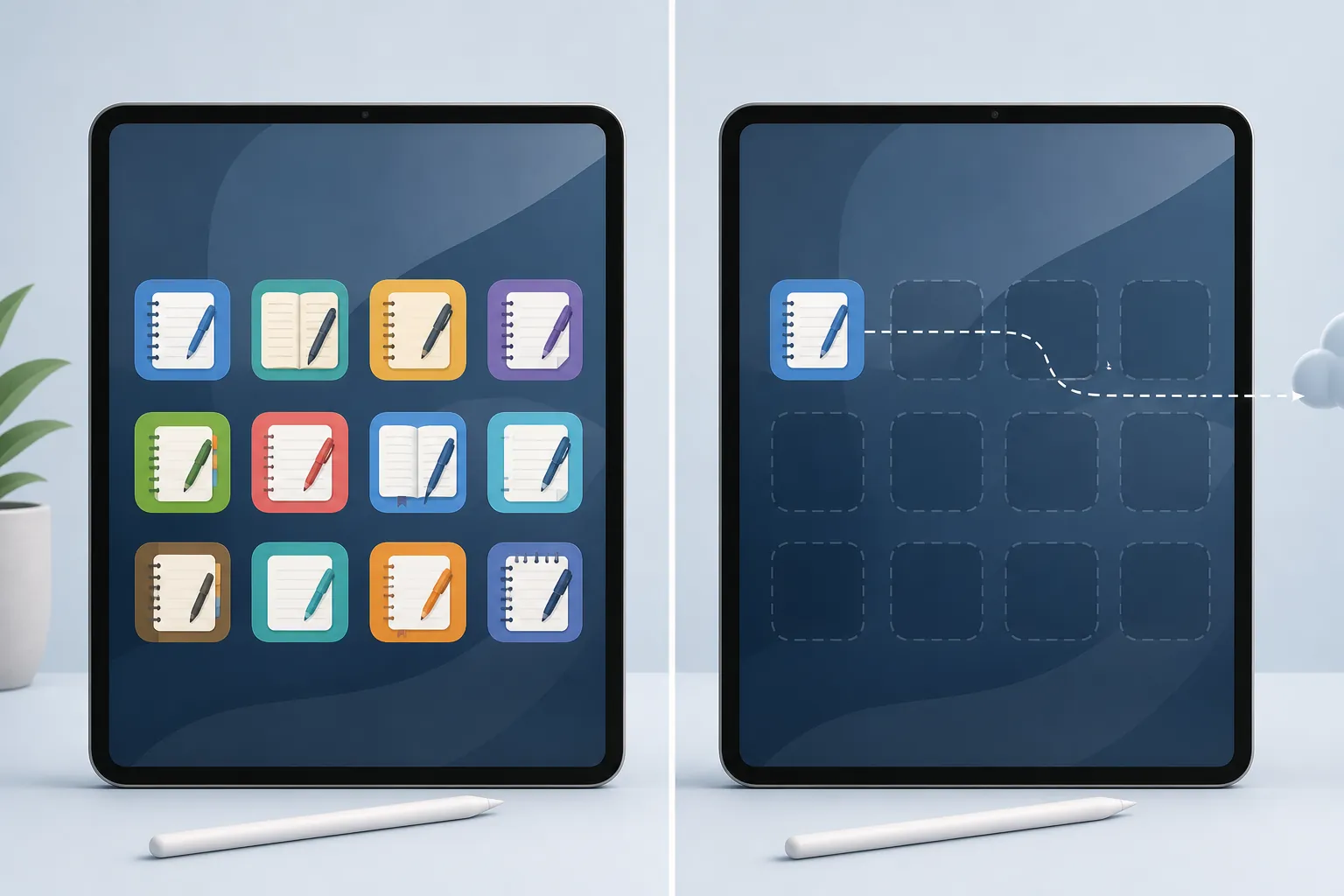
For an iPad, the familiar answer is boring in the useful way: GoodNotes, Notability, and Apple Notes are native, expected workflows. On the MatePad Air 2026, the clean native route is Huawei Notes. The other major iPad note workflows need caveats.
| Notebook workflow | On iPad | On Huawei MatePad Air 2026 | Buying consequence |
|---|---|---|---|
| GoodNotes | Native iPad workflow; GoodNotes 6 is the expected full-feature version. | Goodnotes for Android is officially distributed through Google Play and Samsung Galaxy Store, not Huawei AppGallery. iPad-to-Android sync is still marked as coming soon. [1][2] | A current GoodNotes user should not treat the MatePad as a drop-in iPad replacement. |
| Notability | Native iPad workflow with the mature feature set. | Notability for Android launched in 2026 on the Play Store, but the Android FAQ lists missing launch features, no Auto-Backup for now, and regional exclusions for China, Hong Kong, and Macau. [3] | Better than the old 'no Android app' answer, but still not parity. |
| Apple Notes | Built into the Apple workflow and tied to iCloud behavior users already know. | No real replacement path on a Huawei tablet. | If Apple Notes is the notebook system, buy the iPad. |
| Huawei Notes | Not the reason most iPad users buy an iPad. | Free, built in, and designed for the MatePad, with AI handwriting enhancement, speech-to-text, audio-note sync, and AI Tutor. [4] | The strongest MatePad-first option, especially for a new note system. |
That table is the real comparison. The MatePad Air 2026 may be the more visually interesting tablet, and for a new Huawei Notes user it can be a very plausible writing machine. But if the purchase is supposed to preserve a GoodNotes, Notability, or Apple Notes life, the app layer has to pass before display specs get a vote.
GoodNotes: the hard stop for existing notebooks
GoodNotes is the workflow most likely to make this decision uncomfortable. Many students are not choosing between blank tablets; they are choosing whether years of folders, lecture PDFs, planners, stickers, and handwritten annotations can move with them.
Goodnotes does have an Android version, which matters. The problem is where it officially ships and what it currently promises. Goodnotes’ Android page lists availability through Google Play and the Samsung Galaxy Store, while iPad-to-Android sync is described as coming soon rather than available now. It also says Goodnotes for Android does not yet offer the same full GoodNotes 6 feature set found on iPad. [1]
That is not a tiny footnote on a Huawei tablet. Huawei tablets do not use Google Mobile Services as a normal built-in foundation, and GoodNotes is not distributed through Huawei AppGallery. Goodnotes’ own feedback forum has a request thread asking for GoodNotes in Huawei AppGallery, including comments from people trying to move from iPad to Huawei hardware. [2]
The practical consequence is simple: a GoodNotes user cannot buy the MatePad Air 2026 with the same confidence as an iPad, sign in, and assume the notebook library will behave like it did before. You may be able to reach some Android path indirectly, but the purchase would be based on a workaround plus an unfinished sync promise. That is not the same thing as continuity.
The subscription math does not fix that. Goodnotes lists Free, Essential at $11.99 per year, and Pro at $35.99 per year, but the decision here is not mainly whether the software fee is acceptable. The issue is whether the version you can actually run on the device has the sync and feature behavior your notebooks require. [5]
If you are still deciding whether GoodNotes is the right iPad-side app at all, our 2026 iPad note-taking app comparison is the cleaner place to compare it against Notability, Apple Notes, and OneNote. For this device decision, the GoodNotes answer is narrower: on iPad it is native; on the MatePad Air 2026 it is not a clean AppGallery workflow.
Notability: Android now exists, but the launch gaps matter
Notability is no longer an easy one-word answer. Ginger Labs launched Notability for Android in 2026, and the FAQ says subscriptions carry across platforms. That is meaningful if you have been paying for Notability and hoped Android would eventually become part of the plan. [3]
But the same FAQ is very clear about launch limitations. The Android version lacks live transcription, Smart Notes, ruler and tape, version history, and native comments at launch. Auto-Backup is also missing for now. The FAQ additionally says Notability for Android is not listed in China, Hong Kong, or Macau. [3]
Those missing pieces do not matter equally to everyone. If you use Notability mostly as a handwritten PDF annotator, you may care less about some of them. If your study system depends on automatic backup, lecture transcription, or version history, the Android launch version changes what happens after class. A missing backup path is not an aesthetic difference; it changes who is responsible when a tablet is lost, reset, or replaced.
Notability’s pricing page lists Lite at $11.99 per year and Plus at $15.99 per year. Again, the subscription is not the painful part if the workflow survives. The painful part is buying hardware around an Android version that the vendor itself describes as incomplete at launch. [6]
So Notability sits in the middle. It is no longer fair to say there is no Android story. It is also not fair to tell an iPad Notability user that a MatePad Air 2026 is a straightforward replacement.
Apple Notes: brief answer, hard boundary
Apple Notes is the least complicated case. If your notebooks live in Apple Notes because they sync naturally through iCloud, sit beside Reminders and Mail, and work across your iPhone and Mac, the MatePad Air 2026 is not the replacement device. You would be rebuilding the system in another app, not moving the system.
That does not make Apple Notes the best handwriting app for everyone. It only means the MatePad does not preserve it. If Apple Notes is your current home base, the clean buying recommendation is to stay with iPad and then decide whether Apple Notes itself is enough for your handwriting needs. Our Apple Notes iOS 26 handwriting comparison covers that app-level decision separately.
Huawei Notes is the honest MatePad-first route
The MatePad Air 2026 looks much better if you stop trying to make it impersonate an iPad. Huawei Notes is free, built in, and made for the hardware. It includes AI handwriting enhancement, speech-to-text, audio-note synchronization through Note Replay, and AI Tutor features. [4]
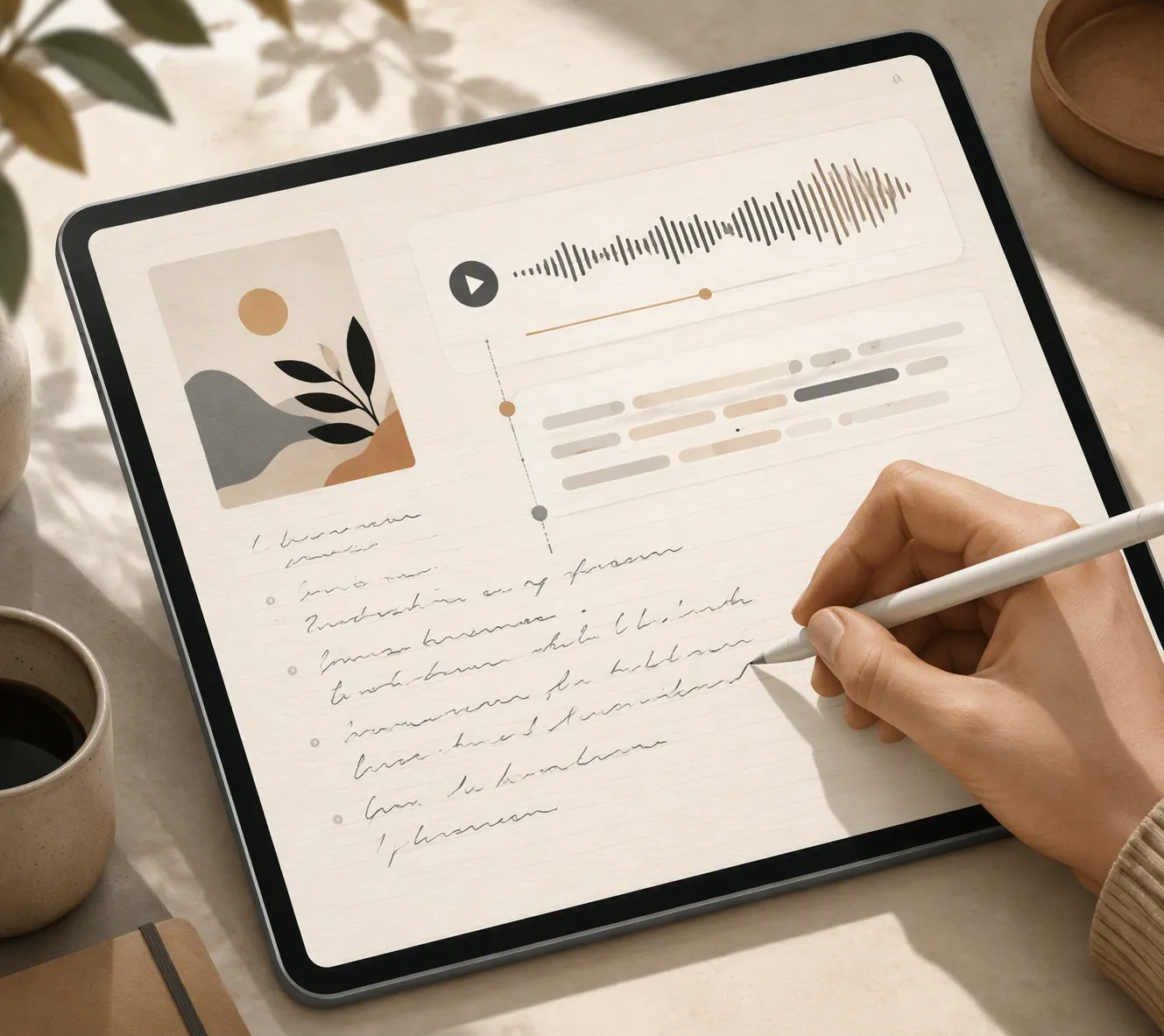
Those are not filler features for the right person. Audio-synced notes can matter in lectures and interviews because the recording and handwriting become part of the same review loop. Speech-to-text can reduce the amount of retyping after a meeting. Handwriting enhancement can make messy notes easier to revisit instead of turning every page into a cleanup project.
This is where the MatePad earns a fair hearing. A first-year student starting from zero, a reader who mainly wants handwritten notebooks plus PDF export, or someone already using Huawei devices may be happier in Huawei Notes than in a sideloaded version of an app designed around another store and cloud stack.
The tradeoff is exit control. Huawei says Notes can export a single note to images or PDF, while fuller backup and migration paths run through Huawei Cloud or Phone Clone. [4] That is workable, but it is not the same as having your whole notebook life stored in a broadly portable open format. If you choose Huawei Notes, make export tests part of setup day: create a sample notebook, annotate a PDF, record audio if you plan to use it, export the note, and check what survives on a laptop you actually use.
That test matters more than a demo page in a store. A notebook app is not just where writing happens. It is where search, revision, backup, device replacement, and end-of-semester archiving happen.
The sideloading escape hatch is real, not settled
There is a reason confident claims that a Huawei tablet “runs Android apps” are not enough. The question is which Android apps, through which store path, with which services underneath, and what breaks after an update.
Android Headlines’ MatePad Air 2026 reviewer reported getting several Google apps working through MicroG and the Aurora Store, including YouTube, Maps, Drive, Keep, and Chrome. The same review also says X failed. [7] That is useful evidence that workarounds can work. It is not evidence that every note-taking workflow will remain stable for a school year.
For a tinkerer, MicroG plus Aurora may be an acceptable cost of using interesting hardware. For a student who needs to open the right notebook during a lecture, maintenance risk is a real feature gap. If the setup depends on an unofficial path, the buyer becomes the support desk.
A sideloaded setup also does not automatically solve app parity. GoodNotes still has its Android feature and sync limitations. Notability still has its Android launch gaps. Google Drive opening on a MatePad does not mean GoodNotes or Notability becomes the same notebook system you had on iPad.
Where the MatePad hardware genuinely tempts
The MatePad Air 2026 deserves oxygen here because the hardware pitch is not imaginary. Reports describe a 12-inch OLED display with 2800×1840 resolution, a 144Hz refresh rate, up to 1200 nits of brightness, and a PaperMatte option. The iPad Air comparison point is a 60Hz IPS LCD display with lower stated brightness. [8][9]
For writing, PaperMatte is the part that matters most. A matte surface can reduce glare and make a glass tablet feel less like writing on a window. If you spend hours marking PDFs under classroom lights, that is not a cosmetic upgrade. It can change how long the device feels pleasant to use.
Huawei’s M-Pencil Pro page claims 16,384 levels of pressure sensitivity and three nib options. [10] Those are vendor claims, not independent latency testing for the exact MatePad Air 2026 writing stack. Still, bundled pen-and-keyboard value is a real part of Huawei’s appeal, especially compared with buying an iPad and adding Apple Pencil separately.
This is the uncomfortable split: the MatePad may offer the nicer writing surface for some people, while the iPad offers the safer app life for GoodNotes, Notability, and Apple Notes users. For this particular buyer, the safer app life usually matters more.
Price helps Huawei, but it does not buy app continuity
The current iPad Air starts at $599, and Apple Pencil Pro is $129. [11] If you are buying a note-taking setup from scratch, that accessory line matters; the pencil is not optional for handwriting.
For the MatePad Air 2026, the pricing picture is regional rather than cleanly U.S.-ready. FoneArena reported European pricing from €849 with keyboard, €899 for the PaperMatte edition, and €999 for a 12GB tier. [12] The Gadgeteer’s August 2026 review explicitly did not provide a U.S. price. [13] So it is safer not to invent a U.S. MatePad number.
The bundle can still be attractive. If the keyboard and M-Pencil are included where you live, Huawei may look better than an iPad Air plus Apple Pencil plus keyboard. But a bundle discount does not make GoodNotes appear in AppGallery, does not add missing Notability launch features, and does not turn Apple Notes into a Huawei app.
A longer commitment than the receipt suggests
Two lock-in details are worth separating from the usual platform arguments. First, TechTimes reports that the Smart Magnetic Keyboard pairs through NearLink and works only with Huawei hardware. [14] That is not automatically bad; Apple accessories also have compatibility boundaries. It simply means part of the MatePad setup is not a general-purpose tablet keyboard you can freely carry elsewhere.
Second, the same report discusses the China National Intelligence Law context around Huawei and notes Huawei’s denials. [14] That is structural context, not evidence of a documented note-data incident on the MatePad Air 2026. For most note-taking buyers, the more immediate risk is still workflow lock-in: where the notes live, how they export, and what happens when the tablet is replaced.
Who should choose the MatePad Air 2026, and who should stay with iPad
Choose the Huawei MatePad Air 2026 if Huawei Notes can become your primary notebook. That means you are comfortable with its export behavior, you like the built-in handwriting and audio tools, and you are not trying to preserve an existing GoodNotes, Notability, or Apple Notes system unchanged.
Also choose it if you knowingly accept a sideloaded Android setup as part of the hobby. Some buyers are fine with MicroG, Aurora Store, occasional app failures, and feature gaps. They should buy the MatePad because they like the hardware and understand the maintenance cost, not because someone told them it is simply an Android tablet with all the same apps.
Choose the iPad if GoodNotes continuity is the point of the purchase. Choose the iPad if Notability’s full iPad workflow is what you rely on. Choose the iPad if Apple Notes is where your notes already live. In those cases, the MatePad Air 2026 may be the more interesting tablet, but the iPad is the safer notebook.
References
- Goodnotes for Android — Goodnotes.
- Goodnotes in Huawei AppGallery — Goodnotes Customer Suggestions.
- Notability for Android FAQ — Ginger Labs, updated August 2026.
- HUAWEI Notes — Huawei Consumer.
- Goodnotes Pricing — Goodnotes.
- Notability Pricing — Notability.
- Huawei MatePad Air 2026 Review — Android Headlines.
- Huawei’s MatePad Air finally comes out of China, and it makes the iPad Air feel inadequate — Digital Trends.
- Huawei MatePad Air 2026: 6 key upgrades over 2025 Air tablet — Huawei Central.
- HUAWEI M-Pencil Pro — Huawei Consumer.
- iPad Air — Apple.
- Huawei MatePad Air 2026 price, specifications — FoneArena.
- Huawei MatePad Air 2026 review: This thin tablet makes a strong laptop replacement case — The Gadgeteer, August 4, 2026.
- Huawei MatePad Air 2026 Goes On Sale in Malaysia; OLED Flagship Carries China Data Law Obligation — TechTimes, August 18, 2026.