
If you already use Gemini or Gemini Notebook for casual notes, the real question is not whether Google’s paid AI plans contain more AI. They do. The question is whether the $19.99/month Gemini AI Pro plan is the first tier that actually changes how notes get made: meetings becoming Docs, research collections getting large enough to hold real projects, and repeated Deep Research runs feeding a working notebook instead of a one-off answer.
On that specific question, the pricing ladder is uneven. Free is more useful than a brochure comparison makes it look. AI Plus is cheaper, but it mostly buys storage and modest usage headroom. AI Pro is where the main note-taking features arrive together. AI Ultra increases scale, but for most note-takers it does not add a new kind of note-taking workflow.
The Gemini AI Plans Compared for Note-Taking
| Plan | Monthly cost | Storage | What changes for note-taking |
|---|---|---|---|
| Free | $0 | 15 GB | Enough for light drafting, small research notebooks, and occasional AI-assisted note cleanup. It does not include Google Meet "Take notes for me." [1][2] |
| AI Plus | $4.99/month | 400 GB | Adds storage and 2x usage limits, but misses the main note-taking unlocks that make Pro materially different. [1][2] |
| AI Pro | $19.99/month | 5 TB | Adds the practical note-taking bundle: Meet "Take notes for me," larger Gemini Notebook capacity, 5x generation limits, and a much higher Deep Research allowance. [1][2] |
| AI Ultra | $99.99+/month | 20+ TB | Adds higher caps and much more storage, but usually does not change the note-taking workflow unless scale itself is the problem. [1][2] |
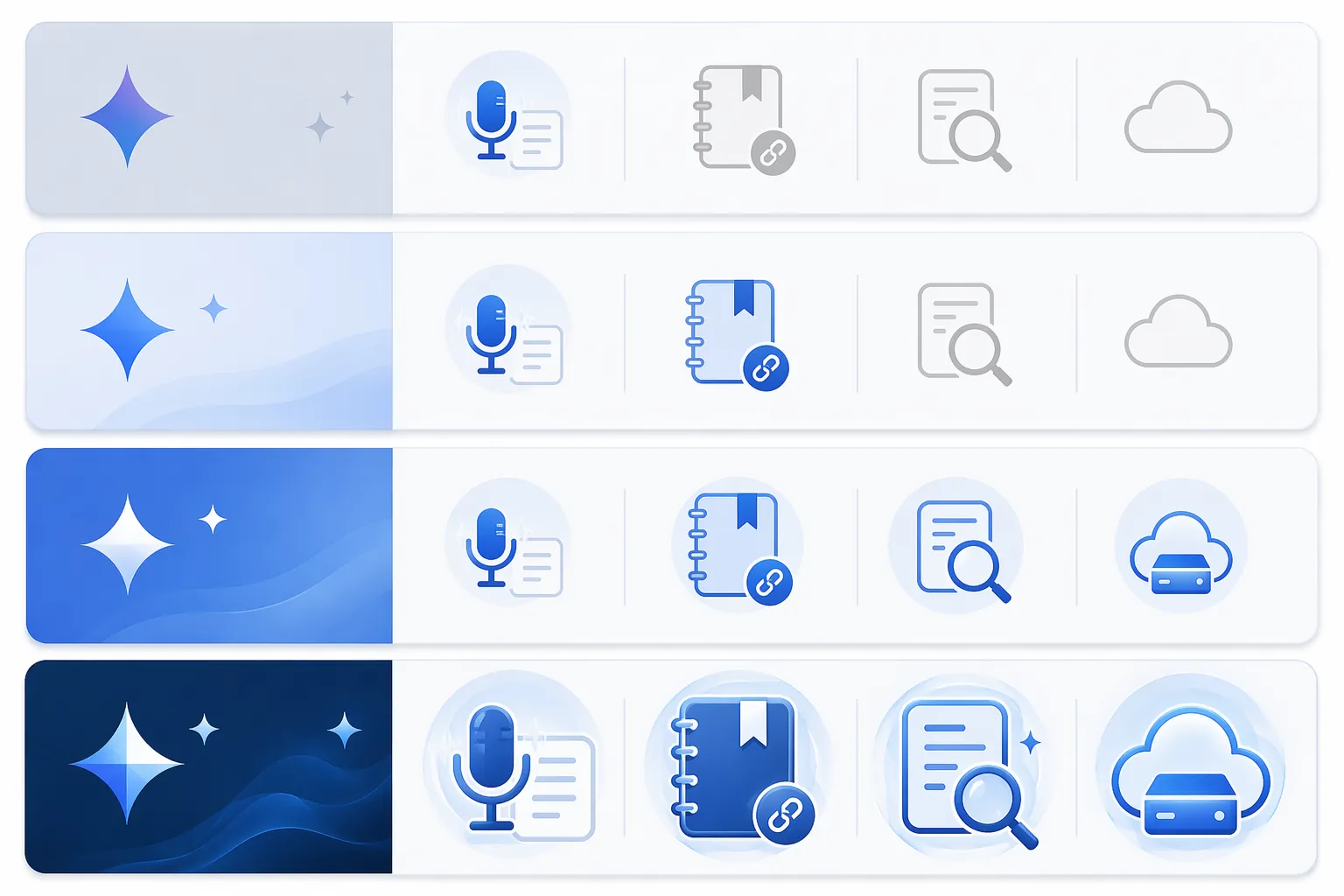
That table is the whole problem in miniature. Google prices the plans as a ladder, but note-taking value does not rise one smooth rung at a time. The most consequential jump is not from Free to AI Plus. It is from AI Plus to AI Pro.
Free Is Still Enough for Light Notes
The Free tier should not be dismissed just because it is free. If your note-taking mostly means asking Gemini to clean up rough bullets, summarize a short document, draft an outline in Google Docs, or keep a small research notebook, paying may not remove enough friction to matter.
Gemini Notebook, formerly known as NotebookLM in older references, gives Free users up to 50 sources per notebook and 3 Audio Overviews per day.[3] That is not a toy limit for someone collecting a handful of PDFs, copied notes, and web research around a small project. A student preparing for one seminar, a freelancer organizing client discovery material, or a manager compiling background on a single decision can still get useful note structure without paying.
The Free tier starts to feel small when your notes are no longer just text you polish after the fact. Once the work includes recurring meetings, large source sets, repeated research passes, and files heavy enough to make Drive storage a real constraint, the upgrade question becomes more legitimate.
Why AI Plus Is the Easy Tier to Overbuy
AI Plus is tempting because $4.99/month feels like the reasonable compromise. It gives 400 GB of storage and 2x usage limits, which can be useful if your Google account is cramped or you bump into casual Gemini limits.[1][2] But for note-taking, the missing pieces are exactly the ones that tend to justify paying in the first place.
AI Plus does not include Google Meet "Take notes for me," the feature that turns a live meeting into notes in a Google Doc. It also does not unlock the larger Gemini Notebook capacity available on Pro. If your goal is serious AI note-taking rather than cheaper storage plus some extra AI usage, Plus is where the ladder looks friendlier than it behaves.
There is a perfectly good reason to buy AI Plus: you want more Google storage at a low monthly price and appreciate slightly higher AI limits as a bonus. That is different from saying AI Plus is the sensible note-taking plan. For the user trying to turn meetings, research, and documents into a connected notes workflow, it leaves too much on the other side of the paywall.
What AI Pro Actually Unlocks
AI Pro costs $19.99/month and raises storage to 5 TB.[1][2] The storage matters, but it is not the main reason Pro is the first serious note-taking tier. The main reason is that several different parts of the note workflow become available at the same time.
- Meetings: Google Meet "Take notes for me" can create notes from a call and place them into a Google Doc for Workspace users on eligible plans.[4]
- Research notebooks: Gemini Notebook increases from 50 sources per notebook on Free to 300 sources per notebook on Pro.[3]
- Notebook output: Pro adds 5x generation limits and priority access to Gemini 3.1 Pro models in Gemini Notebook.[3][5]
- Research allowance: Gemini Pro has been reported at 20 Deep Research runs per day, though usage can vary with demand.[5][6]
- File room: 5 TB gives note-heavy users far more space for PDFs, images, recordings, exports, and project archives.[1]
That combination is what changes the workflow. A meeting can produce a Google Doc. That Doc can sit next to project files in Drive. Research sources can live in a Gemini Notebook large enough for a serious project. Deep Research can be used repeatedly in the same day to build, check, and extend notes rather than saved for one precious query.
The meeting feature deserves caution, not because it is unimportant, but because it is new. Google announced Gemini note-taking for Google Meet on June 29, 2026.[4] As of Q3 2026, that makes it a very recent launch. Anyone buying Pro mainly for meeting notes should expect the usual early-feature questions: accuracy, language coverage, Workspace eligibility, organizer controls, and whether the output matches the way their team actually writes minutes.
The Pro Difference Is Less Glamorous Than It Sounds, Which Is Good
A useful note-taking upgrade should reduce clerical movement. Copying meeting bullets into a Doc, splitting research sources across notebooks, deciding which questions are worth spending a limited research run on, cleaning up Drive because recordings and PDFs ate the account: these are not glamorous problems, but they are the actual tax of note-heavy work.
AI Pro is attractive because it attacks several of those taxes inside the same ecosystem. It does not require a new meeting bot, a separate research database, and another storage subscription just to make notes feel continuous. If you already live in Gmail, Drive, Docs, Meet, and Gemini Notebook, integration is part of the value.
What Counts as Substantial Note-Taking?
The word "notes" hides very different workloads. Someone who asks Gemini to summarize a page of text is not doing the same thing as someone who runs interviews, imports PDFs, compares sources, and turns recurring calls into project records.
AI Pro starts to make sense when at least two of these are true:
- You take recurring Google Meet calls where missing or manually reconstructing decisions has a real cost.
- Your research notebooks regularly approach the Free tier’s 50-source limit.
- You build notes from many PDFs, reports, transcripts, images, or recordings rather than from short pasted text.
- You use Deep Research repeatedly while shaping a project, not just occasionally when curiosity strikes.
- Your Drive storage is part of the same note-taking system, not a separate photo-and-backup problem.
For a concrete, hypothetical example, imagine a product manager running customer calls, saving call notes to Docs, importing market reports into Gemini Notebook, and using Deep Research several times while preparing a strategy memo. That person is not simply asking an AI assistant to rewrite notes. They are using Google’s workspace as the container for the whole trail of evidence.
By contrast, if your workflow is one Google Doc, a few pasted excerpts, and the occasional summary, Pro may feel impressive without being necessary. Higher limits only matter when you were actually constrained by the lower ones.
Deep Research Is a Real Pro Argument, With One Caveat
Deep Research is where AI Pro looks unusually generous for research-heavy note-takers. ZDNET reported Gemini Pro at 20 Deep Research runs per day, compared with ChatGPT Plus at 25 Deep Research runs per month.[6] For someone building research notes across multiple angles in a day, that difference changes behavior: you can ask follow-up research questions without treating every run like a rationed event.
The caveat is important. PCMag notes that Gemini usage can vary by demand, so the 20-runs-per-day figure should not be read as an unconditional hard entitlement in every circumstance.[5] It is still a meaningful signal about which plan is aimed at frequent research work, but it should not be the only reason to subscribe.
The better reason is how Deep Research pairs with the rest of Pro. A high research allowance is much more useful when the findings can feed larger notebooks, Drive-stored source files, and Docs created from actual work conversations.
AI Ultra Is Mostly a Scale Upgrade
AI Ultra starts at $99.99+/month, raises storage to 20+ TB, and adds higher usage caps, including up to 20x Pro limits in the available pricing breakdown.[1][2] That is not nothing. It is just not usually a different note-taking experience.
If you are processing very large document sets, working with hundreds upon hundreds of sources, or managing storage-heavy research archives where Pro’s limits are plainly too small, Ultra can be the correct tier. The useful example is not "I take a lot of notes." It is closer to "I need notebook scale beyond Pro, such as 600+ source collections, and the cost is justified by the volume."
For everyone else, Ultra risks solving a problem they do not have. It raises ceilings. It does not make Meet notes, Gemini Notebook, or Deep Research newly coherent in a way Pro does not already do.
Who Should Choose Each Plan?
| Choose this | If your note-taking looks like this | Main reason |
|---|---|---|
| Free | Light drafting, short summaries, small Gemini Notebook projects, occasional AI help in Google Docs | The free limits can still support casual research and note cleanup. |
| AI Plus | You mostly need more Google storage and only modestly more Gemini usage | It is a storage-friendly plan, not the main serious note-taking unlock. |
| AI Pro | You use Google Meet, Docs, Drive, Gemini Notebook, and Deep Research as one note workflow | It is the first tier where the major note-taking features activate together. |
| AI Ultra | You have Pro-level needs, but at much larger document, storage, or usage scale | It increases capacity more than it changes the workflow. |
This comparison is also not the right fight if you have already decided you need a dedicated meeting transcription product such as Otter or Fireflies. Those tools are built around meeting capture as the primary product. Gemini AI Pro is more compelling when the meeting note is only one part of a broader Google Workspace trail.
The same applies if your daily work is mostly outside Google. A Microsoft 365-only or Apple-only workflow can make Gemini’s best integration points feel like side doors. If you are still mapping where AI belongs in your broader setup, this guide to an AI tool stack by use case is a better starting point than comparing Gemini tiers in isolation.
The Buying Decision
Gemini AI Pro is worth $19.99/month for note-taking when your notes are not just documents, but a repeatable workflow across meetings, research notebooks, Deep Research, and stored source material. It is the first tier where Google’s note-taking pieces come together in a way that can reduce actual clerical work.
Stay on Free if your notes are light research, drafting, and occasional summarization. Skip AI Plus if your real goal is serious AI note-taking rather than cheaper storage with modestly higher limits. Choose AI Pro if Google Meet notes, 300-source Gemini Notebook projects, frequent Deep Research, and 5 TB of workspace storage match your day-to-day work. Ignore AI Ultra unless your problem is scale beyond Pro, not the absence of note-taking capability.
The cost comparison is not really about whether Gemini AI Pro is powerful. It is about whether $19.99/month is the first point in Google’s ladder where your note-taking workflow changes. For heavy Google-based note-takers, it is. For everyone else, the cheaper answer may be the more honest one.
References
- Google AI Plans, Google One.
- Gemini Pricing, eesel.ai.
- Gemini Notebook Plans, Gemini Notebook.
- Gemini can handle note-taking during Google Meet calls, Google Blog, June 29, 2026.
- Should You Pay for Google Gemini Pro or Plus? 5 Features Make It Worth It, PCMag, June 2026.
- ChatGPT Plus vs. Gemini Pro, ZDNET, April 2026.