
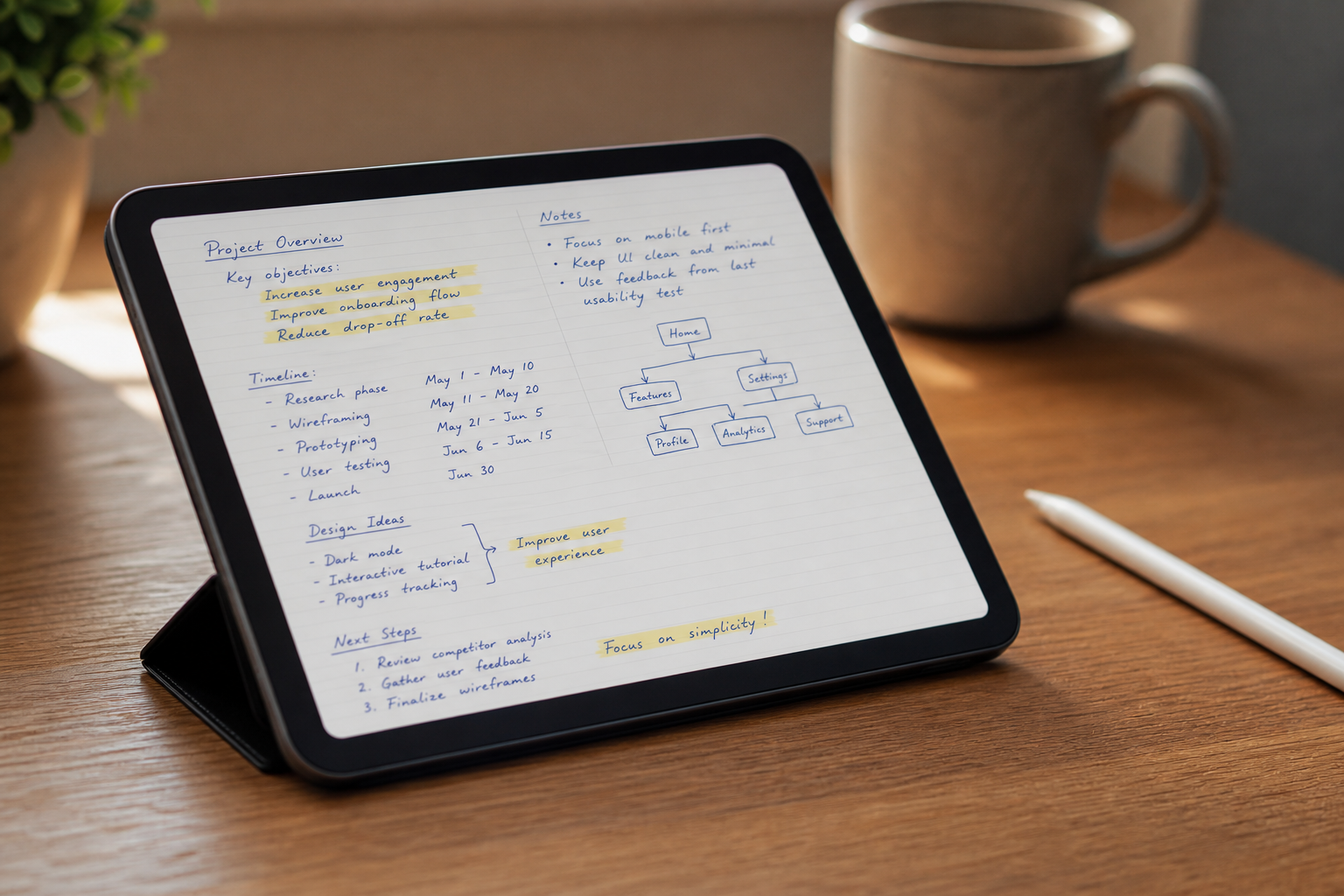
What Goodnotes 6 Is
Goodnotes 6 is a handwriting-first note-taking app developed by Goodnotes Limited (formerly Time Base Technology Limited), a Hong Kong-based company. With over 24 million users and a 4.7-star rating from more than 428,000 App Store reviews, it is one of the most widely used digital handwriting tools available.
The app is available on iPad, iPhone, Mac, Android, Windows, and Web. Apple platforms are the primary experience — iPad with Apple Pencil is where Goodnotes performs at its best — but cross-platform access via Goodnotes Cloud means you can view and edit notes on other devices.
This profile covers the current state of the app as of mid-2026, including the five-tier pricing structure introduced on September 23, 2025. If you have been using GoodNotes 5 or evaluating older reviews, much of the pricing and AI feature information you have seen is out of date.
Core Handwriting and Annotation Tools
The handwriting engine is Goodnotes' strongest asset. Four pen types are available — ballpoint, fountain, brush, and calligraphy — each with pressure sensitivity and an optional motion smoothness setting that softens out unsteady strokes. The highlighter layers behind existing ink rather than on top of it, which keeps handwritten notes readable even with heavy highlighting.
Gesture-based tools include lasso selection, scribble-to-erase, and circle-to-select. Shape recognition converts rough sketches into clean geometry. The shapes and diagrams toolset was rebuilt in Q3 2025, adding connectors, labeled shapes, and improved export quality.
Custom page sizes go up to 176 cm or 5,000 pt wide — the most flexible custom page configuration available in any handwriting app as of 2025, according to independent reviewers.
- OCR handwriting search across 17 languages — works on both notes and imported PDFs.
- PDF annotation with internal hyperlink creation — though navigating hyperlinks still requires deactivating writing tools (a known persistent limitation).
- Audio recording synced to handwriting — tap any point in your notes to hear what was being said when you wrote it.
- Study sets — flashcard-style review with spaced repetition built from your handwritten content.
- Stickers and digital planning tools — templates, planner pages, and GIF/animated sticker support added in Q3 2025.
- Whiteboard — an infinite canvas mode for mind maps and visual thinking, introduced Q3 2025.
- Text Documents — a block-based editor for fast typed note-taking, also new in Q3 2025.
- Infinite folder hierarchy for organizing notebooks, documents, and whiteboards.
AI Features: What Works and What Doesn't
Goodnotes markets its AI suite prominently, but the honest picture is more nuanced. Some features are genuinely useful; others are still maturing or have been discontinued entirely.
Handwriting Spellcheck
The spellcheck feature runs on-device using proprietary machine learning — your handwriting data is not sent to external servers. It works reasonably well on printed (block letter) handwriting but struggles significantly with cursive. Independent reviewers have documented that it misses more than 90% of errors in cursive script.
There is a secondary issue with corrections: when spellcheck does catch an error and you accept the replacement, the corrected word is rendered in handwriting that may look noticeably different from your own — and the style shifts with each correction, so a corrected page can appear as though multiple people wrote it.
Word Complete — Discontinued
Math Assist
Math Assist is available on Essential and above. It offers two modes: Solve (calculates the result of a handwritten equation) and Teach Me (shows step-by-step working). For students in math-heavy subjects, this is one of the more practically useful AI features in the app.
Meetings AI
Meetings AI is a Pro and AI Pass feature. It uses cloud-based transcription (not on-device) to generate live meeting summaries and integrates with Google Calendar so you can see upcoming events inside Goodnotes and auto-start a meeting document. Because transcription is cloud-processed, privacy-sensitive users should note that this data leaves the device.
AI Create Mode and Image Generation
AI Create mode generates text document content and notebook structures from prompts. Image generation produces visuals within documents. Both are Pro and AI Pass features, gated by monthly AI credit limits.
AI Credit Limits by Plan
| Plan | Monthly AI Credits | AI Features Included |
|---|---|---|
| Free | 10 credits | Basic spellcheck only |
| Essential | 525 credits | Spellcheck, Math Assist (Solve + Teach Me), basic transcription summary |
| Special Edition | 525 credits | Same as Essential |
| Pro | 525 credits | Full suite: Meetings AI, AI Create, image generation, cloud transcription, live summaries |
| AI Pass (add-on) | +6,300 credits/month | Unlocks full advanced AI for Essential or Special Edition users |
Pricing Tiers (Last Verified June 2026)
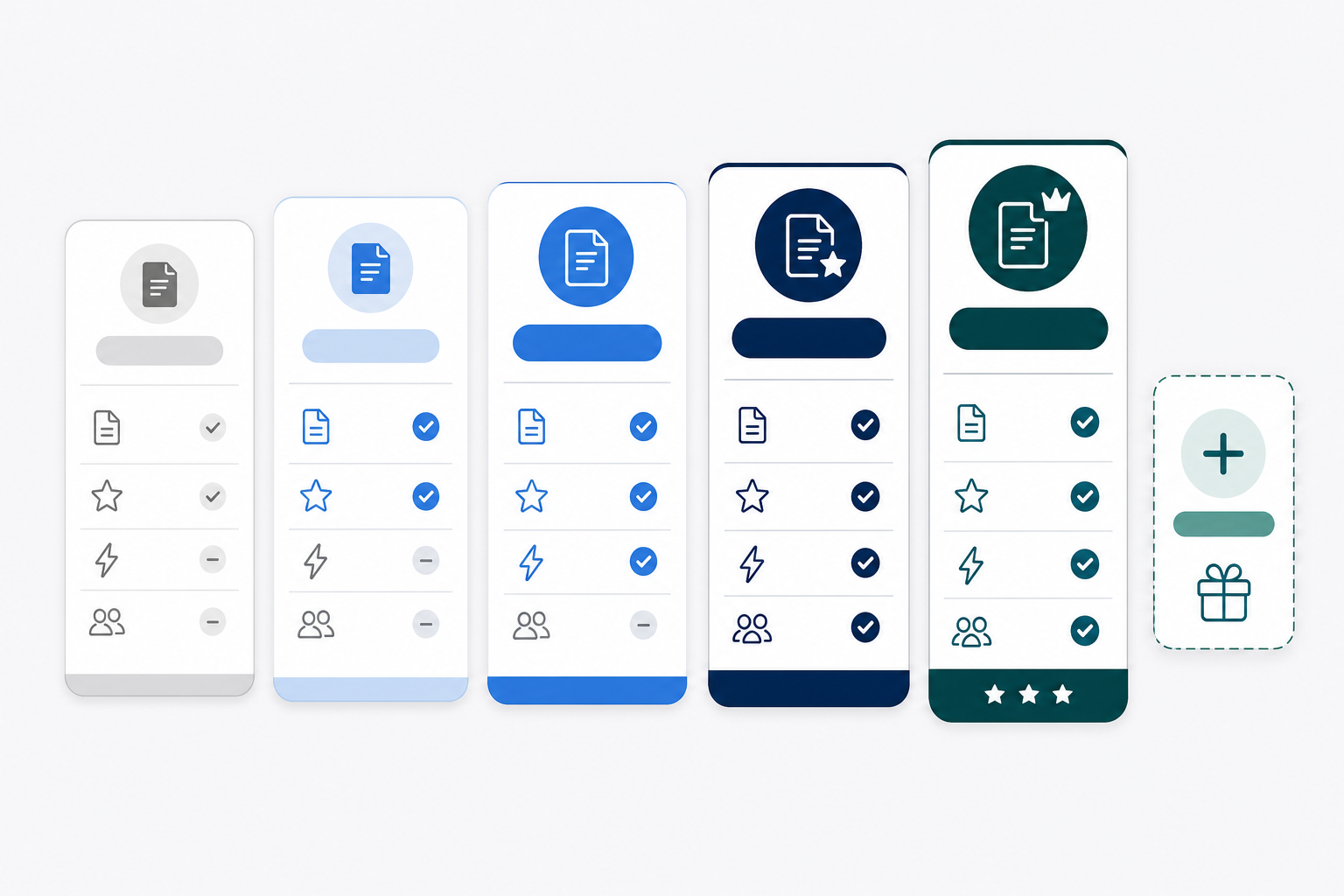
Goodnotes restructured its pricing on September 23, 2025, moving from a simpler model to five tiers plus an optional AI add-on. The structure below reflects the current live pricing page as of June 2026. Verify specific prices before purchasing, as Goodnotes has a history of pricing changes.
| Plan | Price | Storage | Files | Key Features |
|---|---|---|---|---|
| Free | $0 | 100 MB | 3 notebooks/docs/whiteboards | Basic tools, watermarked exports, 20-min audio limit, 10 AI credits/month |
| Essential | $11.99/year | 5 GB | Unlimited | Math Assist (Solve + Teach Me), unlimited audio/recording, join collaboration, 525 AI credits/month. 7-day free trial. |
| Pro | $35.99/year | Not specified (full cloud sync) | Unlimited | Everything in Essential plus AI Create, image generation, Meetings AI, cloud transcription, live meeting summaries, calendar integration, private link sharing, host real-time collaboration, turbo sync. No Family Sharing. 7-day free trial. |
| Special Edition | $35.99 (one-time, Apple only) | Not specified | Unlimited | Includes basic cloud AI and Math Assist. Regional availability varies — only appears in paywall when no active subscription exists. |
| Teams | $120/seat/year | Not specified | Unlimited | Everything in Pro plus SAML SSO, domain control, consolidated billing, user and admin management, advanced collaboration. 30-day free trial. |
| AI Pass (add-on) | $9.99–$10/month | — | — | 6,300 additional AI credits/month. Unlocks full advanced AI for Essential or Special Edition users without upgrading to Pro. |
Platform Availability
Goodnotes is the only third-party handwriting app available across macOS, iPadOS, iOS, Android, Windows, and Web. The only comparable cross-platform option in the handwriting category is Microsoft OneNote.
| Platform | Experience Level | Notable Limitations |
|---|---|---|
| iPad (iPadOS) | Primary — full feature set | None significant |
| iPhone (iOS) | Full — same feature set as iPad | Screen size limits practical use for handwriting |
| Mac (macOS) | Full — fully supported | Requires macOS 15.6 or later |
| Android | Limited — viewing-focused | Fewer creation tools; lacks on-device transcription; better for reviewing notes than creating them |
| Windows | Limited — via Goodnotes Cloud | Feature parity gaps vs. iOS; lacks on-device transcription |
| Web | Limited — via Goodnotes Cloud | Basic access; not a primary creation surface |
Q3 2025 updates did bring meaningful improvements to non-Apple platforms: Android and Windows now have handwriting search across notes and PDFs (English and Spanish), PDF export offline, and PDF import up to 1 GB. But the core handwriting creation experience remains Apple-first, and on-device transcription is iOS-only.
Strengths
- Best-in-class Apple Pencil feel. The combination of pressure sensitivity, four pen types, and optional motion smoothness produces handwriting that feels closer to pen on paper than most competing apps.
- 17-language OCR handwriting search. Searching across handwritten notes and PDFs in multiple languages is a practical differentiator for multilingual students and researchers.
- One of the best PDF annotation toolsets available. Highlighting, markup, internal hyperlink creation, and handwriting directly on PDFs make it a strong choice for anyone who works heavily with documents.
- Real-time collaboration with ultra-low latency. Pro-tier collaboration runs at under 0.3 seconds latency with live presence indicators and change notifications — genuinely useful for team brainstorming on shared whiteboards.
- Infinite folder hierarchy. Organize notebooks, text documents, and whiteboards without depth limits — a meaningful advantage over apps with flat or two-level organization.
- Broad export options. Export to PDF, Goodnotes native format, PNG, and plain text. PDF export works offline on Android and Windows as of Q3 2025.
- Active development cadence. The App Store version history shows frequent updates across 2025–2026, covering lasso improvements, shape tools, transcription fixes, and UI refinements. The app is not in maintenance mode.
- Unique cross-platform availability among handwriting apps. If you need to access handwritten notes on Android or Windows — even in a limited capacity — Goodnotes is the only third-party handwriting app that supports this.
Weaknesses
- No favourites toolbar. The toolbar offers only three pen slots, and there is no way to save a custom set of frequently used tools for quick access. Multiple independent reviewers have flagged this as a persistent, unaddressed gap.
- AI spellcheck is unreliable on cursive handwriting. Third-party testing has documented that the feature misses more than 90% of errors in cursive script. If you write in cursive, this feature will likely slow you down more than it helps.
- Correction handwriting inconsistency. When spellcheck does replace a word, the replacement handwriting style shifts with each correction, so corrected notes can appear as though multiple people wrote them.
- Very large app and file sizes. The app itself is 740.8 MB, and Goodnotes documents can grow large quickly — a real consideration if your device has limited storage.
- PDF hyperlink navigation requires disabling writing tools. To follow an internal hyperlink in an annotated PDF, you must deactivate all writing tools first. This is a friction point that has existed since GoodNotes 5 and remains unresolved.
- Experimental features shipped without opt-in. Features like the body text editor and the now-discontinued GoodNotes Community were added to the main app without a way for users to opt out. The discontinuation of Word Complete after just one year also signals that some AI features may not survive to the next pricing cycle.
- Dark mode is not a true dark mode. Switching to dark mode changes the UI chrome, but notebook pages and ink colors do not invert. This matters for users who prefer dark backgrounds for handwriting.
- AI Pass adds cost on top of the base plan. If you want advanced AI features but do not want to pay for Pro, you will pay $11.99/yr (Essential) plus $9.99–$10/month (AI Pass) — which totals more annually than Pro alone.
Who Goodnotes 6 Is Best For
- iPad-primary students annotating lecture PDFs. The combination of PDF annotation, OCR handwriting search across 17 languages, and study sets (spaced repetition flashcards) makes Goodnotes a strong academic tool. The Free tier is usable for a single course; Essential ($11.99/yr) is the practical minimum for a full semester's notes.
- Digital planner users. Goodnotes has one of the largest template and sticker ecosystems of any handwriting app, including 200+ marketplace templates added in Q3 2025. GIF and animated sticker support is a niche but genuine differentiator for this audience.
- Professionals who present handwritten notes. Goodnotes supports AirPlay and HDMI output, allowing you to present live handwriting to a room or screen. The Whiteboard infinite canvas is well-suited to visual presentations and brainstorming sessions.
- Teams needing real-time collaborative handwriting (Pro tier). The sub-0.3-second latency collaboration with live presence indicators is genuinely impressive for shared whiteboard work. This is a Pro-exclusive feature — Essential users can join collaborative documents but cannot host them.
Not for You If…
- Android or Windows is your primary device. The Android and Windows versions are functional for viewing and light editing, but they lack the features and fluidity of the iOS experience. On-device transcription is iOS-only. If you spend most of your time on non-Apple hardware, a cross-platform-first app like Microsoft OneNote will serve you better.
- You only type notes and never handwrite. Goodnotes has added Text Documents, but it is not a Notion or Obsidian replacement. If handwriting is not part of your workflow, you are paying for a core feature you will not use.
- You need a local-first app with no cloud dependency. Goodnotes syncs via iCloud (Apple-only setups) or Goodnotes Cloud (cross-platform). There is no fully offline, local-storage-only mode. If data sovereignty or offline-first operation is a requirement, look elsewhere.
- You handle HIPAA-regulated data. Goodnotes explicitly states in its privacy documentation that the app is not intended for transmitting Protected Health Information (PHI) under HIPAA. Do not use it for clinical notes or patient records.
- You need Family Sharing on Pro. The Pro plan does not include Family Sharing. If you want to share a subscription across family members, this is not currently possible on Pro.
Data Portability and Vendor Risk
Export Formats
- PDF — the most portable and widely supported format; works offline on all platforms as of Q3 2025.
- Goodnotes native format (.goodnotes) — preserves all handwriting layers and structure, but only reopens in Goodnotes itself.
- PNG — exports individual notebook pages as images.
- Plain text — extracts OCR-recognized text from handwritten content.
Sync Options
Apple-only setups sync via iCloud. Cross-platform users sync via Goodnotes Cloud. There is no self-hosted or local-only sync option. If you stop subscribing to a paid plan, your access to Goodnotes Cloud features will be affected — though Goodnotes has historically allowed GoodNotes 5 users to continue using the older app indefinitely after the GoodNotes 6 transition.
AI Data Retention
Goodnotes collects AI feature data only if you explicitly opt in. If you have not opted in, your data is not retained. For users who do opt in, data is retained for a maximum of 30 days. Importantly, the on-device AI features (spellcheck, Math Assist) do not send data externally — processing happens locally. Cloud AI features (Meetings AI transcription, AI Create) do use cloud processing, which means data leaves the device.
App Store Privacy Label
The App Store privacy label for Goodnotes indicates that device ID may be used to track activity across apps and websites. This is worth noting for privacy-conscious users, even if Goodnotes does not sell personal data to third parties for marketing purposes.
Vendor Stability
Goodnotes Limited is an active commercial developer with a consistent update cadence — the App Store version history shows updates released within days across 2025 and 2026. The app holds Apple Editors' Choice status and has over 24 million users, which suggests a stable business.
That said, pricing volatility is a real concern. The September 2025 restructure was a significant change — moving from a simpler model to five tiers with an AI add-on. Users who purchased the original GoodNotes 6 one-time payment or the early yearly plan found themselves on a different pricing ladder than they expected. If pricing stability matters to your decision, factor in that Goodnotes has changed its model multiple times since GoodNotes 6 launched.