
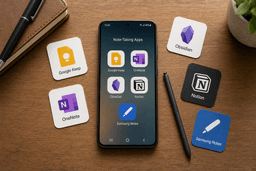
Best Notes Apps for Android in 2026: A Use-Case-Based Comparison
Android users face a fragmented note-taking landscape with no single perfect app. This guide helps you choose by mapping your actual workflow — quick capture, handwriting, deep PKM, AI features, or privacy — to the app that makes the right trade-offs for you.
Category: Note-Taking App
Pricing model: Freemium
Free plan: Yes
Best for: Knowledge Workers, Students, Professionals
Pricing last verified: 2026-06-14
- note-taking
- Android
- Google Keep
- OneNote
- Obsidian
- Notion
- Samsung Notes
- Notelyn
- Nebo
- Joplin
- Standard Notes
- free-plan
- students
- teams
- PKM
- handwriting
- AI-tools
- privacy
- cross-platform
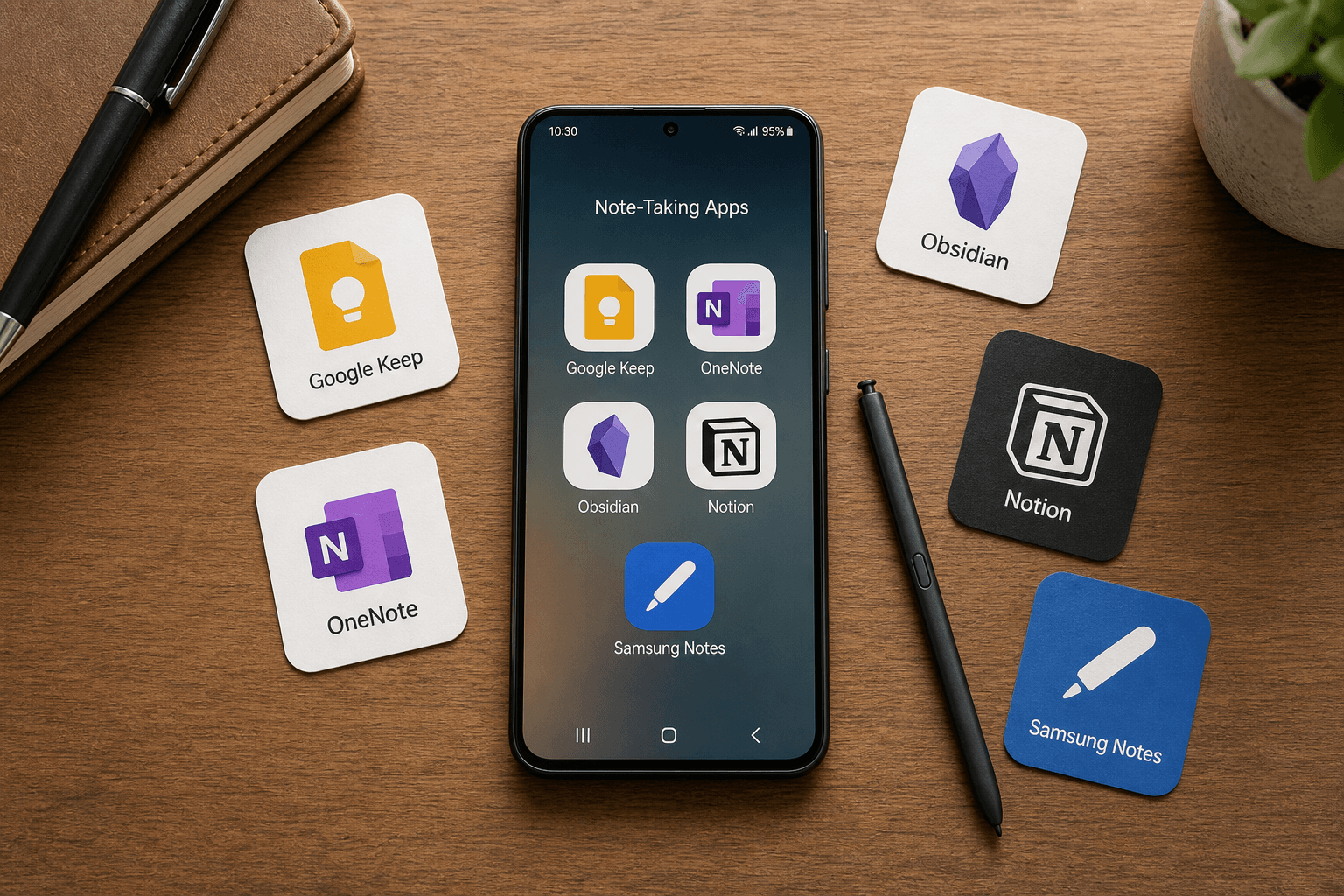
The Android Notes Gap: Why There’s No One Perfect App
Android users face a fragmented note-taking landscape that iOS users simply don't. Apple Notes ships on every iPhone and iPad with deep system integration, handwriting support, and reliable iCloud sync — it's good enough for the vast majority of users. Android has no equivalent. Google Keep comes pre-installed on many devices, but it's a quick-capture tool, not a full note-taking system. Samsung Notes is excellent but only on Galaxy devices. And the rest of the ecosystem — OneNote, Notion, Obsidian, Joplin, and newer AI-native apps — are third-party downloads that each demand a different compromise.
This fragmentation isn't a bug — it's a reflection of how differently people actually take notes. A student recording lectures and generating flashcards has no use for the same tool as a knowledge worker building a personal wiki, a Galaxy Tab user handwriting meeting notes, or a privacy-conscious user who wants everything encrypted and local. The best Android notes app isn't the one with the longest feature list. It's the one whose trade-offs match your actual daily workflow.
Quick Decision Matrix: Which App Fits Your Workflow?
Before diving into detailed profiles, use this matrix to narrow your options. Each row maps a common Android note-taking workflow to the app that handles it best — and the trade-off you'll need to accept.
| Your Primary Workflow | Best App | The Trade-Off You Accept |
|---|---|---|
| Quick capture: shopping lists, reminders, voice memos, light checklists | Google Keep | No folder hierarchy, no rich text, no AI features — runs out of headroom fast |
| Cross-platform: you use Windows/Mac at work and Android on the go | Microsoft OneNote | Free and powerful, but feels sluggish on older Android devices; Copilot AI costs $20/month |
| Handwriting: S Pen or stylus-heavy workflow on a Galaxy Tab | Samsung Notes | Best-in-class latency and accuracy, but locked to Samsung ecosystem — no iOS, Mac, or Windows app |
| Deep PKM: building a personal knowledge base with linked notes and local files | Obsidian | Steep learning curve, no native AI, no collaboration features |
| AI-powered: lecture recording, meeting transcription, auto-summaries, flashcards | Notelyn or Nebo AI | Newer apps with less established ecosystems; AI features may shift rapidly |
| Privacy-first: end-to-end encryption, local storage, no cloud dependency | Standard Notes or Joplin | Free tiers are restrictive (plain-text only or manual setup required) |
| Team wikis and databases: project management mixed with notes | Notion | Android offline support is genuinely limited; AI is a paid add-on |
Deep Dives: 8 Android Note-Taking Apps Compared
Google Keep: Fast, Shallow, and Everywhere
Google Keep is the most widely installed notes app on Android — it ships on virtually every device. It excels at what it was designed for: quick capture. A shopping list, a voice memo, a reminder, a light checklist. It integrates with Gmail, Google Docs, and Google Tasks, and the 15 GB shared storage across Google apps is generous enough for text-based notes.
But Keep runs into hard limits fast. There's no folder hierarchy — only labels and colors. No rich text formatting. No audio transcription or AI summarization. Handwriting support exists but is basic: testing from early 2026 shows 89.3% accuracy with 15ms latency, well behind dedicated handwriting apps. As Zapier puts it, Keep is
fine — though very barebones.
Keep works best as a companion app — a quick-capture inbox that feeds into a deeper system like Obsidian or Notion. If you try to make it your primary note-taking tool, you'll hit the ceiling within weeks.
Microsoft OneNote: The Best Free Cross-Platform Option
Microsoft OneNote consistently earns top marks in roundups — PCMag gives it 4.5/5 and an Editors' Choice award, calling it the best overall note-taking app. For Android users who also work on Windows or Mac, it's the most complete free option available.
The free tier is genuinely generous: unlimited storage for notes (up to 5 GB, expandable to 100 GB for $1.99/month or via Microsoft 365 from $7.20/month), solid handwriting support with 94.7% accuracy and 12ms latency, a top-notch web clipper, and native apps on Android, iOS, Windows, and Mac. Testing on a Google Pixel 10 Pro and Boox Palma 2 Pro showed that OneNote required a single tap to start writing and performed well even on e-ink displays.
The downsides: OneNote can feel sluggish on older Android devices. Its notebook-section-page hierarchy is powerful but can become unwieldy. And Copilot AI — which adds transcription, summarization, and smart search — requires a $20/month Microsoft 365 subscription. If you don't need AI features, the free version is hard to beat.
Samsung Notes: Best Handwriting, Biggest Silo
For Galaxy Tab and S Pen users, Samsung Notes is the handwriting champion. Testing conducted from January to July 2025 across 15 Android tablet models found that Samsung Notes 2026 achieves 97.3% handwriting recognition accuracy with 6ms end-to-end latency on the Galaxy Tab S10 with S Pen Pro 2, and 99.7% sync reliability over a 90-day testing period.
Those numbers put it ahead of every competitor on Android for stylus work. The app is deeply integrated with the Samsung ecosystem — screen-off memo, PDF annotation, audio recording synced to handwritten notes. If handwriting is your primary workflow and you're all-in on Samsung, this is the app.
The serious limitation: Samsung Notes is not available on non-Samsung Android phones, and there is no iOS, Mac, or Windows companion app. If you ever switch devices or need to access your notes from a desktop, you're locked in. For multi-device users, this is a dealbreaker.
Notion: Powerful, But Not Mobile-First
Notion is a powerhouse for team wikis, databases, and project management. The free tier is generous — unlimited pages and blocks for personal use — and the Plus plan starts at $12/user/month. But on Android, Notion has a fundamental problem: offline support is genuinely limited.
Multiple sources confirm this. The Notelyn guide notes that Notion's Android offline support is "genuinely limited." Zapier describes Notion as "a bit over the top" for personal note-taking. If you're primarily a mobile note-taker who needs reliable offline access on a phone or tablet, Notion will frustrate you. Its AI features are also a paid add-on — Notion AI is only available on the Business plan at $24/user/month.
Notion is best suited for users who do most of their note-taking on a desktop and use Android for light browsing and quick edits. If you need a mobile-first system, look elsewhere.
Obsidian: Full Data Ownership, Steep Learning Curve
Obsidian has become the gold standard for personal knowledge management (PKM) on Android. It stores all notes as local Markdown files — you own every byte. The core app is free for personal use, with optional Sync at $5/month and Publish at $5/month. Native apps are available on Android, iOS, Windows, Mac, and Linux.
The extensive plugin ecosystem lets you customize Obsidian into almost anything: a Zettelkasten system, a daily journal, a project tracker, a writing environment. PCMag gives it 4.0/5 and calls it best for power users. Tool Finder highlights that Obsidian gives full data ownership with local Markdown files.
The trade-offs are real. Obsidian has a steep learning curve — new users often spend weeks configuring plugins before they feel productive. There are no native AI features (though community plugins can add some). And there's no collaboration: Obsidian is a single-user tool. If you're willing to invest the setup time, it's the most future-proof option on this list.
Notelyn: AI-Native Note-Taking for Students and Professionals
Notelyn represents a new category of AI-native note-taking apps designed specifically for Android. It records lectures and meetings, then automatically generates transcripts, summaries, flashcards, and quizzes. The free tier is genuinely usable — paid premium adds longer recordings and faster AI processing.
For students, this is a genuine workflow shift: record a lecture, get a searchable transcript and a set of flashcards without manual work. For meeting-heavy professionals, the same pipeline applies. Notelyn is Android-first, which is rare in this space — most AI note-taking apps prioritize iOS.
Nebo AI: Best-in-Class Handwriting Recognition
Nebo AI 4.0 focuses on handwriting conversion and claims 98.1% accuracy across 12 languages, with consistent 9ms latency across 12 different Android tablet models from 5 manufacturers. That's the highest accuracy figure in this comparison, though it comes from the same single-source testing as the Samsung Notes data.
Nebo's strength is converting handwritten notes into clean digital text, diagrams, and formulas in real time. It's priced at $8.99/month or $59.99/year. If your primary need is accurate handwriting-to-text conversion across multiple Android devices — not just Samsung — Nebo is worth evaluating alongside Samsung Notes.
Joplin and Standard Notes: Privacy-First, Feature-Limited
For users who prioritize privacy above all else, two open-source apps lead the Android landscape.
Joplin is fully open source and free, with optional end-to-end encryption and sync via Nextcloud, Dropbox, or OneDrive. PCMag gives it 4.5/5 and an Editors' Choice award, calling it the best Evernote alternative. The optional Joplin Cloud is $2.99/month. The trade-off: encryption requires manual setup, and the interface is functional rather than polished. Testing on e-ink devices found it "laggy and angular."
Standard Notes uses military-grade XChaCha20-Poly1305 encryption and is owned by Proton. It offers end-to-end encrypted sync across Android, iOS, Windows, Mac, Linux, and web. The free tier is limited to a basic plain-text editor — no Markdown, no rich text, no attachments. The Productivity plan is $90/year. As Scrib notes, Standard Notes is best for cross-platform encrypted notes, but the free tier is restrictive.
Both apps are excellent for their niche. Neither is a good choice if you want rich formatting, AI features, or a polished mobile experience out of the box.
Feature Comparison Table: Side-by-Side Specs
The table below compares all eight apps across the dimensions that matter most for Android users. Use it as a quick reference after reading the deep dives.
| Feature | Google Keep | OneNote | Samsung Notes | Notion | Obsidian | Notelyn | Nebo AI | Joplin | Standard Notes |
|---|---|---|---|---|---|---|---|---|---|
| Offline support | Full | Full | Full | Limited | Full | Partial | Full | Full | Full |
| Handwriting accuracy | 89.3% | 94.7% | 97.3% | N/A | N/A | N/A | 98.1% | N/A | N/A |
| AI features | None | Copilot ($20/mo) | Basic | AI add-on | None (plugins) | Auto transcripts, summaries, flashcards | Handwriting-to-text | None | None |
| Free plan limits | 15 GB shared storage | 5 GB notes (expandable) | Full (Samsung only) | Unlimited pages | Full core app | Usable free tier | None (paid only) | Full core app | Plain-text only |
| Sync reliability | Good (Google servers) | Excellent (Microsoft servers) | 99.7% (Samsung ecosystem) | Good (requires internet) | Via Sync ($5/mo) or third-party | Cloud-based | Cloud-based | Via Nextcloud/Dropbox/OneDrive | End-to-end encrypted |
| Export options | Google Takeout | Multiple formats | Limited | Markdown, HTML, PDF | Markdown (native) | Text, PDF | Text, PDF | Markdown, JEX | Plain text (free), encrypted (paid) |
| Learning curve | Minimal | Low | Low | Medium | Steep | Low | Low | Medium | Low |
Best For: Matching Apps to Real Android Users
Students: Lecture Recording, Flashcards, and Budget Constraints
Students have a unique set of needs: recording lectures, generating study materials, working offline, and keeping costs at zero. Notelyn is the strongest fit here — it records audio and automatically produces transcripts, summaries, flashcards, and quizzes. The free tier is usable, and the AI pipeline eliminates manual study prep.
For students who prefer handwriting notes during lectures, Samsung Notes (on Galaxy devices) or Nebo AI (on any Android tablet) offer the best accuracy. OneNote is a solid fallback for cross-platform students who need to access notes on campus Windows labs and their Android phone.
Professionals: Cross-Platform Sync and AI Summaries
Professionals who switch between Android phones, Windows laptops, and sometimes Macs need reliable cross-platform sync and AI-powered productivity features. OneNote is the default choice here — free, reliable sync, solid handwriting support, and Copilot AI available for those who need it.
For meeting-heavy roles, Notelyn's auto-transcription and summary generation can replace manual note-taking entirely. The trade-off is that Notelyn is newer and less proven in enterprise environments. Obsidian is a strong choice for professionals who want a local-first knowledge base, but only if they're willing to invest in setup and use Sync ($5/month) for cross-device access.
Galaxy / S Pen Users: Handwriting-First Workflows
If you own a Galaxy Tab or Galaxy Z Fold with an S Pen, Samsung Notes is the obvious choice. The 97.3% accuracy and 6ms latency figures, combined with deep system integration (screen-off memo, PDF annotation, audio sync), make it the best handwriting experience on Android by a wide margin.
The caveat is ecosystem lock-in. If you ever move away from Samsung devices, your notes are trapped. For users who want handwriting accuracy without the lock-in, Nebo AI offers comparable accuracy (98.1%) across any Android tablet, at $8.99/month.
Privacy-Conscious Users: Encryption and Local Storage
For users who want end-to-end encryption and local-first storage, the choice comes down to Standard Notes versus Joplin. Standard Notes offers the simplest encrypted sync experience across platforms, but the free tier is plain-text only — the Productivity plan costs $90/year. Joplin is free and open source with optional encryption, but setup requires technical comfort.
Obsidian also qualifies here — local Markdown files give you full data ownership, and Sync ($5/month) is optional. It's not end-to-end encrypted by default, but you control the storage layer.
Knowledge Workers: PKM, Local-First, and Long-Term Thinking
Knowledge workers building a personal knowledge base over years need data portability, backlinks, and a system that won't vanish when a startup pivots. Obsidian is the clear winner here: local Markdown files, extensive plugin ecosystem, and no vendor lock-in. The steep learning curve is a one-time investment for a system that can last a decade.
Notion can also serve this role for users who prefer a database-driven approach, but the limited Android offline support and subscription pricing make it harder to recommend for mobile-first knowledge workers.
Frequently Asked Questions
Can I use Apple Notes on Android?
No. Apple Notes is iOS and macOS only. There is no Android app, no web client, and no official way to access Apple Notes on an Android device. If you're switching from iPhone to Android, you'll need to export your Apple Notes data and import it into a new app — a process that often loses formatting and attachments.
Which Android notes app has the best handwriting recognition?
Based on available testing data, Nebo AI 4.0 leads with 98.1% accuracy across 12 languages, followed by Samsung Notes at 97.3% (on Galaxy Tab S10 with S Pen Pro 2), OneNote at 94.7%, and Google Keep at 89.3%. These figures come from a single testing source and should be treated as directional. For most users, the practical difference between 97% and 98% is negligible — the more important factor is whether the app supports your device and workflow.
Is there a truly private note-taking app for Android?
Yes. Standard Notes offers end-to-end encrypted sync across all platforms using XChaCha20-Poly1305 encryption. Joplin offers optional end-to-end encryption with sync via your own cloud storage. For Android-only use with no cloud dependency, apps like Scrib offer AES-256 encryption with no account required and 100% offline operation. The trade-off is that privacy-focused apps typically have fewer features and less polished interfaces.
Which app works best offline on Android?
Google Keep, OneNote, Samsung Notes, Obsidian, Joplin, and Standard Notes all offer full offline support on Android. Notion's offline support is limited — you can access recently viewed pages but cannot create or edit notes offline reliably. Notelyn and Nebo AI offer partial offline functionality but require internet for their AI features.
Can I migrate my notes from one app to another?
Migration difficulty varies significantly. Obsidian and Joplin use standard Markdown files, making them the easiest to move data out of. OneNote and Google Keep offer export options but formatting often degrades. Samsung Notes has limited export capabilities — a serious lock-in risk. Notion can export to Markdown and HTML, but databases and relational data may not transfer cleanly. Before committing to any app, check its export options. For detailed migration guides, see our migration guides section.
Verdict: No Winner, Only the Right Trade-Off
After evaluating eight Android note-taking apps across use cases, features, and honest trade-offs, one conclusion is clear: there is no single best Android notes app. The right choice depends entirely on which compromise fits your actual daily workflow.
- If you need quick capture and nothing more, Google Keep is fine — but pair it with a deeper app.
- If you need cross-platform reliability and generous free storage, OneNote is the safest bet.
- If handwriting is your primary workflow and you're on Samsung, Samsung Notes is unmatched — but you're locked in.
- If you want full data ownership and a system that can grow with you for years, Obsidian is worth the learning curve.
- If AI-powered transcription and study tools would transform your workflow, Notelyn or Nebo AI are worth exploring.
- If privacy is non-negotiable, Standard Notes or Joplin will serve you well — just accept the feature limitations.
Comments
Join the discussion with an anonymous comment.