
The quickest way to pick the wrong note-taking app is to ask which one everyone else is using. That works until your “perfect” dashboard meets organic chemistry mechanisms, a philosophy seminar with twelve PDFs, a law lecture where one underlined sentence depends on what the professor said out loud, or a language class where half the work is handwriting and listening practice.
So the better question is not “What is the best note taking app for students?” It is: “What is the hardest recurring academic task my notes have to support?” For most students, that answer tracks closely with major and study workflow. Not perfectly — plenty of biology majors write like historians, and plenty of English majors live in flashcards — but closely enough to make a better first cut than popularity.
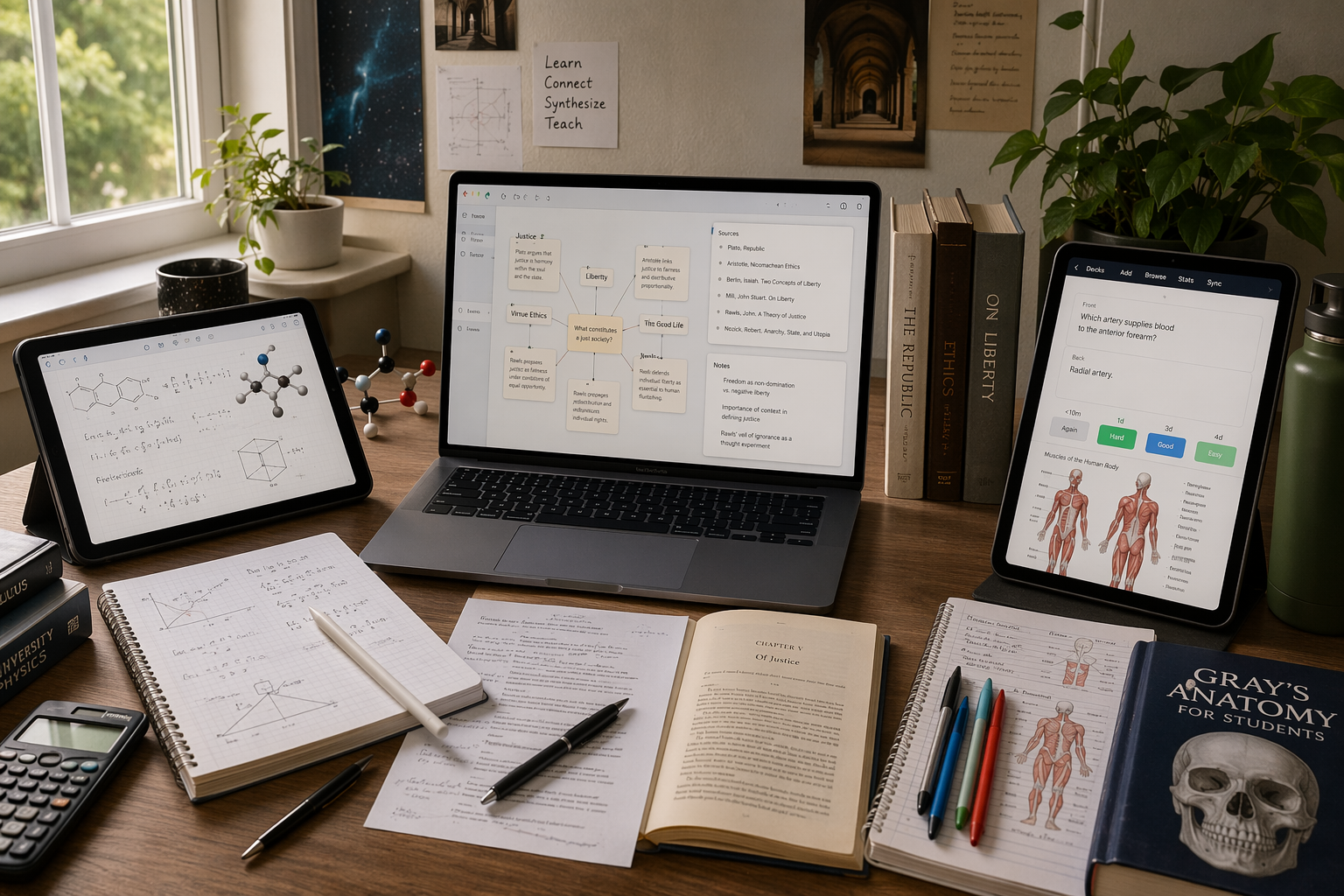
Quick answer: match the app to your major’s main work
| If your coursework is mostly… | Start with… | Why it fits |
|---|---|---|
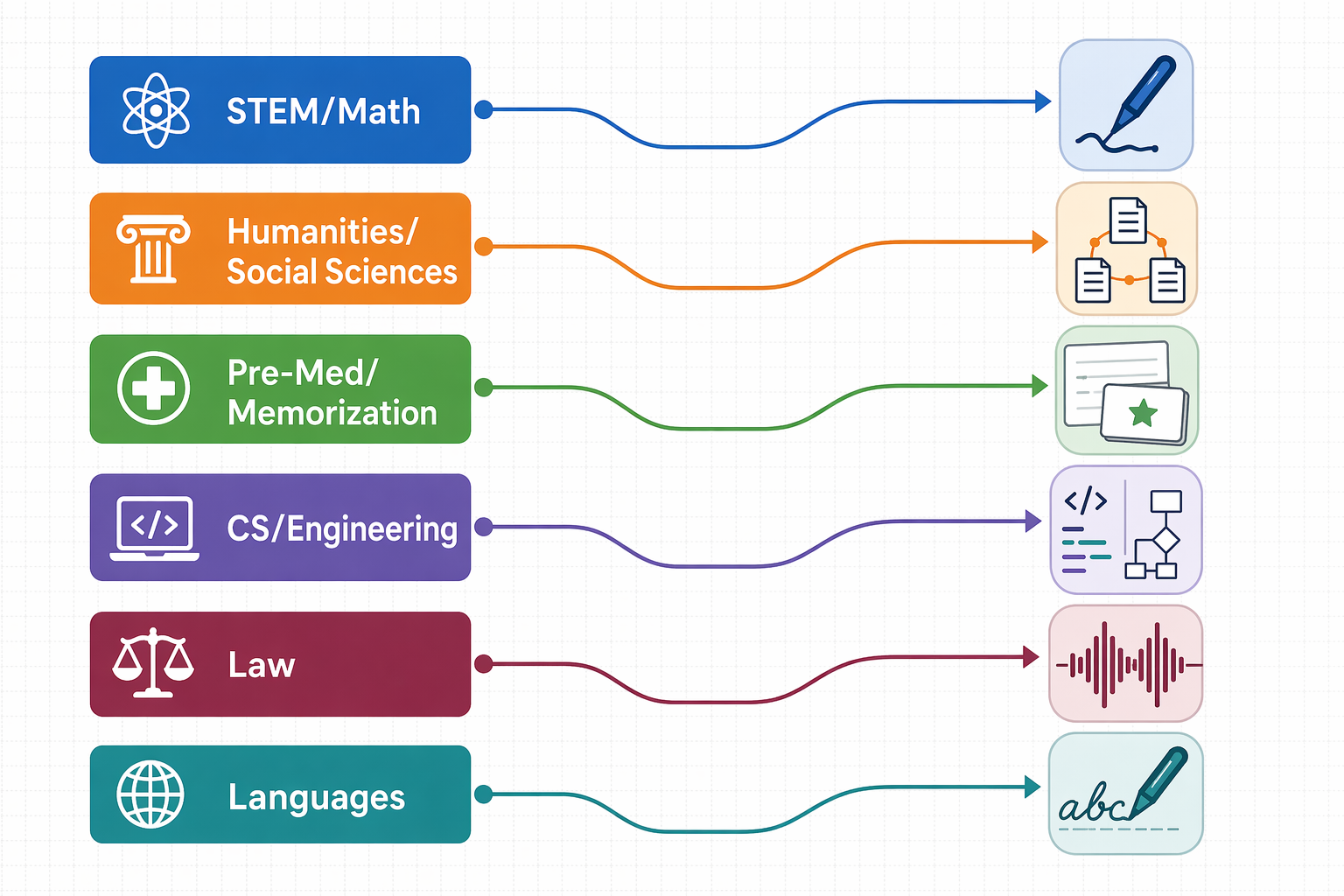
| STEM / math-heavy | GoodNotes or OneNote | Fast handwriting, equations, diagrams, lecture-slide annotation |
| Humanities / social sciences / research-heavy | Atlas or Obsidian | Source-aware synthesis, linked notes, backlinks, long-term idea connections |
| Pre-med / memorization-heavy | RemNote | Notes convert directly into spaced-repetition flashcards |
| Computer science / engineering | Obsidian or OneNote | Markdown and backlinks for code-heavy thinking; diagrams and mixed media when needed |
| Law | Notability or OneNote | Audio-linked lectures, case notes, and fast recall of what was said in class |
| Languages | GoodNotes or Apple Notes | Handwriting practice, OCR/search, transcription, and lightweight daily capture |
This table follows the major-by-major recommendations and capture-speed testing reported by Atlas, including its finding that iPad-native options such as Apple Notes and GoodNotes were especially fast for quick capture in its 14-day friction-score test: Apple Notes averaged 0.4 seconds and GoodNotes averaged 0.3 seconds in the tested capture task.[1]
Those fractions of a second sound tiny until you are copying a reaction pathway while the professor is already erasing the board. The right app is often the one that removes the specific delay your class punishes most.
Why STEM and math-heavy students usually need handwriting first
For calculus, physics, chemistry, statistics, and many engineering courses, the note is not just a sentence. It is an equation with arrows, a graph with a weirdly placed intercept, a circuit diagram, a matrix, a mechanism, or a professor’s correction scribbled on top of a slide. Text-first apps can store those things, but they often make you route around the actual work.
That is why GoodNotes and OneNote are safer starting points for STEM students than a beautiful all-purpose workspace. GoodNotes is strong when the iPad is your main class device and you want a notebook-like surface for writing directly on PDFs, slides, and blank pages. AI Study Master’s 2026 testing highlights GoodNotes updates such as a Text Doc editor and infinite whiteboard, which matter when a course moves between structured notes and messy visual problem-solving.[2]
OneNote is the more forgiving choice if your devices are mixed: a Windows laptop in the dorm, a tablet in lecture, maybe a phone for checking notes on the bus. Its canvas handles handwriting, typed text, pasted images, diagrams, and code snippets without forcing everything into one narrow document shape. Zapier’s 2026 review also notes that OneNote’s free tier includes 5GB of storage with no note caps, which makes it unusually realistic as a no-cost student option.[5]
The handwriting question deserves care. The useful conclusion is not “handwriting always beats typing.” The 2024 Flanigan meta-analysis reported a real but modest achievement advantage for handwritten notes across 24 studies, with Hedges’ g = 0.248 and p < 0.001.[1] That supports handwriting as a meaningful factor, especially in courses where spatial layout and symbols carry meaning, but it does not turn a stylus into a study plan.
The missing step is review. A handwritten page of beautiful derivatives that you never revisit is still mostly an archive. The stronger STEM workflow is usually: capture the problem accurately, leave enough room for correction, mark what confused you, and later turn weak spots into practice problems or flashcards. GoodNotes and OneNote help most when they make that loop less annoying.
If your main decision is between the two iPad handwriting giants, a deeper GoodNotes vs. Notability comparison is worth reading before you move a semester’s worth of notes.
Humanities and social science notes have to survive the seminar paper
In literature, history, philosophy, political science, sociology, anthropology, and many interdisciplinary majors, the hard part often comes later. Lecture capture matters, but the real test arrives when you need to connect week two’s reading to week nine’s theory article, remember where a quote came from, and explain why two authors disagree without flattening them into a vague theme.
That is why linked-note systems are more useful here than they first appear. Obsidian works well for students who want local Markdown files, backlinks, tags, and a durable knowledge base that can grow across courses. It is especially good when your notes are not just “for the exam” but for a thesis, capstone, grad-school writing sample, or recurring research interest.
Atlas fits a related but different version of the problem: students who are buried in readings and want source-cited help asking questions across their material. Its student app guide positions Atlas for research-heavy workflows where notes, readings, and AI-supported Q&A need to stay tied to sources rather than float off into generic summaries.[1] If you are comparing that kind of tool more broadly, the next natural stop is a guide to AI note-taking apps for students.
This is also where popularity can be misleading. Ask Maeve’s 2025–2026 survey of more than 6,500 students found that Evernote, Notion, Roam Research, and Obsidian together accounted for more than 75% of reported market share, with a visible student tilt toward tools that connect ideas.[3] That is useful context, not a verdict. A self-published survey can show where attention is going, but it cannot tell you whether your anthropology notes are becoming easier to write from.
Notion deserves a fair mention here. Its .edu plan can be an excellent deal for students, and it is strong for class dashboards, reading calendars, project trackers, and databases.[1] The trouble starts when students mistake a dashboard for a study system. If your weekly work is mostly reading, writing, and organizing sources, Notion may fit. If your work is equations, sketches, lab diagrams, or last-minute recall drills, it may become a very pretty place where your actual studying goes to slow down.
Pre-med and memorization-heavy courses need review built into the note
Pre-med students are often told to take better notes when what they really need is a cleaner path from notes to retrieval. Anatomy, physiology, biology, pharmacology-adjacent material, and many intro science sequences reward repeated recall. A beautiful note can still fail if it never becomes something you quiz yourself on.
RemNote’s advantage is that spaced-repetition flashcards are built into the note-taking workflow, so students do not have to take notes in one app, extract facts later, and rebuild everything in a separate flashcard system. RemNote’s 2026 student app guide emphasizes this integrated note-to-flashcard structure, which is exactly the point for memorization-heavy coursework.[4]
That integration matters most at the ugly end of the week. If it is 11:40 p.m. before a quiz, the student who can open yesterday’s lecture note and immediately drill weak cards is in a better position than the student who still needs to decide what should become a card. The app has removed a handoff, and handoffs are where good intentions go missing.
Where CS, engineering, law, and language students should start
Computer science and engineering sit between worlds. Some classes need code snippets, Markdown, documentation habits, and linked concepts; others need diagrams, circuits, systems sketches, and math. Obsidian is a strong fit when your notes behave like a personal technical wiki. OneNote is safer when your week includes both typed explanations and hand-drawn problem solving.
Law students have a different pain point: the margin note is often inseparable from the spoken explanation. Notability’s audio sync lets students tap a written or typed note and jump back to the corresponding audio moment, a use case highlighted in AI Study Master’s 2026 testing.[2] OneNote can also work well for case organization and mixed-format class notes, especially for students who prefer a larger binder-style structure.
Language students should not overcomplicate the choice. If handwriting characters, conjugations, accent marks, or sentence patterns is part of the learning, GoodNotes is a natural fit. If the need is lighter — quick vocabulary capture, searchable class notes, and occasional transcription — Apple Notes has become a much more credible free option. AI Study Master identifies 2026 Apple Notes features including live transcription, Smart Folders, Math Notes, and OCR search.[2]
Free apps are enough until your workflow asks for something specific
If money is tight, start with the free option that fits your device. Apple Notes and OneNote can cover a large share of ordinary student needs: quick capture, searchable notes, images, checklists, folders or notebooks, and enough structure for most general education classes. OneNote’s free storage and lack of note caps make it particularly hard to dismiss for students who use multiple devices.[5]
Free starts to hit a wall when the task becomes specialized. Audio-synced lecture review points toward Notability. Full personal knowledge management points toward Obsidian or a carefully built Notion setup. Built-in spaced repetition points toward RemNote. Research-heavy AI support may point toward Atlas. The app is worth paying for only when it removes a recurring study bottleneck, not when it adds one more polished place to store unfinished notes.
Pricing changes often, so treat any plan comparison as temporary. Last verified: June 2026. If your decision is mainly financial, use a dedicated free-vs-paid note-taking app guide or a free-only major-based guide before subscribing.
A simple way to choose without rebuilding your life
Before you move all your classes into a new app, test it against one normal school week. Not the first week of the semester, when every system looks clean. Use a week with a quiz, a reading response, a problem set, or a lab prep assignment.
- Capture: Can you get lecture material down quickly in the format the class actually uses?
- Find: Can you locate a formula, quote, diagram, or professor comment without scrolling through everything?
- Review: Does the app make it obvious what to study again, or does it only store what happened?
- Submit or study from it: Can you turn the notes into a problem set attempt, paper outline, flashcard session, case brief, or speaking practice?
If one app does three of those well and fails one specialized task, a small two-app stack may be better than forcing everything into one place. A STEM student might annotate slides in GoodNotes and keep project planning somewhere else. A humanities student might write linked reading notes in Obsidian and use a simpler app for lecture capture. If that sounds like your situation, a guide to student note-taking app stacks will be more useful than another single-winner ranking.
Templates can help, but only when they match the class. Cornell notes, lab-note layouts, reading logs, and class planners can reduce setup friction; they cannot rescue an app that is wrong for the work. If templates are part of how you study, compare note-taking apps with strong template ecosystems after you have narrowed the workflow.
Choose the app that makes your hardest recurring academic task easier: drawing and revising equations, connecting readings, drilling recall, tracking code concepts, replaying lectures, or practicing language by hand. Then stay with it long enough to build the review habit around it.