
Every month, another subscription charge hits your bank account. Streaming services, cloud storage, VPNs — and now note-taking apps want their cut, too. If you are a student, freelancer, or early-career professional using a laptop as your primary work machine, the question is unavoidable: should you pay $10 to $25 per month for a premium note-taking app, or can you get by on free?
The short answer is that most laptop users never need a paid note-taking app. The free tiers of Microsoft OneNote, Apple Notes, Google Keep, Simplenote, and Joplin are genuinely useful and cover the vast majority of everyday note-taking needs. But there are specific scenarios — heavy storage requirements, team collaboration, advanced knowledge management, or AI features — where paying makes sense. This article breaks down exactly what you get at each price point and helps you decide which side of the line you fall on.
The Free Tier Landscape: What You Actually Get at $0
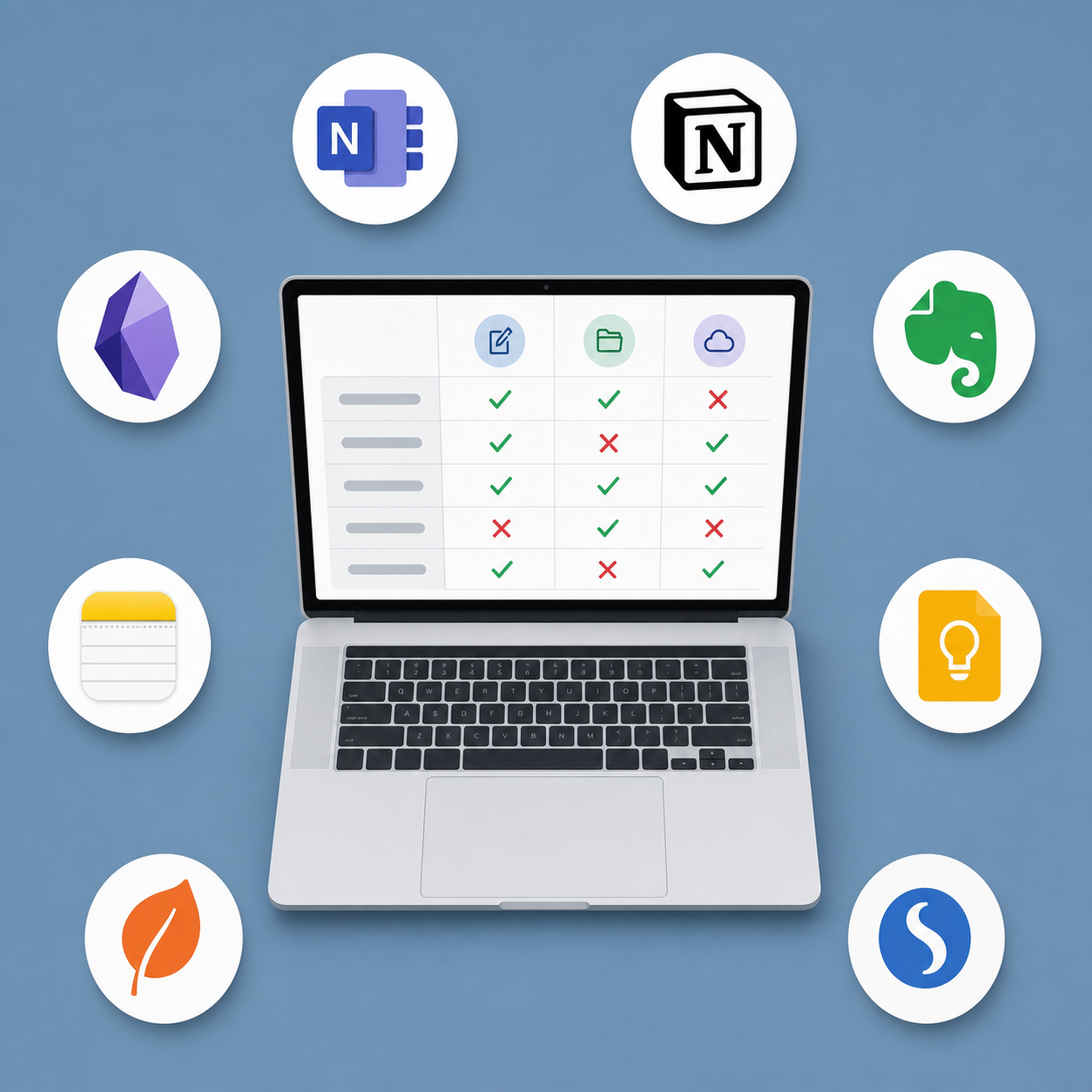
Before we talk about what you might be missing, let's establish the baseline. The following apps offer genuinely useful free tiers that are not crippled by artificial limits. Each one is a viable daily driver for a laptop user.
| App | Free Storage | Key Features at $0 | Platforms | Best For |
|---|---|---|---|---|
| Microsoft OneNote | 5 GB via OneDrive | Full feature set: web clipper, OCR, sketching, cross-platform sync, offline access | Windows, Mac, iOS, Android, Web | Windows laptop users who want a complete, free notebook |
| Apple Notes | 5 GB via iCloud | Rich text, attachments, tables, scanning, quick notes, tags | Mac, iOS, Web (iCloud.com) | MacBook users in the Apple ecosystem |
| Google Keep | 15 GB via Google account | Quick notes, checklists, reminders, labels, voice notes, drawing | Web, Android, iOS | Fast capture and lightweight task management |
| Simplenote | Unlimited | Plain text notes, tags, markdown support, version history, real-time sync | Windows, Mac, Linux, iOS, Android, Web | Minimalists who want fast, distraction-free text notes |
| Joplin | Local storage (unlimited) | Markdown notes, notebooks, tags, web clipper, end-to-end encryption, open-source | Windows, Mac, Linux, iOS, Android | Privacy-conscious users who want local-first, open-source software |