
If your notes system keeps collapsing, the problem may not be discipline. It may be fit. A personal knowledge management system has to match the way you already notice, compare, decide, and produce work. Otherwise it becomes one more place where useful material waits for a cleaner version of you to arrive.
The cost is not abstract. McKinsey data cited by GoLinks reports that knowledge workers spend 19% of the workweek, or 9.3 hours, searching for information.[1] That number matters less as a productivity scare and more as a description of repeated rework: rewriting the same client rationale, rereading the same source, postponing a decision because the evidence is scattered, or losing the half-formed idea that would have become an outline.
So the first decision is not Obsidian versus Notion, or PARA versus Zettelkasten. The first decision is whether the system can survive an ordinary workday. Start with three questions.
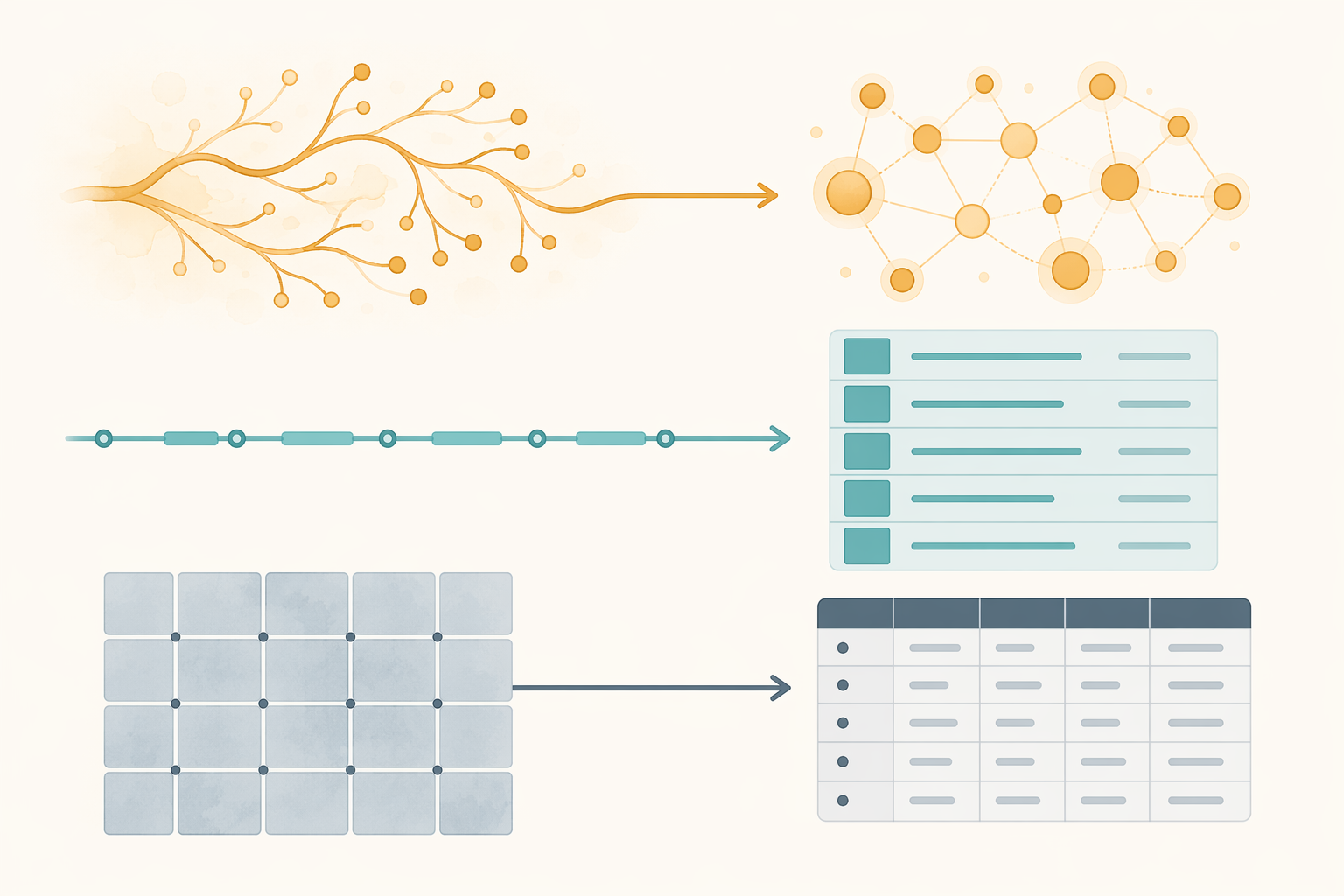
The Three-Question Diagnostic
A useful PKM choice has to answer three separate questions: how you think, what you produce, and how much setup you will actually tolerate. Mixing those questions is where many systems become overbuilt. A person who thinks in documents but chooses a graph-first workflow because it looks powerful will spend the first week fighting the tool. A person who mainly ships projects but builds an idea-garden may enjoy the connections and still miss deadlines.
| Question | If your answer is... | Start here |
|---|---|---|
| How do you think? | Spatial or visual | Heptabase or Obsidian Canvas |
| How do you think? | Linear or document-based | Notion, Bear, or a folder-based notes app |
| How do you think? | Structured or database-oriented | Tana or Capacities |
| How do you think? | Outline-first | Logseq |
| What do you produce? | Projects | PARA in almost any tool |
| What do you produce? | Ideas, arguments, or research synthesis | Zettelkasten in Obsidian, Logseq, or Roam |
| What do you produce? | Decisions, records, or reusable entities | A database-shaped tool such as Tana or Capacities |
| How much setup will you actually invest? | Less than 1 hour | Tags-only in Apple Notes, Google Keep, or another low-friction app |
| How much setup will you actually invest? | 1 to 3 hours | PARA in Notion or Obsidian |
| How much setup will you actually invest? | More than 3 hours | A fuller Obsidian, Logseq, or Tana setup |
1. How do you naturally think?
Some people understand a problem only after they can see the parts on a canvas. They move cards around, cluster themes, and notice proximity before they notice hierarchy. For them, a visual workspace such as Heptabase or Obsidian Canvas is not decoration; it is the thinking surface.
Others think in paragraphs. They want a note to become a memo, a brief, a meeting recap, or a draft. A document-shaped tool such as Notion or Bear usually fits that mind better than a graph view. The structure can still be rigorous, but the basic unit is a readable page.
Database thinkers tend to ask different questions: What type of thing is this? Which client, project, status, source, decision, or person does it belong to? Tools such as Tana and Capacities suit that pattern because they treat notes as structured objects, not just pages. Outliner thinkers are adjacent but distinct. In Logseq, the block is the working unit, which suits people who build understanding by nesting, folding, expanding, and connecting fragments.
None of these shapes is more serious than the others. The serious move is choosing the one you will still use when the meeting ends badly and you have eight minutes before the next call.
2. What does the system need to produce?
If your work is project-driven, PARA is usually the cleanest starting point. Tiago Forte describes PARA as four top-level categories: Projects, Areas, Resources, and Archives.[4] Its advantage is that it sorts information by action pressure. A proposal draft, a client discovery note, and a research source belong near the project that will use them, not in a beautifully named permanent library.
If your work depends on developing ideas over time, Zettelkasten deserves more attention. Pagestash summarizes it as a system of atomic notes and linked relationships, with Niklas Luhmann often cited for producing more than 70 books from a collection of 90,000 notes.[3] That history is impressive, but it is also a warning label. Zettelkasten is powerful when your output benefits from accumulated conceptual links. It is excessive if all you need is to find the Q2 planning note before tomorrow's meeting.
If you consume a high volume of articles, podcasts, reports, and books, the Building a Second Brain habit around CODE and progressive summarization can be more useful than another filing scheme. Pagestash describes progressive summarization as moving from highlight, to bolded emphasis, to a roughly 20-word summary.[3] The point is not to decorate captured material. It is to make the next encounter faster and more judgment-rich.
Tags-only can work when the system needs to be tiny. It has the lowest setup cost and, according to Pagestash, the highest retrieval friction as the archive grows.[3] That trade is acceptable for a lightweight personal scratchpad. It is usually not enough for client work, research synthesis, or recurring decisions.
For a deeper comparison of PARA, Zettelkasten, BASB, and adjacent frameworks, use Choosing a PKM Framework: How PARA, Zettelkasten, BASB, and LYT Fit Your Thinking Style after you have made the first diagnostic pass.
3. How much setup time will you really invest?
This is the question people tend to answer aspirationally. Be less generous. If you have less than an hour, use Apple Notes, Google Keep, or another tool already in your hand. Create a small number of tags or folders and start capturing. A modest system you run beats a sophisticated system you admire from a distance.
If you can give the setup one to three hours, PARA in Notion or Obsidian is a reasonable default. You can create four top-level areas, add an inbox, and stop. If you will honestly spend more than three hours learning the tool, then Obsidian, Logseq, Tana, or a richer database setup can pay off. The important word is honestly. Some people enjoy tinkering as part of thinking. Others use tinkering to avoid the harder work of deciding what a note is for.
A Practical Starting Match
After the diagnostic, the recommendation should feel narrower. You do not need to evaluate every app. You need one plausible match and a short trial.
| Reader pattern | Method | Tool starting point | Why it fits |
|---|---|---|---|
| Project-driven consultant, manager, operator, or student | PARA | Notion, Obsidian, OneNote, or folders | Keeps active material close to current commitments |
| Researcher, writer, strategist, or idea-heavy analyst | Zettelkasten | Obsidian, Logseq, or Roam | Lets ideas accumulate through links instead of folders alone |
| High-volume reader or learner | BASB/CODE with progressive summarization | Read-it-later app plus Notion, Obsidian, or Bear | Turns captured sources into reusable summaries |
| Decision-heavy team lead or database thinker | Structured notes and entity records | Tana or Capacities | Makes people, projects, decisions, and sources queryable |
| Low-setup personal user | Tags-only | Apple Notes, Google Keep, or Bear | Reduces friction enough to build the habit first |
Tool-first readers may want a more detailed setup comparison in Personal Knowledge Management in 2026: How to Choose Your First PKM App and Set It Up in 30 Days. That can be useful, but do the fit check first. Feature lists are less persuasive when you have not decided what the system is supposed to help you finish.
The 30-Day Trial
Treat the first month as a working trial, not the opening ceremony for a life system. The following sequence is adapted from the Atlas guide, which makes it useful but also worth qualifying: it is a vendor-authored, single-source framework, not an independently proven universal method.[2]

| Days | Action | What good enough looks like |
|---|---|---|
| 1-2 | Pick one spine tool | Choose the free tier of Obsidian, Notion, or Logseq, or use the tool you already trust |
| 3-7 | Capture before organizing | Add 30 to 50 starter notes without designing the filing system |
| 8-14 | Choose a filing method | Default to PARA unless your diagnostic clearly points elsewhere |
| 15-21 | Capture daily and begin linking | Add at least 3 things a day and connect notes when a relationship is obvious |
| 22-30 | Review and surface output | Run a weekly review and identify one idea, decision, or action worth taking forward |
The most important part is Days 3-7. Capture 30 to 50 notes before you design the filing structure.[2] That number is small enough to finish and large enough to reveal what you actually collect. You may discover that most of your notes are meeting follow-ups, not evergreen insights. Or that saved articles are piling up because you have no decision about what counts as processed. That evidence is more useful than a blank folder hierarchy created in a hopeful mood.
During the second week, choose a filing method. PARA is the default because it asks a practical question: where will this be used next? Projects contain material tied to active outcomes. Areas hold ongoing responsibilities. Resources hold useful reference material. Archives remove completed or inactive material from daily view.[4] If your diagnostic points strongly toward idea development, use a small Zettelkasten instead. If it points toward structured decisions, create records for decisions, people, sources, or projects rather than a maze of folders.
During the third week, links should emerge from use. Do not link every note to prove the graph is alive. Link when one note explains, contradicts, updates, or applies another note. A sparse useful link is better than a dense ornamental one.
By the end of the fourth week, the system should produce something outside itself: a decision memo, a cleaner project plan, a paragraph for an article, a meeting follow-up, a research synthesis, or an action you had been deferring. If nothing leaves the notes app, the system is still mostly storage.
For a day-by-day implementation version, use The 30-Day PKM Starter System. For a deeper breakdown of how capture, organization, retrieval, and output interact, see The PKM Stack: Your PKM System as a 4-Layer Information Flow.
Where Systems Usually Break
The recurring failures are not mysterious. GoLinks describes a tool-hopper pattern of switching apps every 2 to 3 months.[1] Atlas calls out over-tagging, including systems with 50 or more tags applied inconsistently.[2] Pagestash highlights capture without distillation: collecting highlights and references without turning them into your own words or next actions.[3]
Tool-hopping feels productive because migration creates visible work. You export, import, rename, rebuild, and briefly believe the new interface has solved the old ambiguity. Usually it has only postponed the question: what is this note supposed to help me do?
Over-tagging creates a different problem. Tags feel cheap when you add them and expensive when you search through them later. If two tags would return almost the same notes, one of them can probably go. If you cannot remember whether you used "strategy," "planning," "business strategy," or "strategic planning," the taxonomy is asking too much of you.
Capture without distillation is the quietest failure. The archive grows, the person feels informed, and the work does not improve. A useful note should eventually contain your framing: why it matters, where it applies, what it changes, or what it helps you decide. A highlight without that second pass is often just deferred reading.
If your previous systems have failed even after a reasonable start, 12 Reasons Your PKM System Isn't Working is the better diagnostic than another app comparison.
A Short Note on Pricing and Plugins
Last verified: June 2026. PKM pricing changes often, and tool pages should be checked before paying. This matters especially for AI-native tools and database-heavy products, where plan limits can affect retrieval, collaboration, storage, or automation. Plugin counts also vary by counting method: the research set includes conflicting Obsidian plugin figures, with one source citing about 1,500 plugins and another citing more than 2,600. Treat those numbers as a signal that the ecosystem is large, not as a stable purchasing fact.
Where AI-Native PKM Helps
AI changes retrieval more than it changes the need for judgment. Tools such as Atlas, Tana, and NotebookLM can reduce the burden of manual linking by using semantic retrieval, and Atlas frames this as a shift away from purely manual organization.[2] That can be genuinely useful for research and decision workflows where you need to ask across a pile of notes, sources, and meeting records.
The caveat is infrastructure. AI-native tools are newer, and their retrieval layers, pricing, and business models may change. A local-first tool such as Obsidian offers a different kind of confidence: plain files, portability, and less dependence on a hosted AI layer. That does not make it better for everyone. It does mean the tradeoff is not just features. It is how much of your working memory you want to place behind a vendor's future roadmap.
Use AI retrieval when it lowers friction in a workflow you already understand. Do not use it to avoid deciding what a note is, whether a source is trustworthy, or what output the material should support.
The Operating Rhythm
A personal knowledge management system becomes useful when maintenance is small enough to repeat. Atlas recommends a 30-minute weekly review, a monthly archive sweep, and a quarterly method check.[2] That cadence is more important than another round of structural refinement.
- Weekly: triage the inbox, close completed projects, and make 2 to 3 useful connections between notes.[2]
- Monthly: move completed or inactive material into Archives so active work stays visible.[2]
- Quarterly: ask whether the method still matches how you actually work, not how you imagined you would work when you set it up.[2]
That is enough system for most people to begin. Pick the shape that matches your thinking, choose the method that supports your output, run the 30-day trial, and let the first month produce one useful result. After that, the next hard question is not where to store notes. It is how to turn them into finished work. The Output Pipeline: A 5-Stage Workflow to Turn Notes into Finished Work is the natural next step.