
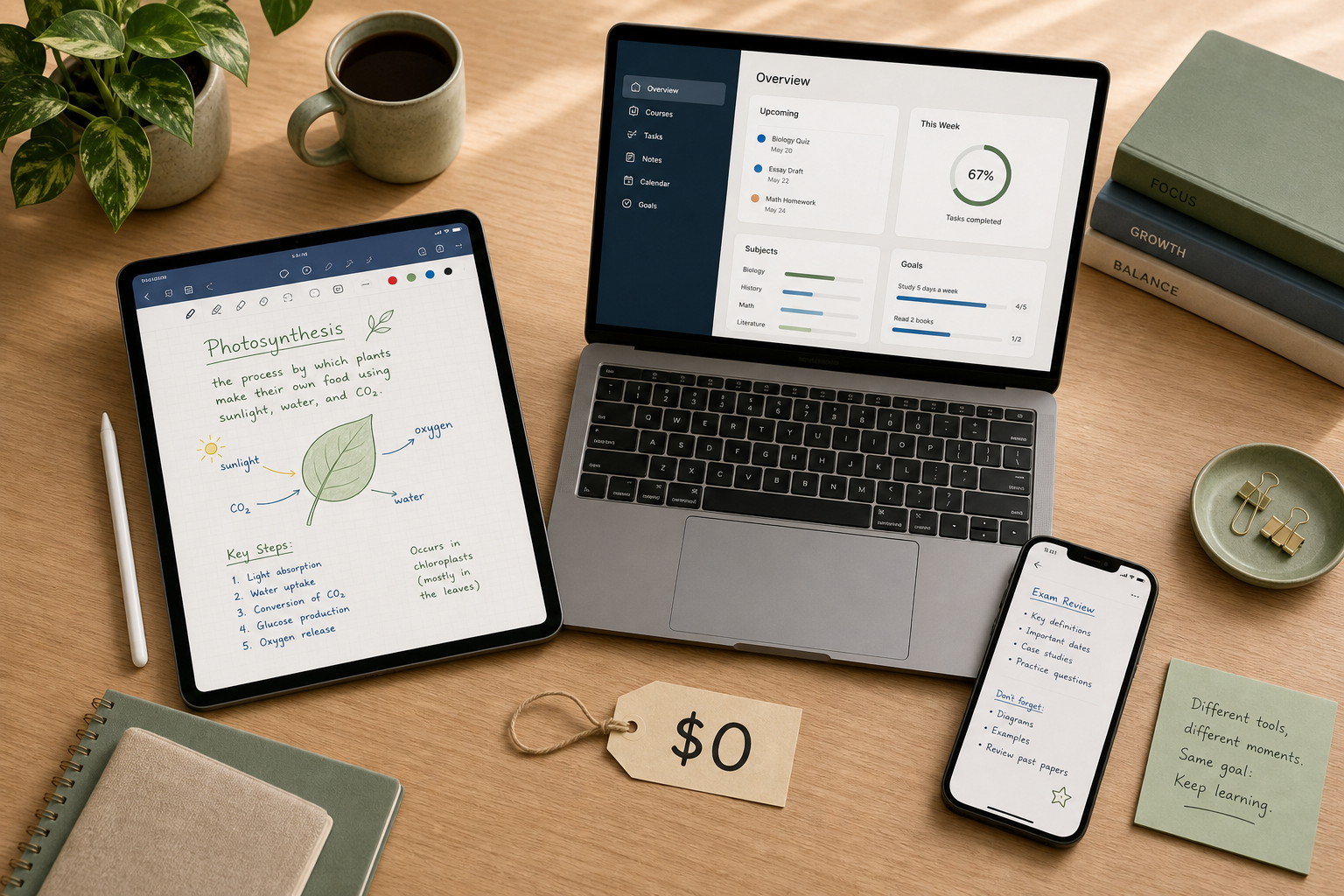
The $0/Year Student Stack Works — Until It Doesn't
You can build a fully functional note-taking system for exactly zero dollars. Pair OneNote for structured lecture notes, Apple Notes for quick capture on your phone, and Obsidian for local Markdown files when you want to link ideas across courses. That combination costs nothing, runs on almost every device, and handles the first year of any undergraduate program without complaint.
But somewhere around the second semester, a specific pain point usually surfaces. Maybe your OneNote notebook has 40 sections and the search is getting sluggish. Maybe you need to access your Obsidian vault on your iPad during a lecture and realize there's no built-in sync. Maybe your professor posts slides as PDFs and you want to annotate them with a stylus, but your current app treats PDFs like attachments rather than pages.
That moment — when a free app stops feeling free because you're fighting its limits — is the only moment you should consider paying. The decision framework is simple: diagnose the wall, then decide whether switching to a different free app or upgrading to a paid plan is the cheaper fix.
What Each Free Plan Actually Gives You (and Where It Stops)
Every free plan has a ceiling. The trick is knowing which ceiling you'll hit first. The table below shows the real limits of the most common student apps, based on current pricing as of mid-2026.
| App | Free Plan Core | Key Limit | Best For |
|---|---|---|---|
| OneNote | Unlimited notebooks, cross-platform (Windows, Mac, iOS, Android, Web), handwriting search, ink-to-math | 5 GB OneDrive storage | Structured lecture notes on any device |
| Notion (with .edu email) | Unlimited pages and blocks, file uploads, databases, templates | 5 MB per individual file upload (without .edu); limited offline access on mobile | Course synthesis and project management |
| Obsidian | Full core app, local Markdown files, graph view, linking, community plugins | No built-in sync (requires iCloud, Git, or Obsidian Sync at $8/mo) | Linking ideas across courses, privacy-focused users |
| Apple Notes | Rich text, live audio transcription, OCR handwriting search, PDF annotation, document scanning | 5 GB iCloud storage, Apple devices only | Quick capture and handwritten lecture notes on iPad |
| Evernote | Basic text notes, web clipping, search | 50 notes total, 1 device, 250 MB monthly uploads | Legacy users; not recommended for new students |
| GoodNotes | Handwriting, PDF annotation, folder organization | 3 notebooks total | iPad handwriting for students who take fewer than 3 courses at a time |
| Google Keep | Quick text notes, checklists, reminders, voice memos | No folders, no tagging, no export to structured formats | Quick capture and shopping lists, not course notes |
The most important takeaway from this table: Evernote's free plan is not a free plan — it's a trial. Fifty notes and one device cannot sustain a single semester. If you're still on Evernote's free tier, switching to OneNote or Notion (with a .edu email) solves the problem at zero cost.
The Four Specific Walls That Justify Paying
Most students never hit a wall that requires payment. But four specific pain points are genuinely worth solving with a paid plan. If you recognize one of these, the upgrade cost is probably justified. If you don't, stay at $0.
Wall 1: Cross-Course Synthesis
You have notes from five courses, each with its own folder structure. You want to connect concepts across classes — linking a psychology theory to a neuroscience lecture to a statistics method. Free apps can store these notes, but they don't make the connections easy.
The paid solution: Notion Plus ($10/mo, free with .edu email) gives you relational databases, linked views, and unlimited file uploads. Atlas Pro ($20/mo) adds AI-powered cross-referencing that surfaces connections between notes automatically.
Wall 2: Handwriting + Study Tools
You take handwritten notes on an iPad during lectures. Apple Notes handles basic handwriting, but you need features like handwriting search across hundreds of pages, PDF annotation with highlighters and sticky notes, flashcard export, or the ability to record audio that syncs to your handwritten strokes.
The paid solution: GoodNotes ($11.99/yr) offers unlimited notebooks, handwriting search, and PDF annotation. Notability ($14.99/yr) adds audio recording that syncs to your handwritten notes — useful for lectures where the professor speaks faster than you can write.
A 2025 PMC neuroimaging review found that handwriting activates a broader network of motor, sensory, and cognitive brain regions than typing. If you're already handwriting, a paid app that makes those notes searchable and organizable is a small investment for a large return.
Wall 3: Reliable Sync Without Setup
Obsidian is free, powerful, and local-first. But syncing your vault between a Windows laptop, an iPad, and an Android phone requires either manual effort (USB transfer, Git commits) or a third-party service. If you're not comfortable setting up iCloud sync or a private Git repository, the friction will eventually cause you to stop using Obsidian on your secondary device.
The paid solution: Obsidian Sync ($8/mo) provides end-to-end encrypted sync across all devices with zero configuration. It's the simplest way to keep a local-first vault accessible everywhere.
Wall 4: AI Study Features
You want an AI that summarizes lecture recordings, generates flashcards from your notes, or quizzes you on course material. Free apps don't offer this. Paid AI tiers — Notion AI (credit-based, $10 per 1,000 credits as of May 2026), Notability Plus ($20/yr), or Atlas Pro ($20/mo) — add these capabilities.
Ask Maeve's 2025-2026 user data reports that students using AI study tools save 5-7 hours per week on busywork and see retention boosts of over 78%. These figures come from the company's own marketing materials and should be treated as suggestive rather than definitive. The value of AI features depends entirely on whether the tool integrates with your actual course material — a generic summarizer is less useful than one that can process your professor's lecture slides.
Cost-Per-Year Comparison: Free vs Paid Combos
The table below shows the annual cost of common student stacks. The fully free stack costs nothing and covers most needs. Each upgrade path solves a specific wall.
| Student Stack | Apps Included | Annual Cost | Solves Which Wall? |
|---|---|---|---|
| Fully Free | OneNote + Apple Notes + Obsidian (iCloud sync) | $0 | Basic note-taking, quick capture, local linking |
| Handwriting-Focused | GoodNotes + Apple Notes | $11.99/yr | iPad handwriting, PDF annotation, handwriting search |
| Sync-Focused | Obsidian + Obsidian Sync | $96/yr | Reliable cross-device sync without setup |
| AI-Enhanced | Notion (free with .edu) + Notion AI | $120/yr (estimated at 1,000 credits/mo) | AI summarization, flashcard generation, quiz prep |
| Full Premium | GoodNotes + Notion AI + Obsidian Sync | $228/yr | Handwriting + AI + sync — only if you hit all four walls |
Notice the jump from $0 to $11.99/yr for handwriting, then to $96/yr for sync, then to $120/yr for AI. Each wall has a different price point. The most expensive stack — $228/yr — is only justified if you genuinely need all three premium features simultaneously, which is rare for a single student.
Stack, Don't Stack: Why One or Two Tools Beat Five Subscriptions
The biggest mistake students make is subscribing to multiple overlapping apps. A typical over-stacked setup looks like: Notion for notes, GoodNotes for handwriting, Evernote for web clipping, Google Keep for quick capture, and Obsidian for linking — five tools, three paid subscriptions, and a fragmented note collection that never gets reviewed.
The cognitive cost of context-switching between five apps is higher than most students realize. Every time you open a different app to find a note, you lose focus. A 14-day student test reported by Atlas found measurable differences in daily-capture friction: Apple Notes averaged 0.4 seconds to open and start typing, OneNote 0.6 seconds, Notion 2.4 seconds, GoodNotes 0.3 seconds, and Obsidian 1.1 seconds. Those fractions of a second add up when you're switching tools dozens of times per day.
The evidence-aligned student stack for 2026 is a two-tool pairing: a handwriting app (GoodNotes or Apple Notes) for lecture capture, plus a typed app (Notion, OneNote, or Obsidian) for synthesis and review. This covers the full note-taking lifecycle — capture during class, organize and connect after class — without overlapping functionality.
Do AI Study Features Actually Deliver?
AI note-taking features are the most heavily marketed addition to student apps in 2026. Every major app now offers some form of AI: Notion AI can summarize pages and generate action items, Notability Plus can transcribe and summarize lecture recordings, and Atlas Pro claims to surface connections between notes automatically.
The honest answer is: it depends on how you study. If you attend lectures with dense slide decks and need a quick summary to review before exams, AI transcription and summarization can save real time. If you primarily take handwritten notes and review them by re-reading, AI features add marginal value at best.
The marketing claims are impressive — Ask Maeve reports that students using AI study tools save 5-7 hours per week and see retention boosts over 78% — but these figures come from the company's own user data, not independent research. A 2025 survey cited by Ask Maeve also found that students with organized digital note-taking reported 15% lower stress levels during exams, but again, the methodology is not peer-reviewed.
The safest approach: use free trials to test AI features against your actual course material. If the AI can process your professor's lecture slides and generate useful flashcards, it's worth the subscription. If it only works well with generic content, skip it.
The Bottom Line: Diagnose Your Wall, Then Decide
The decision framework is straightforward:
- If you haven't hit a wall, stay at $0. OneNote + Apple Notes + Obsidian (with free iCloud sync) covers the vast majority of undergraduate needs. The 2024 Flanigan meta-analysis found that structured-template note-taking — available in OneNote and Notion — improved recall to 71% vs 58% for freeform methods. Structure is free.
- If you have hit a wall, identify which one. Is it storage (OneNote's 5 GB limit)? Cross-course synthesis (need databases and linked views)? Handwriting search (Apple Notes can't search your handwritten pages)? Sync friction (Obsidian without built-in sync)? AI features (want automated summaries)? Each wall has a different solution and a different price.
- Try switching free apps first. Moving from Evernote (50 notes, 1 device) to OneNote (unlimited notes, cross-platform) costs nothing and solves the most common free-plan frustration. Moving from Apple Notes to Notion with a .edu email gives you databases and linked views at no cost. Only pay when the free alternative genuinely cannot meet your specific need.
- When you do pay, pay for one thing. If handwriting is your wall, GoodNotes at $11.99/yr is cheaper than Obsidian Sync at $96/yr. If AI is your wall, Notion AI at ~$120/yr is cheaper than a full premium stack. Don't buy a bundle of features you won't use.
The best free note-taking app for students is the one that matches your device, your study habits, and your specific wall. For most students, that app is already free.