
The Free Tier Trap: Why Most Voice-to-Notes Apps Aren't Really Free
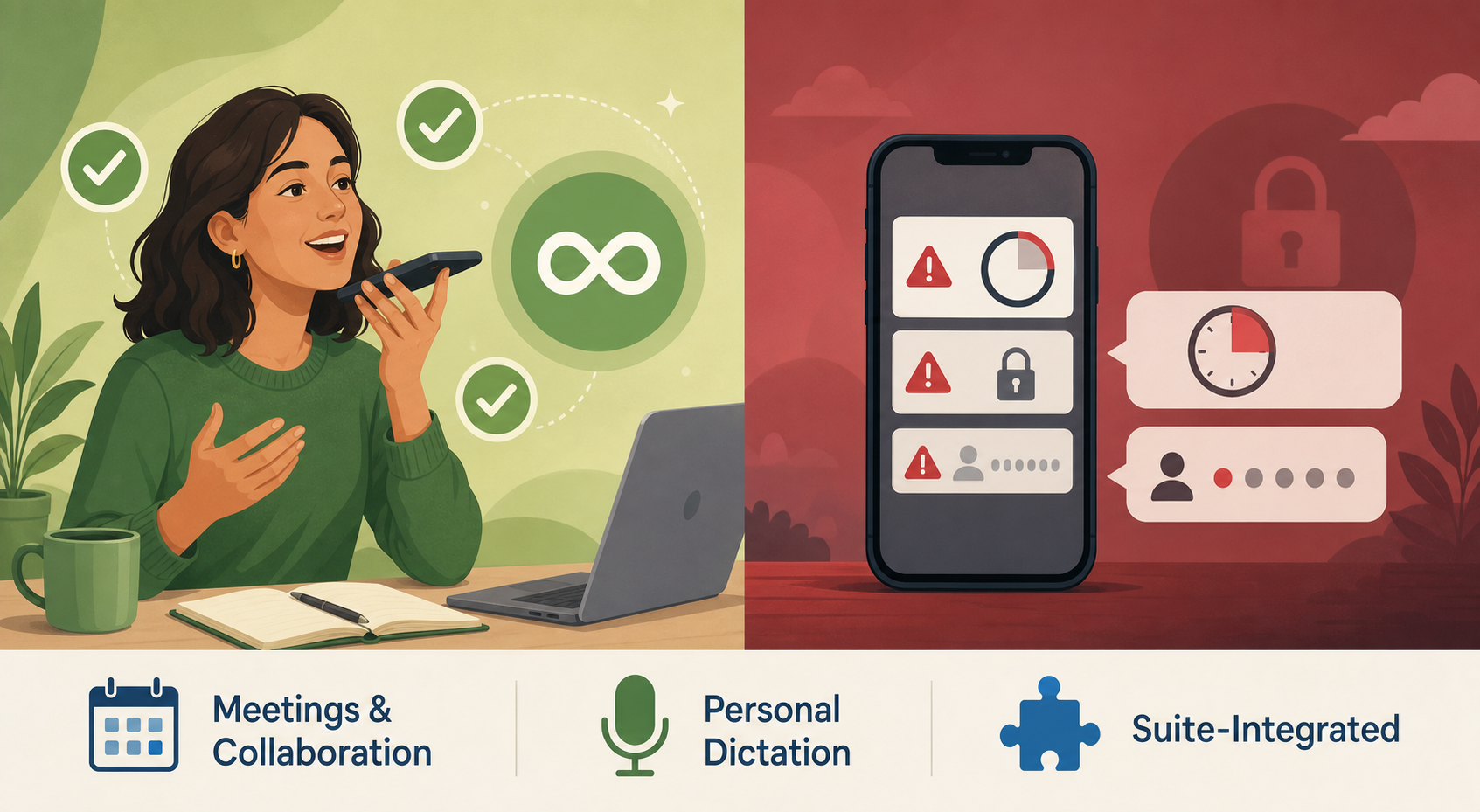
The promise is seductive: download an app, tap a button, and let AI turn your spoken words into organized notes — all without spending a cent. In practice, the fine print on most free tiers reads like a list of reasons to upgrade. A 30-minute cap per conversation means a single team standup eats half your allowed time. A "5 AI notes lifetime" limit means you exhaust the core feature in a single afternoon. And a 300-minute monthly quota sounds generous until you realize that two hours of weekly meetings leaves you with exactly zero minutes for personal dictation.
This isn't an accident. Free tiers in the voice-to-notes space are designed to demonstrate value, not to sustain daily use. The caps are calibrated to frustrate you into upgrading — and they work. But buried among the deliberately restrictive plans are a handful of genuinely useful free options that can handle real workloads without asking for a credit card. The trick is knowing which apps treat their free tier as a genuine product and which treat it as a marketing funnel.
The table below lays out the real limits of the most popular free voice-to-notes apps. Pay special attention to the "Gotchas" column — that's where the traps live.
Free Tier Comparison Table: Real Limits and Gotchas
| App | Monthly Cap | Per-Conversation Limit | Lifetime / Other Limits | Key Gotcha |
|---|---|---|---|---|
| Otter.ai | 300 min/month | 30 min per conversation | 3 lifetime audio imports | No multilingual support in free plan; one long meeting can consume 10-20% of monthly quota |
| Jamie | 10 meetings/month | 30 min per meeting | None | Meeting count resets monthly, but 30-min cap limits longer sessions |
| Fellow | N/A | N/A | 5 AI notes lifetime (not monthly) | Most restrictive of all tested — core AI feature is effectively a trial |
| Fireflies.ai | 800 min storage | None specified | None | Storage cap, not transcription cap; older recordings must be deleted to free space |
| Fathom | Unlimited | None | None | Genuinely unlimited free tier with automated summaries — rare in this space |
| Granola | Limited history | None specified | None | Free tier restricts access to past notes; exact limits not publicly documented |
| VoiceToNotes.ai | 10 notes/day | None | 10 AI operations/day | Daily cap resets every 24 hours — sufficient for personal use, not for heavy workloads |
| Google Recorder | Unlimited | None | None | Pixel-only; fully offline with searchable timestamps and speaker labels |
| Gboard | Unlimited | None | None | Raw unformatted text only — no summaries, no cleanup, no speaker labels |
| Apple Dictation | Unlimited | None | None | Raw text; offline on Apple Silicon Macs, cloud-dependent on Intel Macs |
| Speechnotes | Unlimited | None | None | Free with ads; premium at $9.90/year removes ads and adds export options |
A few patterns emerge from this data. First, the apps that target meeting capture (Otter, Jamie, Fellow, Fireflies, Granola, Fathom) universally impose some form of cap — except Fathom, which stands out as the only meeting-focused app with a genuinely unlimited free tier. Second, the apps that target personal dictation (Gboard, Apple Dictation, Google Recorder, Speechnotes) tend to be more generous because they don't offer AI summarization. And third, the apps that offer AI-powered cleanup and summaries (Otter, Jamie, Fellow, VoiceToNotes) are the ones with the tightest restrictions — because that's where the real cost lies.
Genuinely Useful Free Options: What You Can Actually Do
Not every free tier is a trap. The following apps offer genuinely useful free experiences — provided you match them to the right workflow. Here is what each one does well and where it falls short.
Gboard and Apple Dictation: Unlimited Raw Dictation
Gboard (Android's default keyboard) and Apple Dictation (built into iOS, iPadOS, and macOS) are the closest thing to truly unlimited free voice-to-text. Both are pre-installed on their respective platforms, require no account, and impose no monthly caps. PCMag names Gboard the Best Speech-to-Text App for Android and Apple Dictation the Best Speech-to-Text Tool for Apple Devices.
What they do well: Instant dictation in any text field. Gboard works in any Android app where you can type. Apple Dictation is available on Mac, iPhone, and iPad. On Apple Silicon Macs, dictation runs entirely offline for most common languages — a significant privacy advantage over cloud-dependent alternatives.
Where they fall short: Both produce what one source calls a "wall of text" — raw, unformatted transcription with no AI to fix grammar, remove filler words, or add punctuation. There are no summaries, no speaker labels, no action items. If you need structured notes from a meeting, these tools will not deliver.
Google Recorder: The Best Free Option for Pixel Owners
Google Recorder is the rare app that is both fully free and fully featured. It runs exclusively on Pixel devices, but for that audience it delivers searchable on-device transcripts with speaker labels and timestamps — all completely offline. OpenL ranks it as the Best free mobile option for voice transcription.
What it does well: Unlimited recording, offline processing, searchable transcripts, and speaker identification. No caps, no subscriptions, no data uploads. For lectures, interviews, and personal notes, it is arguably the best free transcription tool on any platform.
Where it falls short: Pixel exclusivity is the obvious limitation. Non-Pixel Android users and all iOS users cannot access it. Language support is also narrower than cloud-based alternatives — primarily English, with limited support for a handful of other languages.
VoiceToNotes.ai Free Tier: Daily Personal Notes
VoiceToNotes.ai offers a free tier with 10 voice notes per day and 10 AI operations per day. The daily cap resets every 24 hours, which makes it viable for personal journaling, quick reminders, and capturing ideas on the go — but not for back-to-back meetings or extended dictation sessions.
What it does well: The AI operations include summarization, cleanup, and formatting — features that Gboard and Apple Dictation lack entirely. For someone who needs structured notes from a few daily voice memos, this is a solid free option.
Where it falls short: The 10-note daily cap is firm. If you record 11 voice notes in a day, the 11th is either blocked or processed without AI features. The free tier also lacks advanced export options and team collaboration features.
Speechnotes: Free With Ads, Unlimited Dictation
Speechnotes is a straightforward web-based dictation tool that works in any browser. The free tier is supported by ads and offers unlimited dictation with basic punctuation controls. A premium upgrade at $9.90/year removes ads and adds export options like Google Drive sync.
What it does well: No account required, no monthly caps, and works on any device with a browser and microphone. It is a solid choice for quick drafts, email composition, and short-form dictation where you don't need AI summarization.
Where it falls short: The ad-supported experience can be distracting during longer dictation sessions. Like Gboard and Apple Dictation, it produces raw text without AI cleanup. It also lacks offline support — you need an active internet connection.
What You Can Realistically Do on Each Free Plan
The key to getting value from a free tier is matching the app to your actual usage pattern. A 30-minute per-conversation cap is fine for quick standup notes but useless for a 90-minute lecture. A 10-notes-per-day limit works for daily journaling but fails for a day of back-to-back client meetings.
| Use Case | Best Free App | Why It Works |
|---|---|---|
| Occasional short meetings (<30 min) | Jamie free or Otter free | 10 meetings/month (Jamie) or 300 min/month (Otter) covers light meeting schedules |
| Daily personal notes and journaling | VoiceToNotes.ai free | 10 notes/day with AI summarization — enough for daily capture |
| Unlimited offline transcription (Pixel only) | Google Recorder | Fully free, fully offline, no caps — best-in-class for supported devices |
| Quick dictation without formatting | Gboard or Apple Dictation | Unlimited, built-in, no account needed — ideal for short text input |
| Unlimited meeting notes with AI summaries | Fathom free | Only meeting-focused app with genuinely unlimited free tier and automated summaries |
| Ad-supported long-form dictation | Speechnotes | Unlimited, browser-based, no account — good for drafts and emails |
The pattern is clear: if you need AI-powered structure (summaries, action items, speaker labels), your free options are limited to Fathom (unlimited but meeting-focused), VoiceToNotes.ai (capped at 10/day), or the meeting apps with monthly caps. If you only need raw transcription, Gboard, Apple Dictation, Google Recorder, and Speechnotes give you genuinely unlimited access.
When You Must Pay: The Breaking Point of Free Tiers
Free tiers are not designed to scale. At some point, your usage will exceed the caps, and you will face a choice: adapt your workflow to fit the limits or pay for a plan that removes them. Here are the scenarios where free tiers consistently break down.
- Frequent meetings exceeding 30 minutes: Otter's 30-minute per-conversation cap and Jamie's 30-minute limit mean a single 45-minute standup requires either splitting the recording or upgrading. Fathom is the only meeting app without this cap on its free tier.
- Need for AI summaries and speaker labels: Gboard, Apple Dictation, and Speechnotes produce raw text only. If you need structured notes with action items and speaker attribution, you need an AI-powered app — and most of those cap their free tiers tightly.
- Multilingual transcription: Otter's free plan does not support multiple languages. If you work in a bilingual or multilingual environment, you may need a paid plan that offers broader language coverage.
- Team collaboration and shared notes: Free tiers on meeting apps typically limit sharing, team workspaces, and collaborative editing. If you need to share transcripts with colleagues or maintain a shared meeting notes repository, a paid plan is usually required.
- High-volume dictation: If you dictate more than 10 notes per day (VoiceToNotes cap) or exceed 300 minutes per month (Otter cap), the free tier becomes a bottleneck. Gboard and Apple Dictation handle unlimited volume but lack structure.
When you hit these limits, paid plans start at: Otter Pro at $16.99/user/month, Jamie at €47/month, Granola Business at $14/user/month, Fellow Team at $11/user/month, and Fireflies Pro at $18/seat/month. For a detailed comparison of paid meeting note-taking features, including bot vs. botless capture and compliance considerations, see our full AI meeting notes comparison.
Verdict: Which Free Voice-to-Notes App Should You Use?
There is no single "best" free voice-to-notes app because no single free tier serves every use case. The right choice depends on your device, your workflow, and whether you need AI structure or just raw text.
- Best for Pixel owners: Google Recorder — fully free, fully offline, unlimited, with searchable transcripts and speaker labels. No other free option comes close for this audience.
- Best for quick dictation: Gboard (Android) or Apple Dictation (iOS/macOS) — unlimited, built-in, no account needed. Use these when you need to capture text fast and don't need AI cleanup.
- Best for daily personal notes: VoiceToNotes.ai free tier — 10 notes per day with AI summarization is sufficient for journaling, idea capture, and daily reminders.
- Best for occasional short meetings: Jamie free (10 meetings/month, 30-min cap) or Otter free (300 min/month, 30-min per conversation) — both cover light meeting schedules without requiring a credit card.
- Best for unlimited meeting notes: Fathom free — the only meeting-focused app with genuinely unlimited recording and automated summaries. If you attend many meetings and want AI structure without paying, this is your only real option.
- Best for ad-supported long-form dictation: Speechnotes — unlimited, browser-based, no account. The ads are a minor annoyance for the freedom of no caps.
If you are also exploring typed and visual note-taking free plans, our comparison of free note-taking apps covers options like Notion, Obsidian, and OneNote — useful context if you want a complete note-taking system that includes both typed and voice input.