
Introduction: Why 'Free' Doesn't Always Mean Free
Every note-taking app on the market advertises a free plan. But the gap between what these plans promise and what they actually deliver is wide enough to swallow your entire workflow. For a Windows user on a budget — a student juggling lecture notes, a freelancer tracking project ideas, or a casual note-taker who just wants a reliable digital notebook — the wrong 'free' choice can mean hitting an artificial wall just when you need your notes most.
This comparison exists to cut through the marketing. We evaluated the free tiers of seven major note-taking apps specifically on Windows, focusing on the factors that matter most: native app quality, offline access, storage limits, device restrictions, and how aggressively each app pushes you toward a paid plan. The result is a clear line between genuinely usable free tools and those where 'free' is really just a trial.
Our top picks for Windows users who want a free plan that doesn't feel like a trap: Microsoft OneNote (full native app, 5GB storage, no note limits), Simplenote (truly free forever with unlimited notes), and Joplin (free and open-source with local-first storage). On the other side, Evernote and Notion offer free plans with significant limitations that make them unsuitable for serious, long-term use.
What to Look for in a Free Note-Taking App on Windows
Before diving into the apps, it helps to have a clear set of criteria. Not all free plans are evaluated the same way. For a Windows user, these five factors separate a genuinely useful free app from one that will frustrate you within a week.
- Native Windows app quality: A web-only app that runs in a browser tab is not the same as a native Windows application. Native apps offer better performance, offline reliability, and integration with system features like the taskbar, context menus, and pen input. Prioritize apps that provide a dedicated Windows desktop client.
- Offline access: If you work on a train, in a coffee shop with spotty Wi-Fi, or anywhere without a stable connection, offline access is non-negotiable. Some free plans restrict offline functionality to paid tiers only.
- Sync and storage limits: Free plans often cap storage (e.g., 5GB on OneNote) or limit how many devices you can sync. A 1-device limit means you cannot access your notes on both your laptop and phone without upgrading.
- Note and feature caps: Some free plans limit the number of notes you can create, the size of attachments, or access to features like handwriting, AI, or advanced formatting. These caps can make the app unusable for anything beyond casual list-making.
- Upgrade pressure: How aggressively does the app push you toward a paid plan? Frequent upgrade prompts, disabled features with 'upgrade to unlock' buttons, and artificial limits on basic functionality are signs that the free tier is designed as a marketing funnel, not a usable product.
For a broader look at how these apps compare across use cases, see our guide to the best note-taking apps for Windows in 2026, which covers paid and free options across different workflows.
Free Tier Comparison Table: What You Actually Get for $0
The table below summarizes the free tiers of seven popular note-taking apps. Use it as a quick reference to see which apps meet your baseline requirements before reading the detailed analysis.
| App | Free Storage | Device Limit | Offline Access | Native Windows App | AI Features | Upgrade Cost (Monthly) |
|---|---|---|---|---|---|---|
| Microsoft OneNote | 5GB (OneDrive) | Unlimited | Yes | Yes | No | Free (no paid tier needed) |
| Simplenote | Unlimited | Unlimited | Yes | Yes | No | Free (no paid tier exists) |
| Joplin | Local (unlimited) | Unlimited (local) | Yes | Yes | No | €2.99 (Joplin Cloud, optional) |
| Standard Notes | Unlimited (text only) | Unlimited | Yes | Yes | No | $9.99 (Productivity/Professional) |
| Google Keep | 15GB (shared) | Unlimited | Limited (web app) | No (web app) | No | Free (Google account) |
| Evernote | 60 MB/month upload | 1 device | Yes | Yes | No | $14.99 (Personal) |
| Notion | Unlimited pages | Unlimited | No | No (web/desktop wrapper) | No (paywalled) | $10 (Plus) |
Top Free Picks: Apps Where Free Is Actually Worth Your Time
These five apps offer free plans that are genuinely usable for daily note-taking on Windows. Each has its own strengths and trade-offs, but none of them will hit an artificial wall after a few weeks of use.
Microsoft OneNote: The Most Generous Free App on Windows
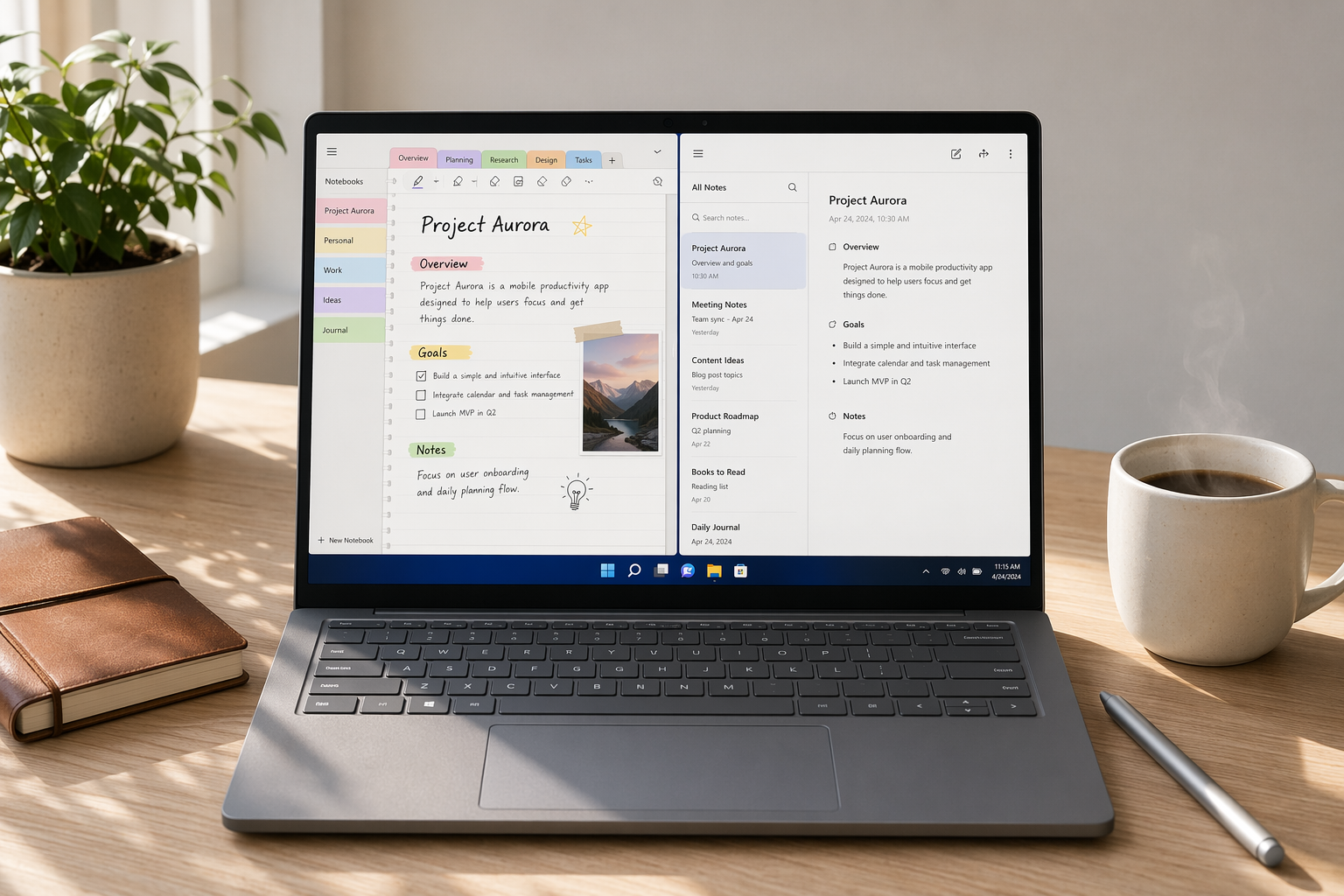
OneNote is the clear winner for Windows users who want a full-featured free app. It offers a native Windows application with no note limits, 5GB of free OneDrive storage, handwriting support, and full offline access. You can organize notes into notebooks, sections, and pages — the same structure that makes it a powerful tool for students and professionals alike.
According to Zapier, OneNote is the best free note-taking app with a great free plan that's widely available on every platform. PCMag also ranks it as the best overall note-taking app, noting that the free version includes all core features. The 5GB storage limit is generous for text-heavy notes, though it may fill up if you add many images or audio recordings.
- Best for: Students, knowledge workers, and anyone who needs a structured notebook system with handwriting support.
- Limitations: 5GB storage cap; no end-to-end encryption; Microsoft account required.
- Who should skip it: Users who need more than 5GB of free storage or prefer a privacy-first, open-source solution.
Simplenote: Truly Free, Forever
Simplenote is the most honest free app on this list. There is no premium tier. Every feature — unlimited notes, cross-device sync, version history, and tagging — is available to every user at no cost. It is a text-only app with minimal formatting, which is both its strength and its limitation.
PCMag describes Simplenote as 'the best for text-only notes, completely free with unlimited storage.' It is available on Windows, macOS, Linux, iOS, Android, and the web, making it one of the most cross-platform free options. If your note-taking is primarily plain text — meeting notes, ideas, to-do lists — Simplenote is hard to beat.
- Best for: Writers, developers, and anyone who needs fast, distraction-free text notes that sync everywhere.
- Limitations: No images, no handwriting, no rich formatting, no folders (tags only).
- Who should skip it: Users who need to embed images, draw diagrams, or organize notes in a hierarchical structure.
Joplin: Free and Open-Source, Local-First
Joplin is a free, open-source note-taking app that stores your notes locally by default. It supports Markdown, notebooks, tags, and attachments. You can sync across devices using your own cloud service (Nextcloud, Dropbox, OneDrive) or pay €2.99/month for Joplin Cloud, which adds end-to-end encryption and collaborative features.
PCMag calls Joplin 'the best open-source app, completely free, and stores notes locally by default.' Zapier also highlights it as a strong free option. For privacy-conscious Windows users who want full control over their data, Joplin's local-first architecture is a significant advantage over cloud-dependent apps like OneNote or Notion.
- Best for: Privacy-focused users, developers, and anyone who wants full control over their note storage.
- Limitations: No handwriting support; Markdown learning curve; sync setup requires technical comfort.
- Who should skip it: Users who want a polished, out-of-the-box experience with handwriting or rich media support.
Standard Notes: Privacy-First with a Generous Free Tier
Standard Notes offers a free plan that includes unlimited notes, cross-device sync, and end-to-end encryption for text content. The free tier is limited to plain text and basic formatting, but it is genuinely usable for daily note-taking. Paid plans ($9.99/month) unlock rich formatting, file attachments, and productivity features.
For Windows users who prioritize privacy, Standard Notes is a strong alternative to Simplenote. Both are text-first, but Standard Notes adds end-to-end encryption on the free tier, which Simplenote does not offer.
- Best for: Privacy-conscious users who want encrypted text notes that sync across devices.
- Limitations: No images, no handwriting, no rich formatting on the free tier.
- Who should skip it: Users who need rich media, attachments, or advanced organization features without paying.
Google Keep: Quick Capture, but Limited on Windows
For Windows users, the lack of a native app is a meaningful limitation. Offline access is limited, and the web app does not integrate with the Windows taskbar or pen input. Keep is best used as a supplementary tool for quick ideas, not as a primary note-taking system.
- Best for: Quick capture, shopping lists, voice memos, and casual note-taking on the go.
- Limitations: No native Windows app; limited offline access; basic organization (labels only, no notebooks).
- Who should skip it: Users who need a full-featured, offline-capable note-taking app on Windows.
Apps with Deceptive Free Tiers: When 'Free' Is a Trap
Not every free plan is designed to be useful. Some apps offer a free tier that is intentionally limited to push users toward a paid subscription. These apps may still be worth considering if you are willing to pay, but their free plans are not suitable for serious note-taking.
Evernote: The Poster Child for a Broken Free Plan
Evernote's free plan is the most restrictive among major note-taking apps. It limits you to 50 notes, 1 notebook, and 1 device, with a 60 MB monthly upload cap. Multiple sources are blunt about its usability. Zapier describes it as 'useless,' and PCMag says the free version 'isn't worth using.' Tech Insider confirms the 50-note cap and 1-device limit.
If you are a serious note-taker who creates more than a few notes per week, you will hit Evernote's limits within days. The paid Personal plan starts at $14.99/month, which is expensive compared to other apps that offer more generous free tiers or lower-cost paid plans.
- Who should still consider it: Users who are already invested in the Evernote ecosystem and are willing to pay for the Personal or Professional plan. The paid app is powerful, but the free tier is not a viable entry point.
Notion: Generous for Solo Users, but Missing Key Features
Notion's free Personal plan is generous in some ways — unlimited pages and blocks for solo use — but it has two critical gaps for Windows users: no offline access and no AI features. Notion AI is now bundled only into the Business tier, which starts at approximately AUD 30/user/month, according to Tech Insider AU and Storyflow.
The lack of offline access is a dealbreaker for anyone who works without a stable internet connection. Notion's desktop app is essentially a web wrapper, not a native Windows application. If you lose your connection, you lose access to your notes.
- Who should still consider it: Solo users who are always online and want a powerful database-style note-taking system. Notion's free plan is workable for project management, wikis, and collaborative documents — just not for offline note-taking.
Verdict by Persona: Which Free App Should You Choose?
The best free note-taking app depends on your specific needs. Use the decision framework below to find your match.
- You need offline access and handwriting support: Choose OneNote. It is the only free app that offers a full native Windows app with handwriting, offline access, and no note limits.
- You want a distraction-free text note app that syncs everywhere: Choose Simplenote. It is truly free forever with unlimited notes and no premium tier.
- You prioritize privacy and local storage: Choose Joplin (open-source, local-first) or Standard Notes (end-to-end encrypted). Both offer strong free tiers for privacy-focused users.
- You need quick capture and voice memos: Choose Google Keep. It is free and fast, but use it as a supplementary tool — not your primary note-taking system on Windows.
- You are a power user who needs databases and project management: Consider Notion's free plan, but only if you are always online. If you need offline access, look at OneNote or Joplin instead.
- You are considering Evernote: Do not start with the free plan. If you are willing to pay, Evernote is a capable app, but its free tier is too restrictive to evaluate properly. Start with OneNote or another free app instead.
Frequently Asked Questions
Can I use OneNote without a Microsoft account? No. OneNote requires a free Microsoft account to sync notes via OneDrive. You can create notes locally without an account, but they will not sync across devices.
Is Simplenote really free forever? Yes. Simplenote has no premium tier. All features — unlimited notes, cross-device sync, version history, and tagging — are available to every user at no cost. It is supported by the company behind WordPress.com.
Does Joplin have a mobile app? Yes. Joplin offers free mobile apps for iOS and Android. You can sync notes between your Windows desktop and mobile devices using your own cloud service (Nextcloud, Dropbox, OneDrive) or the optional Joplin Cloud service.
Can I upgrade from a free plan later without losing data? In most cases, yes. OneNote, Simplenote, Joplin, and Standard Notes allow you to upgrade without data loss. Evernote and Notion also support upgrades, but you may need to clean up notes if you exceed free-tier limits before upgrading.
What about Obsidian's free tier? Obsidian's core app is free for personal use, including local storage and all core features. However, its free tier is a different value proposition from the mainstream apps covered here. Obsidian is a power-user tool that relies on local Markdown files and a plugin ecosystem (over 1,500 community plugins). It does not offer built-in sync on the free tier — you need to pay $4/month for Obsidian Sync or use a third-party service. If you are a developer or advanced user comfortable with Markdown and local files, Obsidian is an excellent free option. For most Windows users looking for a simple, out-of-the-box free app, OneNote or Simplenote is a better starting point.