
Last verified: July 5, 2026. Pricing and plan limits for AI research tools change often, so treat the dollar figures here as decision support, not permanent contract terms.
The useful AI research assistant comparison in 2026 does not start with “Which tool is best?” It starts with a less glamorous question: what phase of the research workflow is currently at risk?
A tool that is excellent for discovery can still make a mess in synthesis. A writing model can improve a clumsy draft without being trustworthy enough to verify the claims inside it. A citation tool can tell you how a paper has been used by later literature, but that does not mean it should write your introduction. The cleanest 2026 setup is usually a small stack: one tool for finding or extracting sources, one for grounded synthesis or verification, and, when the project needs it, one general model for drafting and critique.
If you already think in terms of tool chaining, the broader AI productivity stack frame applies here, but research work has a stricter standard: every fluent sentence eventually has to survive a citation check.
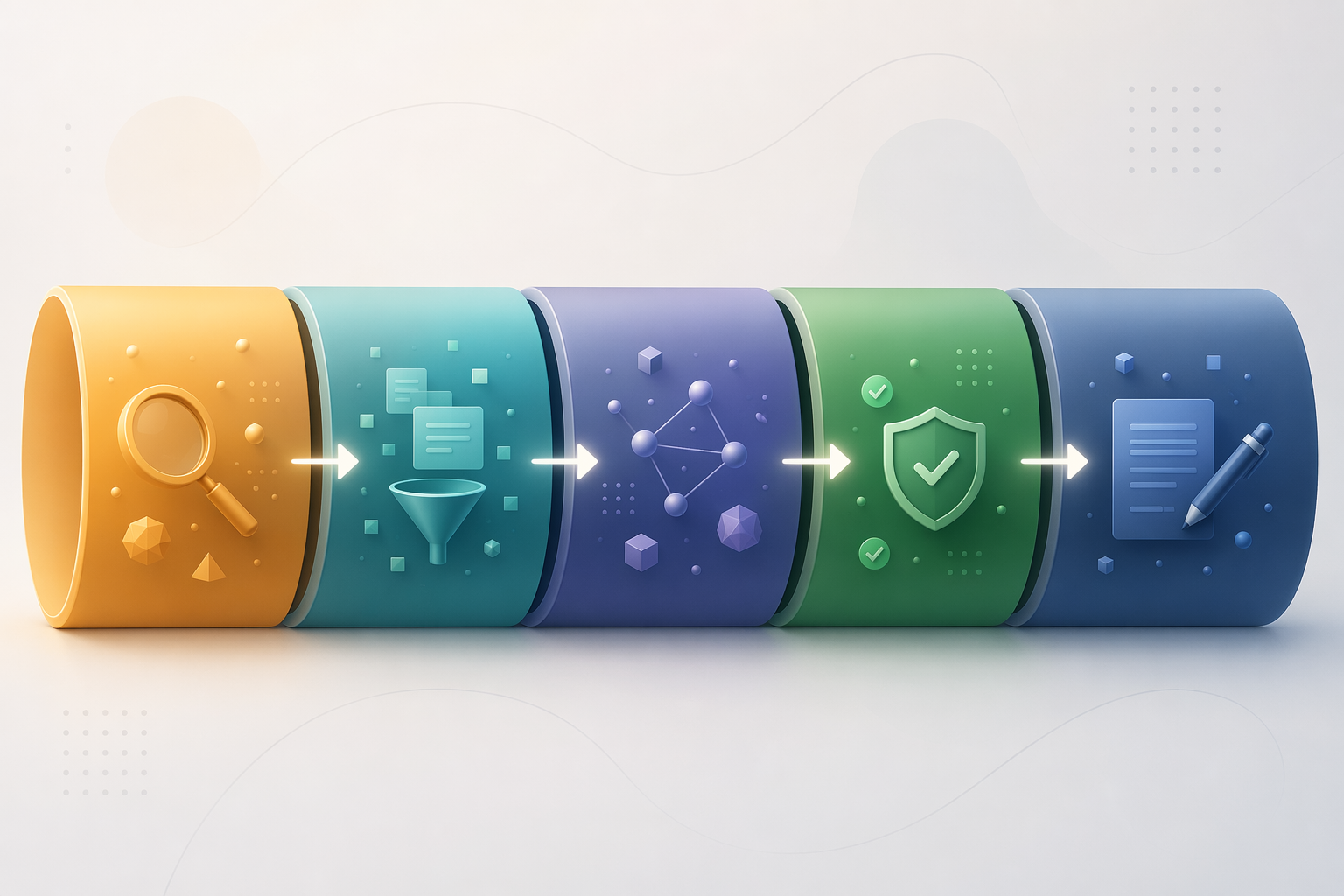
Quick Comparison: Match the Tool to the Research Phase
| Research phase | Best-fit tools | Typical 2026 cost | Use when | Not for you if |
|---|---|---|---|---|
| Discovery | Semantic Scholar, Research Rabbit, Perplexity Pro, Consensus | Free to $20/mo; Consensus Premium $8.99/mo; Perplexity Pro $20/mo | You need to find relevant papers, map adjacent literature, or get a fast read on what exists | You need defensible extracted variables or a final source-grounded synthesis |
| Extraction | Elicit | Free Basic; Plus $12/mo; Pro $49/mo; Scale $169/mo | You need repeatable evidence tables, custom extraction columns, or screening support across many papers | You mainly need prose drafting or open-ended brainstorming |
| Synthesis | NotebookLM, Elicit, Claude Projects, ChatGPT Plus | NotebookLM Standard free; Claude Projects $20/mo; ChatGPT Plus $20/mo | You have a known source set and need themes, comparisons, summaries, or draft structure | Your source set is unstable or you still need to verify whether the cited papers support the claim |
| Verification | Scite, Consensus, Atlas, Elicit | Consensus $8.99/mo; Scite Personal $20/mo; Elicit tiers vary | You need to check claims, citation behavior, support or contrast in later literature, or whether a statement is too broad | You only want a conversational answer without inspecting evidence |
| Drafting | Claude Projects, ChatGPT Plus, NotebookLM for source-grounded notes | $20/mo for Claude Projects or ChatGPT Plus; NotebookLM Standard free | You need long-form argument control, memo structure, transitions, or critique of a draft | You expect the drafting model to replace citation review |
That table is deliberately uneven. Some tools appear in more than one phase because they can help at the boundary between tasks. The mistake is letting that boundary blur into a general permission slip. Source-grounded synthesis is not the same as verification. Discovery is not extraction. Drafting is not evidence review.
The Verification Benchmark Is Useful, With One Important Caveat
The most concrete benchmark available here is Atlas Workspace’s 2026 hallucination-to-verification ratio, or H/V ratio. Atlas describes a 200-paper corpus across three subject areas and reports lower ratios as better: Atlas at 0.05, Elicit at 0.07, Consensus at 0.09, Scite at 0.11, SciSpace at 0.16, and Semantic Scholar at 0.18. Its stated interpretation is that tools below 0.1 are strong for academic use.[1]
That is valuable because it looks at the behavior researchers actually have to clean up: unsupported or badly grounded claims. It is also not a neutral public benchmark. Atlas is a vendor and Atlas is included as a competing tool in the ranking. The right use of the benchmark is to treat it as one verification-oriented signal, not as a final league table for the whole workflow.
The ranking still tells us something practical. Elicit and Consensus look safer than general discovery tools when the task is close to academic claim support. Scite’s slightly higher ratio does not erase its distinct value, because its main job is different: it analyzes citation statements and classifies how later papers cite earlier ones. Semantic Scholar remains useful for discovery, even if the H/V ratio is not where you would want a final verifier to sit.
Discovery: Breadth Is Useful Until It Pretends to Be Certainty
Discovery is the phase where a little looseness can be productive. You are trying to learn the vocabulary of a field, identify recurring authors, notice adjacent debates, and collect a first source set. Free tools such as Semantic Scholar and Research Rabbit are still useful here because they reduce the blank-page problem without adding another monthly subscription.
Perplexity Pro belongs in this phase when you want a fast web-and-source search experience, especially for policy, business, or cross-disciplinary topics where the literature is not confined to journal databases. It costs $20 per month in the July 2026 pricing checked for this article, while verified .edu students were reported to be eligible for 12 months free through SheerID, a $240 value. The same student-pricing source notes that an earlier referral extension offering up to 24 months ended May 31, 2026, so anyone relying on that discount should confirm the current terms before building a budget around it.[2]
Consensus also works near discovery, but its better role is narrower: quick checks against peer-reviewed literature. Available comparison data reports a corpus of more than 200 million peer-reviewed papers and an evidence meter designed for fast claim-level interpretation.[3] That makes it helpful when the question is already shaped enough to ask, “What does the literature say about this claim?” It is less useful when you still need to construct a careful extraction table from a defined paper set.
The stopping rule for discovery is simple: stop when you have a traceable candidate set, not when the assistant sounds confident. At that point, the workflow should move into extraction or synthesis, and the tool should change with it.
Extraction: Elicit Earns Its Place When the Table Matters
Extraction is where many research workflows either become usable or become expensive to repair. The task is not “summarize these papers.” It is closer to: identify the sample, method, intervention, outcome, limitation, population, date range, or finding across many sources, then put those answers into a structure that another person can inspect.
Elicit is the strongest fit here because its core value is structured evidence work. Paperguide’s comparison reports coverage of more than 138 million papers and emphasizes custom-column evidence tables, which is exactly the interface you want when the next step depends on consistent fields rather than polished prose.[4]
The pricing also reflects that split between casual use and serious review work. Elicit Basic is free but limited to 2 extraction columns and 2 reports per month. Plus is listed at $12 per month, Pro at $49 per month, and Scale at $169 per month for systematic review teams screening roughly 5,000 to 40,000 papers.[3]
The important point is not that Elicit has a large paper count. Large coverage matters only because it supports a phase where missing or inconsistently extracted studies can distort the review. If your project needs a defensible evidence table, Elicit is worth considering before paying for another conversational model. If your project is a short market memo with a handful of known sources, the free tier or a lighter tool may be enough.
Synthesis: NotebookLM Changes the Budget Math
Synthesis begins after the source set is stable enough that the main question is no longer “What exists?” but “How do these materials fit together?” This is where NotebookLM is unusually attractive, especially for students and small teams that cannot justify a full paid stack.
NotebookLM Standard is reported as permanently free after the 2026 pricing restructure, with 100 notebooks, 50 sources per notebook, and 50 daily chats.[5] Those limits are generous enough for many class projects, internal briefs, and early literature reviews. More importantly, NotebookLM’s value comes from working inside a bounded source set. That does not make every answer automatically correct, but it reduces the chaos of asking an open web model to synthesize a field it may not have actually read.
This is the point where the narrower NotebookLM vs ChatGPT vs Perplexity comparison becomes useful. In a research stack, those tools should not be treated as interchangeable: NotebookLM is strongest when you bring the source set, Perplexity is stronger when you need fresh discovery, and ChatGPT is stronger when you need flexible reasoning or drafting once the evidence is in hand.
For synthesis, the safest use pattern is to ask for mapped relationships rather than final conclusions. Ask which studies group together, which findings are in tension, which terms are used differently, or which sections of a memo each source might support. Then inspect the cited source passages before the wording migrates into the final draft.
Verification: Scite and Consensus Do Different Jobs
Verification is the phase that gets underestimated because it feels like cleanup. It is not cleanup. It is the part that determines whether the final claim can be defended when someone asks, “Where did that come from?”
Scite is different from ordinary academic search because it looks at citation statements, not just papers. Paperguide’s comparison reports more than 1.2 billion citation statements analyzed across supporting, contrasting, and mentioning categories.[4] That matters when a paper is heavily cited but not necessarily accepted in the way a superficial citation count implies. A method paper, a controversial finding, and a widely criticized article can all look important in a basic search result. Scite helps separate attention from support.
Consensus is more useful when you want a quick, claim-shaped read against peer-reviewed literature. Its evidence meter is designed for that kind of first-pass interpretation.[3] If a policy analyst needs to know whether a claim is broadly supported before adding it to a briefing note, Consensus can be faster than assembling a citation-behavior map. If a graduate student needs to understand whether later papers support or challenge a specific study, Scite is the sharper instrument.
The costs are close enough that the choice should be about the task. Consensus Premium is listed at $8.99 per month, while Scite Personal is listed at $20 per month with no free plan and a 7-day trial.[3] For occasional claim checks, Consensus is easier to justify. For literature reviews where citation context will change the interpretation of a field, Scite earns its place.
Drafting: Use Claude or ChatGPT After the Evidence Trail Exists
Claude Projects and ChatGPT Plus are not second-rate research tools just because they should not be the final verifier. They are often better than specialist tools at turning a stable evidence base into a readable memo, literature review section, grant background, or argument outline. July 2026 pricing places both Claude Projects and ChatGPT Plus at $20 per month.[3]
Their strongest role is argument control: reorganizing sections, identifying unsupported leaps, proposing clearer transitions, pressure-testing an outline, or turning a dense extraction table into prose that a real reader can follow. A drafting model can also help identify where a paragraph is making two claims but citing only one source.
The boundary should stay visible. If a drafting model invents or smooths over citations, it has created remedial work. If it rewrites a verified paragraph so that the claim becomes broader than the evidence, it has made the paper worse while making the prose sound better. Treat the model as an editor and reasoning partner after extraction and verification, not as the owner of the evidence trail.
Recommended 2–3 Tool Stacks by Budget and Project Type
A good stack should have low overlap. Paying for five tools that all generate confident summaries is less useful than paying for two tools that handle different risks. The right combination depends on whether your bottleneck is finding sources, extracting structured evidence, checking claims, or writing the final document.
Free or Near-Free Student Stack
- Discovery: Semantic Scholar or Research Rabbit.
- Synthesis: NotebookLM Standard, using uploaded papers, PDFs, notes, or source packets.
- Extraction: Elicit Basic if the project needs only light evidence tables.
- Optional: Perplexity Pro only if the current student offer is still available through verification at signup.
This stack is good enough for many class papers, early thesis scoping projects, and small literature scans. Its weakness is verification depth. If the paper depends on contested claims or citation context, the student will still need manual checking or temporary access to Scite, Consensus, or institutional databases.
$20-ish Monthly Stack for General Knowledge Work
- Discovery: Perplexity Pro or free academic search, depending on whether web freshness matters.
- Synthesis: NotebookLM Standard for bounded source work.
- Drafting: ChatGPT Plus or Claude Projects, but not necessarily both.
This is the practical setup for many consultants, nonprofit analysts, and workplace researchers who need better briefs but are not running systematic reviews. The main decision is whether the $20 goes to discovery or drafting. If the work starts with messy web research, choose Perplexity Pro. If the sources are already known and the pain is turning them into clean prose, choose Claude Projects or ChatGPT Plus.
Student or Graduate Research Stack With Claim Checking
- Extraction: Elicit Plus or Pro, depending on volume.
- Verification: Consensus Premium for quick claim checks, or Scite Personal when citation context matters.
- Synthesis: NotebookLM Standard for working inside the source set.
This is the most balanced academic stack. Elicit handles the table-building that makes later writing defensible. NotebookLM helps work through the source set without starting from an empty document. Consensus or Scite adds a verification layer before claims become too polished to question.
Systematic Review or Team Screening Stack
- Extraction and screening: Elicit Pro or Scale.
- Citation intelligence: Scite Personal or team access where available.
- Drafting and critique: Claude Projects or ChatGPT Plus after the screening and extraction rules are stable.
This is where price sensitivity should be tied to labor cost. Elicit Scale at $169 per month is hard to justify for a casual paper and much easier to justify for a team screening thousands of papers. The relevant comparison is not “free versus expensive”; it is whether the paid tool reduces hours of duplicate screening, cleanup, and citation repair. For a broader look at when AI subscriptions actually pay for themselves, see the site’s AI productivity ROI comparison.
Selection Rules That Prevent Overbuying
Before adding another subscription, name the phase it will own. If two tools are both being purchased for “research help,” the stack is probably under-designed. If one tool owns extraction and another owns verification, the overlap is easier to defend.
- If the source set is still forming, prioritize discovery tools and avoid treating early synthesis as final.
- If the project needs a table of comparable evidence, prioritize Elicit before paying for another drafting model.
- If claims must survive scrutiny, add Consensus or Scite rather than relying on a general chatbot’s citations.
- If the sources are already selected, use NotebookLM before spending money on a broader search assistant.
- If the prose is the bottleneck, use Claude Projects or ChatGPT Plus after the evidence trail is stable.
The best AI research assistant setup in 2026 is rarely a single winner. It is a small, phase-aware stack whose tools do not duplicate each other: one for finding or extracting sources, one for grounded synthesis or verification, and maybe one drafting model when the argument needs shaping.
References
- 7 Best AI Research Assistants (2026): Hallucination-Verified — Atlas Workspace
- Best AI Research Assistant for Students in 2026: 10 Tools Tested — Zemith, January 2026
- Best AI for Researchers in 2026: 10 Tools Compared by Category — PapersFlow
- Elicit vs Scite: Complete Comparison for Researchers (2026) — Paperguide
- NotebookLM Pricing 2026: Free vs Plus vs Pro vs Ultra — Fello AI