
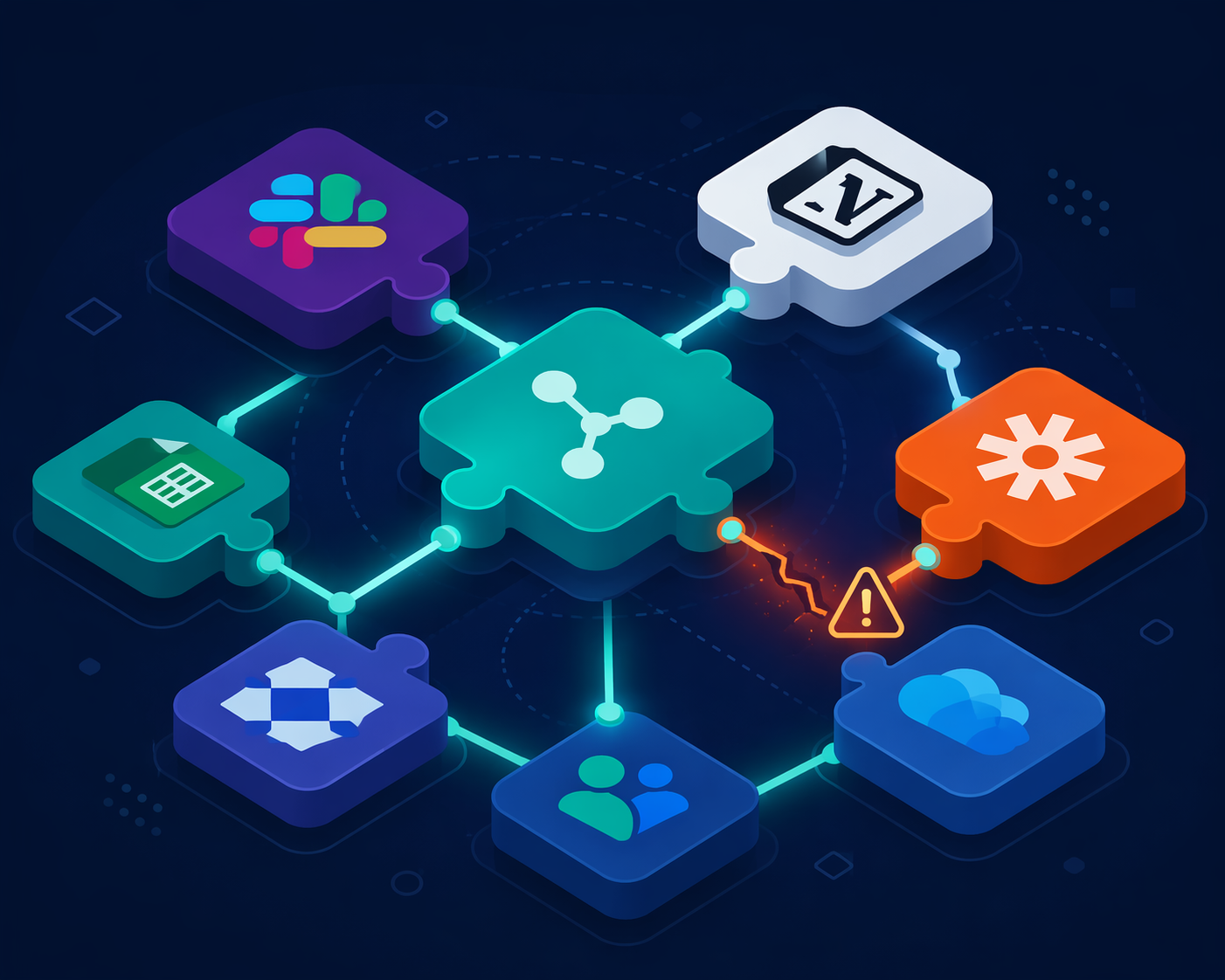
A new workflow usually enters quietly. Someone connects a Notion database to Zapier so customer notes can create follow-up tasks. A Slack bot gets approved because it summarizes standups. An AI note-taker joins recurring calls because nobody wants to write minutes. A browser extension promises to move text from one tab to another without another copy-paste ritual.
That moment feels like app setup. Operationally, it is also supply chain expansion. The tool now sits between people, files, messages, calendars, transcripts, tickets, and sometimes customer data. If it authenticates through OAuth, it may keep working long after the person who approved it has forgotten the approval screen.
This is why the practical answer to how to secure a supply chain from cyberattacks starts with the productivity stack, not with a procurement policy. Black Kite's 2026 report says the average knowledge worker uses 6 to 10 SaaS tools daily, and also reports that 78% of organizations cover less than 50% of their vendor ecosystem.[1] That gap is where small teams actually live: plenty of useful tools, incomplete records, and no one quite sure which integrations still have access.
Your Stack Is Already a Supply Chain
A supply chain cyberattack does not have to begin with your company being directly targeted. It can begin with a vendor, plugin, integration, package, or managed service that your team already trusts. In a productivity environment, that trusted layer might be a workflow automation platform, a shared workspace, a transcription tool, a CRM connector, or a small utility that only one department uses.
The uncomfortable part is not that every tool is dangerous. Most teams need integrations to function. The problem is that integrations inherit trust faster than teams document it. A tool that starts as a convenience can become part of onboarding, reporting, customer support, billing, or leadership meetings before anyone writes down what it can read, write, export, or delete.
The Drift and Salesloft OAuth token incident is the cleanest warning shot for this kind of stack. Group-IB reported that compromised OAuth tokens connected to Drift and Salesloft cascaded into more than 700 downstream organizations in 2025.[2] The lesson is not "never use OAuth." The lesson is that a trusted connection can become a route into many customers and partners at once, especially when tokens grant persistent access across systems.
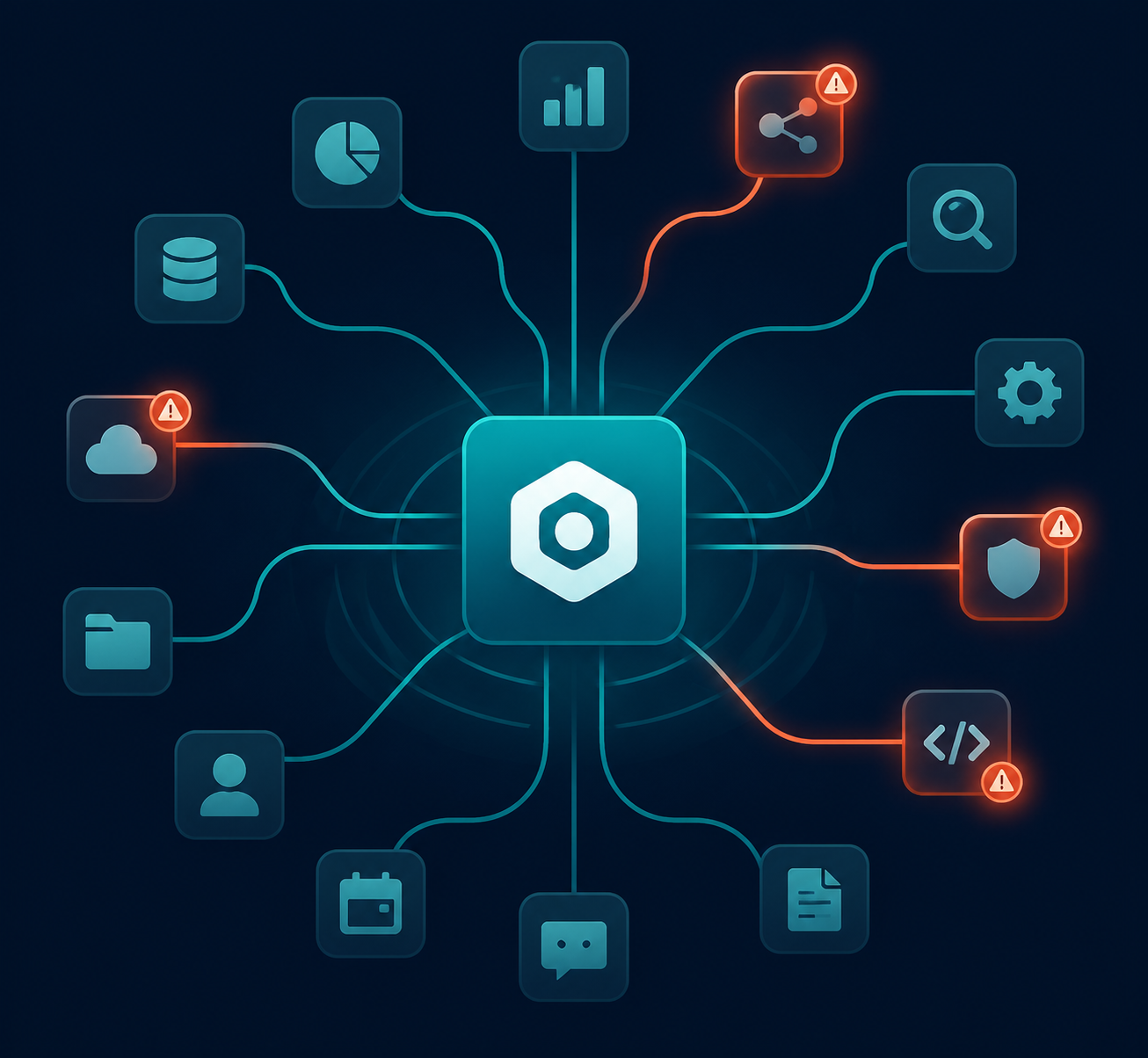
That pattern maps directly onto ordinary SaaS work. A Zapier connection might touch Gmail, Slack, HubSpot, Airtable, and Google Sheets. A Notion integration might read workspace pages that include product plans, hiring notes, customer research, and meeting summaries. A note-taking assistant might receive the transcript first, then push summaries into multiple destinations. Once that happens, the question is no longer "Do we trust the app?" It becomes "Do we understand the chain of access we just created?"
The Risk Lives in Permissions, Tokens, and Forgotten Workflows
Small teams often review the visible product and miss the invisible relationship. They compare features, pricing, templates, and AI output quality. They rarely inspect whether the app asks for read-only access or full write access, whether it can access all workspace content or only selected records, whether tokens expire, or whether a contractor's approval created an integration no current employee owns.
OAuth makes this both useful and easy to underestimate. It lets tools connect without sharing passwords, which is good. It also creates long-lived delegated access, which means a third-party compromise can matter even if your own users did not click a phishing link. If the connected app can read transcripts, export files, post messages, update tickets, or trigger automations, the attacker may not need a traditional login to cause damage.
There is another layer below the SaaS interface. Tools such as n8n, browser extensions, AI plugins, and automation platforms may depend on open-source packages and plugin ecosystems. The Shai-Hulud npm worm, referenced in 2026 supply chain discussions, is a reminder that dependency compromise can spread beneath the polished app layer. For a non-developer operations lead, the takeaway is modest but important: when a tool supports community plugins, self-hosted extensions, or custom packages, those additions belong in the same inventory as the main app.
Translate the Enterprise Framework Into a Two-Page Checklist
NIST CSF 2.0 includes supply chain risk management under its Govern function. Two subcategories are especially useful outside enterprise procurement: suppliers should be known and prioritized by criticality, and suppliers should be monitored throughout the relationship lifecycle.[3] The UK's NCSC supply chain guidance is similarly usable because it groups the work into understanding risk, establishing control, checking arrangements, and improving over time.[4]
For a small team, that can become a two-page working checklist instead of a compliance program. Page one is the inventory: what the tool is, who owns it, what it connects to, and what data it touches. Page two is the review: how critical it is, what vendor signals are available, what permissions are excessive, and when the team will revisit the decision.
| Lens | Question | What to record |
|---|---|---|
| Discoverability | Do we know this tool exists and what it connects to? | Owner, approver, connected apps, OAuth scopes, data touched, renewal date |
| Criticality | What breaks or leaks if this tool is compromised? | Workflow dependency, data sensitivity, write/delete ability, customer or employee impact |
| Vendor posture | What can we reasonably check before approval? | Security page, SOC 2 or ISO claim if available, incident history, SSO/MFA support, data retention, subprocessors |
| Continuous monitoring | How do we avoid treating approval as permanent? | Review cadence, permission changes, user departures, vendor alerts, replacement or removal decision |
Discoverability: Find the Tools Before You Judge Them
The first control is embarrassingly basic: write the tools down. Not just the official stack. Include the Slack apps, Chrome extensions, AI meeting assistants, Zapier zaps, Make scenarios, Notion integrations, Google Workspace add-ons, Calendly routing rules, embedded forms, and single-purpose utilities that one team adopted during a busy week.
A usable inventory does not need fifty columns. It needs enough information for a future cleanup. The minimum record is: tool name, business purpose, owner, approver, users, connected systems, permission level, data touched, billing owner, contract or renewal date, and last review date. If no one can name the owner, the tool is already unmanaged.
Start where forgotten access hides. Check workspace admin panels for connected apps. Review OAuth grants in Google Workspace or Microsoft 365. Export Slack app lists. Look at Zapier, Make, or n8n histories. Ask finance for recurring SaaS charges. Ask team leads which tools are required for onboarding. The goal is not a perfect map on day one; it is to stop pretending the official software list is the real software list.
Criticality: Rank by Blast Radius, Not by Price
The cheapest tool in the stack can be the riskiest if it sits in the middle of sensitive workflows. A free meeting bot with transcript access may matter more than a paid design tool. A small automation that can update CRM records may deserve more attention than a large platform used only for public marketing drafts.
Criticality should answer two plain questions: what data could be exposed, and what work would stop or be corrupted? A tool that only reads public web pages is different from one that reads customer support tickets. A tool that creates draft tasks is different from one that can send emails, change billing records, or delete files. A tool used by one person for convenience is different from one embedded in onboarding, revenue operations, or incident response.
- Low criticality: limited users, low-sensitivity data, no write access, easy manual workaround.
- Medium criticality: department workflow dependency, some customer or employee data, limited write access, replacement would be inconvenient.
- High criticality: broad workspace access, sensitive data, automation authority, customer-facing impact, or no realistic short-term workaround.
This ranking keeps the work manageable. A five-person team does not need to review every icon in the browser toolbar with the same intensity. It does need to know which tools can read the company memory, trigger actions across systems, or expose customers if a vendor account is compromised.
Vendor Posture: Check the Signals a Small Team Can Actually Check
Most small teams cannot perform deep vendor security assessments. That is not a reason to approve tools blindly. It means the review should focus on visible, decision-useful signals and should become stricter as criticality rises.
For a low-criticality tool, the review may be simple: does the vendor have a security page, clear privacy terms, MFA support, and a way to delete data? For a high-criticality tool, ask more. Does it support SSO or SCIM if the team needs centralized access later? Does it publish subprocessors? Does it explain data retention? Does it offer audit logs? Does it limit OAuth scopes, or does it ask for broad workspace access when the feature only needs one database?
A security certificate or trust center should not end the review. Vendor posture is not a badge hunt. It is a sanity check against the access being requested. If a new AI assistant wants all-channel Slack history to summarize one weekly meeting, the permissions and the purpose do not match. If a Notion integration can be scoped to one workspace area instead of the entire company wiki, choose the smaller scope even when the broader approval button is faster.
The vendor posture page should also record what the team could not verify. If there is no security documentation, no named company behind the tool, no deletion process, or no way to contact support, that does not automatically ban the tool. It does change where the tool belongs: probably not inside customer data, employee records, or company-wide knowledge bases.
Continuous Monitoring: Approval Is Not the End of the Relationship
One-time approval is the habit that supply chain attackers benefit from. Black Kite reports that attackers exploit vulnerabilities an average of 7 days before public disclosure, which makes annual or ad hoc review a weak safety net.[1] SecurityScorecard's 2026 trends report adds that 60% of organizations still take 8 or more days to remediate high-severity issues because they rely on manual communication.[5]
A small team does not need a security operations center to improve this. It needs a review rhythm and a removal habit. High-criticality tools should have a named owner and a calendar reminder. When people leave, their app approvals and automation ownership should be checked alongside email, documents, and payroll systems. When a vendor changes pricing, gets acquired, adds AI processing, changes subprocessors, or asks for new permissions, that is a review event, not a notification to ignore.
- Monthly: remove unused apps, failed experiments, and orphaned automations.
- Quarterly: review high-criticality tools, OAuth scopes, admin users, and data retention settings.
- During offboarding: transfer or disable automations owned by the departing person.
- Before expanding use: recheck permissions when a tool moves from one team to company-wide use.
- After vendor news: review exposure if the vendor reports an incident, ownership change, major integration change, or new data-processing feature.
Apply the Checklist Before the Next Integration
Imagine a team wants to add an AI meeting assistant that joins customer calls, summarizes decisions, and sends action items into Slack and Notion. The feature sounds helpful. The supply chain review asks what the approval screen usually hides.
- Discoverability: Who owns the tool, which calendars can it join, where do transcripts go, and which Slack or Notion spaces can it write to?
- Criticality: Are calls internal only, or do they include customers, candidates, legal discussions, product plans, or support escalations?
- Vendor posture: Does the vendor explain retention, deletion, model training, subprocessors, admin controls, and incident notification?
- Continuous monitoring: Who reviews access next quarter, and what happens when the person who installed it changes teams or leaves?
The decision might still be yes. But it may become yes with limits: only selected meetings, no automatic joining, one dedicated Notion database, no private-channel Slack access, transcript deletion after a defined period, and a quarterly review. That is the point of the framework. It changes approval from a vibe into a traceable decision.
What to Put on the Two Pages
The checklist can live in a spreadsheet, Notion table, Airtable base, or whatever system the team already maintains. The format matters less than ownership. If the inventory becomes another abandoned admin artifact, it will age exactly like the tools it is supposed to control.
| Page | Field | Why it matters |
|---|---|---|
| Inventory | Tool name and URL | Prevents vague references such as "the Slack bot" or "that AI notes thing." |
| Inventory | Business purpose | Shows whether the tool still earns its access. |
| Inventory | Owner and backup owner | Gives someone responsibility for review, renewal, and removal. |
| Inventory | Connected systems | Maps the chain of access across Slack, Notion, Google Workspace, CRM, calendars, and automation tools. |
| Inventory | Data touched | Separates public content from customer data, employee data, transcripts, credentials, and financial records. |
| Inventory | Permission level | Highlights read, write, delete, export, admin, and all-workspace access. |
| Review | Criticality rating | Prioritizes tools by workflow and data impact rather than subscription cost. |
| Review | Vendor signals checked | Records security page, MFA, SSO, audit logs, retention, deletion, subprocessors, and incident contact. |
| Review | Approval conditions | Captures limits such as scoped access, selected workspaces, or no customer-call recordings. |
| Review | Next review date | Turns monitoring into a calendar event instead of a memory test. |
Do not overbuild the first version. A checklist that gets used beats a vendor-risk database that nobody opens. Start with the tools that touch the most data or automate the most work, then pull in lower-risk utilities as the inventory stabilizes.
The Approval Standard
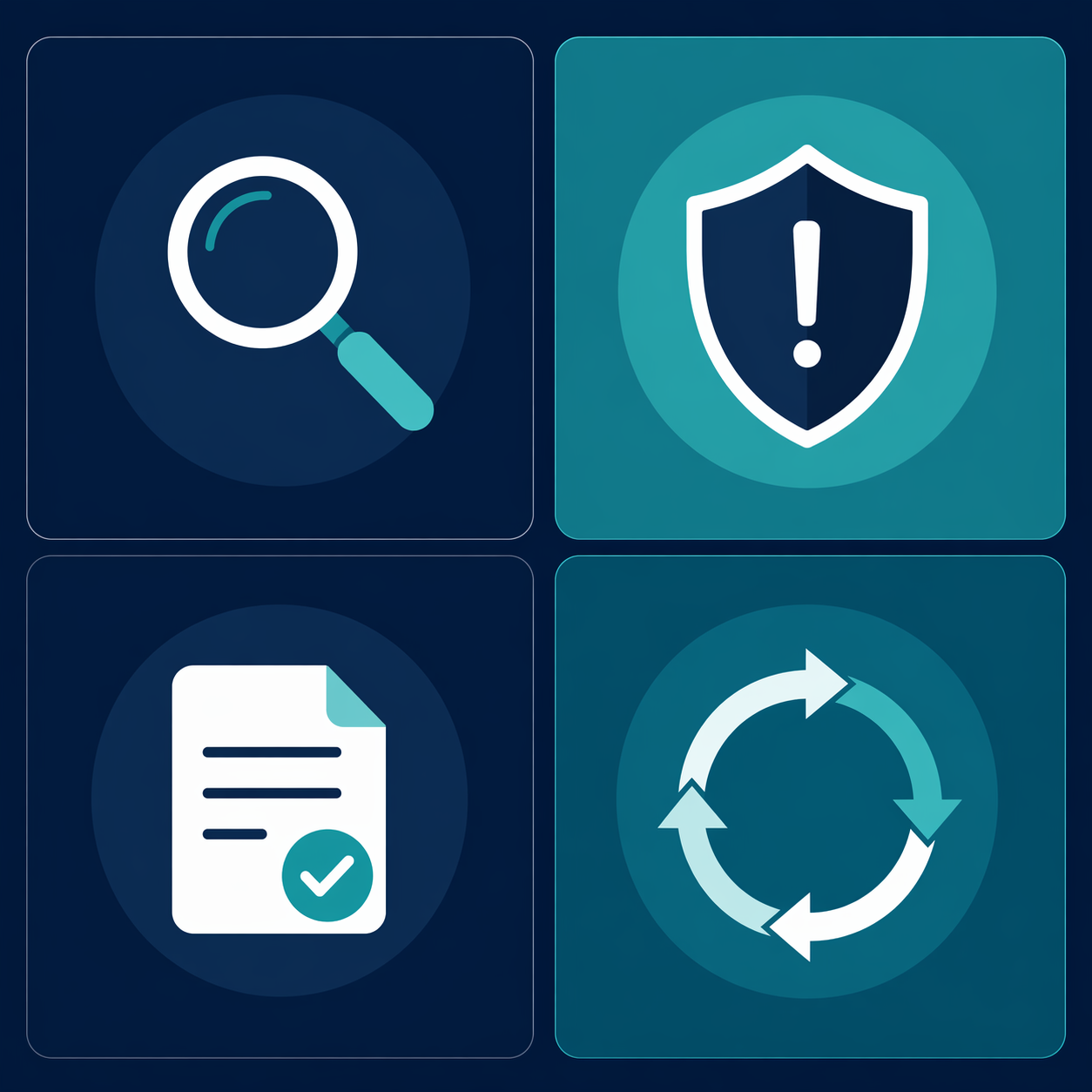
A productivity tool should be able to answer four questions before it becomes part of the operating system: can the team name it, can the team explain what it touches, can the team justify how critical it is, and can the team remember to review it later?
That standard will not eliminate supply chain risk. It will not replace professional security review for regulated data, enterprise contracts, or systems that handle credentials, payments, health information, or sensitive customer records. It does, however, remove the most common small-team failure mode: approving helpful tools as if their access disappears after setup.
The useful posture is calm and slightly stricter than the default. Inventory the stack. Rank tools by data access and workflow importance. Check basic vendor signals before approval. Revisit the tools that keep running in the background. A Slack bot, Notion integration, Zapier connection, or AI assistant may be worth using; it just should not be invisible.
References
- 2026 Supply Chain Vulnerability Report, Black Kite.
- Supply Chain Attack Groups 2026, Group-IB.
- NIST CSF 2.0 Updated Third-Party Supply Chain Risk Management, RiskRecon.
- Supply chain security, National Cyber Security Centre.
- 2026 Supply Chain Cybersecurity Trends Report, SecurityScorecard.
Comments
Join the discussion with an anonymous comment.