
Phantom energy is the household version of a calendar full of soft holds, notification badges, and subscriptions nobody remembers approving. Each drain looks too small to matter in isolation. Together, they create a background cost that keeps running after the useful work is done.
That is the useful way to approach how to reduce phantom energy cost at home: not as a moral audit of every plug, and not as a new hobby with dashboards, but as a short cleanup of the devices that keep drawing power while they appear to be off. Phantom loads are commonly estimated at 5% to 10% of residential electricity use, with DOE data cited by EnergySage putting the cost at about $92 to $183 per year for an average U.S. household.[1] Columbia Climate School describes the same problem room by room: entertainment gear, office equipment, kitchen electronics, and smart-home devices that remain partially awake for convenience.[2]
The practical target is smaller than the headline number. A household that catches the obvious high-idle clusters may save something like $75 to $100+ per year without treating every outlet like a compliance task. The point is to find the few devices behaving like abandoned browser tabs with auto-refresh turned on, then stop thinking about them.
Start With A Meter Walk, Not A Shopping List
The fastest version of the audit takes about 20 minutes and does not require buying a whole-home monitor or replacing half your power strips. Use the home’s existing electric meter as the first-pass instrument. The goal is not laboratory precision. The goal is to notice which clusters continue pulling power when the house is supposed to be idle.
| Step | What To Do | What You Are Looking For |
|---|---|---|
| 1. Establish an idle moment | Pick a quiet period when major appliances are not cycling heavily and no one is actively using entertainment or office gear. | A rough baseline for the house at rest. |
| 2. Check the meter | Look at the electric meter or utility app reading before changing anything. | A starting point, not a perfect diagnosis. |
| 3. Unplug one suspect cluster | Disconnect a home-theater shelf, office dock area, gaming setup, or smart-home hub group. | A visible change in draw or meter pace. |
| 4. Restore it and move on | Plug the cluster back in, then test the next likely group. | Ranking, not exhaustive measurement. |
| 5. Keep only the obvious wins | Write down the clusters that clearly remain active while idle. | The short list that deserves action. |
This is deliberately coarse. You are not trying to prove whether a charger draws 0.2 watts or 0.6 watts. You are trying to separate low-grade clutter from devices that stay meaningfully awake: old AV receivers, cable boxes, game consoles in instant-on mode, powered speakers, computer docks, network gear, smart displays, and hubs.
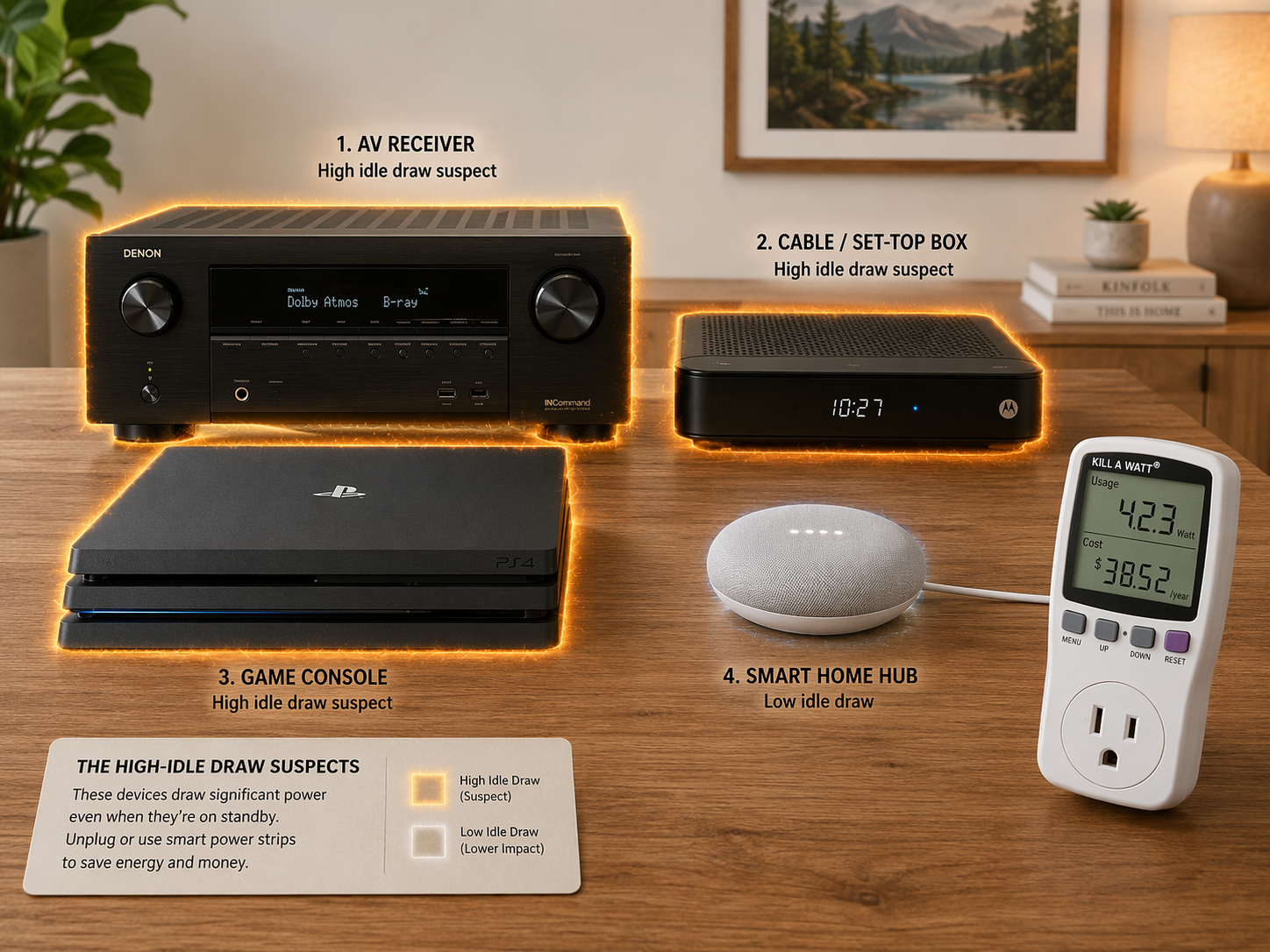
If you own a plug-in electricity usage monitor, it can make this cleaner. Plug the suspect device or strip into the monitor, let it settle into standby, and record the idle watts. If you do not own one, the meter walk still has value because phantom energy reduction is mostly a ranking problem. Find the largest background drains first. Leave the tiny ones alone unless they are unusually numerous or easy to remove.
The first pass should usually start in the living room, not beside the nightstand. Older home-theater gear is a better suspect than a modern phone charger. GreenChoice’s 2026 smart-strip testing found old home-theater equipment such as AV receivers, plasma TVs, and cable boxes drawing roughly 20 to 36 watts while idle, and its documented real-home testing saw smart power strips save anywhere from $0 to $34 per year per cluster depending on the setup.[3]
Rank Clusters Before You Touch Habits
A useful phantom-load audit produces a ranked list, not a guilt list. Group devices by the way people actually use them. The home-theater shelf is one cluster. The desk setup is another. The gaming area is another. A smart-home corner with hubs, bridges, speakers, and displays may be another. This keeps the fix aligned with ordinary behavior.
- High-priority suspects: AV receivers, legacy cable boxes, older TVs, game consoles left in instant-on mode, powered speaker systems, and always-on office docks.
- Medium-priority suspects: desktop monitor clusters, printers with fast-start standby, smart displays, mesh nodes, hubs, and charging stations with multiple adapters.
- Low-priority distractions: single modern phone chargers, rarely used adapters, and individual low-watt devices that would require daily remembering.
The phone charger is the classic decoy because it is visible and easy to scold. It may still be worth unplugging if that is effortless, but it should not become the main character. The audit is successful when it identifies two or three clusters where one decision changes several background loads at once.
Cable boxes deserve special attention in older setups because they have often been designed to stay ready for guide data, recording, updates, and provider communication. Game consoles deserve attention because “instant-on” is a convenience setting masquerading as a default. Office clusters deserve attention because remote-work setups tend to accrete docks, displays, speakers, lamps, chargers, hubs, and backup devices until nobody remembers what has to stay on.
Smart-home equipment is its own quiet category. GreenChoice estimated that an average smart home in its analysis draws about 36 watts standing idle for IoT devices, or roughly $56 per year before those devices do any visible work.[3] That number will vary sharply with device count, model age, and electricity price, so it should be treated as a warning pattern rather than a universal bill estimate. The useful lesson is simpler: every “always available” device has an operating cost, and the stack can start to look like subscription creep.
Use The 15-Watt Rule For Automation
A smart strip is only helpful when it removes a decision from a cluster that wastes enough power to justify another always-on device. GreenChoice’s 2026 testing of 12 smart power strips used a Kill A Watt P4400 and 90-day baselines, and its practical rule was blunt: deploy a smart strip only on clusters drawing more than 15 watts while idle, because below that threshold the strip’s own standby draw can consume much of the savings.[3]
That rule is useful because it gives permission to stop. If a desk lamp adapter or spare charger draws a trivial amount, adding hardware, apps, firmware updates, and another point of failure is not efficiency. It is just domestic task inflation.
| Idle Draw Of The Cluster | Best Response | Reason |
|---|---|---|
| Under 5W | Ignore it unless unplugging is effortless. | The attention cost is usually higher than the savings. |
| 5W to 15W | Use manual switching only if it fits an existing routine. | Automation may not pay for itself, especially after standby draw. |
| Over 15W | Consider a smart strip, switched strip, or settings change. | The cluster is large enough to deserve a durable fix. |
| Over 20W and used predictably | Prioritize set-and-forget control. | The savings are more likely to survive normal life. |
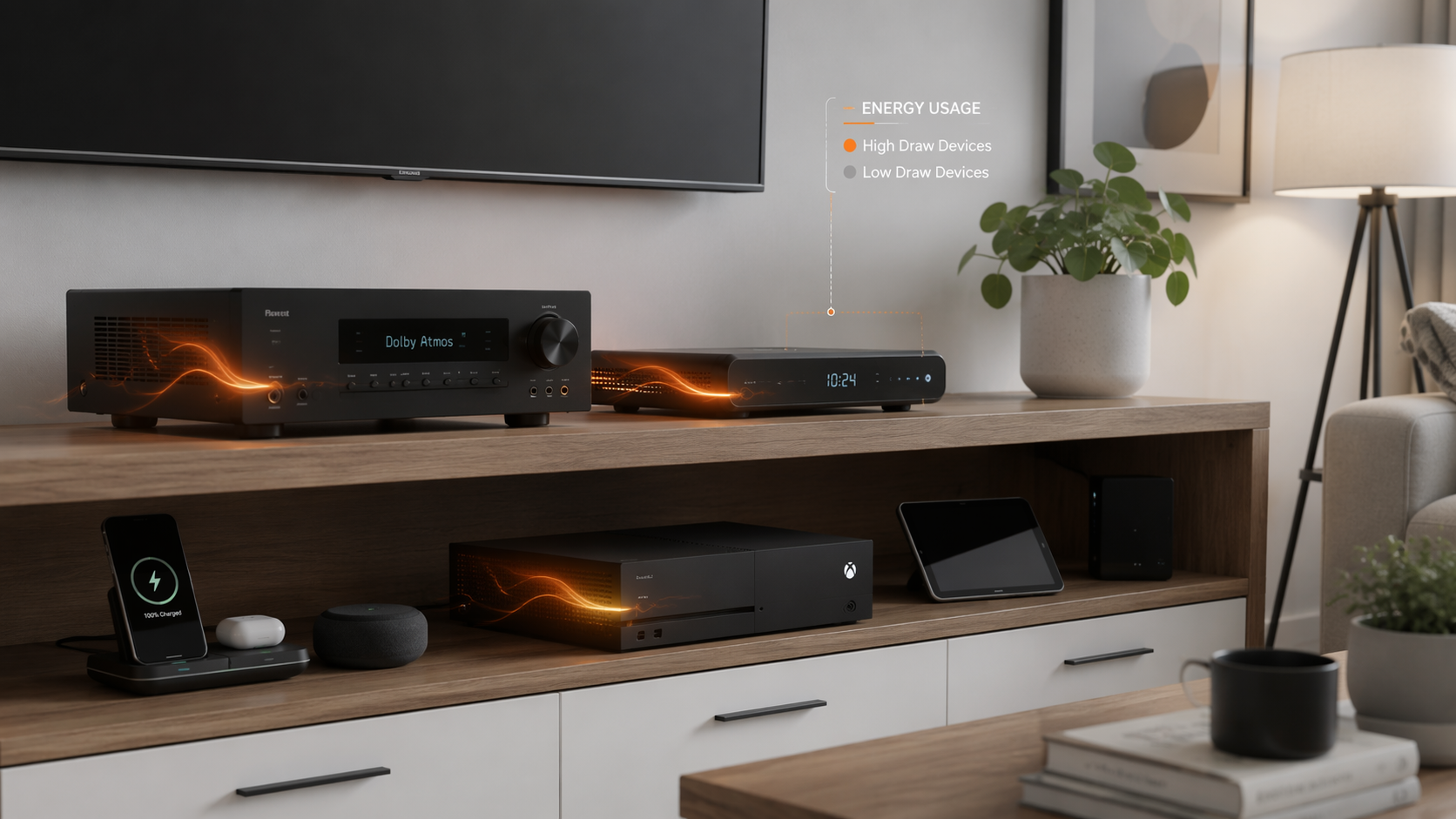
The cleanest smart-strip use case is the home theater. A master-controlled strip can let the television or receiver act as the control device, cutting power to peripheral gear when the main device is off. GreenChoice identified the TrickleStar 7-outlet model as a strong set-and-forget fit for this kind of home-theater setup.[3] That matters because nobody should have to remember a nightly unplugging ceremony for a stack of devices hidden in a cabinet.
The office case is different. A schedule-based strip can work when the desk has predictable hours: monitors, speakers, dock, task light, and chargers come alive during the workday and shut down after it. GreenChoice found the Kasa HS300 useful for schedule-based office use, and PCMag also includes Kasa smart plugs and power strips among its 2026 smart-plug recommendations.[3][4] The deciding factor is not whether the strip is clever. It is whether the schedule matches reality closely enough that the household does not spend the next month overriding it.
For gaming setups, start with settings before hardware. If a console is sitting in instant-on mode for convenience, changing the power mode may capture a meaningful portion of the idle savings without buying anything. A smart strip may still make sense if the console sits inside a larger cluster with speakers, chargers, capture devices, or a TV that all remain awake together. If the console needs network updates at specific times, schedule around that use rather than turning the fix into a household annoyance.
Manual Unplugging Still Has A Place
Manual unplugging works best when it is attached to a natural boundary. A switched power strip by a guest-room TV can stay off until someone visits. A rarely used printer can remain unplugged until a print job exists. Seasonal equipment can be disconnected at the end of the season. These are not habits in the fragile sense; they are state changes.
Manual unplugging works poorly when it asks someone to become the nightly facilities manager. If the fix depends on remembering five small actions after a long day, the system is under-designed. Either the load is not worth chasing, or it belongs on a switch, strip, schedule, or device setting that makes the default behavior correct.
San Jose Clean Energy frames vampire loads in consumer terms as devices that continue draining money when not actively used, and its guidance emphasizes unplugging or switching off electronics that are not needed continuously.[5] That advice is sound when applied selectively. It becomes noisy when translated into a rule that every small adapter deserves daily attention.
Be Careful With Precision Theater
There are two easy ways to make this project worse. The first is under-measuring: buying gadgets before knowing which loads matter. The second is over-measuring: turning a modest household cleanup into a permanent dashboard practice.
Whole-home energy monitors can be useful discovery tools for people who enjoy the data or need to track larger appliance behavior. EnergySage’s 2026 home energy monitor guide covers options in that category.[6] For phantom loads specifically, though, a monitor is rarely the first requirement. The obvious high-idle clusters can usually be found with a meter walk, a plug-in monitor if available, and one quiet hour of curiosity.
The same caution applies to smart-home expansion. A new app-controlled plug can solve a real problem; a dozen of them can create another layer of idle draw, maintenance, and troubleshooting. GreenChoice’s test is useful field evidence because it measured real clusters over time, but it was still a documented single-household experiment with 12 strips across 12 clusters, not a peer-reviewed national sample.[3] Treat its 15-watt rule as a practical filter, not as a law of physics.
A Practical Workflow For Reducing Phantom Energy Cost
The workflow is short enough to run once, then revisit only when the household changes equipment.
- Pick a quiet time and do a 20-minute meter walk through the home.
- Test likely clusters first: home theater, gaming setup, office dock, smart-home hubs, printers, and old cable equipment.
- Rank clusters by idle draw or by how clearly the meter changes when they are disconnected.
- Ignore tiny loads unless they can be removed with no ongoing effort.
- For clusters above roughly 15 watts idle, choose the least annoying durable fix: device setting, switched strip, smart strip, or schedule.
- Check the result once after a week, then stop optimizing unless new equipment arrives.
That last step is not a throwaway. A household system that needs constant vigilance will decay. A system that changes the default state can keep working in the background, which is exactly where the problem started.
The reasonable end state is not a perfectly unplugged home. It is a home where the entertainment stack does not sit half-awake all week, the game console is not burning power for a convenience nobody uses, the office setup shuts down outside work hours, and smart-home devices earn their place instead of multiplying quietly. Once those clusters are handled, phantom energy reduction becomes what it should have been from the start: a productivity habit, not a new hobby.
References
- Energy Vampires: Everything You Need to Know, EnergySage.
- The Energy Vampires Haunting Your Home, Columbia Climate School, April 13, 2026.
- Best Smart Power Strips 2026: 12 Tested for Savings, GreenChoice.
- The Best Smart Plugs and Power Strips for 2026, PCMag.
- Stop Energy Vampires from Draining Your Wallet, San Jose Clean Energy.
- The Best Home Energy Monitors (2026), EnergySage.
Comments
Join the discussion with an anonymous comment.