
A red flag warning is a readiness trigger, not confirmation that a wildfire has started. The National Weather Service uses the warning when critical fire-weather conditions are expected, including very low humidity, sustained wind, and warm temperatures; one NWS fire-weather criteria page describes thresholds such as relative humidity at or below 15% and sustained winds of at least 25 mph for three or more hours within a 12-hour period.[1] In plain terms: the next 12 to 24 hours may be a short window to reduce avoidable risk before ignition, smoke, road closures, power shutoffs, or evacuation orders make simple tasks harder.[2]
So the first answer to “how to prepare for a red flag warning” is not to refresh the alert all afternoon. It is to move the household from normal mode into leave-ready mode, while there is still light, power, cell service, and patience.
The First 30 Minutes: Get Out of “I’ll Do It Later” Mode
Start with the things that protect people and pets. Work files, laptops, chargers, and client messages matter, but they matter because they should not be competing with evacuation decisions later.
- Confirm the alert source: check your local National Weather Service office, county emergency management, local fire agency, or official alert system. Do not rely on a screenshot forwarded in a group chat.
- Check the map: identify whether your home, workplace, school, parent’s home, or pet boarding location sits inside the warned area or near likely evacuation routes.
- Assign household roles: one person handles go-bags and medications, one checks vehicles and routes, one gathers pets, and one handles work or school notifications if needed.
- Move vehicles into a leave-ready position: fuel or charge them, park facing out if practical, and keep keys where everyone who may drive can find them.
- Charge every device that may carry alerts, documents, maps, authentication codes, or work access: phones, laptops, tablets, hotspot, power banks, medical devices, and radios.
- Open the work question once, early: decide what can be paused, what must be handed off, and who needs to know before conditions deteriorate.
If there is already smoke, nearby fire activity, an evacuation warning, or a vulnerable person who needs extra time, skip the tidy version of this checklist. Leave earlier than you think you need to. A red flag warning is the preparation stage; an evacuation order is not the time to optimize your folder structure.
Build the Physical Go-Bag First
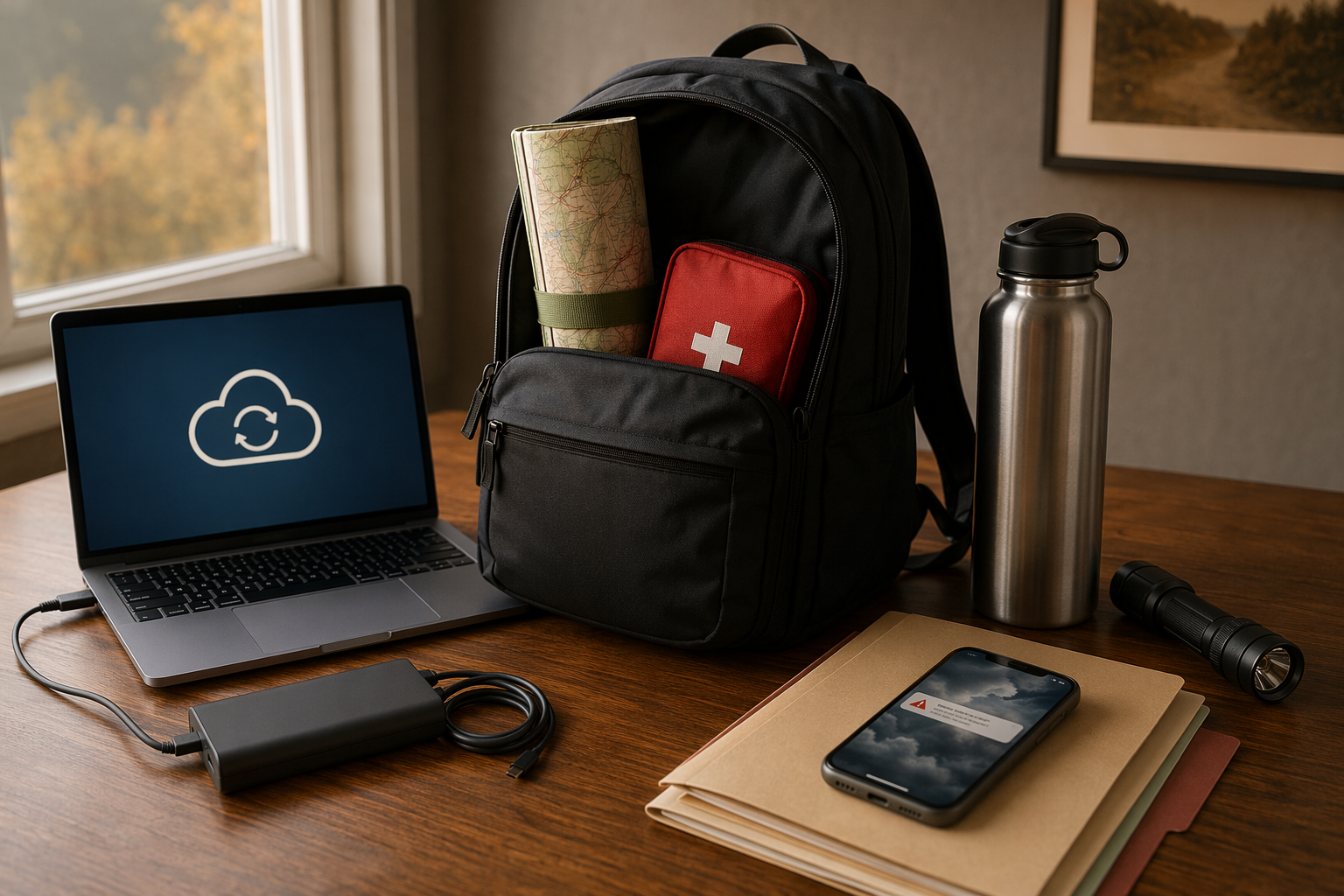
The official go-bag list is still the base layer. Ready for Wildfire recommends a kit with three days of non-perishable food and three gallons of water per person, prescriptions, a first aid kit, flashlight, battery-powered radio, copies of important documents, and pet supplies.[3] Its evacuation guidance also calls for a map marked with at least two evacuation routes.[4]
| Pack | Make It Usable During a Red Flag Warning |
|---|---|
| Water and food | Use the three-day target as the baseline; include food that does not require cooking. |
| Prescriptions and medical supplies | Pack the medications people actually take, plus glasses, inhalers, mobility supplies, and written dosage instructions. |
| First aid kit | Keep it visible and reachable, not buried under camping gear. |
| Flashlight and radio | Add fresh batteries or charge status checks now, not when power is already out. |
| Paper maps and evacuation routes | Mark at least two routes and a meeting point in case navigation apps fail or roads close. |
| Pet supplies | Pack leash, carrier, food, water bowl, medication, vaccination records, and a recent photo. |
| Important documents | Do not stop at paper copies; build the digital version before the warning turns into an evacuation. |
That last row is where many preparedness lists become too vague. “Important documents” can mean anything from a passport to a rental policy to the only photo record of a grandmother’s ring. If you cannot name the document, find it fast, open it without home internet, and prove it survived a dead laptop, it is not really ready.
Make a Digital Go-Bag, Not a Random Folder of Scans
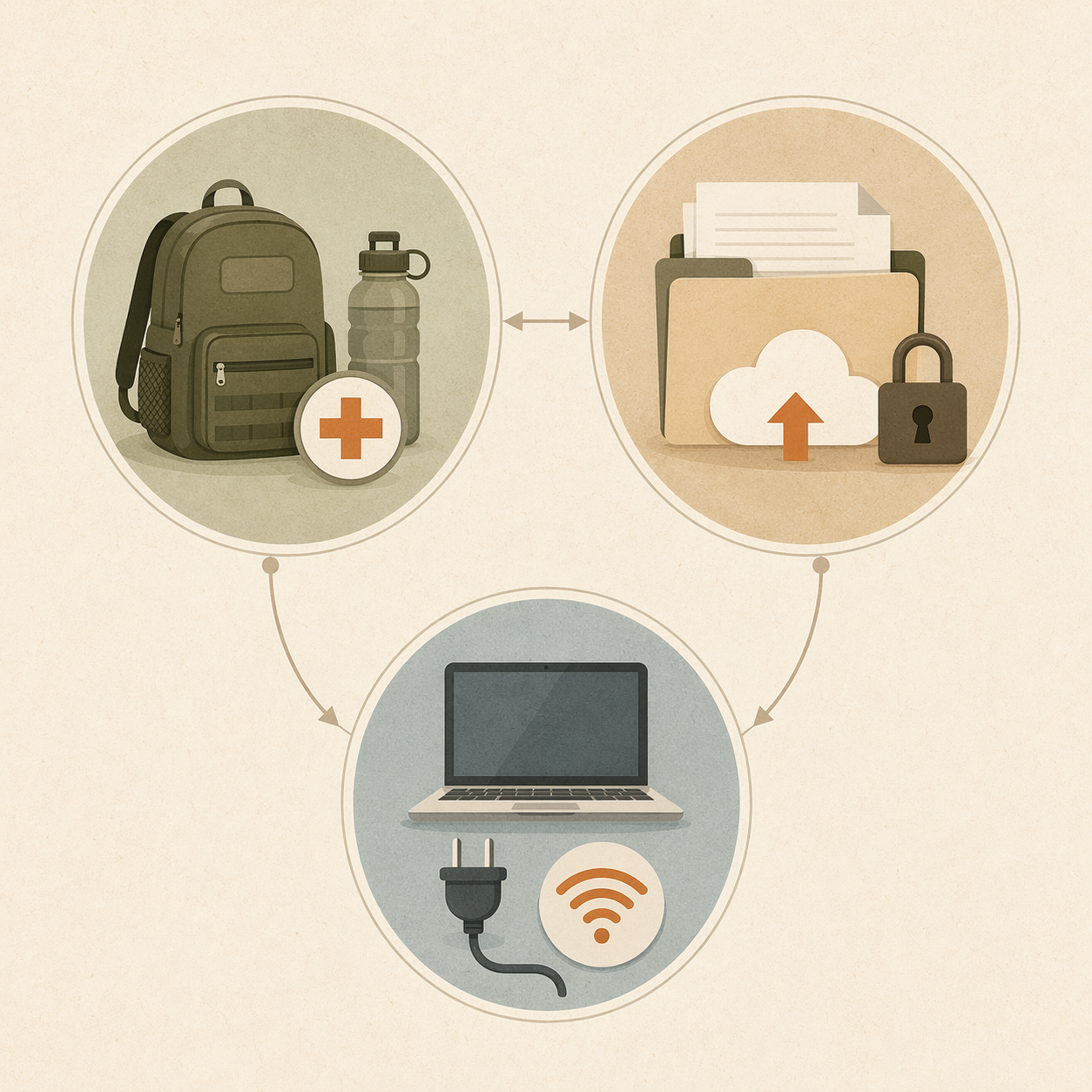
A digital go-bag is a small, organized set of files you can reach after power loss, evacuation, device damage, or displacement. Backblaze’s digital go-bag framework uses five practical categories: household identification, financial and legal information, medical information, emergency contacts, and documentation of valuables or priceless items.[5] That is a better working model than the usual “scan your documents” advice because it tells you what has to be findable.
1. Household Identification
Create a folder for identity documents: driver’s licenses, passports, birth certificates, Social Security cards, immigration papers, marriage certificates, custody documents, adoption papers, and school IDs where relevant. For children, older parents, or anyone you assist, include documents you may need to act on their behalf.
Use clear file names. “Passport_Alex_Expires_2031” beats “IMG_4827.” In an evacuation, you may be searching from a phone in a parking lot, not from a calm desktop with a large monitor.
2. Financial and Legal Records
Make a second folder for homeowners or renters insurance, auto insurance, health insurance cards, mortgage or lease documents, vehicle titles, deeds, wills, powers of attorney, tax returns, bank contact information, and account recovery information. Do not put raw passwords in an unprotected document; use a password manager or another secure method you already understand and can access from a backup device.
The practical test is simple: if your house is inaccessible tonight, can you start an insurance claim, prove residence, reach your bank, and show that you are authorized to help a dependent?
3. Medical Information
Create one medical file per person. Include prescriptions, dosage instructions, allergies, medical history summaries, immunization records, doctor and pharmacy contacts, insurance cards, and medical-device information. If someone depends on refrigerated medication, oxygen, mobility equipment, or powered medical devices, mark that clearly in the file name and in the household checklist.
This is not only for hospitals. It is for the family member who has to refill a prescription from another town while the usual pharmacy is closed or unreachable.
4. Emergency Contacts
Keep a printable and offline contact sheet with family members, neighbors, doctors, veterinarians, schools, insurance agents, landlord or property manager, utility companies, employer contacts, and one out-of-area contact who can relay messages if local networks are overloaded.
Save it as a PDF, print one copy for the go-bag, and put one copy in each vehicle if that fits your household. Phone contact lists are useful until the phone is dead, locked, lost, or with the wrong person.
5. Valuables and Priceless Items
Photograph rooms, electronics, tools, artwork, jewelry, musical instruments, heirlooms, bikes, outdoor equipment, and anything expensive or irreplaceable. For high-value items, capture serial numbers, receipts, appraisals, or close-up identifying details when you have them.
Do not spend a red flag afternoon making a museum catalog. Walk through the home with your phone, record broad video, photograph the high-value items, and upload the files. A rough inventory available after a loss is more useful than a perfect inventory you never finished.
Back It Up So It Survives the Same Event You Do
Backblaze recommends the 3-2-1 backup approach: keep three copies of your data, on two different storage media, with one copy off-site or in the cloud.[5] Treat that as a method, not a brand requirement. The point is that your only copy should not be on the laptop sitting on your desk, and your only backup should not be the external drive sitting beside it.
| Copy | Where It Lives | Why It Matters |
|---|---|---|
| Primary copy | Your computer or main household drive | Easy to update before fire season and during a warning. |
| Local backup | Encrypted external drive or USB drive in the go-bag | Reachable without internet if you evacuate or lose service. |
| Off-site or cloud backup | Cloud storage, cloud backup, or another secure off-site location | Survives if home devices, paper files, and local drives are lost together. |
Before you call the digital go-bag done, test it from the device you would actually use in a bad day. Put your phone on cellular, open the cloud folder, download one medical file, open one insurance document, and confirm that multi-factor authentication does not depend on a device that may be left behind. If you use an encrypted drive, confirm that the person who may need it knows how to unlock it.
Prepare for Power Loss Before It Becomes a Work Crisis
In parts of wildfire country, a red flag warning may also raise the possibility of a Public Safety Power Shutoff, or PSPS. These are proactive shutoffs utilities may use during dangerous fire-weather conditions to reduce the chance that power equipment ignites a wildfire.[6] The details vary by utility and region, so California guidance should not be treated as a universal rule for every western state. The useful action is local: know your utility’s outage notification system and check it when the warning arrives.
- Check your utility account: confirm outage alerts go to the right phone numbers and email addresses.
- Charge the devices that carry your work: laptop, phone, tablet, hotspot, headphones, power banks, and backup keyboard or mouse if you rely on them.
- Download today’s essential work files: briefs, spreadsheets, slide decks, PDFs, contracts, notes, calendar details, and contact lists.
- Make key notes available offline: meeting notes, project plans, evacuation contacts, and instructions for whoever may cover your work.
- Test your hotspot: confirm the phone plan supports it, the laptop can connect, and you know the password without looking it up online.
- Decide what work stops first: mark the tasks that can wait if evacuation, caregiving, smoke, or power loss interrupts the day.
A portable power bank or hotspot will not make a household emergency disappear. It may, however, buy enough time to send a handoff note, upload a file, join one critical call, or tell a client that you are moving to an evacuation-ready schedule. NJR Home Services estimates that portable power banks and hotspot capability can extend a laptop’s productive window by about three to six hours depending on usage.[7]
Use a Simple Work-Continuity Triage
The mistake is waiting until the lights flicker to decide what matters. During a red flag warning, sort work into four buckets:
| Bucket | Action |
|---|---|
| Must send before possible outage | Submit, upload, or hand off now while power and internet are stable. |
| Can be done offline | Download files and keep notes local so you can work without internet if safety allows. |
| Needs another person | Notify the teammate, manager, instructor, or client who can cover or reschedule. |
| Can pause | Stop pretending this belongs in the emergency window. |
Send the message earlier than feels necessary. A useful note is short: “We are under a red flag warning and may lose power or need to evacuate. I’m sending the current file now. If I drop offline, please use this version and contact this person for urgent decisions.” That message protects the work precisely because it does not wait until the emergency is already in charge.
Protect the Home Office Without Making It the Priority
Ready.gov’s power-outage guidance is direct: keep refrigerator and freezer doors closed, because food may stay cold for about four hours in a refrigerator and about 48 hours in a full freezer; use generators only outdoors and at least 20 feet away from windows; and disconnect appliances or electronics to avoid damage from electrical surges.[8]
For a home office, that means shutting down and unplugging nonessential equipment before an outage if you have time. Surge protectors and UPS units can help protect computers from voltage spikes and give you a brief window to save work or shut down safely, but they are not a reason to keep working when the household needs to leave.[9]
Set Communication Expectations While Everyone Is Still Calm
The person coordinating a household during a red flag warning often becomes the dispatch center for relatives, pets, prescriptions, school messages, work deadlines, and utility alerts. Reduce that load before it peaks.
- Tell family members where the go-bag, medications, pet carriers, keys, and printed contacts are.
- Pick a meeting location and a backup location outside the immediate area.
- Name the person who will monitor official alerts and the person who will handle work or school notifications.
- Share your likely availability with managers, clients, instructors, or collaborators before power loss or evacuation forces the conversation.
- Put one out-of-area contact in the loop so separated household members have a relay point if local calls or texts become unreliable.
This is not over-communication. It is the difference between one early message and ten urgent ones later, all arriving while someone is trying to find a cat carrier or a pharmacy bottle.
The Complete Red Flag Warning Checklist
Use this as the single run-through when the alert arrives. If official evacuation guidance conflicts with any item here, follow the official evacuation guidance.
- Confirm the warning through official weather, fire, or emergency-management channels.
- Check whether your home, family locations, workplace, school, or care responsibilities sit in or near the warned area.
- Pack or refresh the go-bag: three days of food and water, prescriptions, first aid, flashlight, radio, paper maps, evacuation routes, document copies, and pet supplies.
- Fuel or charge vehicles and park them so leaving is simple.
- Put medications, medical devices, glasses, chargers, mobility items, and pet carriers where they can be grabbed quickly.
- Update the digital go-bag: household IDs, financial and legal files, medical files, emergency contacts, and valuables documentation.
- Confirm the digital go-bag has a local copy and an off-site or cloud copy, not just one folder on one device.
- Test access from a phone or backup device, including passwords and multi-factor authentication.
- Charge phones, laptops, tablets, radios, hotspots, power banks, and medical-device batteries.
- Download the work files, notes, calendars, and contact details needed for the next day.
- Send early work or school handoff messages if an outage or evacuation would affect deadlines.
- Check utility outage alerts and PSPS notices where your utility uses them.
- Unplug or protect nonessential electronics if outage risk rises and you can do so safely.
- Review the evacuation plan with the household: routes, meeting point, out-of-area contact, pets, and who monitors alerts.
- Leave early if official guidance, smoke, nearby fire activity, vulnerable household members, or road conditions make waiting unsafe.
A red flag warning does not ask you to predict whether a fire will start. It asks you to remove friction while conditions are still manageable: the bag by the door, the documents reachable, the devices charged, the offline files ready, and the people who depend on you no longer guessing what happens next.
References
- NWS Fire Weather Criteria, National Weather Service, https://www.weather.gov/gjt/firewxcriteria
- Red flag warnings: What they mean and what you should do, NPR, https://www.npr.org/2023/04/14/1169979511/red-flag-warning-fire-prevention-tips
- Create Your Go Bag, Ready for Wildfire, https://readyforwildfire.org/prepare-for-wildfire/emergency-supply-kit
- Go Evacuation Guide, Ready for Wildfire, https://readyforwildfire.org/prepare-for-wildfire/go-evacuation-guide/
- Building Your Digital Go-Bag, Backblaze, https://www.backblaze.com/blog/building-your-digital-go-bag/
- Red Flag Warnings, Woodside Fire Protection District, https://www.woodsidefire.org/our-district/preparedness-education/wildfire-preparedness/red-flag-warnings
- How to Handle a Power Outage When You’re Working from Home, NJR Home Services, https://www.njrhomeservices.com/how-to-handle-a-power-outage-when-youre-working-from-home/
- Power Outages, Ready.gov, https://www.ready.gov/power-outages
- Protecting Your Home Office from a Power Outage, KOHLER, https://kohlerhomeenergy.rehlko.com/resource-center/protecting-your-home-office-from-a-power-outage
Comments
Join the discussion with an anonymous comment.